
What to know
- Google Home is adding code for expanded door lock controls, including unlatching and unlock-and-unlatch actions.
- The new states distinguish between unlocked-but-latched and unlocked-and-unlatched doors, which could make lock status clearer.
- The strings were found in Google Home v4.22.28.0 as dormant code in an unreleased build, so the feature is not available to users yet.
Google Home already lets you manage supported smart locks, but a teardown of the latest beta points to a more detailed lock-control flow coming next. The new code adds separate actions for unlocking the bolt, unlatching the door, and doing both together.
We found these strings in Google Home v4.22.28.0 while diffing the build against the previous version. The same build also adds lock-removal warnings tied to Google Wallet keys and passcodes, suggesting Google is tightening the way Home explains door-access persistence when a home or member is removed.
Google Home is adding unlatch actions for smart locks
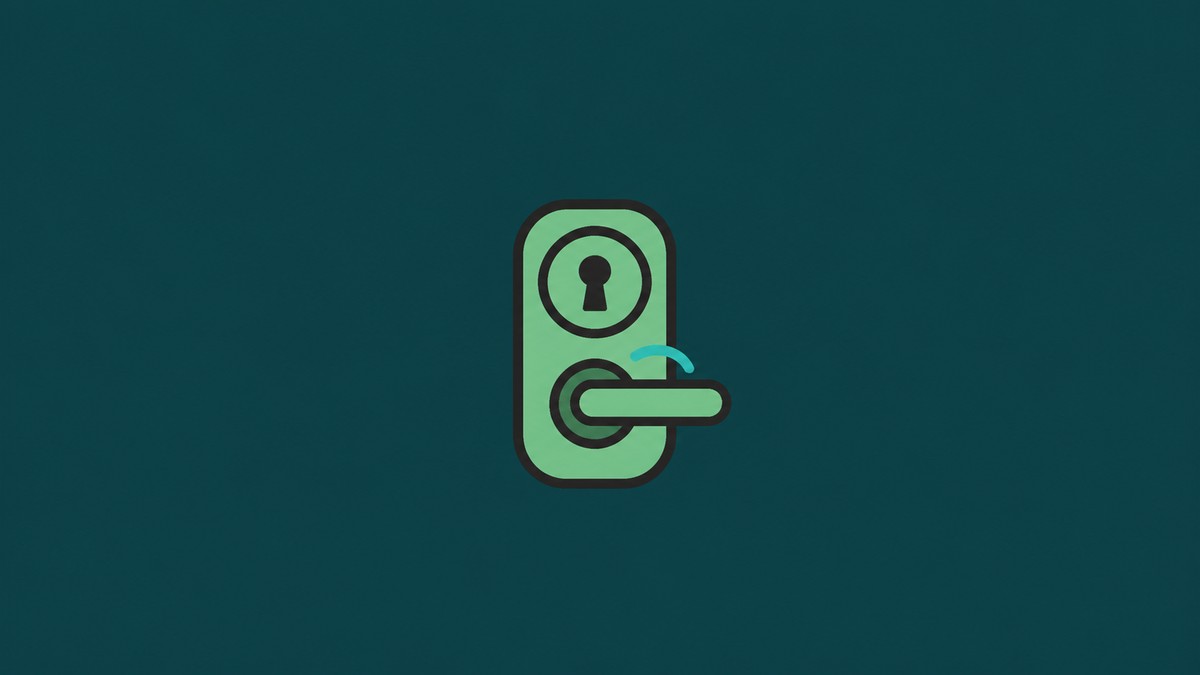
The main change is straightforward: Google Home now has strings for unlatching a door, unlocking and unlatching a door, and unlocking only the door bolt. That gives the app language for a richer lock surface than a simple lock/unlock toggle.
KEY!The distinction matters because some connected locks and door hardware can separate the bolt state from the latch state. In that setup, a door can be unlocked while still latched, or fully unlatched and ready to open. Google Home v4.22.28.0 now has strings for those states.
Home also warns that Wallet keys may remain active
The same build adds longer warnings for removing a home, removing another person, or leaving a home when locks are involved. The warnings say deleting a home or removing a person will not deactivate Google Wallet keys for locks in that home. They also say passcodes may continue to work, and that each lock may need a factory reset to remove access from existing Wallet keys and passcodes.
That is a notable security detail. If these warnings ship, Google Home would be more explicit that removing someone from a Home structure is not necessarily the same as revoking every lock credential tied to that person.
The code in Google Home v4.22.28.0 points to expanded smart lock controls and clearer access warnings, but this remains unreleased for now. We’ll watch future Google Home builds for signs of rollout.
Related guides



Leave a Reply