AI News

Google Home Is Preparing Third-Party Wi-Fi Guest Network Controls (APK Teardown)

Google Home may soon add third-party Wi-Fi guest network controls, letting users manage names, passwords, restarts, and guest device sharing directly from the app.

Google Home may soon add third-party Wi-Fi guest network controls, letting users manage names, passwords, restarts, and guest device sharing directly from the app.

0 Comments
Kapill M Malani

Kapill M Malani A die-hard Liverpool FC fan, Kapill is a big fan of Batman, Android and street Cricket. In that order, probably. Email: [email protected]

  • Google Home is adding code for third-party Wi-Fi network management, including guest network controls.
  • The strings cover network names, passwords, saving changes, restarting a network, and sharing devices with guests.
  • We found this in Google Home v4.20.63.1, but only in code; we could not activate it on our unrooted device.

Google Home already handles a lot of smart home control, but Wi-Fi management has been a more specific lane, especially when third-party network hardware is involved. Now, a teardown of the latest beta points to Google preparing a broader Wi-Fi settings surface for third-party networks.

We found new code in Google Home v4.20.63.1 that references guest network creation, network name and password editing, saving changes, restart controls, and error states. We could not surface this in the live app on our unrooted device, so this appears to be hidden behind unfinished code or a server-side flag for now.

About APK teardowns — An APK teardown works by reading the not-yet-shipped code inside a beta build, which lets us preview features a developer is working on before they’re announced. But work-in-progress code can change, stay hidden behind a server-side flag, or be scrapped before it ever reaches your phone.

Google Home is adding third-party Wi-Fi controls
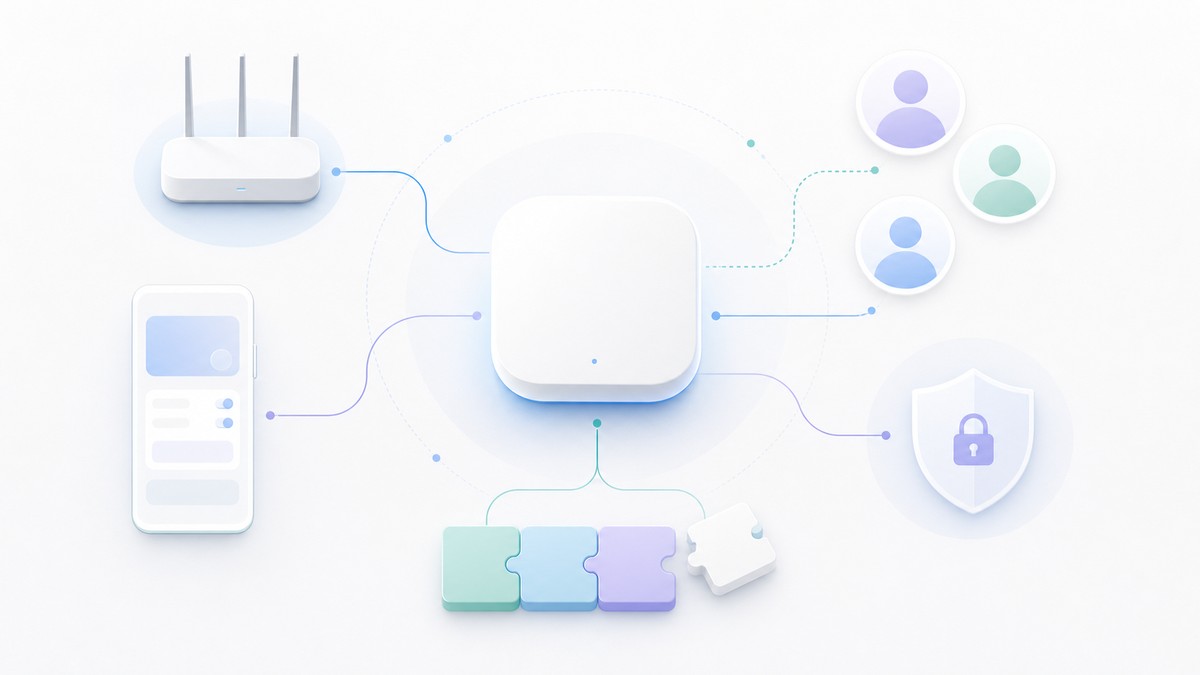
The new strings, seen below, point to a Wi-Fi management page that starts with the basics: a primary network settings area, a network name field, a password field, and a save action. The same group of strings also includes validation errors for network names and passwords, including names that are too short and leading or trailing spaces.

third_party_wifi_primary_network = ‘Home Network Settings’
third_party_wifi_network_name = ‘Network name’
third_party_wifi_network_password = ‘Password’
third_party_wifi_save = ‘Save’
third_party_wifi_ssid_leading_space_error = ‘Invalid space at the start of network name’
third_party_wifi_ssid_trailing_space_error = ‘Invalid space at the end of network name’
third_party_wifi_ssid_too_short_error = ‘Network name is too short’
third_party_wifi_password_leading_space_error = ‘Invalid space at the start of password’
third_party_wifi_password_trailing_space_error = ‘Invalid space at the end of password’
third_party_wifi_password_too_short_error = ‘Password is too short’
third_party_wifi_update_failed_toast = ‘Failed to update network settings’
third_party_network_settings_loading_error = ‘Could not load Wi-Fi information’

KEY!That makes this look like more than a read-only status page. Google Home is preparing fields for editing network details and handling the cases where those changes fail or the Wi-Fi information cannot be loaded.

The guest network strings are the most user-facing part of the change. Google Home v4.20.63.1 includes labels for “Guest network,” plus a description that says users can create a network for guests and share devices so guests can access them more easily.

third_party_wifi_enable_guest_network = ‘Guest network’
third_party_wifi_guest_network = ‘Guest network’
third_party_wifi_guest_network_description = ‘Create a network for your guests and share devices so that they can easily access them’
third_party_wifi_manage = ‘Manage’
third_party_wifi_more_options_content_description = ‘More options’
manage_in_partner_app = ‘Manage in %1$s’

The “Manage in %1$s” string is also notable because it points to at least some actions handing off to a partner app. That fits the third-party framing in the string names, though the code we saw does not name supported router makers or network products.

Google Home is also preparing restart controls for these networks. The strings include a restart dialog, a warning that internet access will be briefly interrupted, and success and failure toasts.

third_party_wifi_restart_network = ‘Restart entire network’
third_party_wifi_restart_network_dialog_title = ‘Restart network’
third_party_wifi_restart_network_dialog_description = ‘Restarting all your network devices will take a few minutes and your internet connection will be briefly interrupted.’
third_party_wifi_restart_network_dialog_cancel = ‘Cancel’
third_party_wifi_restart_network_dialog_restart = ‘Restart’
third_party_wifi_restart_network_complete_toast = ‘Network restart started. Devices might take a few minutes to reboot.’
third_party_wifi_restart_network_failed_toast = ‘Failed to restart network’
third_party_wifi_network_error_toast = ‘Unable to communicate with your network at this time.’

We found this in the code but could not activate it in Google Home v4.20.63.1. The feature is not live in the tested build, and we’ll keep watching future Google Home builds for signs of rollout.


Leave a Reply

Your email address will not be published. Required fields are marked *