


- Google Home is adding code for an Ask Home action that can explain presence changes.
- The feature appears aimed at telling you why a home was set to Home or Away.
- We found it in Google Home v4.20.63.1 code, but could not activate it in the live app.
Google Home’s presence sensing can switch your household between Home and Away states, but when it gets that call wrong, the app does not always make the reason obvious. That can be frustrating if automations, cameras, lights, or routines depend on the home’s current presence state.
Now, a teardown of Google Home v4.20.63.1 points to a small but useful Ask Home addition: a way to ask why the app set your home to Home or Away. We pulled the build, diffed it against the previous version, and found new strings that directly reference an explanation action for presence.
Ask Home may explain why presence changed
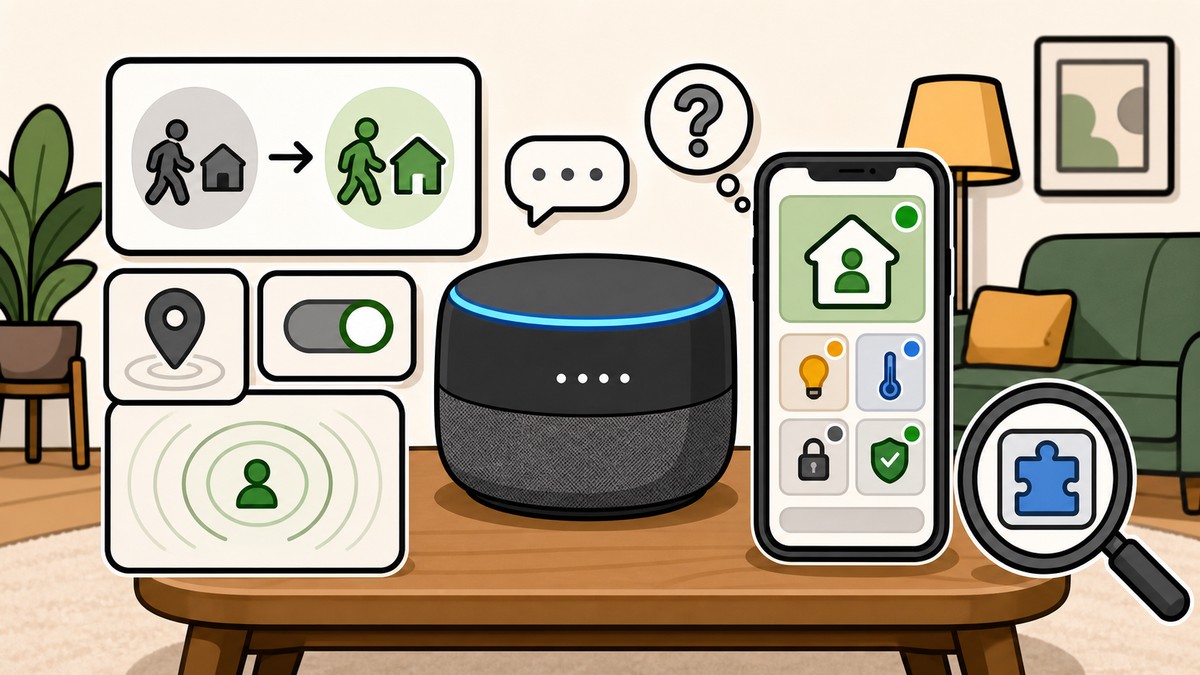
The clearest new evidence is a pair of strings tied to presence explanation. One string describes an “Explain presence” button, while the other contains the exact Ask Home-style query: “explain why my home was set to home or away.”
Code in Google Home v4.20.63.1 references the following new strings:
From the looks of things, Google is preparing a direct action that would let Ask Home answer a very specific question: what caused the app to decide that your home was occupied or empty. The wording is not a generic help prompt. It specifically names the Home and Away states, which are central to Google Home’s presence sensing behavior.
KEY!That matters because presence changes can affect real automations. If your home switches to Away, you may have automations that turn off lights, adjust thermostats, arm compatible devices, or change other connected-home behavior. A built-in explanation could make those changes easier to audit when something does not line up with what actually happened at home.
We also found new “Agent Space” dashboard strings in the same build, including references to retrieving “home context data,” reconnecting, and showing agent updates. Those strings suggest Google is adding more app plumbing around contextual home information, but they do not by themselves confirm where the presence explanation will appear.
We found this in the code but could not surface it in the Google Home app yet. The test device was unrooted, and the feature is likely gated behind server-side configuration, so we do not have screenshots or a working UI to show right now.
KEY!
For now, the takeaway is narrow but clear: Google Home v4.20.63.1 contains new code for an Ask Home presence explanation action. The feature is not live in the tested build; we’ll keep watching future builds for signs of rollout.



Leave a Reply