

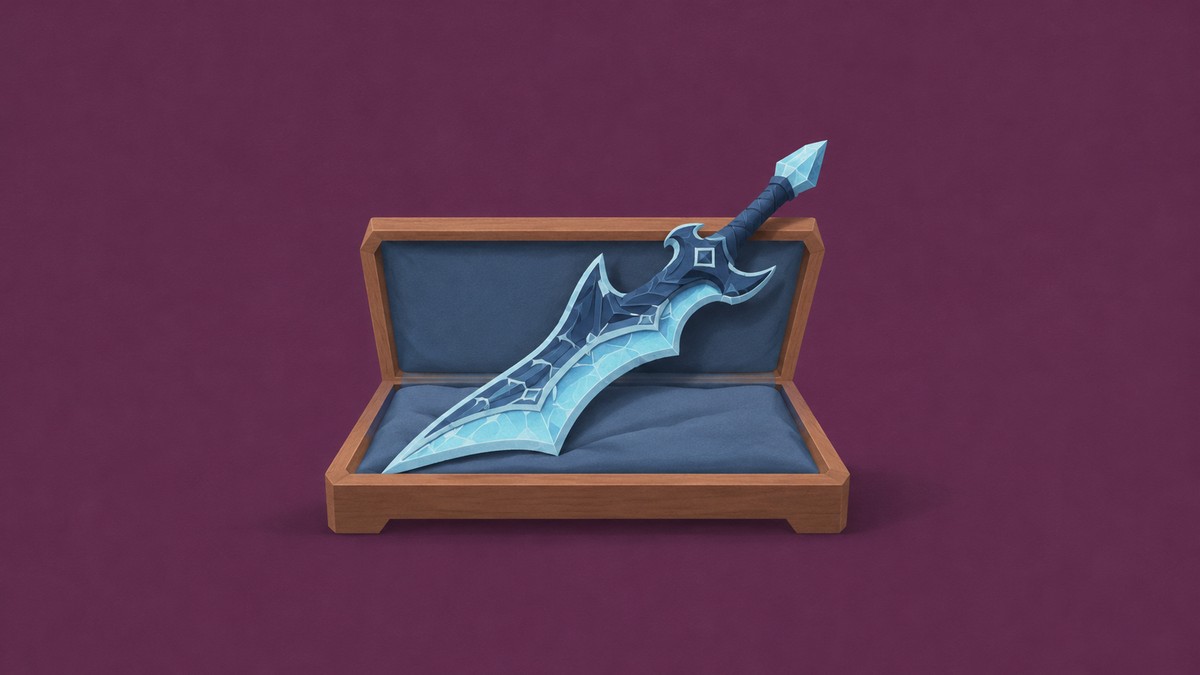
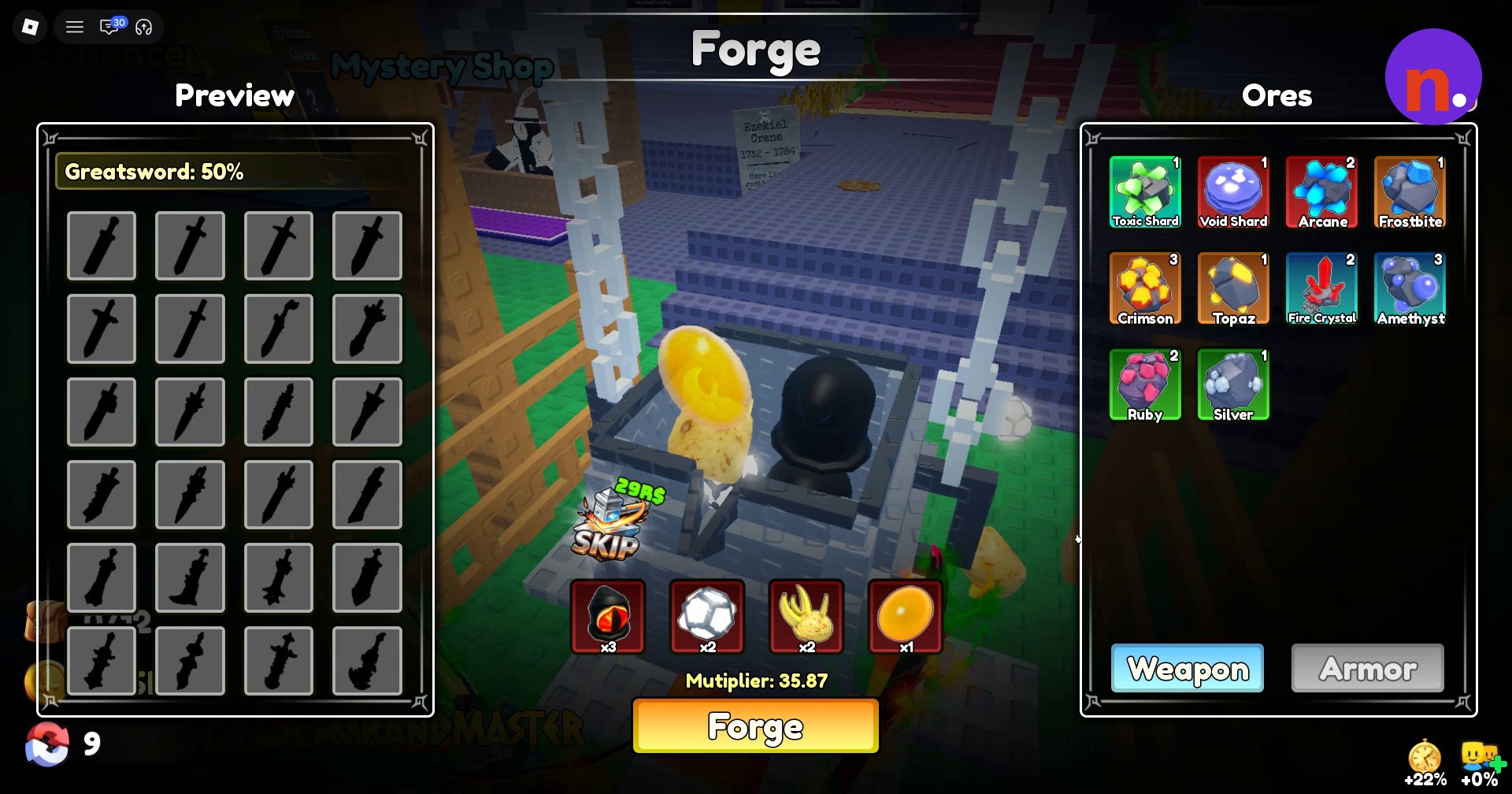
Craft Frostbite Fang, a Katana, at the hub Forge using 3 Demon Eyes, 2 Plasma Cores, 2 Bone Ores, and 1 Amber.
Frostbite Fang is a Secret Katana in Loot To Forge, and its acquisition card lists +100M base power. You’ll need the crafting ingredients before heading to the Forge.
How to get Frostbite Fang in Loot To Forge
Gather the materials, forge and claim Frostbite Fang.
Part 1 – Gather the crafting materials
Farm dungeon enemies
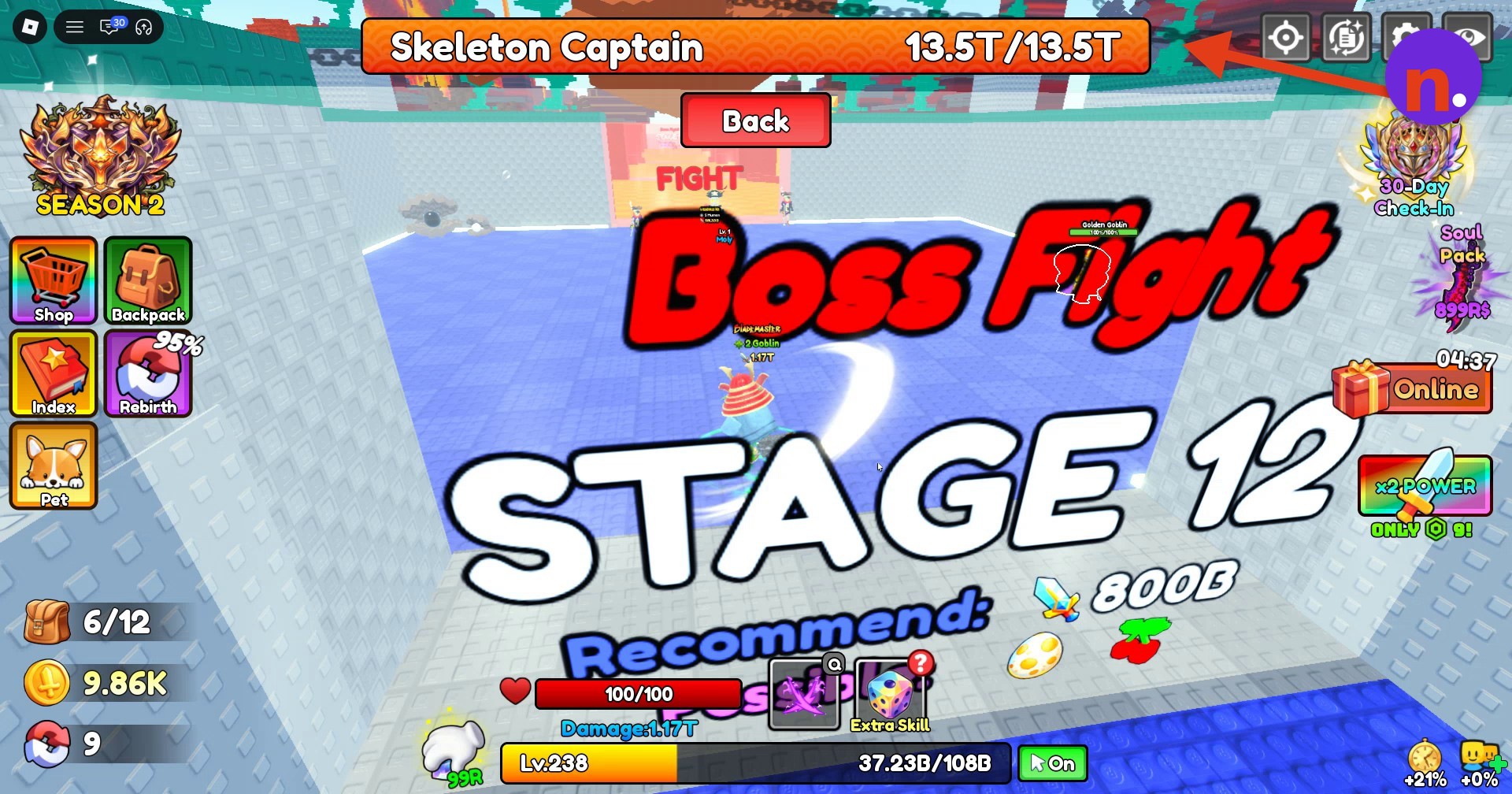
Enter the Dungeon through its entrance in the hub to gather crafting ores, including Demon Eye, Bone Ore, and Amber. In Stage 12, which recommends 800B power, fight the minions and defeat Skeleton Captain, whose maximum health is 13.5T. Collect the loot before proceeding to Stage 13, which recommends 1T power, then defeat its enemies and pick up their drops.
Return to the hub
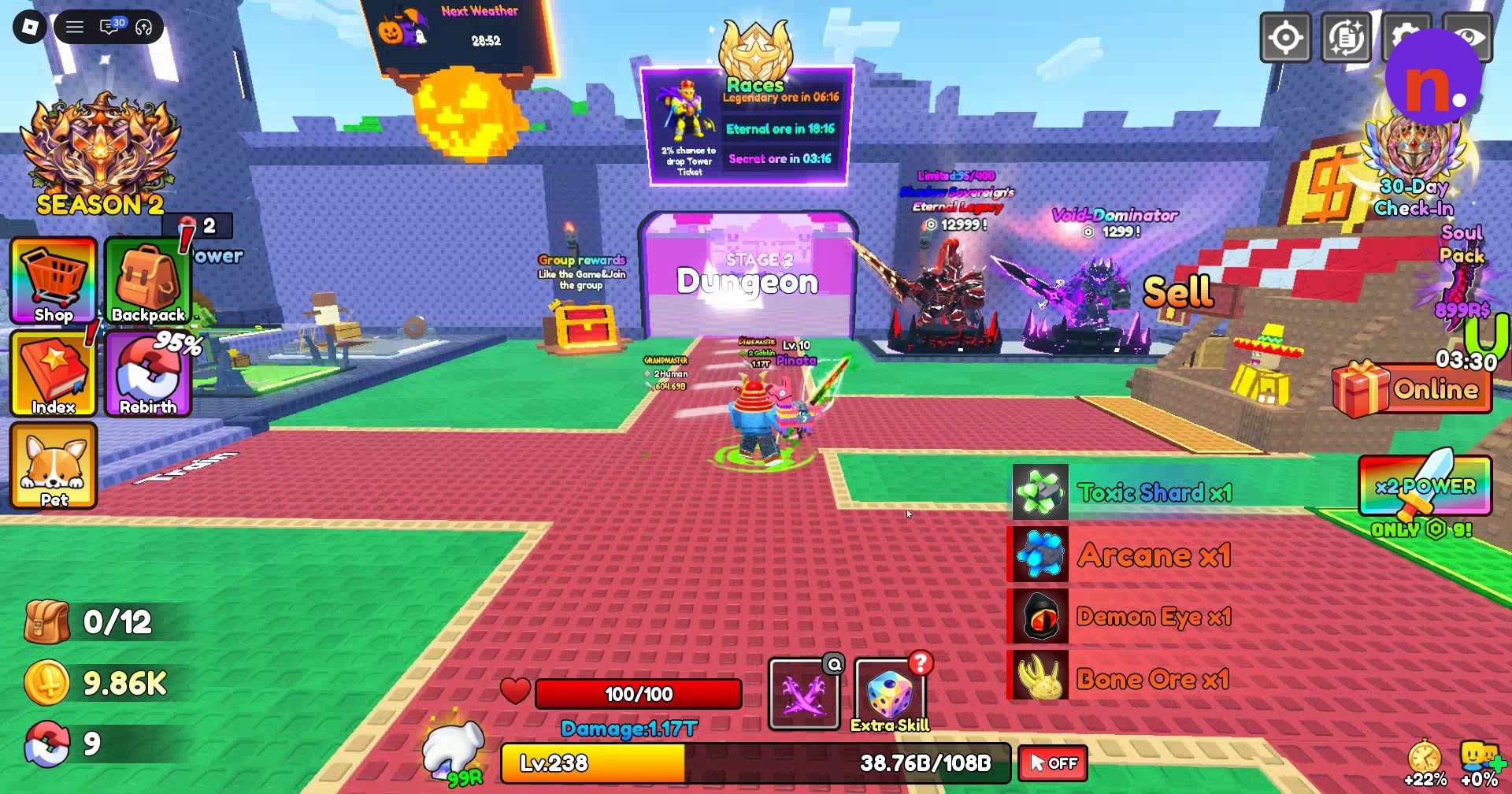
Teleport out of the dungeon to the main spawn hub once you’ve finished collecting loot.
Part 2 – Forge and claim Frostbite Fang
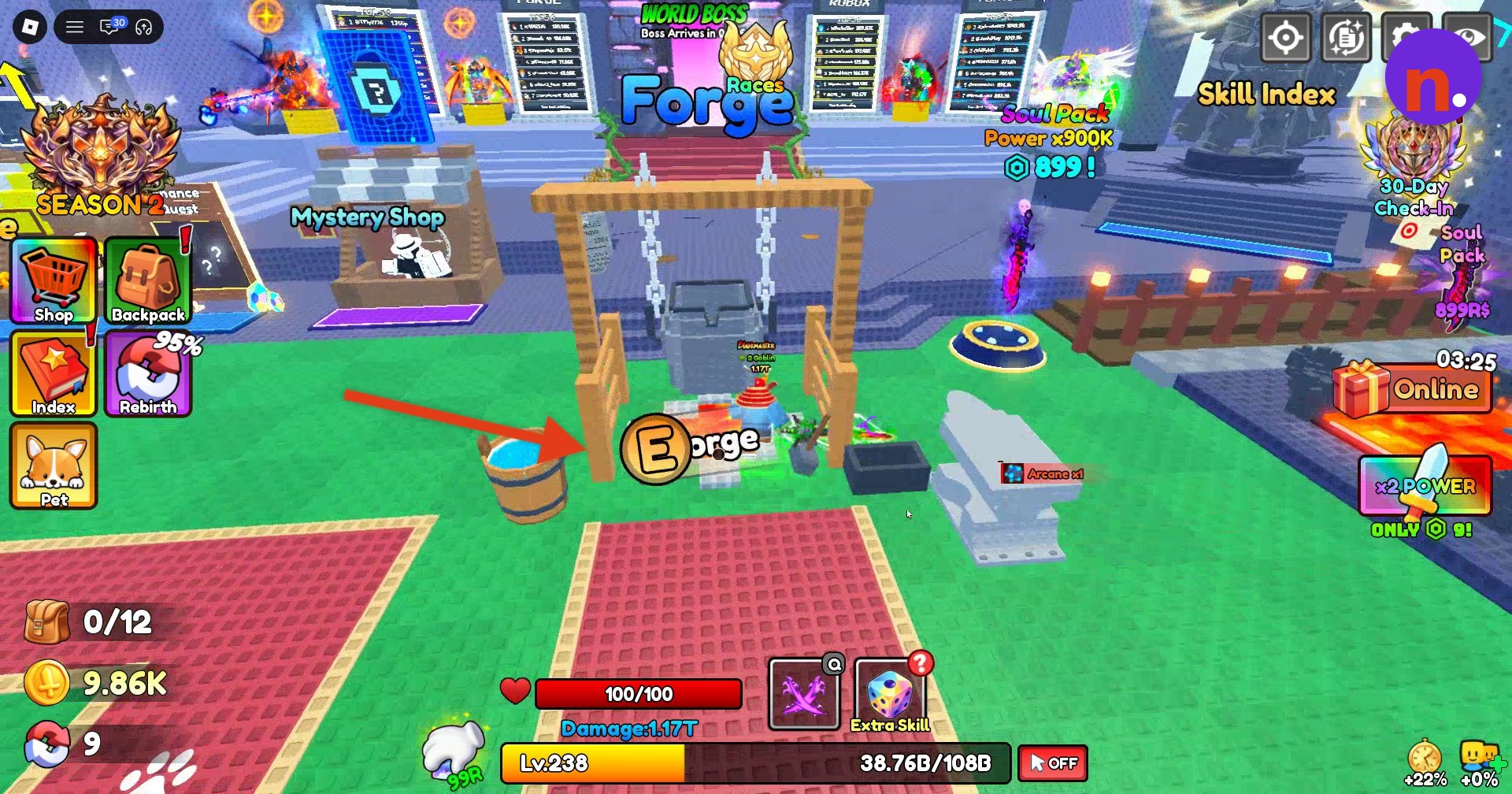
Approach the Forge
Walk up to the large Forge cauldron in the center of the hub.
Open the crafting window
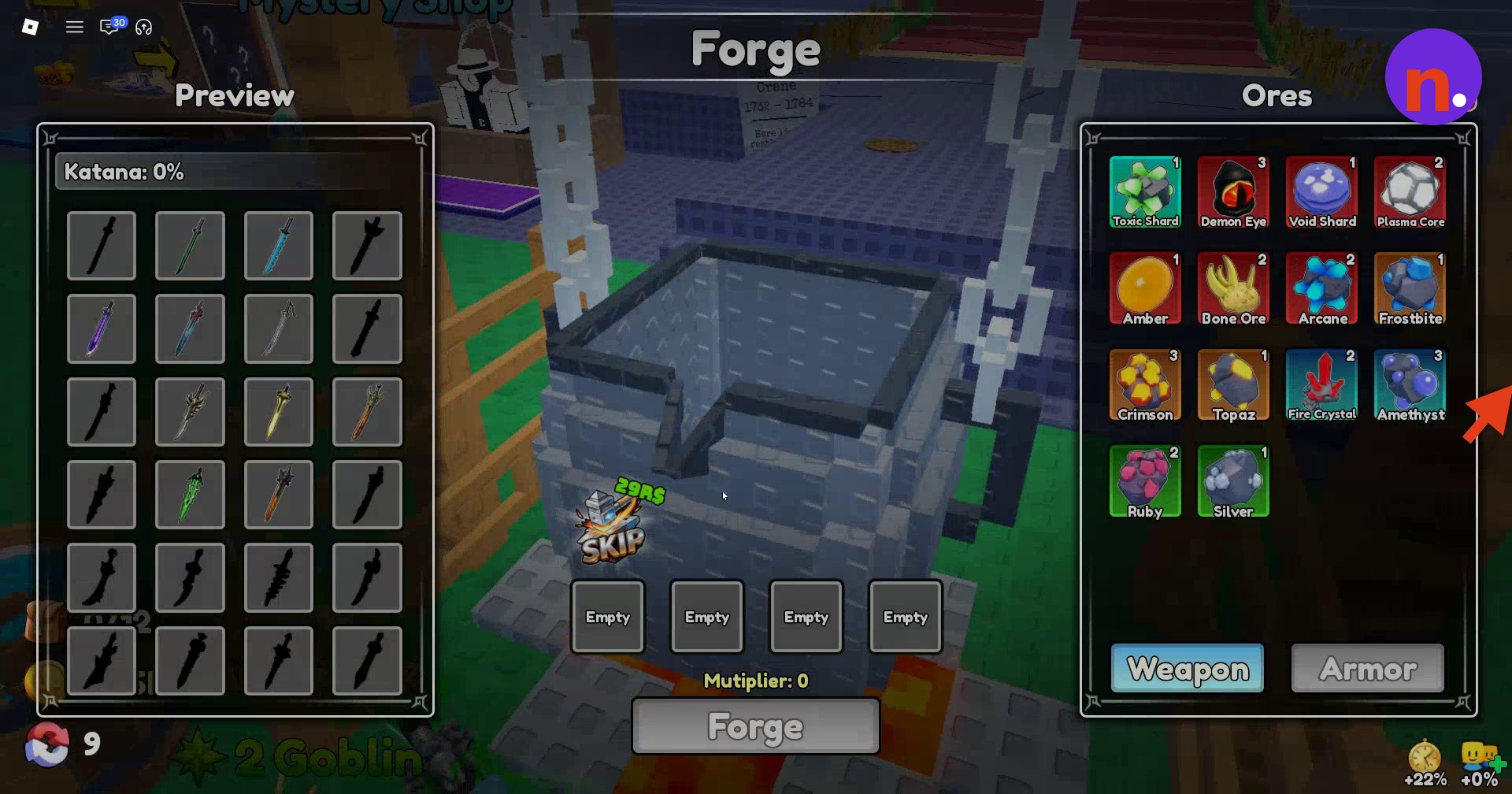
Interact with the Forge to access its crafting menu. Locate the Ores list, Weapon option, and Preview area.
Add Demon Eyes
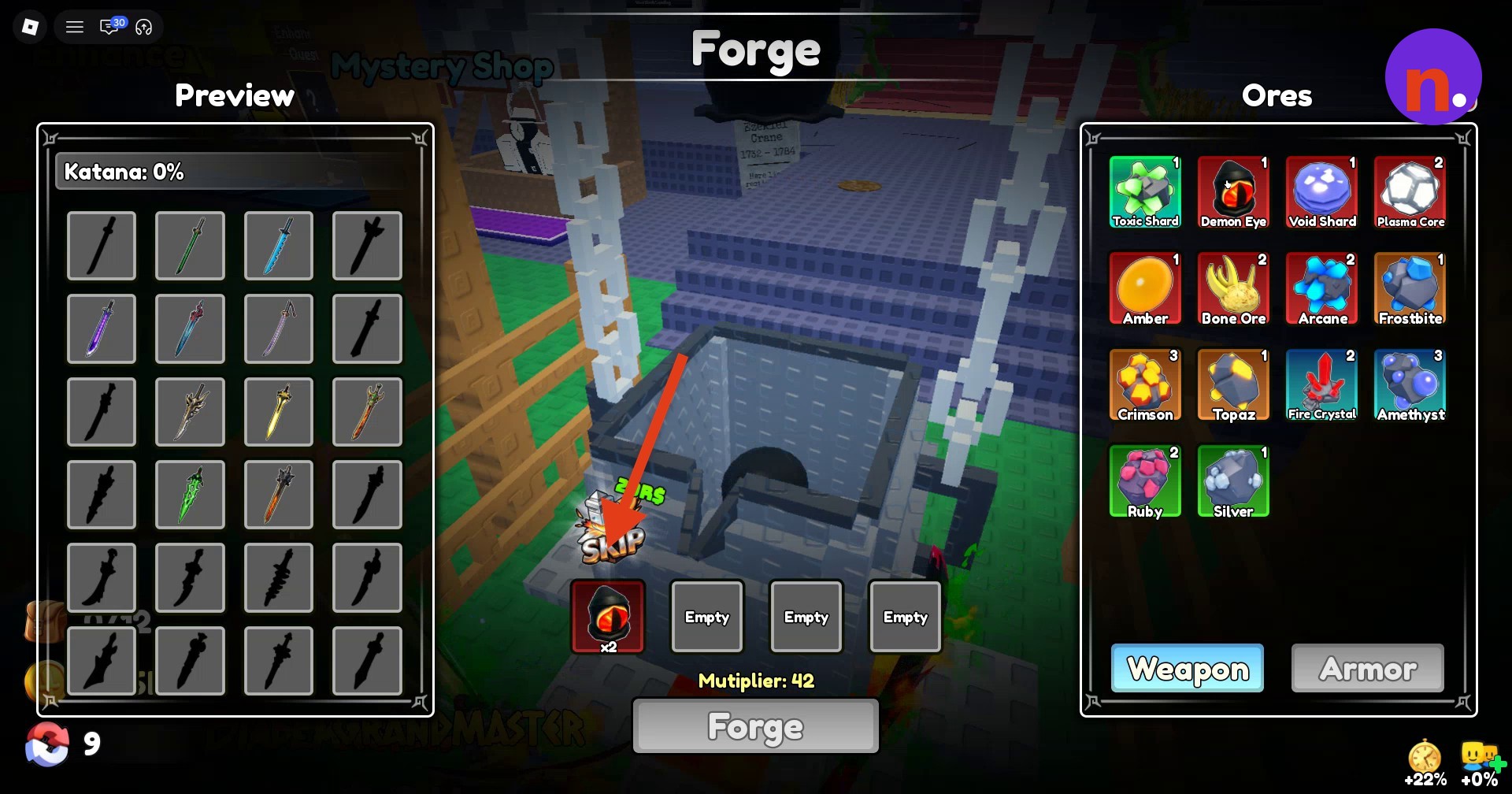
Select Demon Eye from your ore inventory and set the first slot to ×3.
Add Plasma Cores
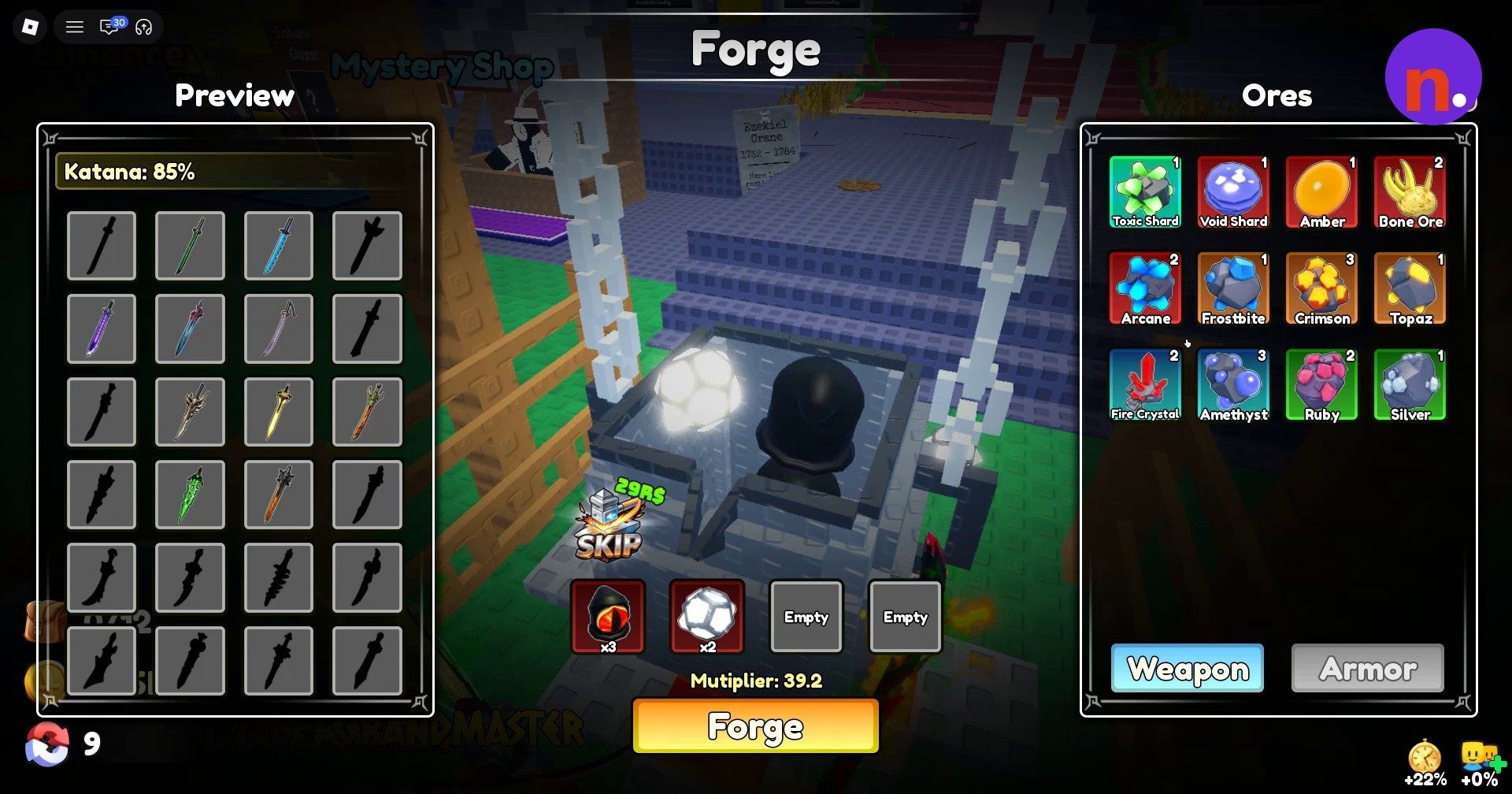
Select Plasma Core from the ore list and place ×2 in the second slot.
Add Bone Ores
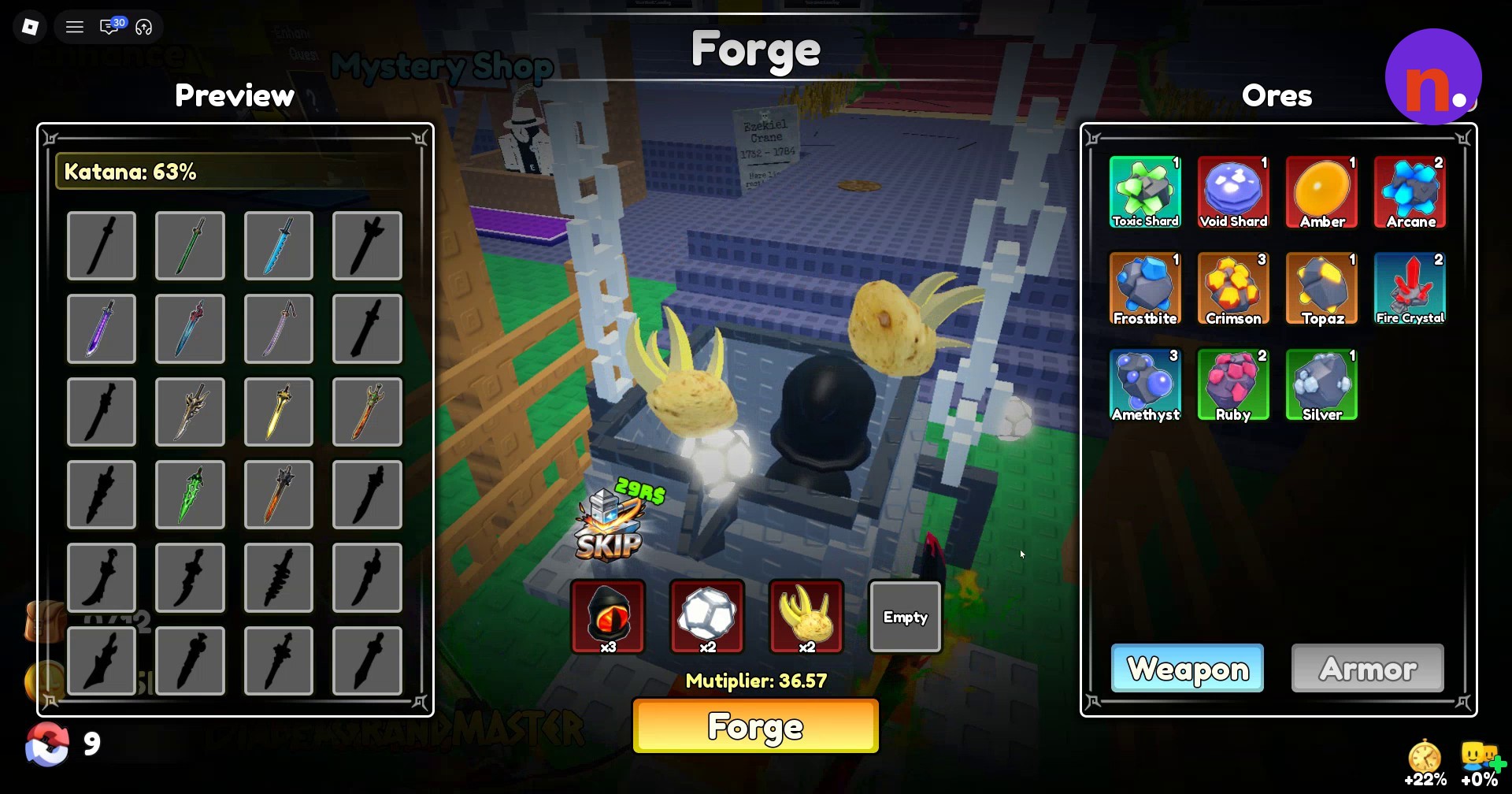
Select Bone Ore and place ×2 in the third slot.
Add Amber
Select Amber and place ×1 in the last slot to complete the material selection.
Start forging
Click Forge beneath the cauldron’s material slots to begin crafting.
Let the animation finish
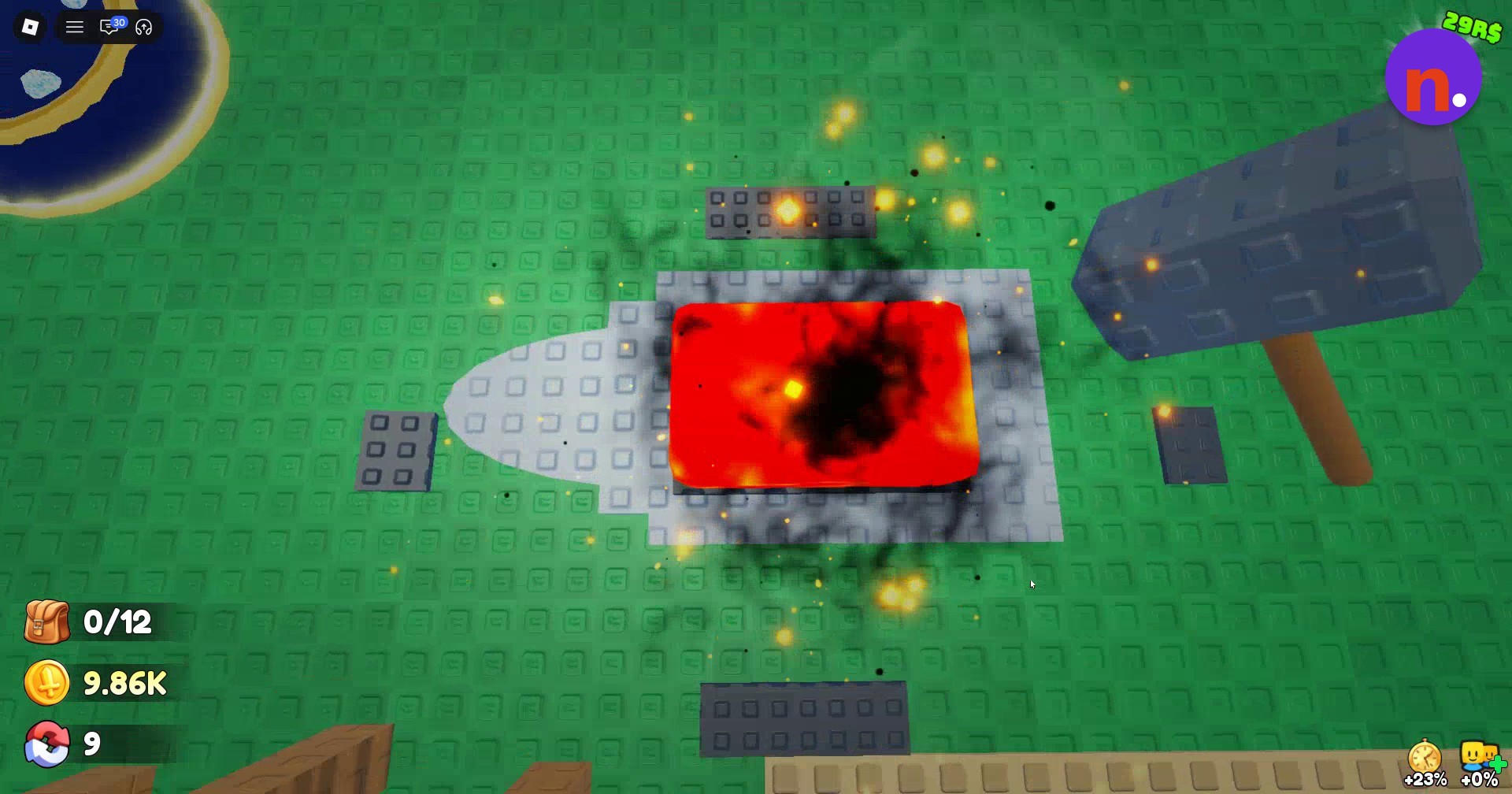
Wait through the melting, pouring, hammering, and water-bucket quenching sequence before collecting the weapon.
Claim Frostbite Fang
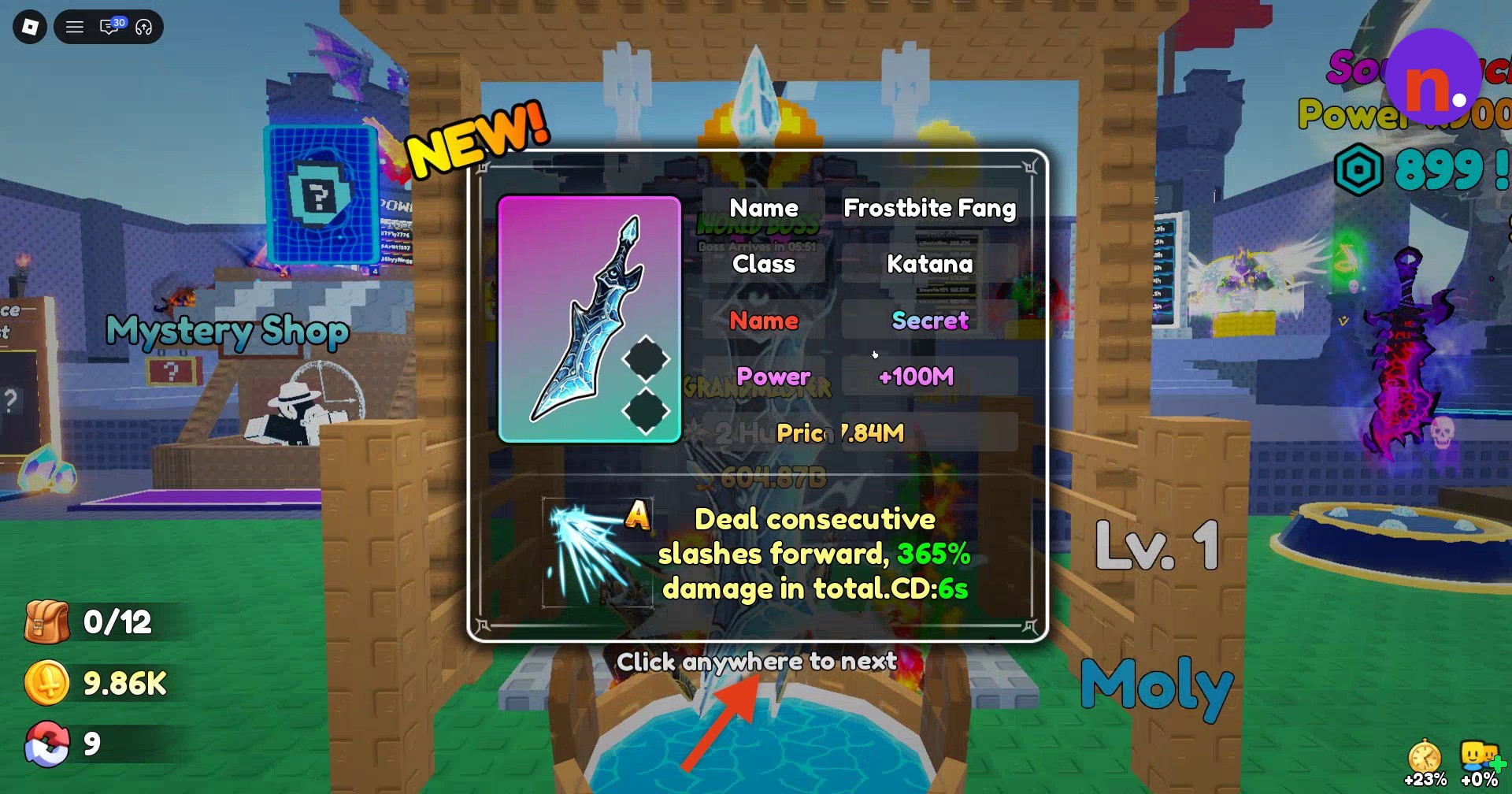
Inspect the Frostbite Fang result card, which identifies its class as Katana, then click anywhere to advance and claim the weapon.
Equip Frostbite Fang
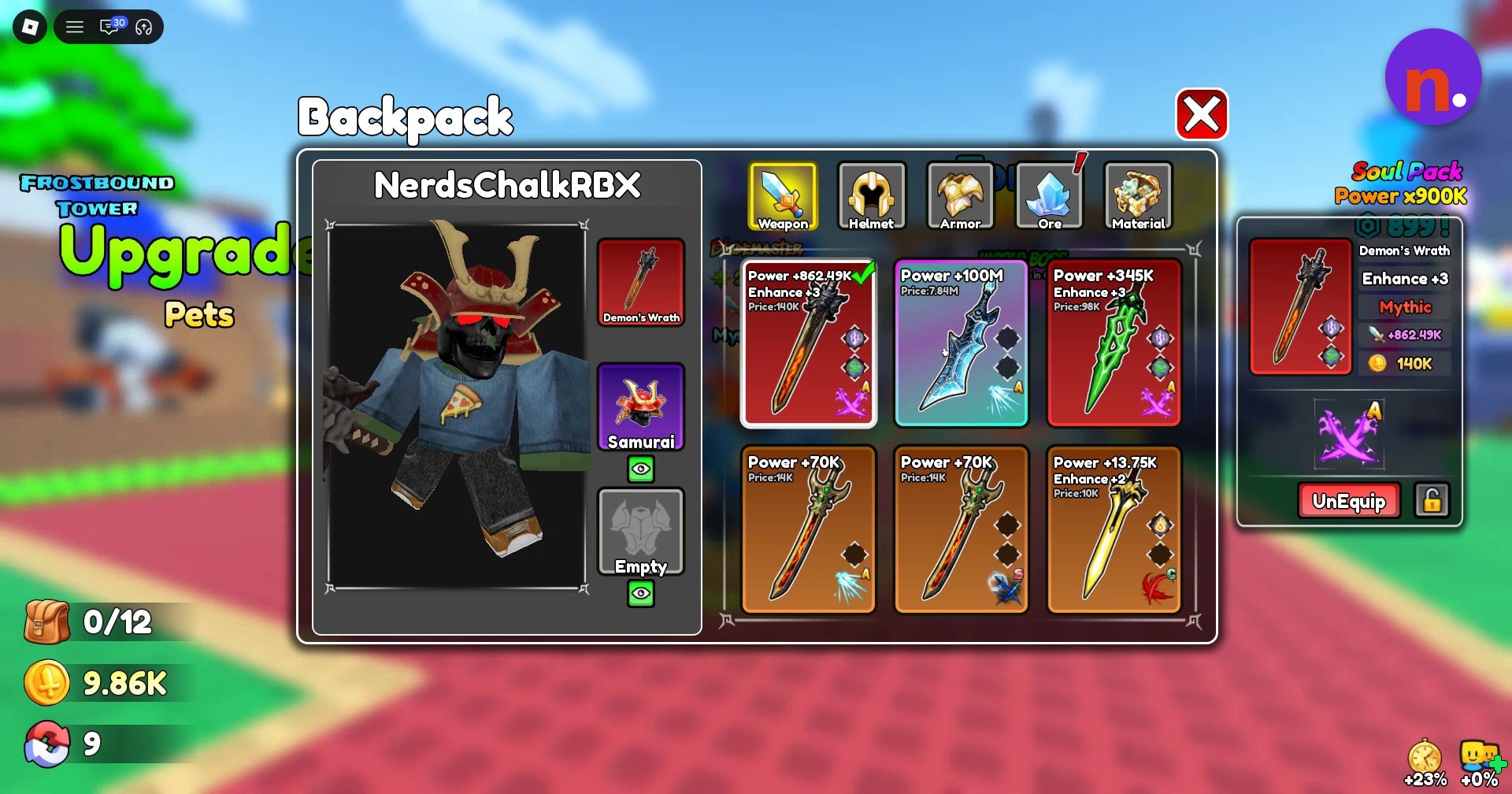
Close the Forge, open Backpack, and select Frostbite Fang. Click Equip to put it on.
Visit the Enchant counter
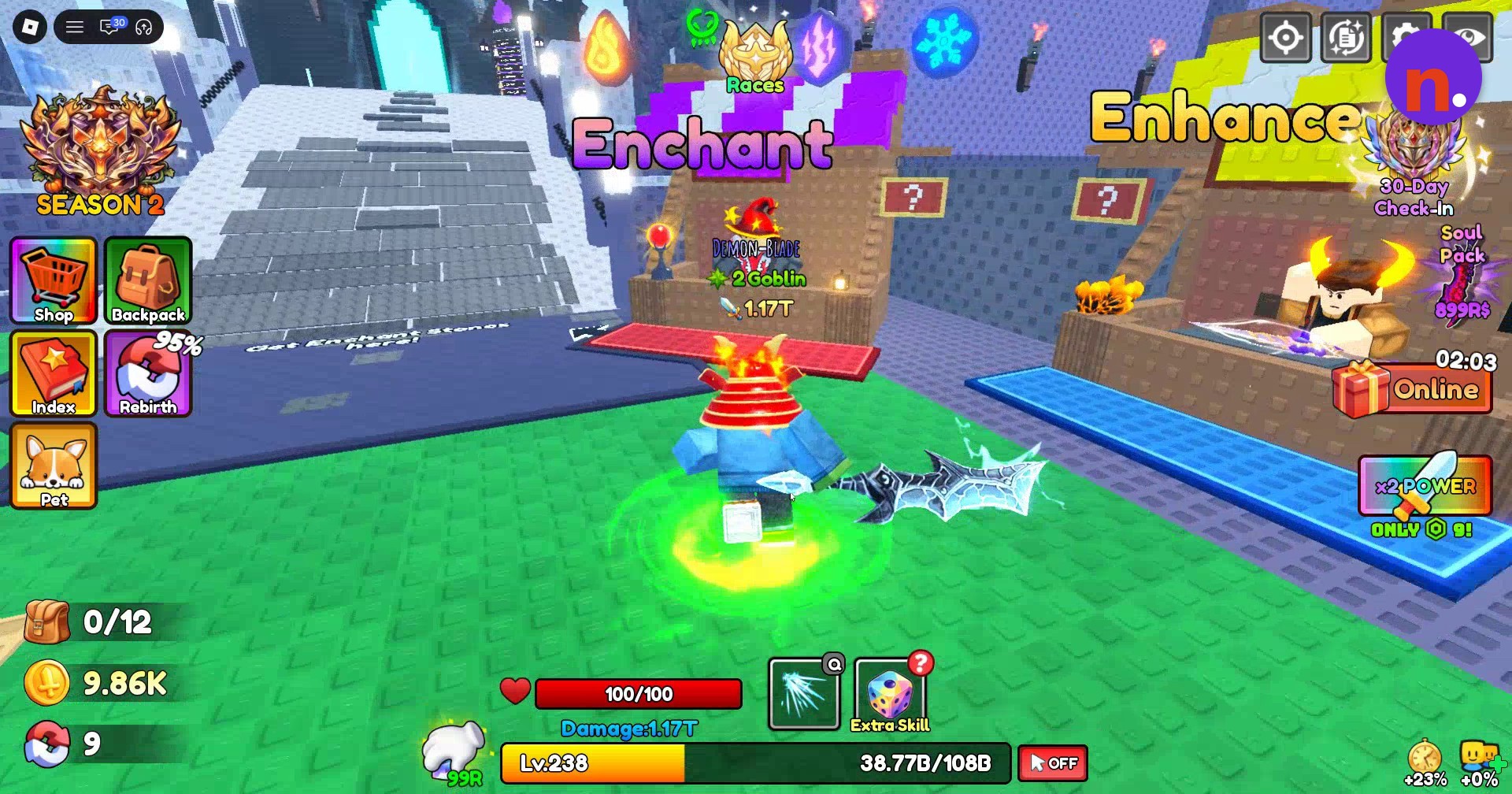
Select the weapon’s sockets
Choose Frostbite Fang from the Enchantment menu’s weapon list to access its two sockets.
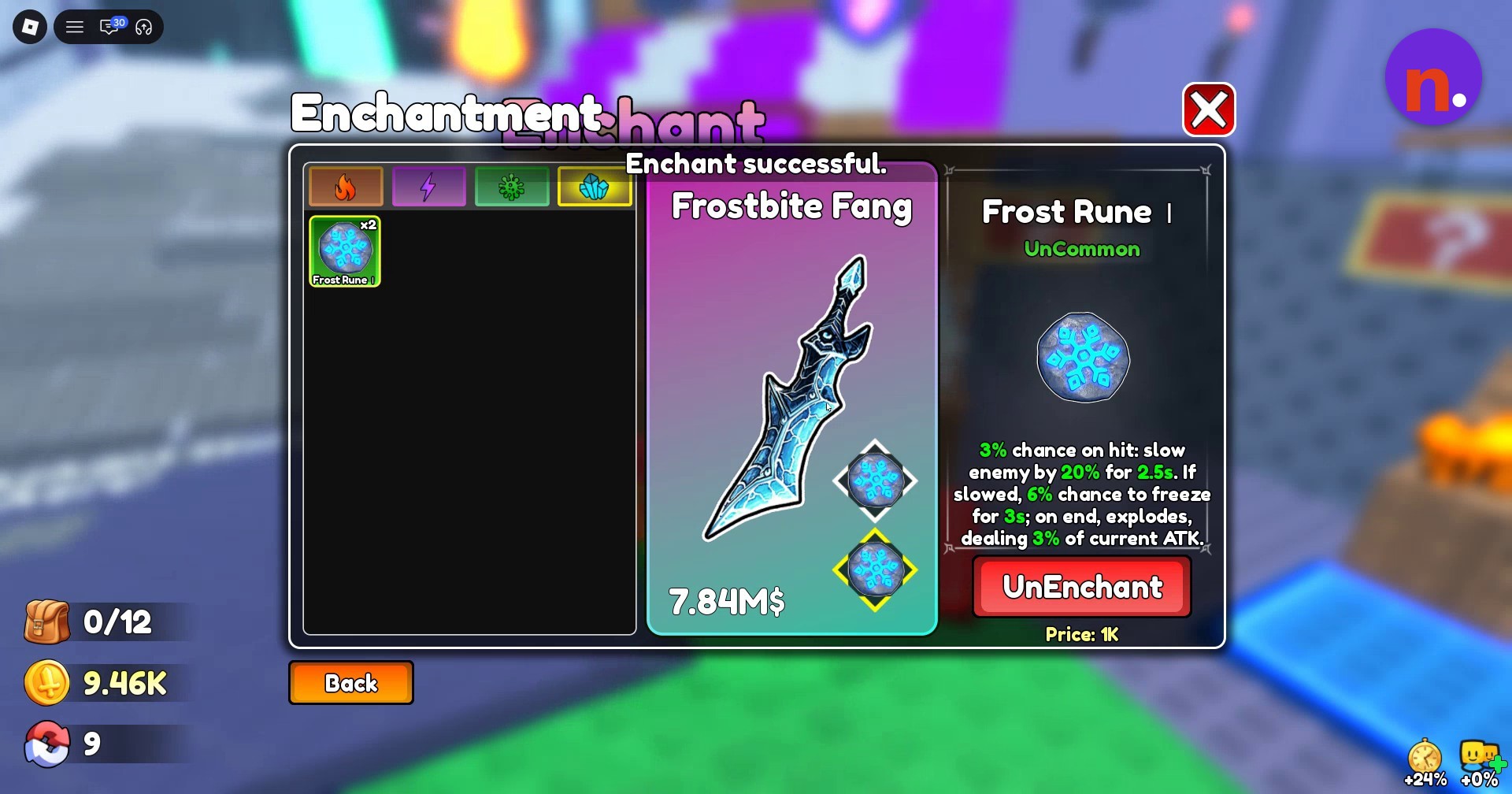
Apply Frost Rune I
Select Frost Rune I and click Enchant for each socket at 200 coins per socket. Continue until both sockets are filled with Frost Rune I and the menu displays Enchant successful.
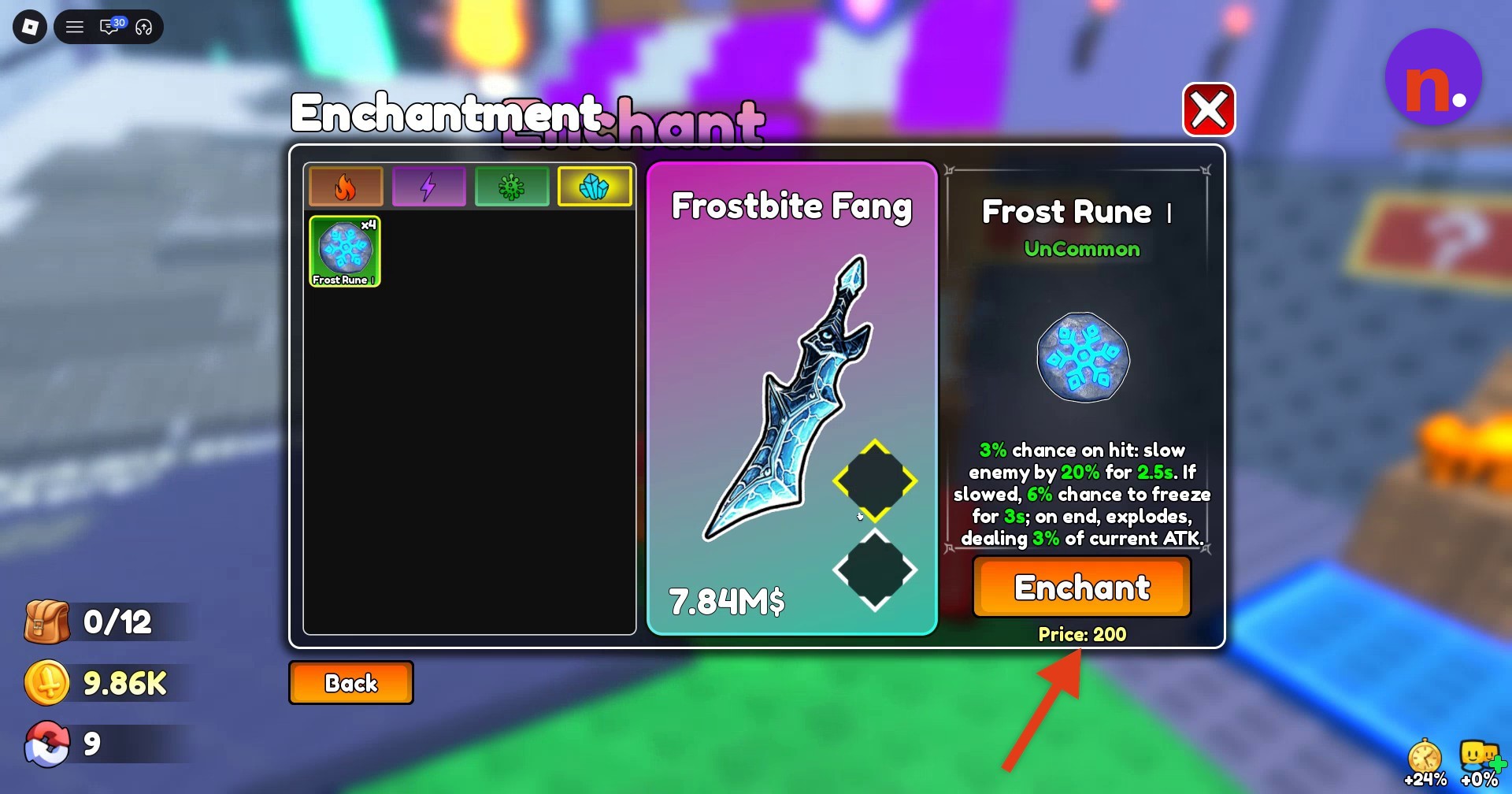
Train power in the hub
Swing your equipped Frostbite Fang in the hub to build power. With both Frost Rune I enchantments applied, the training display reads +1.15B power per stroke.
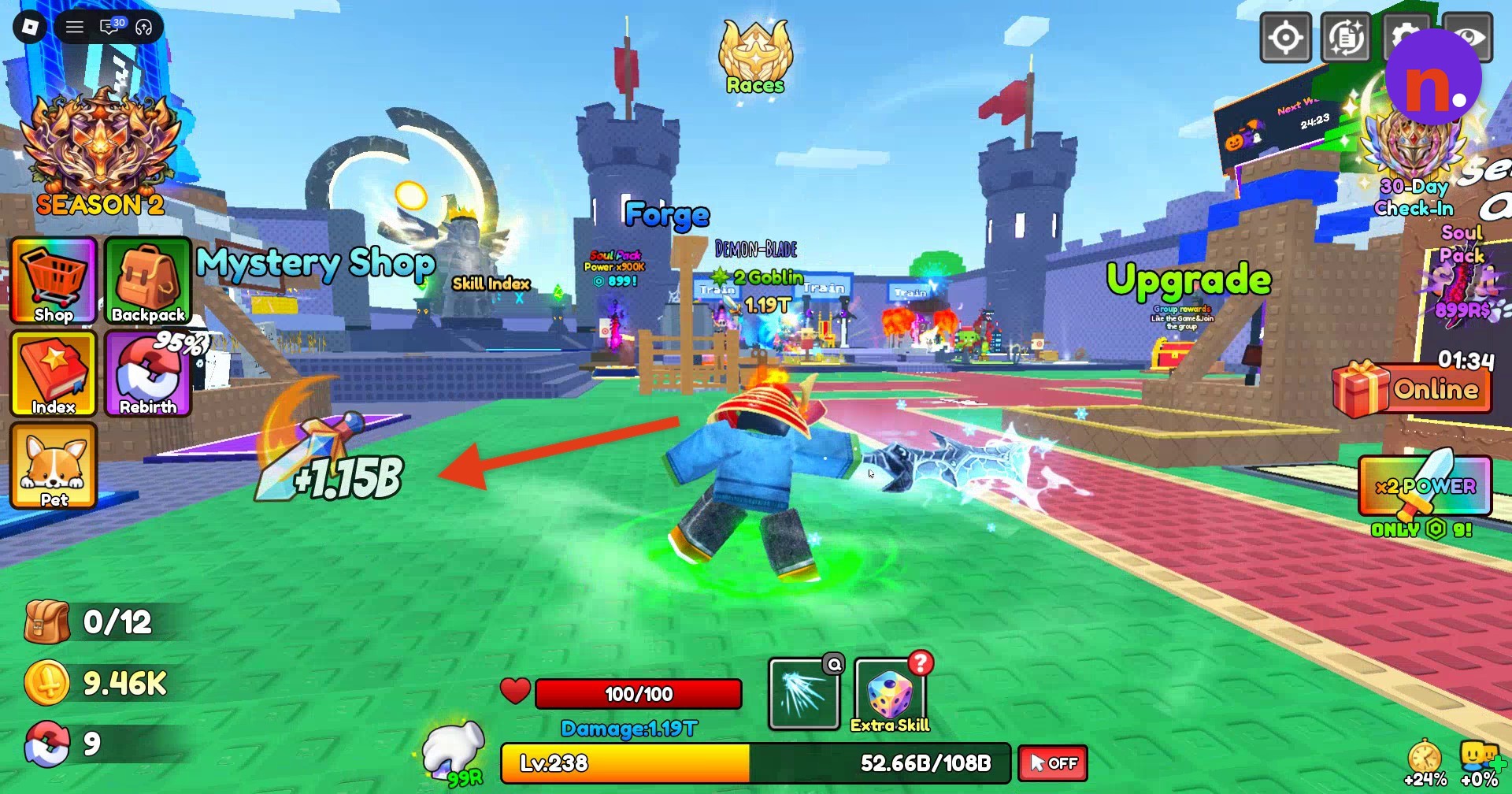
Forge preview changes
| Forge state | Preview | Multiplier | Empty slots |
|---|---|---|---|
| Before material selection | Katana 0% | 0 | 4 |
| During Demon Eye insertion | 42 | 3 | |
| After Plasma Core insertion | Katana 85% | 39.2 | 2 |
| After Bone Ore insertion | Katana 63% | 36.57 | 1 |
| After Amber insertion | Greatsword 50% | 35.87 | 0 |
What are Frostbite Fang’s stats and upgrade effects?
Frostbite Fang’s active skill launches a slash sequence and enters cooldown when activated. Socketed runes add their own on-hit effects, while the Enhance menu previews changes to the weapon’s damage.
Weapon stats
| Weapon stat | Value |
|---|---|
| Base power | +100M |
| Displayed price | 7.84M |
| Skill action | Consecutive forward slashes |
| Total skill damage | 365% |
| Skill cooldown | 6 seconds |
Keep swinging while the active skill cools down. Weapon swings remain available during its cooldown.
After you apply the runes, the Enchantment menu also offers UnEnchant.
Frost Rune I effects
| Frost Rune I property | Effect or value |
|---|---|
| Rarity | UnCommon |
| On-hit slow | 3% chance to slow an enemy by 20% for 2.5 seconds |
| Conditional freeze | If the enemy is slowed, 6% chance to freeze it for 3 seconds |
| Explosion | When the freeze ends, deals 3% of current ATK |
| Displayed UnEnchant price | 1K |
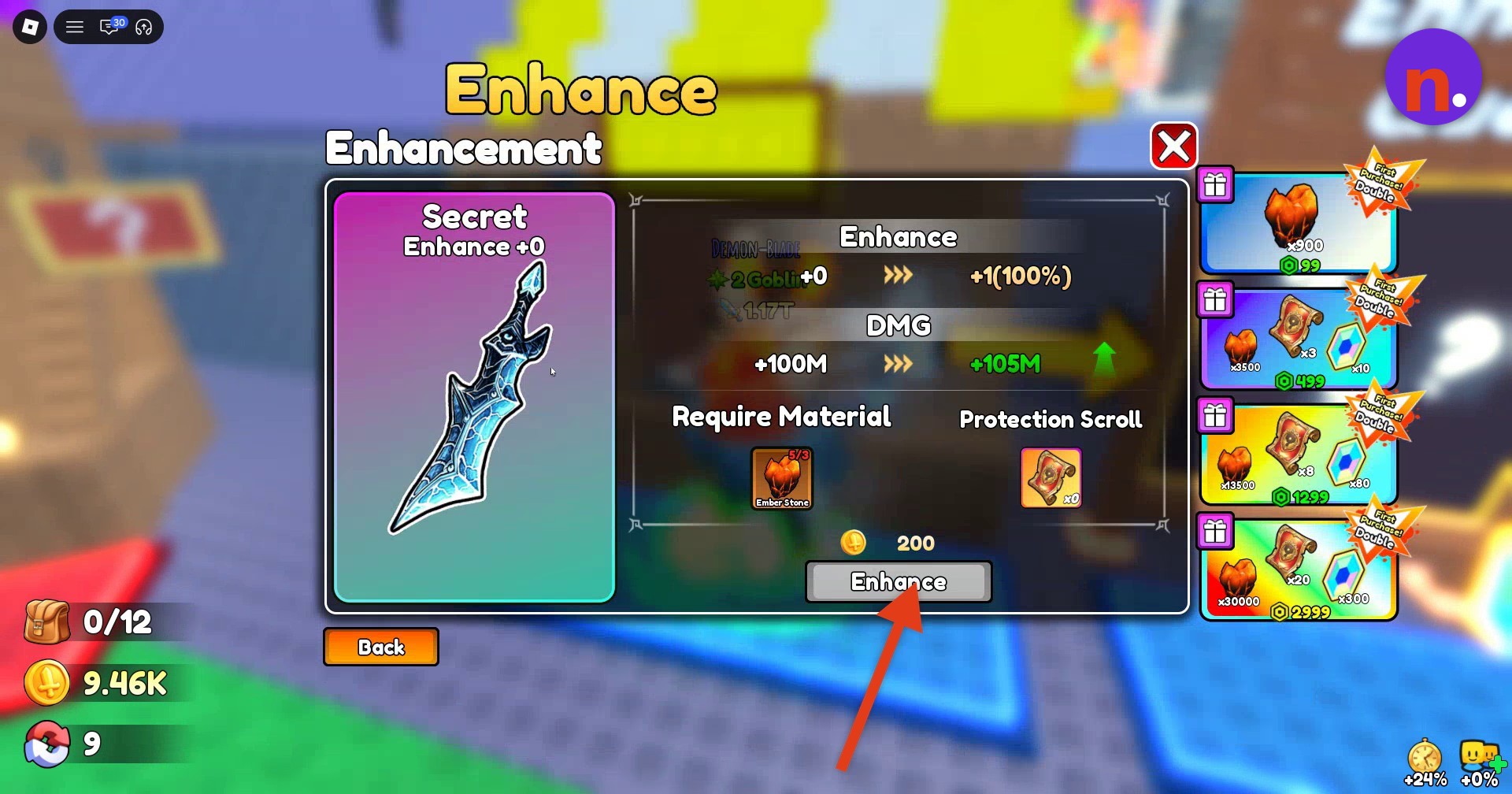
At the Enhance stall, you can view Frostbite Fang’s upgrade requirements and the next enhancement’s damage preview.
Enhance +1 preview
| Enhance +1 property | Displayed value |
|---|---|
| Upgrade level | Enhance +0 → Enhance +1 |
| DMG | +100M → +105M |
| Upgrade indicator | +1 (100%) |
| Cost | 200 |
| Material entries | Protection Scroll; Ember Stone |
| Material panel readouts | 5/3; ×0 |
With Frostbite Fang equipped, you’ve got its slash skill for combat and a weapon you can keep swinging for power training back in the hub.
Related Loot To Forge guides


Leave a Reply