

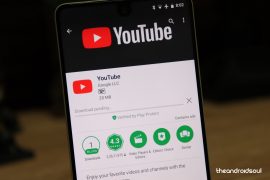
Play Store showing download pending when you try to download apps from Play Store? Well, this could be because of a recent change in the way Play Store handles downloads OR maybe it’s just that your Play Store is stuck. But Fret not! We can fix it either way.
Google recently updated Play Store to download only one app at a time, not multiple apps like before. And this might be the reason you’re seeing download pending message because there might be other apps in the queue pending for download.
If you want you can clear the download queue on Play Store so that you can download the app before all other apps in the queue.
Clear Play Store download queue

- Open Play Store app.
- Swipe-in from the right edge of the screen, and select My apps & games.
- Here you’ll see all apps that are currently downloading on your phone. To cancel an app from downloading, select it and touch the X (cross icon) near the download progress bar to cancel download for the app.
└ You can do this for all apps to clear the download queue.
If the issue persists even after clearing the download queue, then try to “Force stop” the Google Play Store app.
Force Stop Google Play Store app
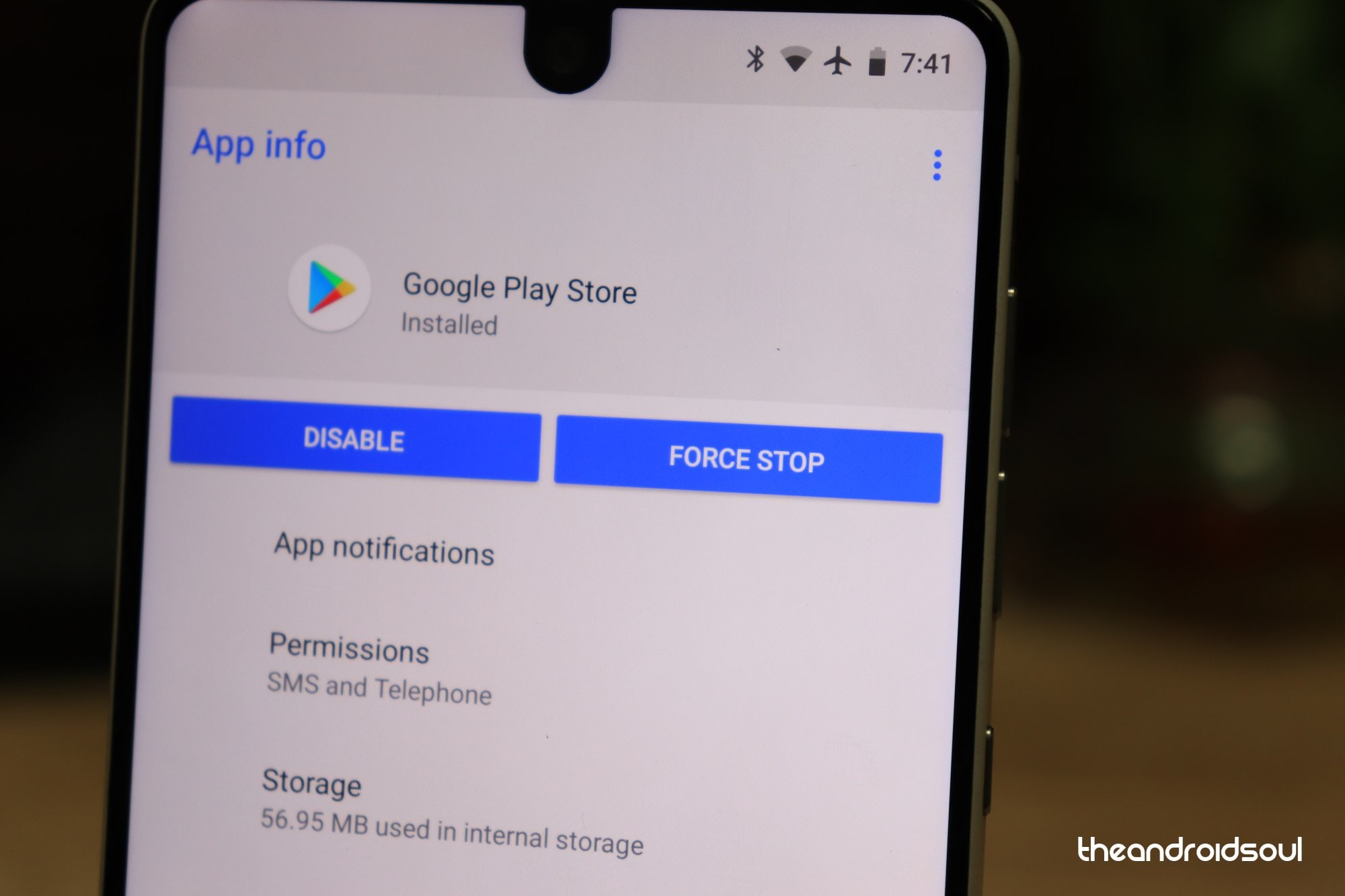
- Go to device Settings » Apps.
- Select Google Play Store from the list of apps installed on your device.
- Tap “Force Stop“.
If you are still unable to download apps, try clearing out cache and data for Play Store app itself.
Clear Play Store app data

- Go to device Settings » Apps.
- Select Google Play Store from the list of apps installed on your device.
└ If you can’t find Google Play Store on apps list. Look for the “Show system” apps option under the three-dot menu. - Once on Google Play Store app info page, select Clear Cache and Clear Data. If you’re on Marshmallow or higher Android versions, select Storage, and then clear cache and data from there.
Reset Apps
If none of the above solutions work out for you, try resettings the apps. This will basically reset all your apps preference, so be sure to backup settings of all your important apps beforehand before going for the jugular.
Here’s how to reset apps.
- Open the Settings app.
- Scroll down and tap on Apps (or Applications) menu.
- Press the 3-dot menu button (in the top right probably).
- Tap on Reset app preferences.
- Confirm on the next screen by tapping on the Reset button (could be Reset apps).
That’s it.
Hopefully, the tips shared above helps you fix the download pending message on Play Store.
Happy Androiding!




62 responses to “How to Fix Download Pending Status on Play Store”
I was followed an did the same mentioned above But still I am getting the same download pending
Go To Setting of your device –>Apps–> Click on Google Play Store–>Mobile Data-> Keep On (Allow app while Data server on
)
I have tried all the steps and still show download pending I don
T what’s else to try please help me thanks
1. Download pending can be fixed by disabling Play Protect…
2. Doesn’t have enough space (500MB) to download a small app (15MB)? Install from ApkPure…
3. Updates may require double space, too! So, uninstall the app and reinstall the updated one..!
If you like this guide, subscribe to ThanosAthaYT
Do anybody have any suggestions to help me I have tried everything I know to try
I was followed an did the same mentioned above But still I am getting the same download pending
Go To Setting of your device –>Apps–> Click on Google Play Store–>Mobile Data-> Keep On (Allow app while Data server on
)
Not worth a cunt full of cold water, fixes nothing, the issue is the ROM is buggy on the international version, needs to be flashed
Not worth a cunt full of cold water, fixes nothing, the issue is the ROM is buggy on the international version, needs to be flashed
I’ve had issues since arriving in Mexico last week and this worked perfectly. Thank you
I’ve had issues since arriving in Mexico last week and this worked perfectly. Thank you
However I followed the instructions but the Download Pending issue is still same.
Connect and reconnect your wifi. Mine is working.
stop all updates idiot
Same
However I followed the instructions but the Download Pending issue is still same.
Connect and reconnect your wifi. Mine is working.
stop all updates idiot
Thanks…it worked for me.. 🙂
Yaa it is worked for me
Thanks…it worked for me.. 🙂
Yaa it is worked for me
Thanks..it really worked out for me…
Thanks..it really worked out for me…
Done everything on this forum and more, still get the message “download pending”
Done everything on this forum and more, still get the message “download pending”
Good. Probs solved. Thanx
Good. Probs solved. Thanx
Thanks!
Thanks!
Be good to mark it down what versions of Android these instructions are for – doing this with the Play Store on my Pixel on Oreo caused even more problems (reset a bunch of apps, a lot of tremendous background processing, re-sending a bunch of recent system notifications) and only seems to be helping after a number of reboots.
Be good to mark it down what versions of Android these instructions are for – doing this with the Play Store on my Pixel on Oreo caused even more problems (reset a bunch of apps, a lot of tremendous background processing, re-sending a bunch of recent system notifications) and only seems to be helping after a number of reboots.
Thanks. It helped me. It was the apps that were downloading because of auto update option and hence my current download was set to be on pending. I just stopped the updates and also disabled auto updates from my phone. Problem solved! Cheers
Thanks. It helped me. It was the apps that were downloading because of auto update option and hence my current download was set to be on pending. I just stopped the updates and also disabled auto updates from my phone. Problem solved! Cheers
Thanks a lot. I was about to reset my mobile. You save my time 🙂
Thanks a lot. I was about to reset my mobile. You save my time 🙂
Worked for me. Cleared cache, cleared data from storage in the play store page. Thanks.
It worked for me.
It isn’t working for me. I tried it so many times.
None of the steps above worked for me. Apparently I had to finish the setup through android before allowing me to actually install anything else through the app store.
thanks. it worked for me
It worked
Thanks
Thank you, thank you, thank you!
Great it’s working for me on samsung j7 prime.thank you.
Thank you problem solved
Thanks!!!
Thank u Solved
None of your instructions seem to apply to my phone. WTF There is no “Swipe-in from right edge of screen, and select My apps & games”. There is no “Once on Play Store info page, Clear Cache and Clear Data”
I actually did a “factory reset” and my Google Play Store apps still won’t update. At this point, I don’t give a shit. :))
None of the suggestions worked for me. It only allowed to install/update the next app in the queue, then it got stucked again. If I am to clear the Play store cache and data before every install/update, I end up in a madhouse soon.
Thank you. My problem was resolved with your support.
Might i add what a f### up as i had to put everything back. A timely process
My Mi A2 download pending problem solved as I followed the above said procedure.
Thanks!
Clearing cache helped. Thank you! 🙂
I have an UMIDIGI Pro Z1 with its own App Store and Google Play store has never worked properly right from the start. I tried all the methods suggested on the Internet but none of the worked. But I just realized that even it looks like that downloading will last forever, if I leave it pending it finishes updating all the apps, only it may take several hours. e.g. yesterday I had 8 app updates pending and this morning everything looks updated fine.
Try this Solution!!!
Go to settings and turn Data Saver ON. Ensure that in Data Saver screen, unrestricted access is turned ON for Google Play Services and Google Play Store. This should resolve the problem of app not downloading in play store or any sync issues in Google account.
The reason is one of your app is blocking the background process. In my case the culprit was Google Photos app. I have automatic back up turned ON in Google Photos and this was somehow breaking background processes of Google services and play store.
There is a way for you to identify the problem app. After turning ON Data Saver, Turn ON unrestricted access for all apps within Data Saver screen. Then start download of app updates in play store. If you already have play store download problem, you may not see download arrow in the top left corner of the screen. Now toggle for app each one by one unrestricted access button OFF, watch for download arrow whether it started working, if not then back to ON. When I did this for Google Photos, everything started working fine.
Now I do it manual in for Google Photos back up.
You can use the same method for verifying Google account sync issues too.
well, I did as instructed above on my LG8, and still have the “download pending” on Messenger… any other suggestions??
stop the play store then clear all cache data then open the play store again, it will work
I am using MI A1 it’s showing download pending there error come 495 I did everything what you guide but still same issue with wifi and with my Mobile data
Same :<
This does NOT work.