

To get started with EA SPORTS UFC 6, there are three things you should focus on – Pick a beginner-friendly control preset, use a low-pressure mode to learn timing, and spend time in Practice Mode before going online.
How to start in UFC 6
Step 1: Pick a beginner-friendly control preset
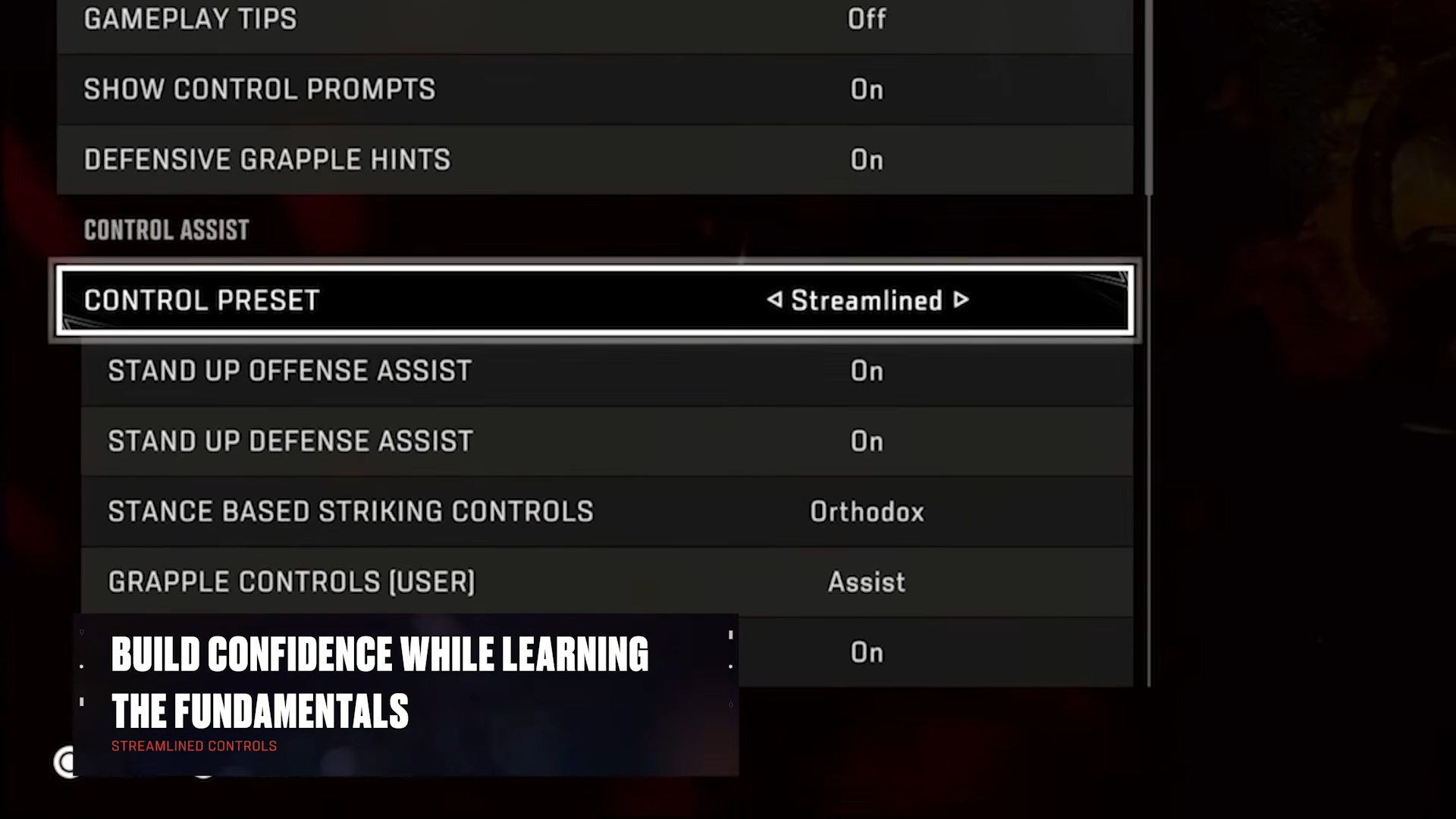
Open Settings, go to the Gameplay tab, then set Control Assist > Control Preset to Streamlined if you want the most assistance while learning. This preset simplifies striking, defense, grappling, and combos, which makes it easier to build timing and spacing habits first.
Step 2: Learn inside Practice Mode
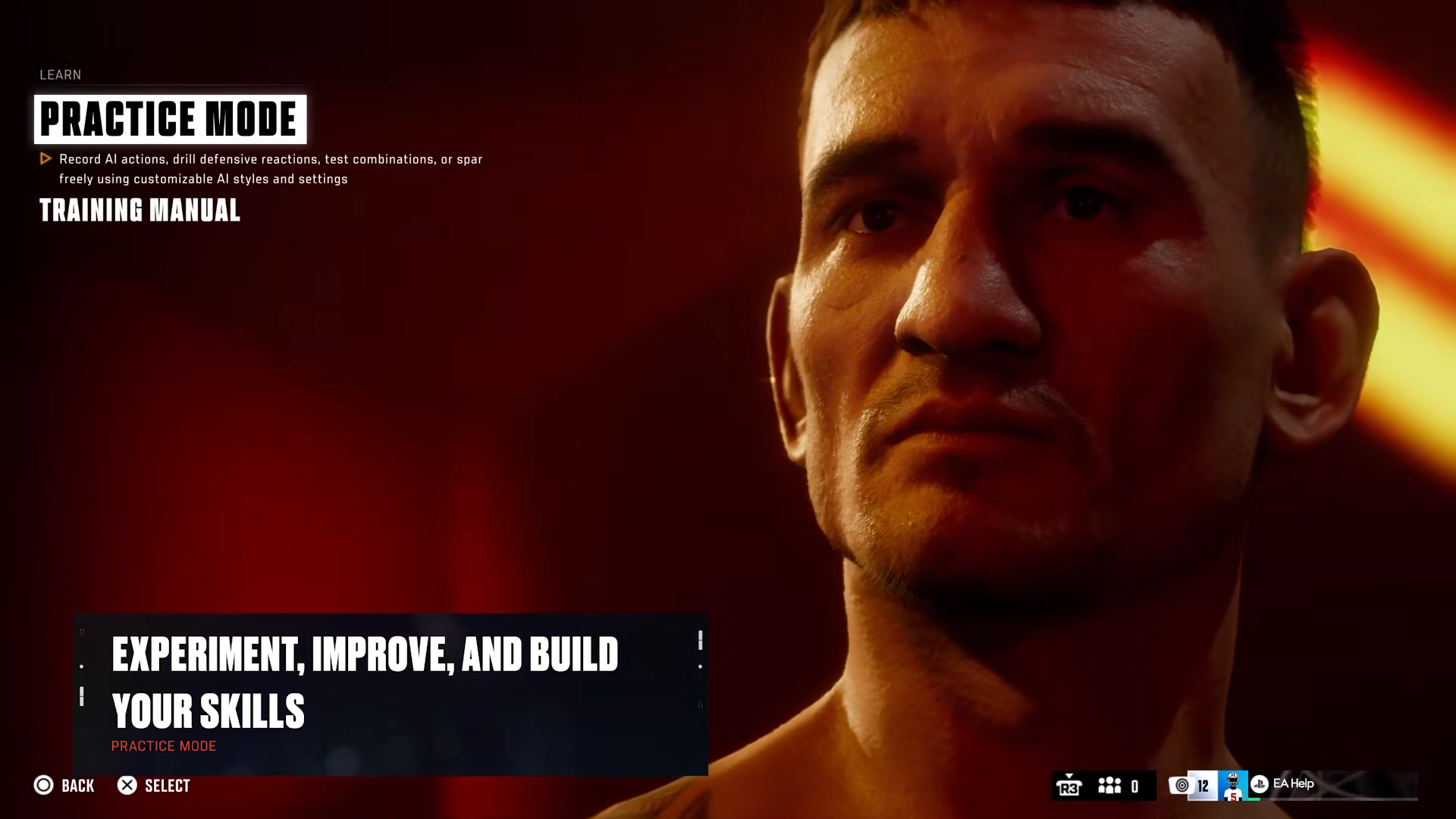
From the main menu, select Learn, then enter Practice Mode. Adjust the practice match settings to change AI behavior, test different fighting styles, work on grappling and striking, and drill timing, recovery windows, and counters without the stress of a real match.
Step 3: Use the Training Manual early
Open the Training Manual from Learn, or access it from the pause screen in Practice Mode, Fight Now against AI, or Hall of Legends through Game Help. It breaks down core systems like Flow State, Perks, striking defense, grappling, submissions, stamina management, and movement.
Step 4: Start with low-pressure modes
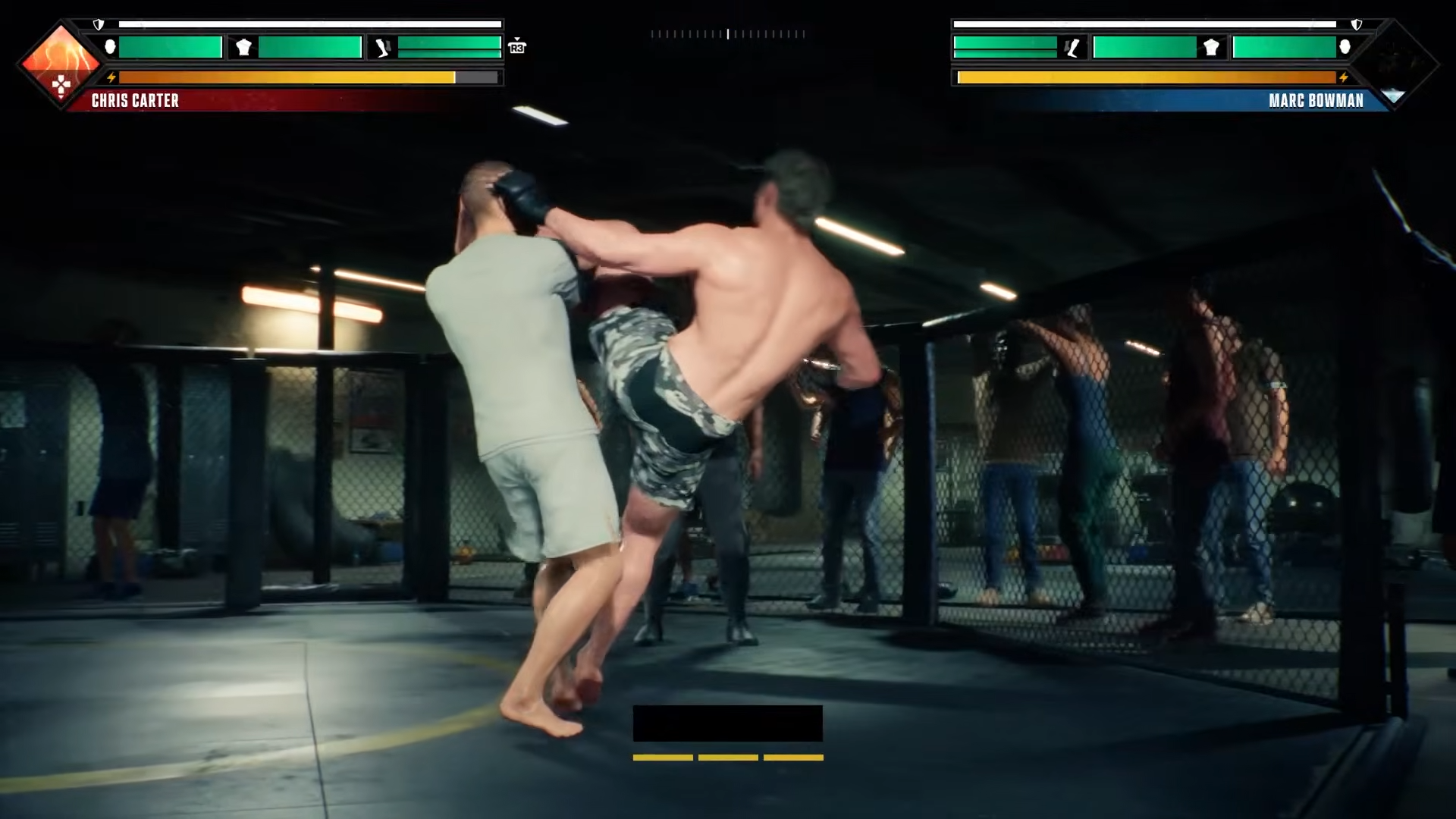
Use The Legacy if you want guided progression, Hall of Legends if you want iconic fight scenarios, or The Gym if you want to recruit fighters and learn through progression systems. These modes help you absorb the basics at a slower pace than jumping straight into competitive play.
Step 5: Match your style to fighter Perks
Check fighter Perks before a fight in Fighter Select, or during a match from the pause menu under PERKS. Perks reward specific styles, so using a fighter whose strengths match your habits makes it easier to understand what works and why.
Step 6: Build toward Flow State
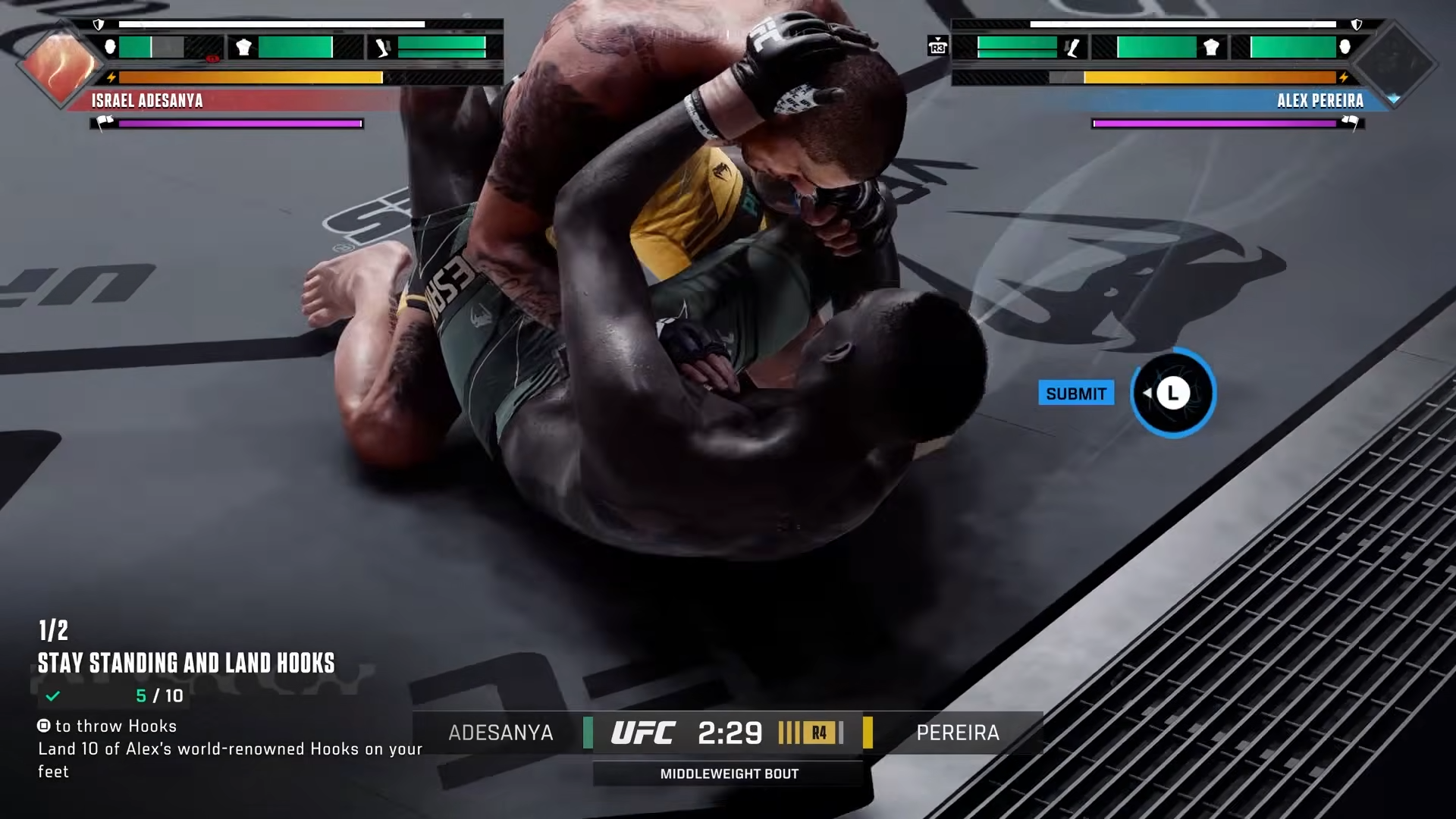
Fight cleanly with the tools that suit your fighter: combinations, counters, defensive reads, or grappling transitions. Flow State rewards techniques that match a fighter’s style, so the more you play to that style, the more naturally the momentum shifts in your favor.
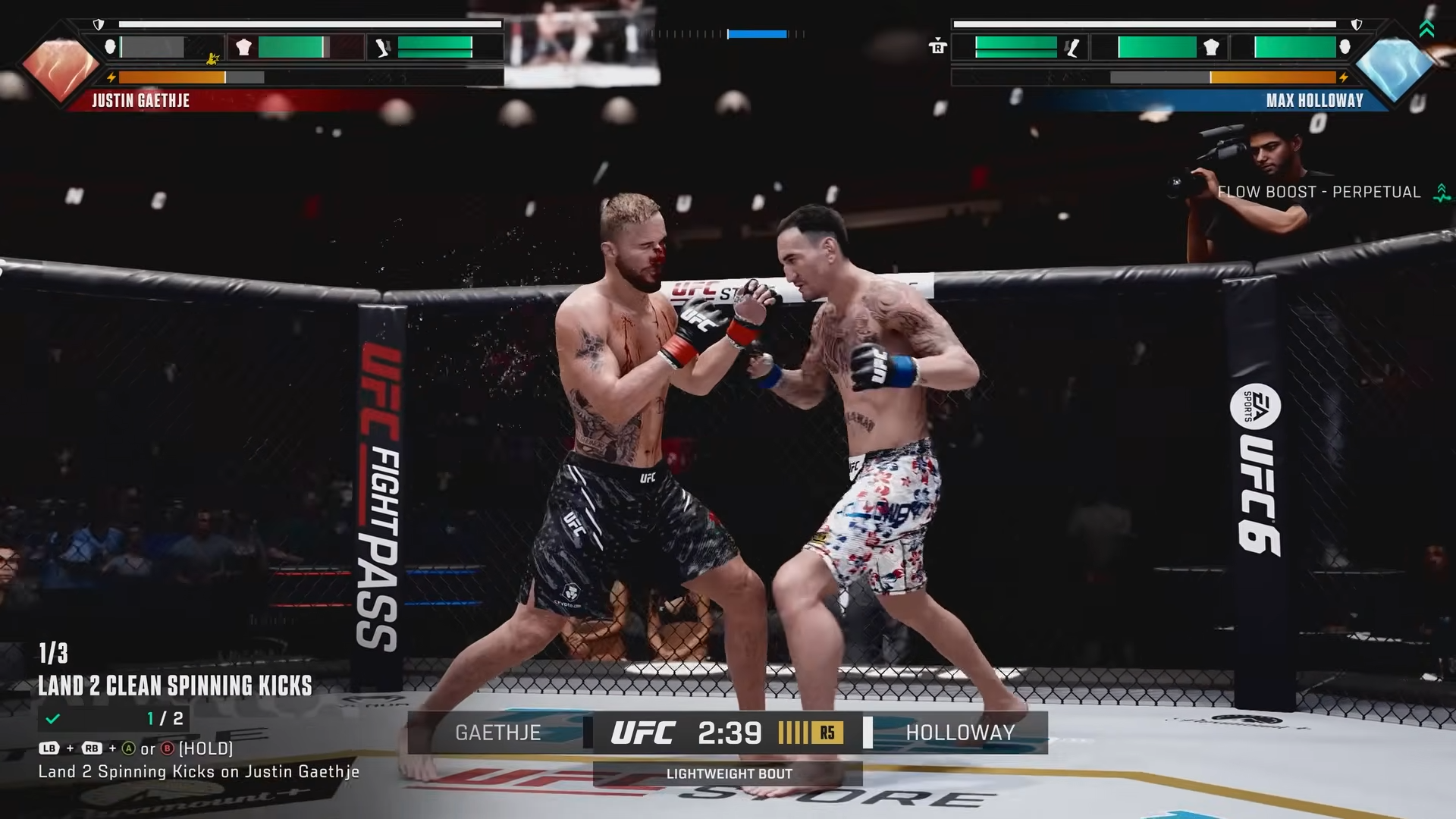
Beginner modes that matter
The Legacy
The Legacy follows Chris Carter’s career through fights, training, rivalries, and objectives, which makes it the best mode for learning fight rhythm while still feeling progress. It exposes you to striking, movement, clinches, takedowns, and defense in a structured way.
Hall of Legends
Hall of Legends recreates UFC moments with legendary fighters such as Max Holloway, Alex Pereira, and Weili Zhang. That makes it a strong training ground for learning how different fighters and matchups change your approach inside the cage.
The Gym
The Gym is built around recruiting fighters, unlocking rewards, and experimenting with perks and progression. It is less about pure tutorial structure and more about helping you understand how fighter build choices affect long-term development.
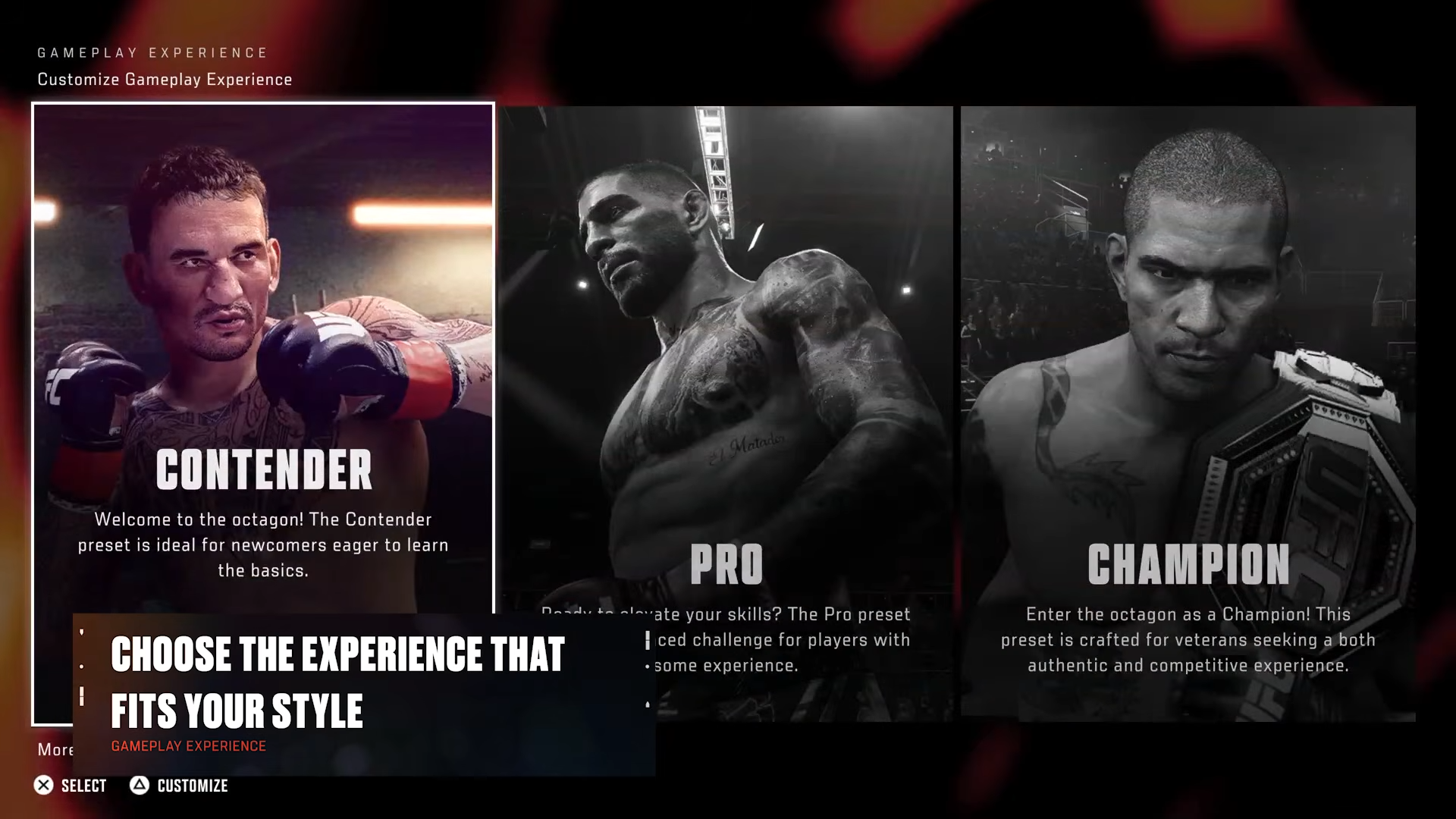
Critical mistakes to avoid
-
Don’t start with fully manual controls unless you already understand timing and spacing; the learning curve is much steeper.
-
Don’t skip Practice Mode, because it is the safest place to test AI behavior, counters, and grappling setups.
-
Don’t ignore the Training Manual, since it explains systems the game expects you to understand later.
-
Don’t treat Perks as cosmetic; they directly affect how a fighter performs and what style fits them best.
-
Don’t rush into online play before you can recognize openings, manage distance, and recover after mistakes.
What to practice first
Focus on three fundamentals in this order: movement, basic striking, then defense and grappling. Use Practice Mode to repeat one skill at a time until it feels automatic, because UFC 6 rewards players who understand pace and positioning before they chase advanced setups.
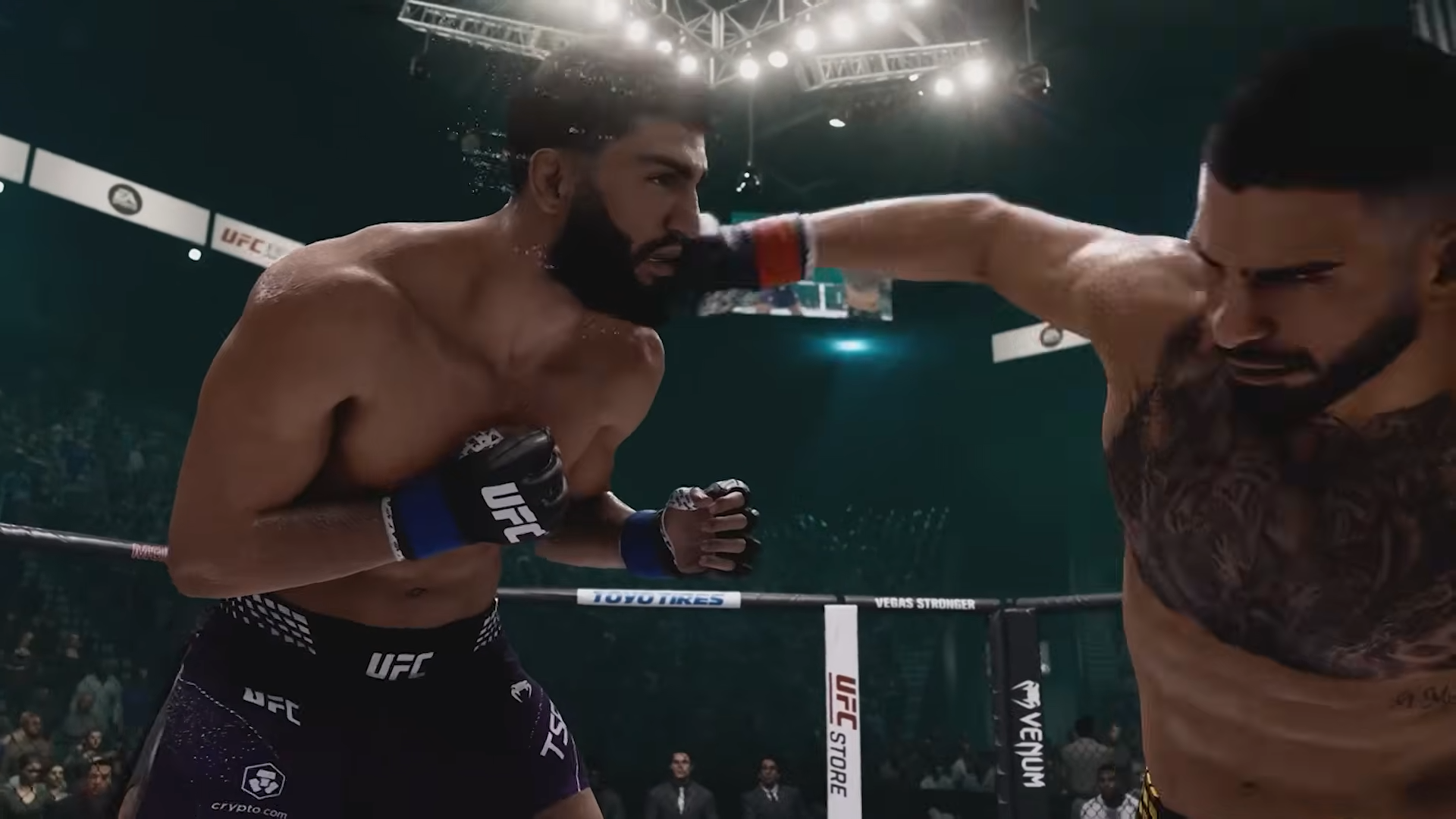
EA SPORTS UFC 6 becomes much easier when you treat it like a training climb instead of a jump into ranked chaos. Start with Streamlined controls, work through Practice Mode and The Training Manual, then move into The Legacy or Hall of Legends once you can read openings consistently.



Leave a Reply