

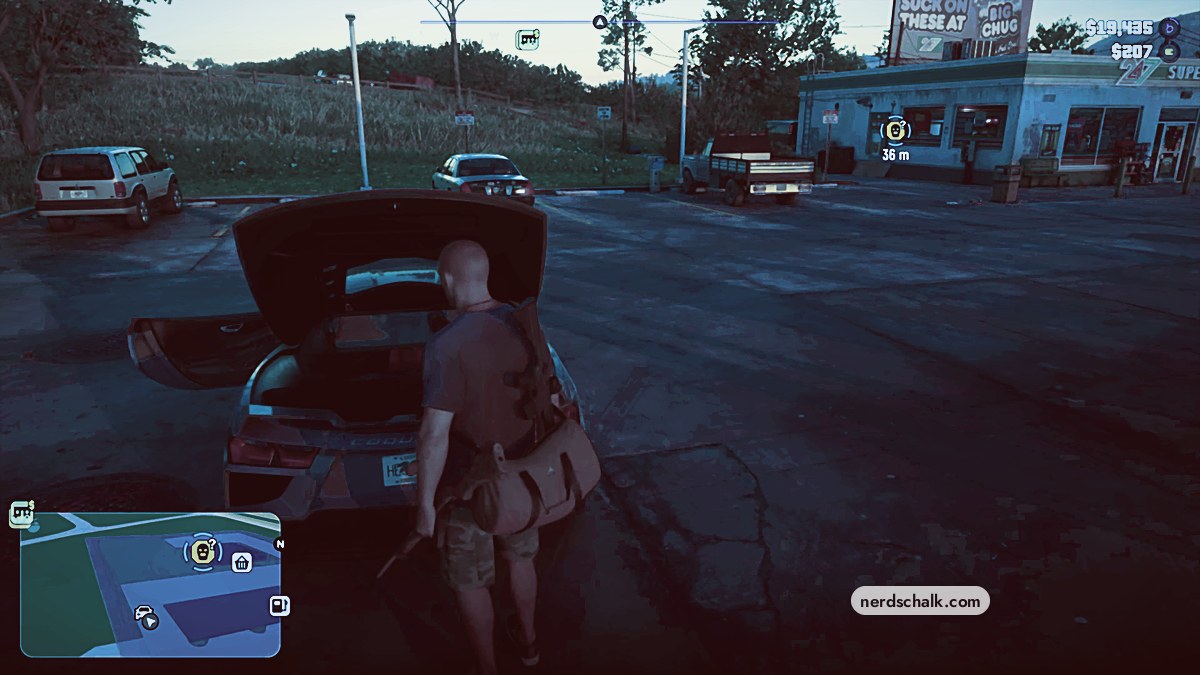
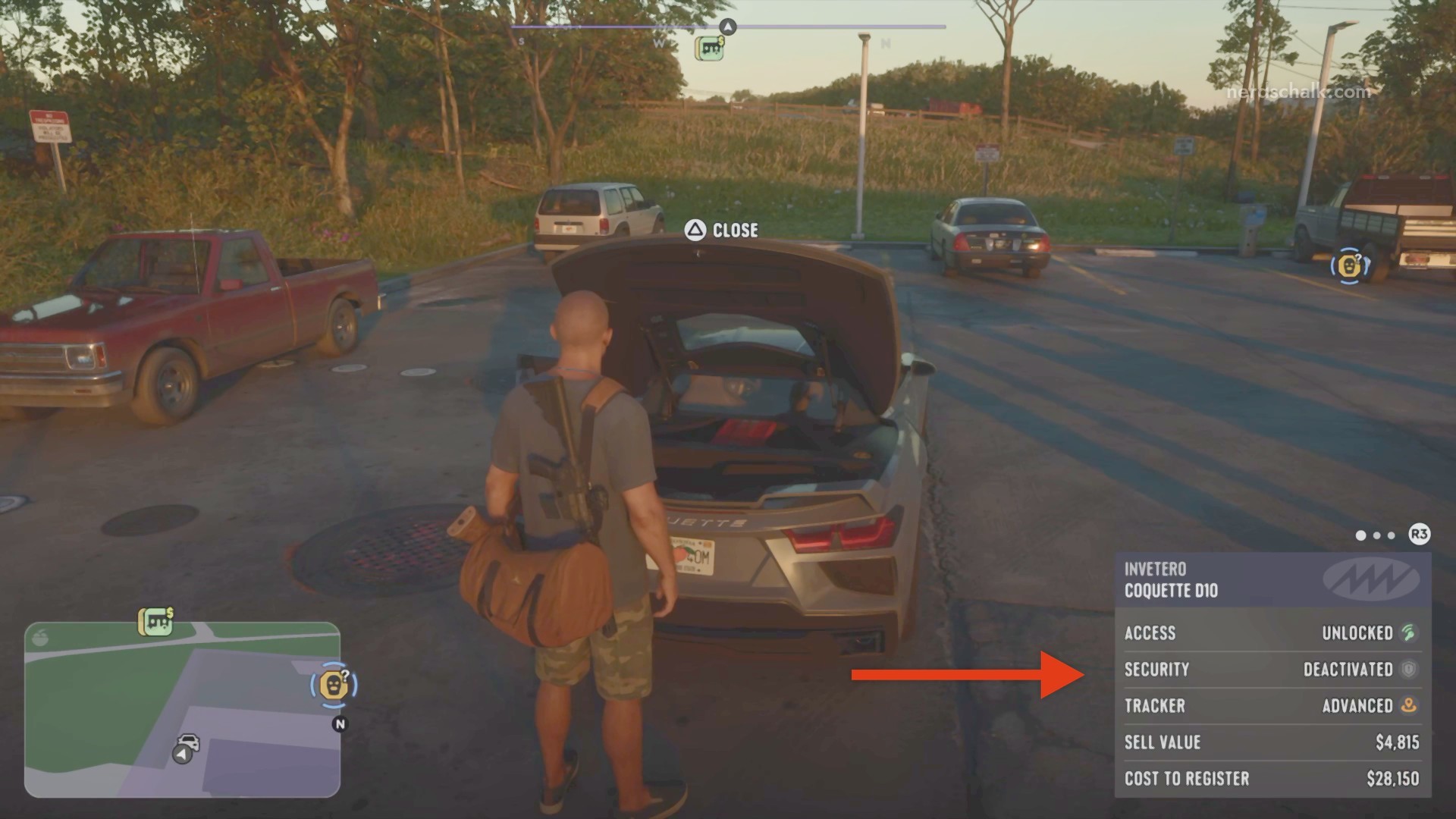
Press TriangleY to open the trunk and display performance stats, then use R3RS to cycle through specifications, security information and vehicle values.
The vehicle information pages in Grand Theft Auto VI let you look beyond a car’s performance ratings. This guide covers the controls for viewing those pages and the specifications, security details and prices displayed for an example car.
How to check vehicle stats in Grand Theft Auto VI
Approach the rear
Walk up to the back of the car to reach the trunk interaction.
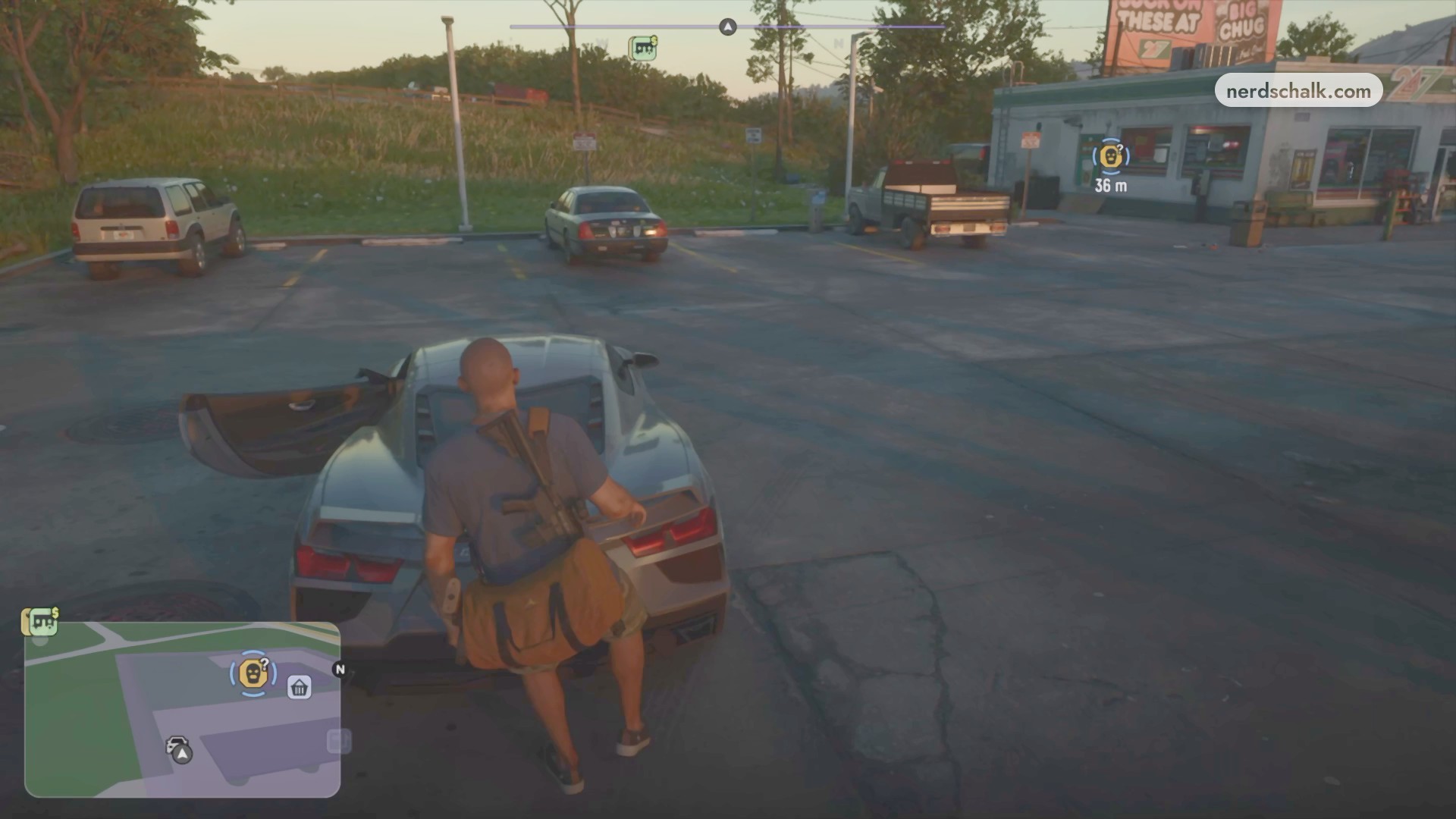
Open the trunk
Press TriangleY to lift the trunk and bring up the performance stats in the screen’s bottom-right corner.
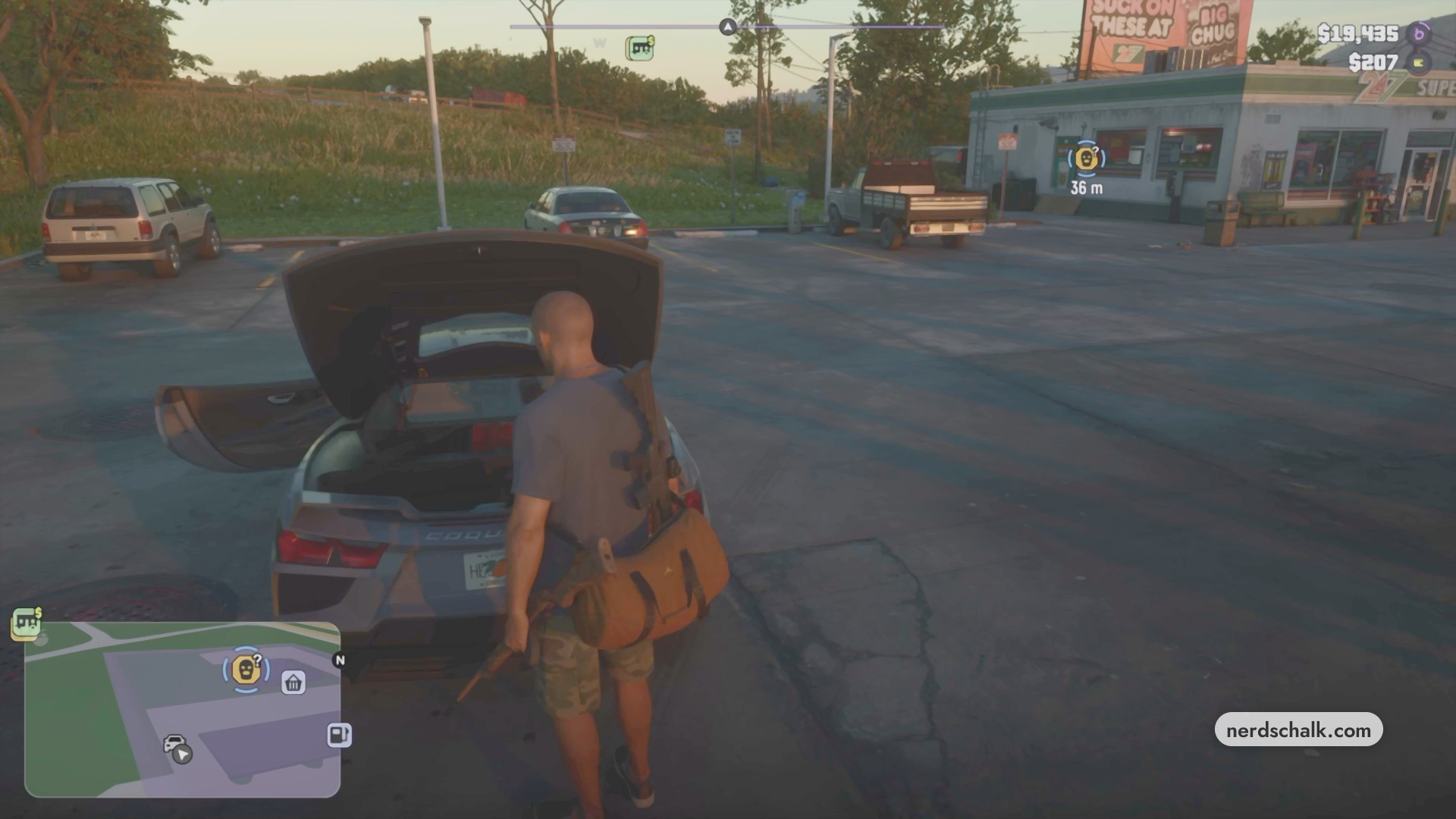
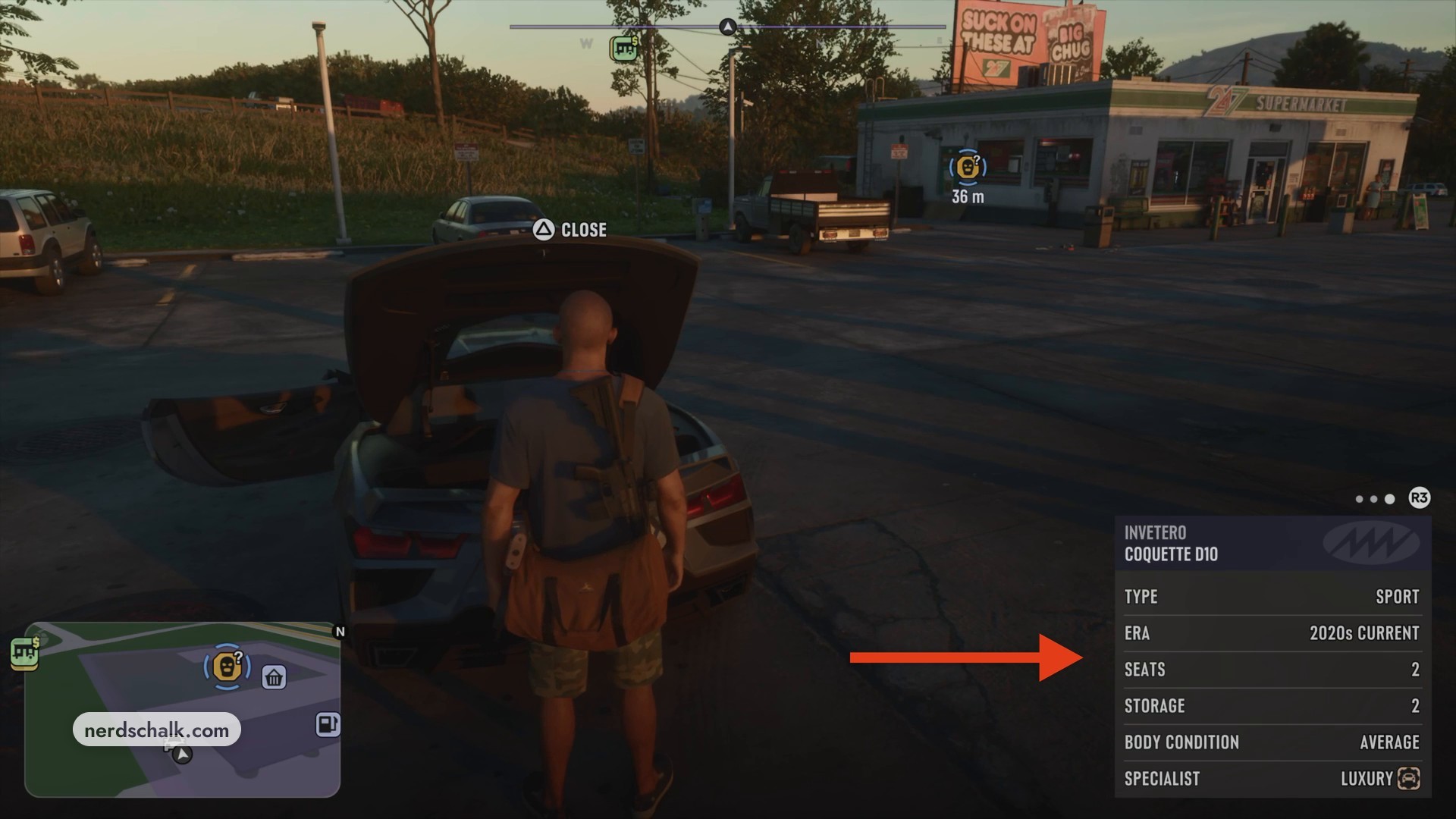
View general specifications
With the stats visible, press R3RS to switch to the general specifications page.
View security and vehicle values
Press R3RS again to reach the security and valuation page, then read its access, security, tracker and price details.
What information do the vehicle stats pages show?
The example car’s information separates performance ratings from its specifications and current status.
Performance ratings
| Performance field | Example reading |
|---|---|
| Speed | 7.0 |
| Acceleration | 7.5 |
| Asphalt Handling | 6.5 |
| Off-road Handling | 3.6 |
| Strength | 3.0 |
The general specifications cover seating and storage alongside the car’s Body Condition and Specialist category.
General specifications
| Specification | Example reading |
|---|---|
| Seats | 2 |
| Storage | 2 |
| Body Condition | AVERAGE |
| Specialist | LUXURY |
Find Body Condition on the general specifications page when reviewing the car’s details.
The security and valuation page pairs the car’s access, security and tracker states with its selling and registration amounts. These readings belong to the example vehicle.
Security and valuation
| Vehicle detail | Example reading |
|---|---|
| Access | UNLOCKED |
| Security | DEACTIVATED |
| Tracker | ADVANCED |
| Sell Value | $4,815 |
| Cost to Register | $28,150 |
With all three pages reviewed, you have the car’s performance, condition and practical details alongside its security status and displayed values.
Related Grand Theft Auto VI guides


Leave a Reply