

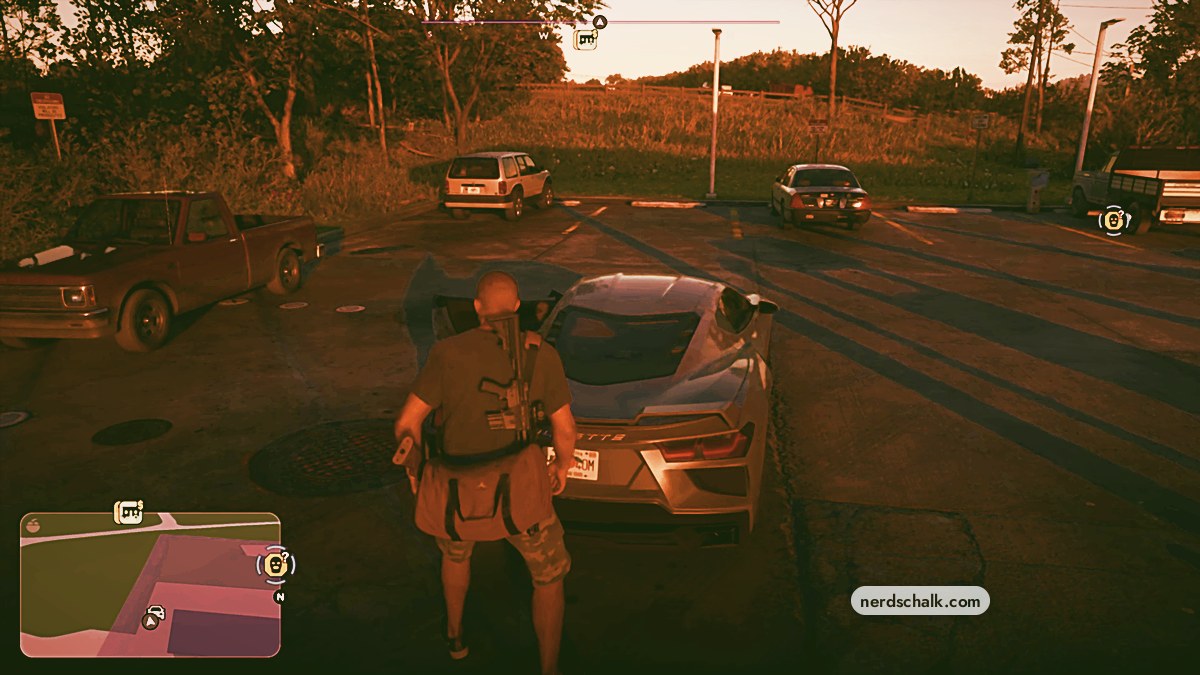
QUICK ANSWER
Approach the rear of the car, press TriangleY to open the trunk.
Opening a car trunk in Grand Theft Auto VI also brings up its vehicle information. Alongside the trunk controls, you get a look at the car’s performance, status and costs.
interaction positionRear of the vehicleopen controlTriangleYexample vehicleInvetero Coquette D10
How to open and close a car trunk in Grand Theft Auto VI
STEP 1
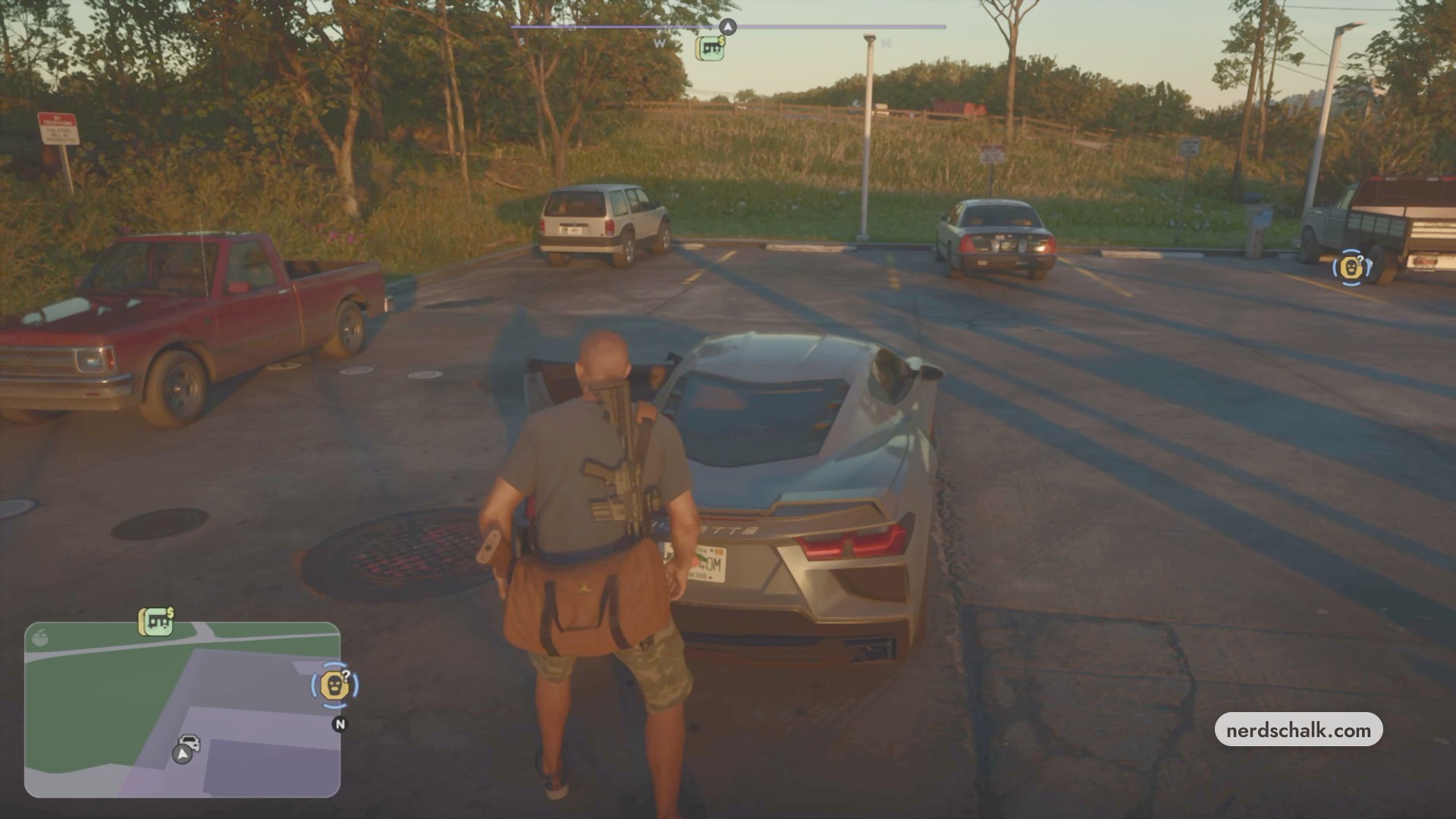
Approach the rear of the car
Walk toward the rear of the vehicle until the trunk interaction prompt appears.
STEP 2
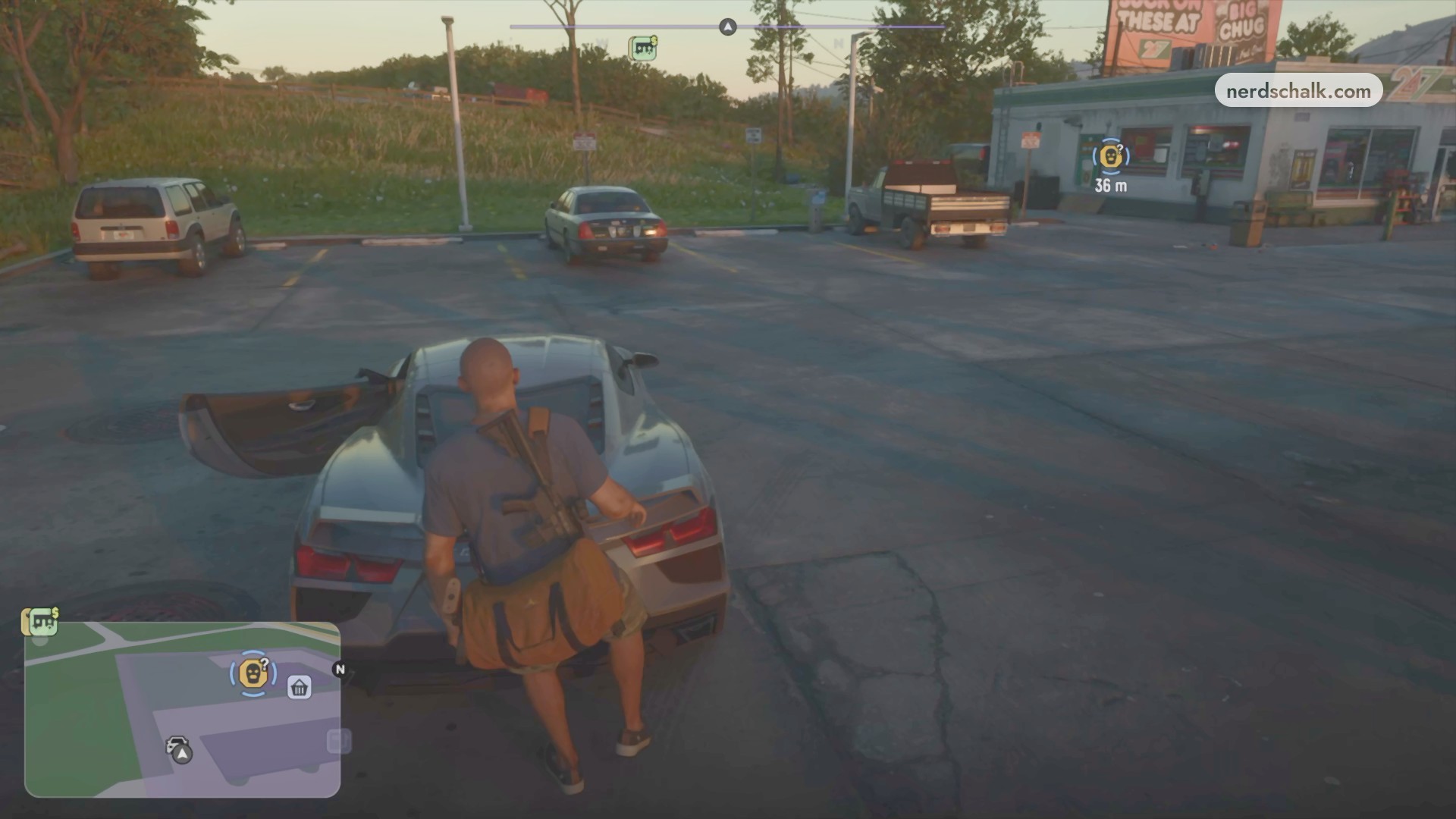
Open the trunk
Press TriangleY to lift the trunk lid. The raised lid shows that the trunk is open.
STEP 3
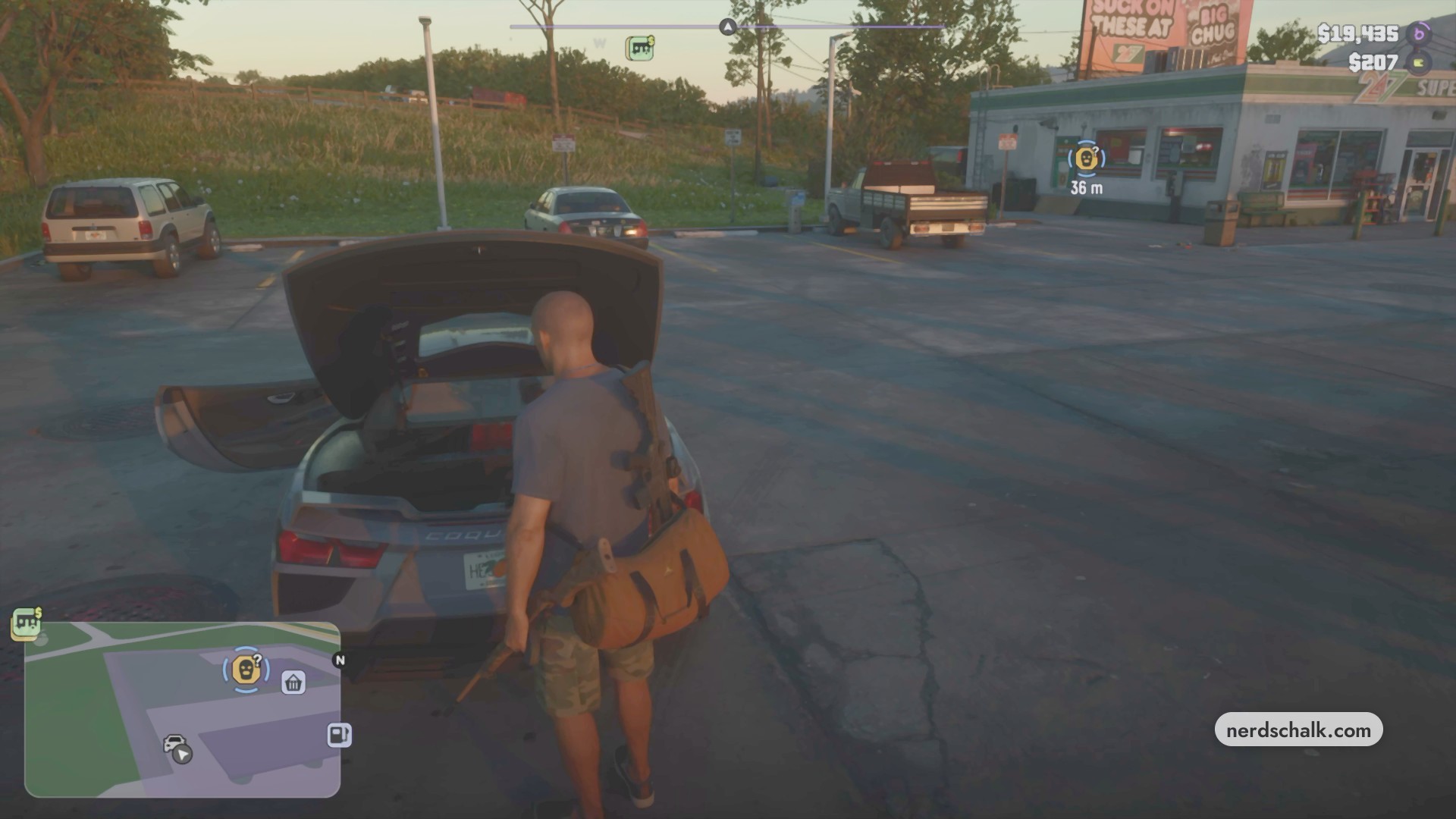
Close the trunk
Your character pushes the lid down, leaving the trunk shut.
What vehicle details can you see with the trunk open?
| Vehicle detail | Displayed value |
|---|---|
| Speed | 7.0 |
| Acceleration | 7.5 |
| Asphalt handling | 6.5 |
| Off-road handling | 3.6 |
| Strength | 3.0 |
| Access | Unlocked |
| Security | Deactivated |
| Tracker | Advanced |
| Sell value | $4,815 |
| Cost to register | $28,150 |
These values belong to the example Invetero Coquette D10, whose performance panel appears on the right side of the screen.
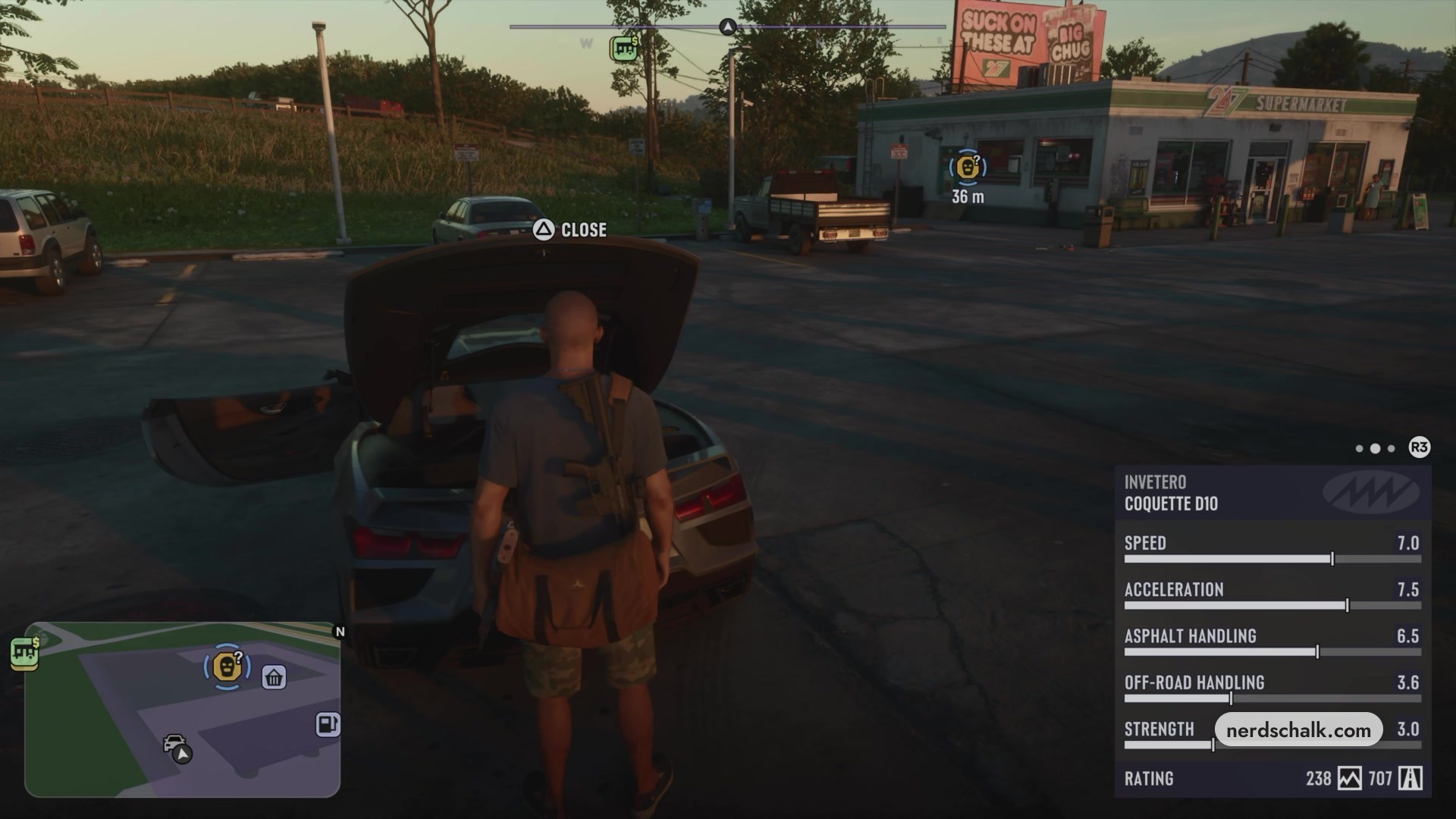
The open-trunk interface also includes a view of the car’s status and financial details.
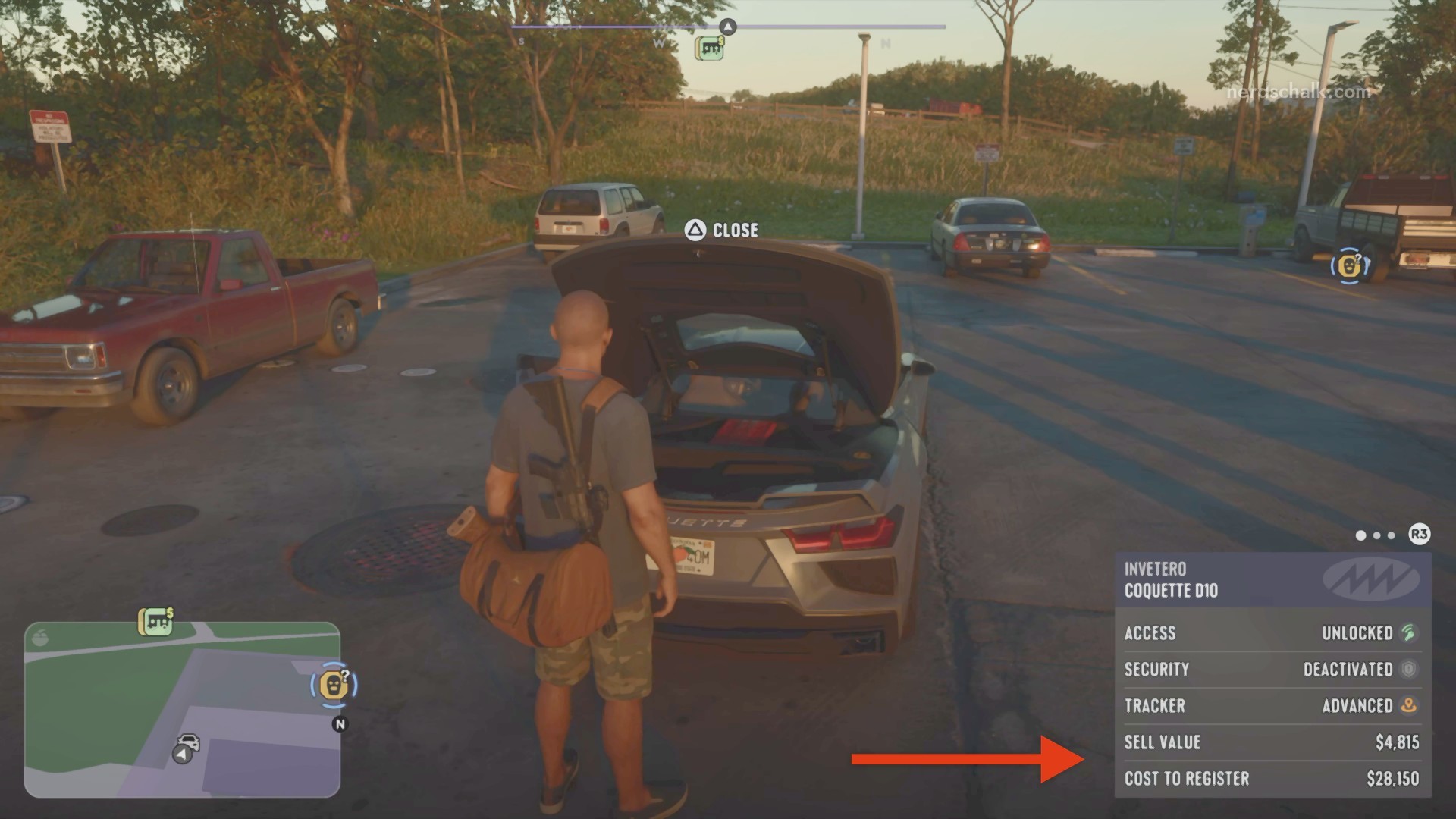
You can open the trunk to inspect the car’s details, then close it when you’re done.
releaseNovember 19, 2026platformsPlayStation 5, Xbox Series X|SeditionsStandard Edition, Ultimate EditionratingsUS: ESRB M (Mature 17+); Europe: PEGI 18
Related Grand Theft Auto VI guides



Leave a Reply