
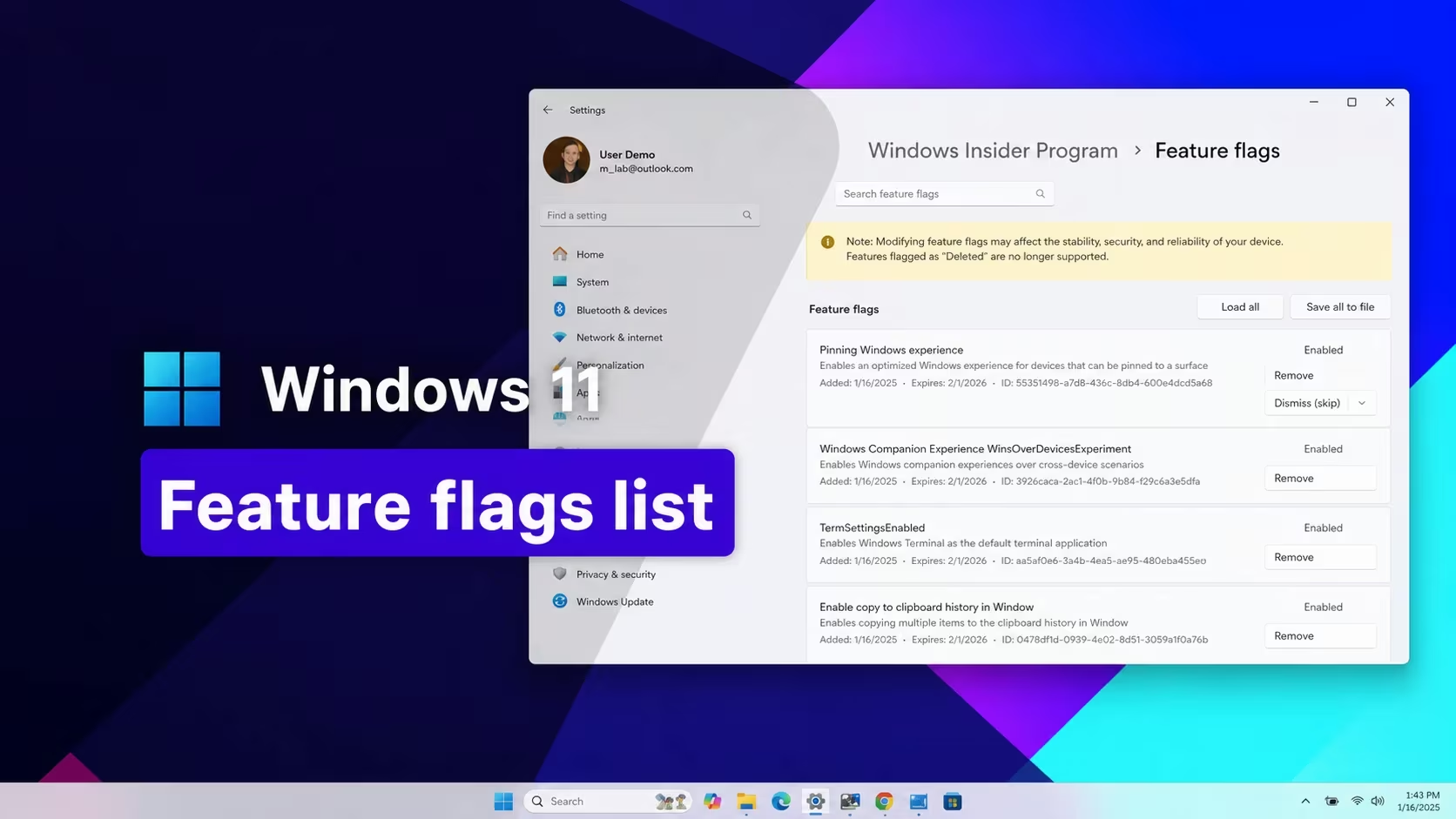
Windows 11 ships a lot of features to Insiders and general users in a staged rollout, and Microsoft controls that rollout with numeric feature IDs hidden inside the operating system. Enter the right ID with the right tool and you can switch on a feature before it reaches your device through the normal update channel, everything from Start menu redesigns to Taskbar tweaks and File Explorer changes.
Working Windows 11 codes
These feature IDs are currently active, so you can flip them on right now if your build supports them.
61161244
September 2026 update feature bundle
New
61754985
New Start menu resize and customization settings
New
62762248
New Windows Search settings
New
59213768
Taskbar positioning in Settings (top, left, right, or bottom)
New
60813048
Customizable context menu settings
New
61090762
Option to make the Taskbar smaller
New
59728252
Modern boot-style animation on sign-in, shutdown, and restart screens
New
27829265,61457898
Modernized mouse pointer indicator with a “keep indicator visible until dismissed” option
New
61160789
August 2026 update feature bundle
58989177
July 2026 update feature bundle
58989092
June 2026 update feature bundle
58989092,60716524,48433719,61391826
Low Latency Profile, a short processor speed boost that shortens app launch times
58989070
May 2026 update feature bundle
58989021
April 2026 update feature bundle
58989002
March 2026 update feature bundle, including the network speed tester, camera pan and tilt, and Extract All support for non-Zip archives
57741219
Redesigned Protected Print Mode dialogs in Settings
55994763
New Widgets settings page
58988972
February 2026 update feature bundle
57048237
December 2025 update feature bundle
59162732,55994763
Widgets redesign
41356296
New Taskbar auto-hide animation
45690266
Cloud file search inside File Explorer
59265307
Redesigned About page in Settings
57882334
Share any open Taskbar window
53343270
Device info card in Settings, currently limited to the United States
57048231
November 2025 update feature bundle
47205210
Single-page redesigned Start menu
48433719
Battery percentage display on the Taskbar icon
57048226
October 2025 update feature bundle
57048218
September 2025 update feature bundle
57048216
August 2025 update feature bundle
61754985,61225604,61596616,61596617,61596618,61596619
New Start menu resize and customization settings
51406324,60288851,48433719,58989092,58989177,61160789,61161244,61161268,61161283,61161304,61754985,61225604,61596616,61596617,61596618,61596619
Enables Administrator Protection in Windows Security
61014711
Turns off the new KB, MB, and GB file-size display in File Explorer’s Details view
How to redeem codes in Windows 11
These IDs don’t go into a text box inside Windows itself. You flip them on with a small command-line tool called ViVeTool, which talks directly to the feature flag store Microsoft uses to stage rollouts.
cd command.vivetool /enable /id:61161244, and for a combo of IDs separate them with commas, for example vivetool /enable /id:58989092,60716524,48433719,61391826.You’ll know it worked when the described change shows up, a new Settings page, a different Taskbar behavior, or a redesigned dialog exactly matching what the ID is meant to unlock. If nothing changes after a restart, that feature ID likely doesn’t apply to your current build.
Expired Windows 11 codes
This pair of IDs stopped working on its own because Microsoft folded it into a newer, complete combination.
60716524,61391826
Replaced by the full stable Low Latency Profile combination
How to get more Windows 11 codes
Microsoft attaches new feature IDs to almost every Insider Preview build and every monthly cumulative update, so fresh ones show up on a rolling basis rather than a fixed schedule. Checking your Windows Update history and the release notes tied to each build is the most reliable way to spot IDs as soon as they land.
Tip: Not every feature ID works on every build or edition. If a code does nothing after you enable it and restart, it’s tied to a version of Windows 11 you’re not currently running.
Turning these features on early lets you try Start menu and Taskbar changes, File Explorer updates, and Settings redesigns well before they reach your device through the normal update process, all without waiting on Microsoft’s staged rollout timeline.






Leave a Reply