
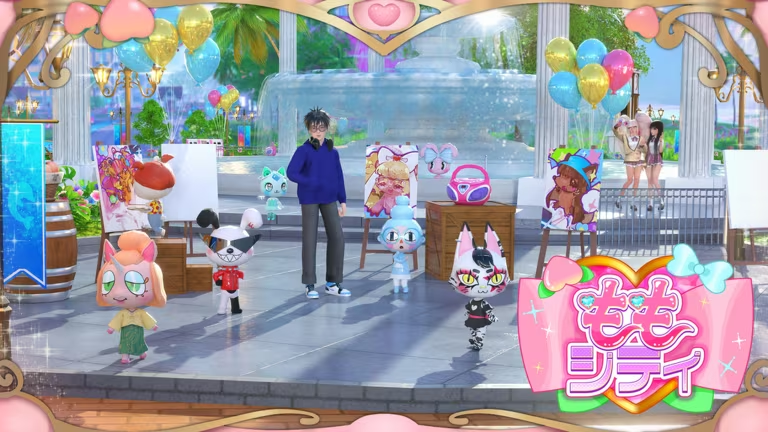
Momo City is a Roblox life-simulation game where you customize an avatar, decorate spaces, and hang out with friends. Codes here typically hand you Gacha Tickets, Moni (the game’s currency), and cosmetic sets like pajamas, hairstyles, and holiday outfits.
Working Momo City codes
Type these into the code box exactly as shown below, since Momo City codes are case-sensitive.
1STEVENT!
20 Gacha Tickets
New
CLASSICBABY20
Annoying Crying Baby outfit for both avatar genders
20ROBUXTICKETS
20 Gacha Tickets
CLASSICNOOB20
Mascot outfit for female and male avatars
SORRYWEWILLSWIMWITHTHEFISHES
10,000 Moni
IYAIYAYAA!
Shy Hamster PJ set, matching slippers, and the Baby Beetle Bag for both genders
UNAYAHAUNA!
Silly Bunny PJ set, slippers, and The Great Meal Bag for both genders
TAPUSTAYAY!
Brave Cat PJ set, slippers, and the Friends Forever Camera for both genders
FISHPOW
Fishpow hairstyle and matching bucket hat for male avatars
10GACHATICKETS
10 Gacha Tickets
SORRYABOUTTHEMCOINS
5,000 Moni
ALPHAPHASEMC
5 Gacha Tickets
MERRYUNA!
Ugly Turkey holiday sweater for female and male avatars
MOSHIMOSHI
Moshi Moshi school uniform, cardigan, keychain, earrings, and beach nails for female avatars
1MVISITS
10k Moni
1STEVENT
5 Gacha Tickets
How to redeem codes in Momo City
You’ll need to get past the intro tutorial before the code box unlocks, so make sure that’s out of the way first.
You’ll know a code worked when the reward lands directly in your Moni balance or inventory, with outfit pieces appearing in your wardrobe ready to wear right away. If nothing happens after you hit Claim, check that you typed the code exactly as it appears, including the exclamation marks and capitalization, and try again.
How to get more Momo City codes
New codes tend to show up around in-game events, milestones like visit counts, and holidays, so it’s worth checking back whenever one of those rolls around. The developers post fresh codes through the game’s own official channels rather than anywhere else, so those are the places to watch.
Join the official Momo City Discord server for announcements, or follow the game’s Roblox community page for updates tied to the experience itself.
Why didn’t my code work?
Most failed redemptions come down to a typo. These codes mix capital letters, numbers, and exclamation marks, so retype the code carefully rather than relying on autocorrect or memory.
Every code above was working at the time this list was checked, so grab the ones that interest you before jumping into your next Momo City session.




Leave a Reply