
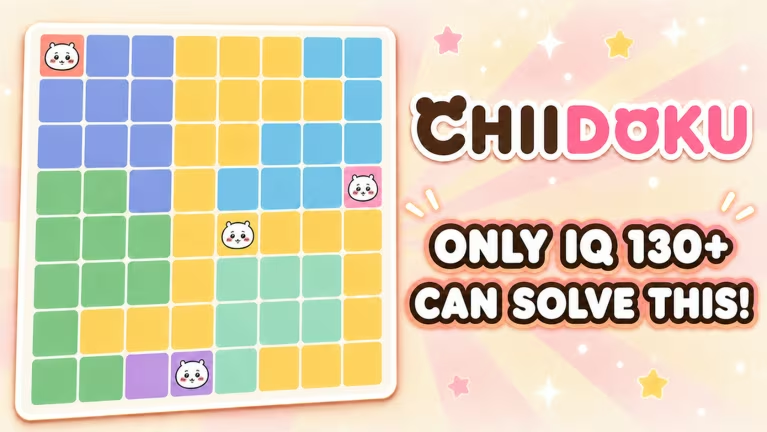
Chiidoku is a Roblox puzzle game where codes are the fastest way to pad your coin balance without grinding through levels. You punch them into a redemption window on the main screen, and any working code adds coins straight to your total.
Working Chiidoku codes
There are no active codes for Chiidoku at the moment. Once the developer drops a fresh batch, you’ll find them listed here right away, so it’s worth checking back rather than trying to guess at one.
How to redeem codes in Chiidoku
Redeeming a code in Chiidoku only takes a few taps once you know where the button lives. Follow these steps in order and pay close attention to how the code is written.
How to get more Chiidoku codes
New codes for Chiidoku typically show up alongside updates or milestones, so the best way to catch them early is to keep an eye on the game’s own channels rather than waiting for word to spread. Following the Chiidoku experience page on Roblox and joining its official Roblox community puts you in front of announcements as soon as they’re posted.
Once a new code is confirmed working, it gets added here, so a quick check back is usually all you need.
Are Chiidoku codes free?
Yes. Every code is released by the developer at no cost and simply adds coins to your account when redeemed successfully.
Why won’t my code redeem?
A code that doesn’t add coins after you hit Redeem has usually been typed incorrectly or has already expired. Retyping it carefully, matching spacing and capitalization exactly, clears up most failed attempts.
Codes for Chiidoku don’t last forever, so redeeming one the moment it’s confirmed working gives you the best shot at claiming the coins before it gets pulled.





Leave a Reply