

QUICK ANSWER
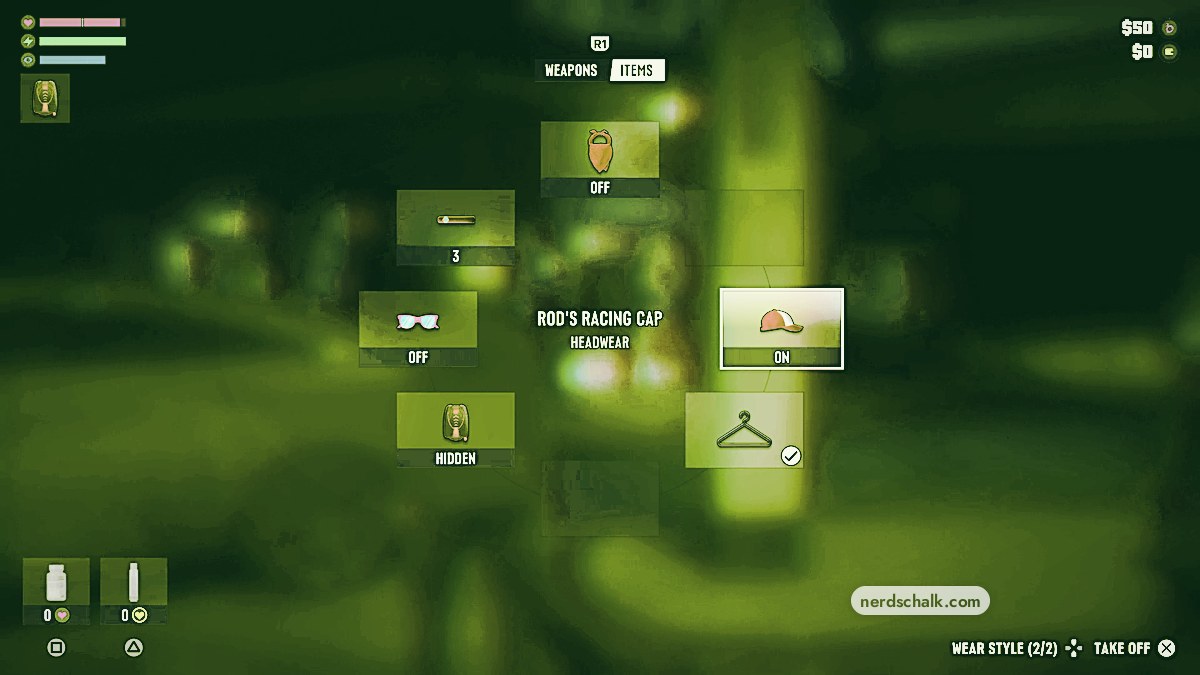
To wear a Face Wrap in Grand Theft Auto VI, open the weapon wheel, press R1 for Items, select Face Wrap under Masks, and set it to ON.
The Face Wrap is a wearable mask in Grand Theft Auto VI, controlled through your item wheel. Selecting it and changing its setting to ON handles the equipment choice. The game’s listed platforms are Xbox Series X|S and PlayStation 5.
tabITEMScategoryMASKSitemFACE WRAP
How to wear a Face Wrap in Grand Theft Auto VI
STEP 1
Open the Items tab
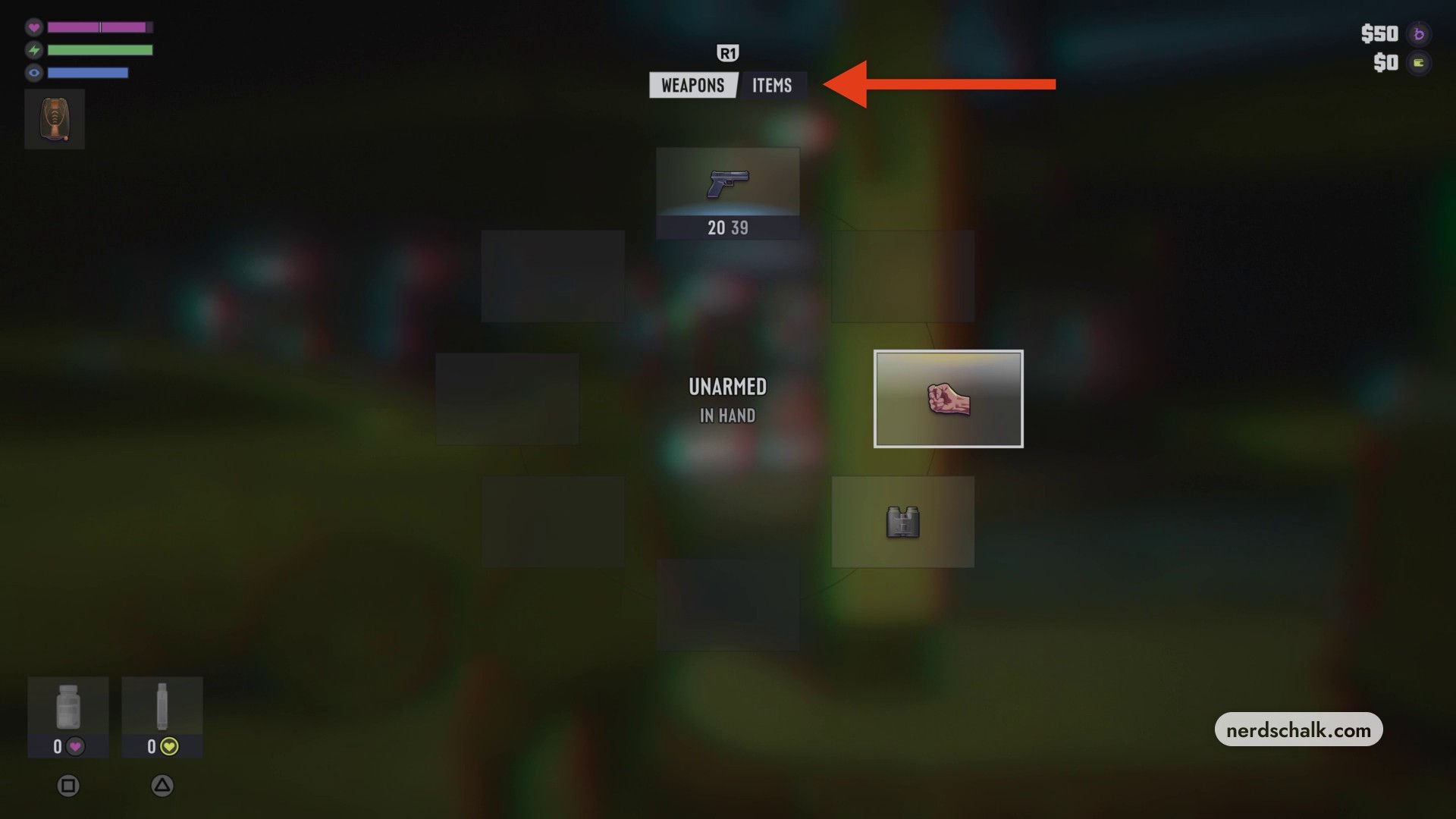
Bring up the weapon wheel, then press R1 to switch to ITEMS.
STEP 2
Select the Face Wrap
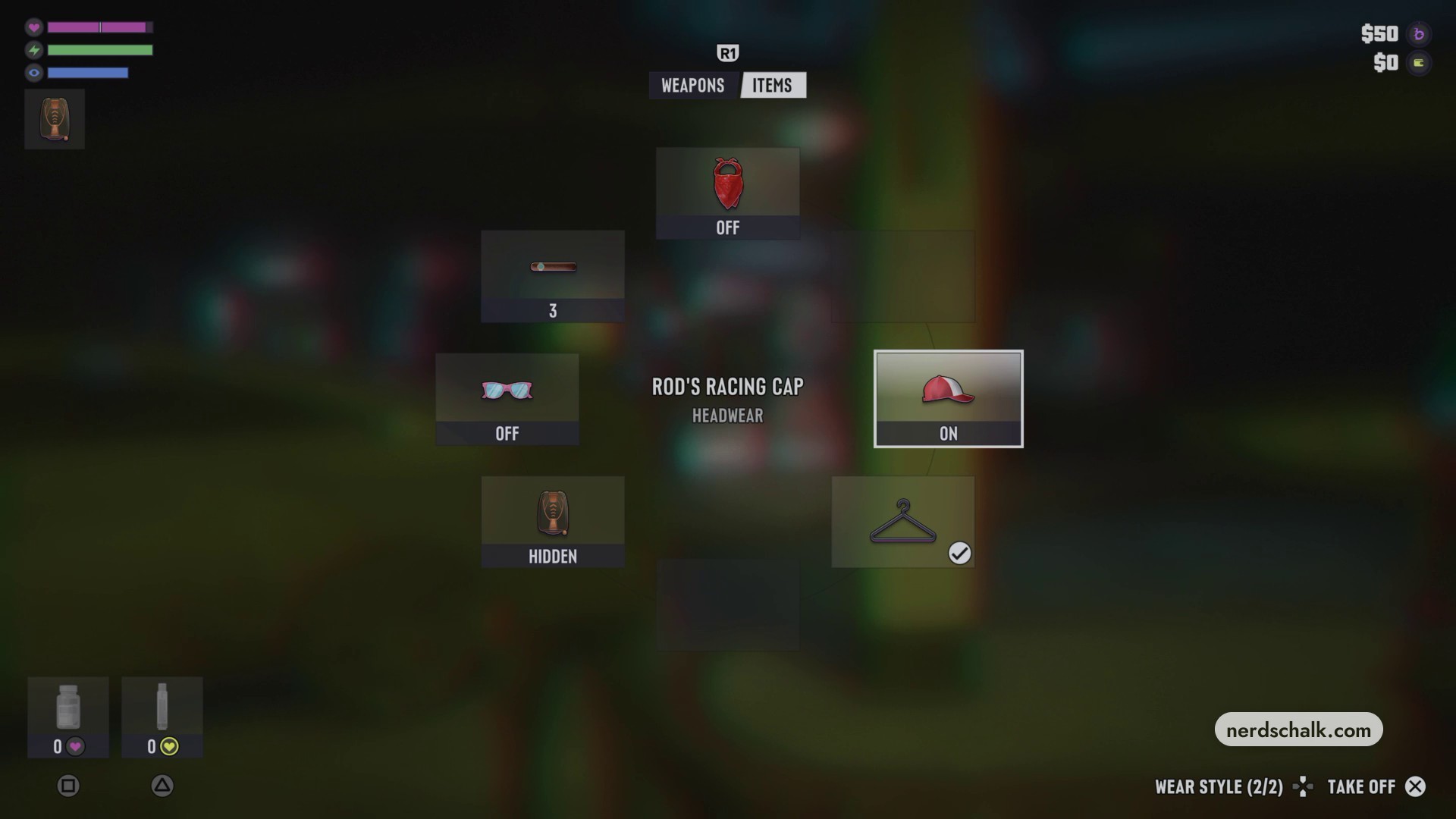
Highlight FACE WRAP in the uppermost slot under MASKS, then change its setting to ON.
STEP 3
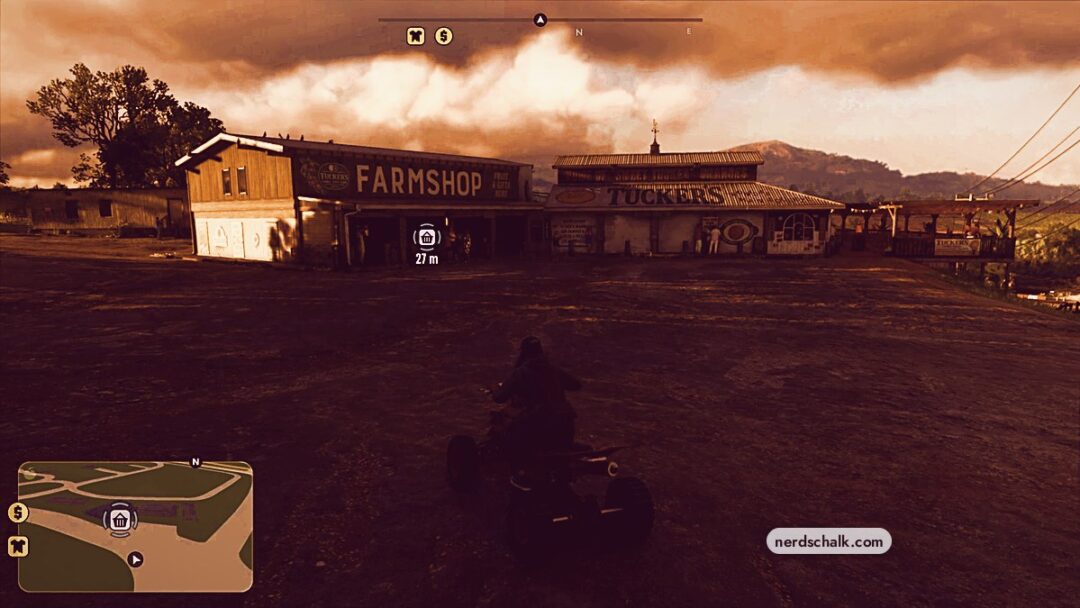
Approach the store entrance
With the mask equipped, walk toward the convenience store entrance.
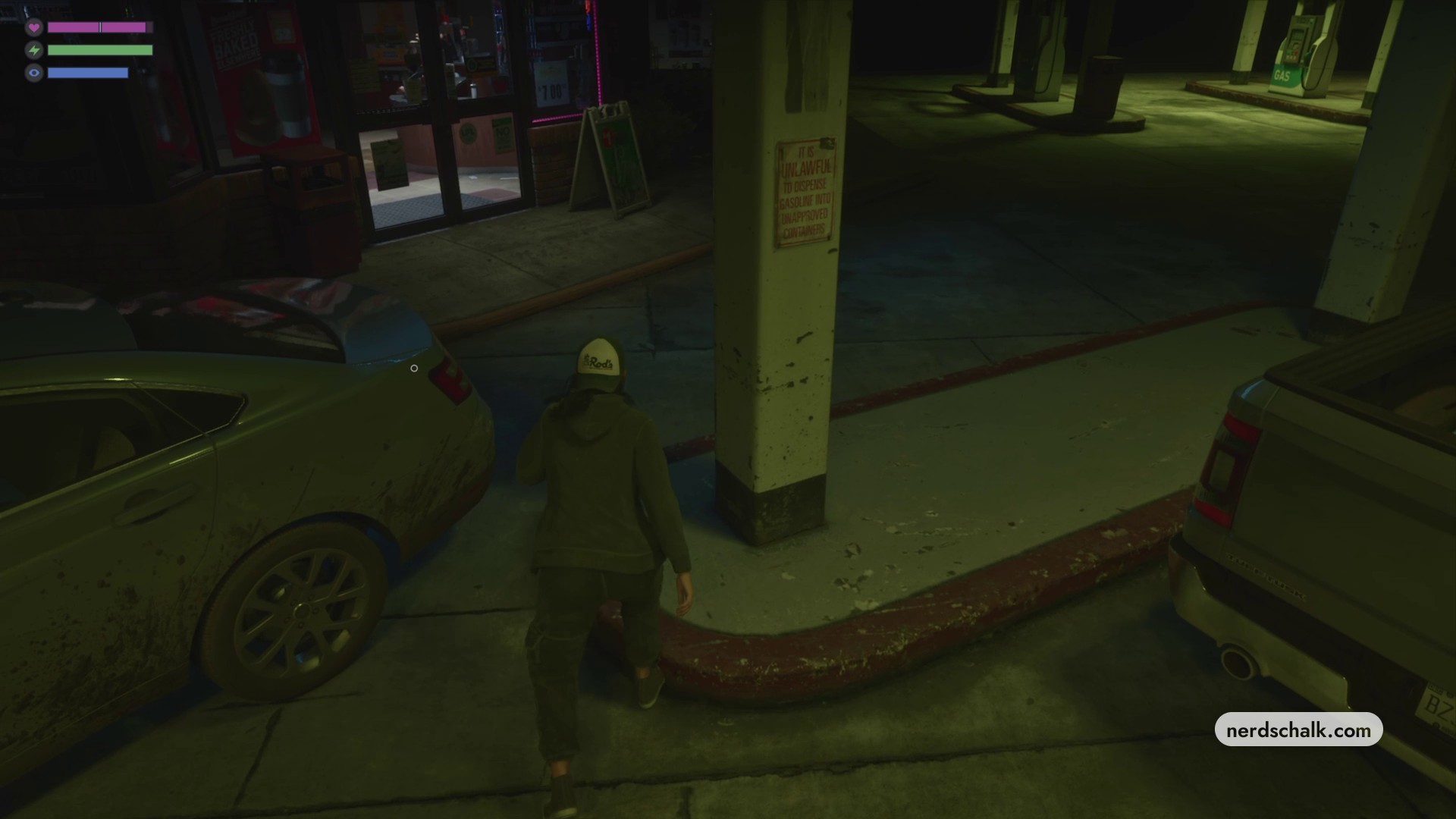
Don’t miss thisClose the wheel menu to finish wearing the maskAfter selecting ON, return to gameplay before walking toward the store entrance.
Related Grand Theft Auto VI guides

Leave a Reply