

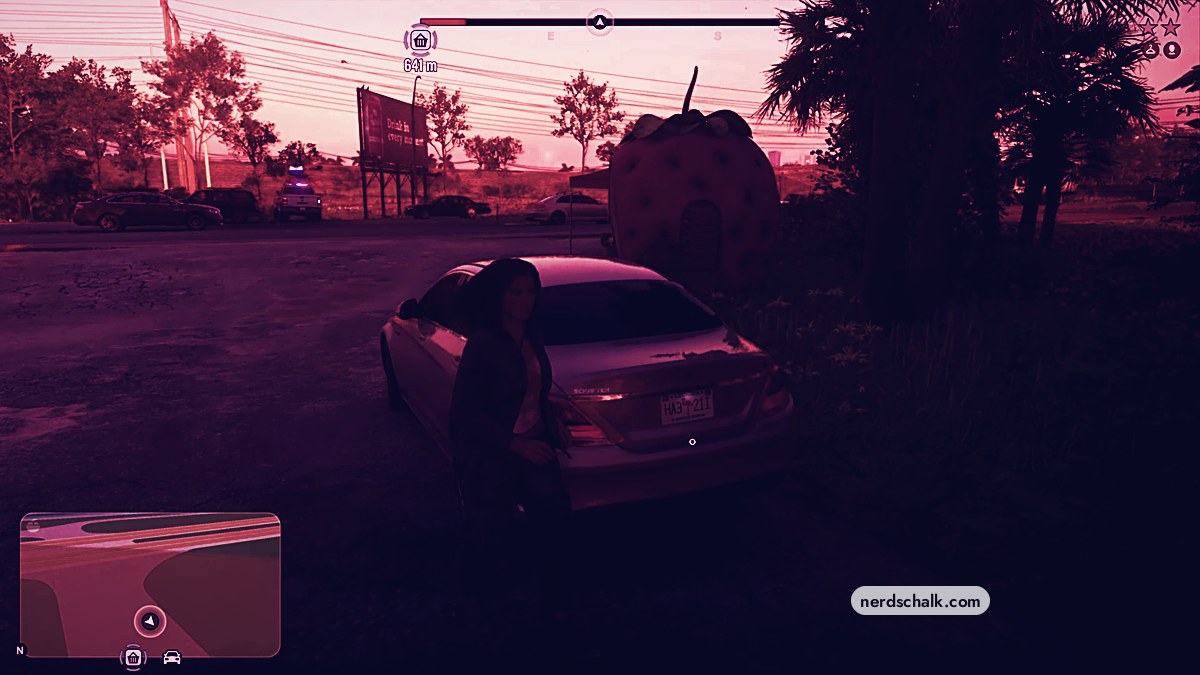
Select BREAK IN at the trunk lock, rotate the right stick until the lock circle fills, then collect the contents.
Car trunk lockpicking in Grand Theft Auto VI lets you access the items stored inside a locked trunk. The vehicle here is a BENEFACTOR SCHAFTER S, with its security labeled ALARMED. The game is listed for PlayStation 5 and Xbox Series X|S. This guide covers the rear interaction, right-stick controls and collecting the contents.
When collecting a weapon, remember that carrying it visibly may draw police attention while the cops are looking for you.
How to pick a car trunk lock in Grand Theft Auto VI
Approach the rear trunk lock
Walk around to the back of the vehicle and position yourself at the trunk lock.
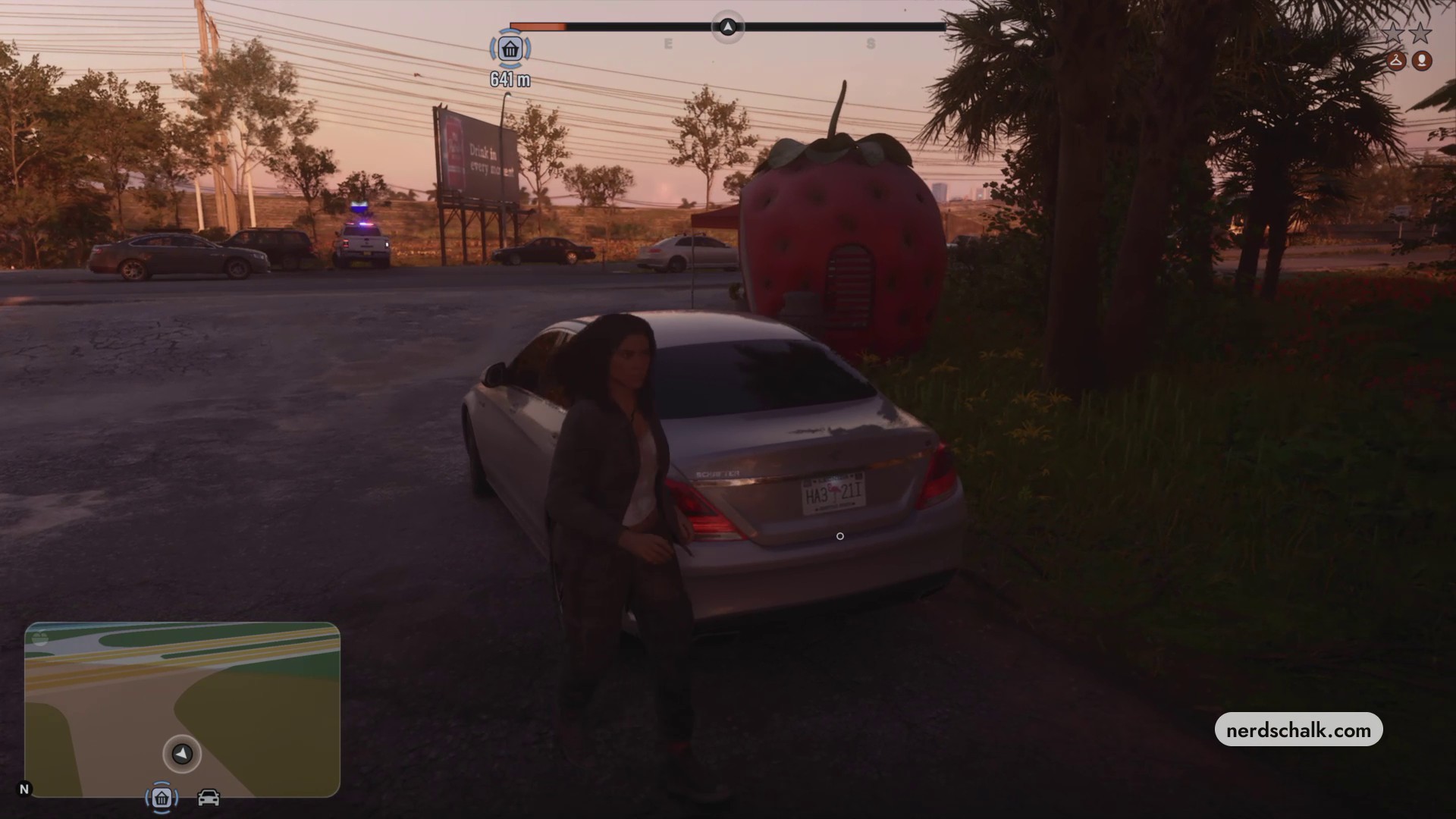
Start the break-in
Activate the BREAK IN prompt at the rear lock to begin lockpicking.
Pick the trunk lock
Rotate the right stick, identified on screen as R, to find the correct position. The lock indicator is purple. The circle fills quickly at the right spot. Continue the lockpicking movement until the circle is full, breaking the lock and releasing the latch.
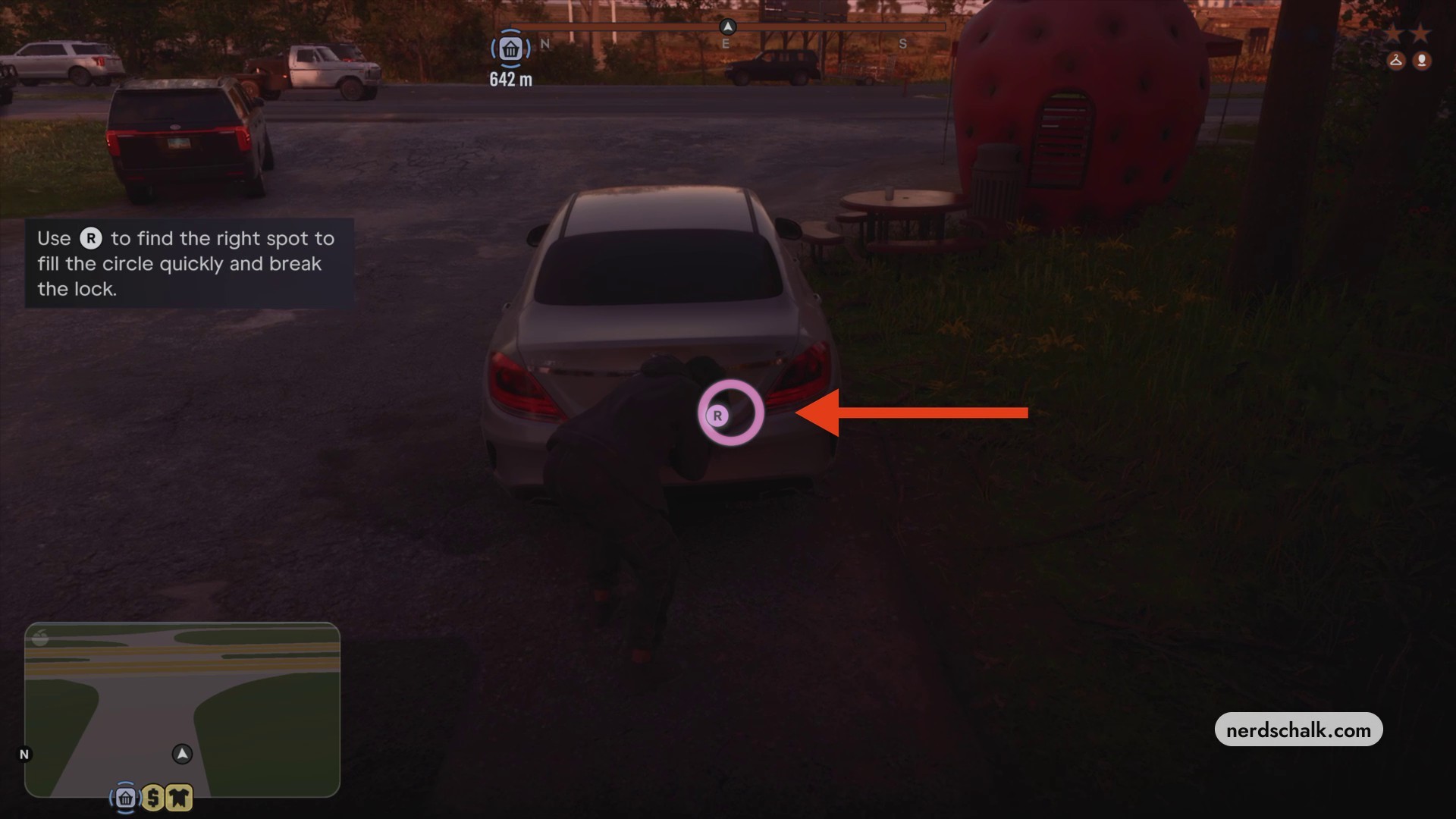
The lockpicking tutorial identifies the input as R; use the right stick to continue picking the lock.
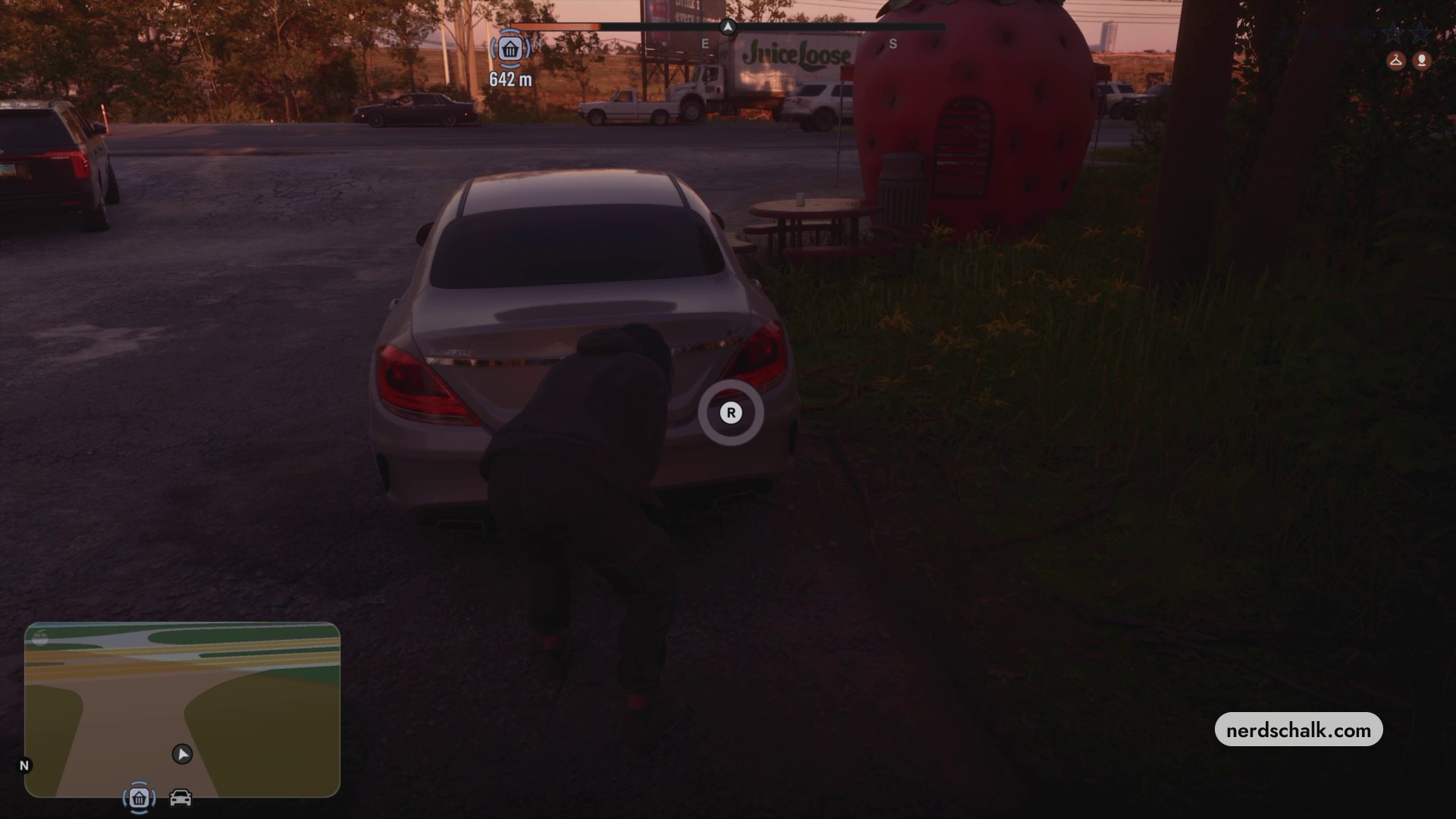
Collect the trunk’s contents
Examine the open trunk and take the available items. Pickups from this trunk include a GIRARDI ES9 PISTOL and a MACIZO CIGAR; an ammunition pickup also displays + SMG Ammo. Neither the pistol nor the cigar is guaranteed loot.
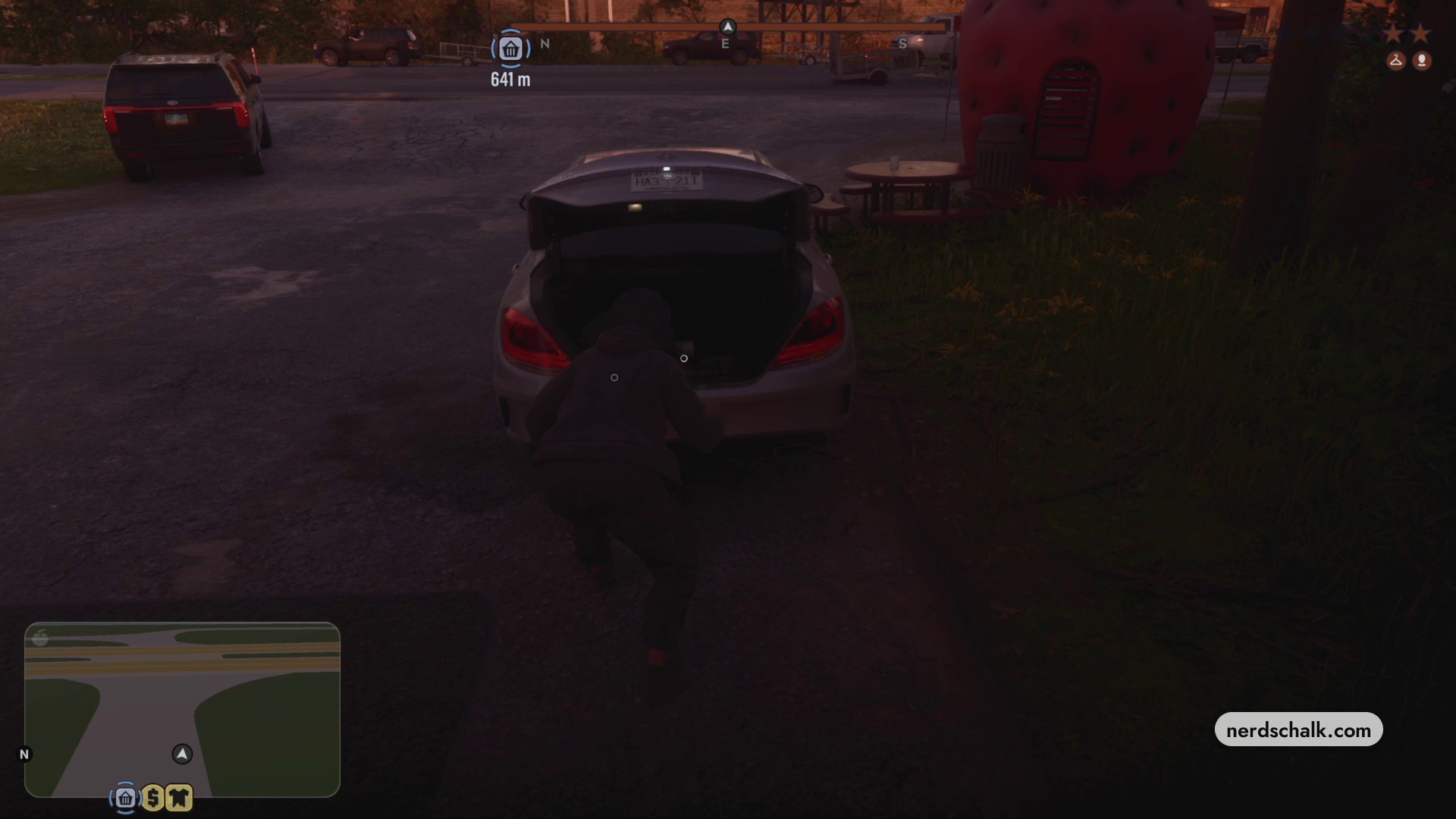
The open trunk displays CLEAR TRUNK as an available interaction; inspect the items inside.
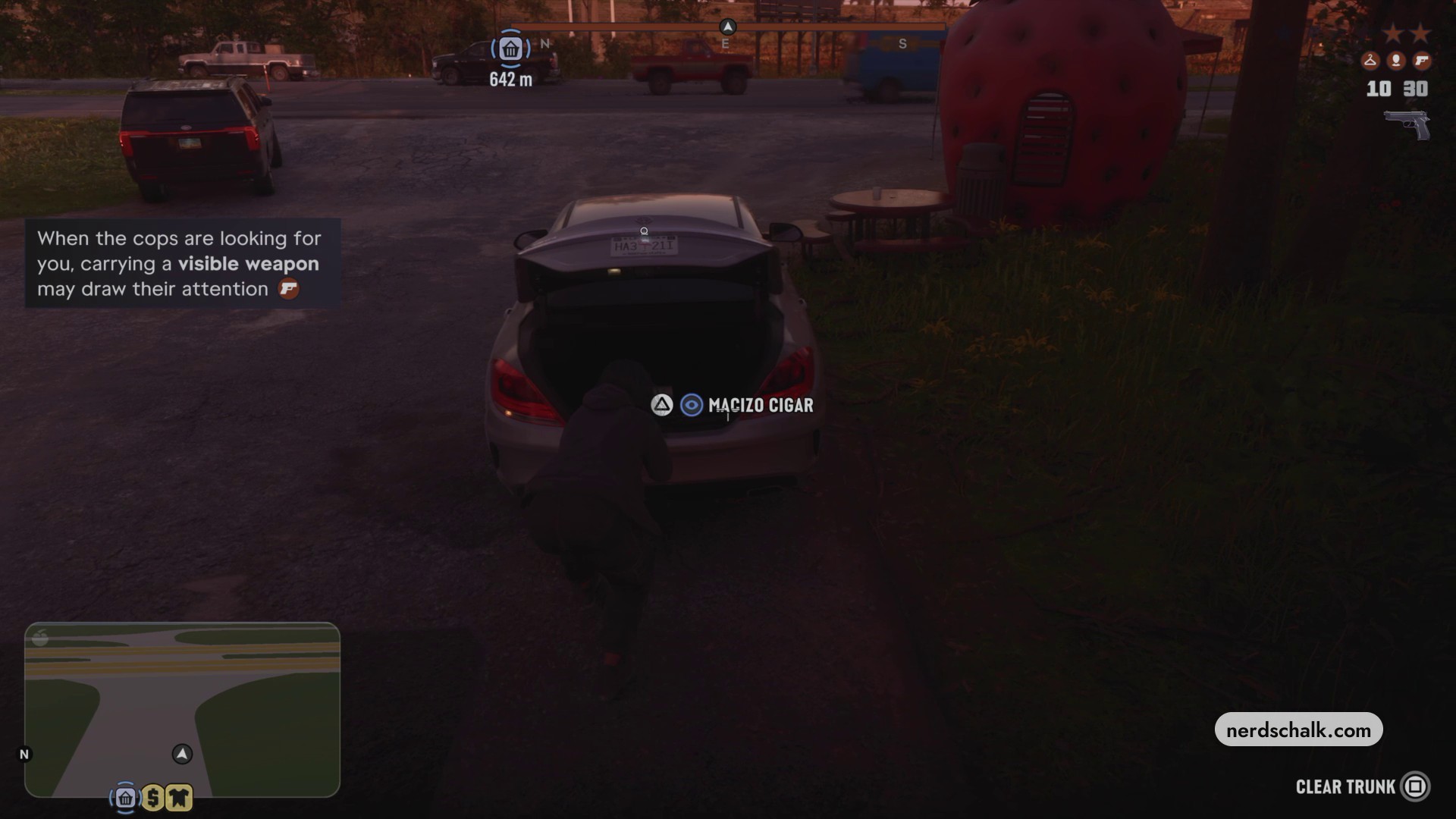
The + Macizo Cigar notification marks the cigar pickup; finish collecting before closing the lid.
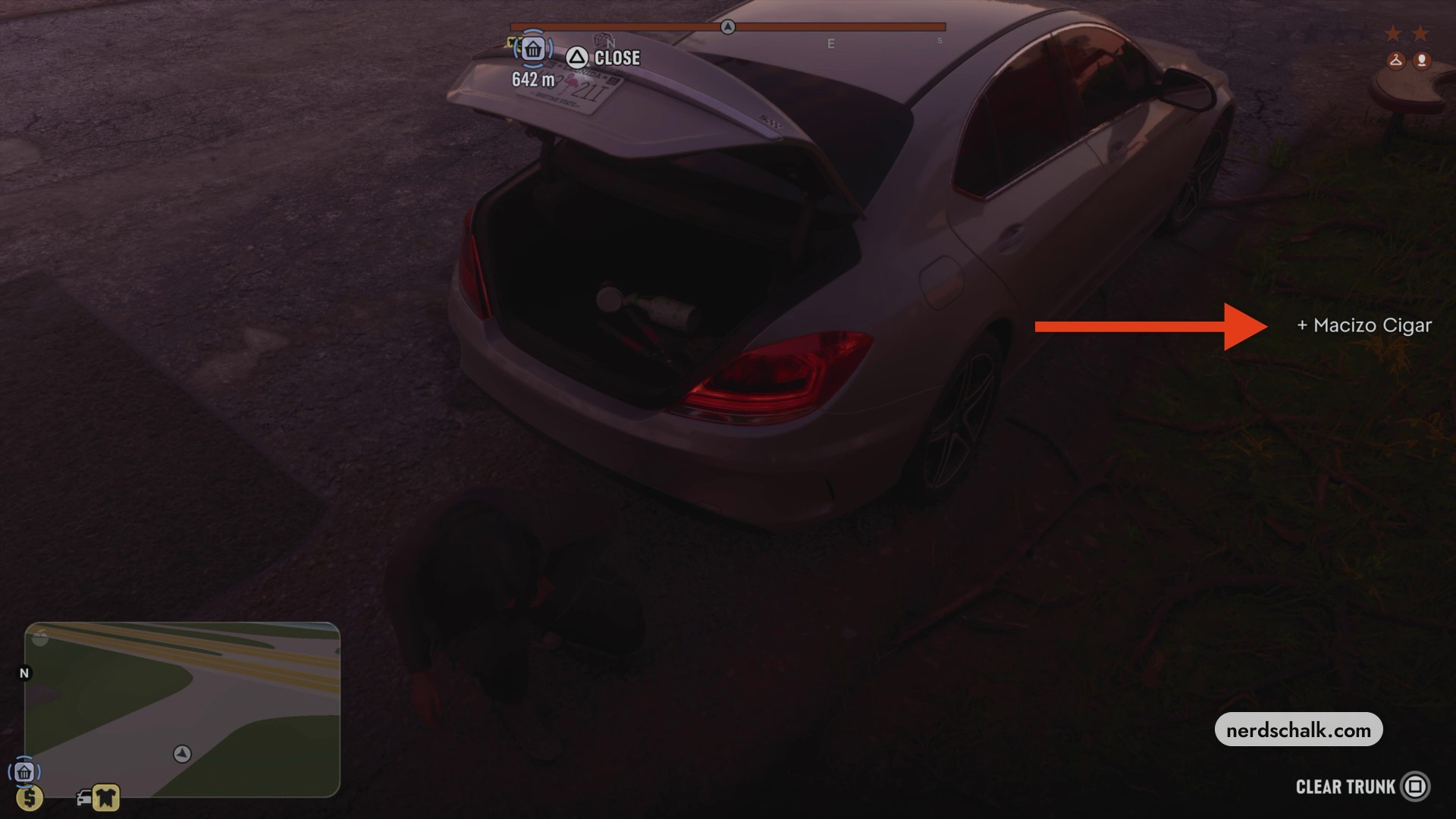
With the latch released, you can collect the trunk’s available contents and close the lid when you’re done.
Related Grand Theft Auto VI guides


Leave a Reply