

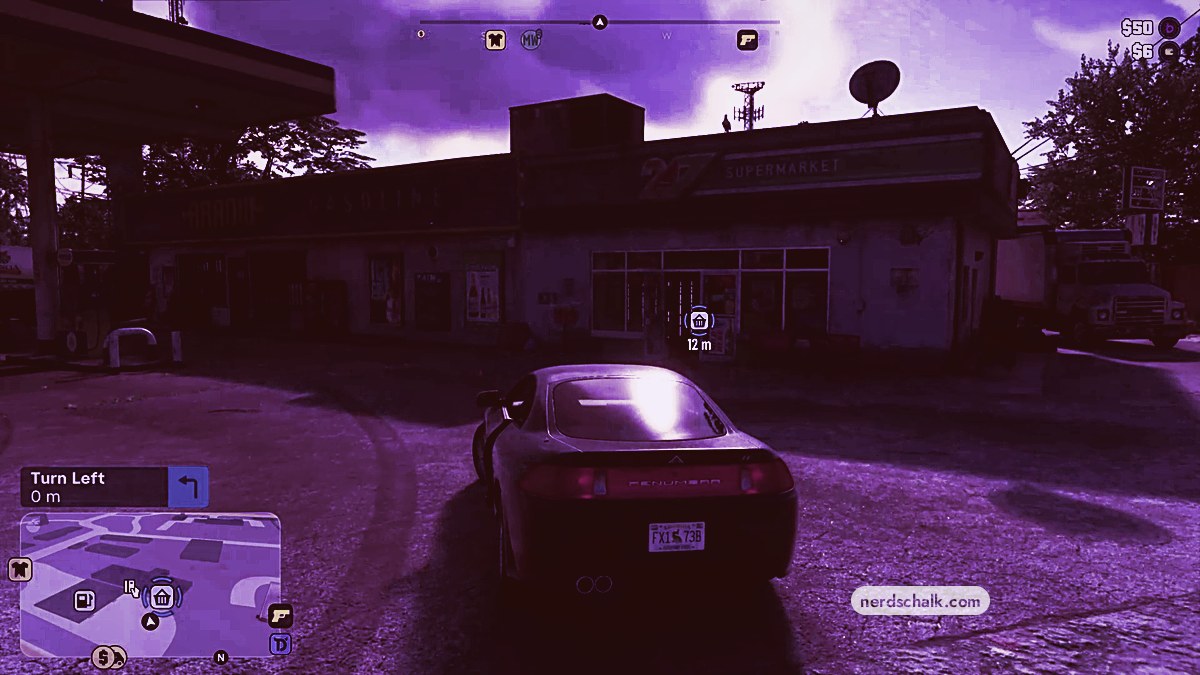
247 Supermarket has parking in the Arrow Gasoline lot in Port Gellhorn; approach south through town to find the gas station complex on your right.
Finding 247 means matching its map listing to the supermarket storefront. Grand Theft Auto VI is listed for Xbox Series X|S and PlayStation 5. This guide covers the entrance, how to browse at the counter, and the displayed item prices.
How to find and enter 247 in Port Gellhorn in Grand Theft Auto VI
Follow the GPS south through town
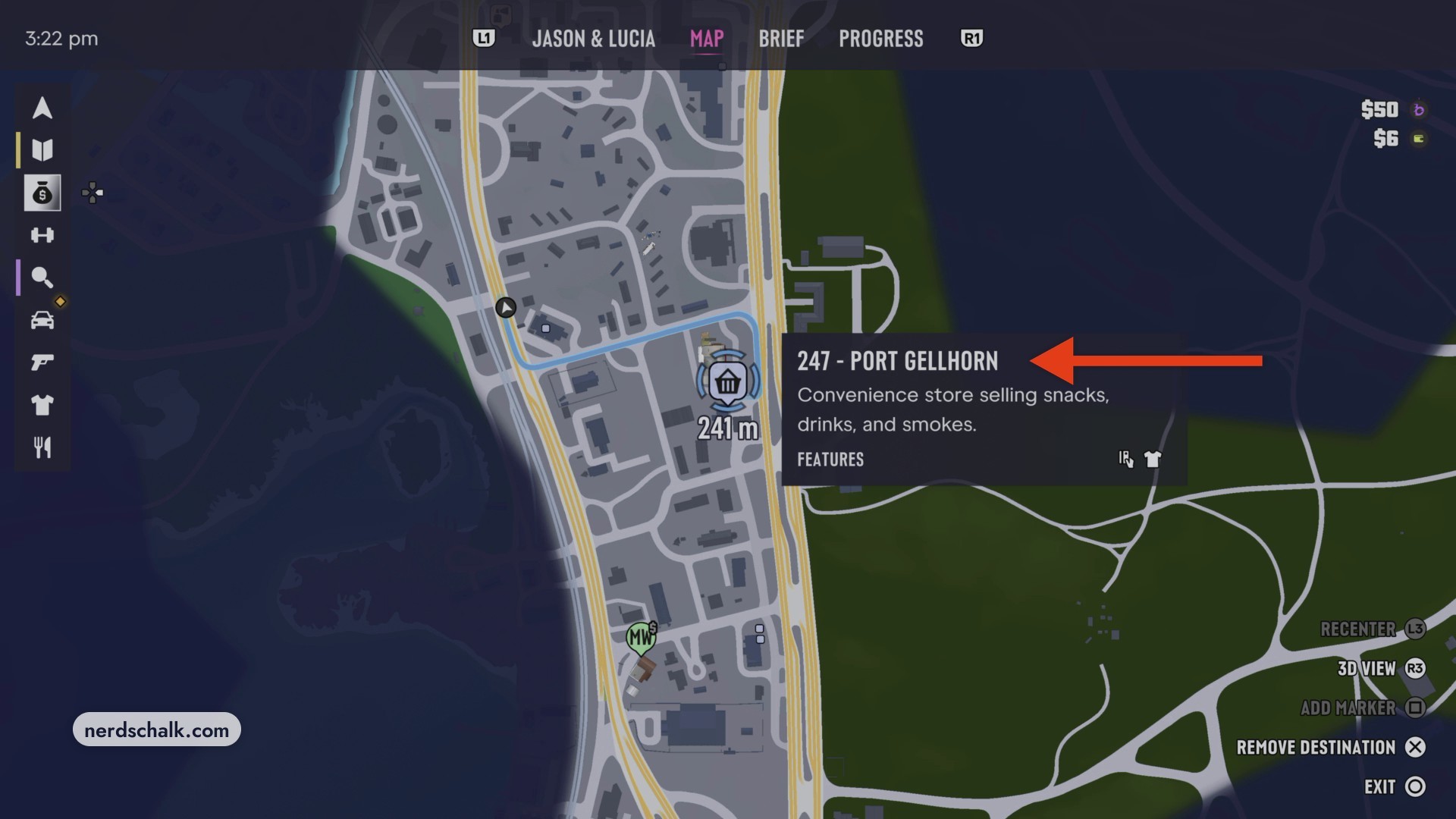
With 247 marked as your destination, follow the GPS south through Port Gellhorn. Take the right turn at the intersection toward the gas station.
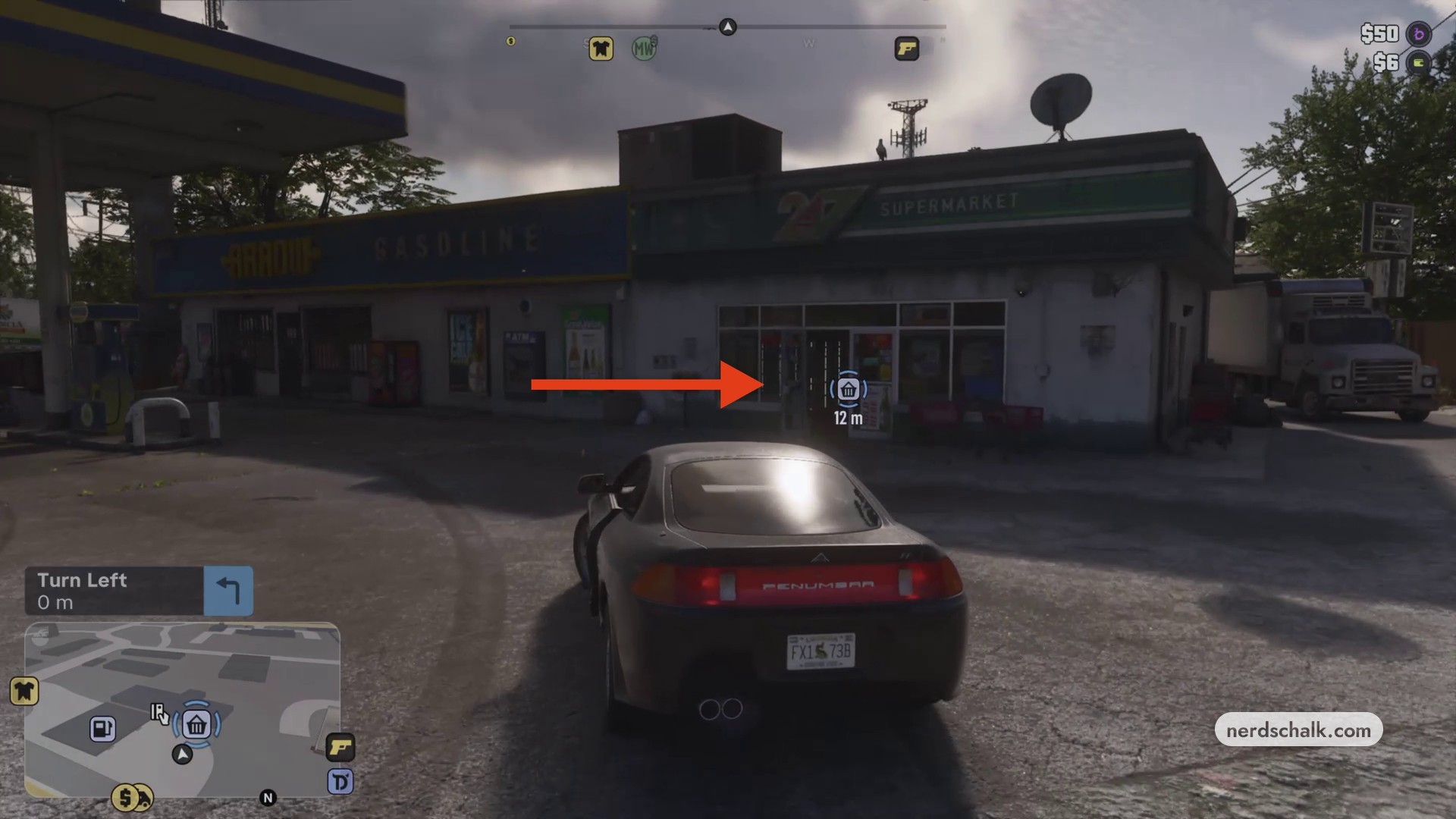
Park outside the supermarket
Pull into the Arrow Gasoline lot and park outside the 247 Supermarket entrance.
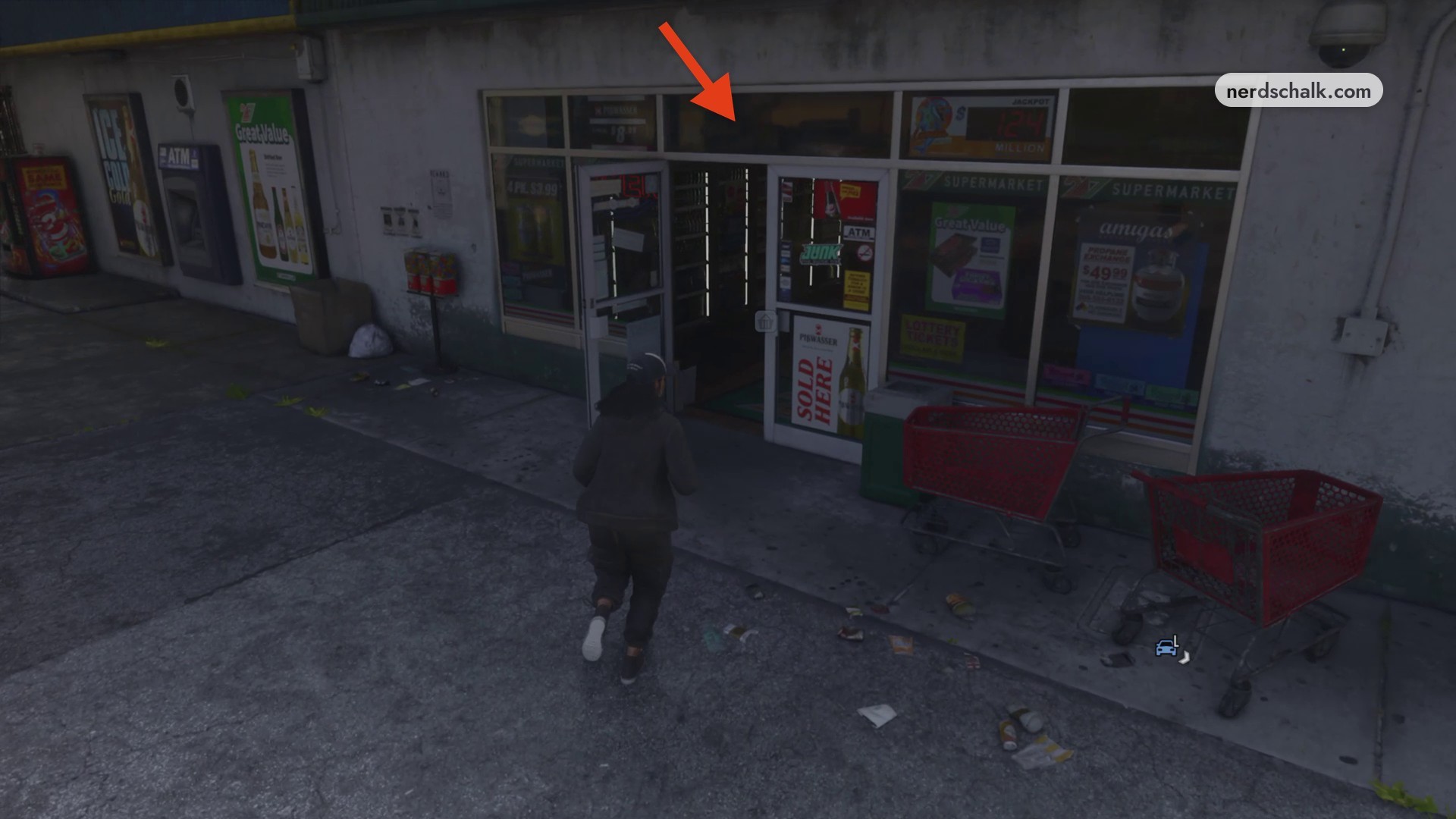
Enter through the front doors
Leave your vehicle and walk through the front glass double doors to enter the store.
Approach the checkout clerk
Walk past the shelves toward the checkout counter, where the clerk stands behind the register.
Browse the counter items
Interact with the employee and select BROWSE to open the counter selection. The interaction also offers GREET.
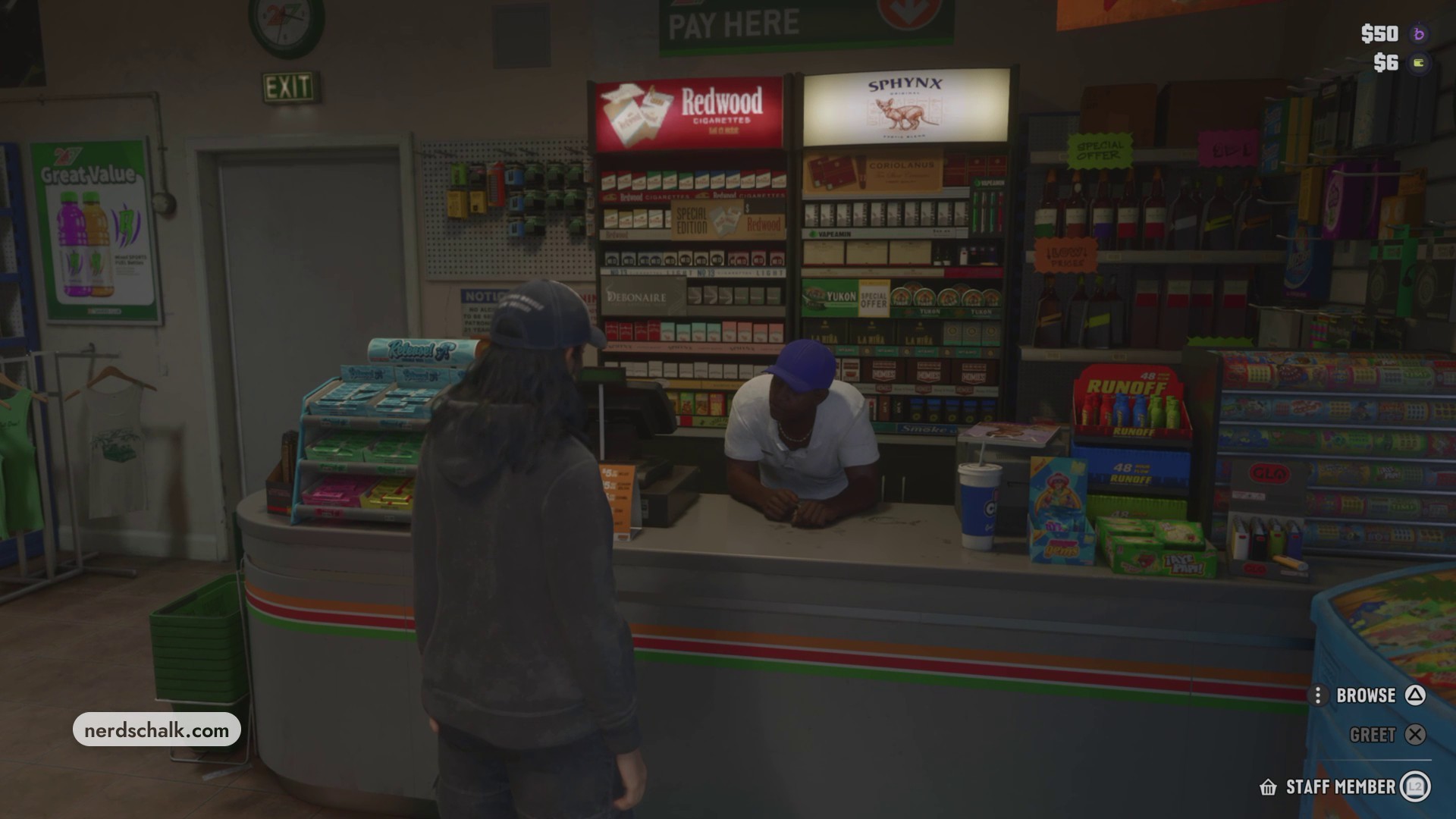
The counter menu shows the listed items for you to inspect.
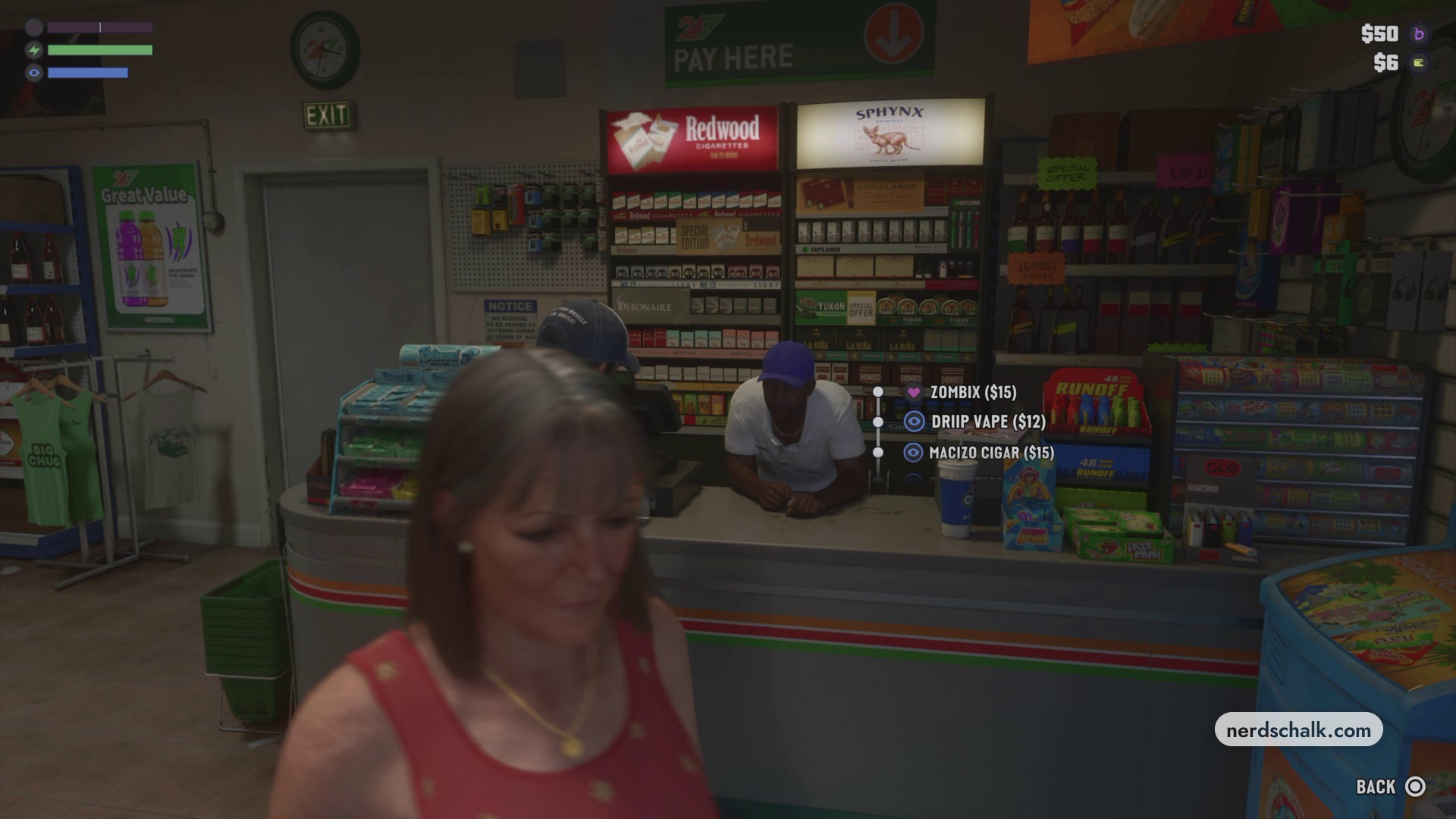
What items and prices are shown inside 247?
| Item | Displayed price |
|---|---|
| Zombix | $15 |
| Driip Vape | $12 |
| Macizo Cigar | $15 |
| Cigarettes | $10 |
| Pet Snacks X10 | $6 |
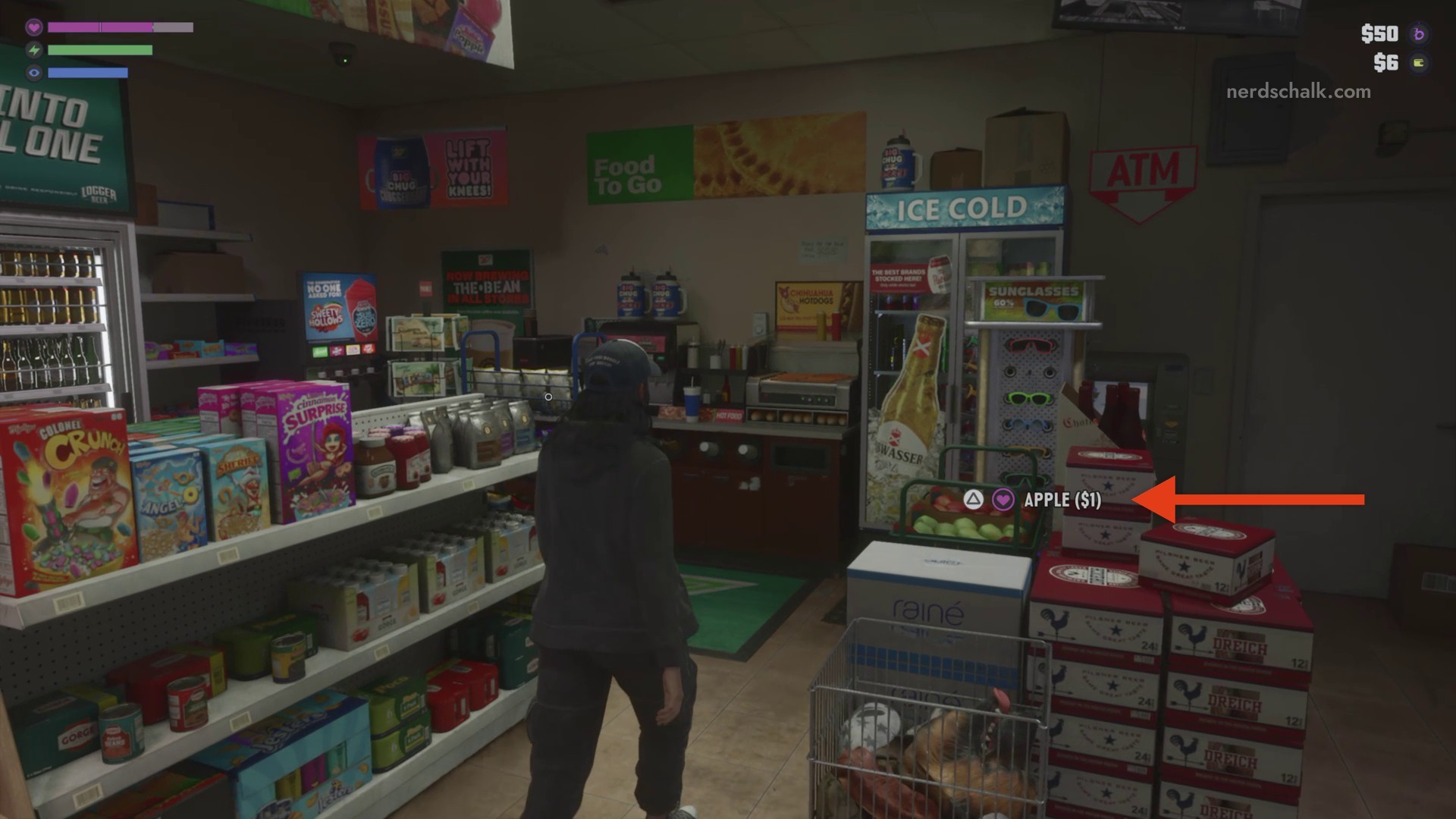
| Apple (interior display) | $1 |
The map categorizes 247 as a convenience store, which sells snacks, drinks, and smokes. Alongside the counter selection, you can find an apple display crate inside the store.
Related Grand Theft Auto VI guides
Leave a Reply