

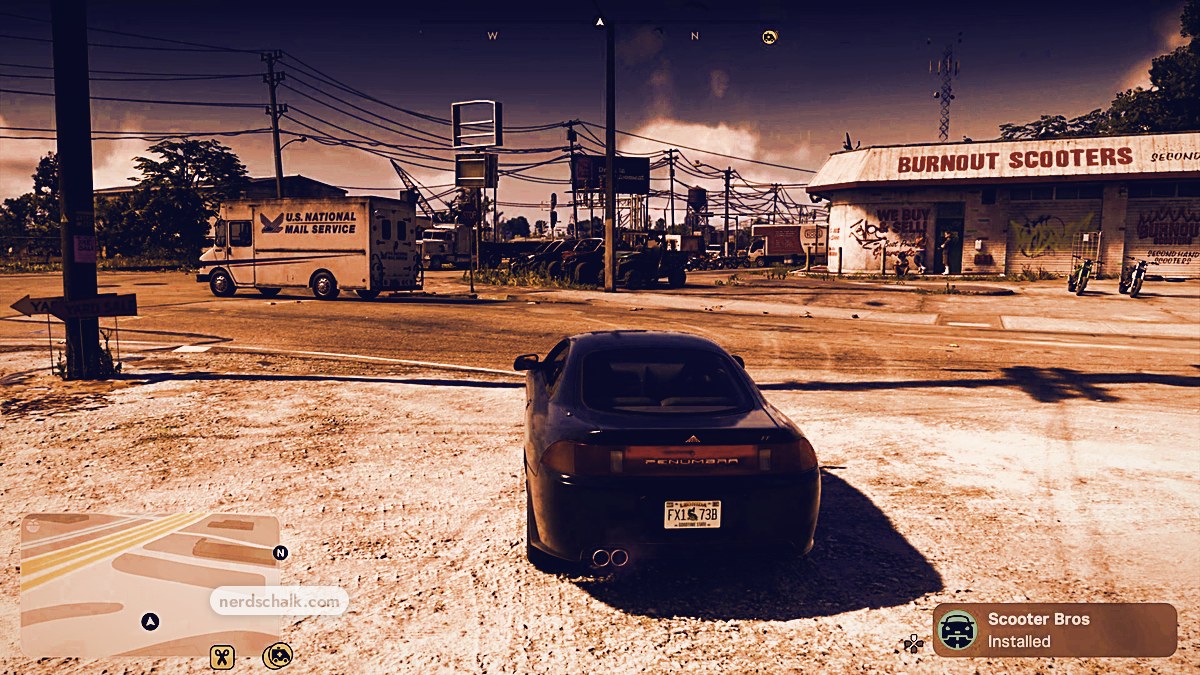
Unlock Scooter Bros by registering your vehicle with Moses at Watkins Auto Parts, then open the app on your phone.
Scooter Bros is a phone app for managing your personal vehicles in Grand Theft Auto VI. It puts your registered vehicle and its management options within reach from your smartphone.
The game’s listed platforms are PlayStation 5 and Xbox Series X|S. Its Indian PlayStation Store listing carries an 18+ age rating.
How to unlock Scooter Bros in Grand Theft Auto VI
Register your vehicle
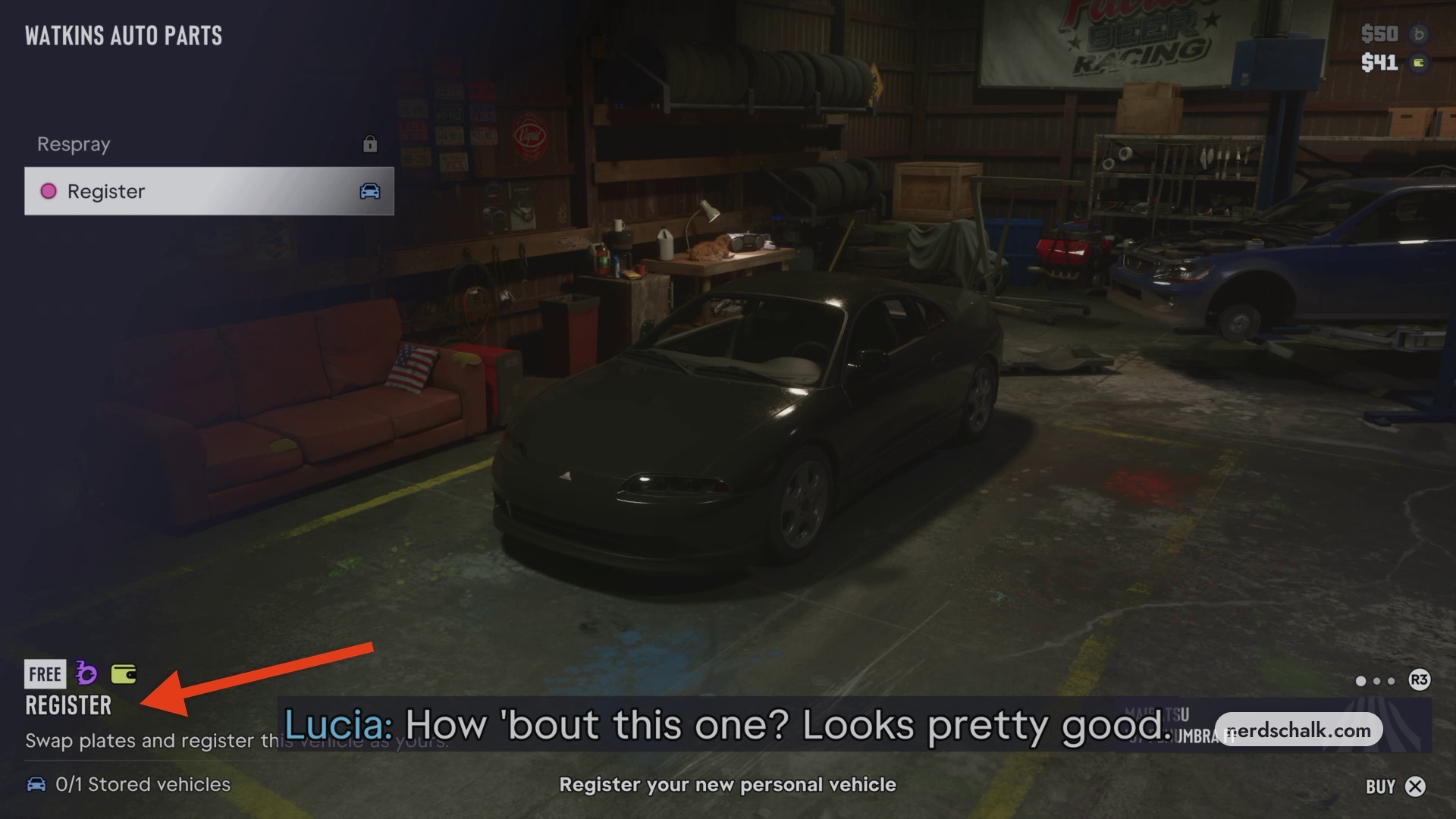
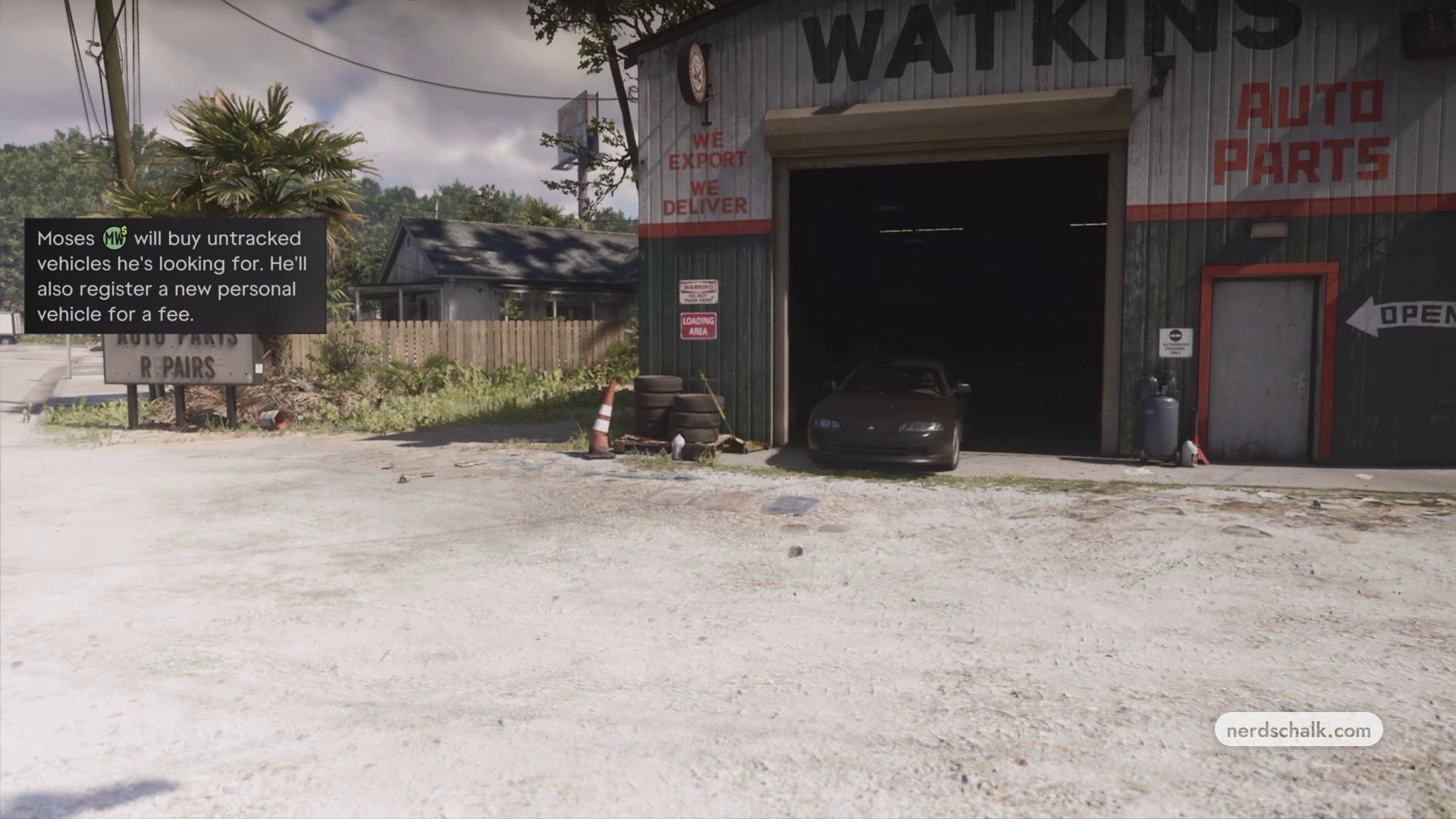
At Watkins Auto Parts, choose Register from the garage menu. Moses handles registration, and the service swaps the vehicle’s plates to register it as yours. The first registration’s free offer sits alongside his fee-based service for registering new personal vehicles. You can also sell Moses an untracked vehicle if it’s one he wants.
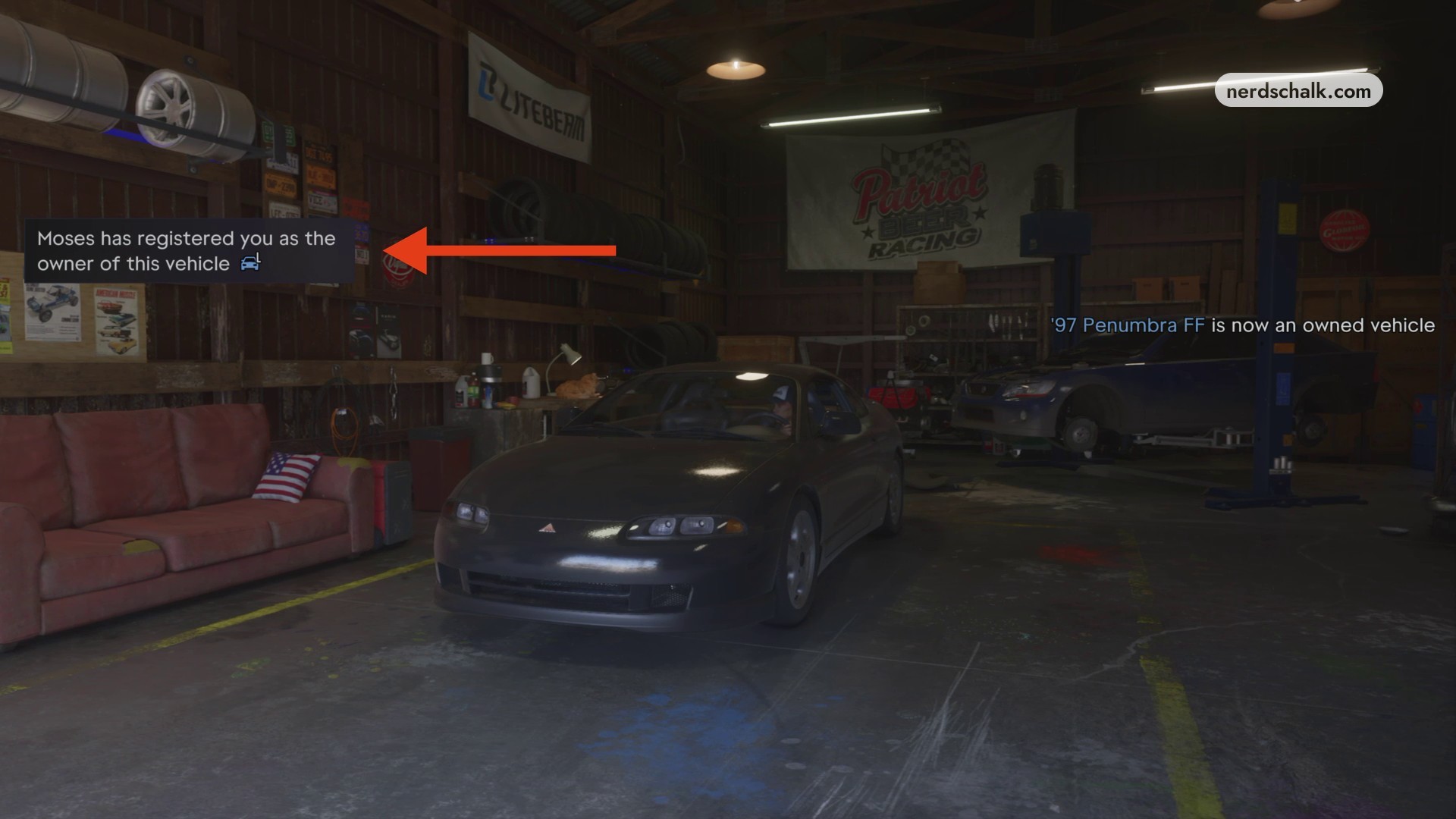
Moses has registered you as the vehicle’s owner, and the ’97 Penumbra FF now has owned-vehicle status.
Drive outside
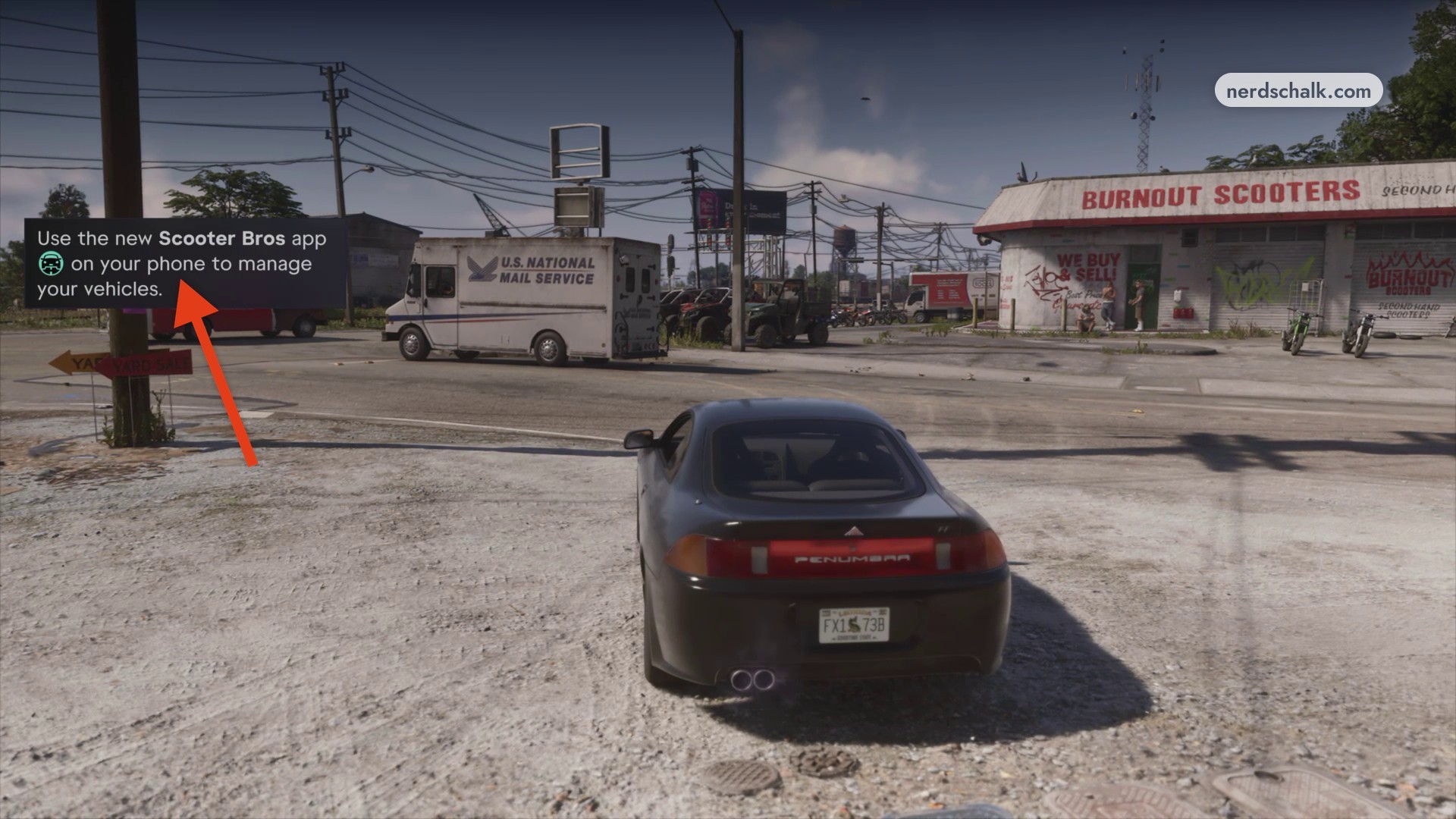
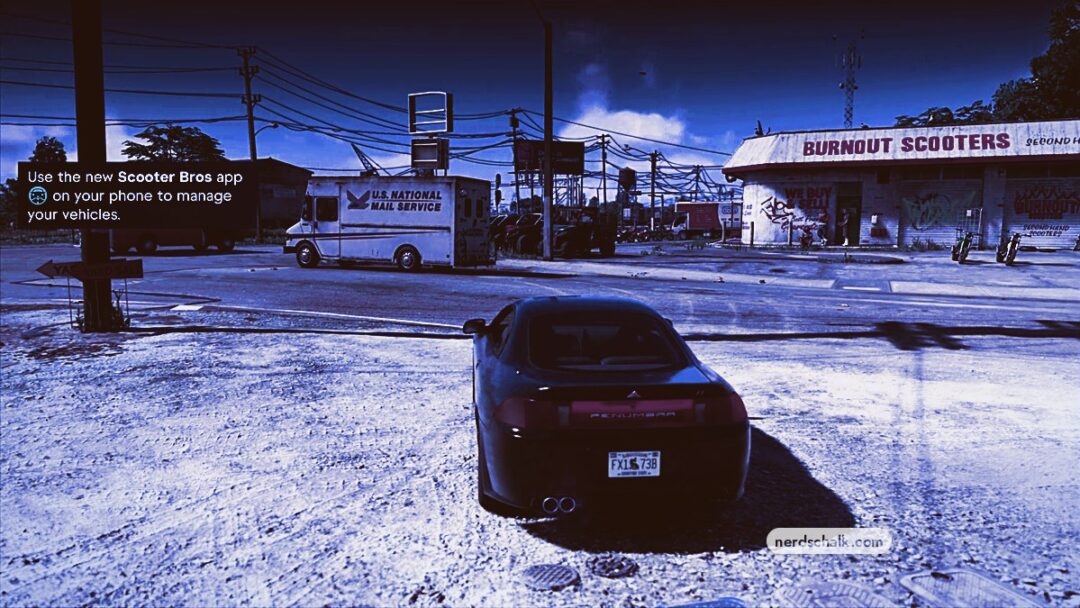
Once control returns, drive your registered car out of the garage and onto the road. While you idle outside, a Scooter Bros tutorial appears.
The Scooter Bros tutorial appears while you idle outside.
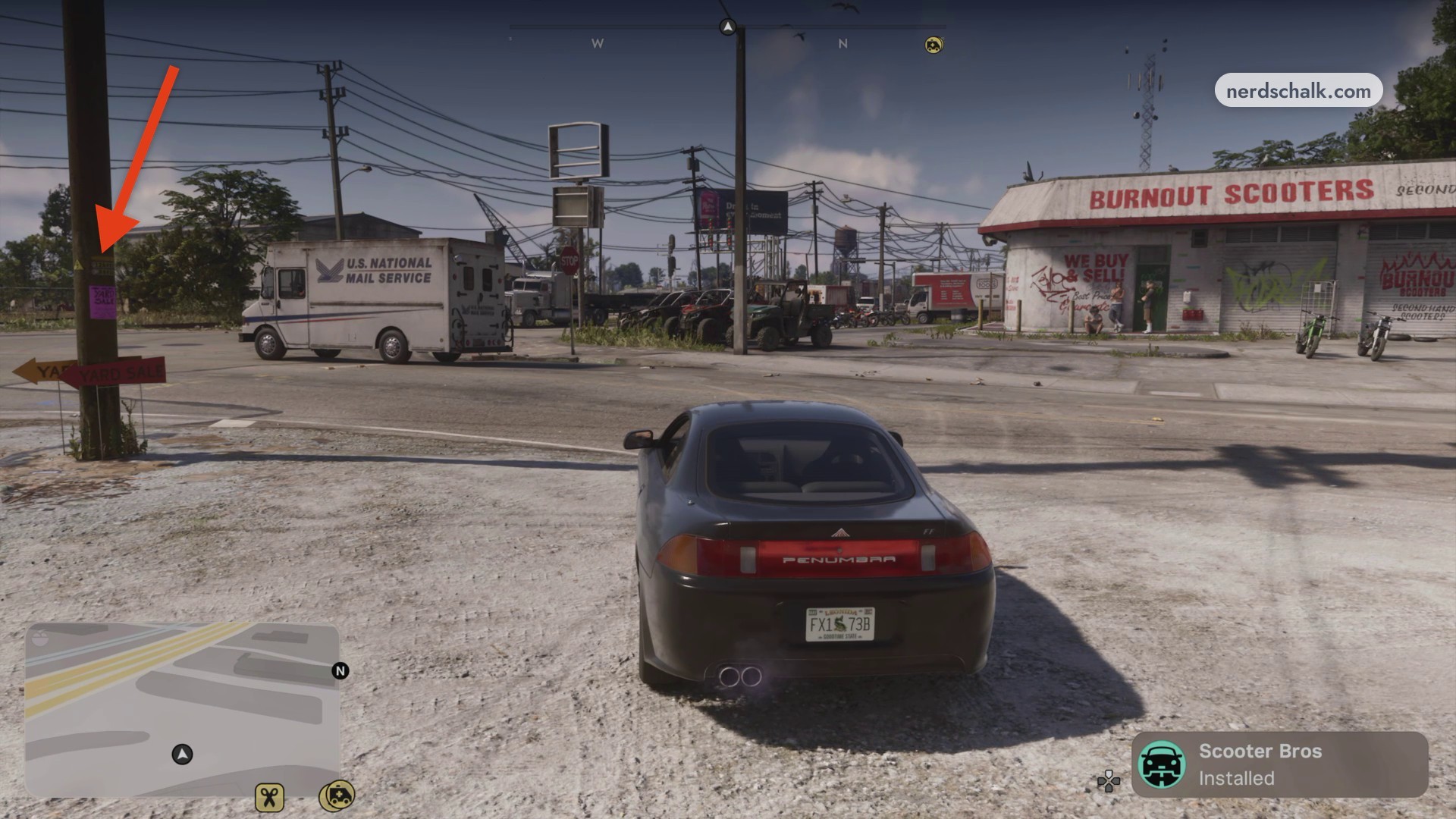
Open your smartphone
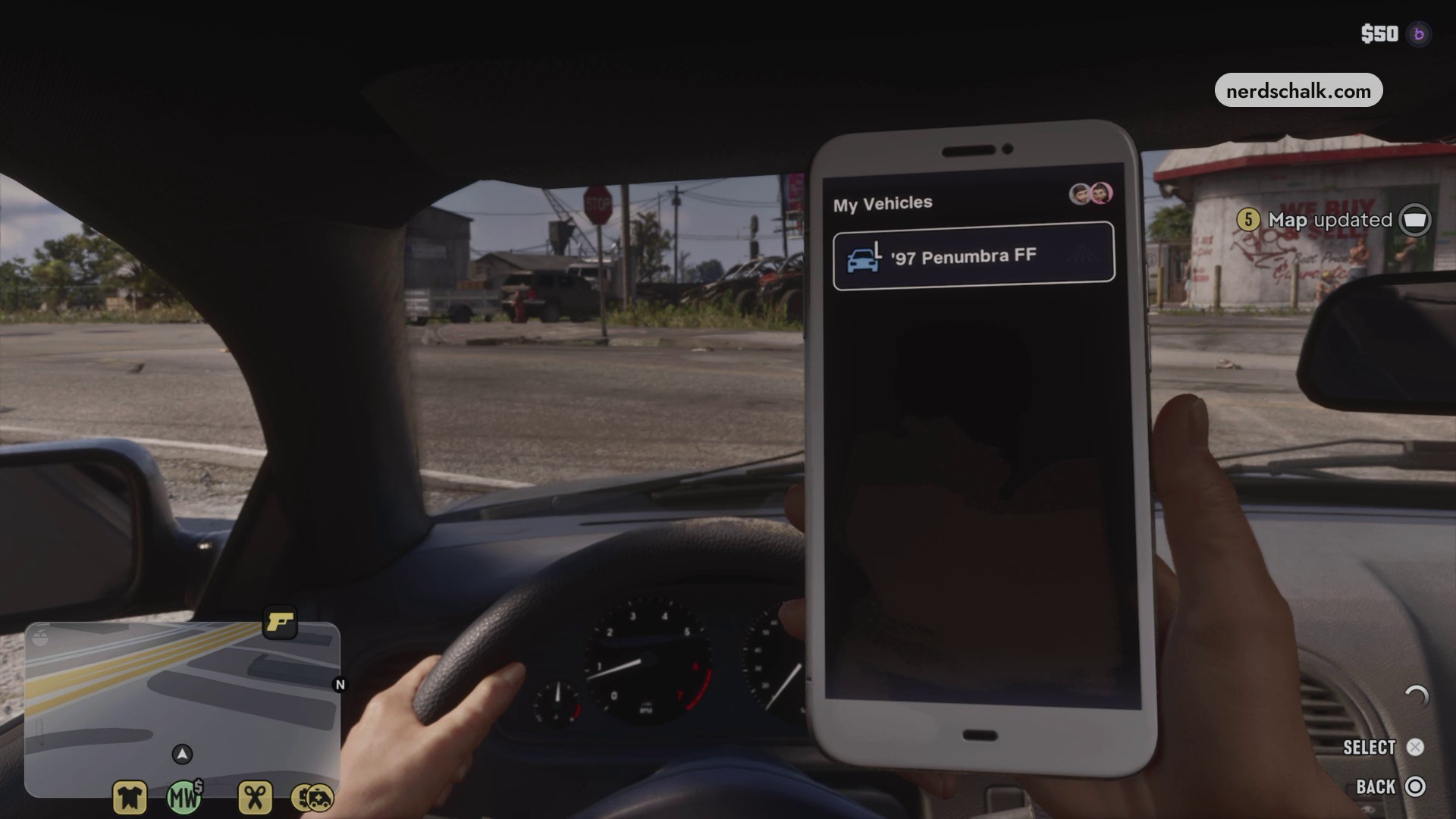
Bring up your smartphone to reach its apps. The Scooter Bros Installed notification gives you another cue that the app is available.
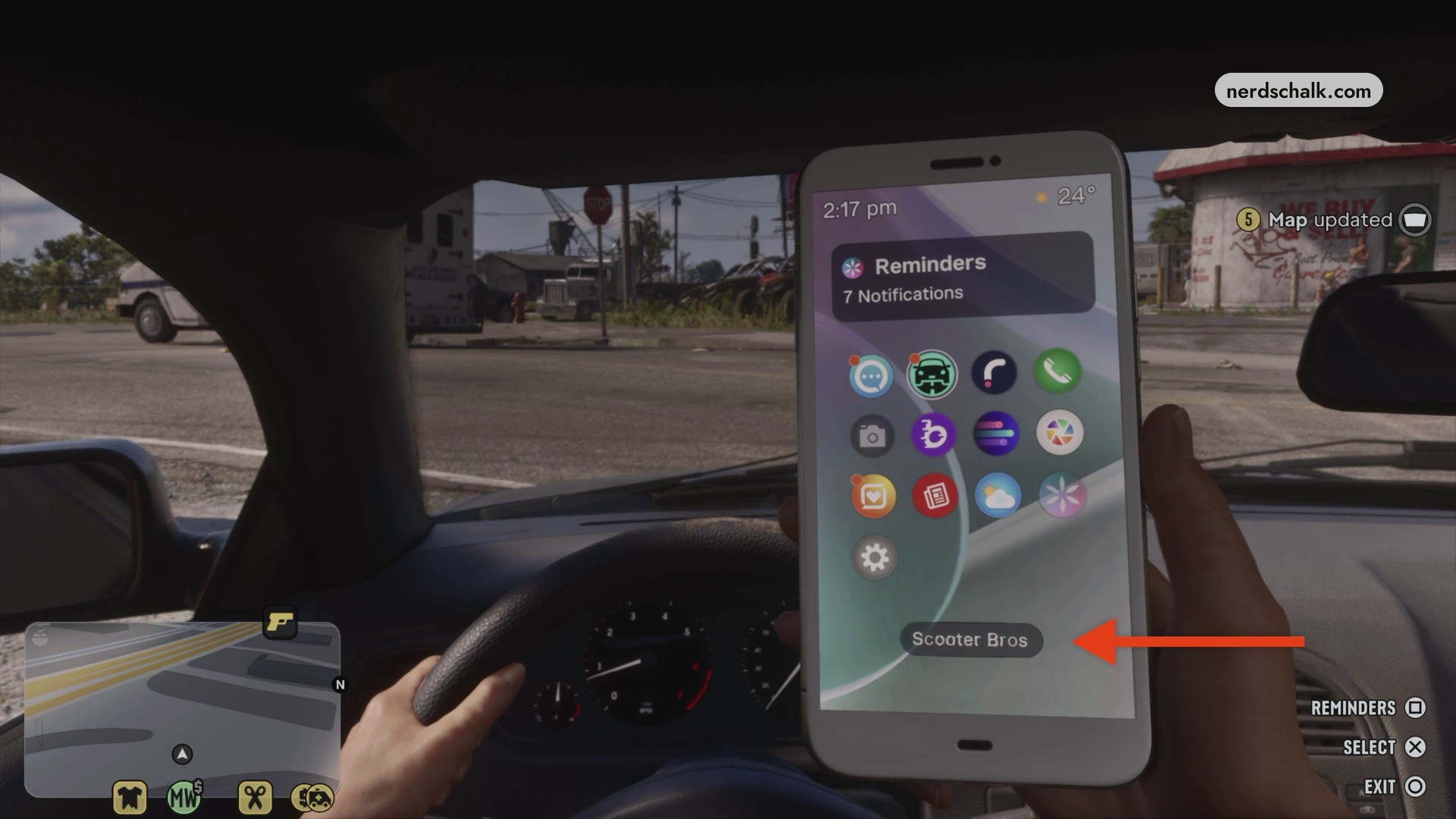
Launch Scooter Bros
Highlight Scooter Bros on the phone screen and use SELECT to launch it. The phone interface also includes EXIT.
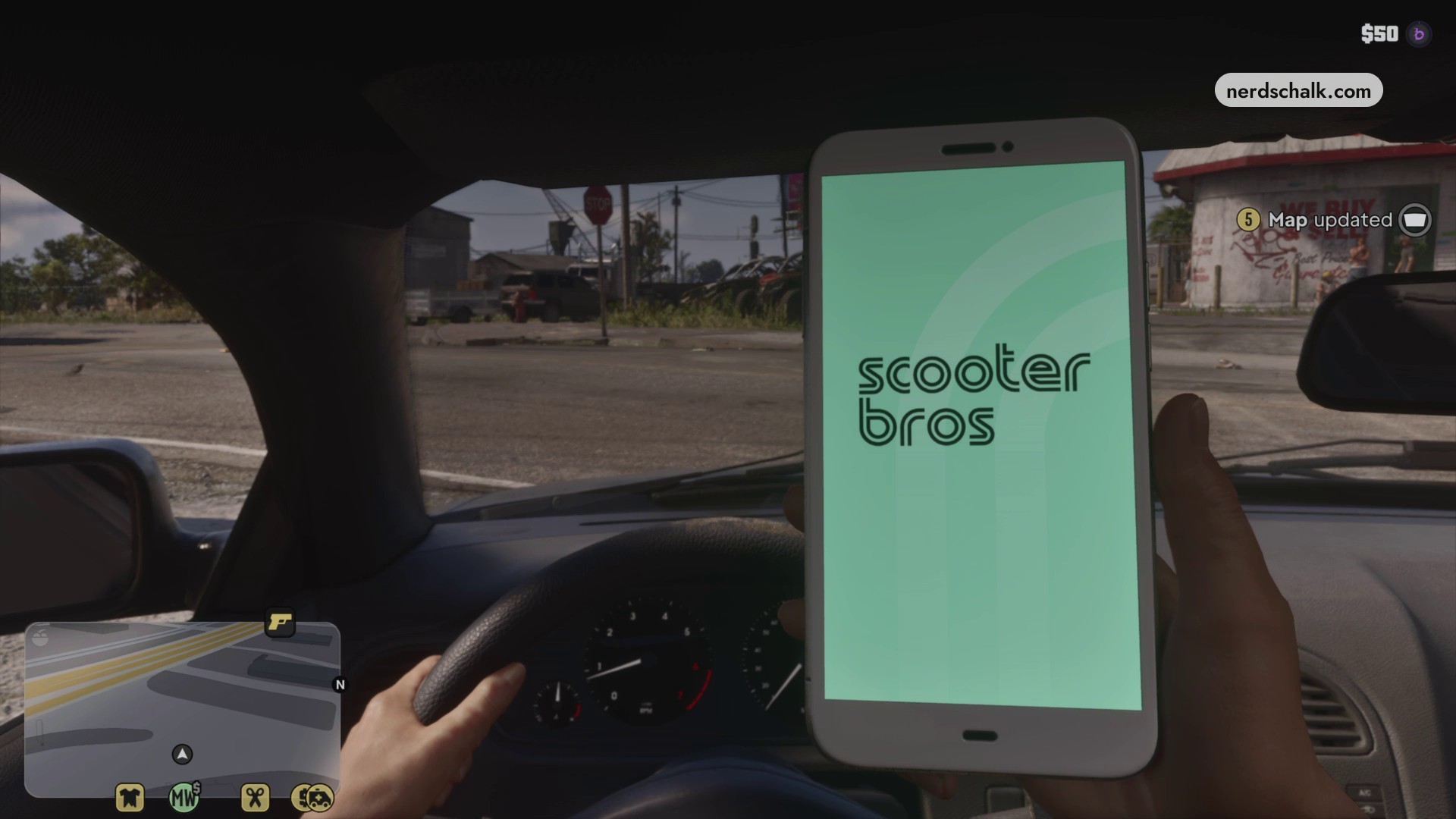
Select your registered vehicle
In My Vehicles, choose your ’97 Penumbra FF to access its management controls.
Review the vehicle-management menu
View the selected vehicle’s available management functions. The My Vehicles menu includes a BACK control.
› story detailsSpoilers for the story. Open to read.
Moses finishes registering the car during a cutscene and sends Lucia the Scooter Bros app.
What can you do with Scooter Bros in Grand Theft Auto VI?
| Option | Function |
|---|---|
| Request | A function for the selected vehicle. Scooter Bros also lets Lucia summon rides. |
| Premium | Upgrade for 3 free deliveries a day. |
| Set Destination | An available vehicle-management control. |
| Rename | Open a separate screen for renaming the vehicle. |
Opened Rename and want to leave? Back out of the Rename screen to return without continuing.
With your car registered, Scooter Bros gives you a place to manage it from your phone. Choose the function you want when you’re ready to use your newly owned vehicle.
Related Grand Theft Auto VI guides

Leave a Reply