Gaming

GTA 6 Face Wrap: How to Equip, Appearance Check, and Removal

Learn how to equip the GTA 6 Face Wrap through the Items wheel, check how it looks on your character, and use the Take Off option to remove it again.

Learn how to equip the GTA 6 Face Wrap through the Items wheel, check how it looks on your character, and use the Take Off option to remove it again.

0 Comments
QUICK ANSWER
Open the wheel, press R1 for ITEMS, select FACE WRAP under MASKS and choose PUT ON, then close the wheel to see it equipped.

The Face Wrap is a wearable mask in Grand Theft Auto VI. The game is listed for PlayStation 5 and Xbox Series X|S. This guide covers putting it on, checking its appearance on your character, and taking it off again.

itemFACE WRAPcategoryMASKSswitch tabsR1

How to put on a Face Wrap in Grand Theft Auto VI

Put on the Face Wrap first, then use its removal prompt when you want to take it off.

Part 1 – Put on the Face Wrap

STEP 1

Open the weapon and item wheel

Bring up the wheel to access your weapons and items.
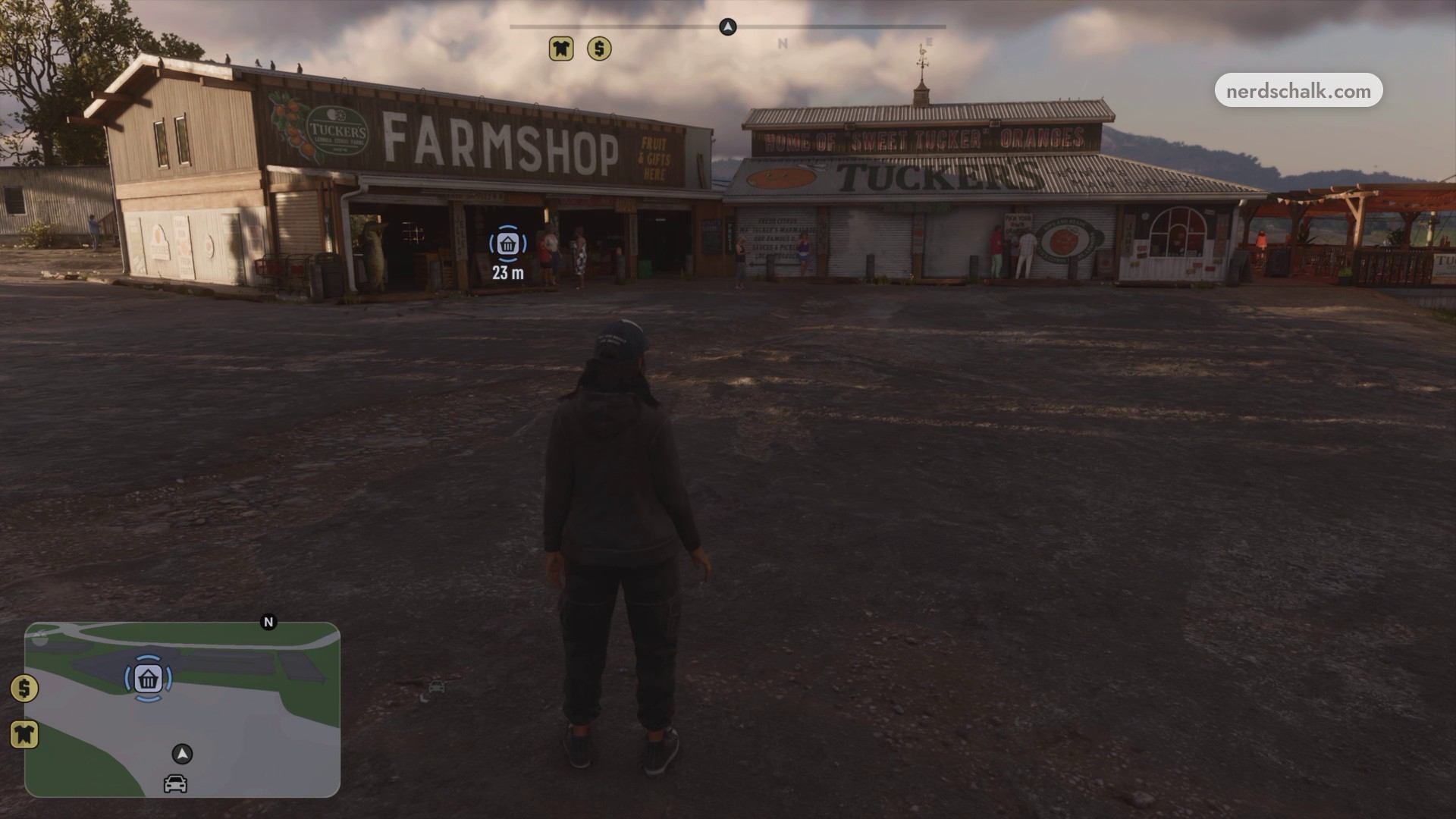
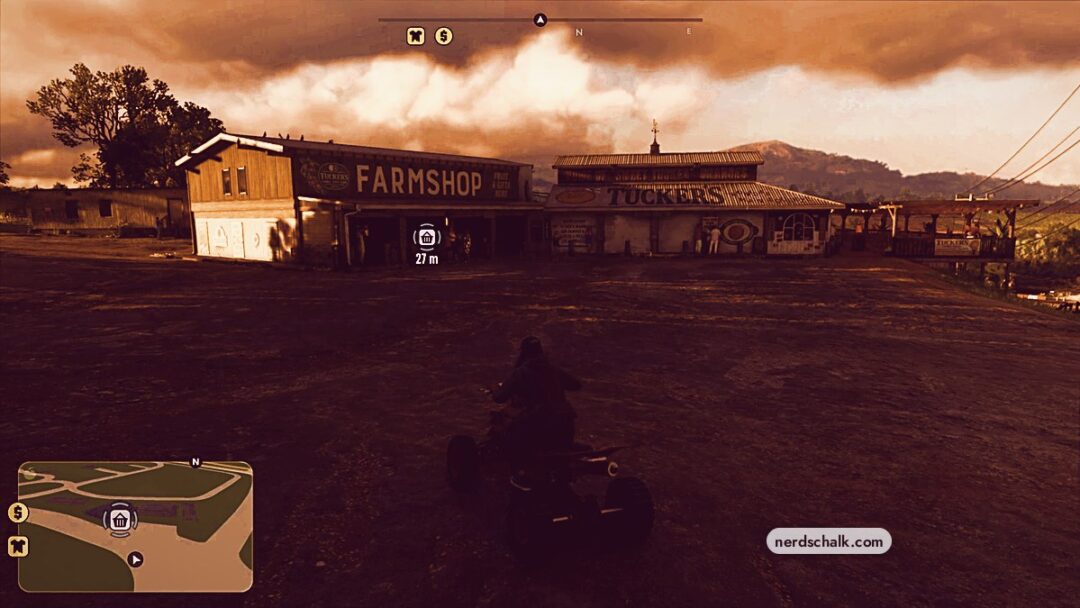
Your character outside Tucker's Farmshop before opening the wheel
Your character outside Tucker’s Farmshop before opening the wheel · Screenshot by NerdsChalk
STEP 2

Switch to Items

Press R1 to move from WEAPONS to ITEMS.

STEP 3

Equip the Face Wrap

Select the uppermost Masks slot and highlight FACE WRAP. Choose PUT ON to equip it; its status changes to ON.
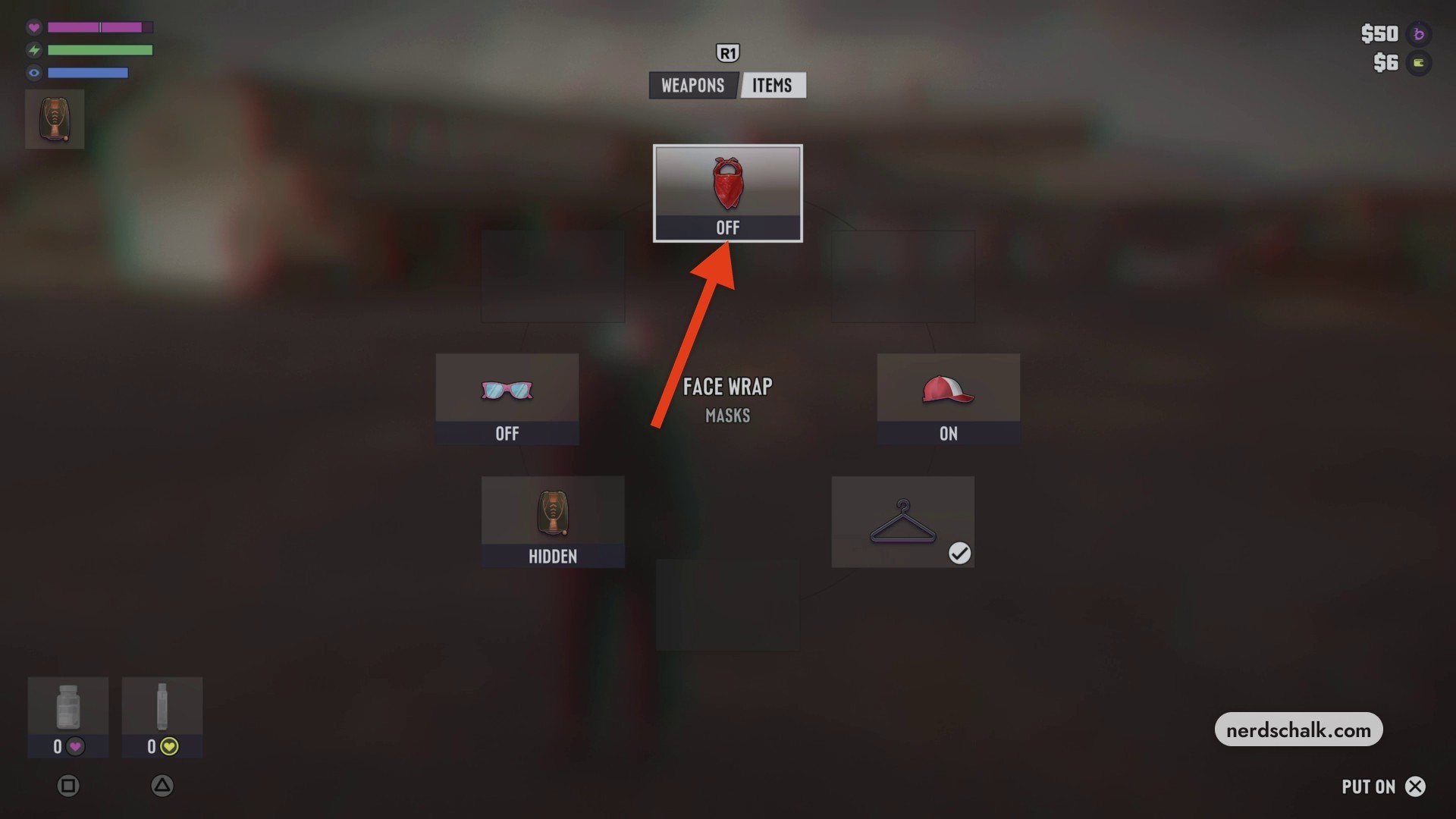
FACE WRAP selected under MASKS with the PUT ON prompt
FACE WRAP selected under MASKS with the PUT ON prompt · Screenshot by NerdsChalk
STEP 4

Check the equipped wrap

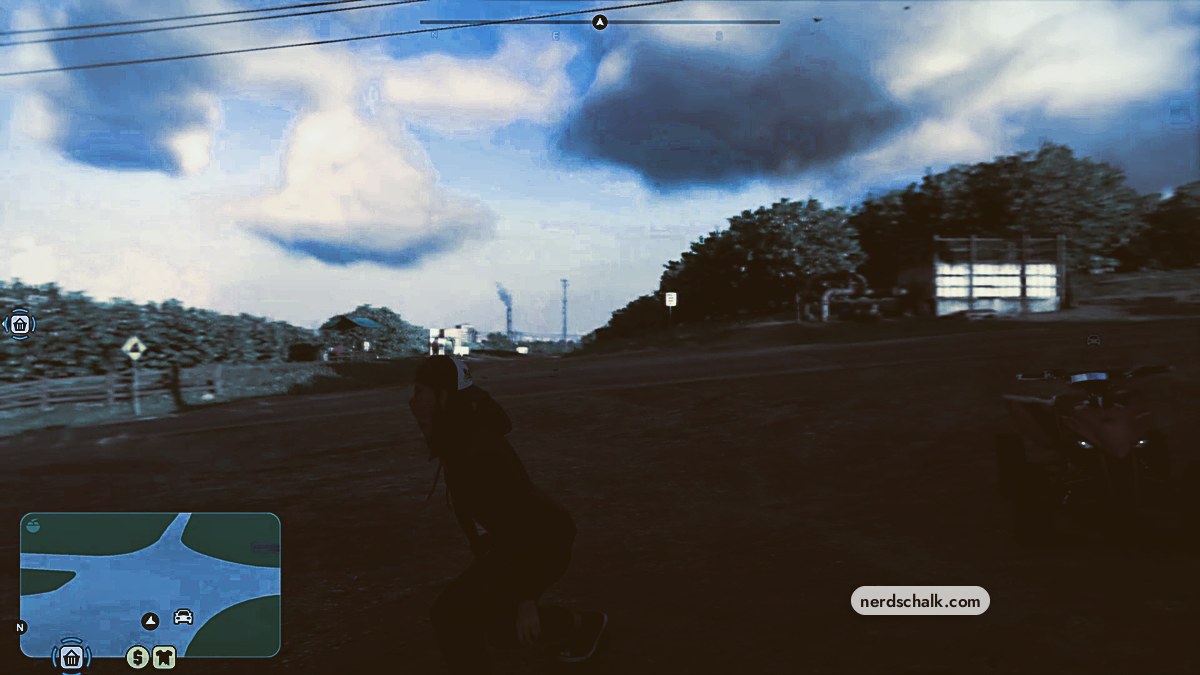
Close the wheel and look at your character to see the Face Wrap equipped.
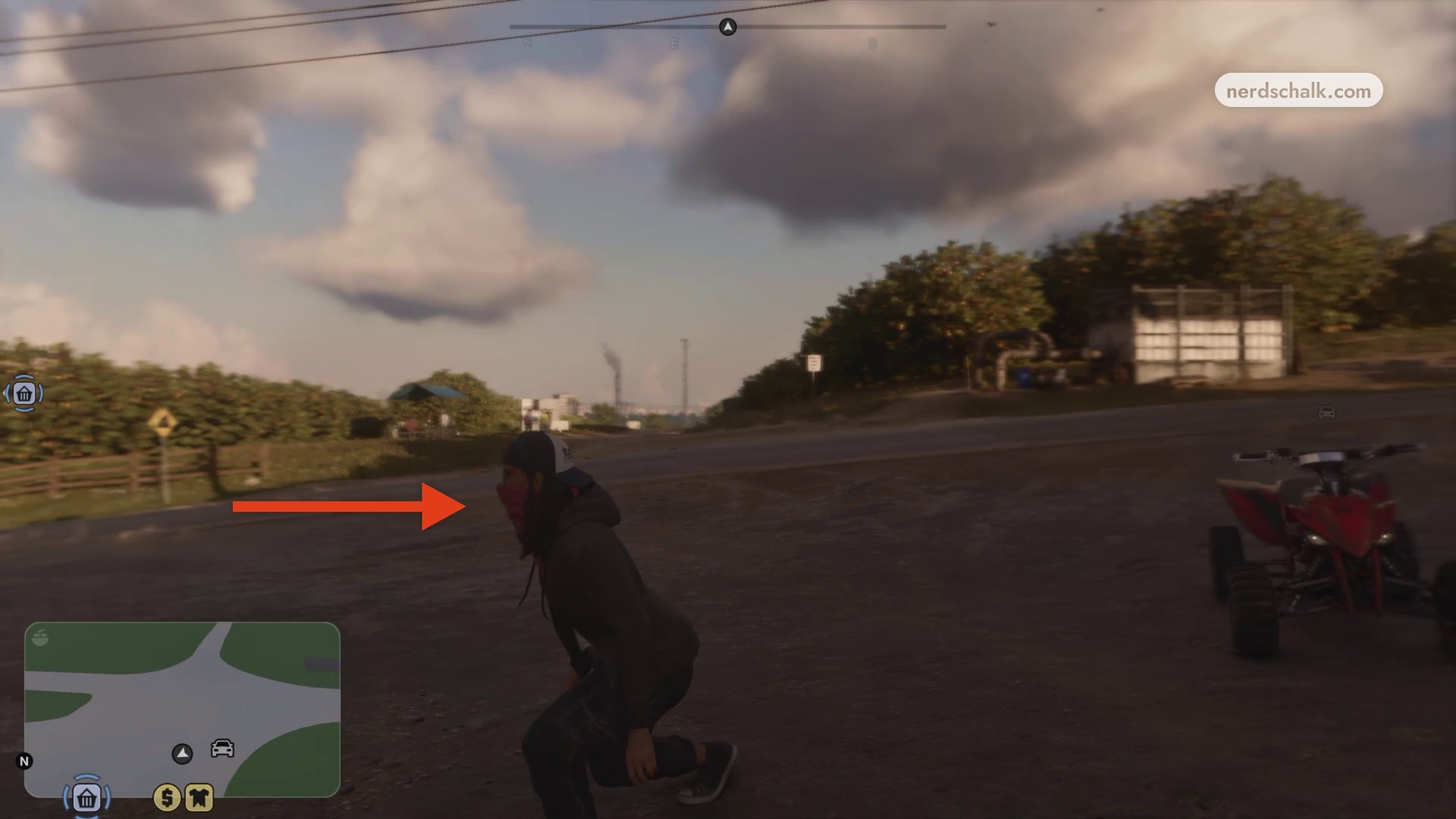
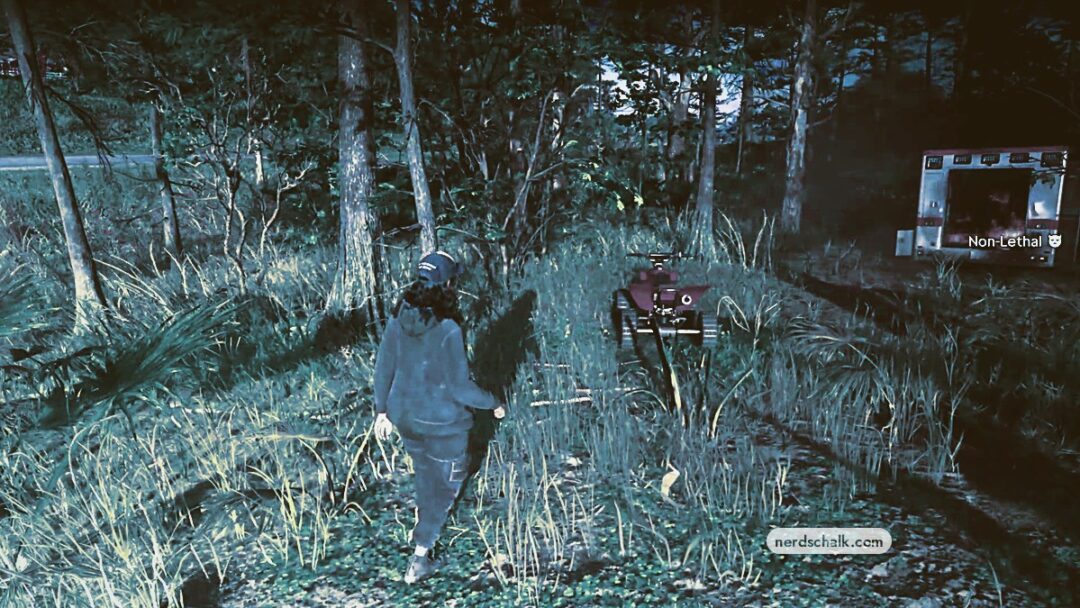
Your character wearing the Face Wrap near the road and ATV
Your character wearing the Face Wrap near the road and ATV · Screenshot by NerdsChalk

Part 2 – Take off the Face Wrap

STEP 5

Return to the Face Wrap selection

Reopen the wheel, switch back to ITEMS and highlight FACE WRAP.

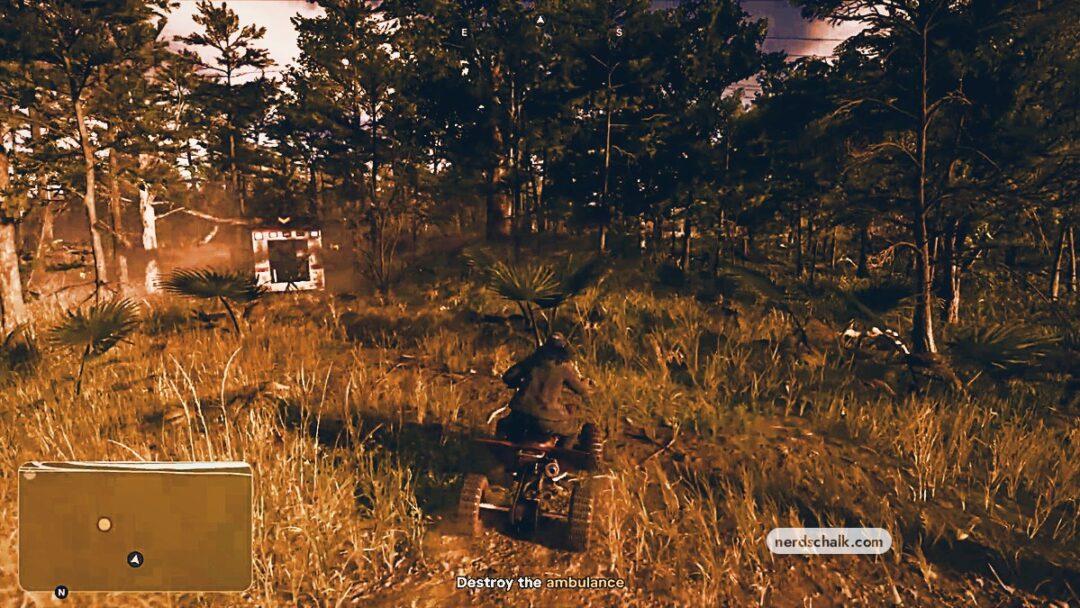
With your character crouched in foliage, return to the wheel to select the wrap.
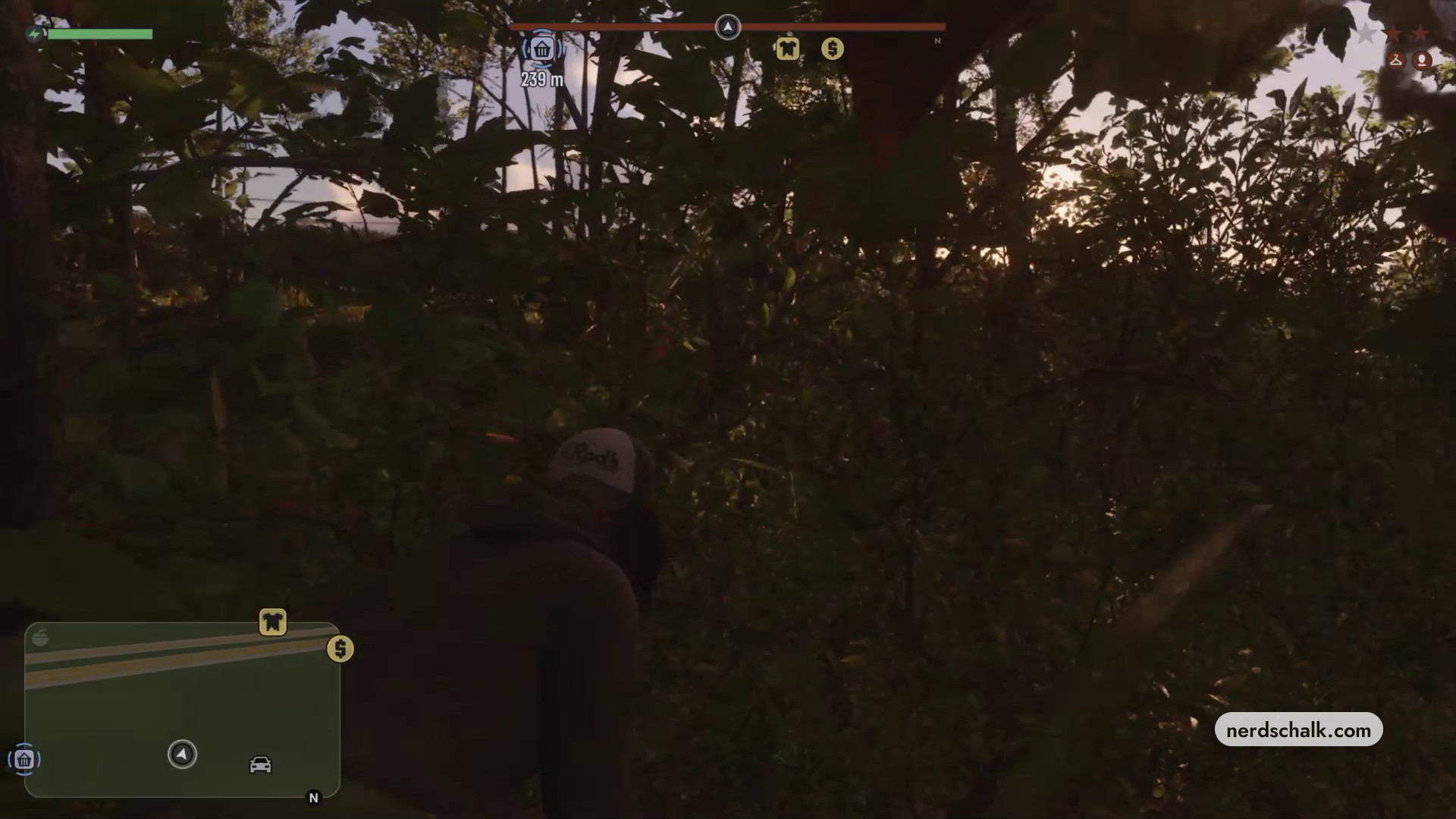
Your character crouching in foliage before returning to the wheel
Your character crouching in foliage before returning to the wheel · Screenshot by NerdsChalk
STEP 6

Remove the Face Wrap

Activate TAKE OFF to remove the wrap from your character. The same wheel also displays WEAR STYLE (1/2).
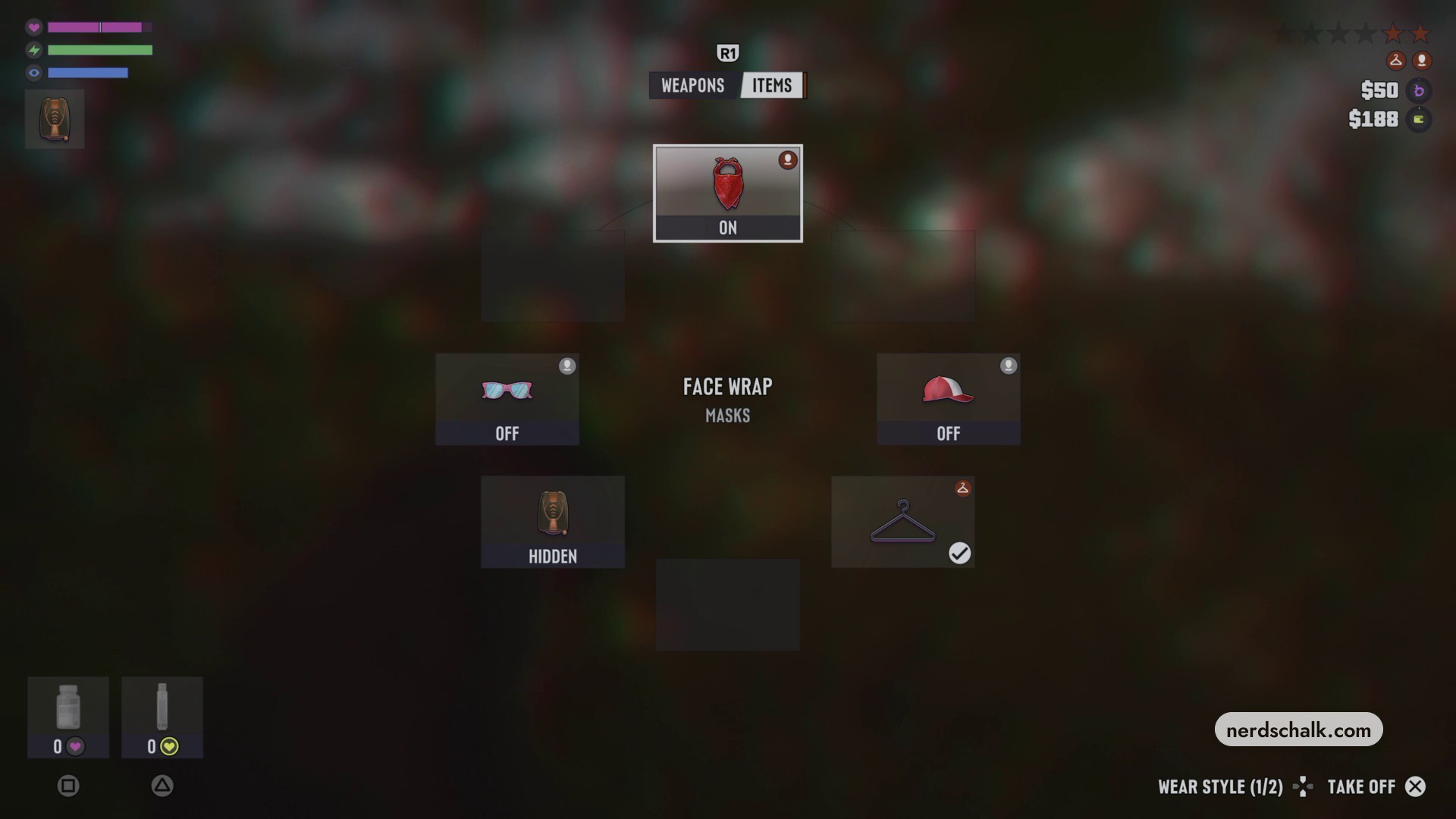
The Face Wrap selection with the TAKE OFF prompt
The Face Wrap selection with the TAKE OFF prompt · Screenshot by NerdsChalk

Check your character crouched in the shoreline foliage with the wrap removed.
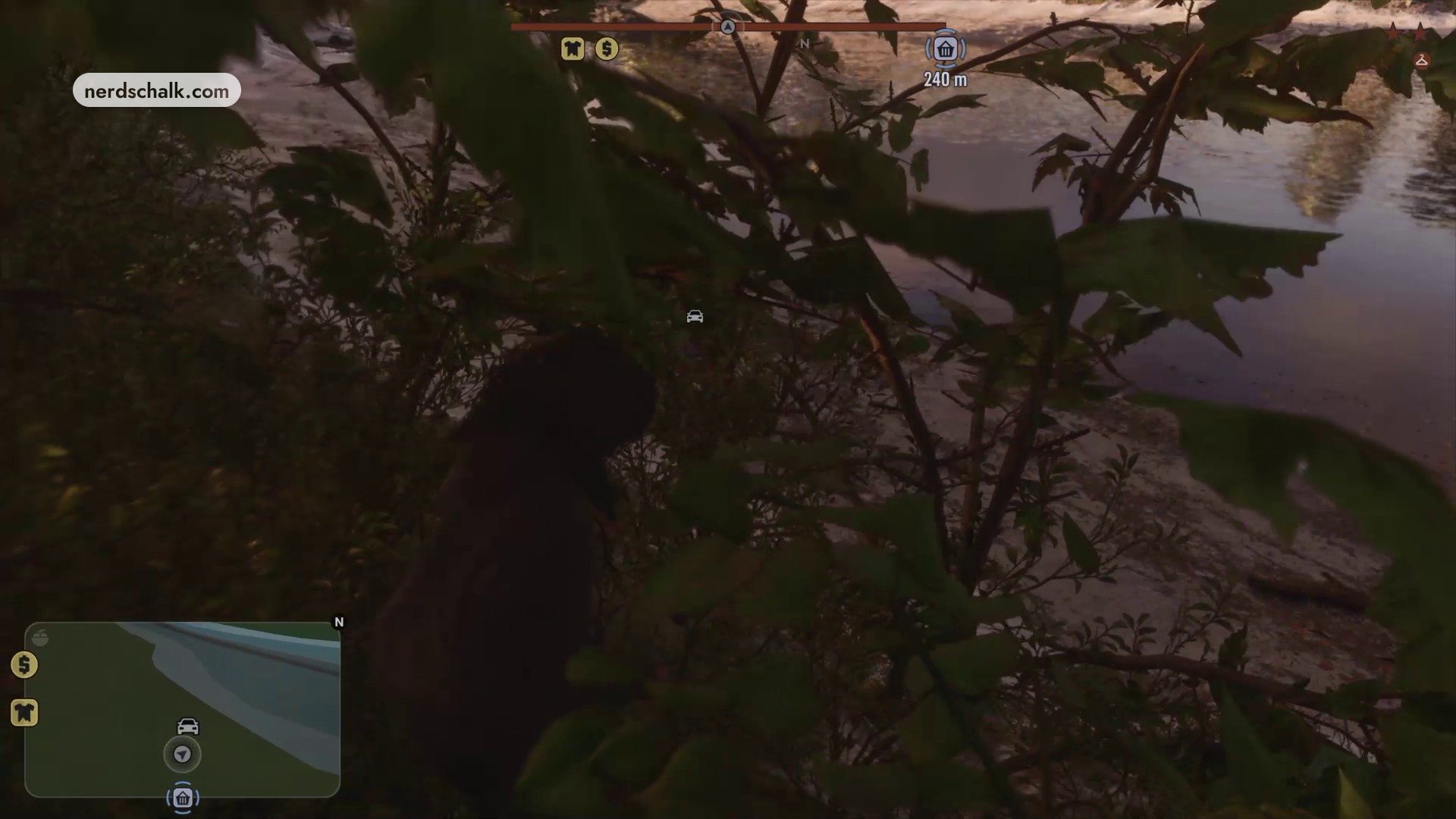
Your character crouched in shoreline foliage without the Face Wrap
Your character crouched in shoreline foliage without the Face Wrap · Screenshot by NerdsChalk

Related Grand Theft Auto VI guides
Leave a Reply

Your email address will not be published. Required fields are marked *