
Topic
Privacy
-

Does Privacy Display Drain Battery on Samsung Galaxy S26
What to know Privacy Display uses pixel dimming to block side-angle peeking, toggleable via Quick Settings or per-app. The S26 Ultra packs a 5,000mAh…
-

Does Privacy Display Reduce Native Resolution and Brightness on the Galaxy S26 Ultra?
What to know Privacy Display is a hardware feature exclusive to the Galaxy S26 Ultra, using dual pixel types to limit side viewing angles…
-
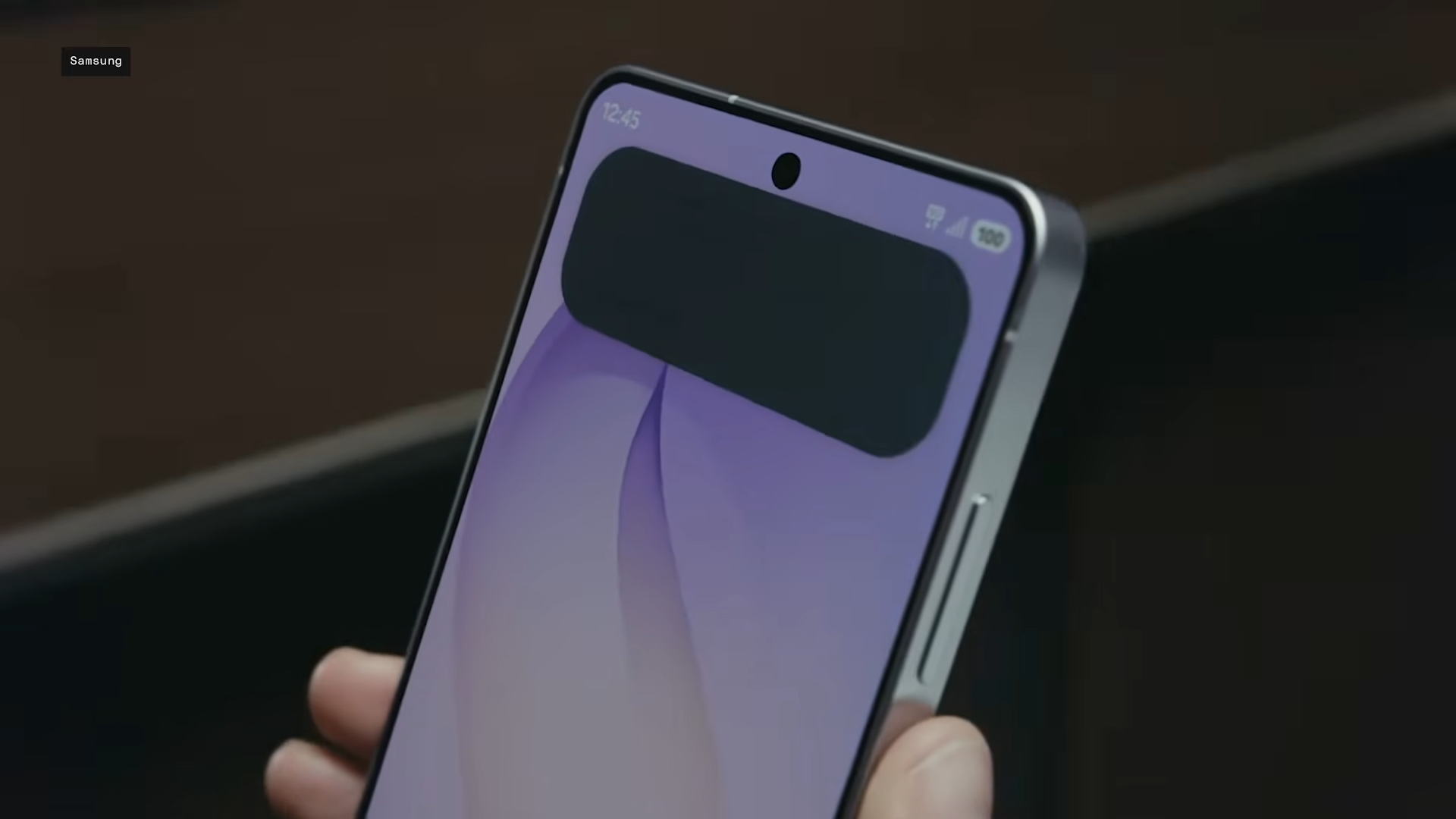
How Does Samsung Galaxy S26 Ultra’s Privacy Display Actually Work
What to know Privacy Display is a built-in hardware feature exclusive to S26 Ultra, using Narrow and Wide pixels to limit side-angle visibility. Privacy…
-

X (Twitter) Lets Everyone Opt In to XChat, Its Encrypted Messaging Hub
X is expanding access to its encrypted messaging tool, XChat, beyond beta and paid tiers—offering enhanced privacy and full-featured chat via a new, opt-in…
-

WhatsApp Adds Safety Overview Before Joining Unknown Group Chats
WhatsApp introduces a new safety overview screen to warn users before joining unknown group chats, aiming to reduce scams and enhance user security.
-

Google Deploys AI Age Checks to Restrict Underage Accounts
Google is rolling out AI-powered age estimation to identify and restrict accounts of users under 18, aiming to enhance child safety and comply with…
-

Amazon CEO Eyes Ads in Alexa Conversations, Sparking Privacy Concerns
Amazon CEO Andy Jassy wants to introduce ads into Alexa+ conversations, raising privacy and user experience concerns. The plan is part of Amazon’s push…
-

Android Will Let Gemini Access Third-Party Apps Unless Users Opt Out
Android users should know that Gemini will soon get access to third-party apps by default, unless they take action to opt out. This change…
-

Duh, Facebook is now training its AI using private unpublished photos from users
Facebook is now using users’ private, unpublished photos to train its AI, raising new privacy concerns. The move affects how personal data is handled…
-

Reddit Adds Option to Hide Posts and Comments from Your Profile
Reddit now lets users hide posts and comments from their profiles, giving more control over visible content and privacy.
-

Meta’s new plan to automate product risk assessments raises concerns
Meta is planning to automate many of its product risk assessments, potentially reducing human oversight in evaluating potential harms of new features and products.
-
X pauses encrypted DMs rollout after 6 months of testing
X (formerly Twitter) has temporarily halted its encrypted direct messages feature after months of testing, citing technical issues and security concerns that need addressing.
-

Signal rolls out Windows update to block chat screenshots for added privacy
Signal’s latest Windows update now blocks the system from taking screenshots of chats, aiming to enhance user privacy. The feature is available in version…
-
Google’s new AI Mode quietly launches with little fanfare amid safety concerns
Google has rolled out its new AI Mode with minimal promotion, raising questions about the company’s confidence in the feature amid ongoing concerns about…
-

Spotify apologizes after making podcast listener counts public
Spotify has apologized for accidentally making podcast listener numbers public, a move that surprised many creators. The company quickly reversed the change and addressed…
-

Sundar Pichai Warns DOJ Antitrust Plan Could Threaten Google Search and User Privacy
Sundar Pichai testified that the DOJ’s antitrust remedy could force Google to sell key assets and share user data, raising privacy concerns and threatening…
-

Karnataka High Court Orders Blocking of Proton Mail Over Deepfake Concerns
The Karnataka High Court has directed the Indian government to block encrypted email service Proton Mail following complaints about obscene content and AI-generated deepfakes…
-

WhatsApp to Launch Private AI Chats in the Cloud with New ‘Private Processing’ System
WhatsApp will soon introduce AI-powered features like chat summarization and writing suggestions, processed securely in the cloud using Meta’s new Private Processing system to…
-

Perplexity’s New Browser ‘Comet’ to Track All Online Activity for Hyper-Personalized Ads
Perplexity’s CEO says its upcoming browser will track everything users do online to deliver hyper-personalized ads, sparking privacy concerns and clarifications about user choice.
