
Topic
Microsoft
-

Microsoft Store lets you pick and choose which parts of PC games to download
Finally, a way to avoid downloading that massive HD texture pack you’ll never use.
-

New Bing Wallpaper App Might Hurt More Than Help
What to know Microsoft’s Bing Wallpaper app has launched on the Microsoft Store with concerning privacy and tracking features. The app includes built-in tracking…
-
Microsoft is Showing Full-Screen Ads to Windows 10 Users to Promote Windows 11
What to know Microsoft shows full-screen ads on Windows 10 computers to promote Windows 11 and Copilot+ PCs. The ads highlight new features and…
-

Windows 11 With “Full Capabilities” Coming to Meta Quest 3 and 3S
What to know Windows will work with “Full capabilities” of Windows 11 on Meta Quest 3 and Quest 3S headsets from December 2024. PC…
-

Microsoft Shuts Down Windows 10 Beta Channel
What to know Microsoft has shut down the Windows 10 Beta Channel just five months after reopening it in June 2024, and will automatically…
-

Microsoft Develops a New Trick to import and Keep Importing Chrome’s Data Into Edge
What to know Microsoft Edge has launched a new prompt that automatically starts the browser and attempts to import Chrome tabs and data. The…
-
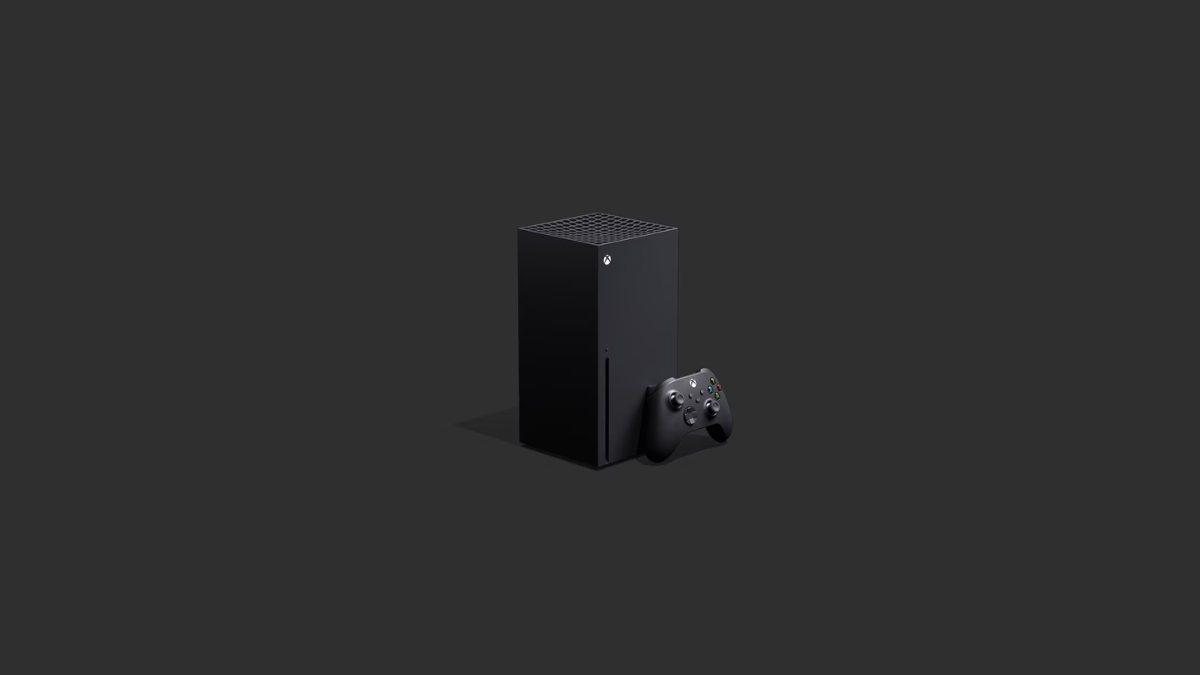
$50 Off: Xbox Series X Is Now Available at a Discounted Price of $449!
What to know Microsoft has reduced the price of the standard Xbox Series X (1TB Carbon Black) by $50, bringing it down to $449.…
-
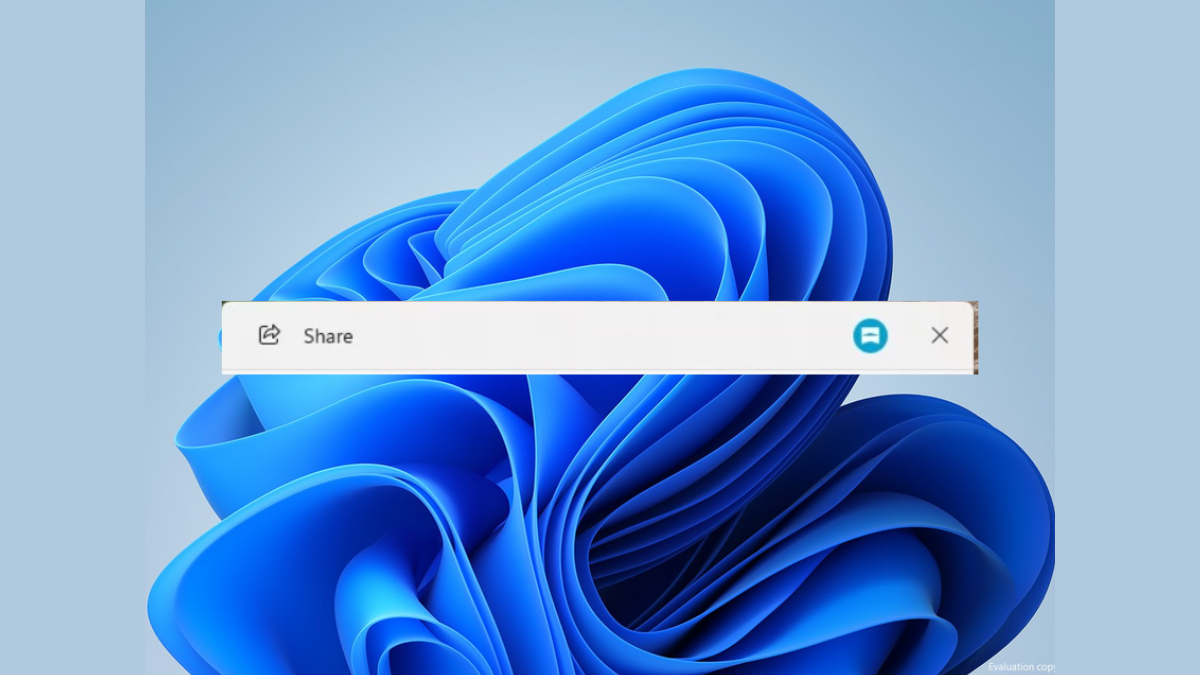
Microsoft Trials Universal Share Button in Windows 11
What to know: Microsoft is adding a universal Share button to Windows 11’s Start menu and taskbar for easier content sharing. Users will be…
-
Windows 11 to bring standalone emoji button and other new features to the taskbar
What to know Microsoft plans to add a new emoji button to Windows 11’s taskbar stray area. The feature will provide quick access to…
-
Microsoft Rolls Out 24H2 Update Banner to Boost Windows 11 Upgrades
What to know: Microsoft has begun displaying Windows 11 version 24H2 upgrade banners to Windows 10 users. The update is being offered as a…
-
Microsoft Notepad Gets an AI-Powered ‘Rewrite’ Feature
What to know: Microsoft has integrated AI capabilities into the classic Notepad app with a new “Rewrite” feature. This allows users to highlight text…
-
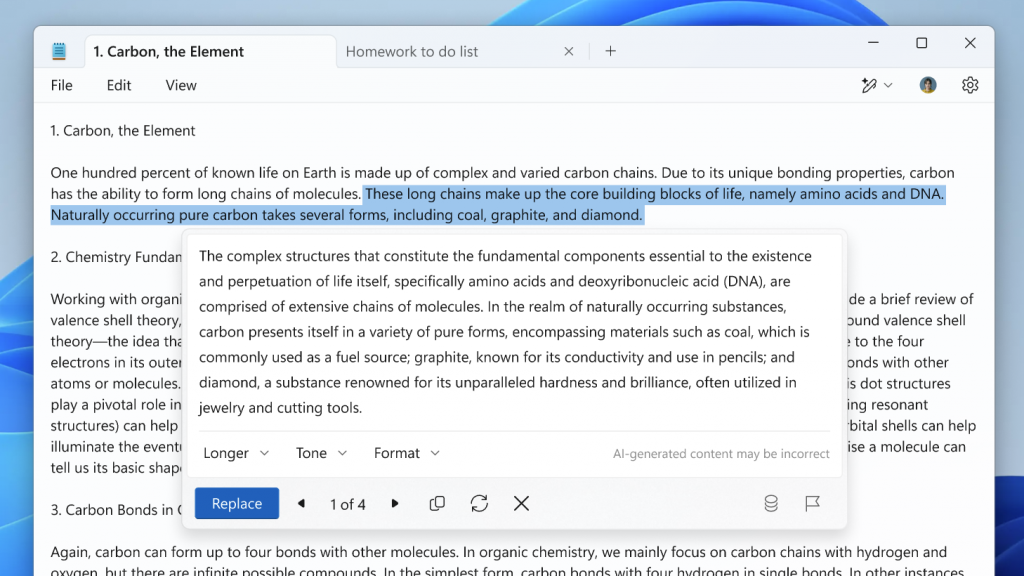
AI is Now Integrated With Microsoft Notepad as Well
What to know Microsoft has integrated AI capabilities into its 41-year-old Notepad app through a new “Rewrite” feature that allows users to modify and…
-
Microsoft’s New Emulator Could Unlock More Games for ARM-Based Windows PCs
What to know: Microsoft is testing a new Windows 11 update that expands x64 application support on ARM processors through improved Prism emulation. The…
-

Microsoft Introduces AI Support Virtual Agent to Enhance Xbox Gaming Experience
What to know Microsoft has launched an AI-powered chatbot exclusively for US-based Xbox Insiders. The Support Virtual Agent can answer questions about Xbox consoles…
-

Microsoft Teams Unifies Chat and Channels in a Customizable Interface
What to know Microsoft Teams is launching a redesigned chat and channels experience, combining all communications into a unified interface starting November 2024. Users…
-
Guess What! Microsoft Now Says You Will Be Able to Uninstall Window Recall on Copilot+ PCs
What to know Windows Recall will actually be uninstall-able via the ‘Windows features’ interface. Microsoft’s VP of Enterprise and Security has confirmed that users…
-

AI Companies Are Bleeding Billions, but Investors Keep the Dream Afloat
Since the release of ChatGPT in November 2022, companies are locked in a frenzy to inject artificial intelligence into their products and services. But…
-
![What Is Focus in Windows 11 and How to Improve Productivity With It [Guide]](https://cdn.nerdschalk.com/wp-content/uploads/2024/07/focus-windows-11-featured.png)
What Is Focus in Windows 11 and How to Improve Productivity With It [Guide]
What to know Focus is a Windows 11 productivity feature that minimizes distractions and allows you to work uninterrupted. During a ‘Focus session’, all…
-

Copilot Now Available in MS Office for $20 and $30 Monthly for Consumers and Businesses
Microsoft has expanded the availability of its AI-enhanced Office suite by releasing the Copilot Pro subscription for individuals and Copilot for Microsoft 365 for…
-
5 Ways Microsoft is Forcing AI to Windows Users
Seems almost every other week there’s some news about Microsoft shoehorning Copilot in Windows in new and novel ways. But because Microsoft releases such…