

Sell Lemons’ November 14 update adds personal stats and a World 2 Reactor, lowers the World 1 Reactor multiplier, rebalances progression, and fixes bugs.
Reactor and Rebalancing updates how you track your progress and advance through both worlds. This guide covers how to open the update log, what changed in the Progress menu, and the patch’s reactor adjustments and fixes.
BloxByte Games, a Roblox group, develops Sell Lemons. The game’s Stargate Balance Update event runs from November 13, 2026, at 19:00 UTC until November 27, 2026, at 19:00 UTC.
How to open the update log in Sell Lemons
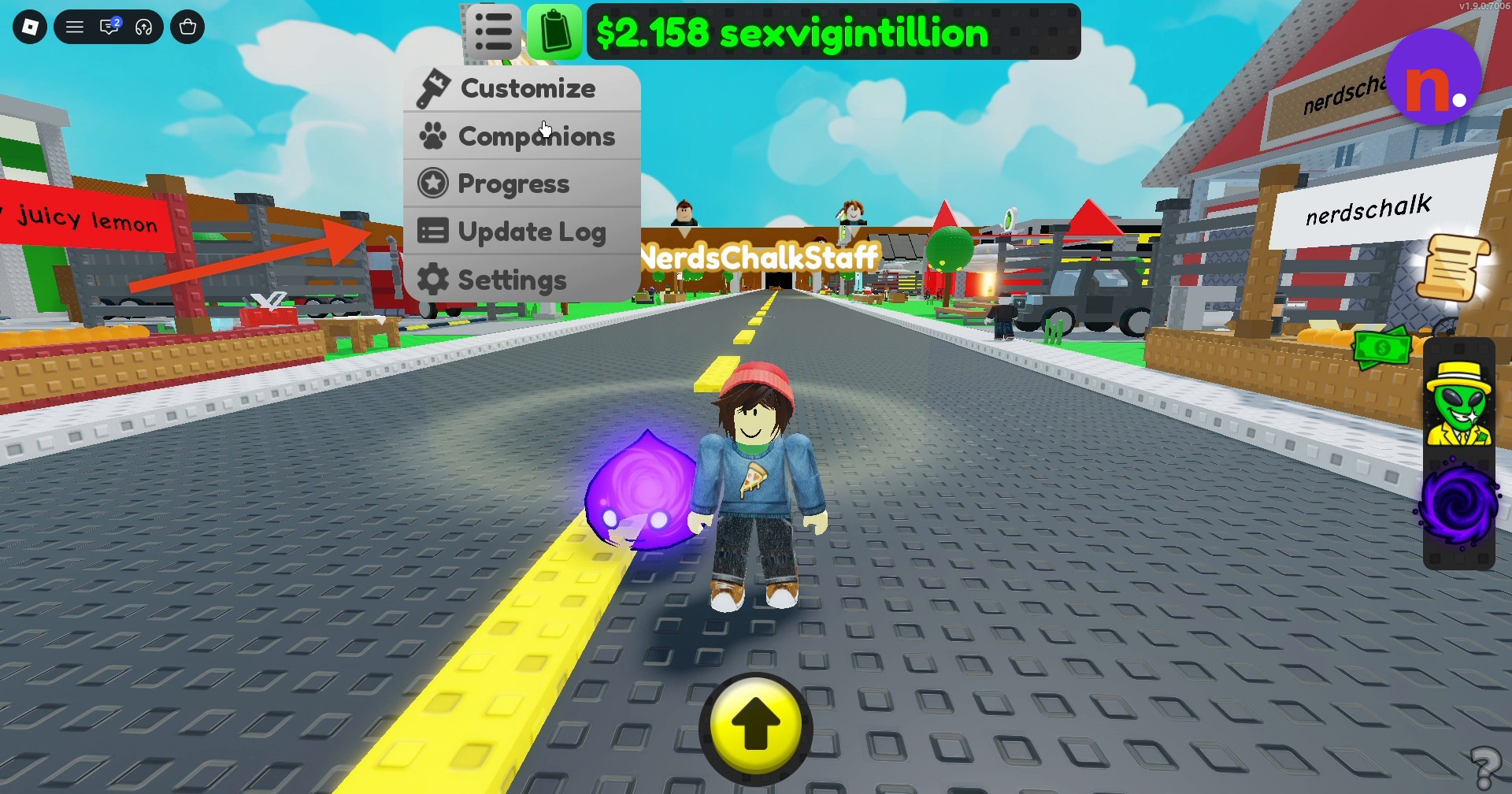
Open the dropdown
Click the menu icon in the screen’s top-left corner to reveal the dropdown.
Select Update Log
Click Update Log to open the patch notes window.
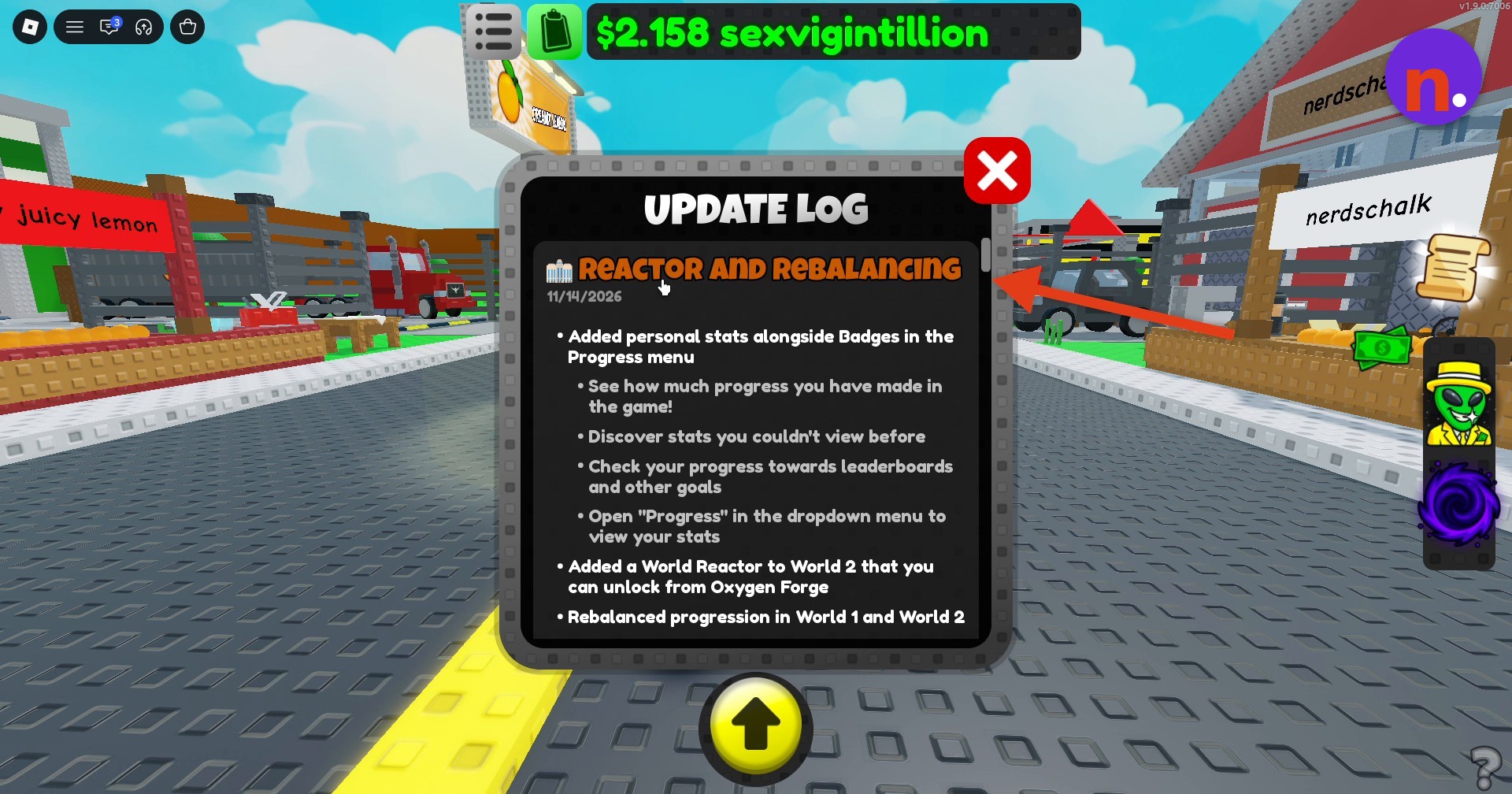
Read the update
Find Reactor and Rebalancing and scroll down through its changes and bug fixes.
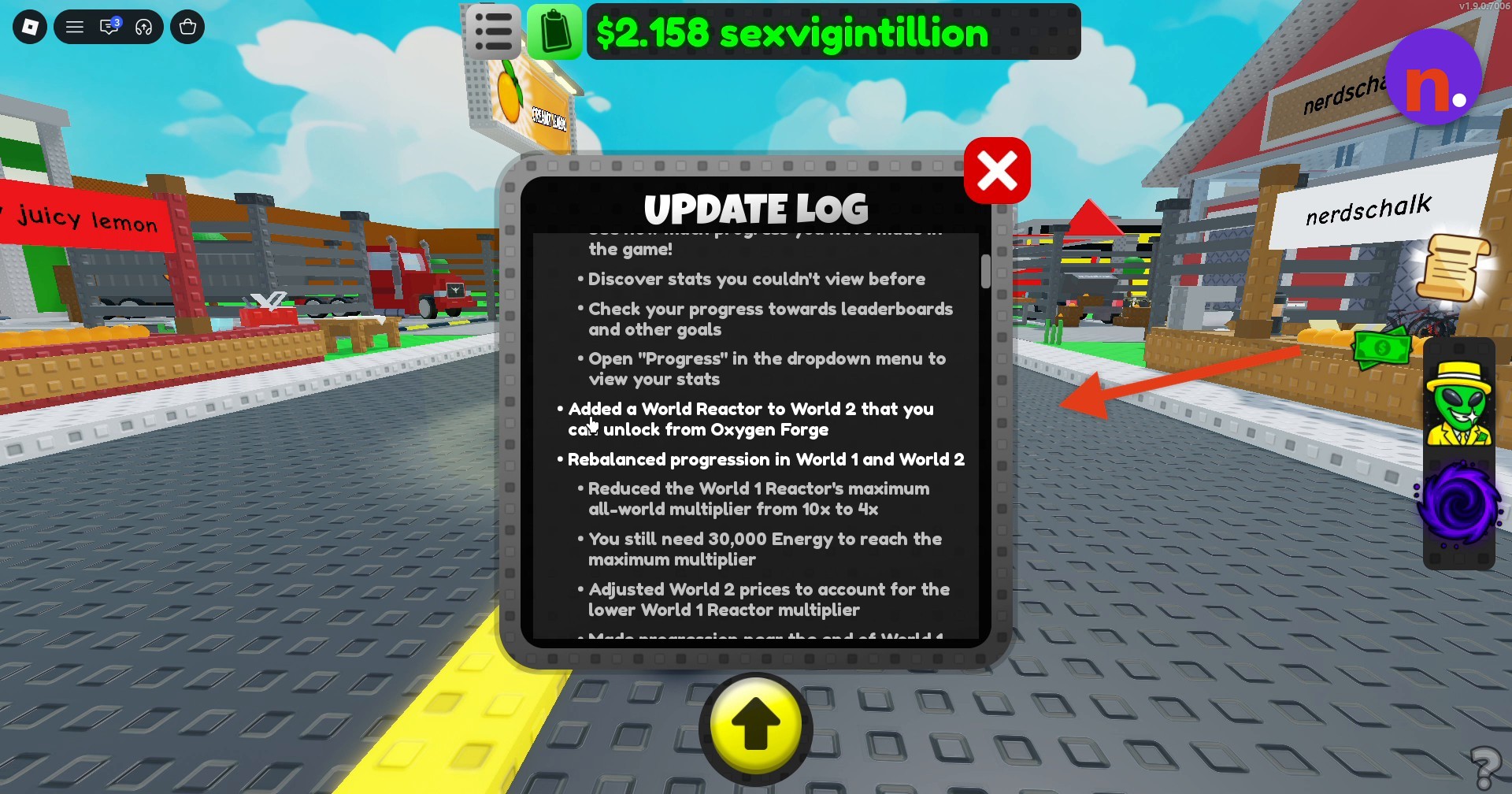
Close the window
Click the red X in the Update Log window’s top-right corner to close it.
Personal stats now sit alongside Badges in the Progress menu. They show how far you’ve advanced and reveal statistics you couldn’t previously view.
You can also track your advancement toward leaderboards and other goals through these stats.
Select Progress from the dropdown to open your personal stats.
What changed for the World Reactors and progression?
| System | Change |
|---|---|
| World 2 World Reactor | A World Reactor has been added to World 2. |
| World 1 Reactor multiplier | The maximum all-world multiplier drops from 10x to 4x. |
| Late World 1 progression | Progression at the end of World 1 is about 25% faster. |
| World 2 prices | Prices have been adjusted to account for the lower World 1 Reactor multiplier. |
Progression has been rebalanced across World 1 and World 2. For the new reactor unlock, focus on the World 2 requirement.
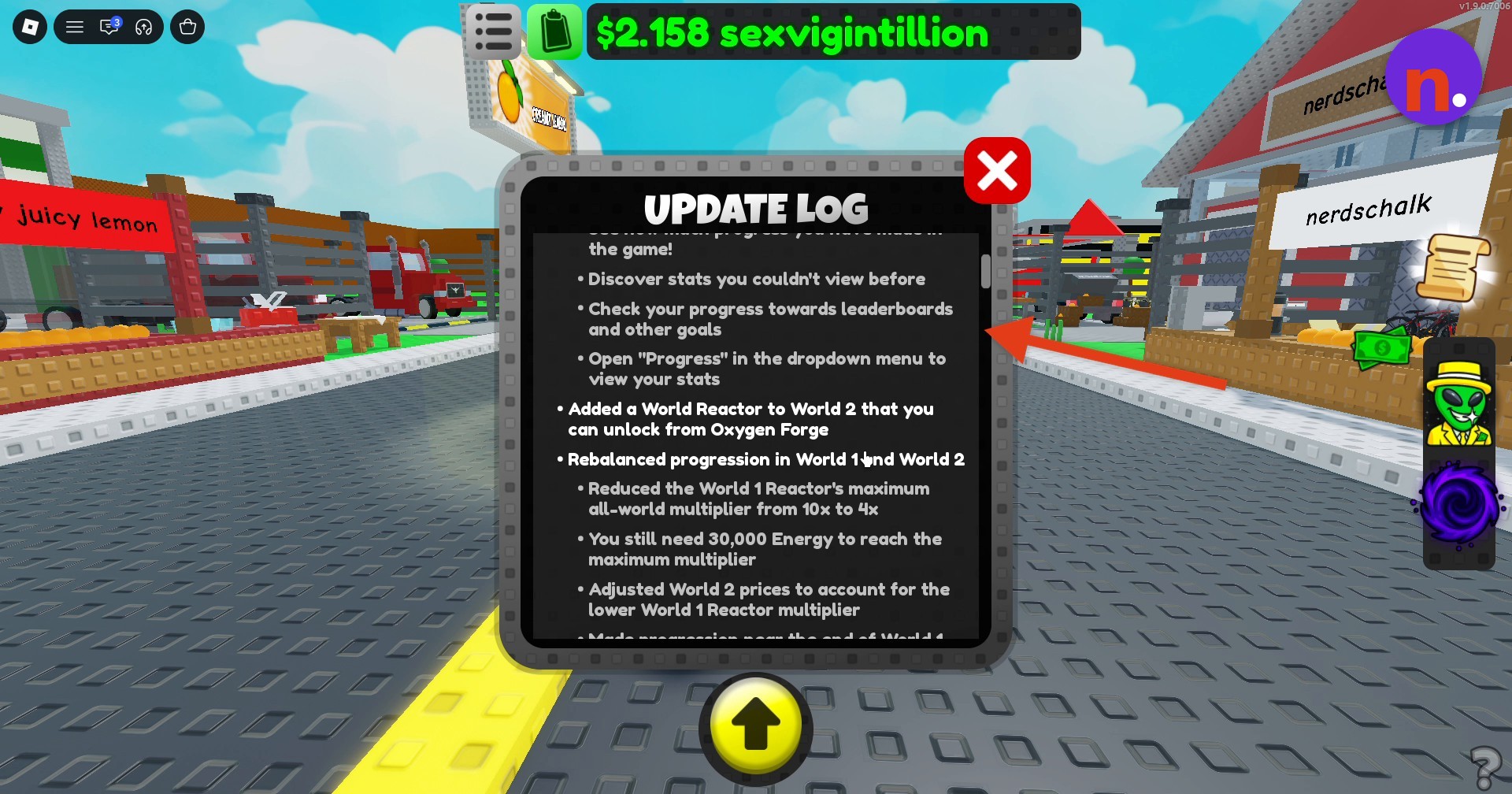
When building toward the World 1 Reactor’s maximum multiplier, keep its Energy target in mind.
What fixes and improvements does the update include?
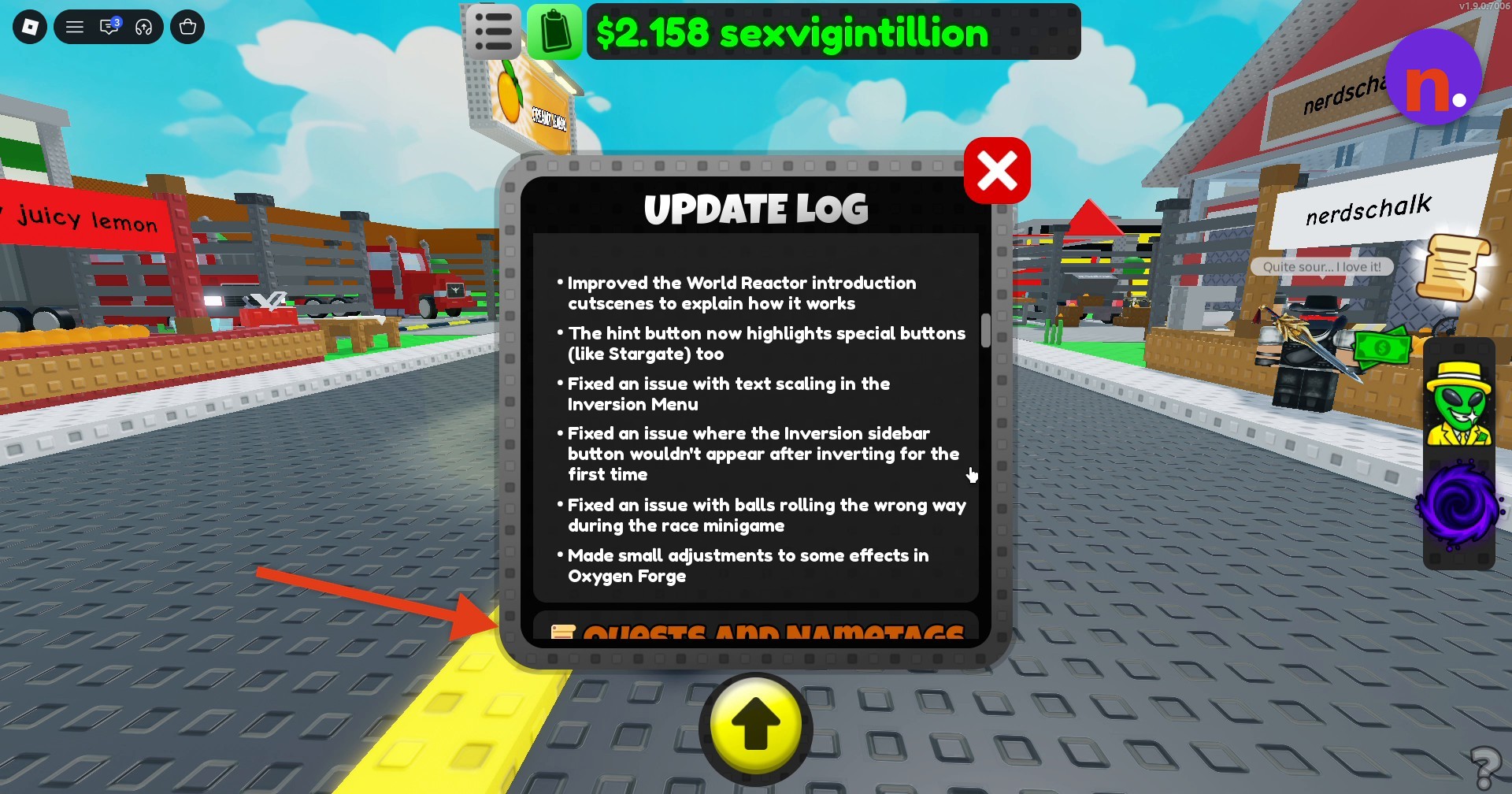
World Reactor introductions: The introductory cutscenes explain how the reactor works more clearly.
Hint highlighting: The hint button now highlights special buttons too, including Stargate.
Inversion Menu text: A scaling issue affecting text in the menu has been fixed.
First-inversion sidebar: The Inversion sidebar button now appears correctly after you invert for the first time.
Race-minigame balls: A bug that made balls roll in the wrong direction during the race minigame has been fixed.
Oxygen Forge effects: Some effects in Oxygen Forge have received minor adjustments.
Related Sell Lemons guides
Leave a Reply