

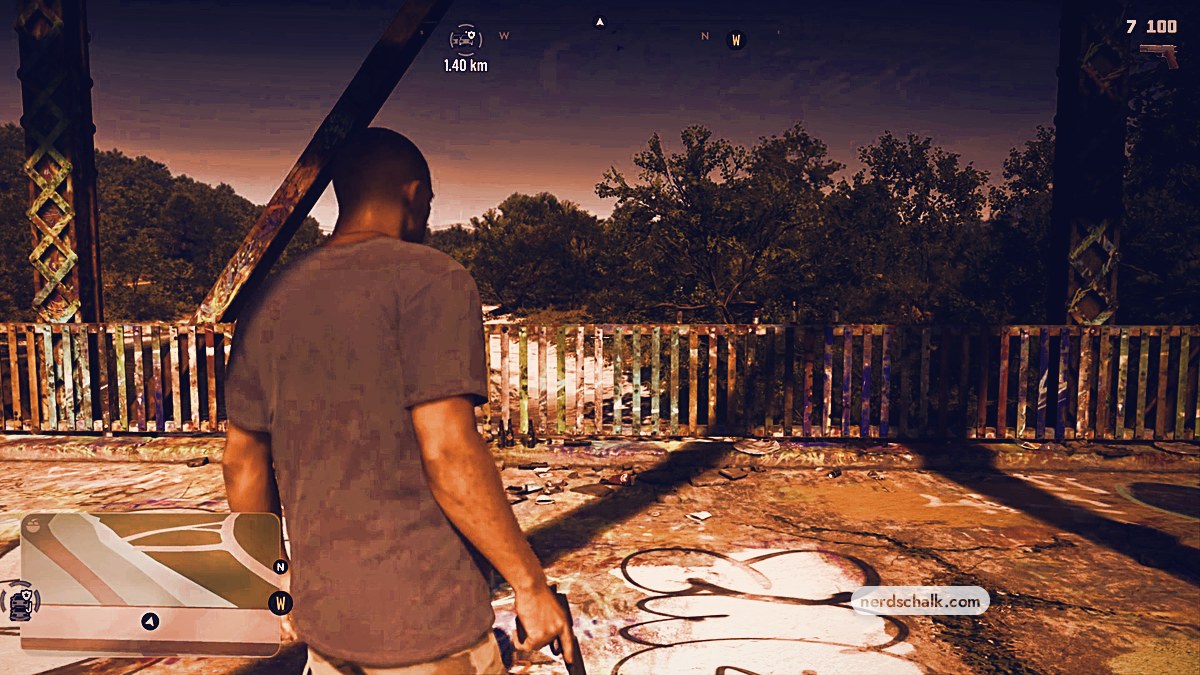
To switch from Lucia to Jason, hold R1, choose Jason in the lower-right menu, start the switch, and wait for the camera transition to finish.
The character selection menu in Grand Theft Auto VI includes both Jason and Lucia. You’ll use it to hand control from Lucia to Jason. Published by Rockstar Games, the game has a PS5 listing.
How to switch from Lucia to Jason in Grand Theft Auto VI
Open character selection
Hold R1 until the character selection interface opens in the lower-right corner.
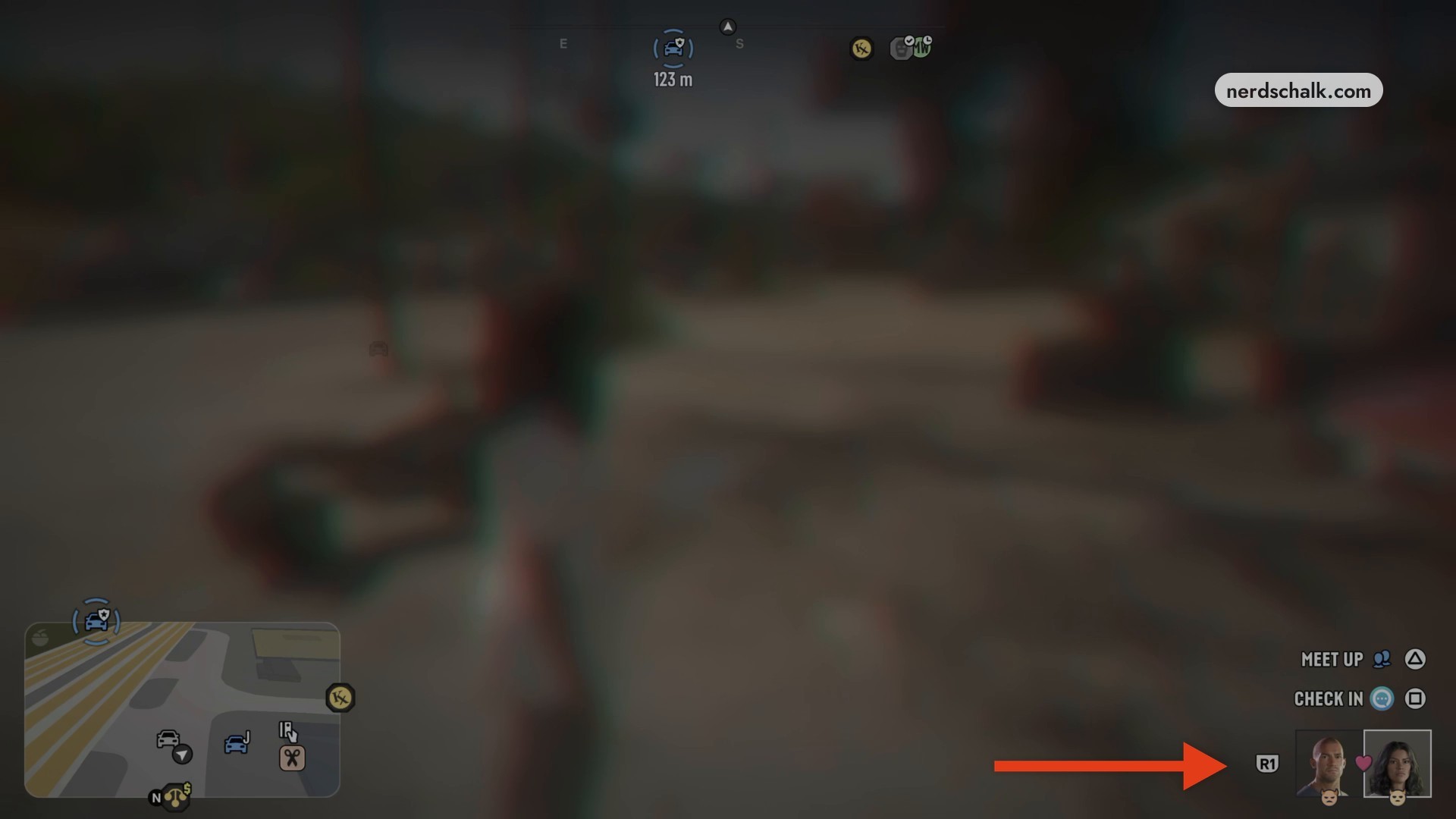
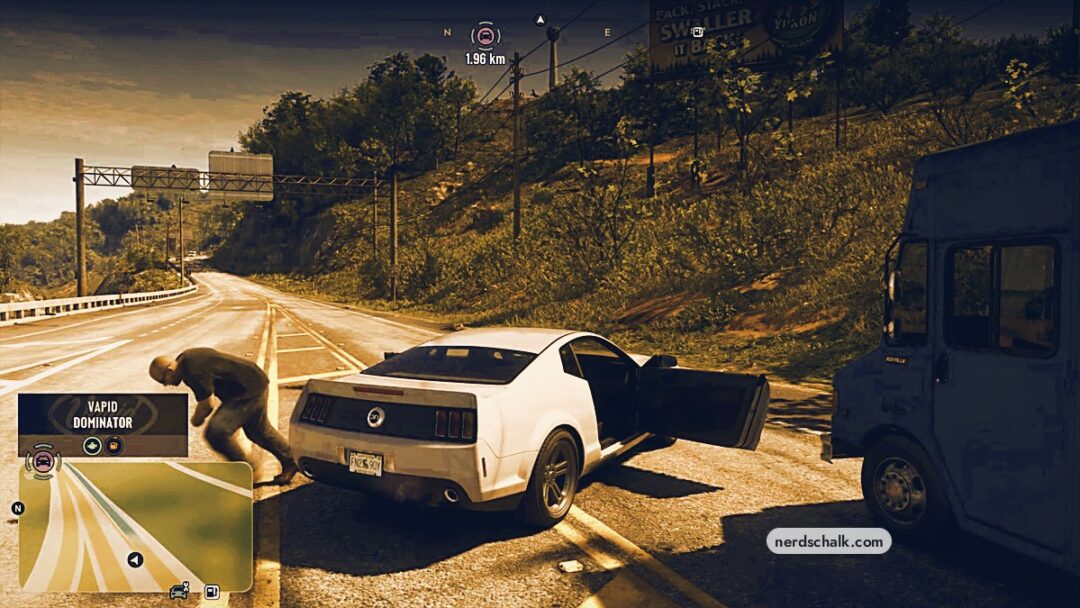
With Lucia standing beside the road, hold R1 to open character selection.
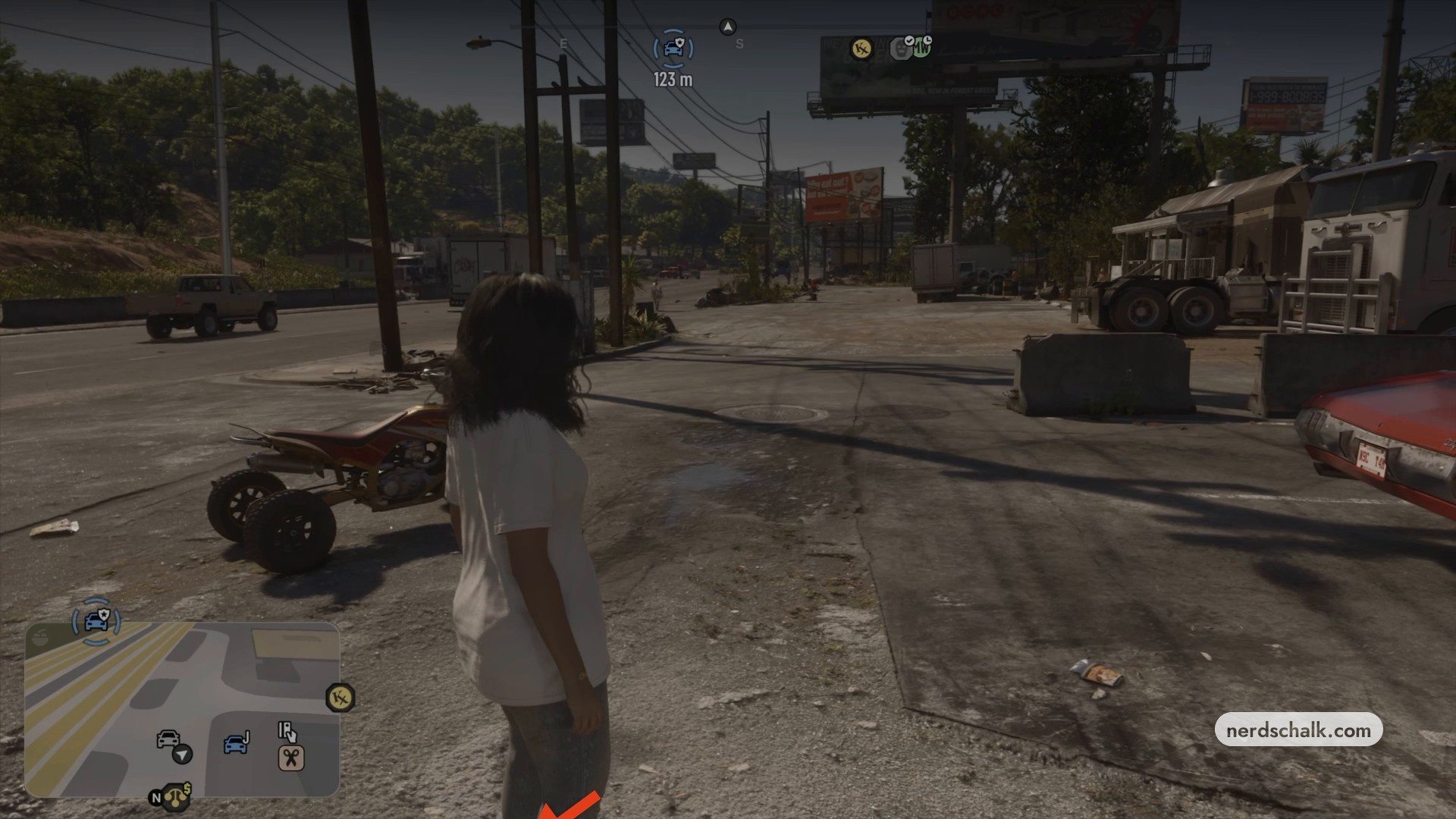
Select Jason and start the switch
Choose Jason in the character selection menu and initiate the switch to move control over to him.
Wait for control to return
Let the camera pull back into a satellite-style overhead view and travel across the map toward Jason. Wait as it zooms in, then take control when gameplay resumes with Jason on the graffiti-covered bridge.
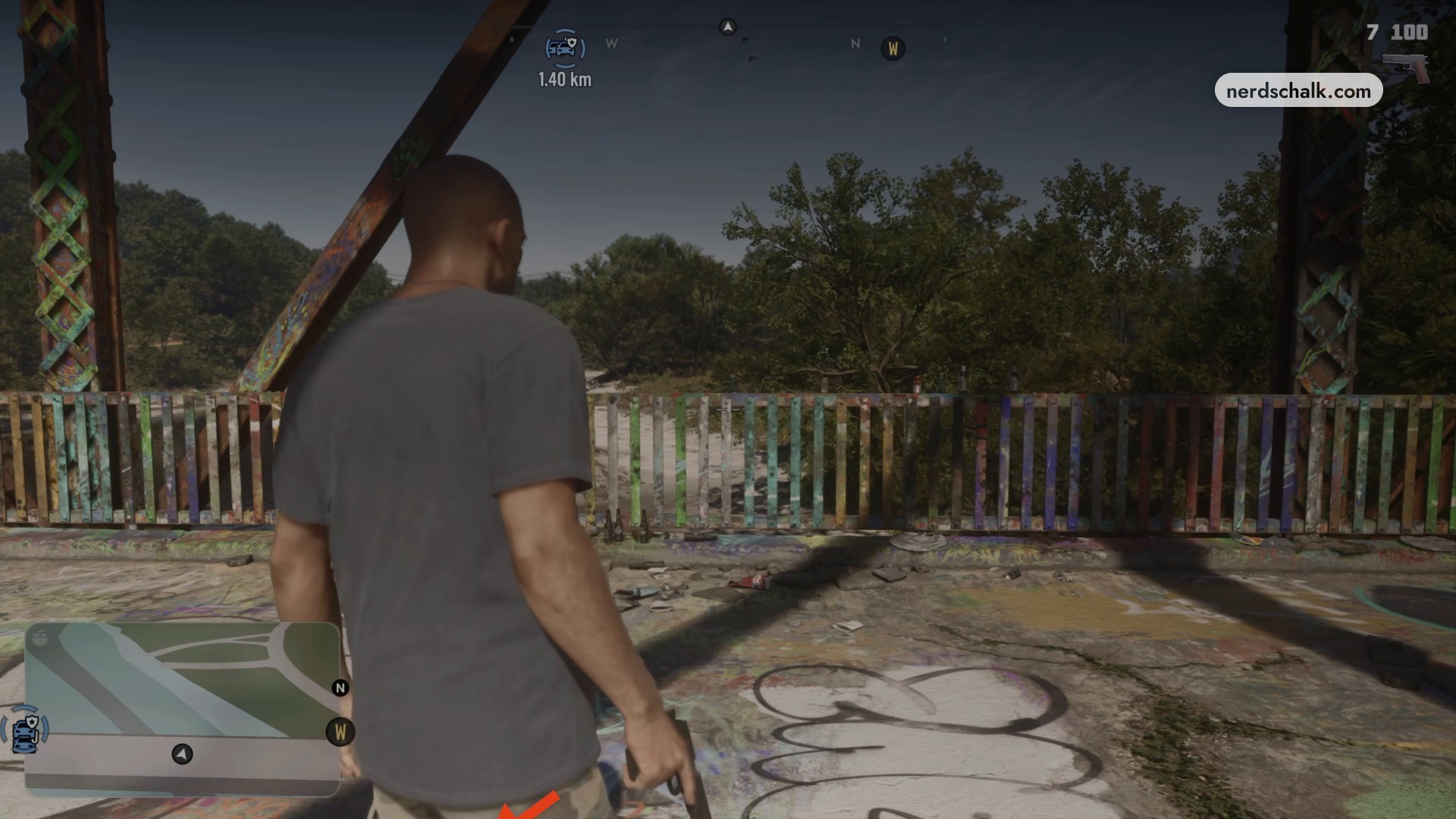
The blurred overhead view shows a river and bridge surrounded by trees; wait for the camera transition to finish.

Related Grand Theft Auto VI guides
Leave a Reply