Gaming

GTA 6 Starlet Motel Resting: How to Rest, Available Actions, and How to Get Up

Learn how GTA 6 Starlet Motel resting works, including how to lie down, access your phone, select sleep, watch TV, and get up using the bedside prompts and controls.

Learn how GTA 6 Starlet Motel resting works, including how to lie down, access your phone, select sleep, watch TV, and get up using the bedside prompts and controls.

0 Comments
QUICK ANSWER
To rest at the Starlet Motel, approach the bed inside the motel room and press Triangle when REST appears.

The Starlet Motel bed offers a resting interaction in Grand Theft Auto VI. The game’s Indian store listing names PS5 as its platform and Rockstar Games as its publisher. This guide covers the bedside prompt, the controls available while you’re lying down, and how to get up.

How to rest in bed at the Starlet Motel in Grand Theft Auto VI

STEP 1

Lie down on the bed

Inside the motel room, walk up to the side of the bed until REST appears, then press Triangle to lie down.
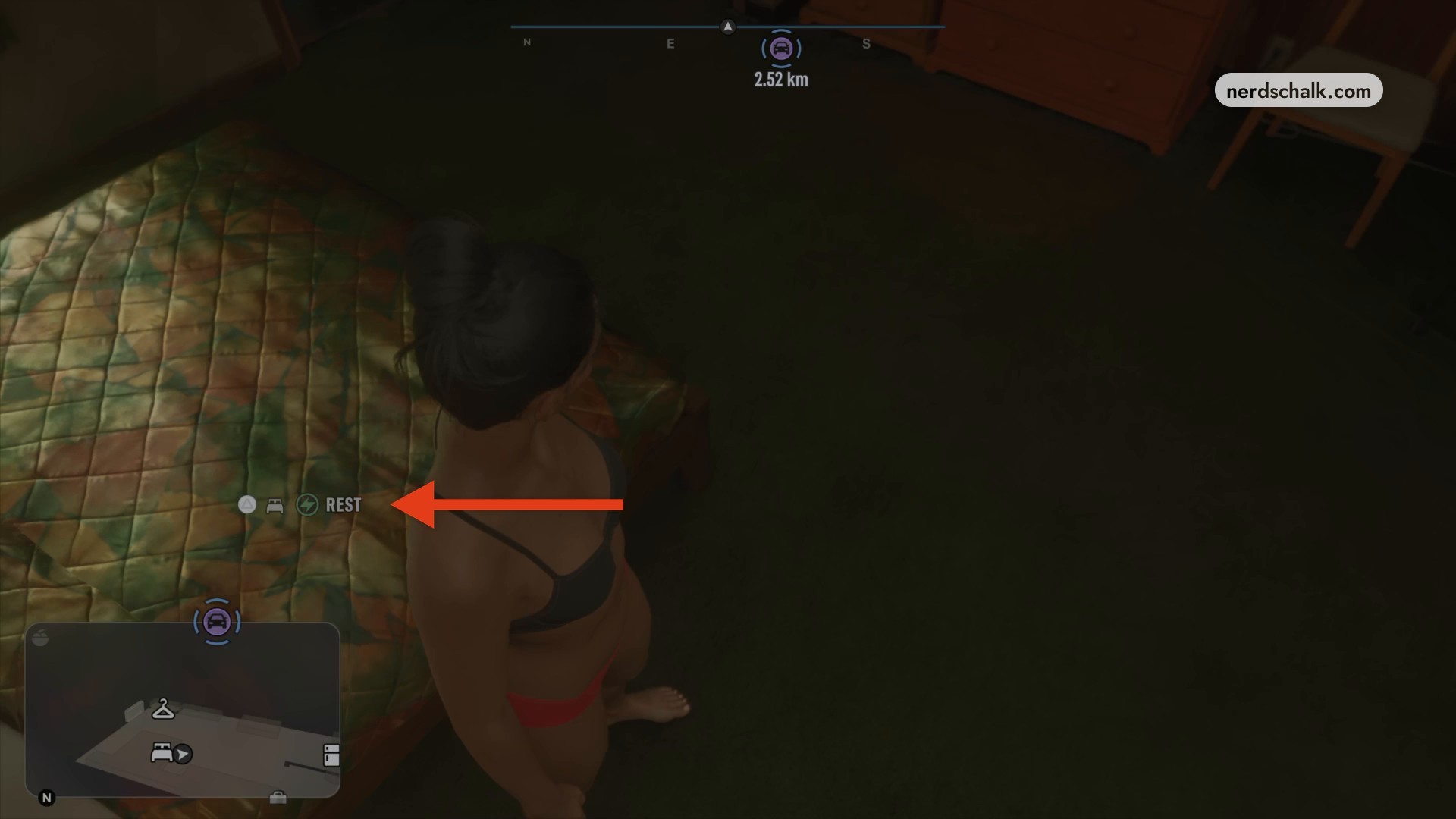
The REST prompt beside the Starlet Motel bed.
The REST prompt beside the Starlet Motel bed. · Screenshot by NerdsChalk

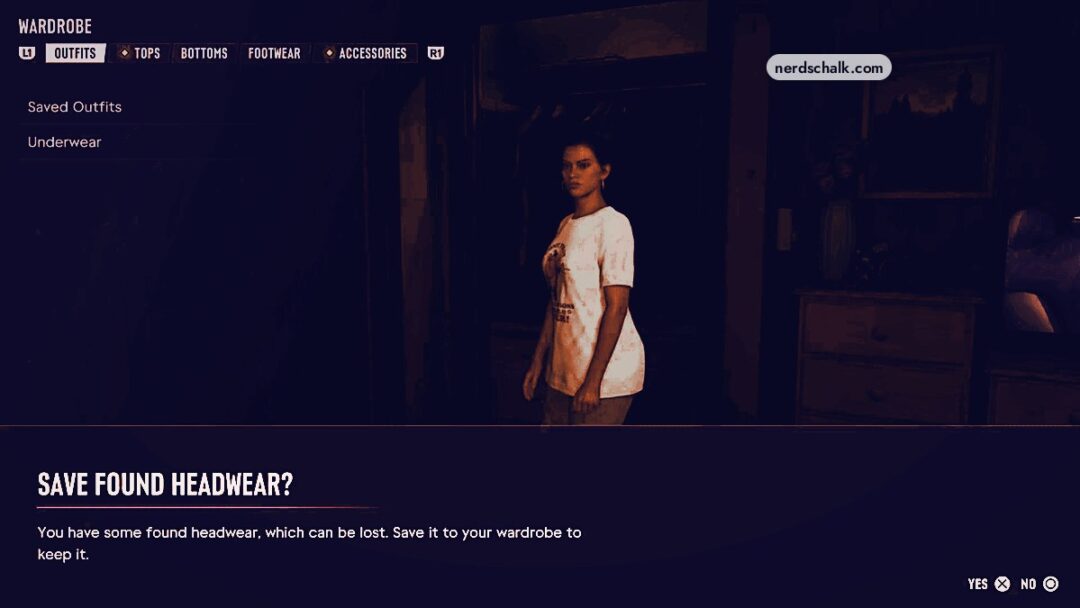
The dimly lit apartment living-room view shows the character facing an open doorway as you approach the bed.
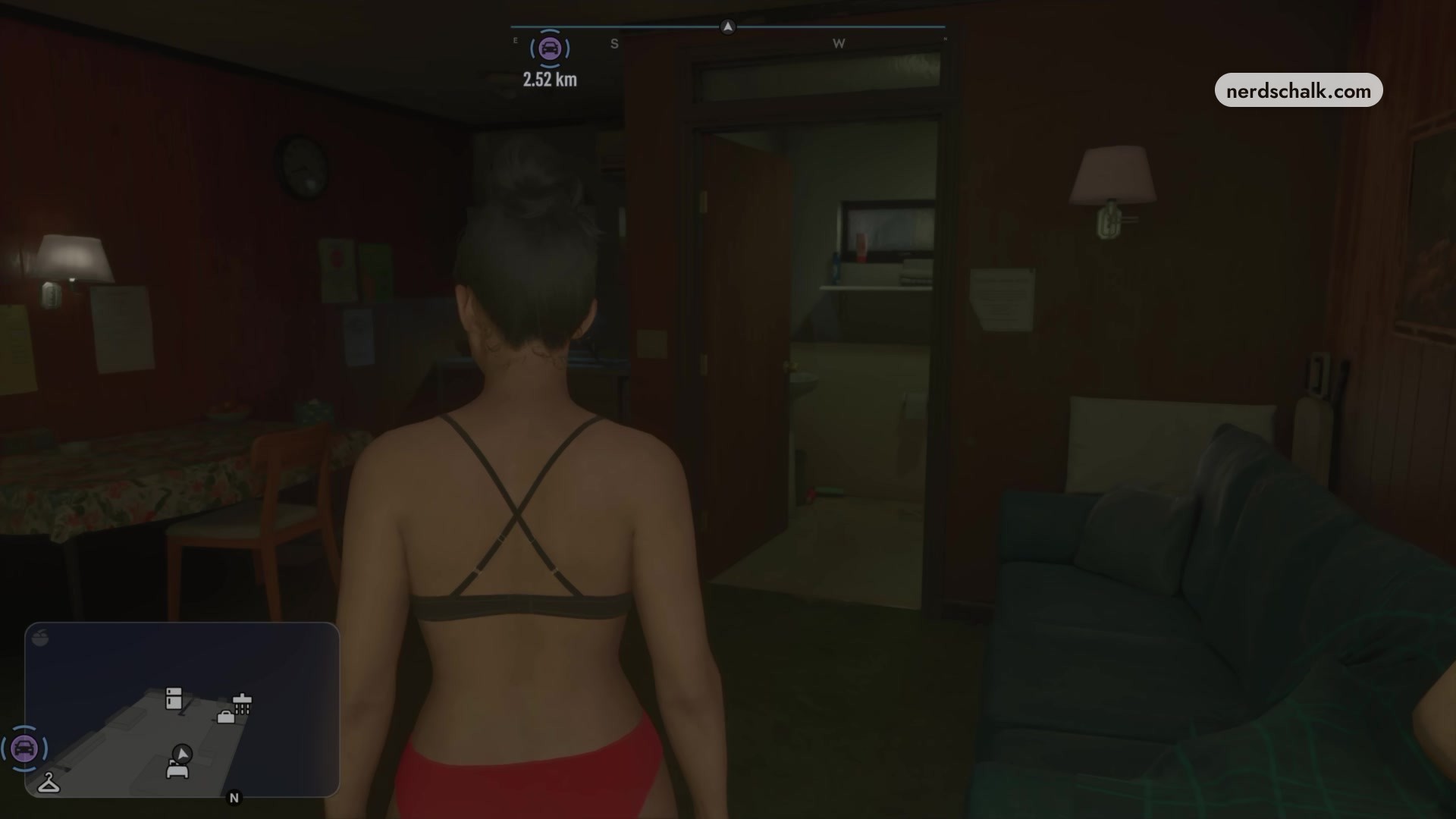
A dimly lit apartment living room with an open doorway on the approach to the bed.
A dimly lit apartment living room with an open doorway on the approach to the bed. · Screenshot by NerdsChalk
STEP 2

Review the resting controls

While you’re resting, look at the lower-right HUD for the bed controls. PHONE gives you phone access, SLEEP is an available action, TV lets you watch television, and GET UP lets you leave the bed.
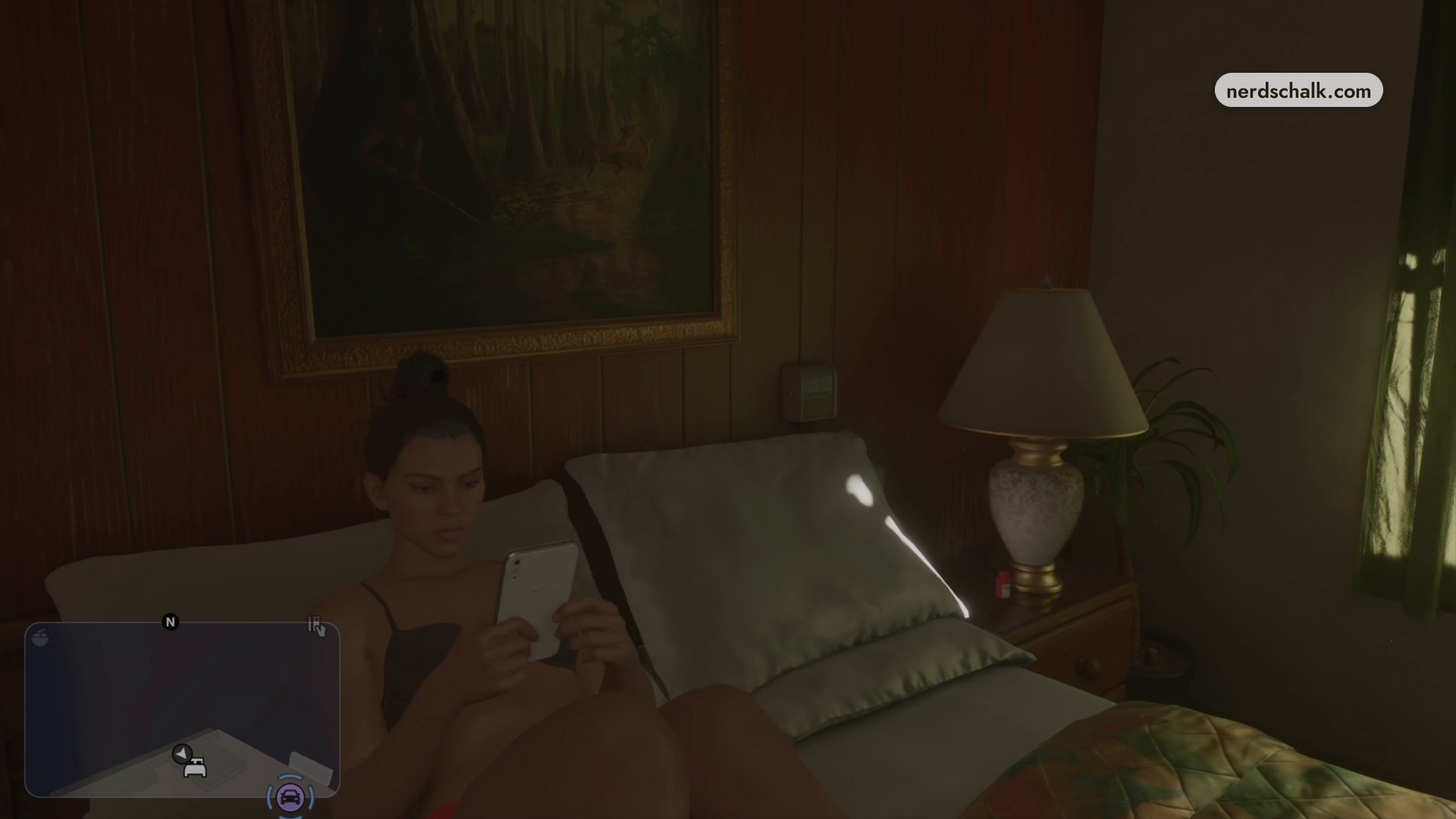
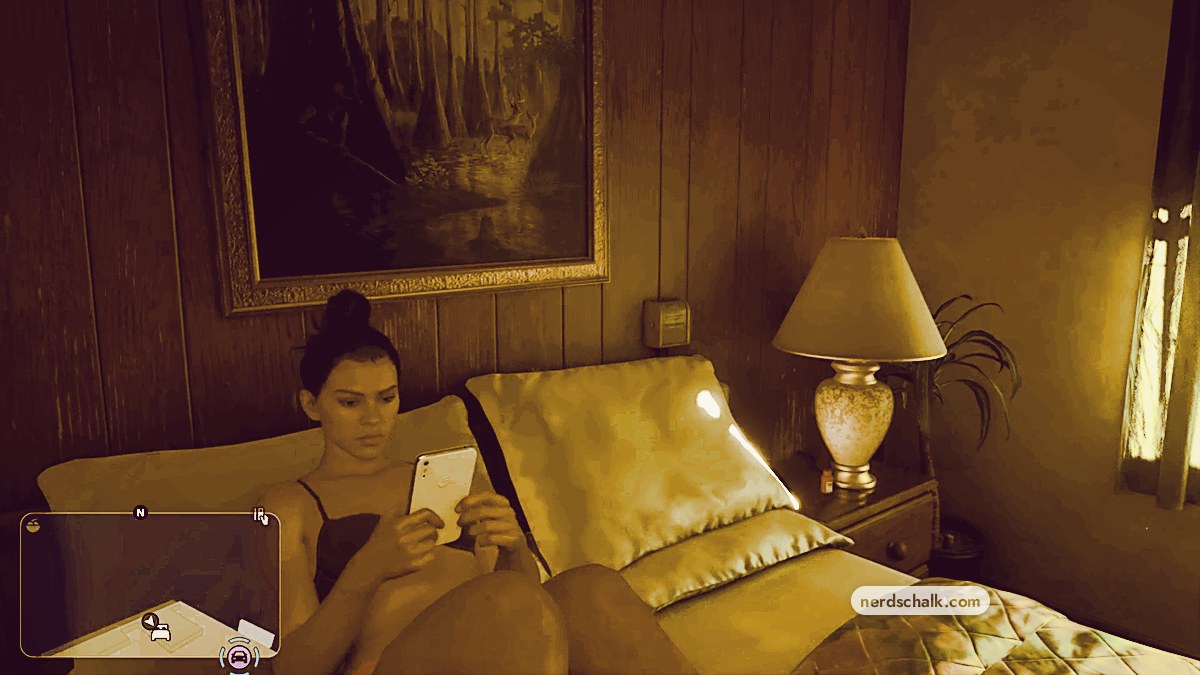
The character holding a smartphone while resting in bed.
The character holding a smartphone while resting in bed. · Screenshot by NerdsChalk
STEP 3

Get out of bed

Press Circle to leave the bed and return to a standing position.
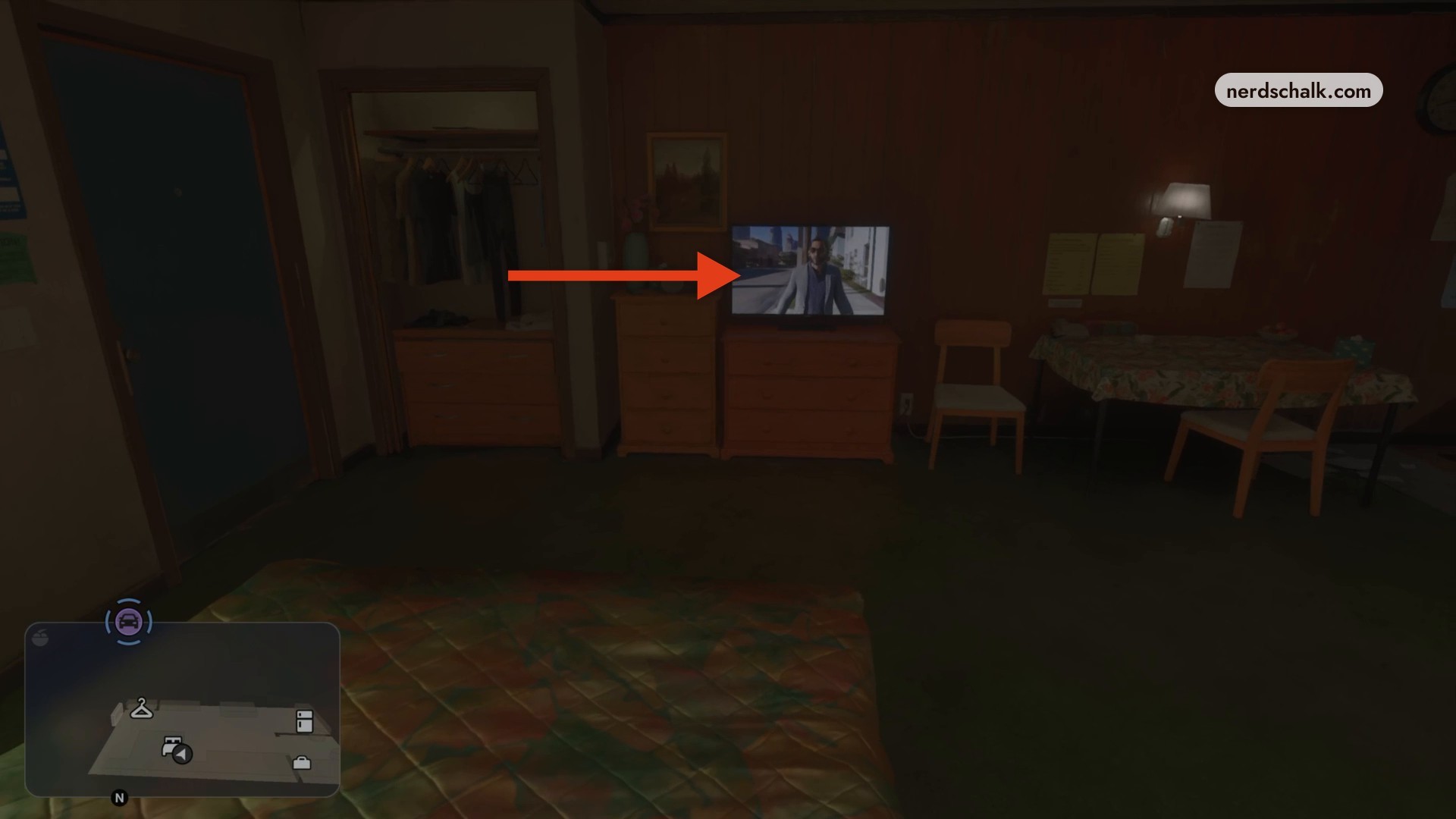
The motel room and television displaying an in-game broadcast.
The motel room and television displaying an in-game broadcast. · Screenshot by NerdsChalk

Related Grand Theft Auto VI guides
Leave a Reply

Your email address will not be published. Required fields are marked *