

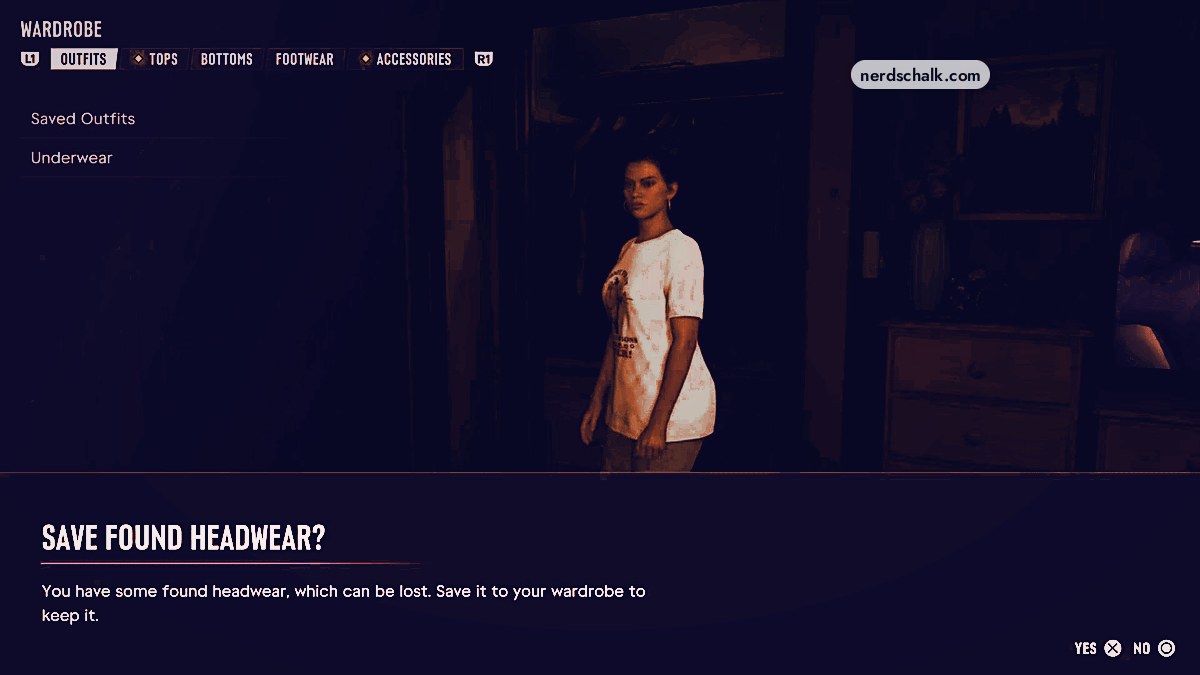
In the motel room, open the wardrobe beside the exit with Triangle, choose your clothes, and press Circle to resume play wearing them.
The WARDROBE menu handles your clothing choices inside the motel room in Grand Theft Auto VI. This guide covers the wardrobe controls, clothing categories and conditional headwear prompt.
The Indian PlayStation Store listing identifies the game as a PS5 title and names Rockstar Games as its publisher.
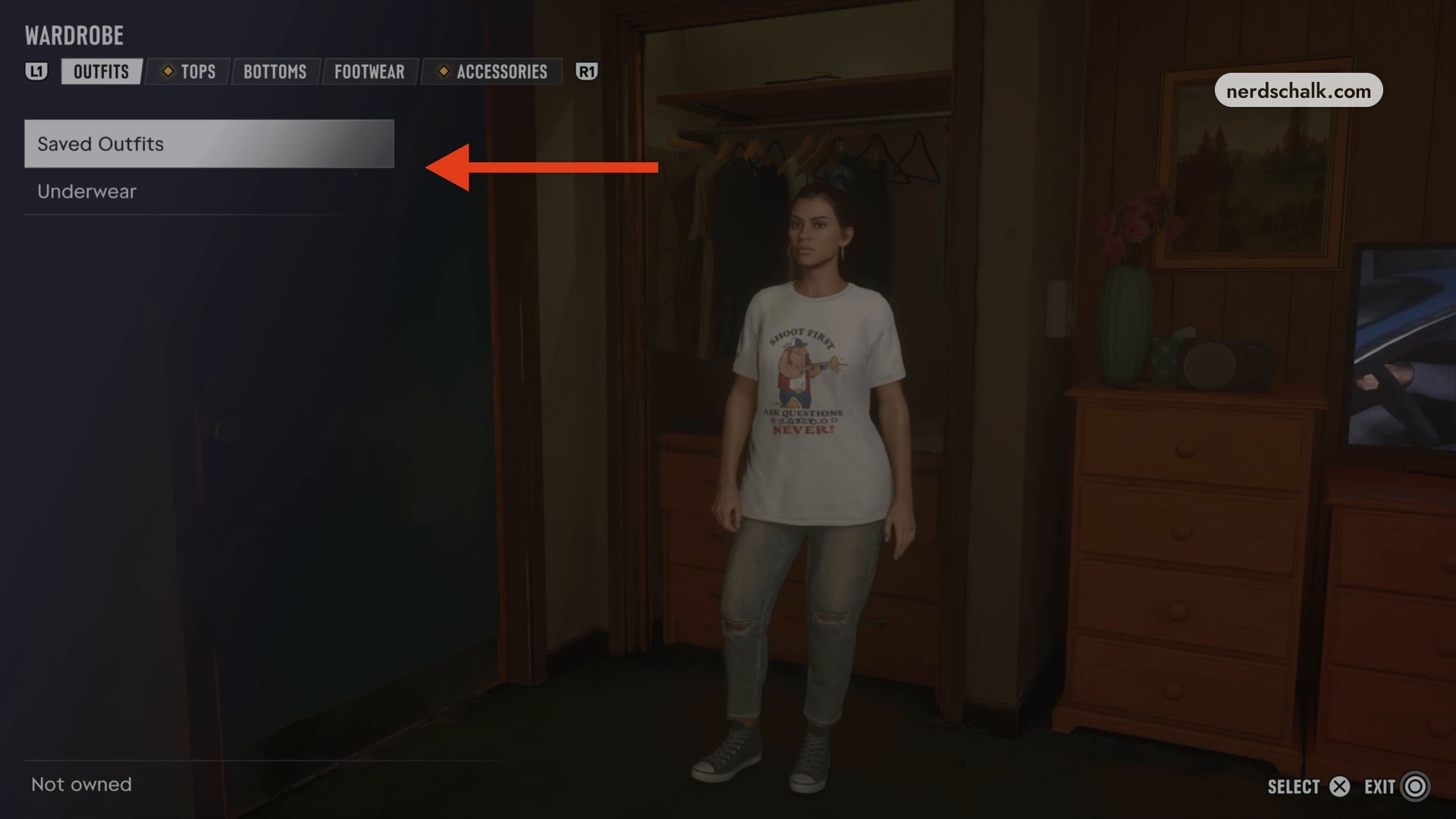
While choosing clothes, look for the Not owned label in the wardrobe menu.
How to change clothes in the motel room in Grand Theft Auto VI
Approach the wardrobe
Walk over to the open wardrobe in the room’s corner, beside the exit door.
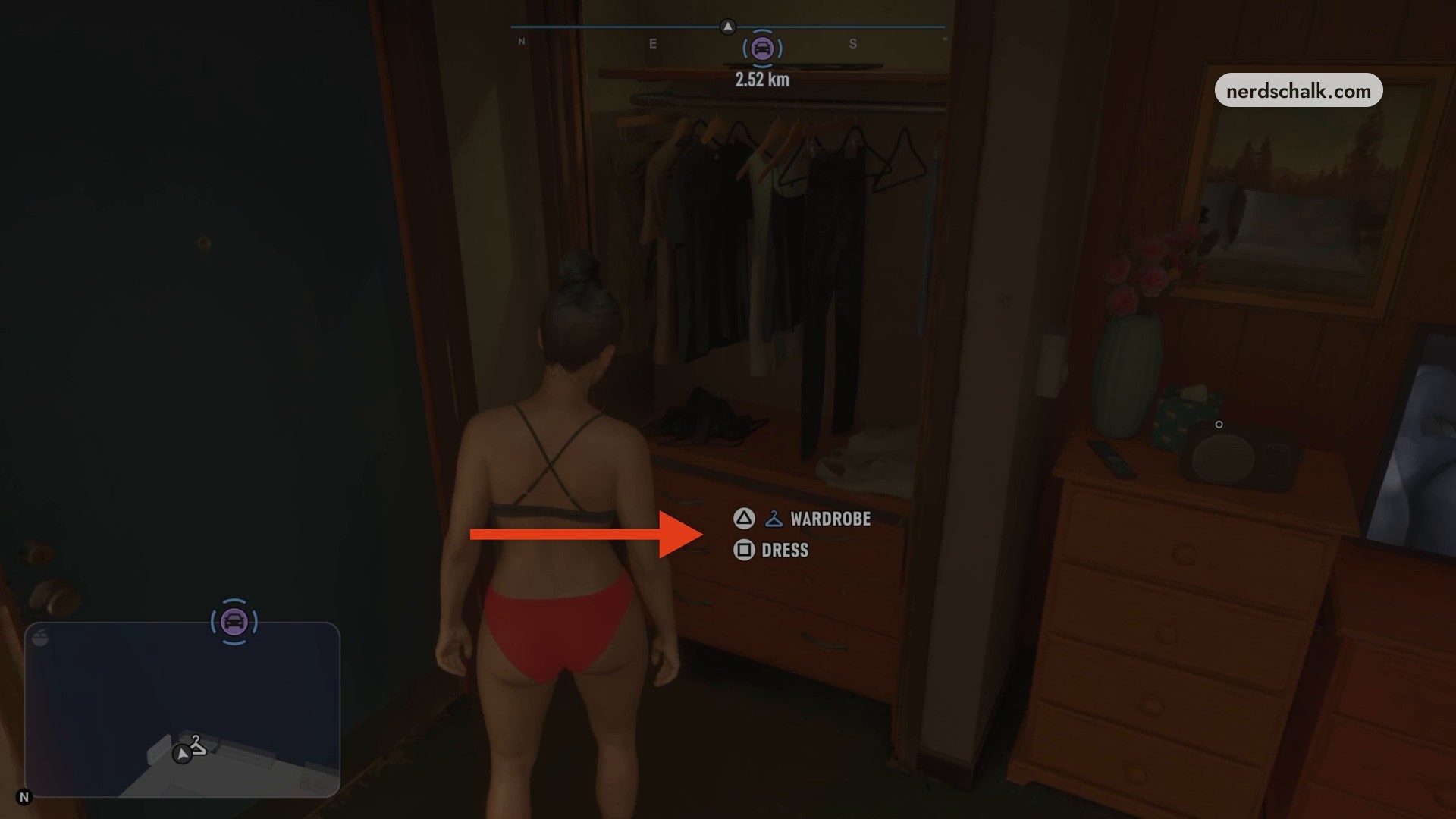
Open the wardrobe menu
Press Triangle to open WARDROBE. The interaction text also displays DRESS, with Square assigned to quick dress. A wardrobe prompt uses Cross to confirm and Circle to decline. The SAVE FOUND HEADWEAR? dialog offers YES and NO.
Choose your clothes
Browse your available clothes and select the outfit you want. The category strip lists OUTFITS, TOPS, BOTTOMS, FOOTWEAR and ACCESSORIES, with L1 and R1 displayed beside it. You’ll also see Saved Outfits and Underwear entries, plus the menu actions SELECT and EXIT.
Return to the room
Press Circle to leave the wardrobe menu. You’ll return to the motel room and resume play with your selected clothes equipped.
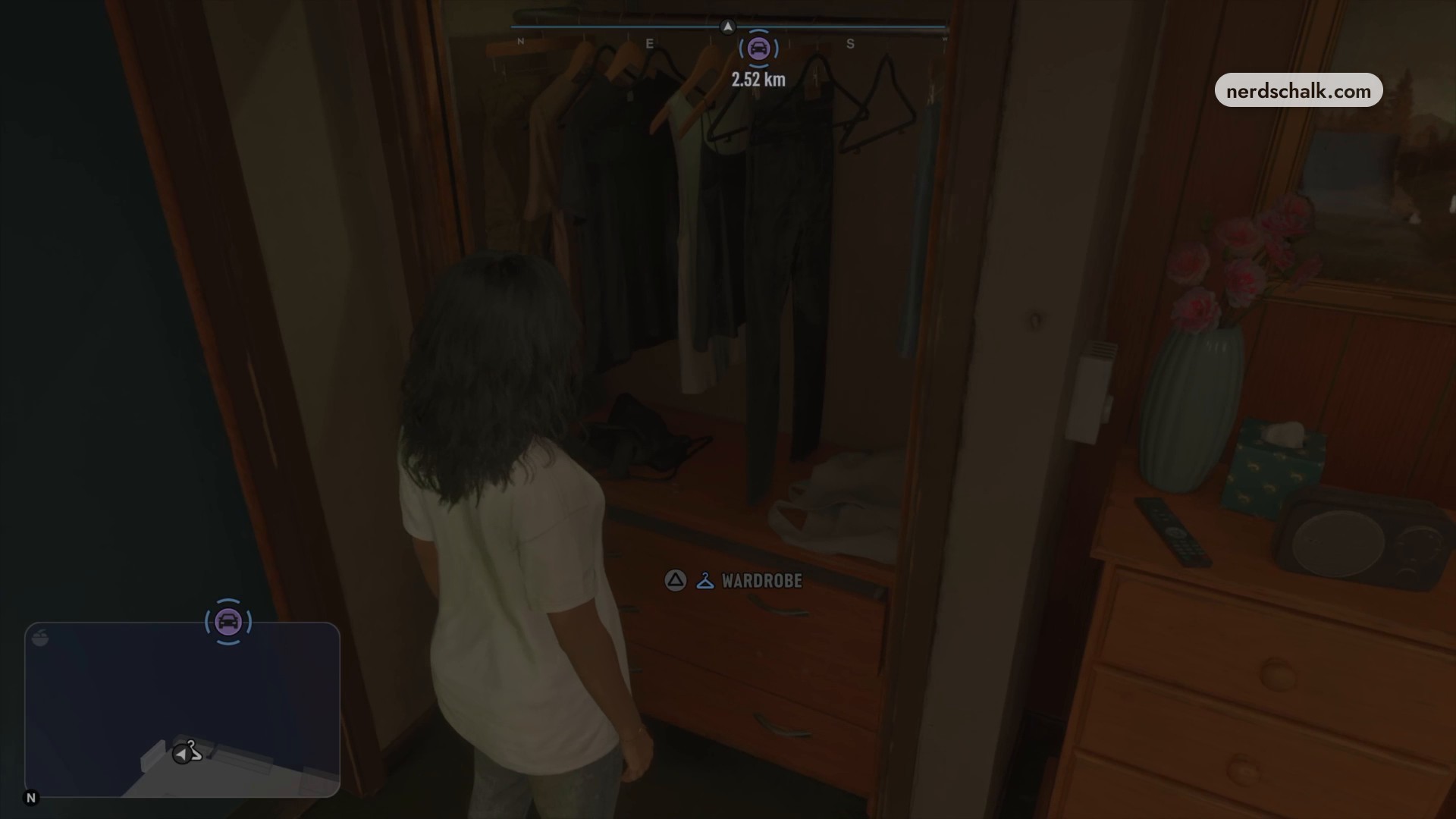
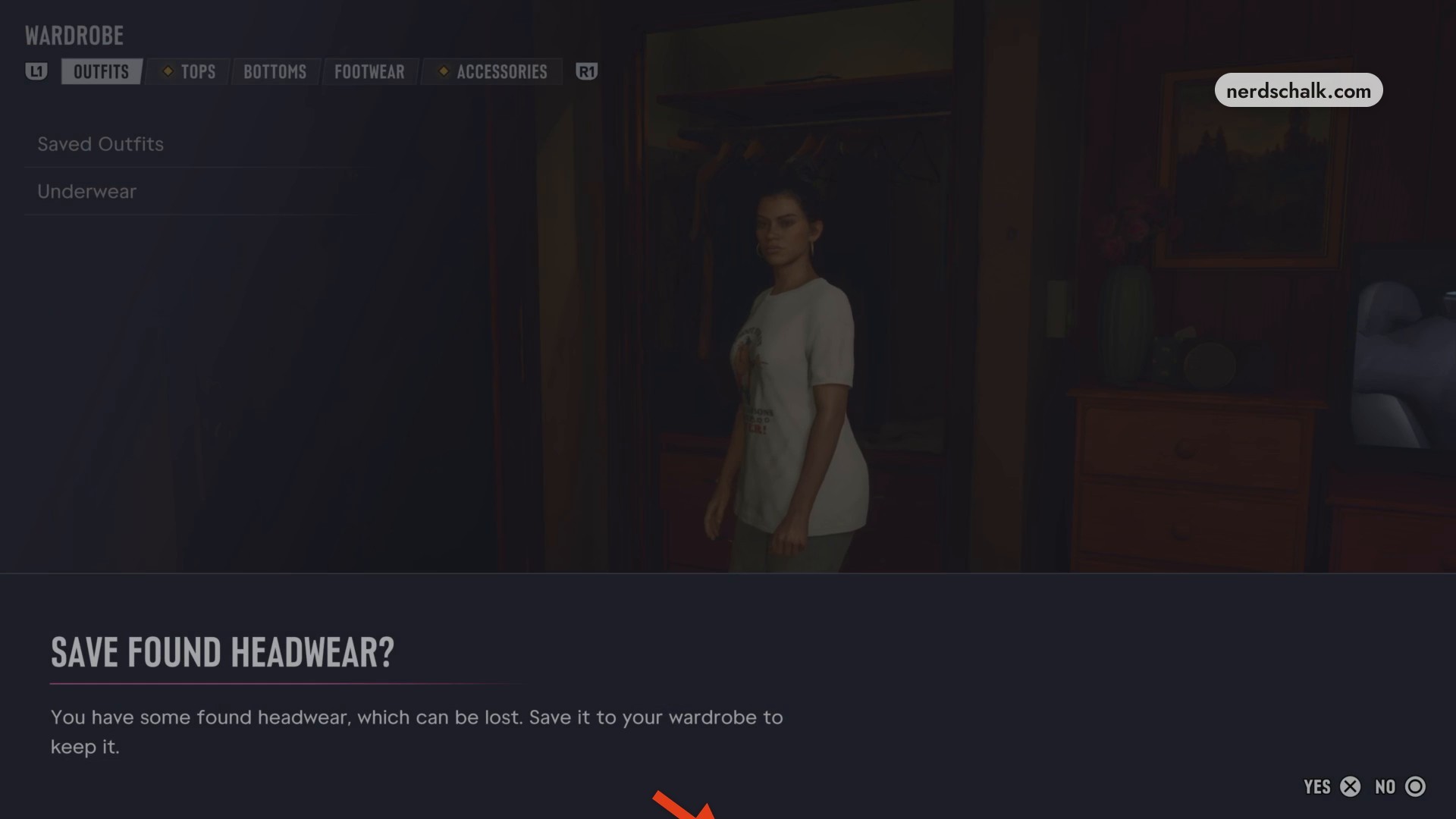
With your outfit equipped, you’re ready to carry on from the motel room.
Related Grand Theft Auto VI guides
Leave a Reply