
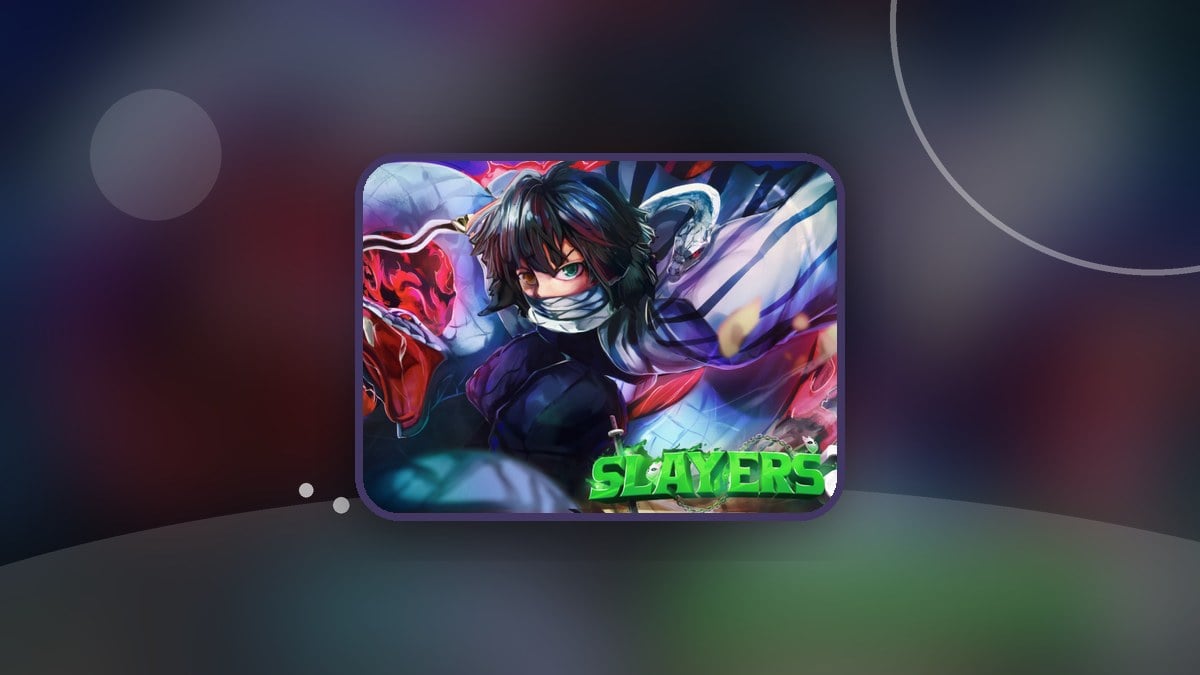
QUICK ANSWER
You can reposition mobile buttons in Slayers 2 by enabling edit mode in the top-left corner of your screen.
You can reposition mobile buttons in Slayers 2 by enabling edit mode in the top-left corner of your screen.
Slayers 2 is made by Ouw Productions, a Roblox group.
The game’s Roblox event listing also includes a scheduled Update 1 event.
Edit mode lets you change where your mobile buttons sit. The control that enables it is in the top-left corner, giving you access to button repositioning from your screen.
Don’t miss thisTap resetsTapping a button in edit mode restores its base positionTap when you want to reset that button.
When does the Slayers 2 Update 1 event start and end?
| Time zone | Starts | Ends |
|---|---|---|
| IST | 4 November 2026, 3:30 AM | 16 November 2026, 3:30 AM |
| UTC | 3 November 2026, 10:00 PM | 15 November 2026, 10:00 PM |
| ET | 3 November 2026, 5:00 PM | 15 November 2026, 5:00 PM |
| PT | 3 November 2026, 2:00 PM | 15 November 2026, 2:00 PM |
These times mark the scheduled opening and closing of the Update 1 event.
Related Project Slayers 2 guides


Leave a Reply