
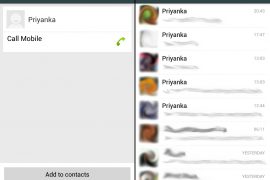
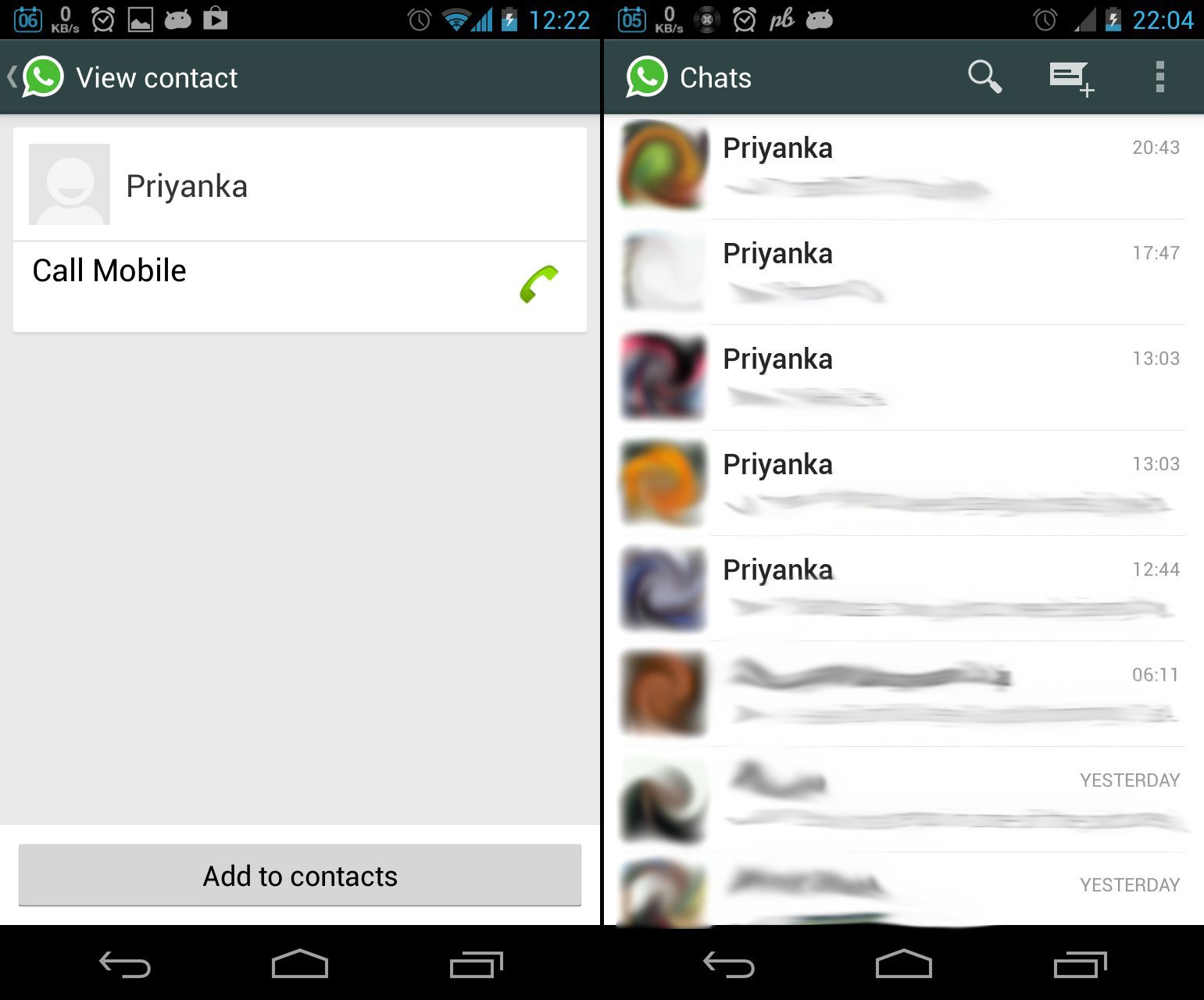
A virus named “Priyanka” is spreading on Whatsapp through a contacts file that if you add to your contacts will change the name of all the groups you have on your Whatsapp to “Priyanka”, and in the worst case, it may also replace all your contacts name to ‘Priyanka’ as well.
It started spreading earlier yesterday and I got it from a relative. It was sent to me without his notice so we could presume that once it gets on your phone it automatically forwards itself to all your Whatsapp contacts without your permission.
Anyway, I willingly added it to my contacts to see if it’s for real. And Damn! it worked — replaced all the group names on my Whatsapp to “Priyanka”. So folks! stay away from it.
Here’s how to stay away from Priyanka Whatsapp virus
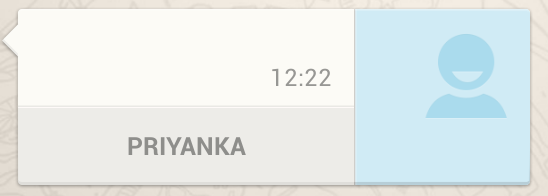
Thankfully this virus doesn’t gets installed on your phone by itself. So in case you receive a contact file named “Priyanka” from anyone on Whatsapp or by any other way, make sure that you do NOT add/save it to your contacts. It can’t do any harm without getting added to your contacts database so just DON’T save it.
However, in case you’ve already saved it to your contacts. Here’s what you should do to get rid of it:
Removing the Priyanka Whatsapp virus
First thing you should do is turn off all the internet connectivity on your phone. WiFi, Mobile data and bluetooth tether.. all of them to stop it from spreading to your contacts list.
To get rid of this virus from your phone you need to delete it from your contacts and also clear your Whatsapp database.
NOTE that clearing your Whatsapp database would bring it to a freshly installed state. You’ll be required to do all the Whatsapp setup again. And thankfully, Whatsapp does take auto backups of all your conversations so they’ll be restored automatically once you’re through the setup. However, chances are that you’ll lose some of your recent conversations, say last 24-36 hrs, but there’s nothing you could really do about it so just bear with it.
Below are the noob proof steps to get rid of the virus:
- Go to your contacts, search for Priyanka and DELETE it
- Go to Settings on your phone
- Select Apps or App manager and then select Whatsapp from the list
- Tap on Force stop and then on Clear data
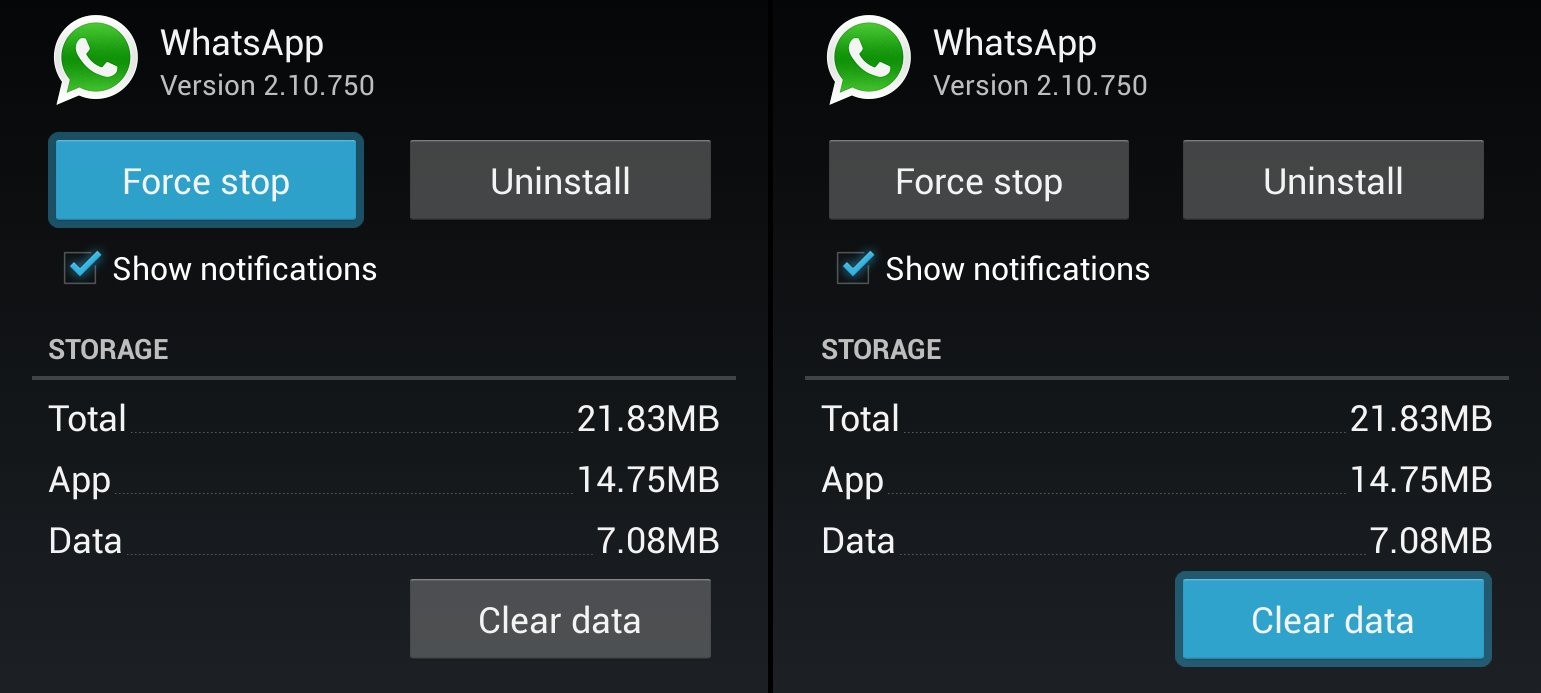
Once done. Open Whatsapp on your phone and it’ll show up as you’ve just installed it again. Go through the setup. And in the end it’ll automatically start restoring your conversations.
Is this the perfect solution?
I don’t know. But I could guarantee it’s the best first-aid you could do.
Do give a little help and share this page with your friends and relatives. And if you’ve any questions you can post them in the comments section below.
[featurearea title=”Update” icon=”notification”] Turns out I was mistaken in presuming that this “Priyanka” thingy automatically forwards itself to your Whatsapp contacts. It doesn’t do anything like that. [/featurearea]
[featurearea title=”Update 2″ icon=”notification”] The most recent Whatsapp update that was pushed on 10th July (version 2.10.768) seems to have fixed the issue. Although, the update change log doesn’t mention anything specific about Priyanka except for bug fixes and improvements and also something about “improved treatment of address book duplicates” (which could mean something). But anyway, after installing the update I tried to save the Priyanka contact file again and it failed to make any mess. So, I think, it’s pretty safe to say that the exploit has been fixed.
[/featurearea]





573 responses to “PSA: A virus named “Priyanka” is spreading on Whatsapp, here’s how to remove and stay away from it”
BandarQ Online
BandarQ Online
capsadomino
BandarQ Online
jelaspoker
jelaspoker
jelaspoker
yuk kunjungi profil aku
yuk kunjungi profil aku
yuk kunjungi profil aku
sadsa
sadsa
sadsa
pokeraladin
capsadominoqq
agensakongqq
agenjudiqq
situsqiuqiu
pokeraladin
capsadominoqq
agensakongqq
agenjudiqq
situsqiuqiu
situsqiuqiu
pokeraladin
capsadominoqq
agensakongqq
agenjudiqq
hello
hello
hello
awaited his visitLoading…
pokernx
melatipoker
zientoto
hello
hello
hello