
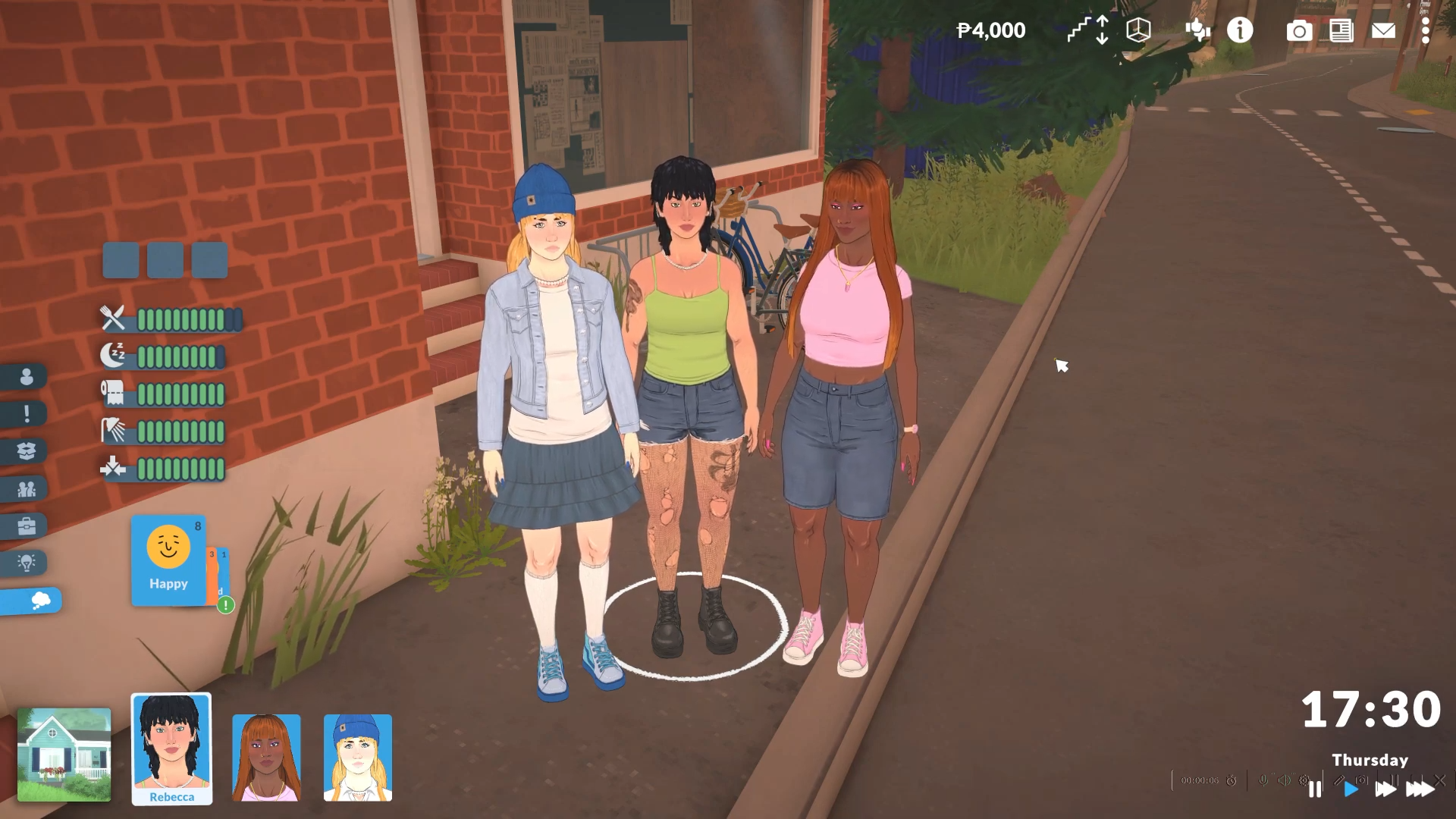
To change a Parafolk’s gender in Paralives, press Control+Shift+C (or Command+Shift+C on Mac), type editcharacter, press Enter, then select your desired gender (male, female, or non-binary) in Para Maker and click the check mark to save.
Parafolk Gender Change details
How to Change a Parafolk’s Gender
Step 1: Open the Cheat Commands Console
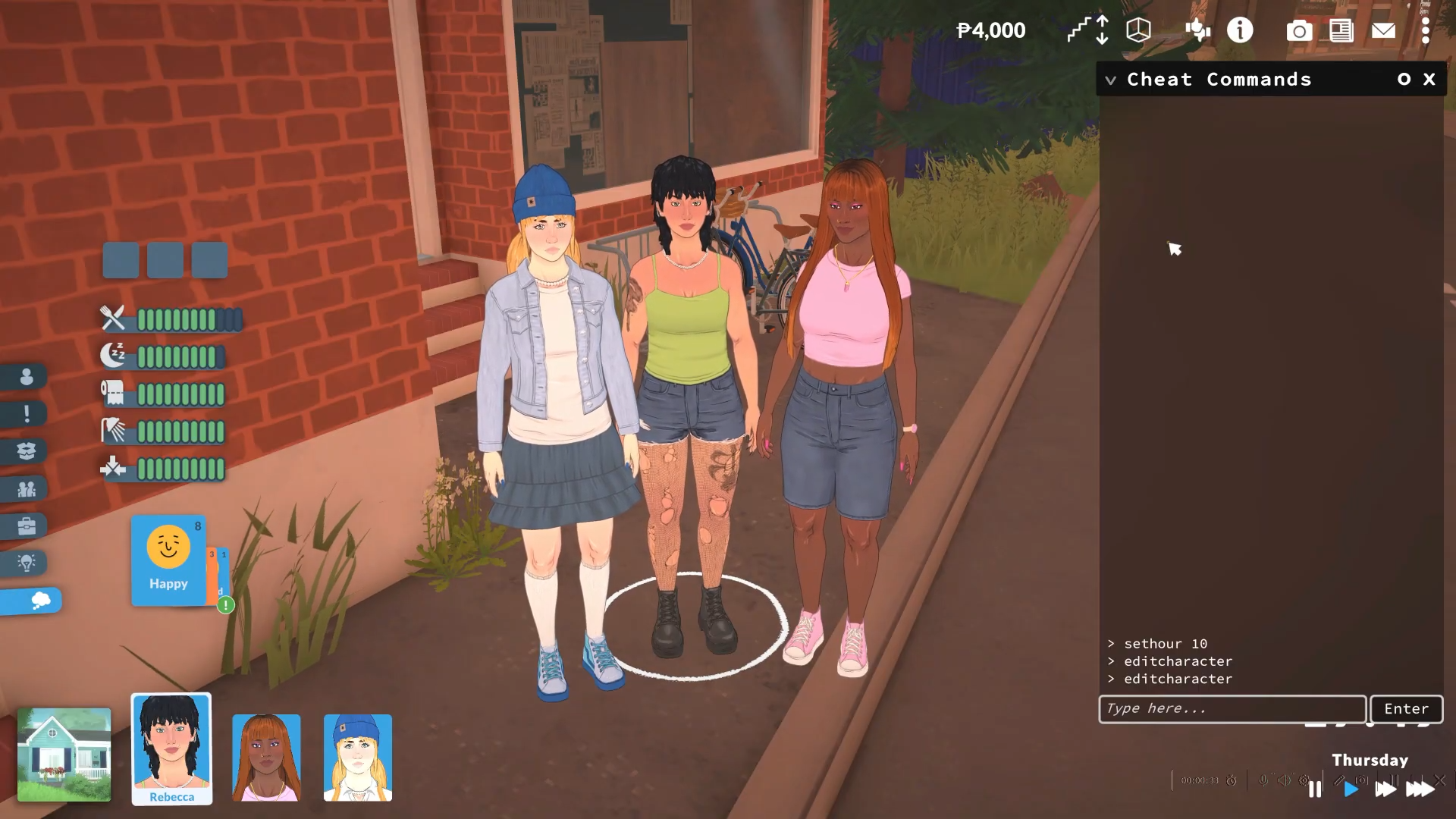
Press Control+Shift+C on Windows/Linux or Command+Shift+C on Mac to open the cheat commands box at the top of your screen. A text input field will appear where you can type cheats.
Step 2: Enter the Edit Character Cheat
Type editcharacter into the cheat box and press Enter.
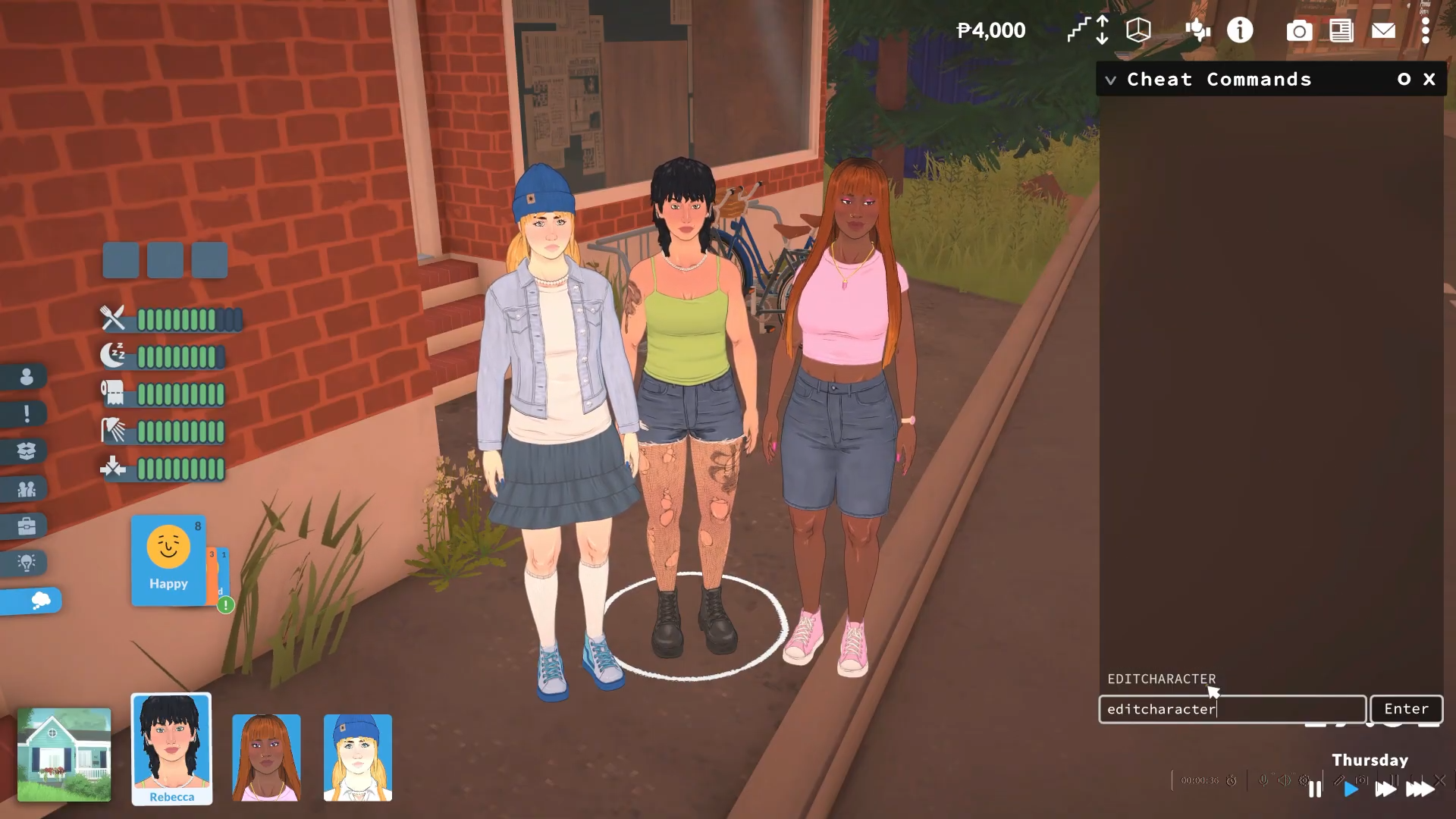
This action launches Para Maker, Paralives’ full character creation and editing interface, allowing you to modify your Parafolk completely.
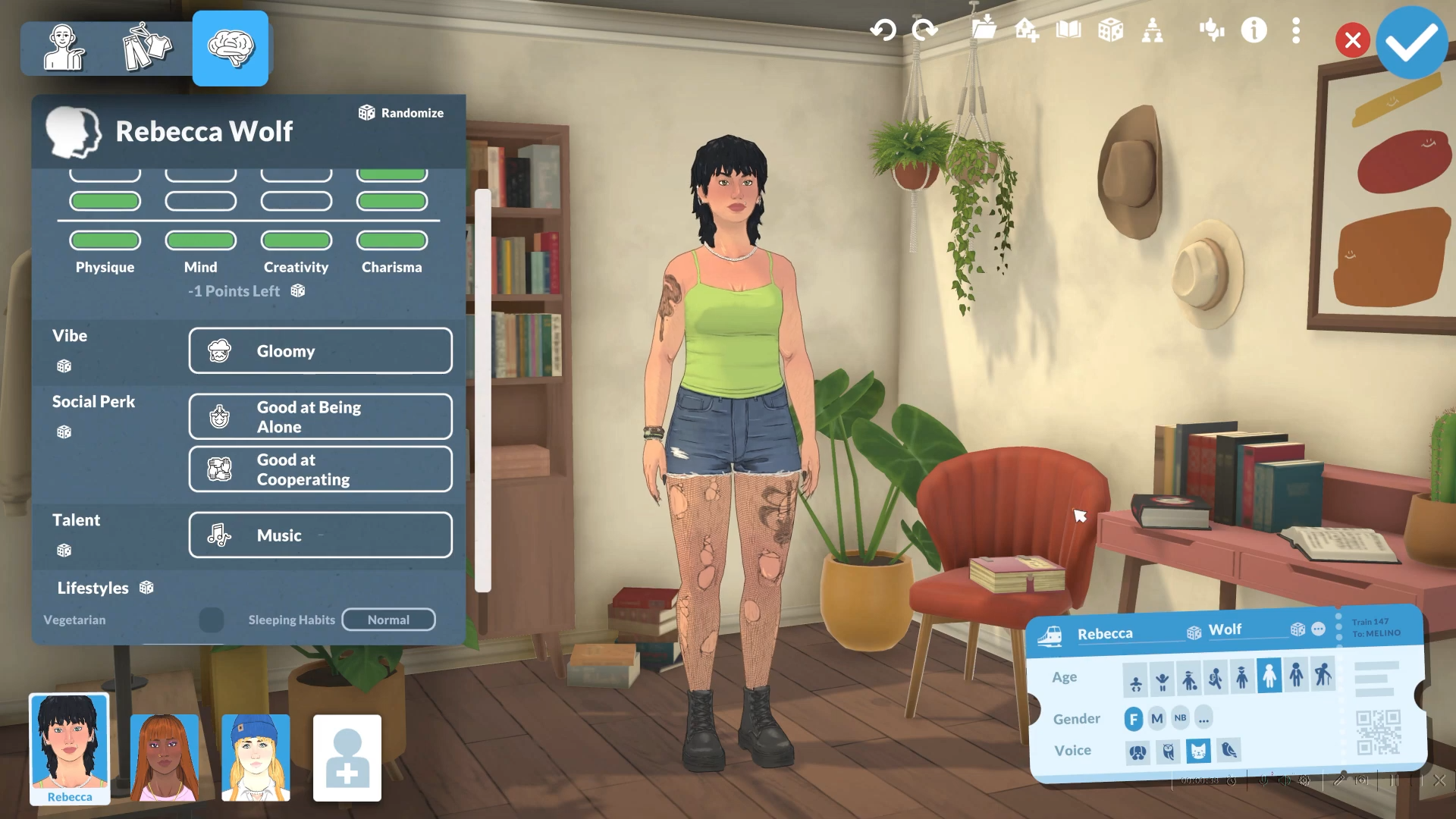
Step 3: Locate the Gender Settings
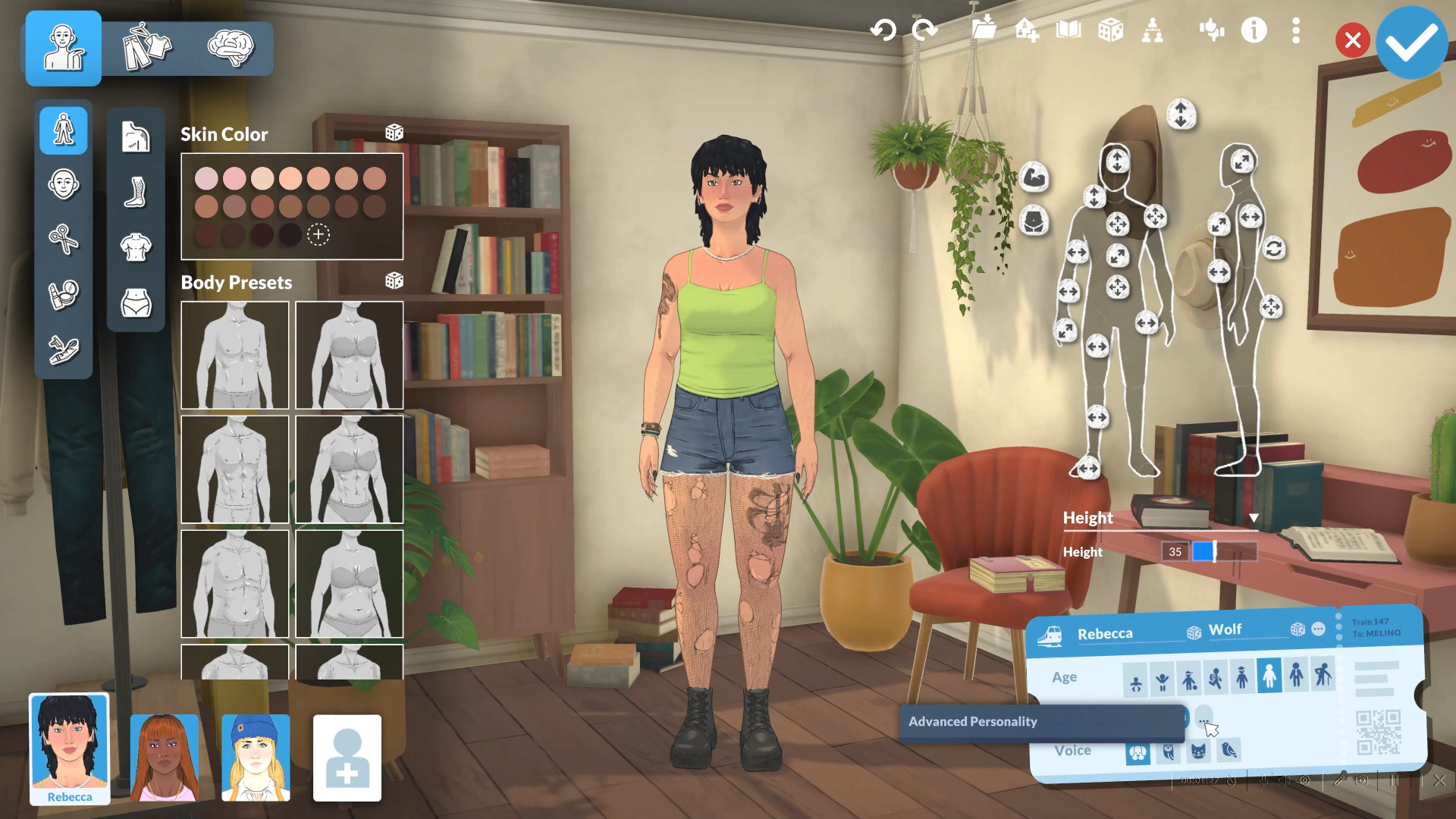
In Para Maker, gender settings are located near the bottom of the menu, alongside other foundational options like name, age, and voice.
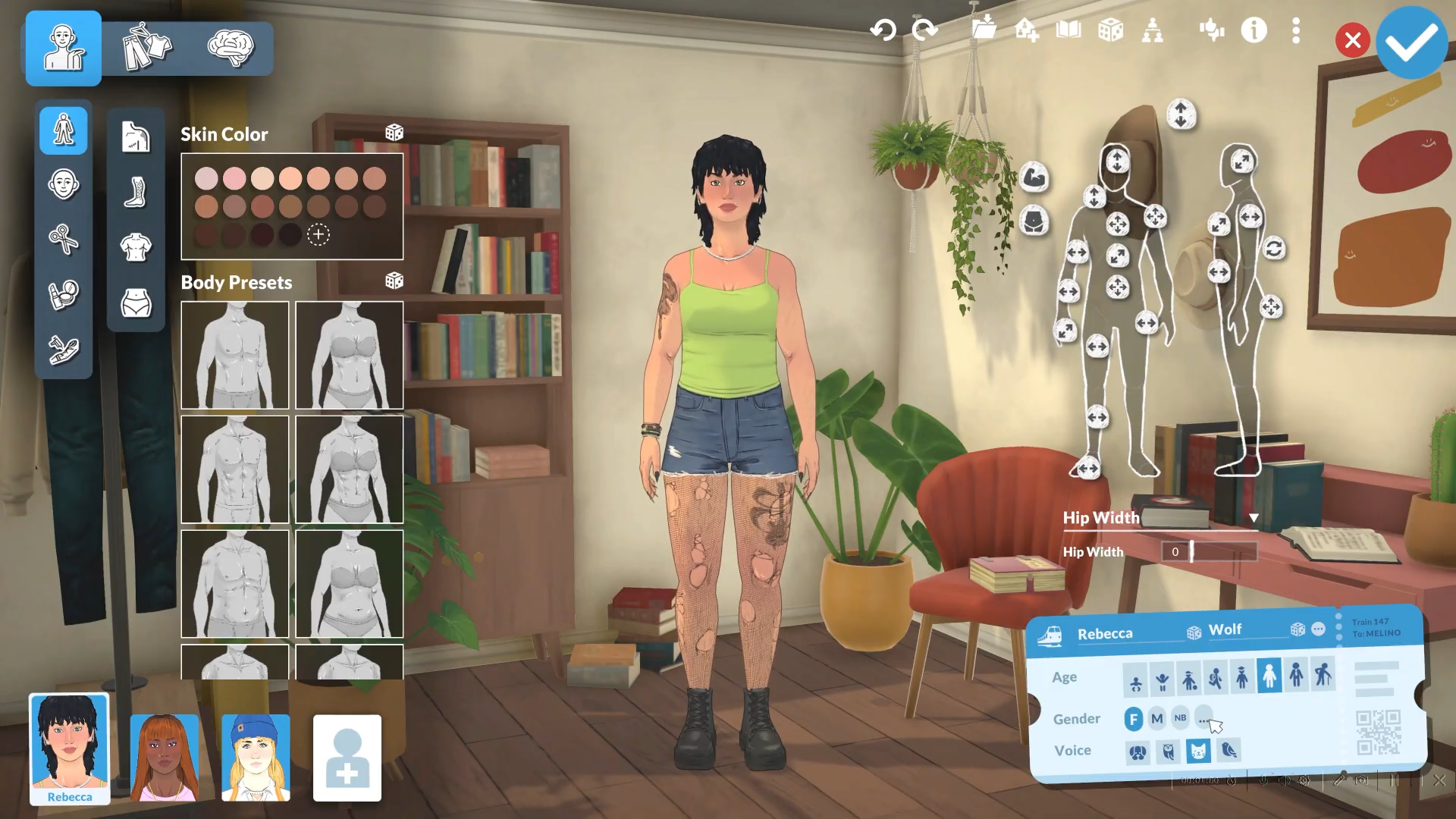
Step 4: Select Your Desired Gender
Choose one of the three available gender options:
-
Male
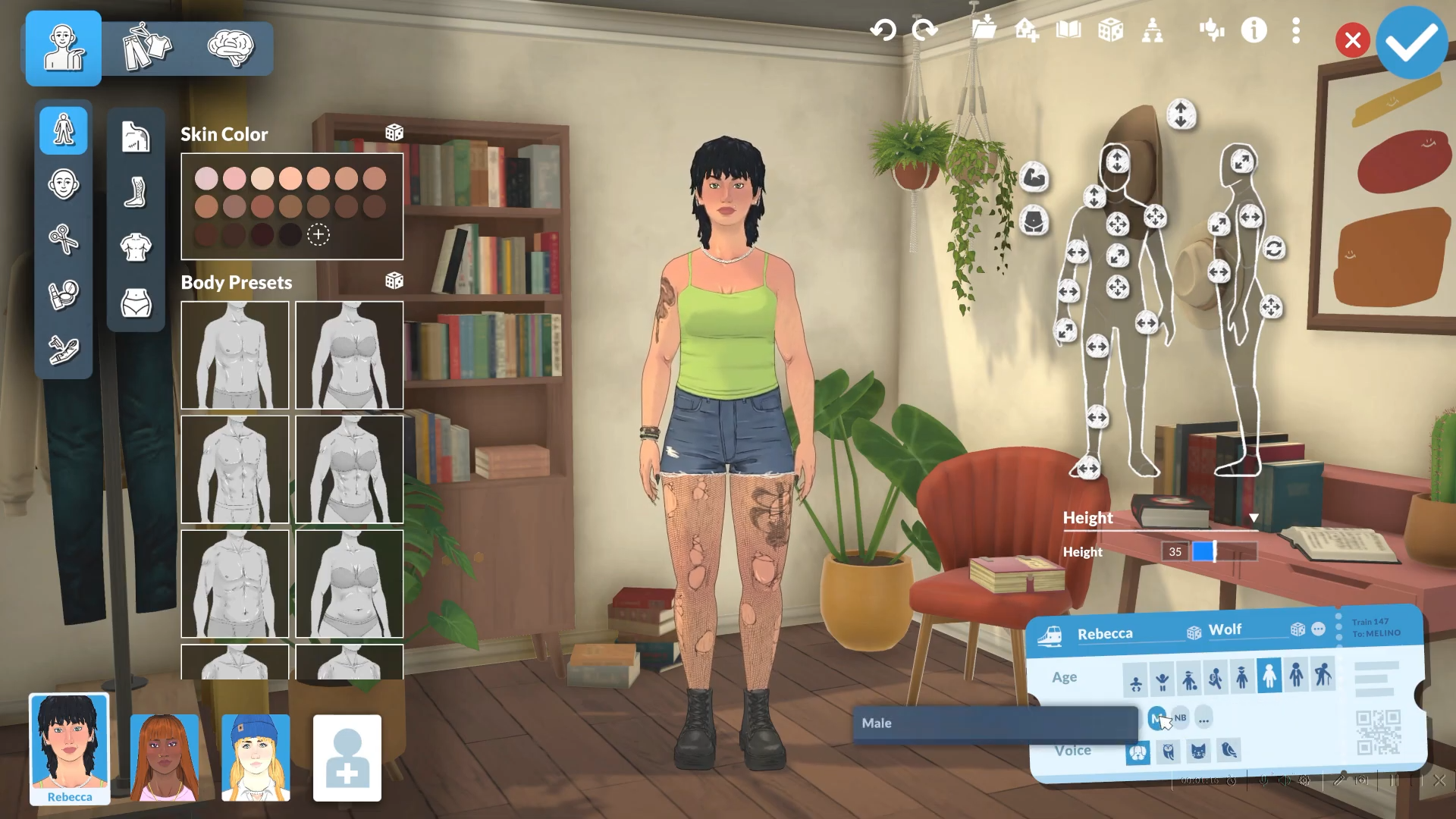
-
Female
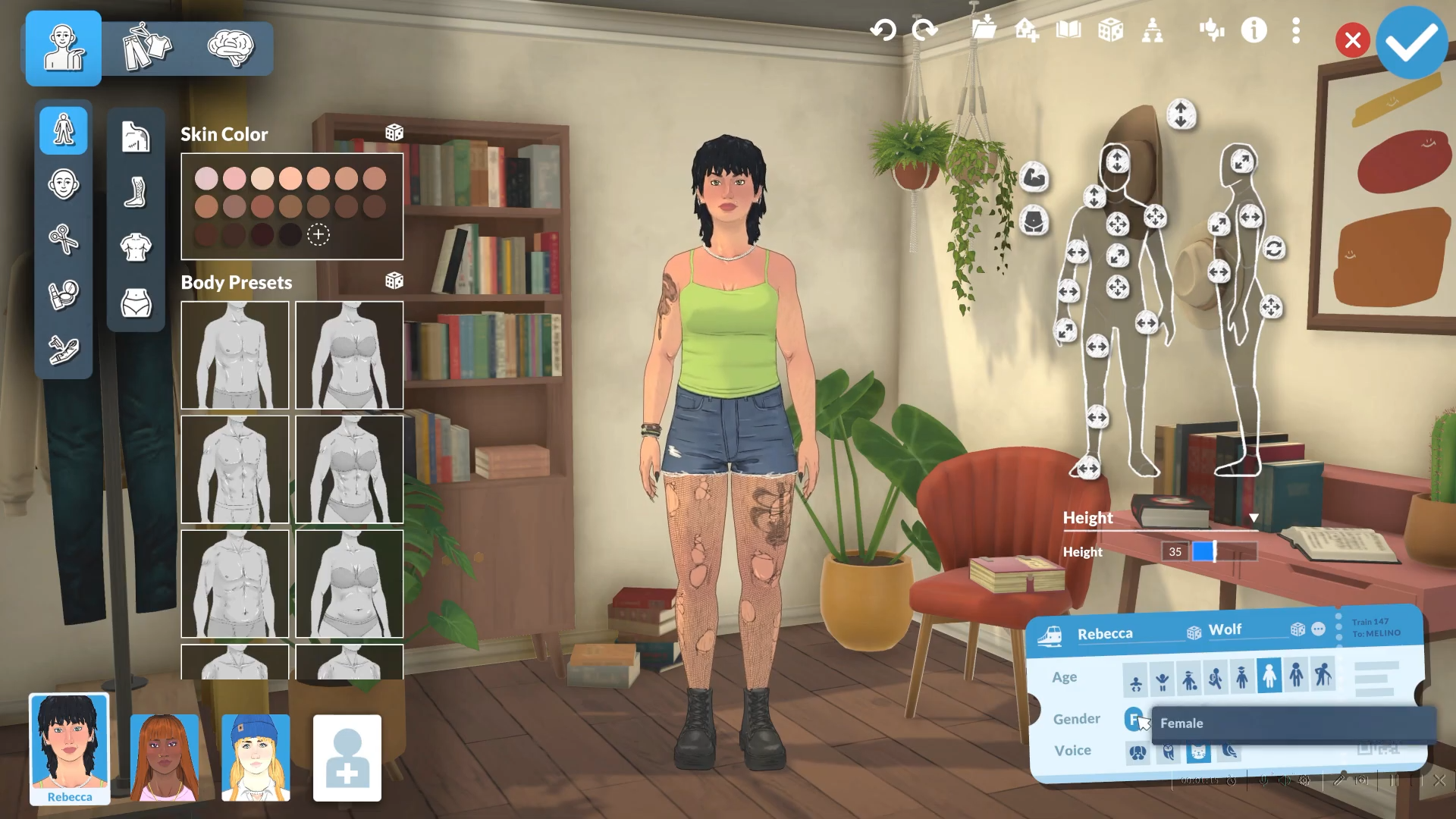
-
Non-binary
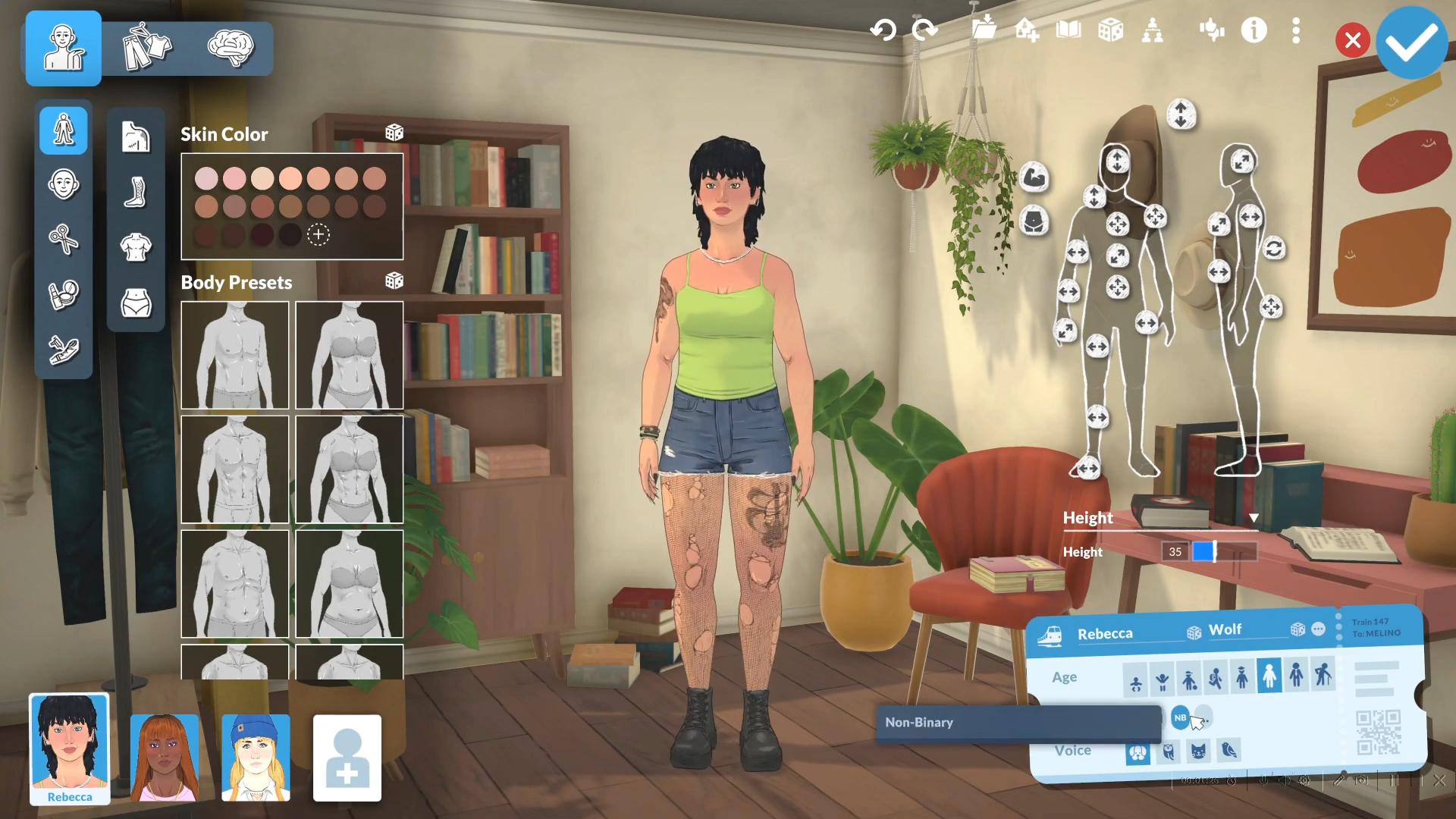
Your Parafolk’s physical appearance will not automatically change when you switch genders. The gender setting primarily affects how the character is addressed. You must manually adjust body sliders, facial features, body hair, chest size, and clothing separately if you want physical changes to match the new gender.
Step 5: Customize Advanced Settings (Non-Binary Only)
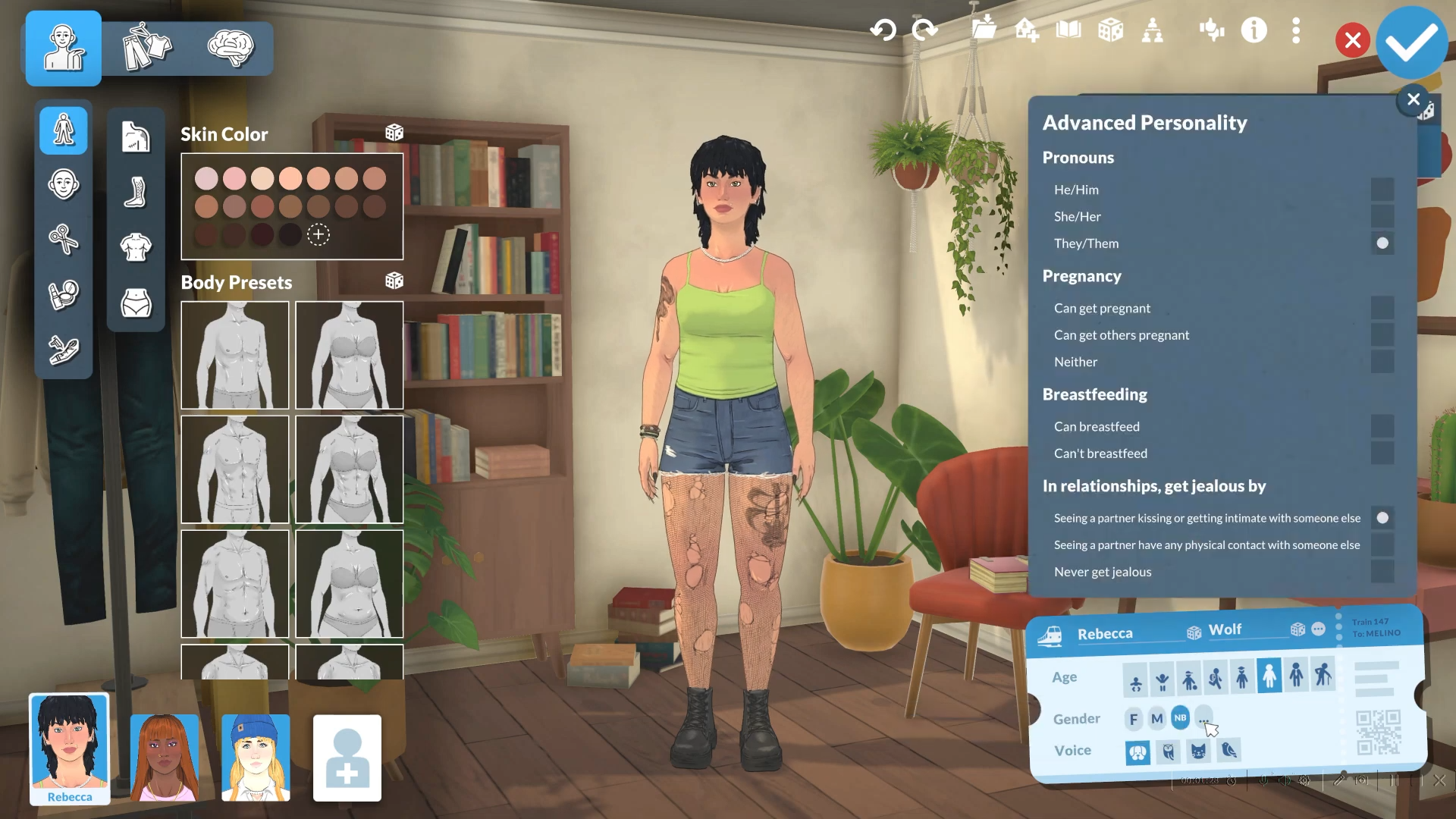
If you selected non-binary, click the small buttons next to the gender option to access advanced customization.
-
Pronouns: Choose from options like he/him, she/her, they/them
-
Pregnancy Settings: Toggle whether the character can get pregnant or can get others pregnant
-
Breastfeeding: Enable or disable breastfeeding ability
-
Jealousy Settings: Adjust jealousy behavior in relationships
Step 6: Save and Apply Changes
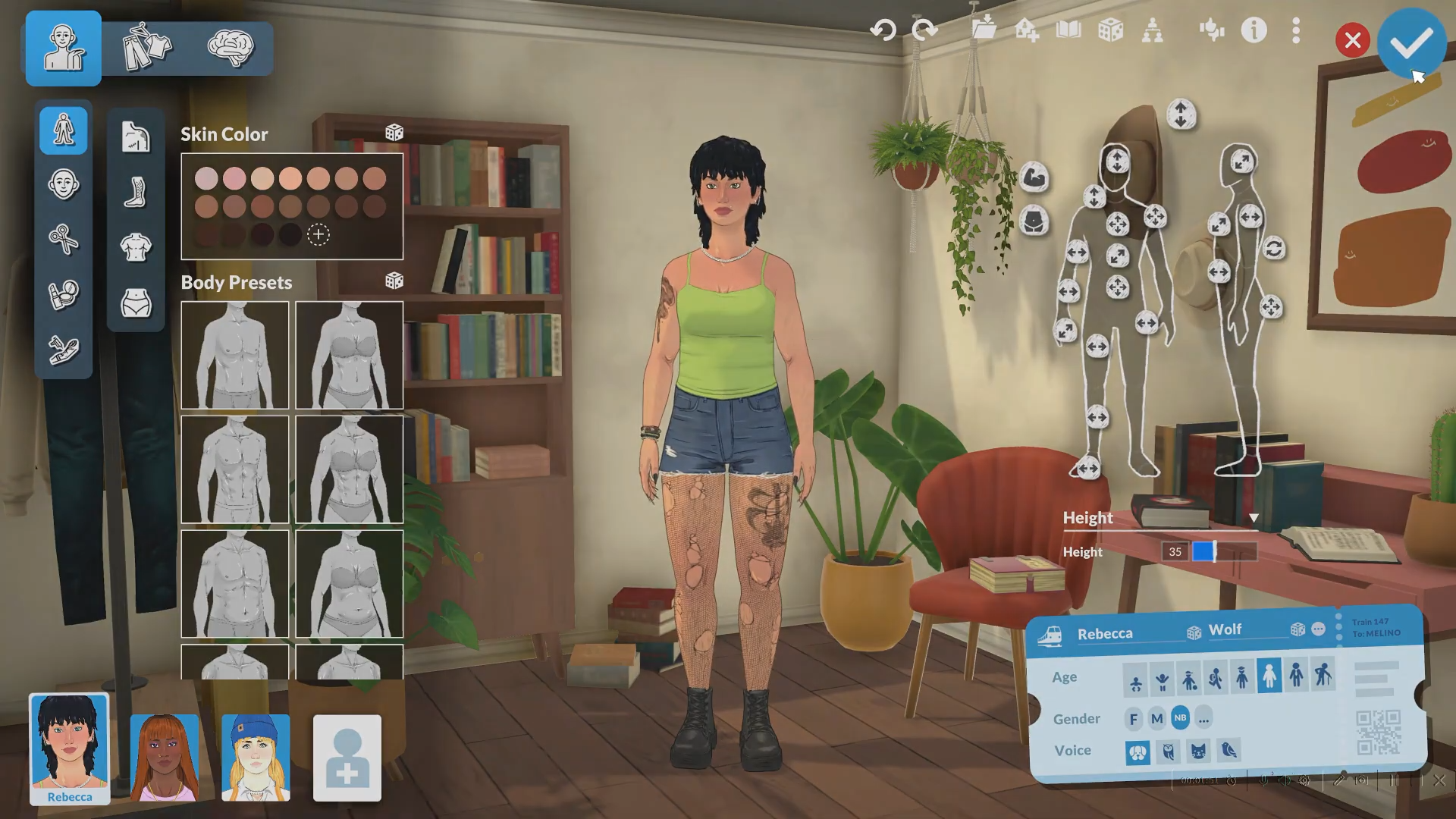
Click the check mark button (✓) to confirm all changes and exit Para Maker. Your Parafolk will now have the new gender settings applied immediately.
Critical Mistakes to Avoid
-
Don’t expect automatic physical changes: Changing gender only updates pronouns and game mechanics. You must manually edit body shape, facial features, and clothing in Para Maker.
-
Don’t close Para Maker before saving: Always click the check mark to save. Closing without saving will discard all changes.
-
Don’t confuse gender with body features: Gender is independent from body sliders and clothing choices in Paralives’ design system.
-
Make sure you’re in live mode: The cheat works during gameplay, but you need an active household selected to edit that Parafolk.
Tips for Completion
-
Edit multiple Parafolk: You can use
editcharacteron any townie or household member, not just your main character. -
Combine with other edits: While in Para Maker, take the opportunity to adjust personality traits, voice, age, and appearance all at once.
-
Use non-binary for flexibility: The non-binary option gives you maximum control over pronouns and reproductive settings independently.
-
Save your game first: Before making major edits, save your game so you can revert if needed.
Paralives prioritizes gender expression and identity by allowing players to change gender at any point during gameplay using a simple cheat code. The game supports male, female, and non-binary options with customizable pronouns and reproductive settings, making it easier to create Parafolk that authentically reflect real-world gender diversity. This flexibility is essential for a modern life simulator where players want to express themselves fully and create inclusive scenarios.
The separation of gender from physical features means you have complete control over your character’s appearance independent of gender identity, giving you the freedom to create any combination that feels right for your story.




Leave a Reply