
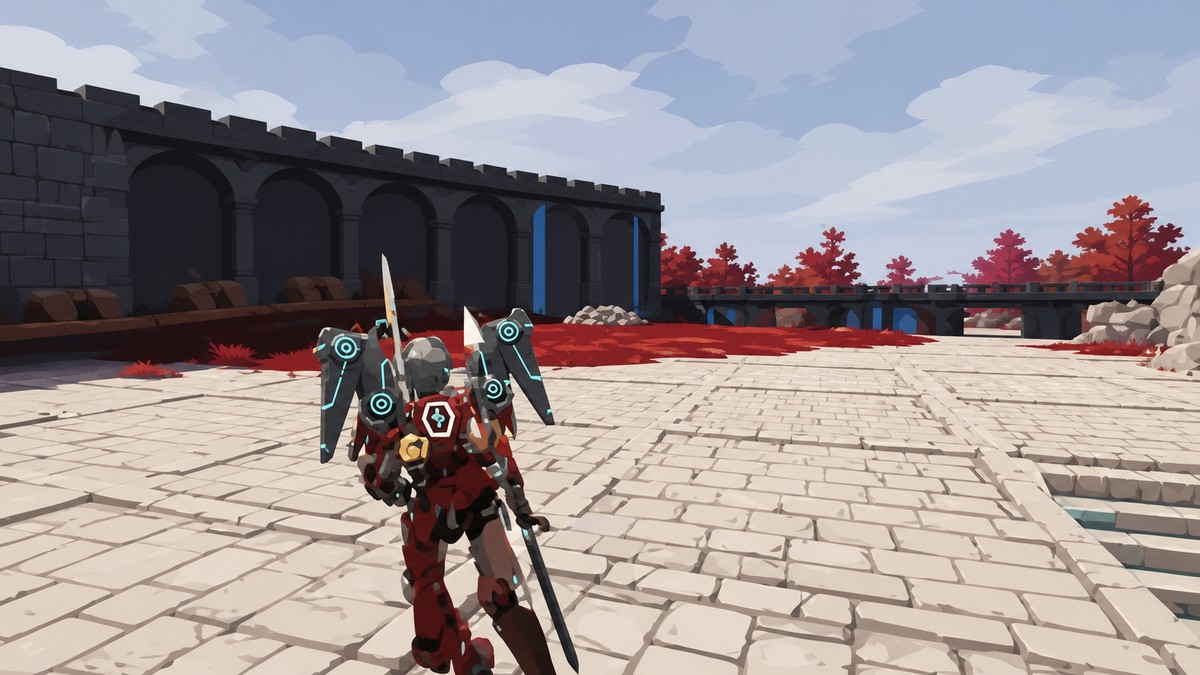
You can make base Pals work without walking by keeping only one Feed Box in the base, sealing it inside walls and a roof, and letting the Pals stay locked there while construction, crafting, mining, and collection still trigger remotely.
This trick is for Pal travel time inside your base, not for moving your character around the map. The point is to park your workers in one controlled spot so the base stays cleaner while jobs still fire across the build area.
What is Sealed Feed Box in Palworld 1.0
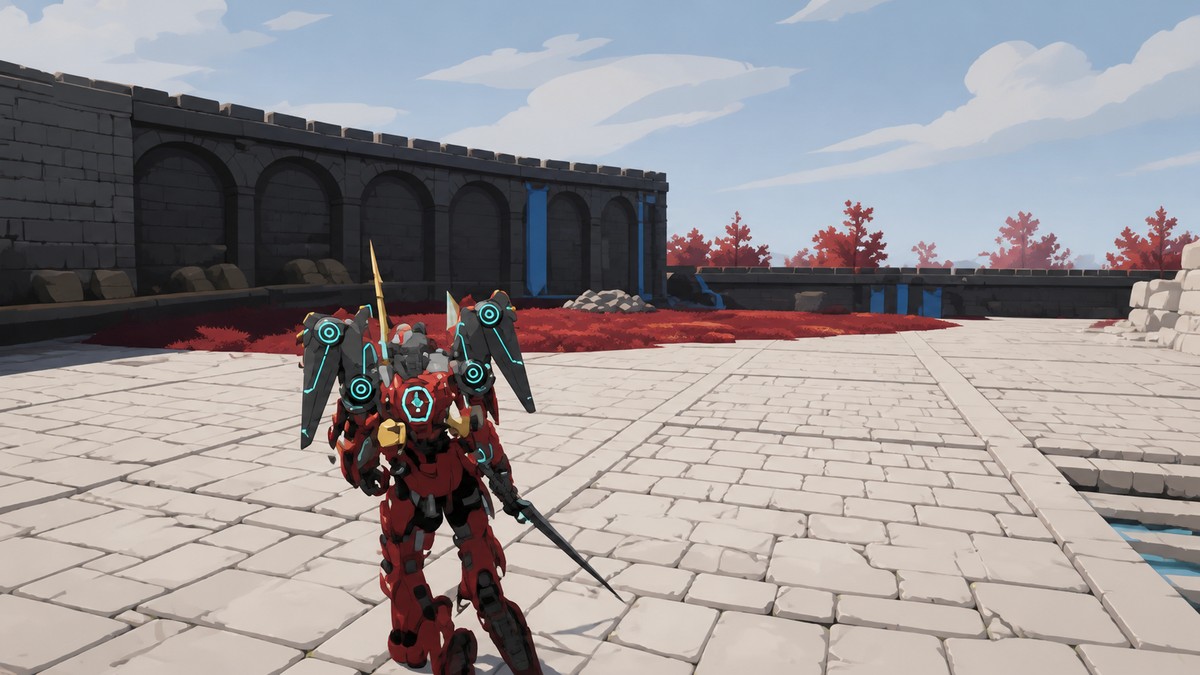
A sealed Feed Box turns one chosen part of your base into a hidden holding spot for your Pals. Instead of walking between stations, drops, and build sites, they remain locked in place while the base still treats them as available workers.
The visible effect is immediate: your base can look almost empty, but work still gets done. That removes the biggest waste in wide or cluttered bases, where Pals normally spend too much time pathing instead of contributing labor.
This does not change your own movement. It is a Pal logistics setup, built around base pathing and the Feed Box target.
What to prepare before building
| Requirement | Use |
|---|---|
| One Feed Box in the base | Gives Pals only one feeder target to gather around. |
| A chosen holding spot | Decides where the Pals will stay once sealed in. |
| Four walls and a roof | Creates the enclosure around the Feed Box. |
| A complete seal | Stops the Pals from leaving the holding point. |
KEY!
Keep the setup tight. The trick depends on a single feeder target and a full enclosure, so do not build half a room and expect the same behavior.
Pick the holding spot before placing the Feed Box; once the walls and roof are up, that spot becomes the place your Pals stay while the base works around them.
How to set up a sealed Feed Box in Palworld 1.0
This setup turns one Feed Box into a locked Pal holding point while your base keeps assigning work normally.
STEP 1/5
Keep one Feed Box
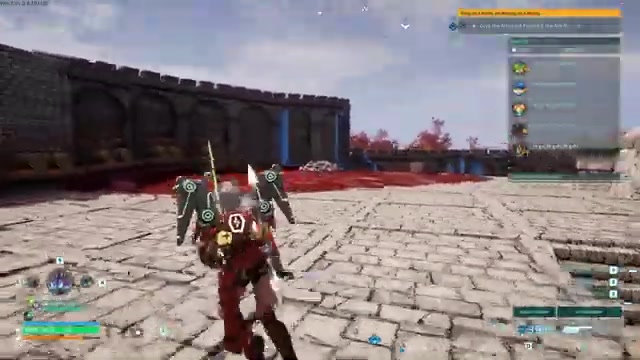
Make sure the base has only one Feed Box before you build the enclosure.
STEP 2/5
Place the Feed Box
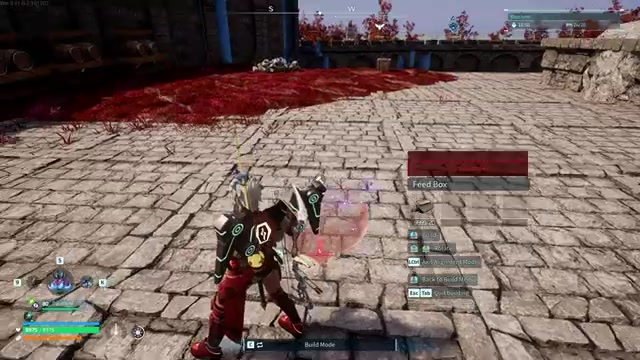
Put the Feed Box exactly where you want the Pals to be held.
STEP 3/5
Build four walls
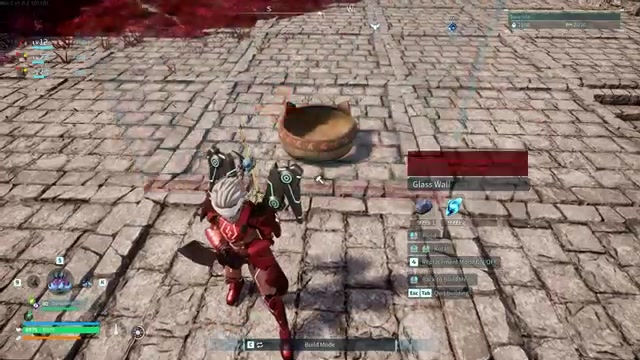
Surround the Feed Box with four walls so it is enclosed on every side.
STEP 4/5
Add the roof
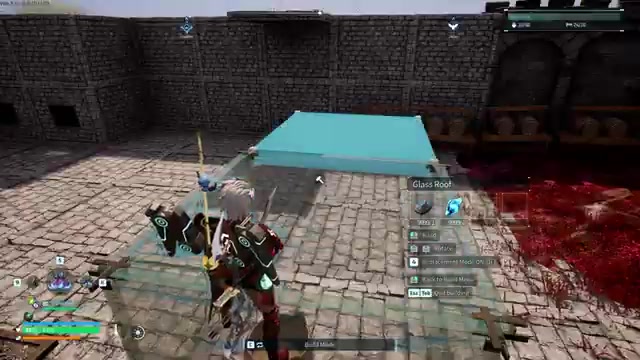
Cap the enclosure with a roof so the Feed Box is completely sealed off.
STEP 5/5
Start a normal base job
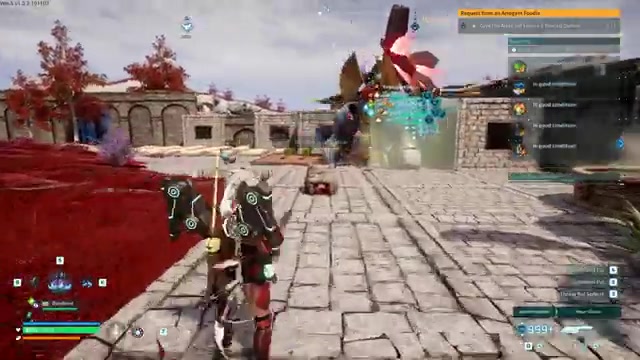
Queue work such as crafting fire arrows, and the job can progress while the Pal stays away from the bench.
Video help
Base jobs that still work remotely
| Base job | Result |
|---|---|
| Building | Newly placed structures can finish immediately with no Pal walking over. |
| Crafting | Workbench queues keep progressing with no Pal standing beside the bench. |
| Construction | Construction labor still triggers from the sealed holding spot. |
| Mining | Mining labor still functions without visible travel. |
| Collection | Dropped ground materials disappear as Pals collect them remotely. |
After the Feed Box is sealed, the base can keep assigning labor even when no Pal visibly walks to the target. Use this most on bases where long routes, stairs, clutter, or spread-out workstations slow everything down.
The collection behavior is the clearest sign that the base is still assigning tasks. Items vanish from the floor because the pickup job is still being handled, even though the Pal is not physically crossing the base to grab them.
Limitations and update risk
This behaves like an unintended base-pathing trick, not a normal base management setting. The July 30, 2026 hotfix for version 1.0.2.101103 did not change gameplay stats or base mechanics, but a future update could change how sealed feeders or remote base labor works.
Do not rebuild an entire production base around it before testing it in a small corner first. If the behavior changes after an update, the safest fallback is to reopen the enclosure and return to a normal Feed Box layout.
| Method | What it saves |
|---|---|
| Fast travel from anywhere inside a base | Since version 1.0, stand inside the Palbox radius, open the map with M on PC, and travel to an unlocked Great Eagle Statue, Watchtower, or base point when fast travel is enabled. |
| Homeward Thundercloud | Returns you to the nearest base without walking to a statue; it unlocks at Level 30 for 2 Ancient Technology Points. |
| Guild Chest resource sharing | Reduces inter-base resource trips after unlocking the Guild Chest from the Ancient Technology Tree at Level 41 for 4 Ancient Technology Points. |
| Inaccessible-chest remote deposit | Cuts hauling walks by placing a Guild Chest or normal chest where transport Pals can see it but cannot path to it, often inside a sealed 3×3 room with one reachable feeder chest. |
The sealed Feed Box setup is for Pal labor movement. These related methods solve different travel problems, so keep their setups separate from the feeder trick.
For remote deposits, the sealed target is the chest, not the Feed Box. Layout tools such as Axis Alignment Mode, temporary supports, and vertical stacks of furnaces or chests can also compress large bases, but those are build-layout optimizations rather than the sealed-feeder procedure above.
Related Palworld guides






Leave a Reply