
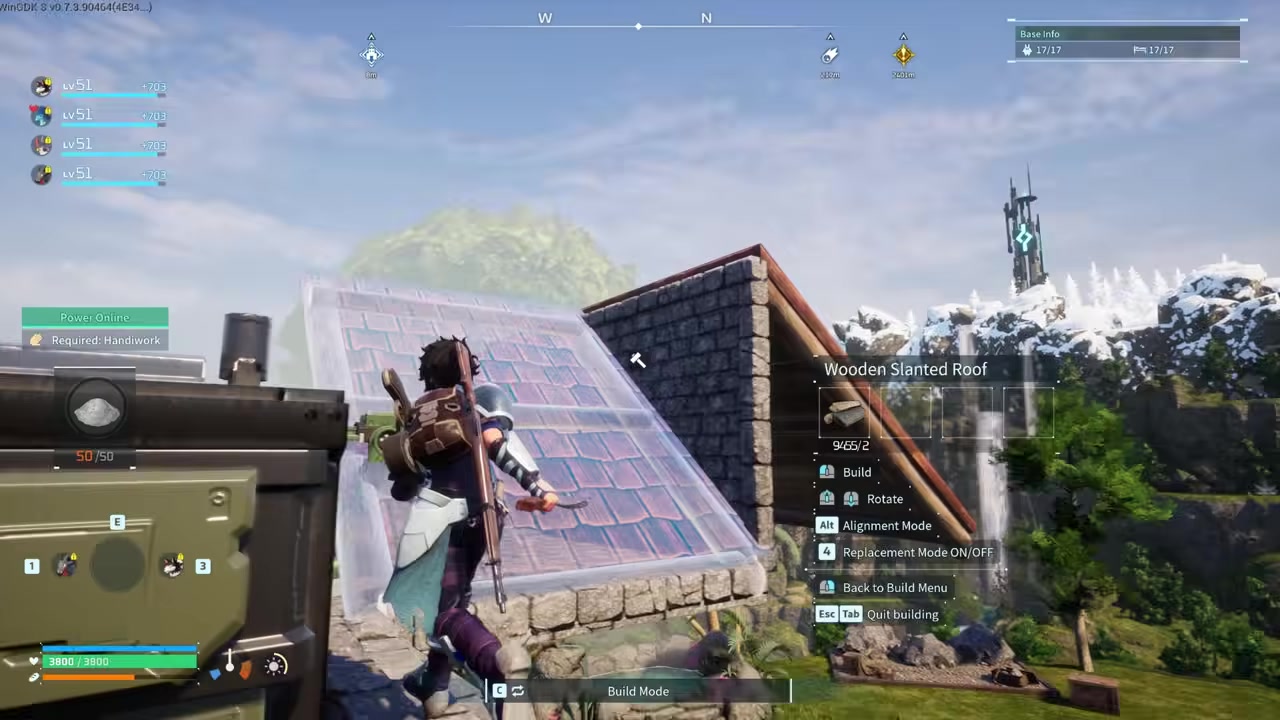
You cannot pick up and drag a Palbox; to move it, you must dismantle it and rebuild it in the new spot, which automatically refunds and destroys base-exclusive facilities but leaves standard structures intact.
The Palbox is the anchor of your base in Palworld, defining its radius and enabling fast travel. Because there is no “move” button, the only in-game way to relocate it is to dismantle the existing Palbox and rebuild it elsewhere. Fortunately, this does not mean wiping your entire settlement off the map.
Why you must dismantle the Palbox to move it
Palworld does not offer a pick-up or drag option for the Palbox. If you want to shift it even a few feet to fix a bad layout, dismantling it via the build menu is the only method. When you disassemble the Palbox, the game treats it as deleting that base’s anchor point. This triggers a specific chain of events: your working Pals are safely returned to Palbox storage, and the game automatically dismantles certain base-exclusive facilities, refunding their materials. However, standard structures like your house and storage chests remain untouched, so you are not starting from scratch.
What gets destroyed versus what remains intact
| Object Category | What Happens When Palbox is Dismantled | Examples |
|---|---|---|
| Base-exclusive facilities | Auto-dismantled with a 100% material refund dropped on the ground. | Egg Incubators, Ranches, Pal beds, Hot Spring |
| Standard structures | Remain intact in the world and are not destroyed. | Foundations, walls, roofs, storage chests |
| Workbenches | Reportedly remain intact, though sources occasionally conflict on non-Pal workstations. | Primitive Workbench, Primitive Furnace |
| Assigned Pals | Safely returned to your Palbox storage unless the box is completely full. | Working Pals, base transporters |
The most critical thing to understand is the difference between base-exclusive facilities and standard builds. Dismantling the Palbox automatically destroys and refunds anything with a Pal label—structures that can only function inside a base radius. Your production lines, storage chests, and the house you built all remain in the world, though they will slowly degrade over time if left outside the new Palbox’s blue circle.
How to reposition your Palbox safely
STEP 1/4
Enter build mode
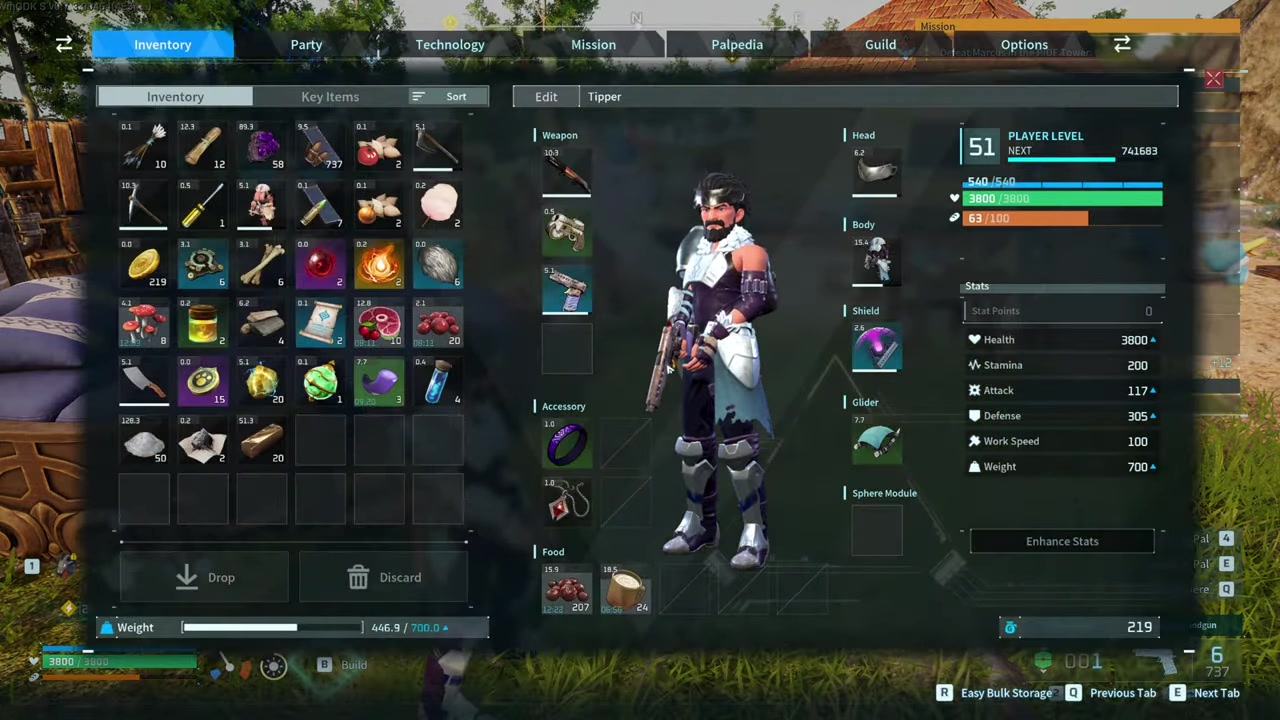
Open the build menu and prepare to dismantle the Palbox.
STEP 2/4
Dismantle the Palbox
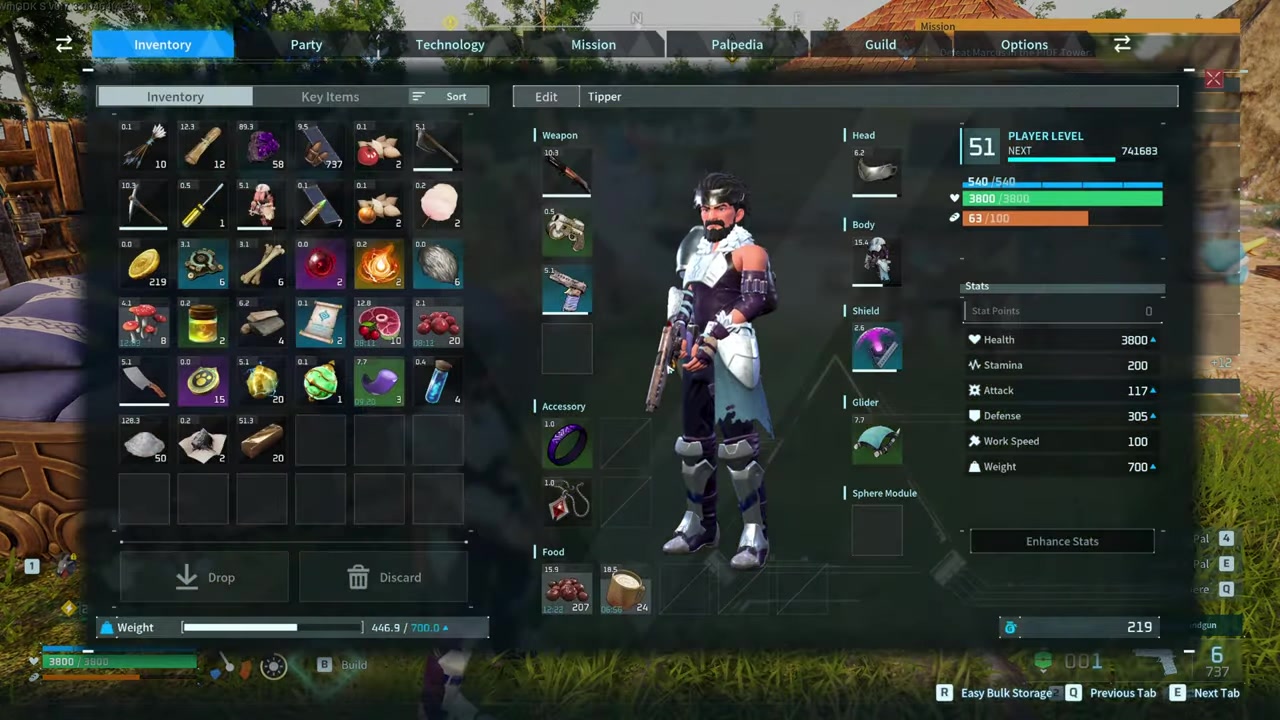
Disassemble the Palbox, which automatically destroys Pal-labeled buildings and drops their refunded materials on the ground.
STEP 3/4
Reposition within the blue circle
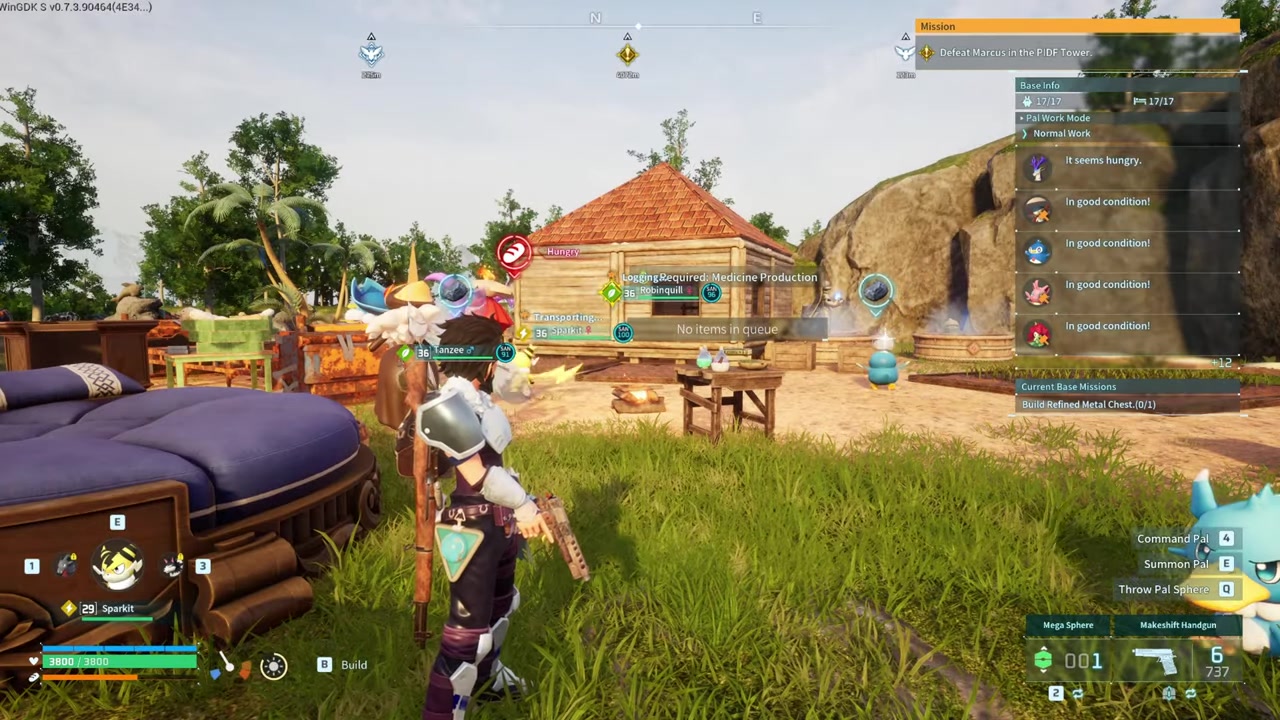
STEP 4/4
Re-place destroyed facilities
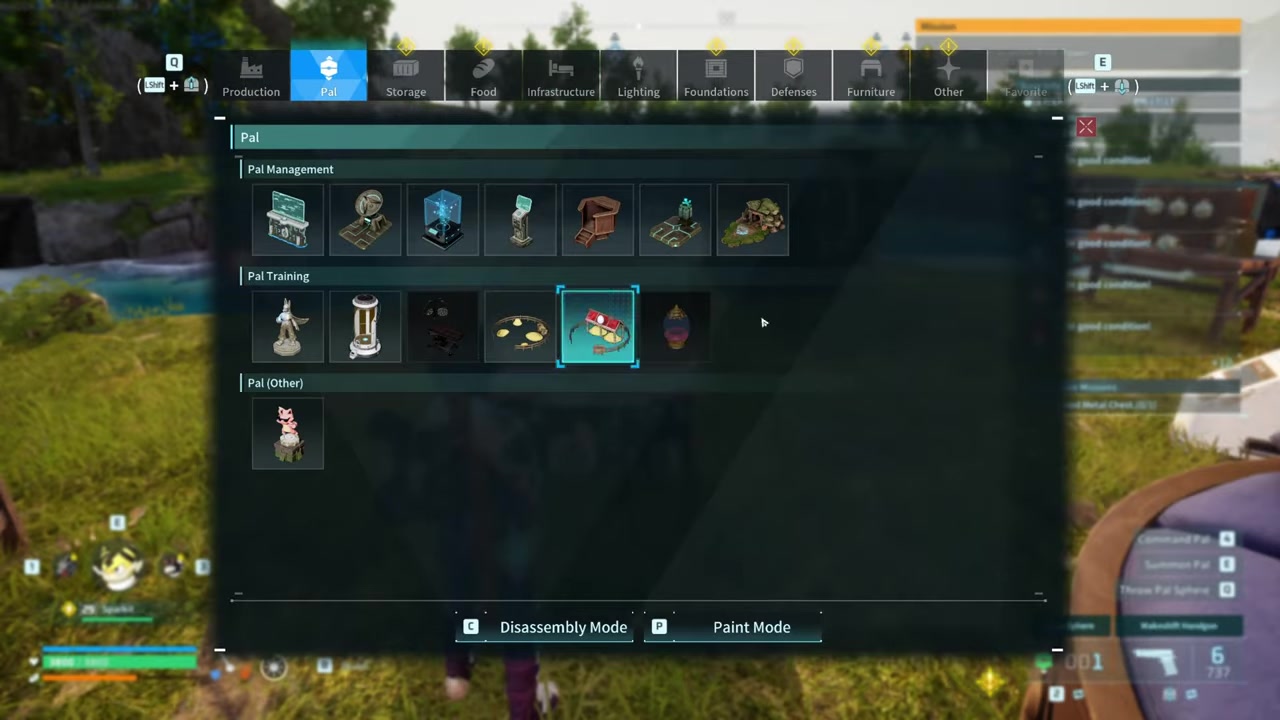
Pick up the refunded materials and rebuild any destroyed Pal-labeled buildings like Egg Incubators or training structures.
Video help
Common mistakes players make when moving their Palbox
The biggest misconception is that dismantling the Palbox deletes your entire base. Players often panic at the thought of losing their house and storage chests, but only Palbox-dependent facilities are destroyed. Another frequent error is forgetting to empty workbenches and Egg Incubators beforehand—any items currently crafting in production queues or sitting in incubators are permanently lost when the Palbox is dismantled. Finally, players worry their Pals will vanish into the ether. Unless your Palbox is completely full, every assigned Pal safely returns to storage.
Empty your Egg Incubators and workbench queues before dismantling the Palbox, or any eggs and items currently in production will be permanently lost.
The safer alternative: using a second base to migrate
Frequently Asked Questions
Will I lose my Pals if I dismantle my Palbox?
No. Any Pals assigned to work at that base are automatically sent back into your Palbox storage. They are safe unless your Palbox happens to be completely full.
Do I get my materials back when base facilities are destroyed?
Yes. Dismantling the Palbox automatically dismantles base-exclusive facilities and drops a 100% refund of their materials on the ground for you to pick up.
Can I just move the Palbox a few feet without destroying anything?
No. There is no pick-up or drag option. You must dismantle the Palbox and rebuild it in the new spot, which will automatically destroy any Pal-labeled buildings in the process.
What happens to items currently crafting in workbenches?
Items currently in production queues are permanently lost when the Palbox is dismantled. You must manually empty workbenches and remove eggs from Egg Incubators before disassembling the Palbox.







Leave a Reply