
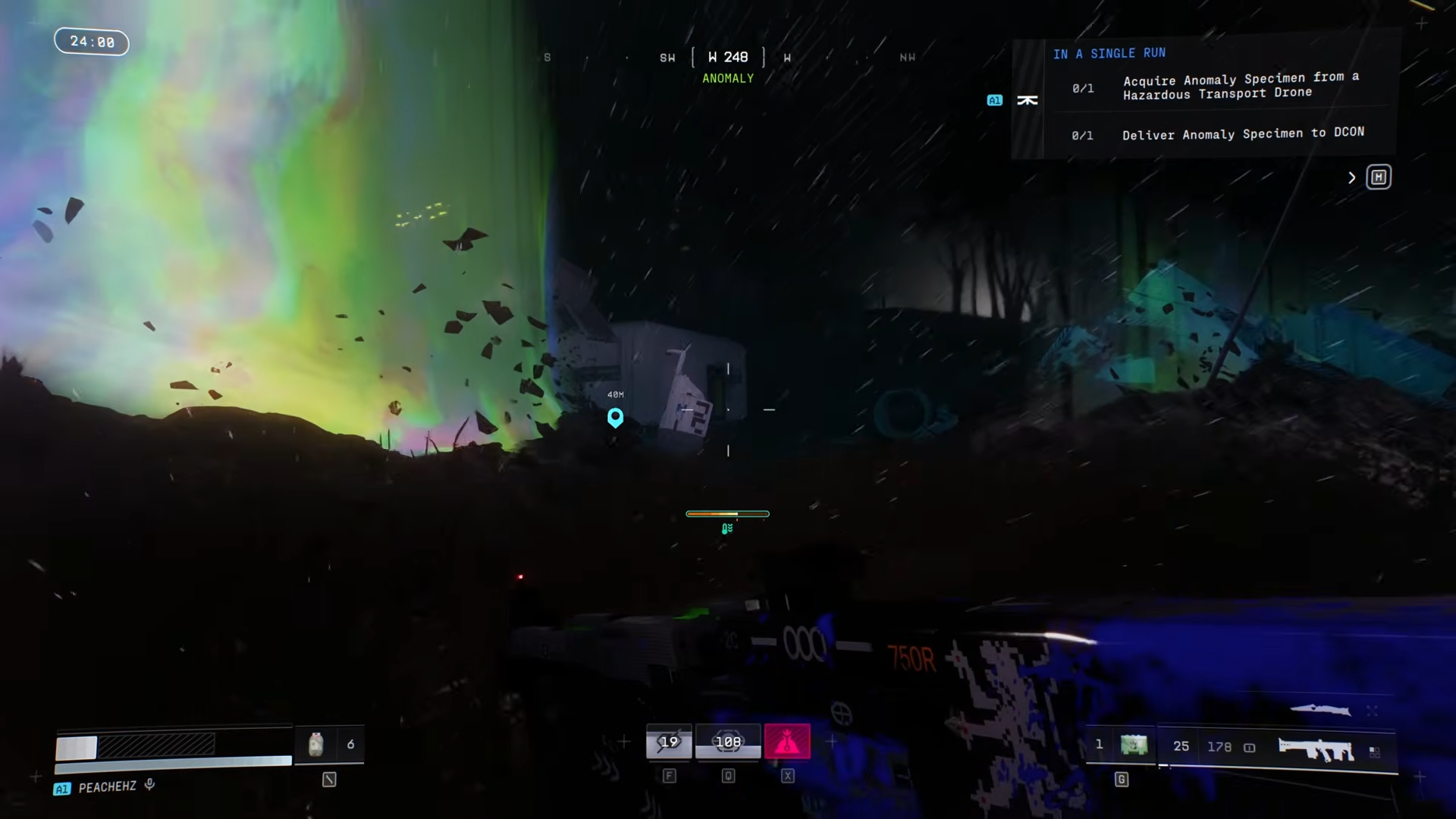
Complete the Research and Development contract in Marathon by finding the Hazardous Transport Drone on Night Marsh, shooting it down to get the Anomaly Specimen, then delivering it to a DCON terminal.
Research and Development Contract details
How to Complete Research and Development
Step 1: Spawn into Night Marsh and Wait for the Drone
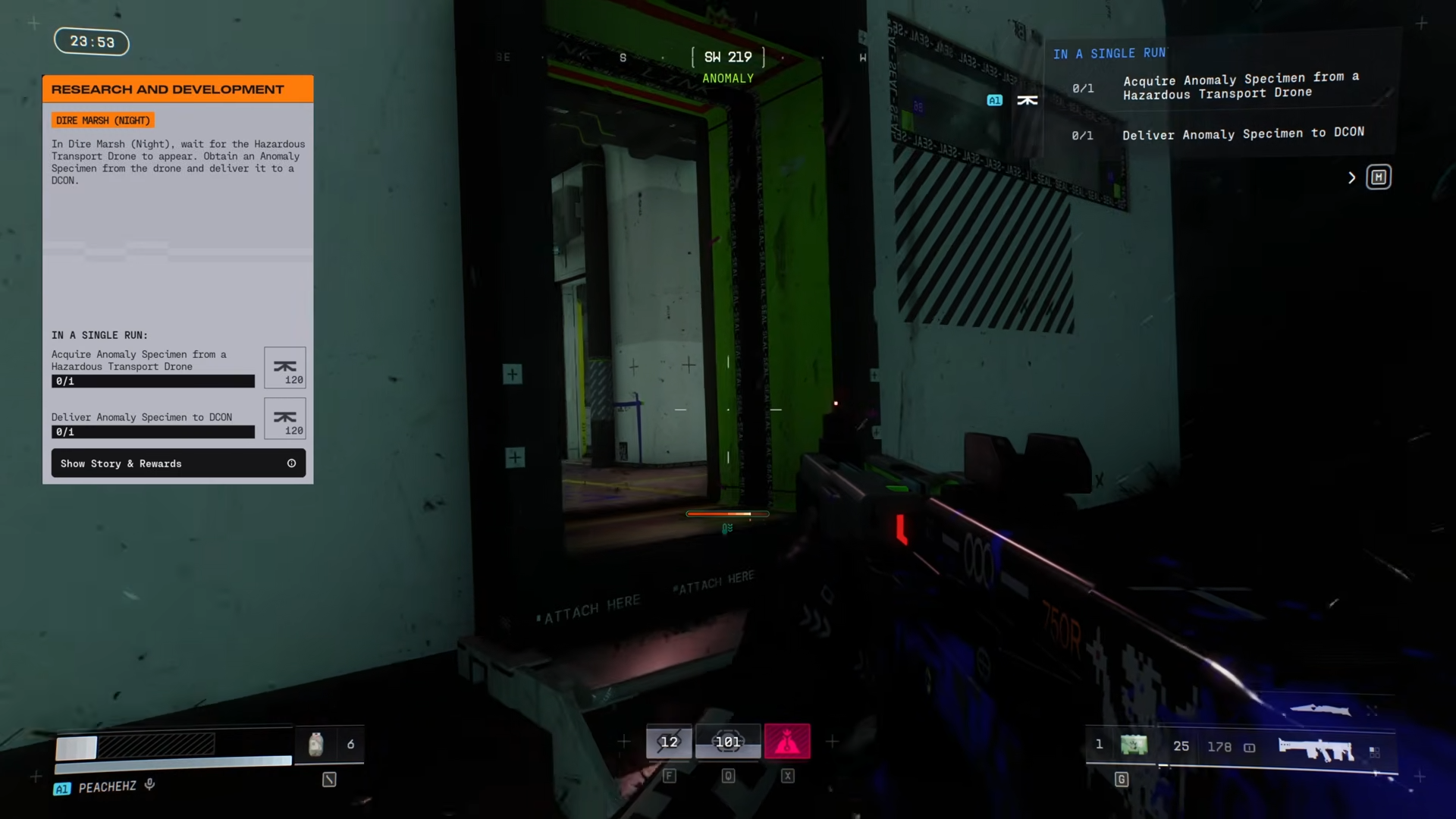
When you first spawn into Night Marsh, the Hazardous Transport Drone won’t be visible immediately. It typically appears within the first few minutes and can spawn at different locations across the map. While waiting, loot normally.
Or move toward the center of the map and listen for the audio cue.
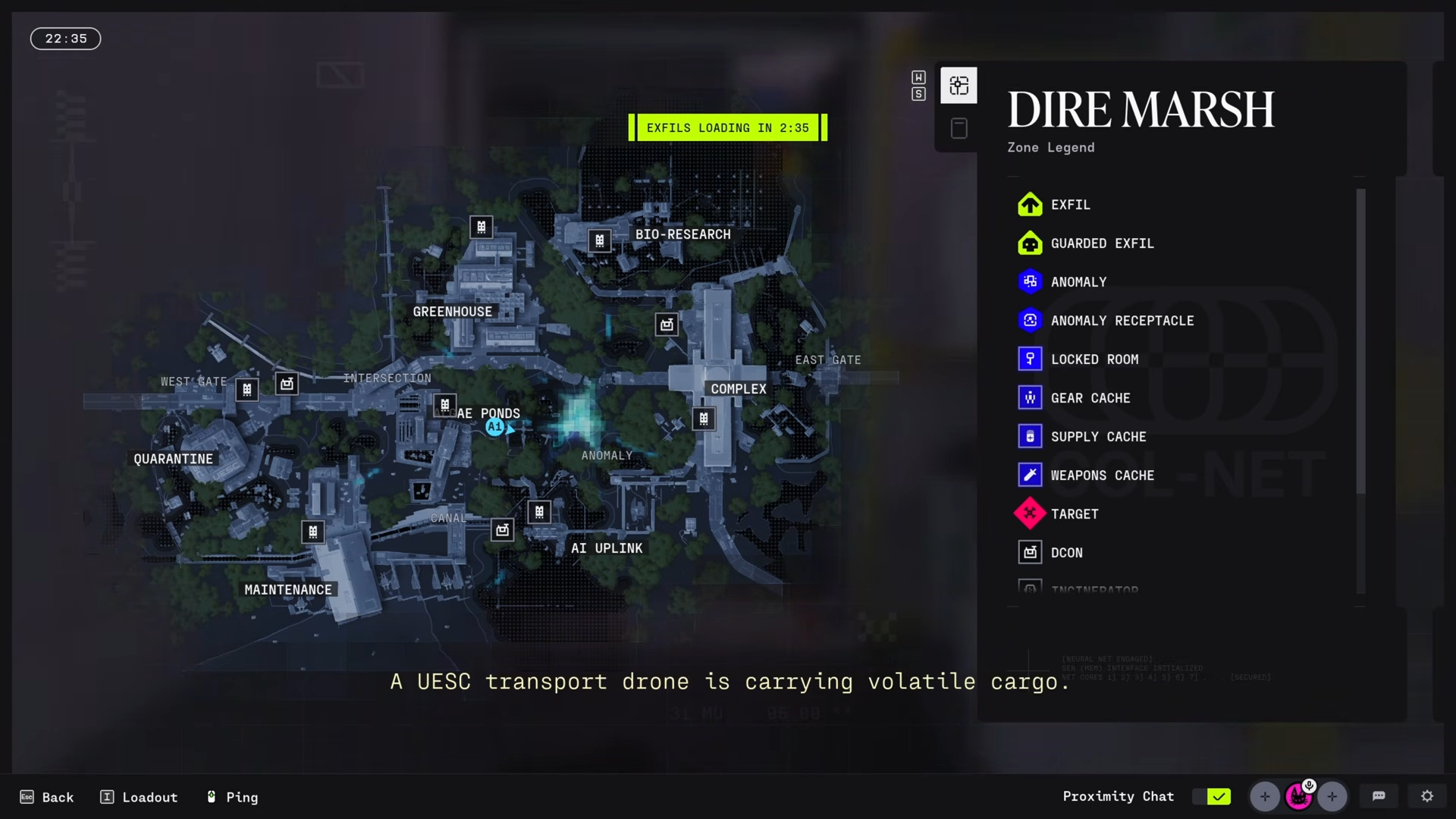
The sound cue that signals the drone is: “A UESC transport drone is carrying volatile cargo”. Once this plays, the drone will be marked with a contract symbol.
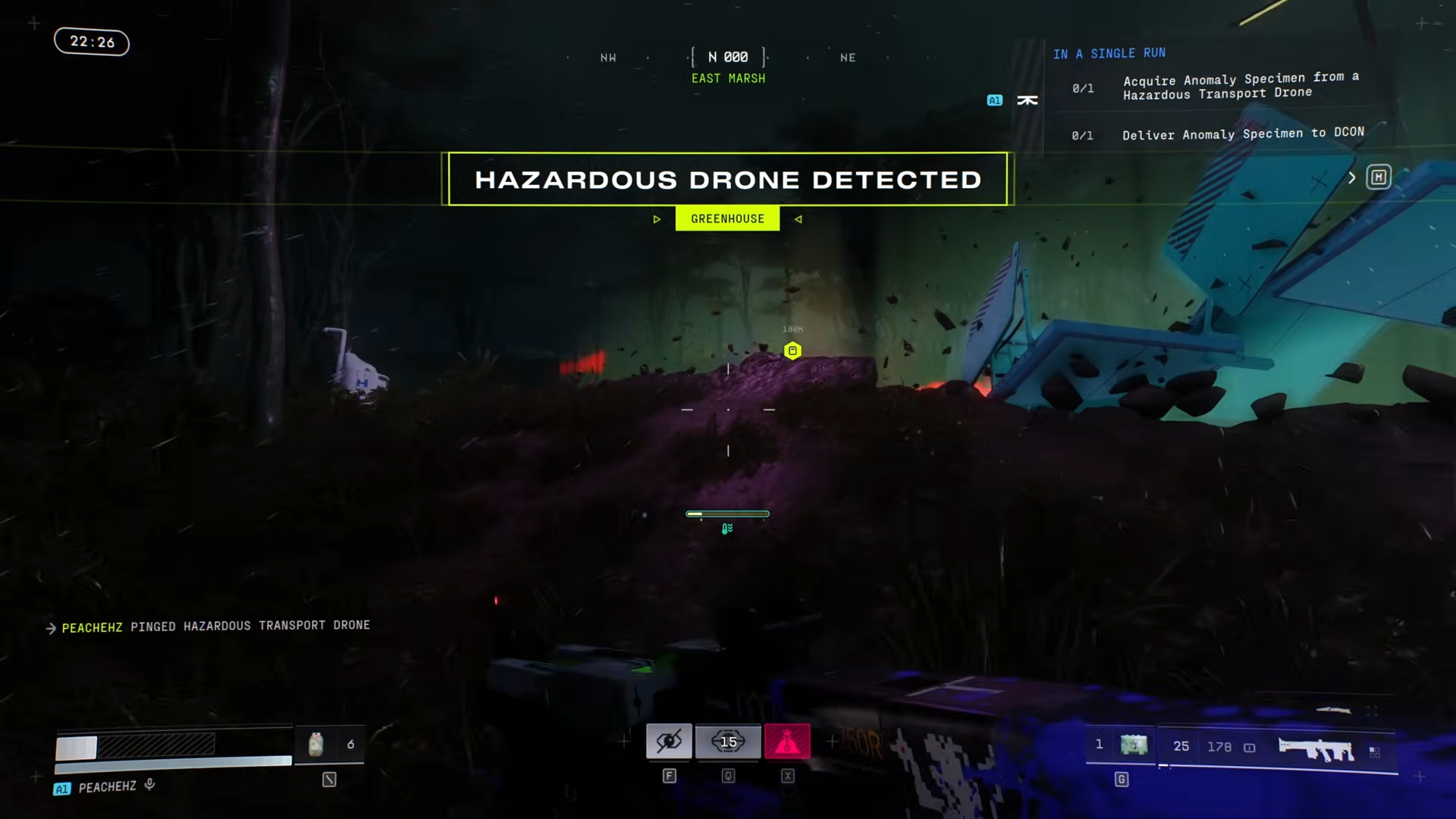
Step 2: Ping and Track the Drone Immediately
Ping the drone right away as soon as it’s marked. This makes tracking considerably easier, especially if the drone starts moving.
Step 3: Shoot Down the Hazardous Transport Drone
When you’re close enough, shoot the drone to take it down.
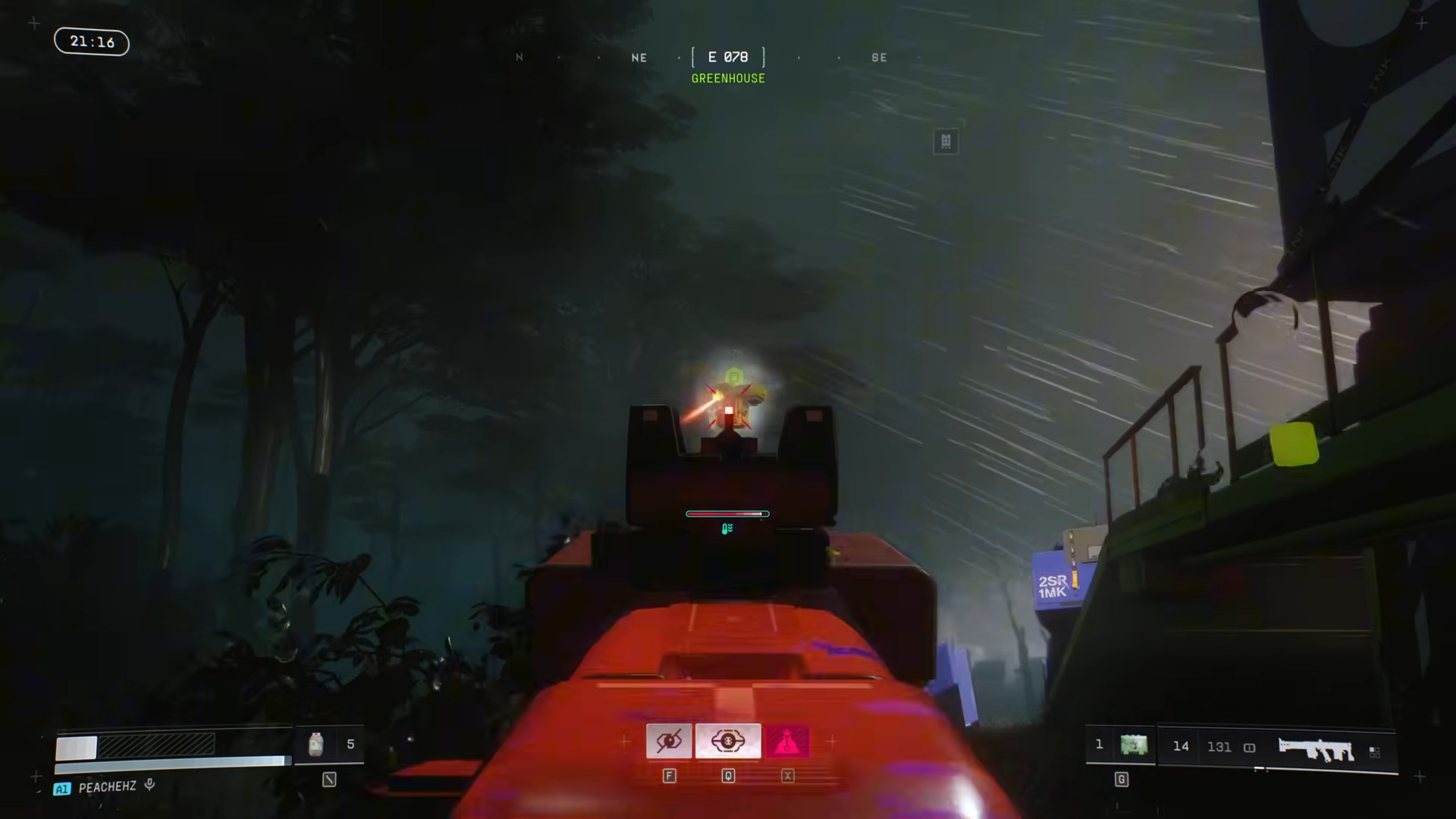
Keep these critical points in mind:
-
It may take several shots before the drone goes down
-
The drone will sometimes teleport to a different position, so chasing it down is part of the process
-
Stay persistent and keep pursuing it until it drops
Step 4: Loot the Anomaly Specimen
Once the drone drops, search through the loot for the white Anomaly Specimen.
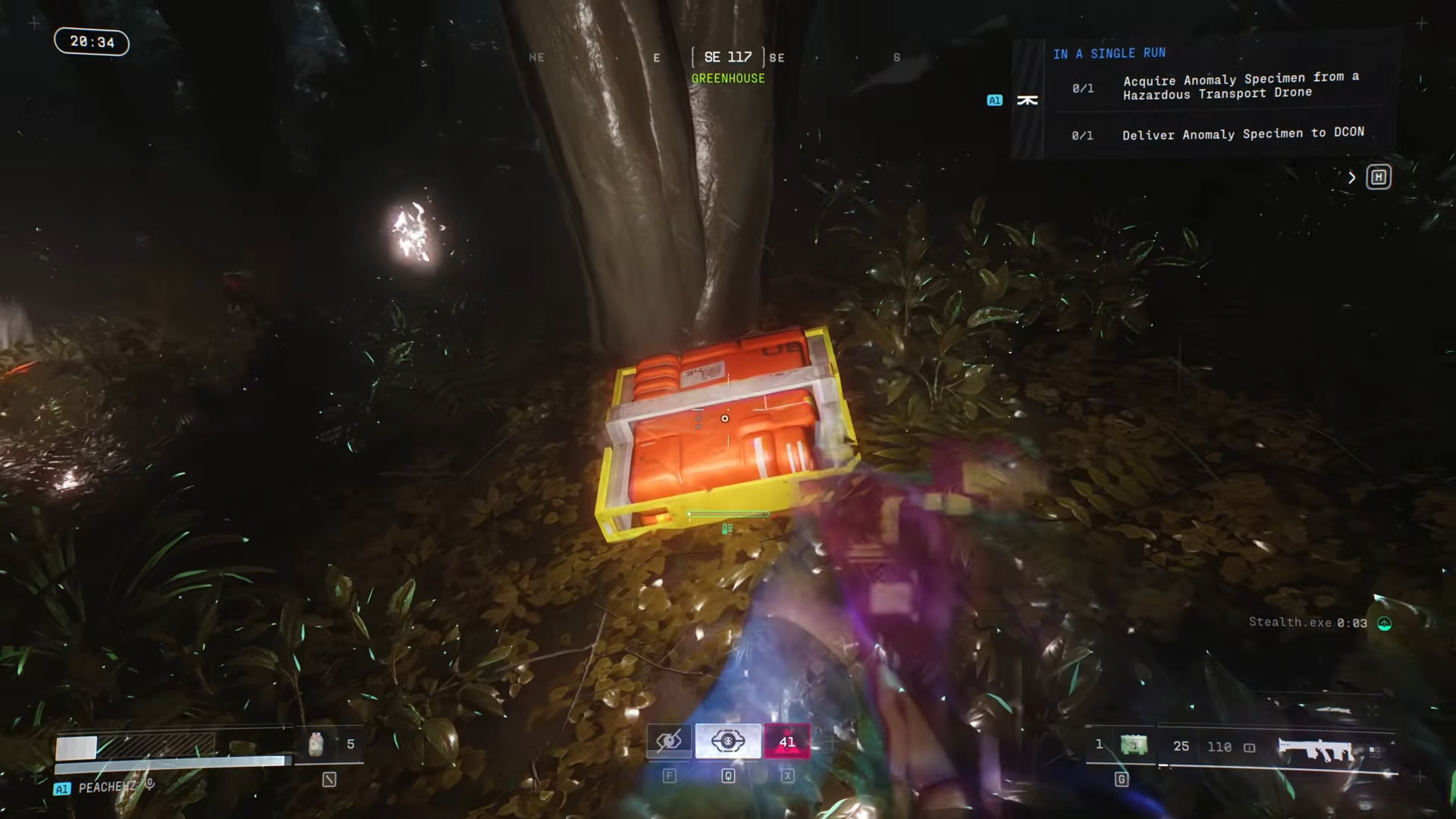
Only one Anomaly Specimen is needed to complete the objective, but picking up extra items from the loot box is worth doing.
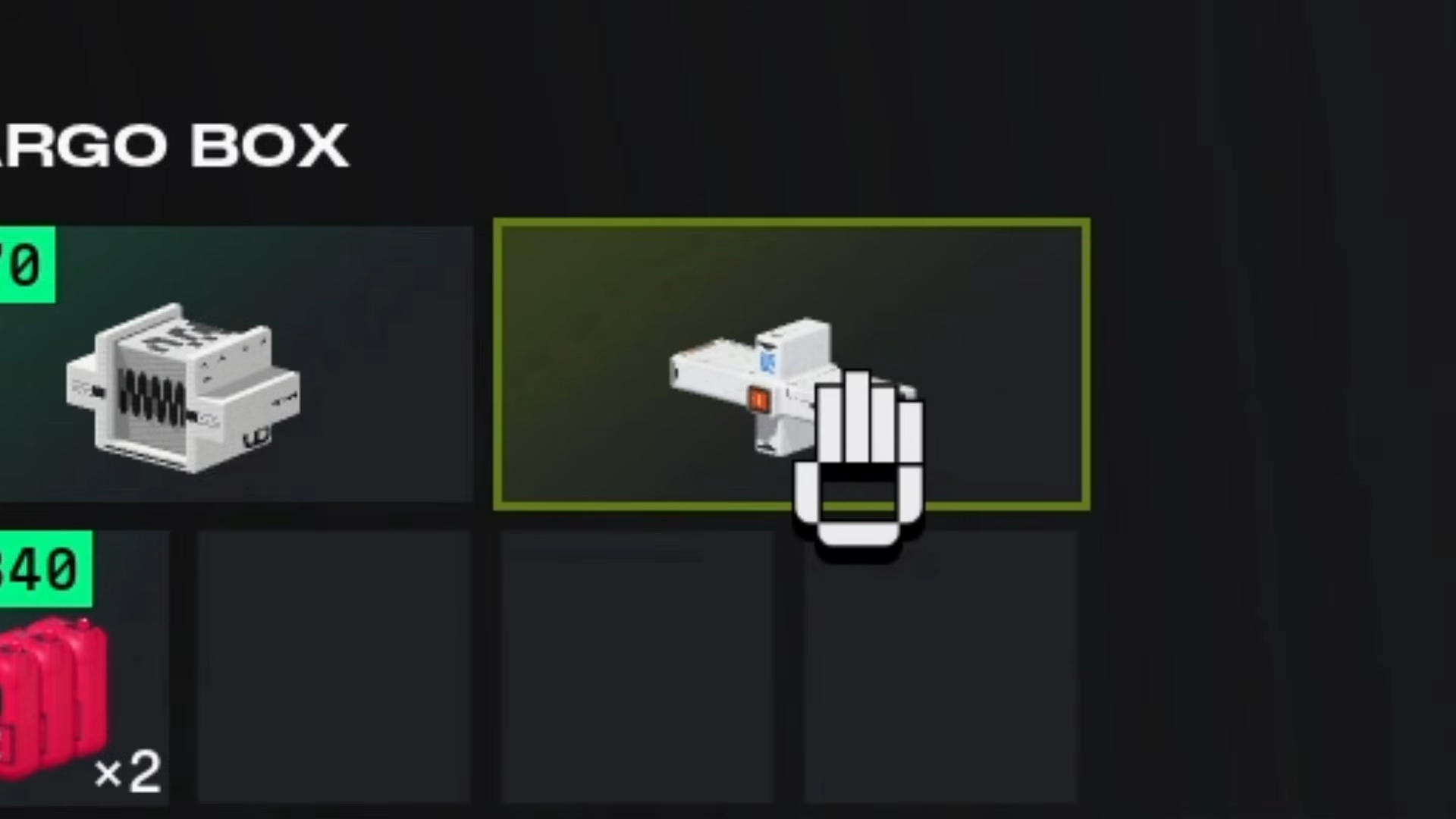
Critical Tip: The drone drops several items including cargo containers, but you specifically need the container carrying the Anomaly Specimen.
Step 5: Open Your Map and Locate the Nearest DCON
With the Anomaly Specimen in your inventory, open the map and locate the nearest DCON (UESC Data Bank).
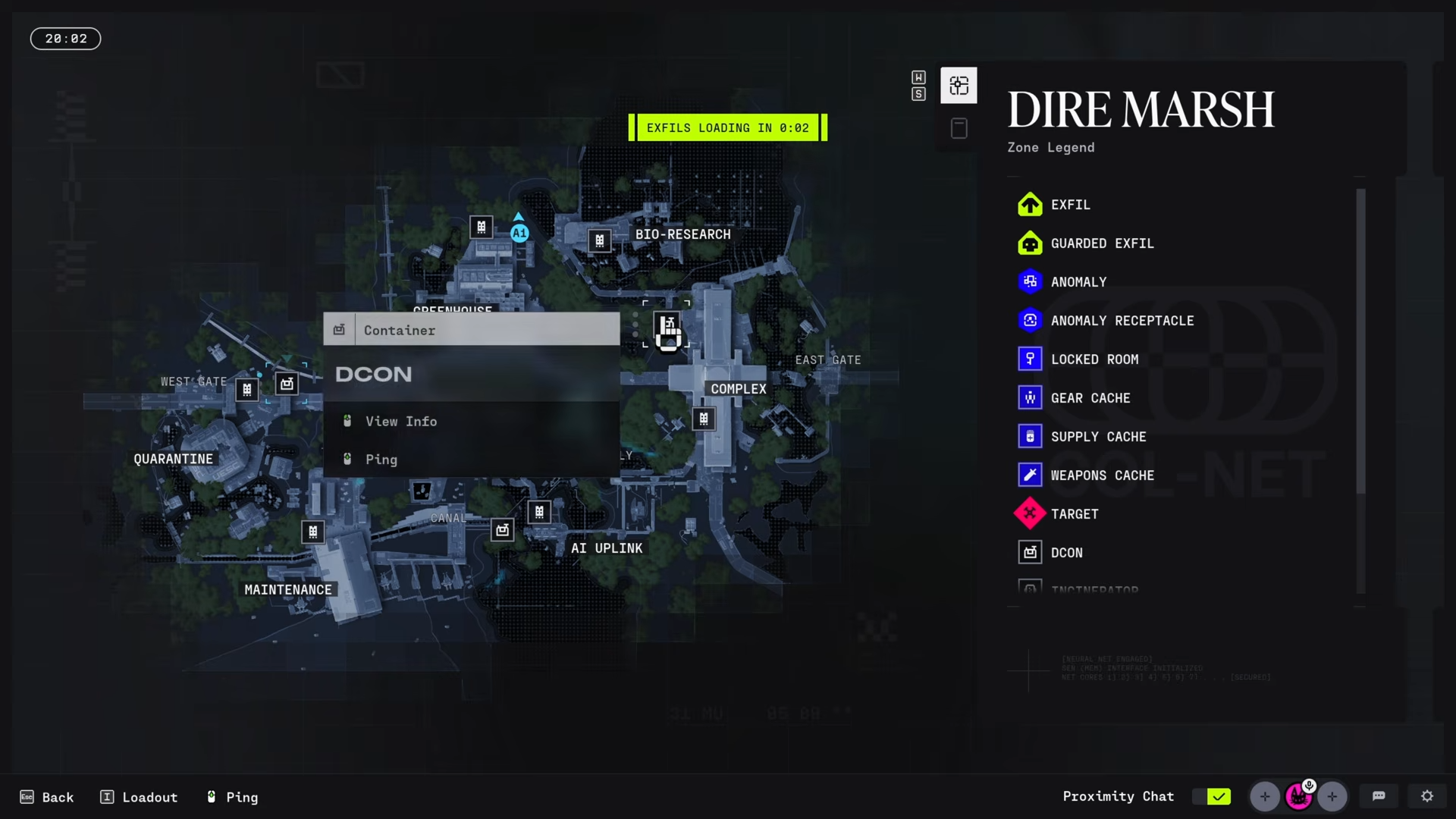
Use the map tab to identify the DCON location.
Step 6: Deliver the Anomaly Specimen to the DCON
Head to the DCON and interact with it to open its inventory screen.
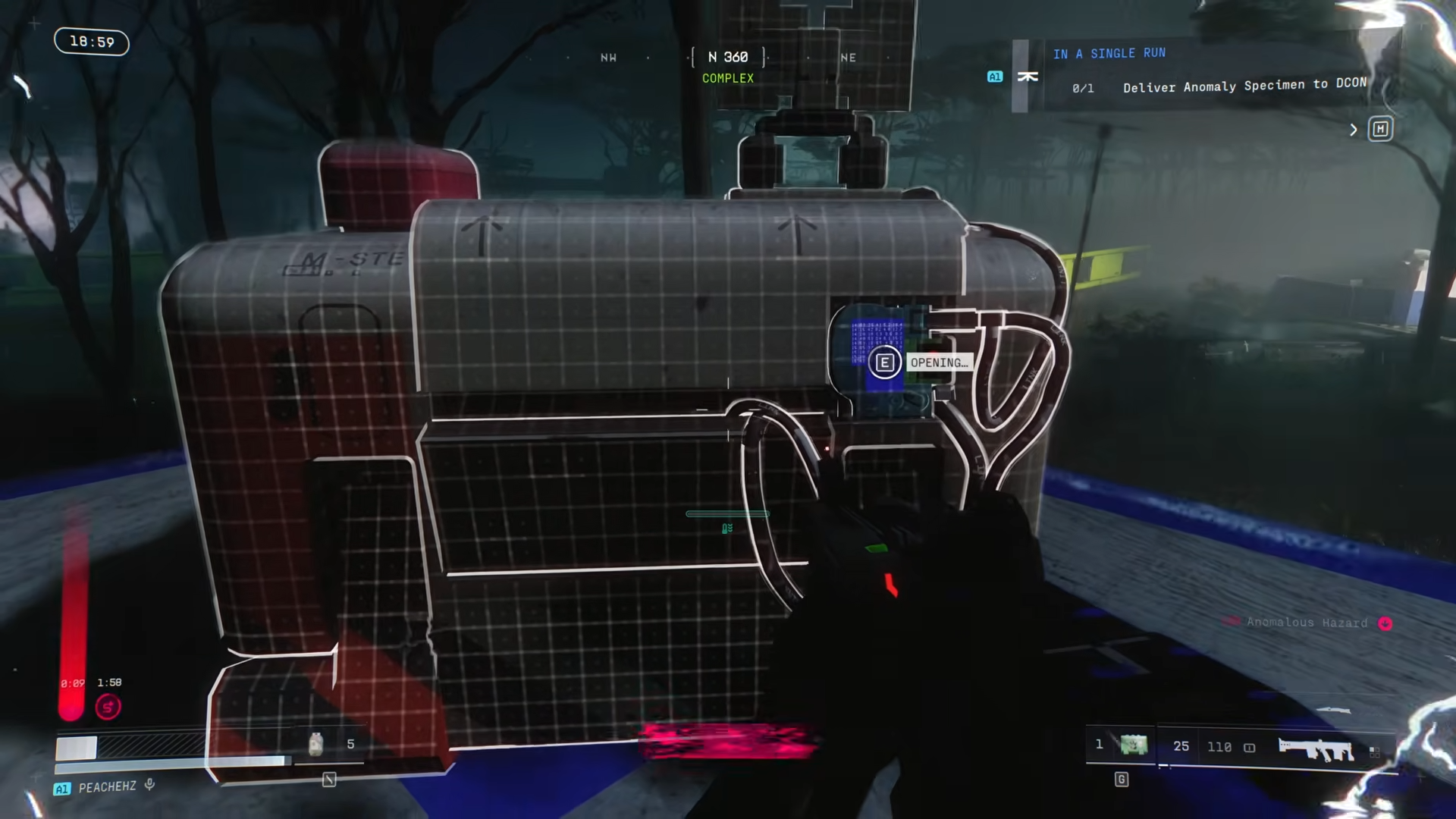
Then:
-
Place the Anomaly Specimen inside the DCON.
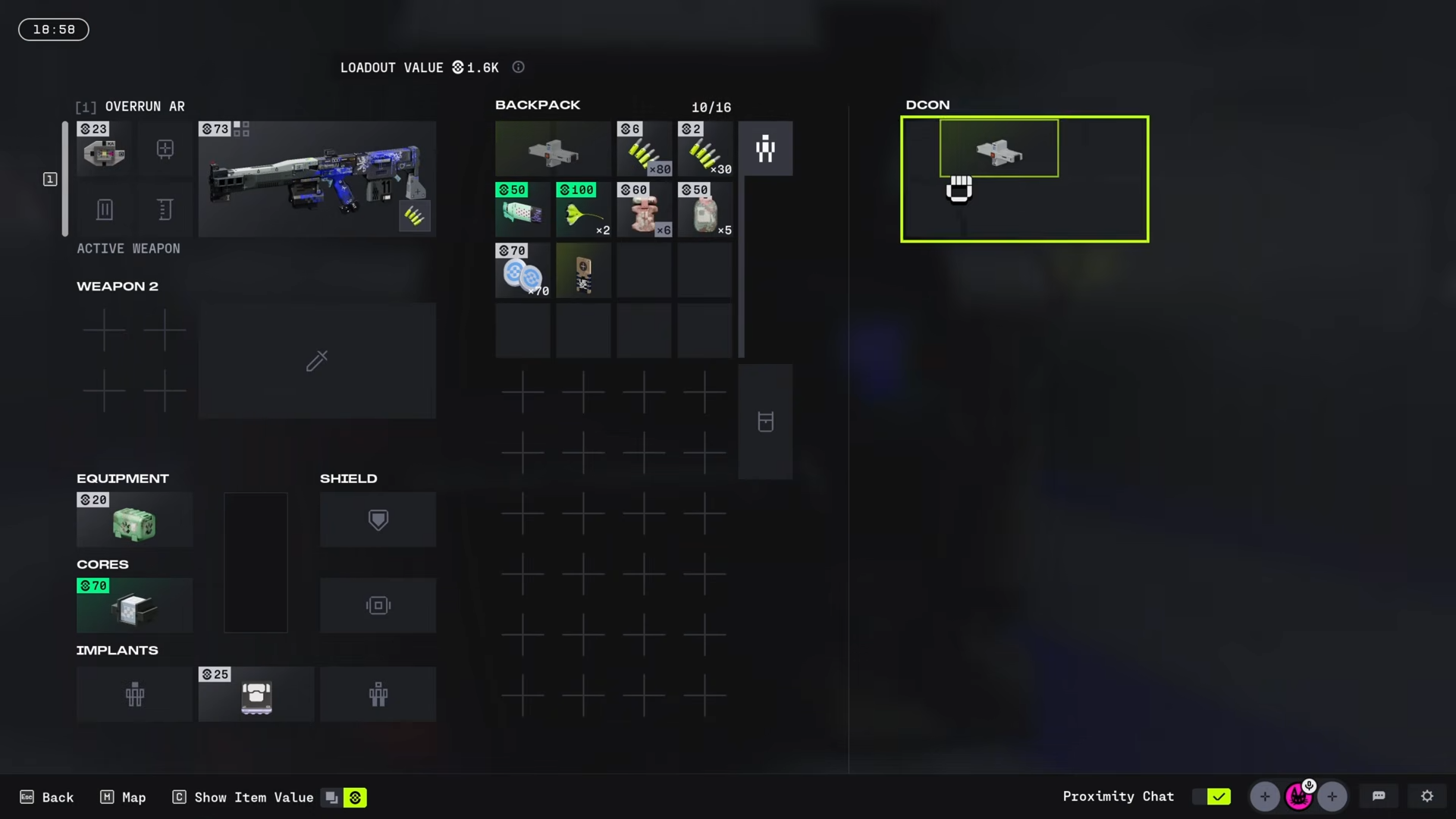
-
Wait a few seconds for the transfer to complete
Step 7: Defeat Enemies and Complete the Contract
After the transfer starts, you’ll encounter a few enemies, but taking them down is straightforward. The moment the DCON completes the transfer, the Research and Development contract is considered done.
Step 8: Collect Your Rewards
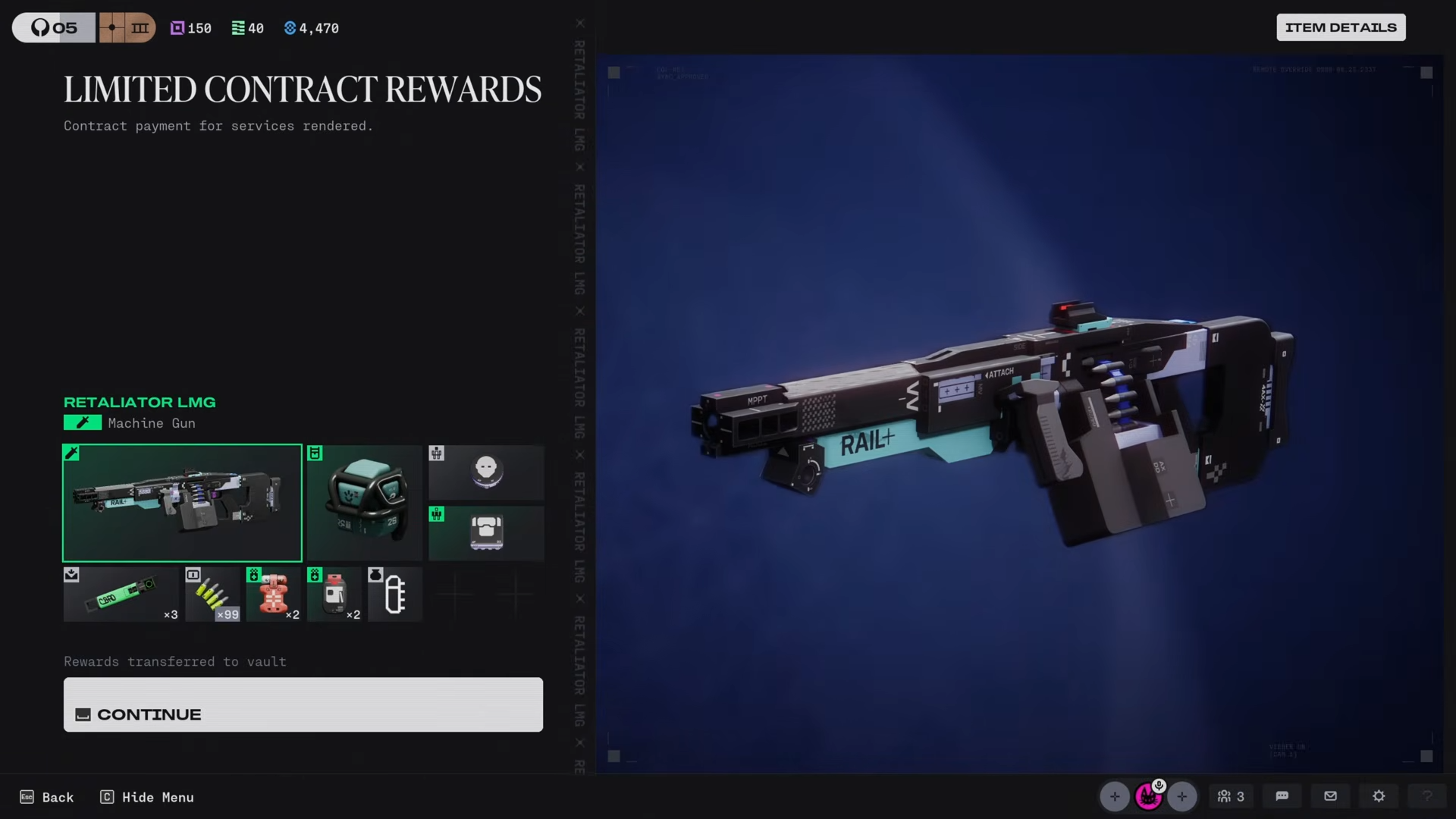
Head back to the faction screen after the run to collect your rewards. Completing both objectives nets you 240 Faction Points, which is a solid return for a contract that can realistically be wrapped up in a single run.
Critical Mistakes to Avoid
-
Don’t give up if the first drone doesn’t drop the specimen – If the first drone doesn’t drop the Anomaly Specimen, another one will spawn. Keep shooting down subsequent drones until it drops.
-
Don’t forget to ping the drone – Pinging immediately makes tracking much easier if the drone teleports.
-
Don’t waste time searching the wrong container – Look specifically for the white Anomaly Specimen container, not just any cargo.
-
Don’t ignore the audio cue – The “volatile cargo” sound is your best indicator that the drone is nearby.
-
Bring enough ammunition – The drone may take several attempts to shoot down.
Mastering the Research and Development contract gives you efficient faction progression while sticking close to your regular Night Marsh looting route.




Leave a Reply