
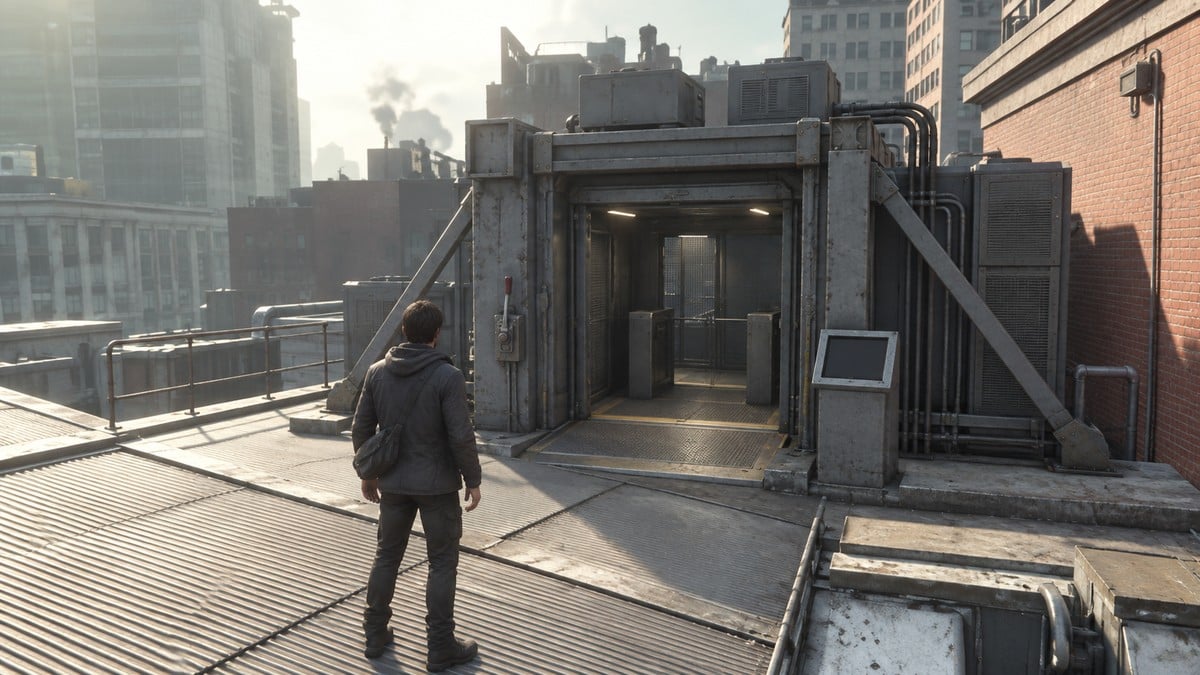
Place both switch mechanisms inside their yellow floor markers, then activate the main terminal on the train platform to reroute Perimeter Station.
You’re heading just outside the Field Office, in the middle of Central, to reroute the station. In your Quest Log, that’s Reroute Perimeter Station, the active objective for Power Lines.
How to reroute Perimeter Station
STEP 1/7
14%
Head into the station
Reach the subway entrance stairs marked with signage reading PERIMETER STATION, then head down.
STEP 2/7
29%
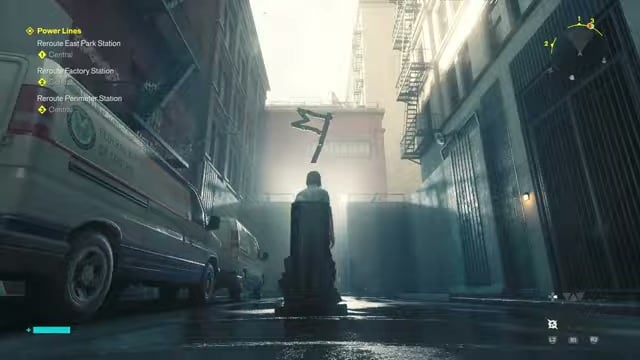
Pick up the first mechanism
The subway tunnel’s adjoining back room has a portable power switch mechanism to collect. Picking it up brings up Drop Object, as does picking up the second mechanism beneath the stairs.
STEP 3/7
43%
Set it down on the platform
Place the mechanism inside the platform’s yellow floor boundary. You’ll see LEVEL 1 SECURITY CLEARANCE during this placement and the later shop/kiosk placement.
STEP 4/7
57%
Find the second mechanism
Head into the overgrown passage beneath the stairs to pick up the second switch mechanism.
STEP 5/7
71%
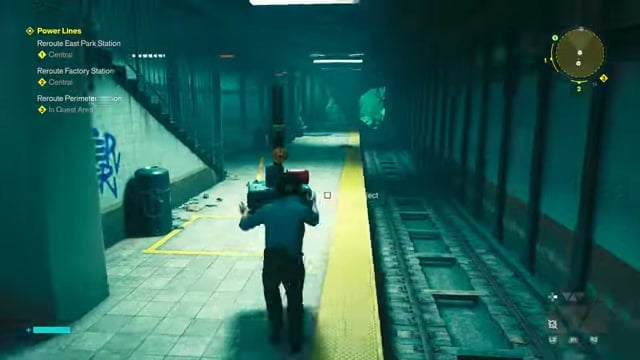
Carry it upstairs
Bring this mechanism into the upper-level shop or kiosk room, where you need to drop it inside the yellow floor square.
STEP 6/7
86%
Switch on the terminal
With the mechanisms placed, return to the train platform’s main control terminal. Use its L1 interaction prompt to activate the switch.
STEP 7/7
100%
Watch for the green lights
The panel lights turn green after activation. That completes Reroute Perimeter Station, which disappears from your active objectives.
Related Control Resonant guides
Frequently Asked Questions
Which station objectives appear after Perimeter Station?
After completion, Power Lines shows Reroute East Park Station and Reroute Factory Station. Your updated objective display lists Central beneath each one.





Leave a Reply