

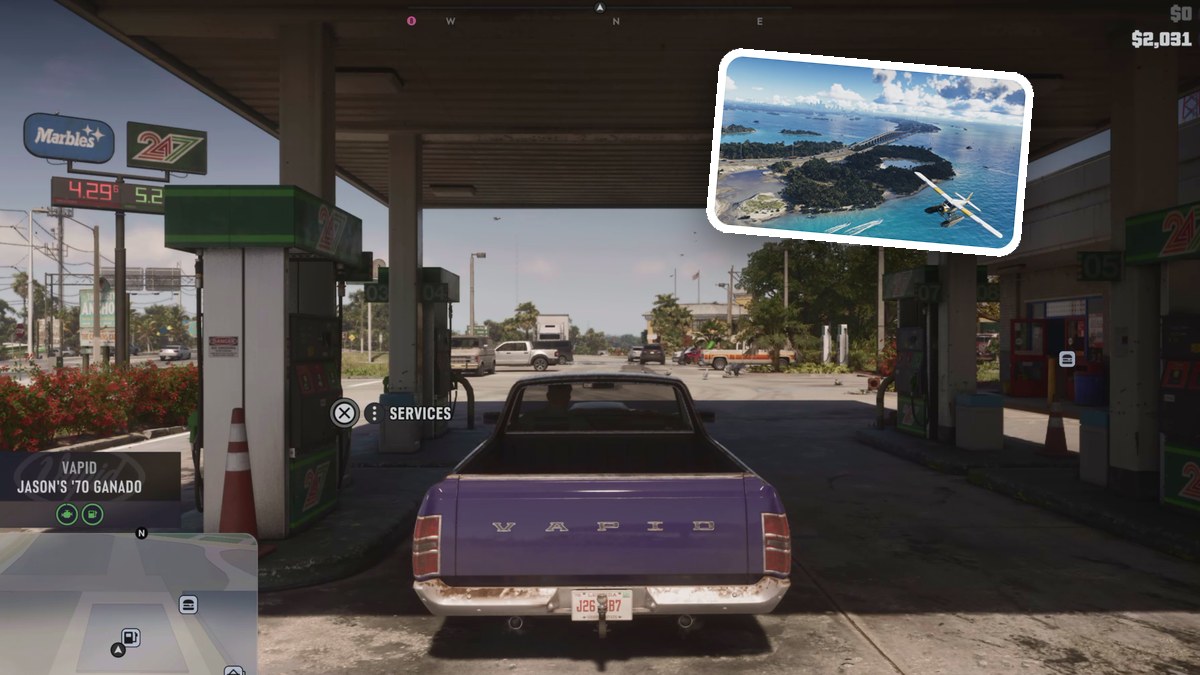
To refuel your vehicle in Grand Theft Auto VI, visit a gas station, open Services, and select Refuel to fill the tank.
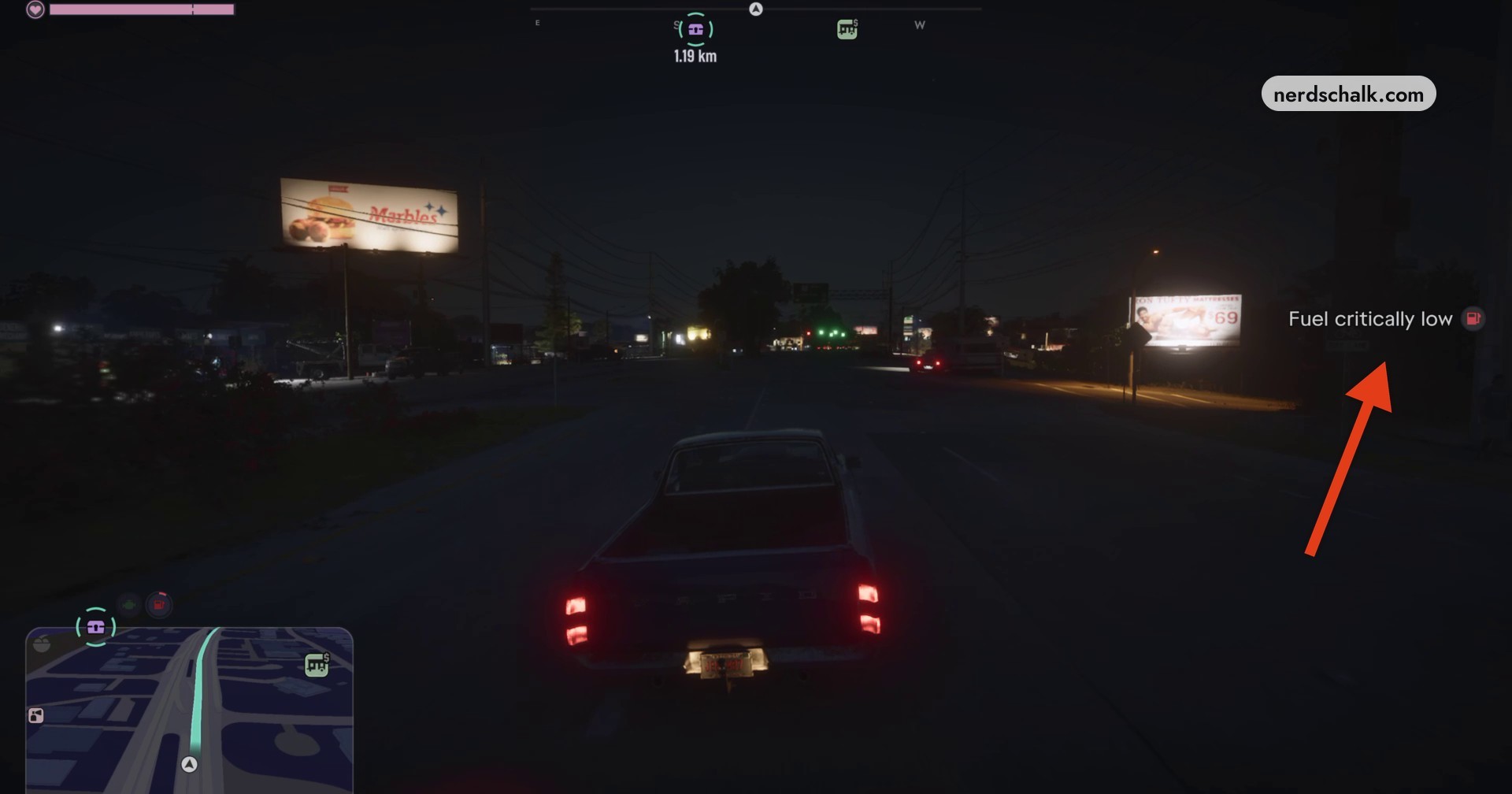
The Fuel critically low warning appears on the right side of your HUD when you need gas. Grand Theft Auto VI is listed for PlayStation 5 and Xbox Series X|S. This guide covers getting to a pump, buying fuel, and recognizing the completed fill.
How to refuel your vehicle in Grand Theft Auto VI
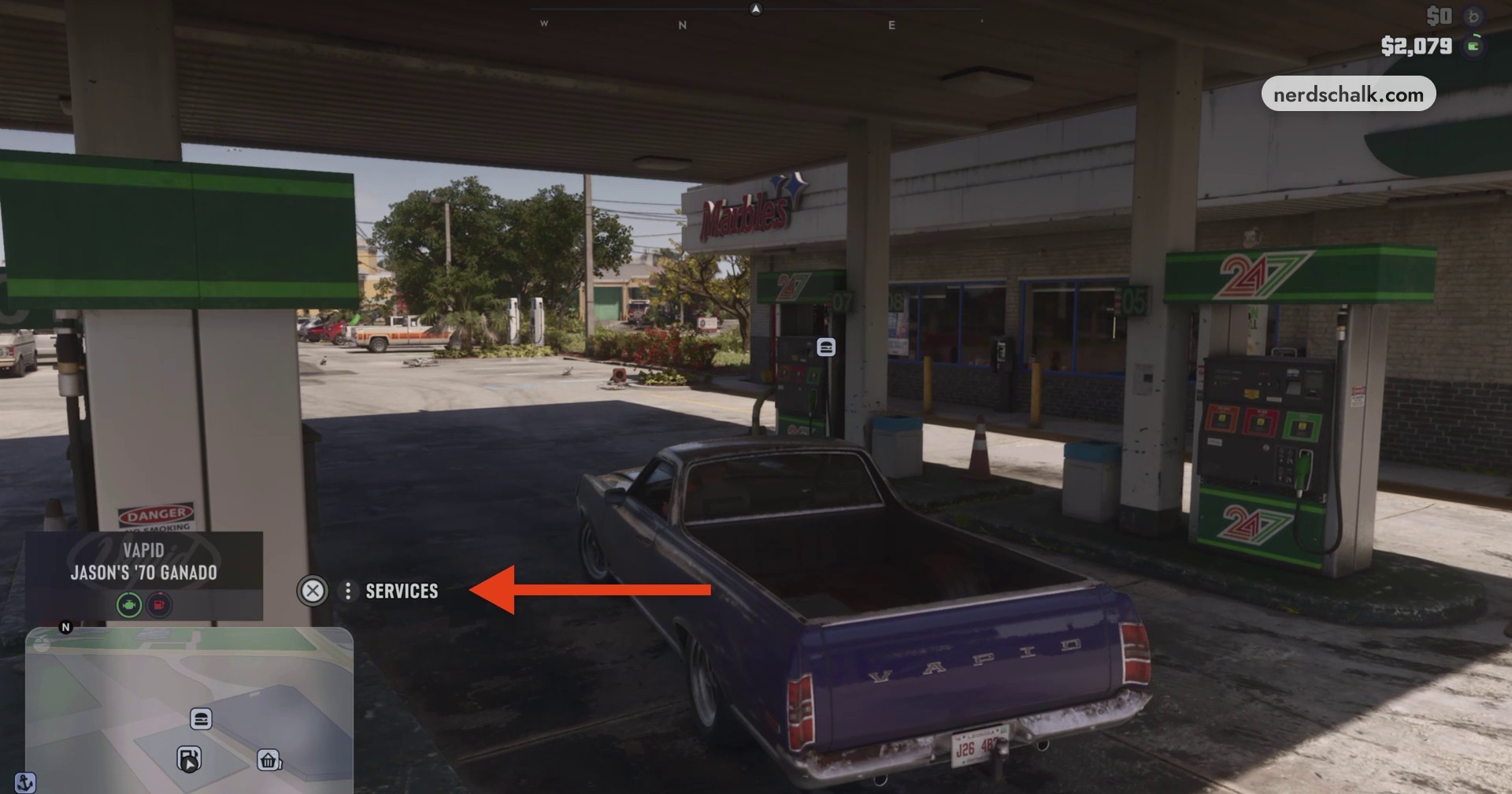
The pump menu displays REFUEL ($48) in this example. The displayed balance before refueling is $2,079.
Drive to a gas station
When the critical fuel warning appears, head for the closest gas station.
Position your vehicle by a pump
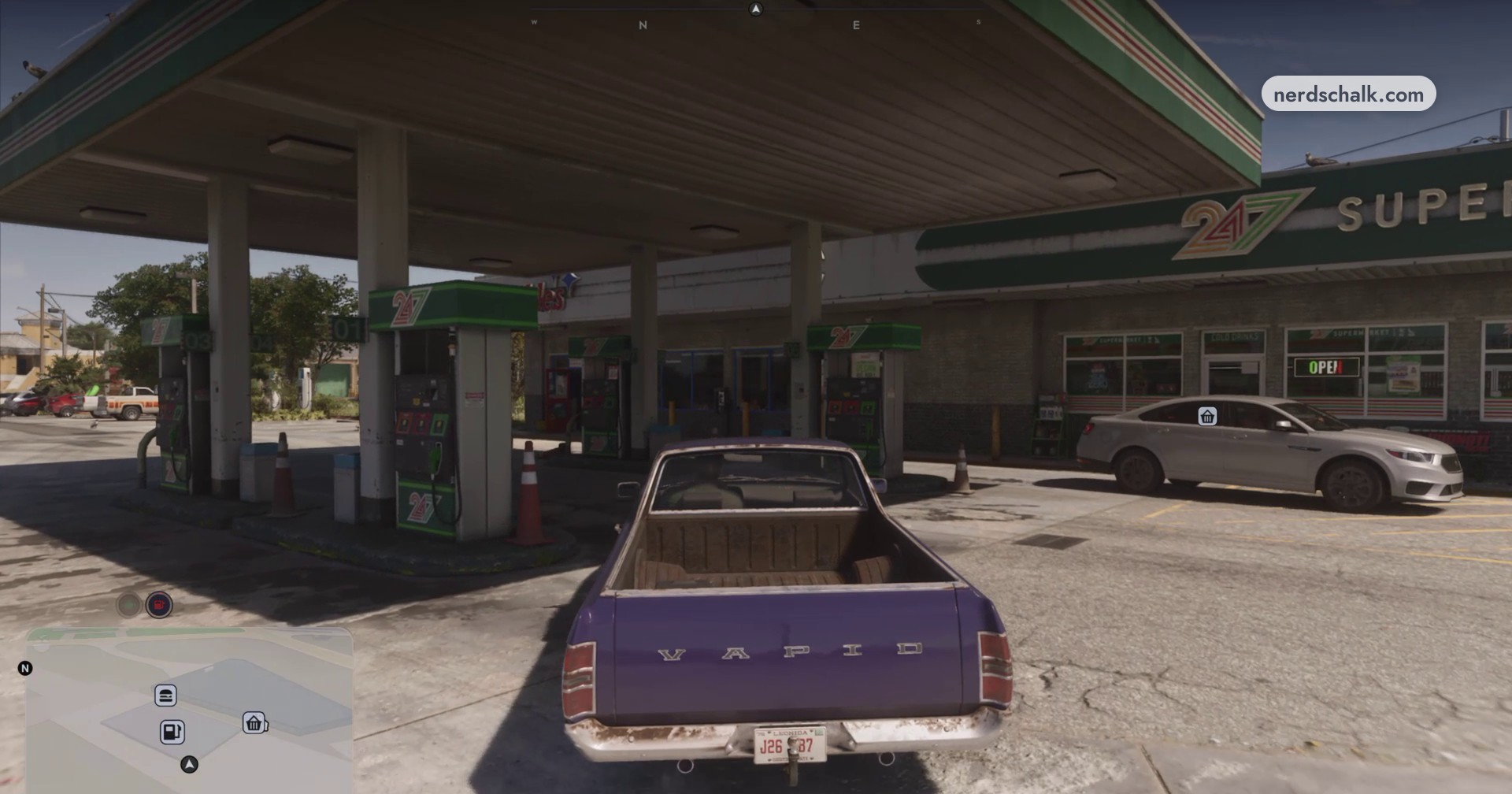
Pull into the station’s fuel bay.
Open Services
Press the displayed Services button to open the pump menu.
Select Refuel
Choose Refuel to purchase fuel and fill your gas tank.
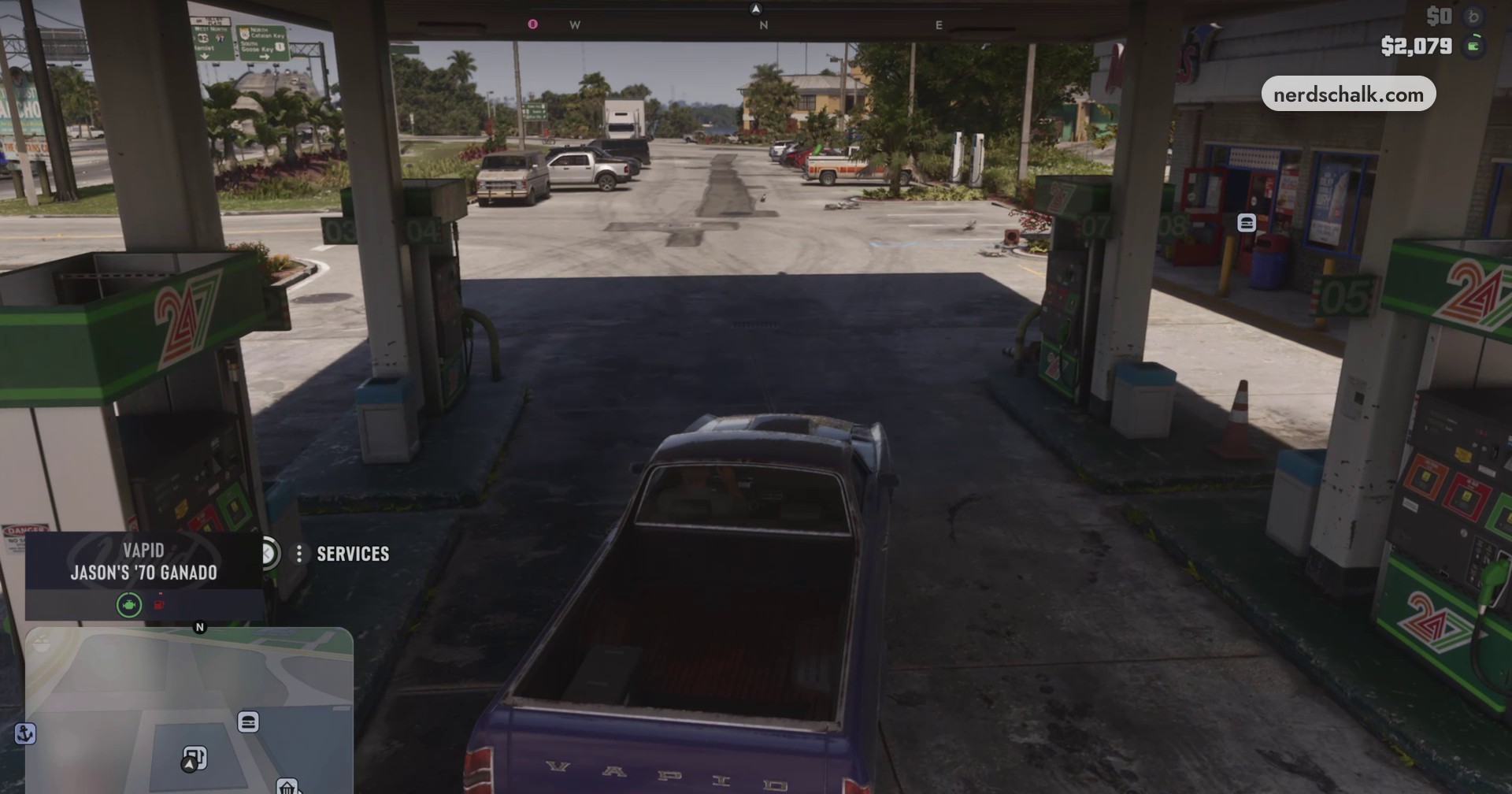
Finish refueling
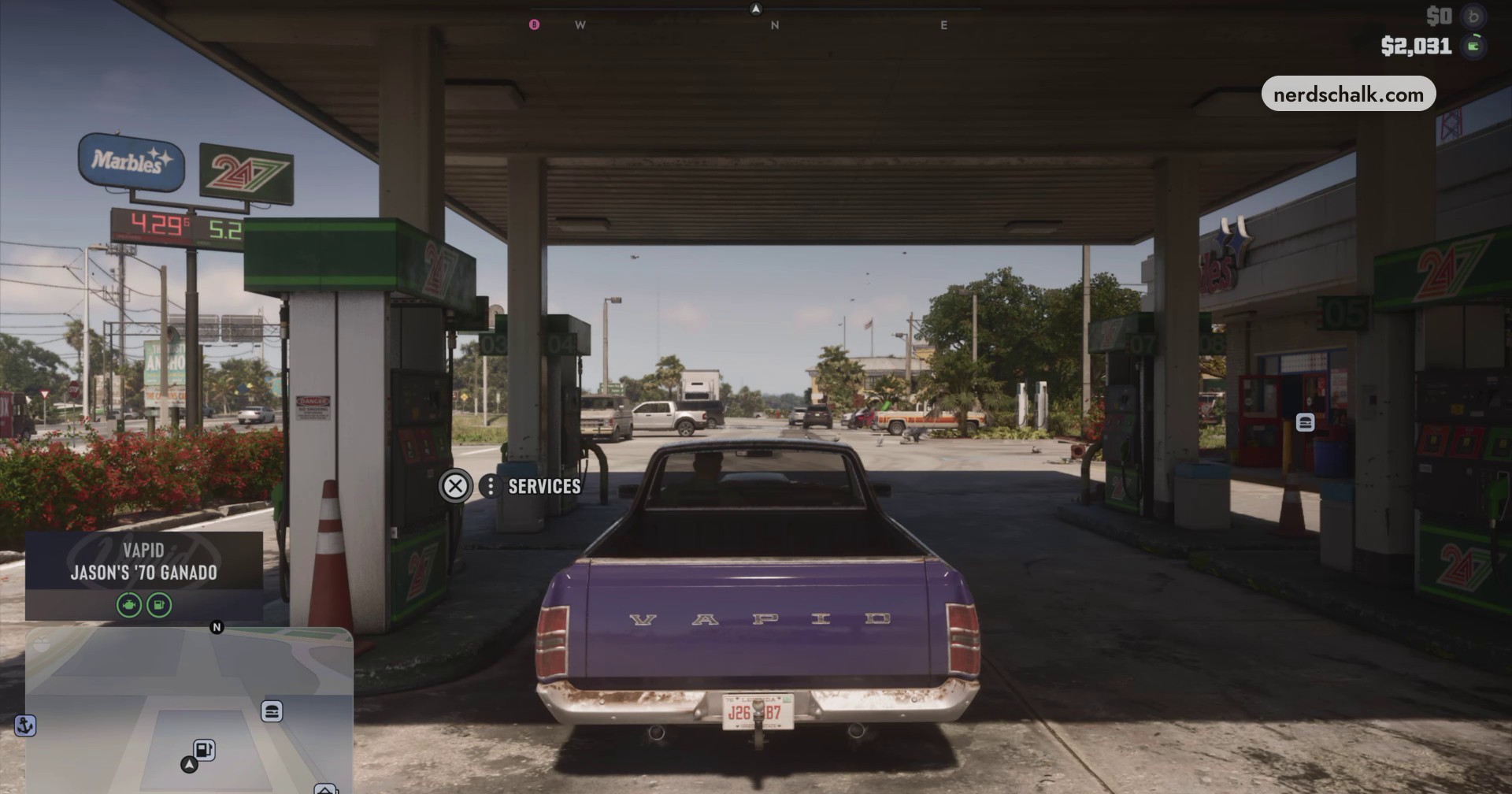
Let fueling finish. Your character replaces the nozzle, and your truck remains parked beside the pump. The displayed balance after the fill is $2,031.
› story detailsSpoilers for the story. Open to read.
Your character lifts the pump nozzle and fills the vehicle during the fueling cutscene.
The Services prompt remains visible after refueling.
Related Grand Theft Auto VI guides

Leave a Reply