
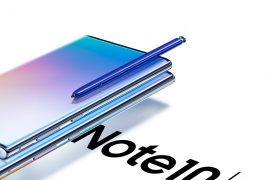
The Galaxy Note 10 devices are Samsung’s shiniest and most feature-packed smartphones yet. The devices do burn a hole in your pocket, but in exchange, you get to carry around the most premium Android smartphone on the market.
Major carriers, such as AT&T, Verizon, T-Mobile, and Sprint have started selling the device. But if you are reluctant to limit yourself to only one carrier, there’s also an all-powerful unlocked variant on sale.
After grabbing the unlocked Note 10, there are certain steps you need to perform to get yourself registered on your favorite carrier. And we’re here to help you with that. So, without further ado, let’s dig in.
RELATED → Galaxy Note 10 Android 10 update
Take a backup first!
We know you probably just unboxed your Note 10 and are now looking to activate it. But in case you have used it a bit already, take an appropriate backup of all important data, music, videos, apps and games, and everything else useful on the device. That’s because the device may be hard reset (factory reset) in the process of activation. So, it’s good to be safe.
How to activate unlocked Note 10/Note 10+ on AT&T
How to activate unlocked Note 10/Note 10+ on Sprint
Activate Unlocked Note 10/Note 10+ on T-Mobile
Activate Unlocked Note 10/Note 10+ on Verizon
Let us know if you need any help in activating your unlocked Galaxy Note 10 and Galaxy Note 10 Plus to the carrier of your choice.





