

QUICK ANSWER
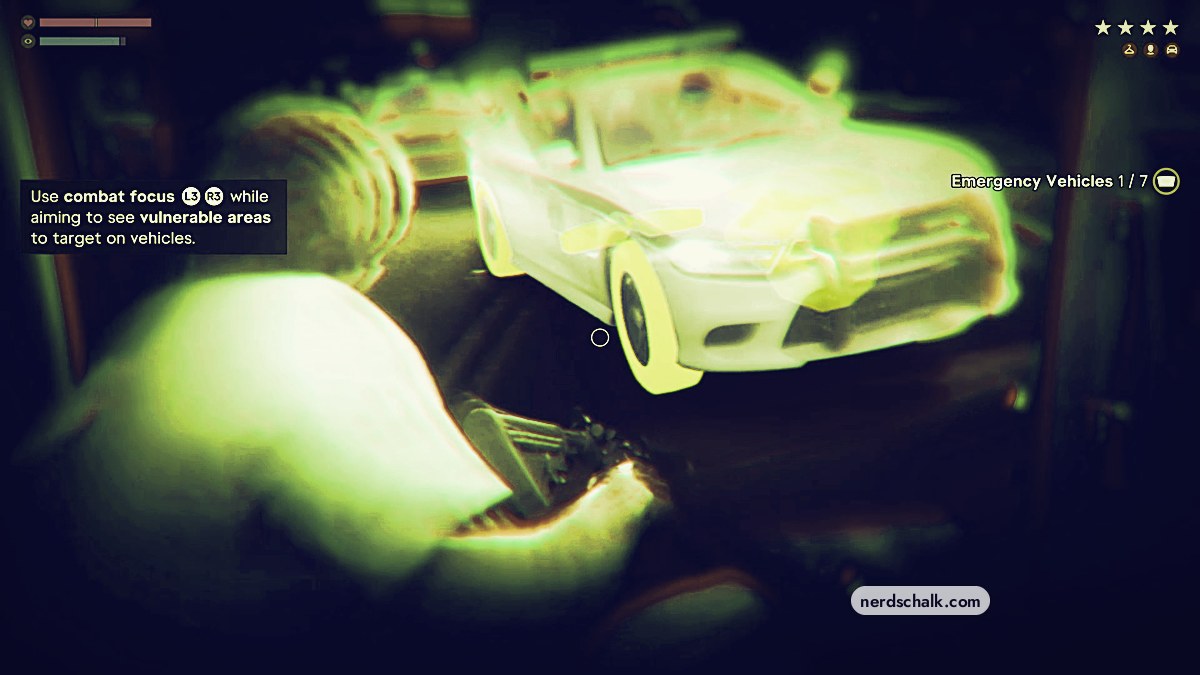
While aiming at a pursuing vehicle, press L3 + R3 together to reveal its vulnerabilities, then shoot the yellow-highlighted components to disable it.
While aiming at a pursuing vehicle, press L3 + R3 together to reveal its vulnerabilities, then shoot the yellow-highlighted components to disable it.
Combat Focus reveals vulnerable vehicle components while you aim in Grand Theft Auto VI. This guide covers using it from the ambulance’s open rear to disable a pursuing police cruiser.
situationPolice pursuit from the rear of an ambulancedisplayed inputL3 + R3 while aimingplatforms listedPlayStation 5 and Xbox Series X|S
QUICK WIN
How to use Combat Focus to target vehicles in Grand Theft Auto VI
STEP 1
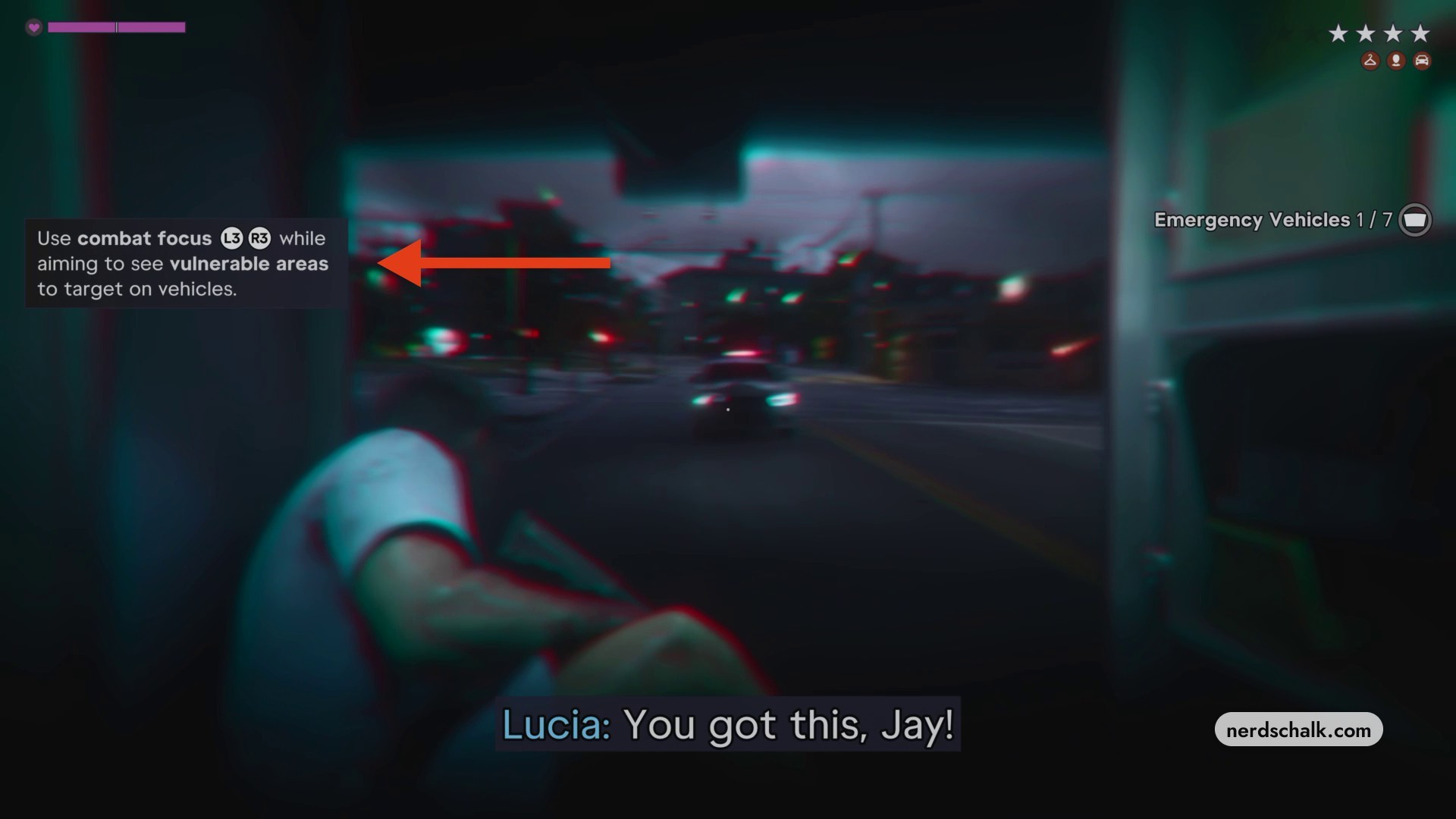
Aim at the pursuing cruiser
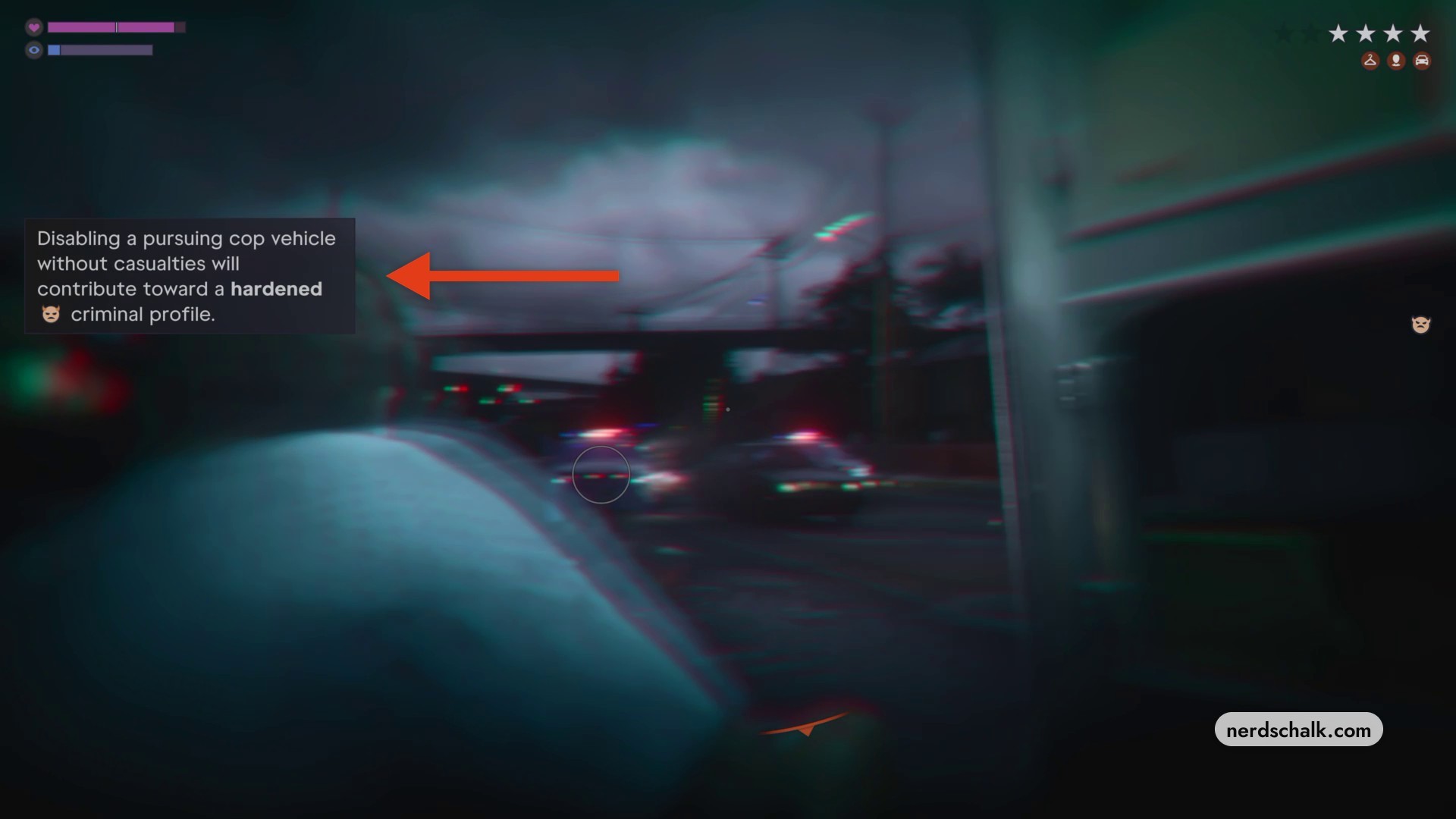
From the ambulance’s open rear, aim your weapon directly at the police cruiser chasing you. The Emergency Vehicles counter initially reads 1 / 7.

The tutorial shows the Combat Focus input to use while aiming at the pursuing vehicle.
STEP 2
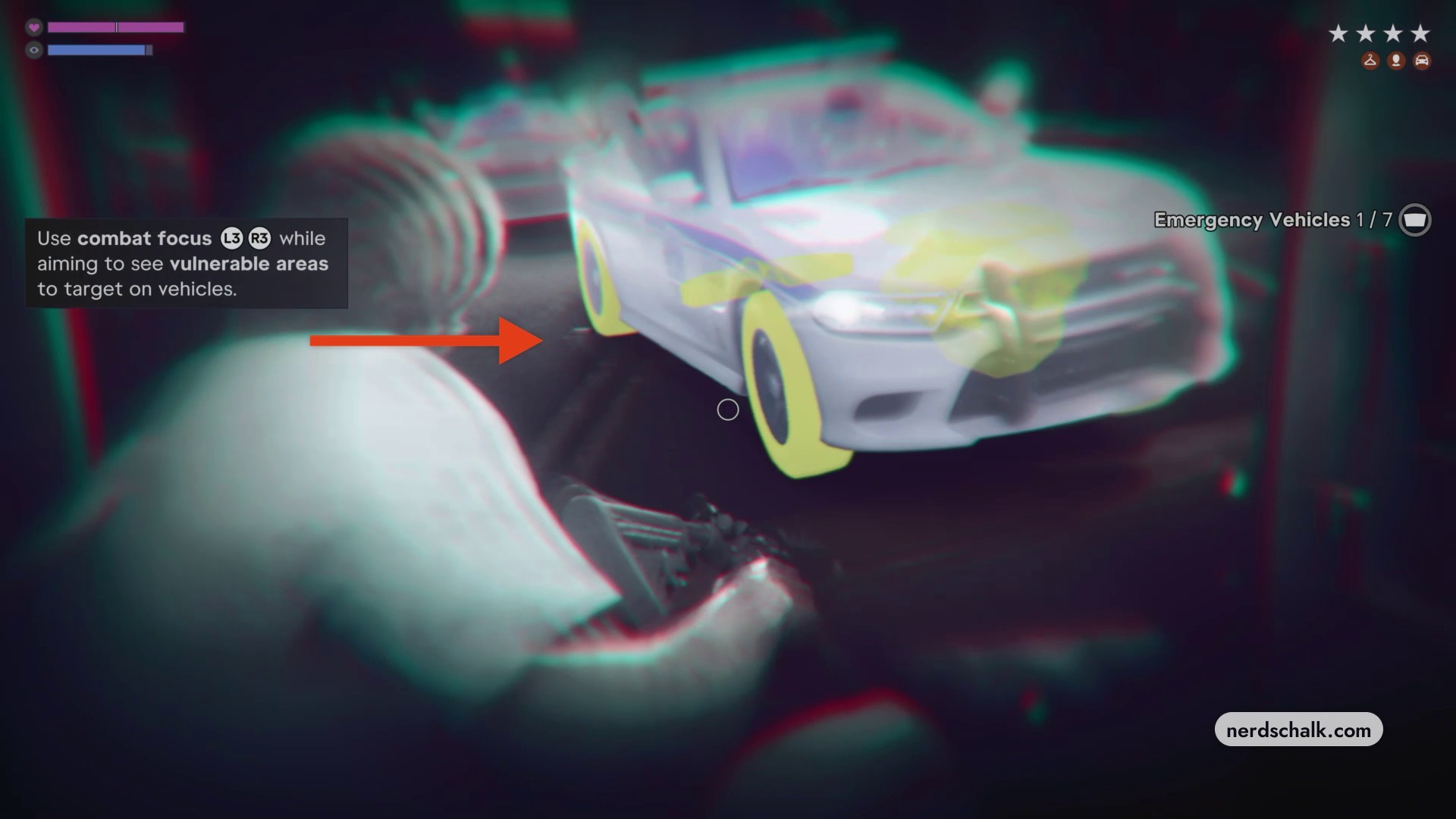
Activate Combat Focus
While keeping your weapon aimed, press L3 + R3 simultaneously to reveal the vehicle’s vulnerable areas.
STEP 3
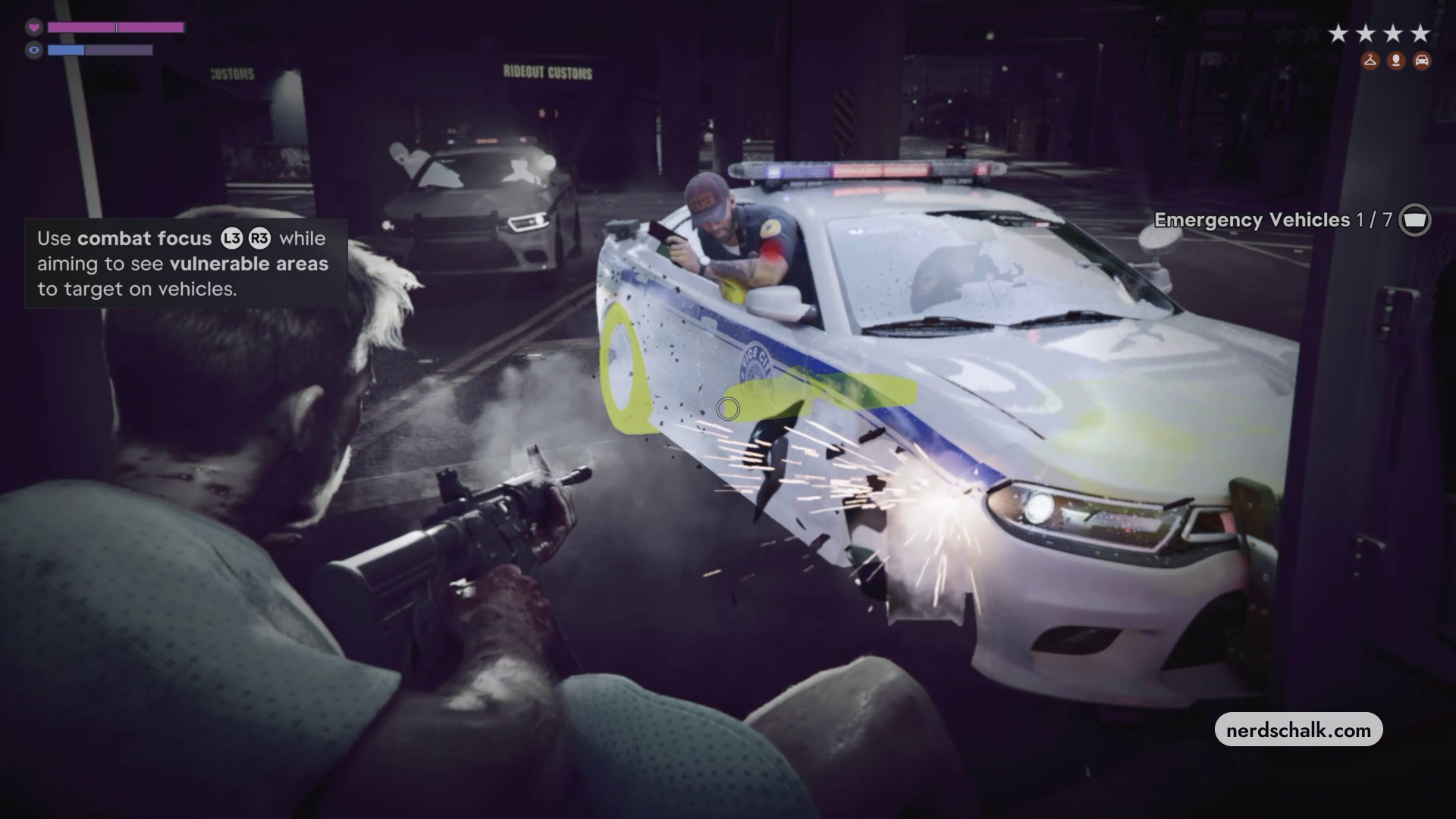
Shoot the highlighted components
Fire at the yellow-marked components, including the tires and engine block, to disable the pursuing vehicle.
Don’t miss thisNo casualtiesAvoid casualties when disabling a pursuing police vehicleMeeting that condition contributes toward a hardened criminal profile.
Related Grand Theft Auto VI guides
Leave a Reply