

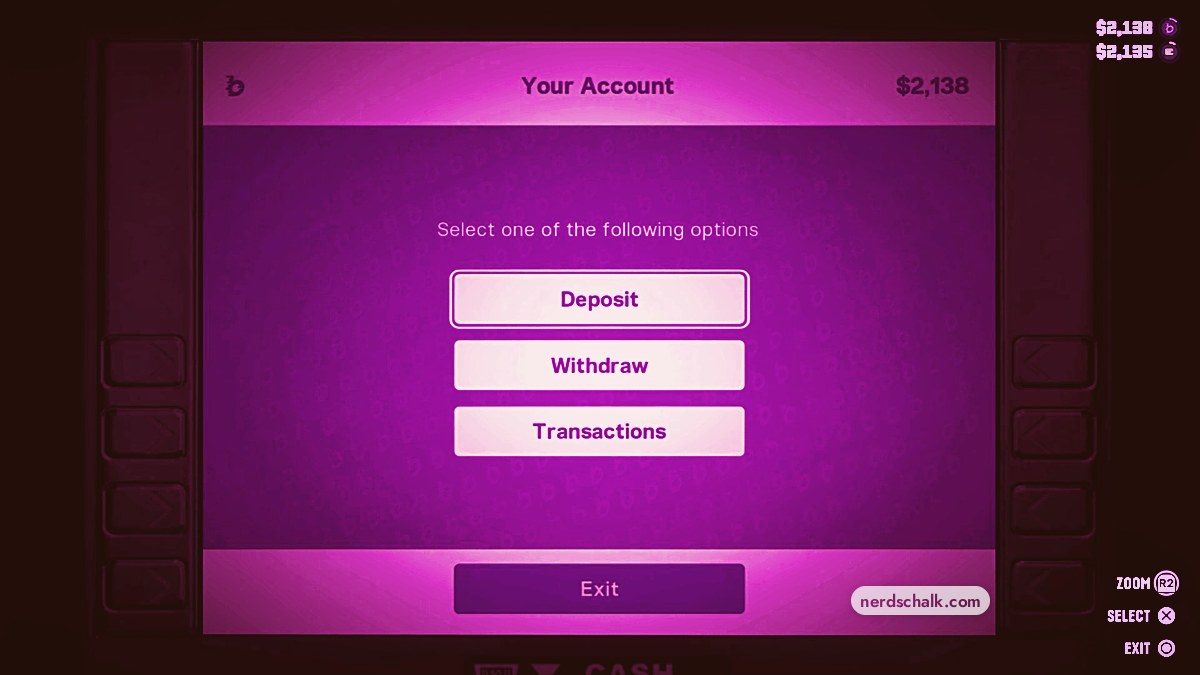
To deposit cash in Grand Theft Auto VI, open an ATM, choose Deposit, adjust the amount, and select Confirm to transfer carried cash into your bank account.
Grand Theft Auto VI is listed for PlayStation 5 and Xbox Series X|S. This guide covers the ATM deposit process using PlayStation button labels, from accessing your account to checking the completed transfer.
How to deposit cash at an ATM in Grand Theft Auto VI
Approach the ATM
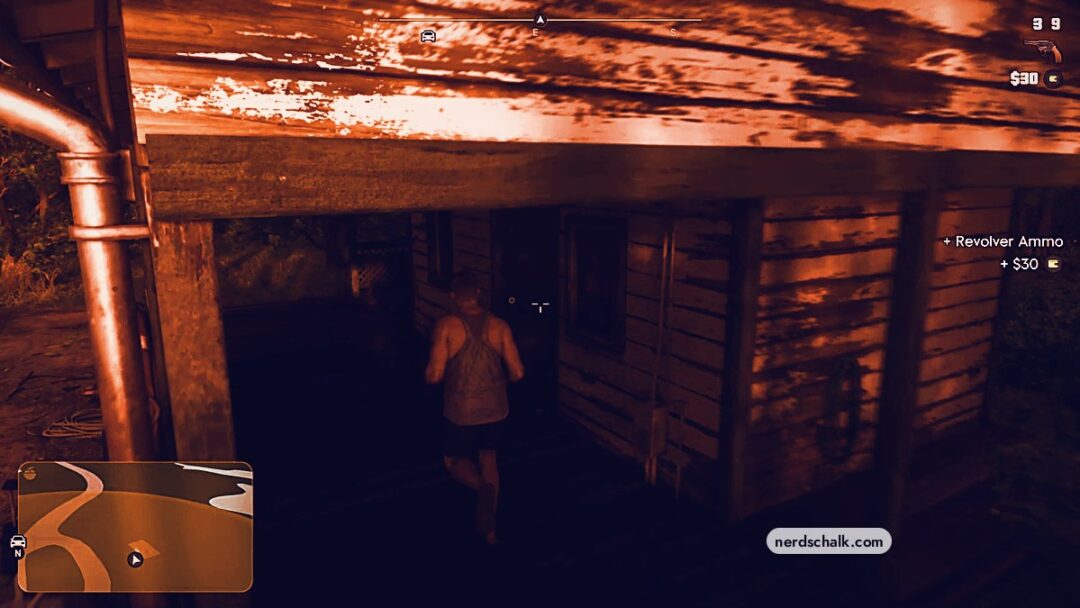
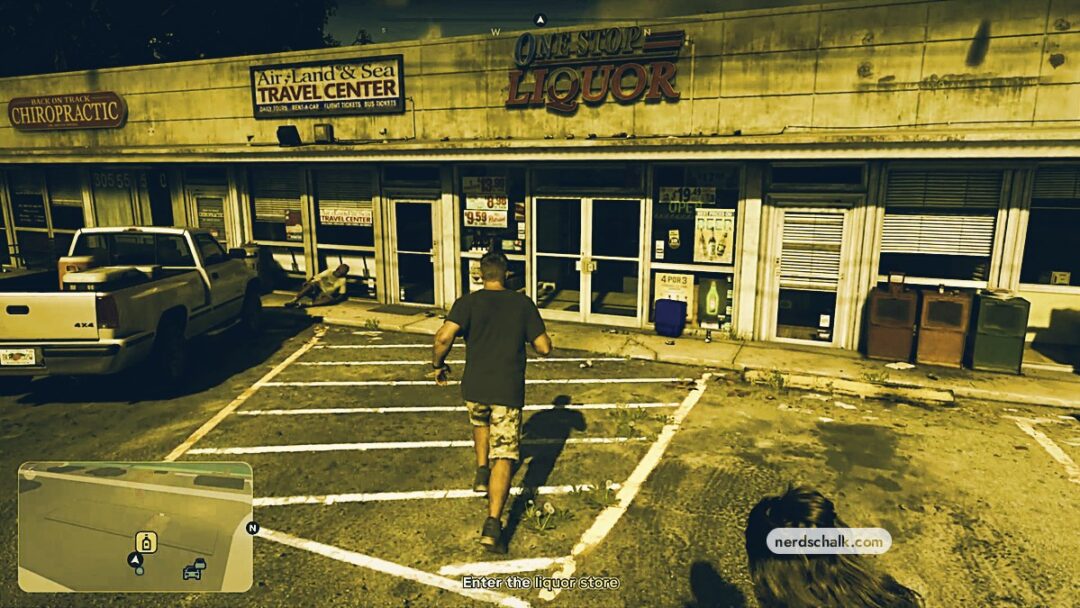
Walk up to the machine inside the building and stand directly in front of it.
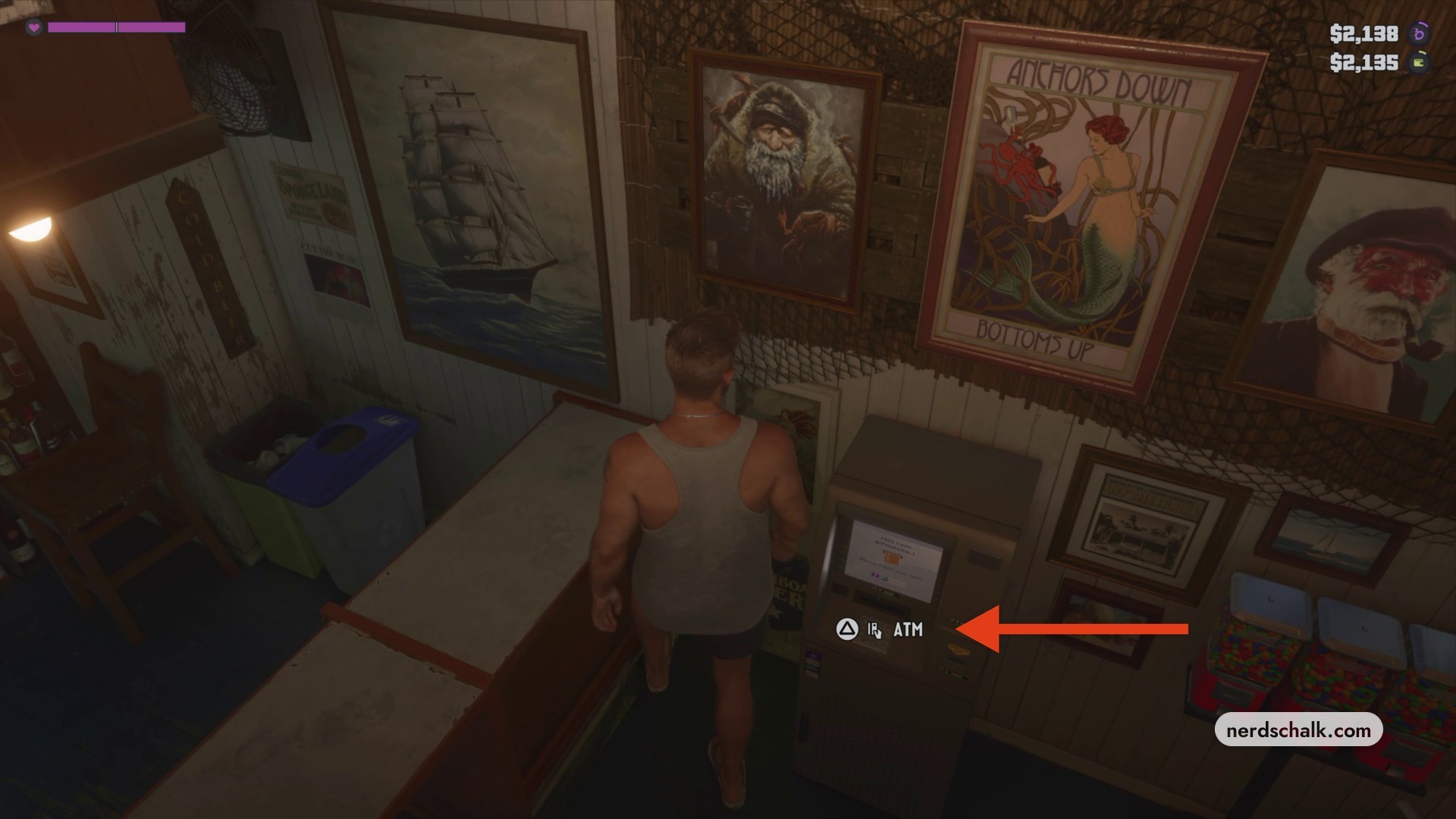
Position yourself directly in front of the ATM inside the building to interact with it.
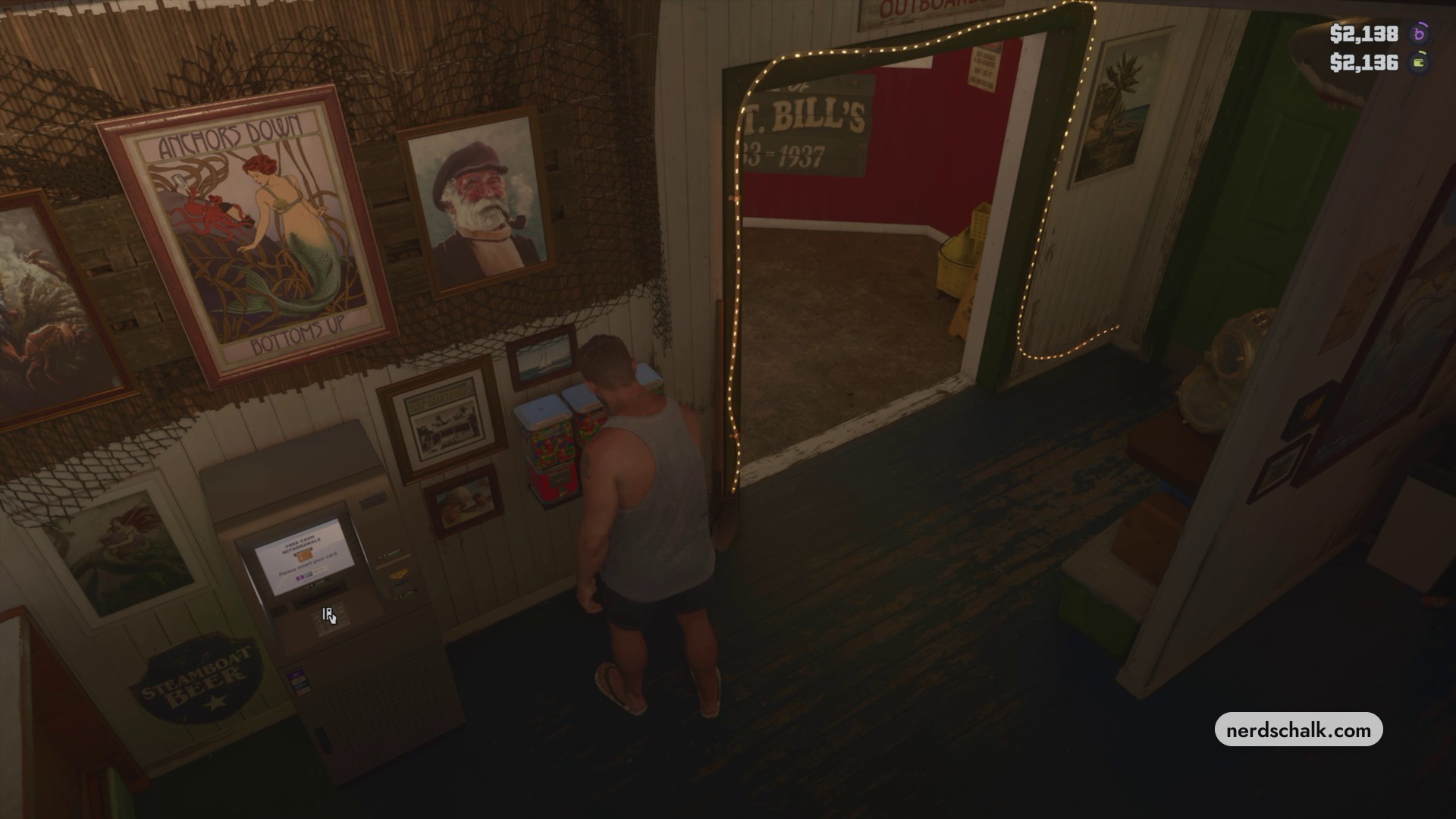
Open the ATM interface
Interact with the machine to bring up your account menu.
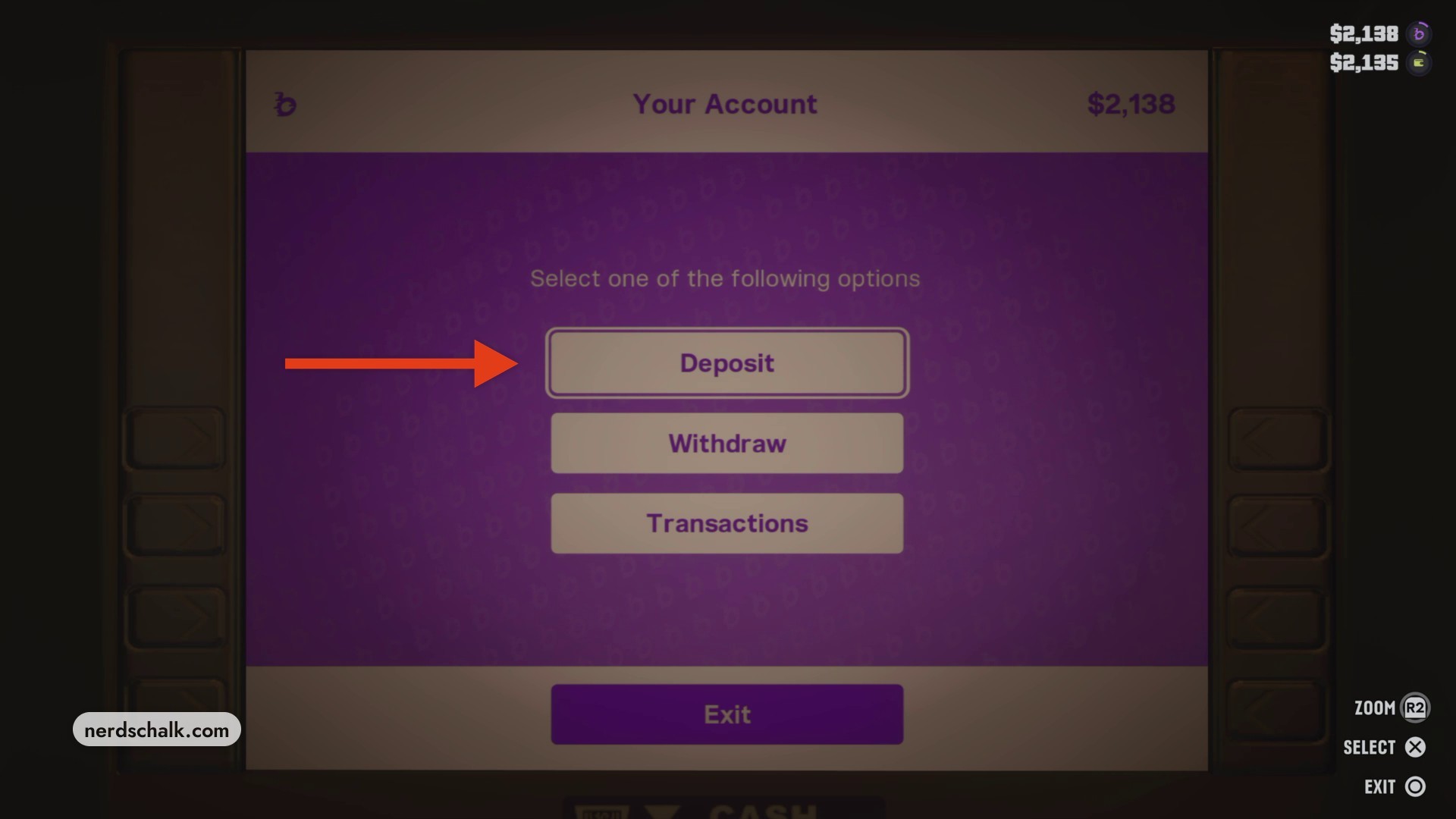
Choose Deposit
Select Deposit to open the cash deposit window. The neighboring account options are Withdraw, Transactions, and Exit. The starting balances in the top-right corner are $2,138 in the bank and $2,135 in carried cash.
The deposit window opens with Maximum selected; review the displayed amount before adjusting it.
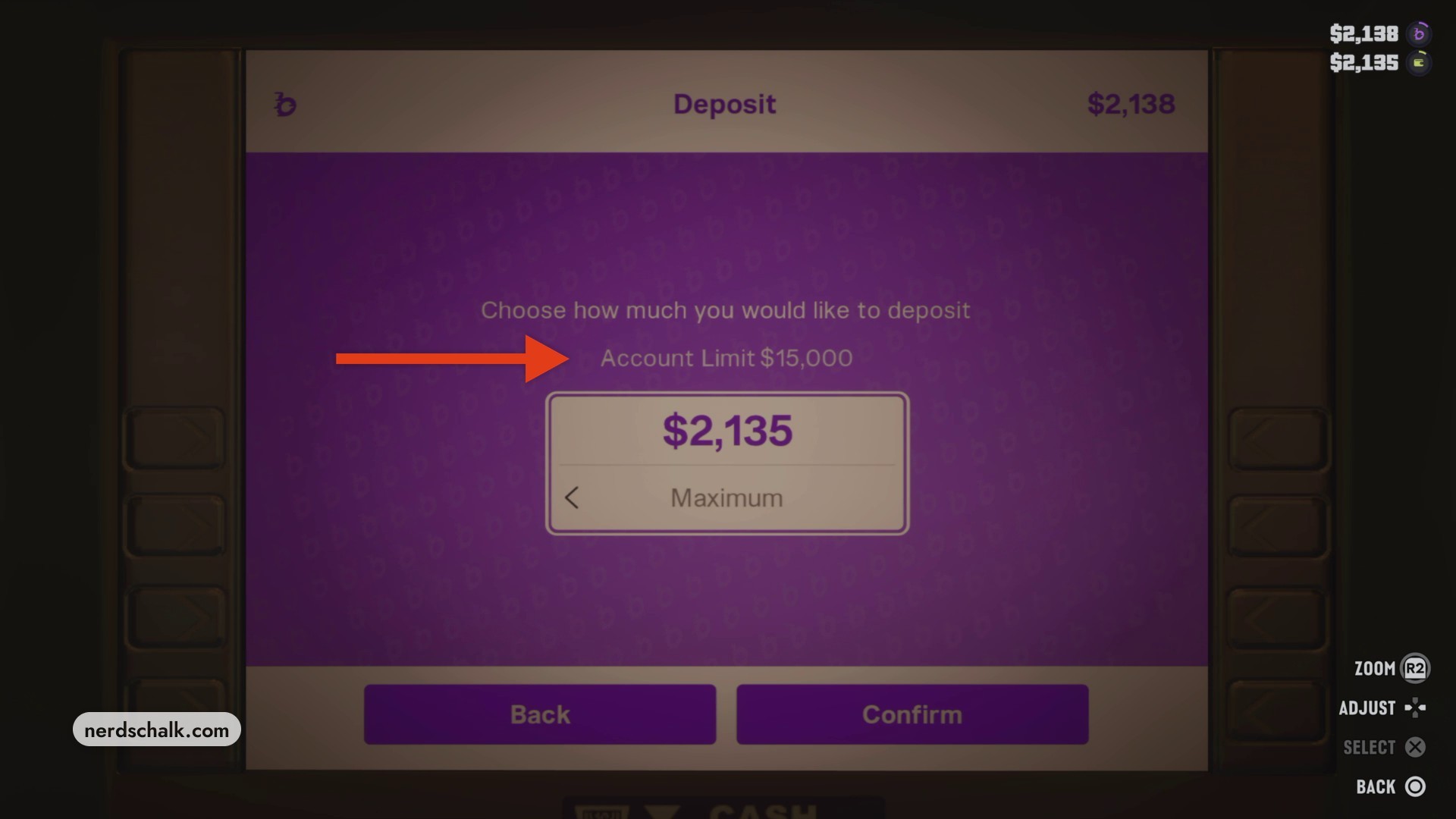
Adjust your deposit amount
Use the directional buttons to change how much carried cash you want to move into your account. The selection is lowered from Maximum to $201 for the deposit shown at confirmation.
The amount adjustment screen displays your current selection; use the directional buttons to set the amount you want to deposit.
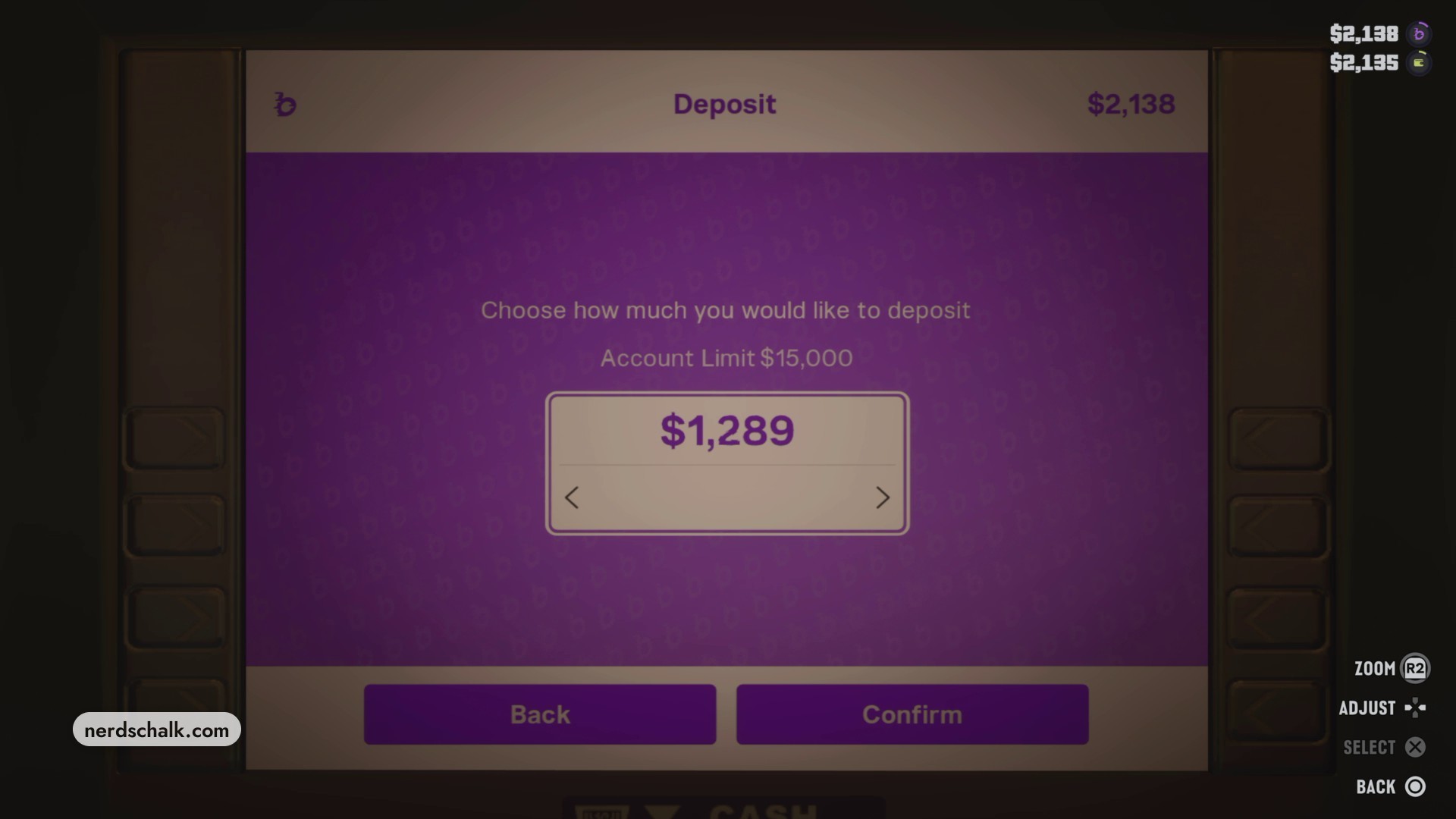
Confirm and check your balances
Select Confirm to submit the deposit, then check your bank and carried-cash balances. A buckme processing screen appears before the ATM interface closes. After that deposit, the bank balance reaches $2,339 and carried cash falls to $1,934.
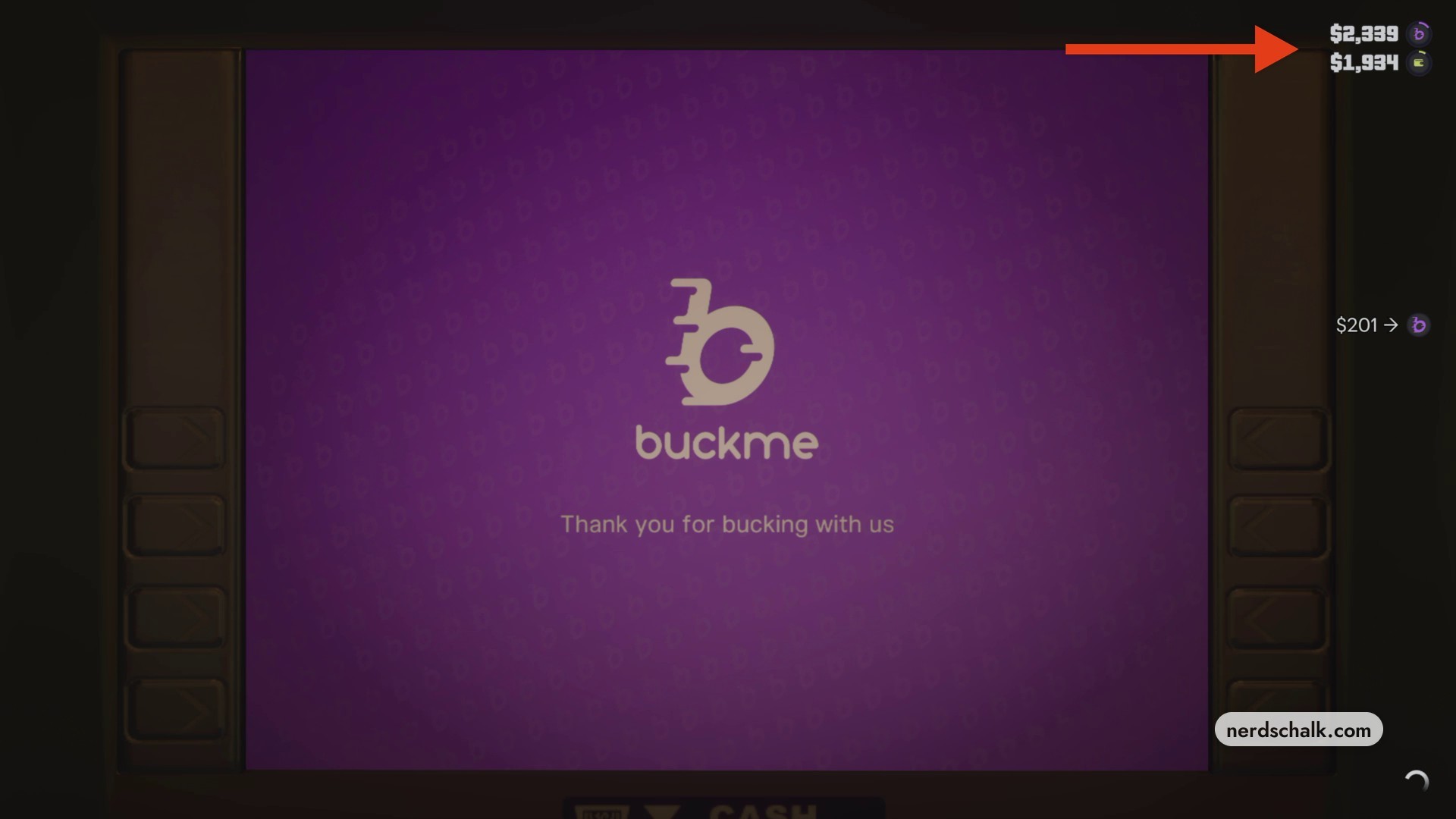
After the ATM interface closes, your updated balances remain visible; check them to see the completed transfer.
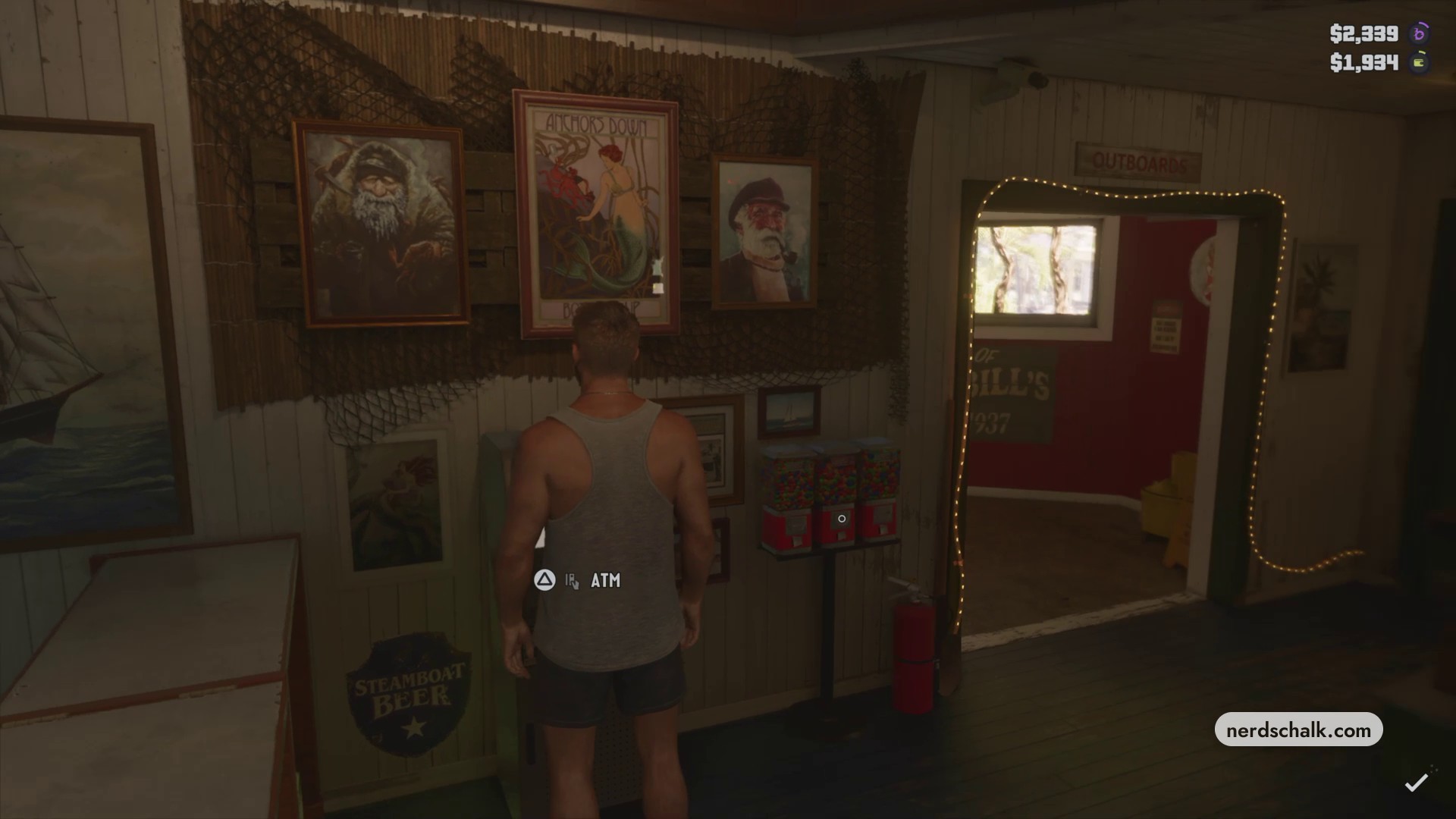
After depositing, look for your bank balance to rise and your carried cash to fall. Those changes show the cash has moved into your account.
Related Grand Theft Auto VI guides

Leave a Reply