

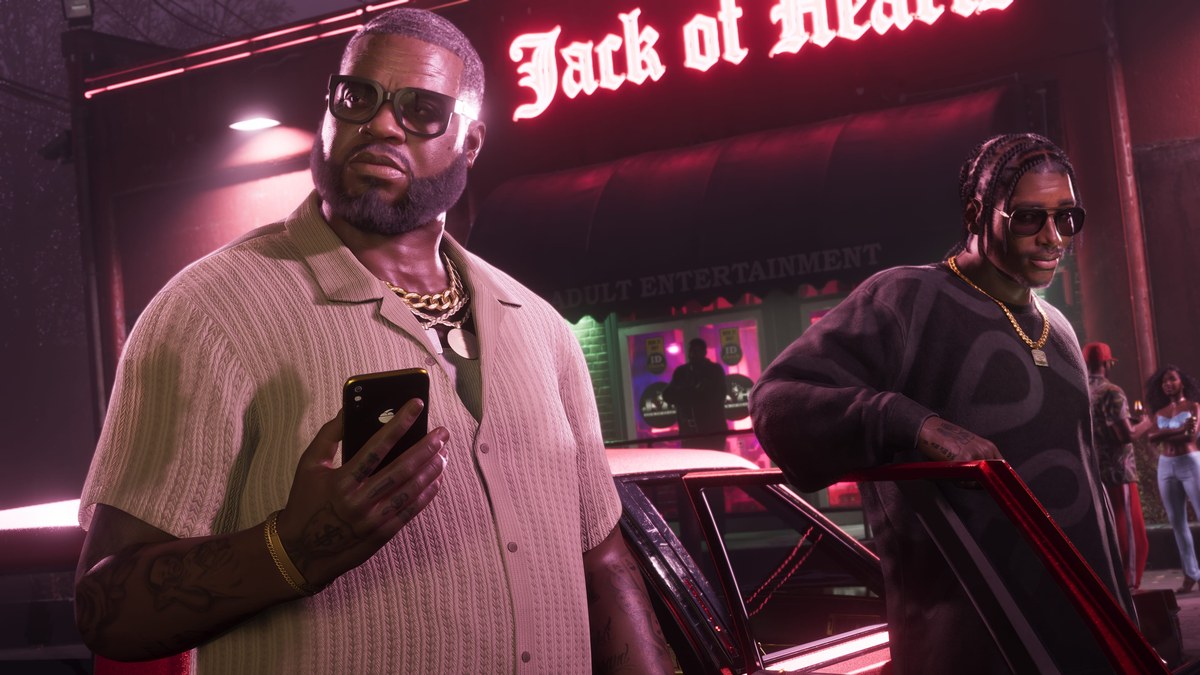
The external hard drive is an item you retrieve and examine in Grand Theft Auto VI. Rockstar Games lists the game for Xbox Series X|S as well as PlayStation 5. This guide covers the motel-room search, the drive’s identifying markings, and its inspection controls.
How to find the external hard drive in Grand Theft Auto VI
Return to the motel room
Go back into the motel room as Lucia.
Switch on the TV
Turn on the TV news before continuing the search.
Retrieve the duffel bag
Pull the concealed duffel bag from beneath the bathroom sink cabinet.
Find the external hard drive
Examine the drive
How do you inspect the external hard drive in Grand Theft Auto VI?
| Action | Button prompt |
|---|---|
| Zoom | R2 |
| Rotate | R |
| Flip | Square |
| Put down | Circle |
With the drive in view, look for the printed bastion branding. The 1TB Storage label sits directly beneath it, giving you the item’s brand and capacity.
› story detailsSpoilers for the story. Open to read.
Lucia returns to the motel room where Jason is.
Lucia turns on the TV news.
Jason asks about plugging in the hard drive, and Lucia explains that they have no laptop.
Related Grand Theft Auto VI guides
Leave a Reply