

QUICK ANSWER
In your truck’s storage, select TAKE STASH BAG ($1,200) for one bag or TAKE STASH BAGS for all bags.
In your truck’s storage, select TAKE STASH BAG ($1,200) for one bag or TAKE STASH BAGS for all bags.
Your truck’s vehicle storage in Grand Theft Auto VI gives you access to the stash bag choices. The game’s listed platforms include PlayStation 5 as well as Xbox Series X|S. This guide covers opening storage and selecting the bag option you want.
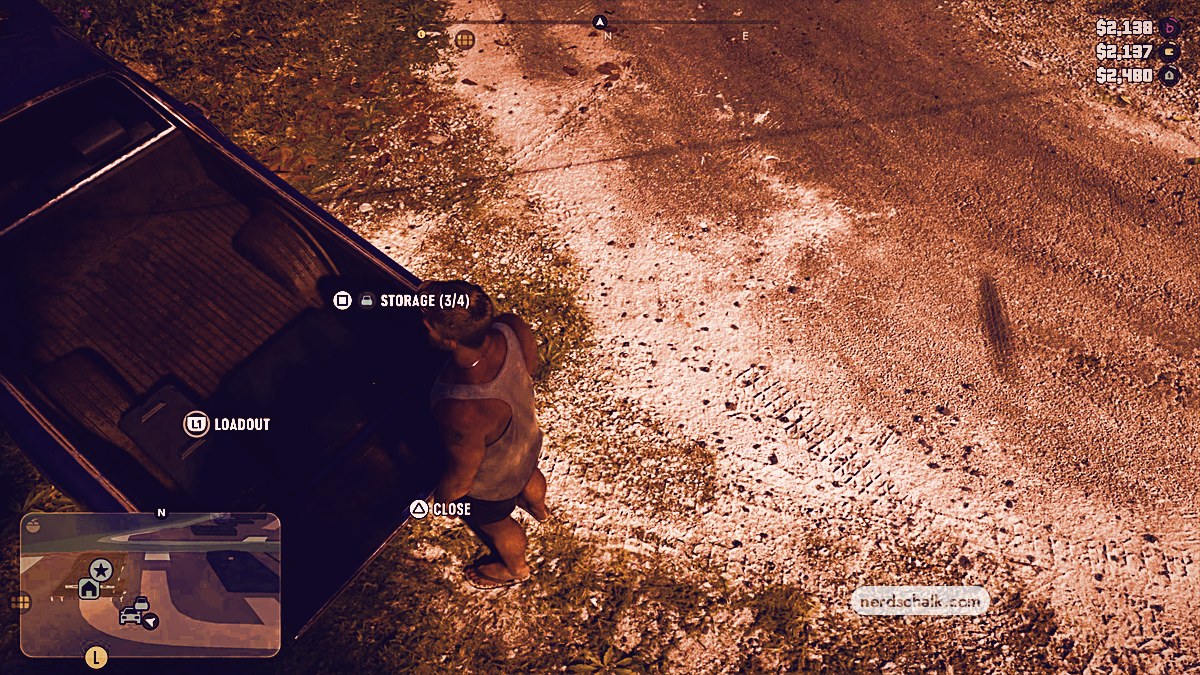
access pointTruck’s rear bedtailgate promptOPENstorage shownSTORAGE (3/4)
How to take stash bags from your truck in Grand Theft Auto VI
STEP 1
Approach the tailgate
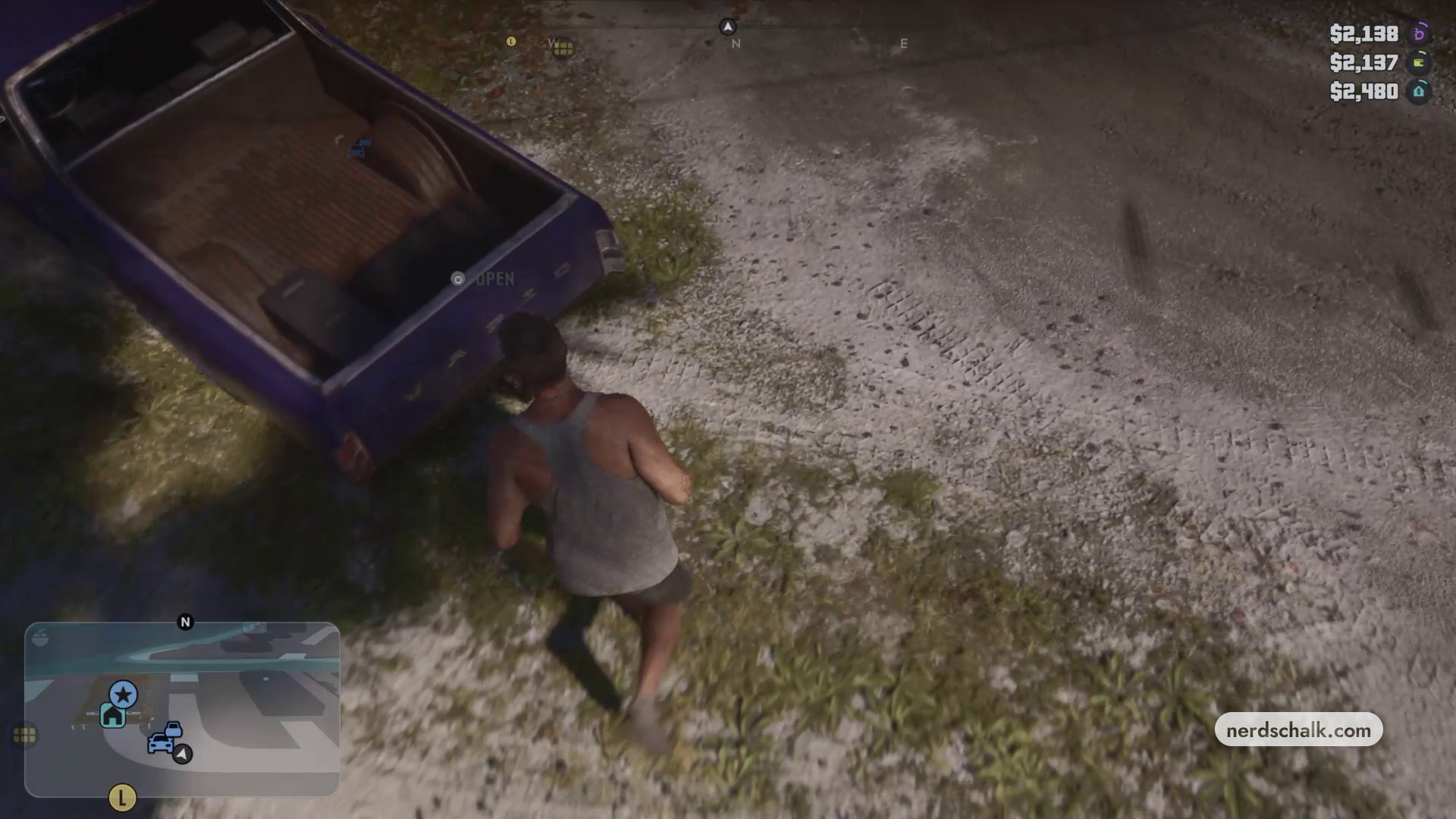
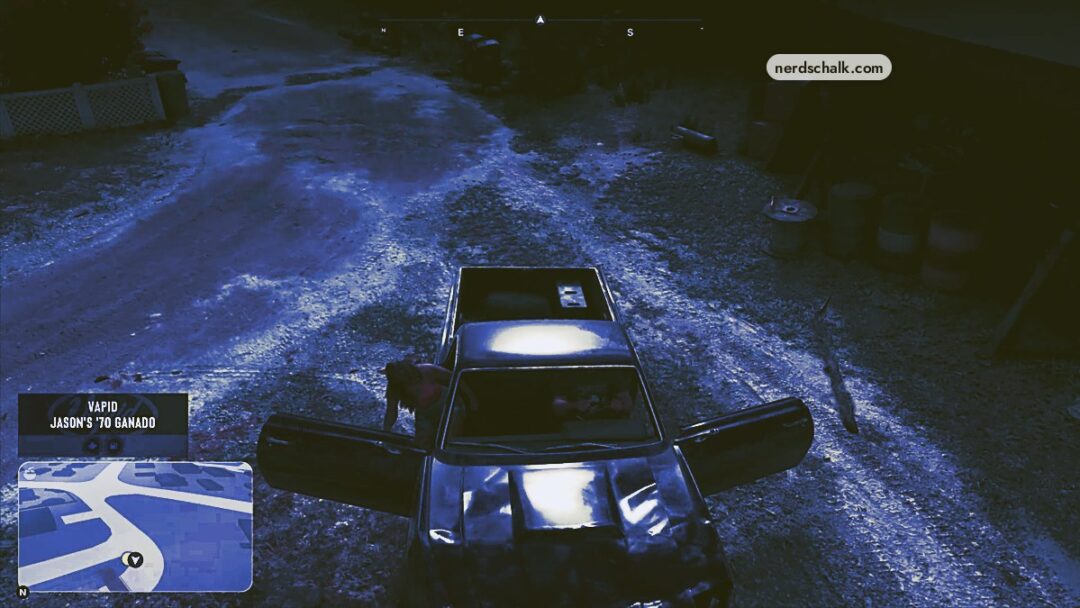
Park the truck, get out and walk around to its tailgate.
STEP 2
Open the tailgate
Lower the tailgate before accessing vehicle storage.
STEP 3
Open storage and choose your bags
Press Square to open vehicle storage. Choose TAKE STASH BAG ($1,200) to take one bag, or TAKE STASH BAGS to take all bags.
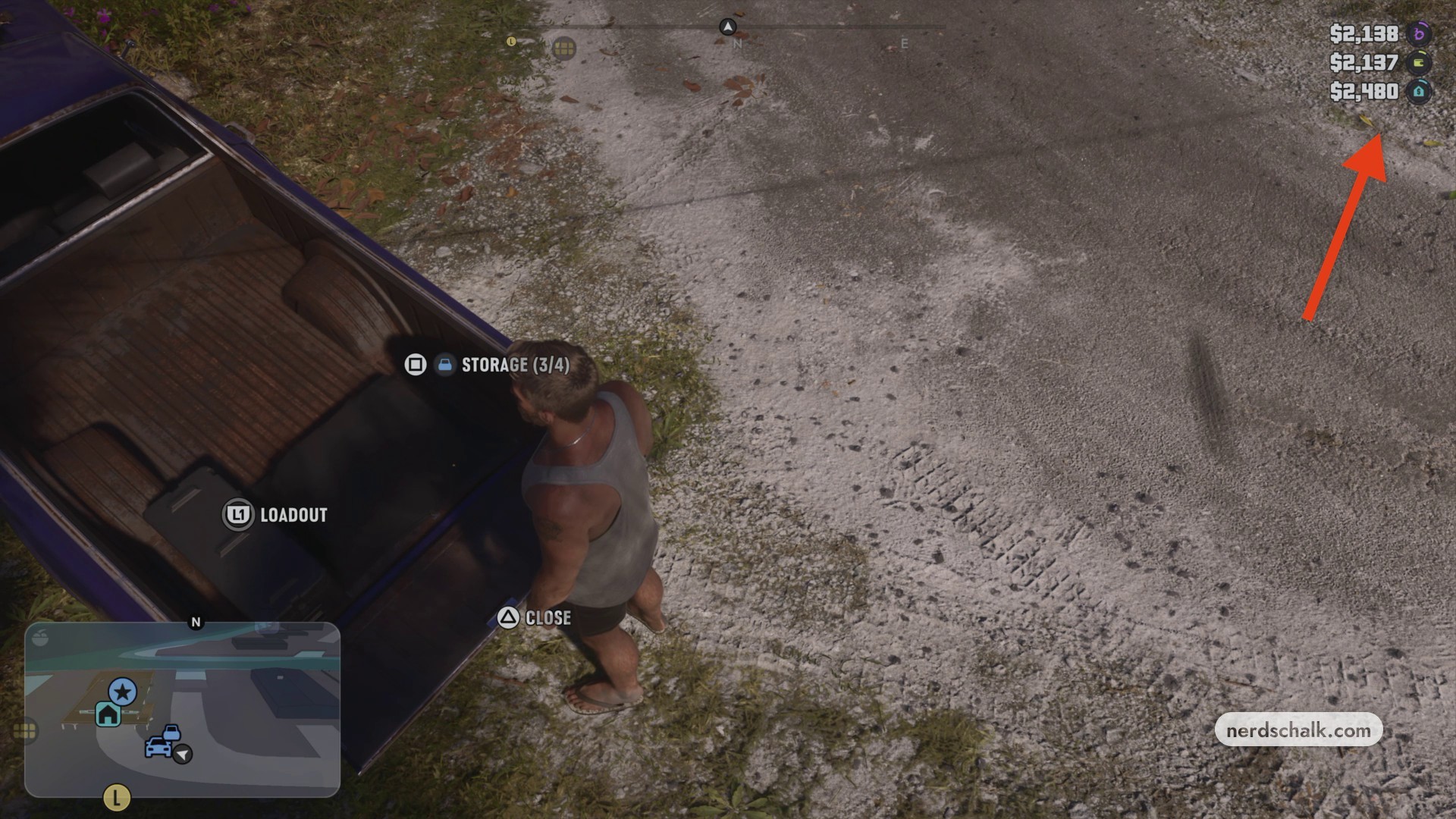
Don’t miss thisTrianglePress Triangle to lower the truck’s tailgateOpen the tailgate before using Square to access storage.
Related Grand Theft Auto VI guides



Leave a Reply