

What to know
- Google is preparing a built-in phone touchpad for controlling a desktop session on a connected monitor.
- Connected-display desktop mode is already public; the new finding is a native “Show touchpad” control.
- SystemUIGoogle dp11.261030.003 places that option alongside external-display settings and a disconnect button.
Your phone already powers the desktop session on a connected monitor. Google now appears to be preparing a way for the phone’s screen to serve as its touchpad, too. We found a new “Show touchpad” label in SystemUIGoogle, grouped with controls for the external display.
The broader desktop capability is already public. Google announced connected-display desktop mode on March 3, 2026. The new detail here is the touchpad option within the phone’s own system controls for that session.
“Show touchpad” joins the external-display controls
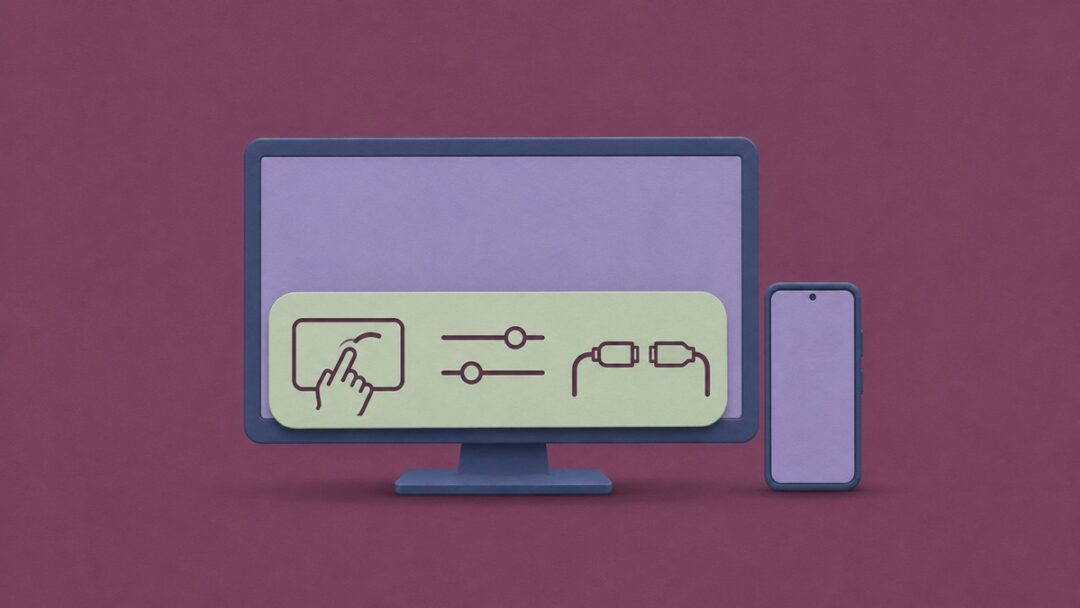
The new labels describe an “External display controls” dialog with options to open display settings, disconnect the display, and show a touchpad. Their shared connected_displays_dialog prefix ties the touchpad button directly to that dialog.
These are the labels that put the touchpad alongside the other display controls:
That grouping points to a native touchpad for the phone’s own desktop session. The strings establish the control and its purpose, but do not describe the touchpad’s layout or gestures.
For you, the useful change would be controlling the connected desktop from the phone already in your hand, without reaching for a separate pointing device.
Related on NerdsChalk
Leave a Reply