

What to know
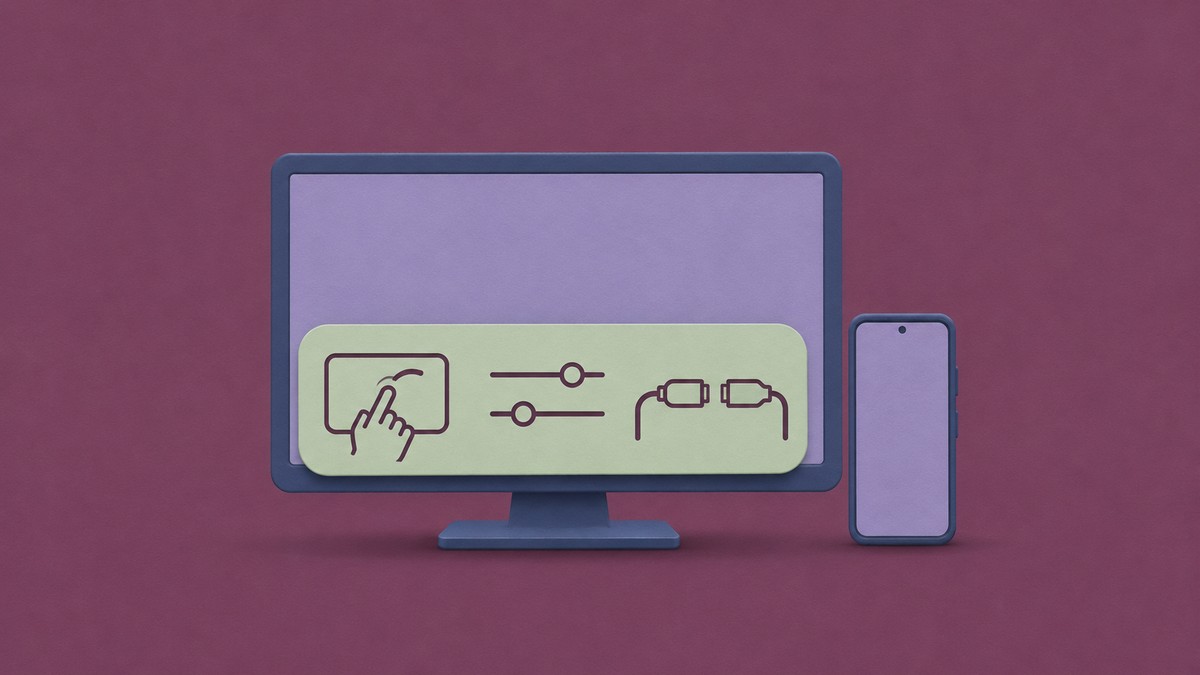
- Android is preparing an external-display control panel with a “Show touchpad” shortcut.
- The panel groups touchpad access, display settings and a disconnect action.
- SystemUIGoogle dp11.261030.003 includes the “External display controls” title and labels for all three buttons.
Android’s desktop mode and connected-display support are already public. Our teardown of SystemUIGoogle dp11.261030.003 reveals a more focused addition in development: a native panel that brings external-display controls together, including a shortcut to an on-screen touchpad.
A touchpad shortcut inside the external-display panel
The new panel is named “External display controls.” Its “Show touchpad” button identifies a direct route to the touchpad, while “External display settings” and “Disconnect display” cover configuration and ending the connection.
The title and button labels all share the same connected-display dialog prefix, tying these actions to one panel:
For you, that would mean one place to bring up the touchpad, open external-display settings or disconnect when you’re finished.
Related on NerdsChalk
Leave a Reply