

What to know
- Android is preparing a setting that keeps audio in your headphones when cars or speakers connect.
- The broader capability is already public: iOS 26 offers headphone priority for these connections.
- SettingsGoogle dp11.261030.003 adds a title and description explicitly defining this headphone priority.
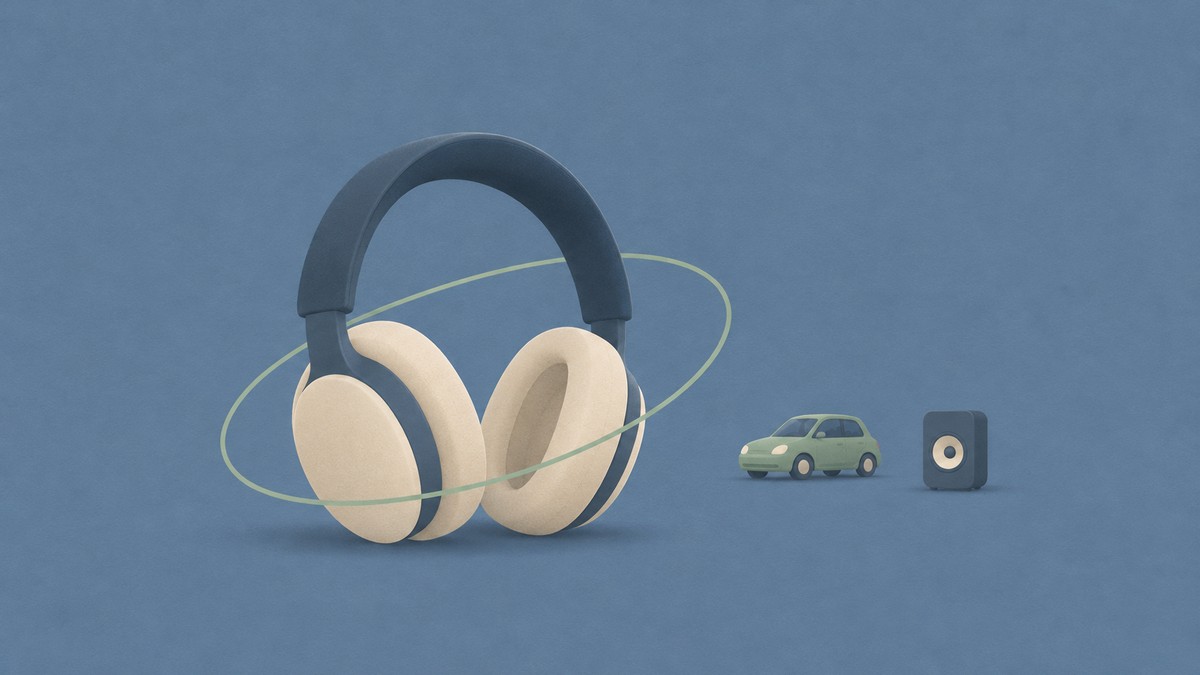
Connecting your phone to a car or speaker can take audio away from the headphones you’re using. Android is preparing a “Keep audio in headphones” option to prevent that handoff.
The new strings appear in SettingsGoogle dp11.261030.003, from a Pixel 10 Pro Fold running an Android beta. They describe a dedicated setting for keeping headphones as the audio output when another audio device connects.
Headphones take priority when another audio device connects
The setting’s description names speakers and cars as examples of connections that should leave headphone audio alone. Its wording is direct: “Always play audio in your headphones.” The title and summary together establish the intended behavior:
Android’s existing Audio switch handles headphones moving between source devices. This new option addresses audio output priority on the phone itself, keeping headphones selected as other outputs connect.
For you, that would mean a car or speaker connecting without pulling playback away from the headphones you’re already using.
Related on NerdsChalk
Leave a Reply