


Collect randomly scattered flames across the zones in Steal Anime Eggs, then redeem them through the upper-right Halloween Shop button.
Flames are the fire tokens you spend in the Halloween Shop. They’re scattered across all zones, so collecting them takes you out across the map.
Your flames go toward shop rewards, including eggs. This guide covers recognizing the pickups, finding the shop button, and spending your collected fire tokens.
How to get Fiery Flames in Steal Anime Eggs
Find and collect the floating flames, then open the Halloween Shop to redeem them.
1 – Find and collect flame pickups across the zones
25%
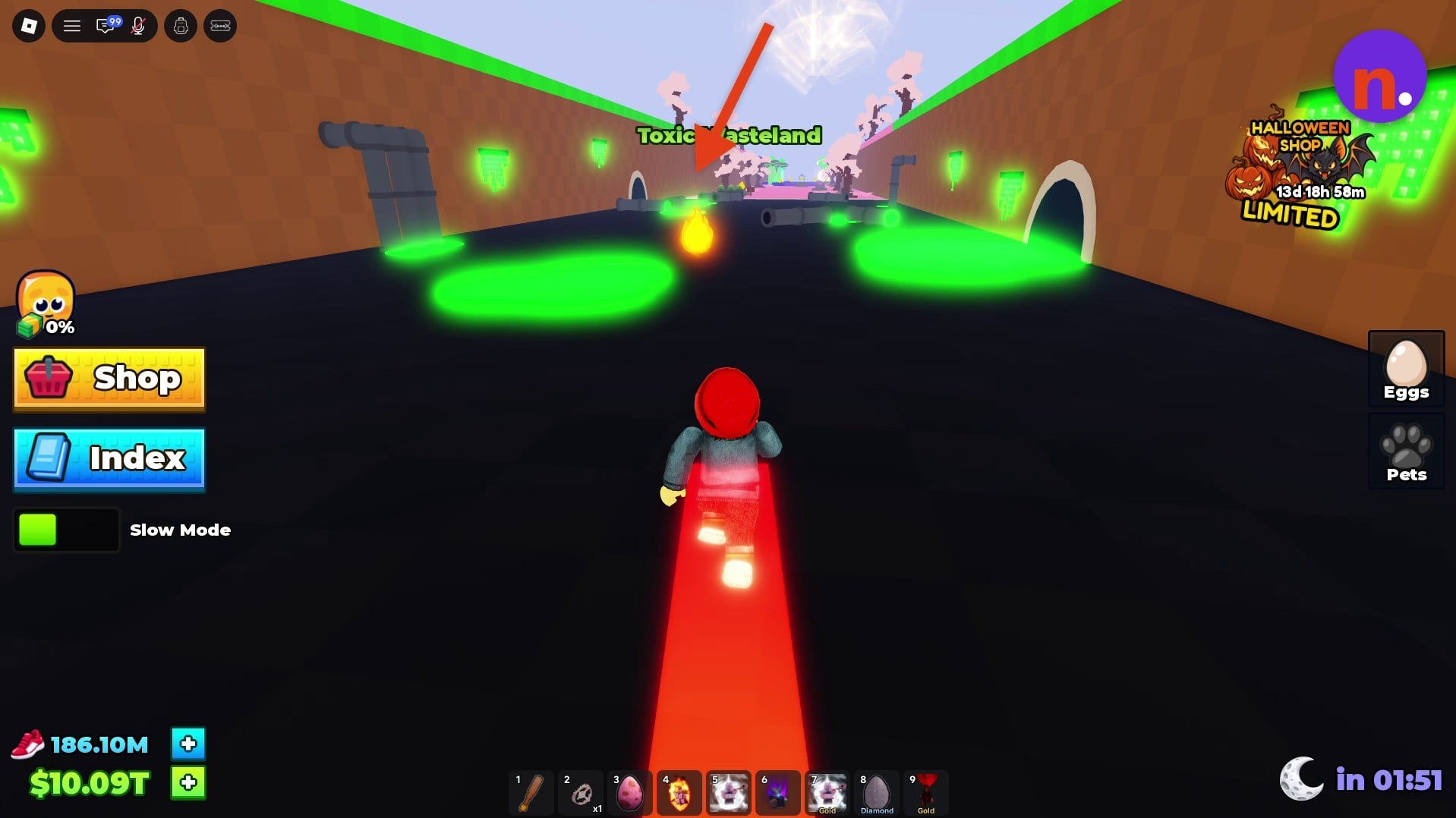
Recognize a flame pickup
Look for a floating flame near ground level. The pickup in Toxic Wasteland gives you the appearance to watch for as you search.
50%
Collect flames while exploring
Gather the flame pickups you encounter across the map. Search areas include Sakura, Galaxy, Space, Glacier, Candy Land, Crystal Beach, Desert Dunes, Lush Forest, and Green Plains.
2 – Open the Halloween Shop and redeem items
75%
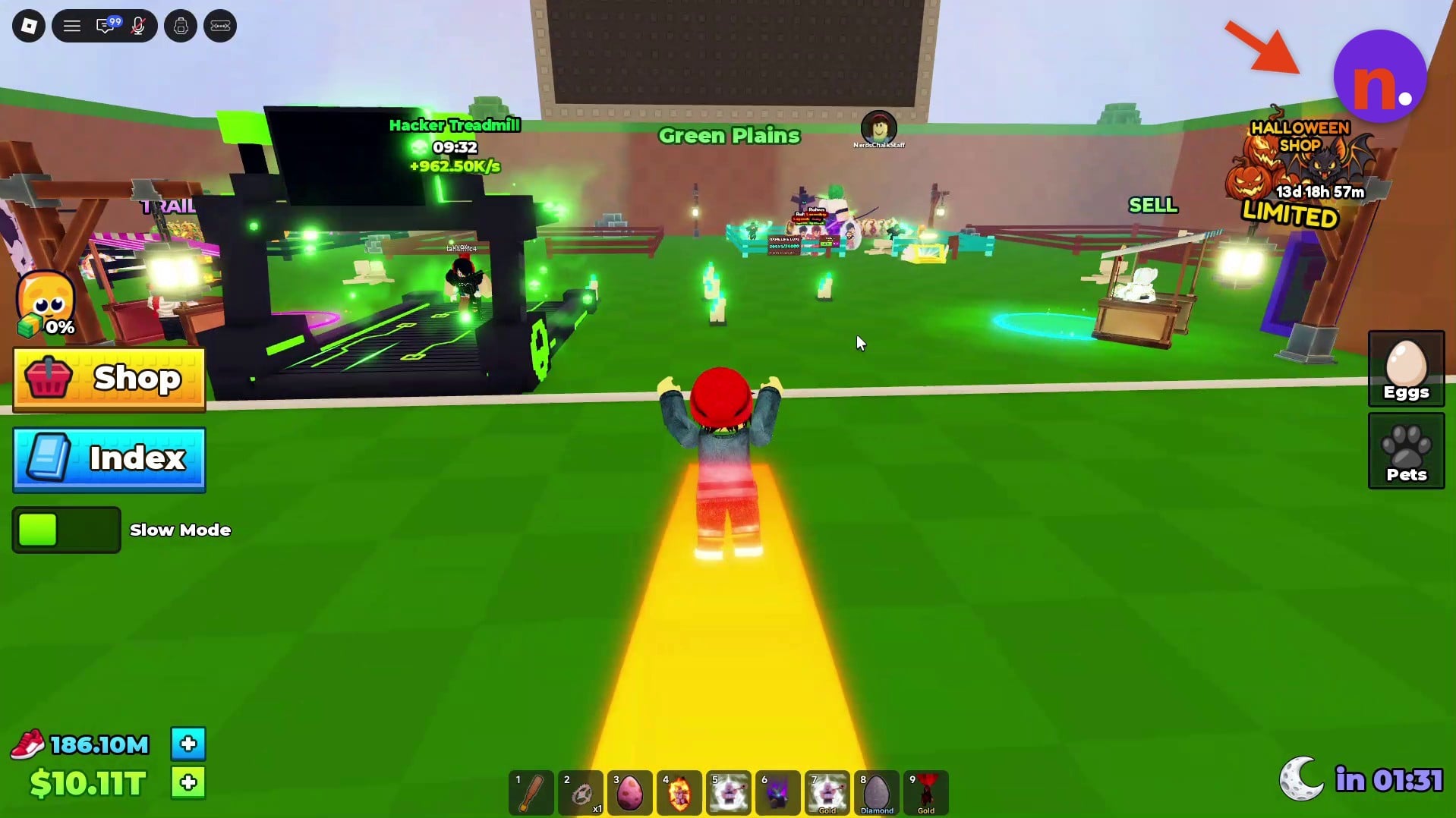
Open the Halloween Shop
Select the Halloween Shop button at the upper right to open its menu. In Green Plains, this is the button used to access the shop.
100%
Redeem your collected flames
Use the menu’s current fire balance and purchasable items to choose a reward and spend your collected tokens.
What can you buy with Fiery Flames in Steal Anime Eggs?
| Item | Stock display |
|---|---|
| Halloween Egg | 3/3 LEFT |
| Shadow Egg | 1/1 LEFT |
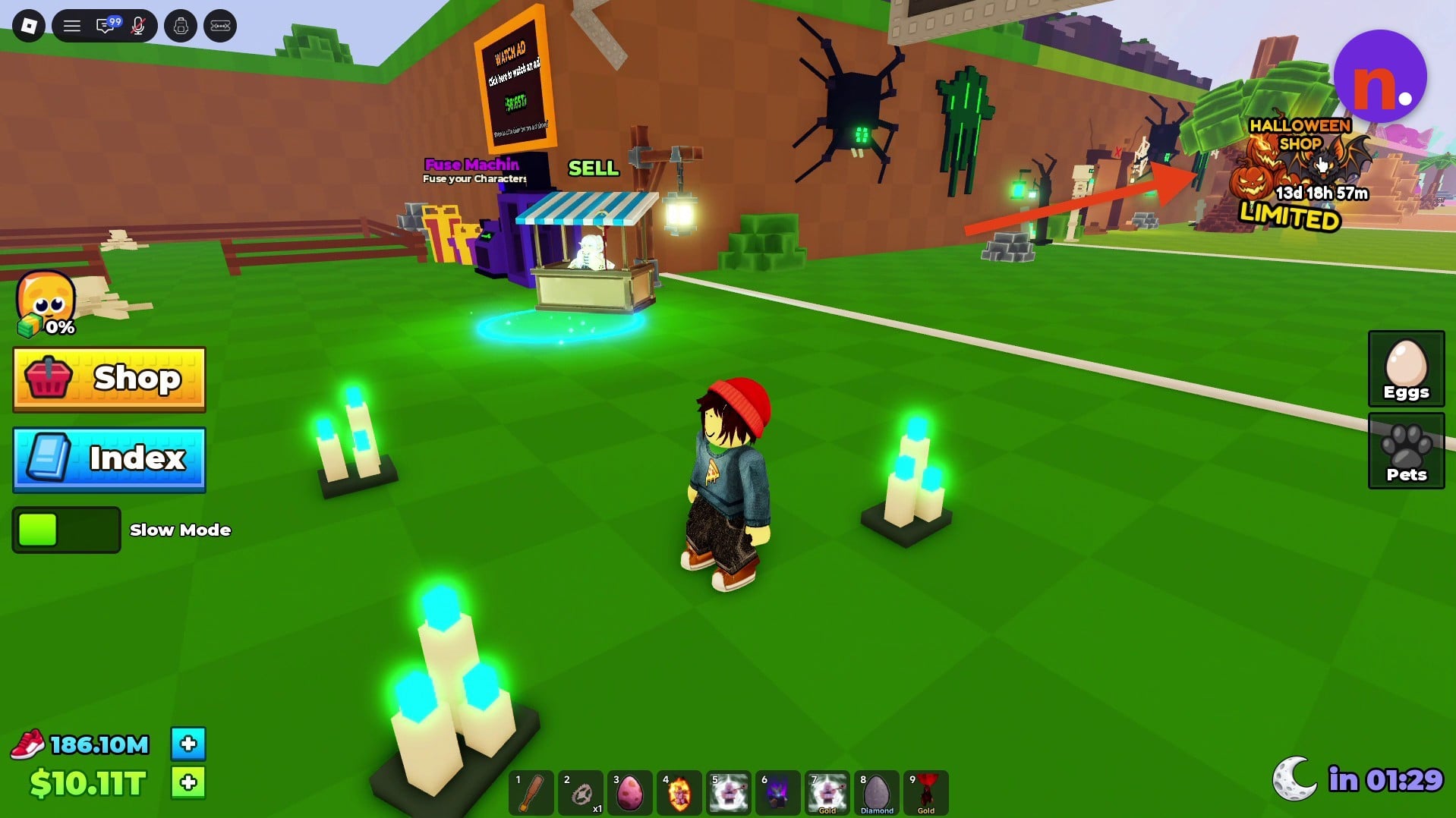
The Halloween Shop includes egg rewards you can buy with your flames. At the time of capture, their stock displays read as follows; these are snapshot values, not guaranteed current availability.
The shop countdown read 13d 18h 58m at capture, with another reading of 13d 18h 57m. Those readings describe the countdown then, rather than the time remaining now.
Your collected flames pay for the shop’s available rewards. Once you’re ready to spend them, choose the item you want from its menu.






Leave a Reply