

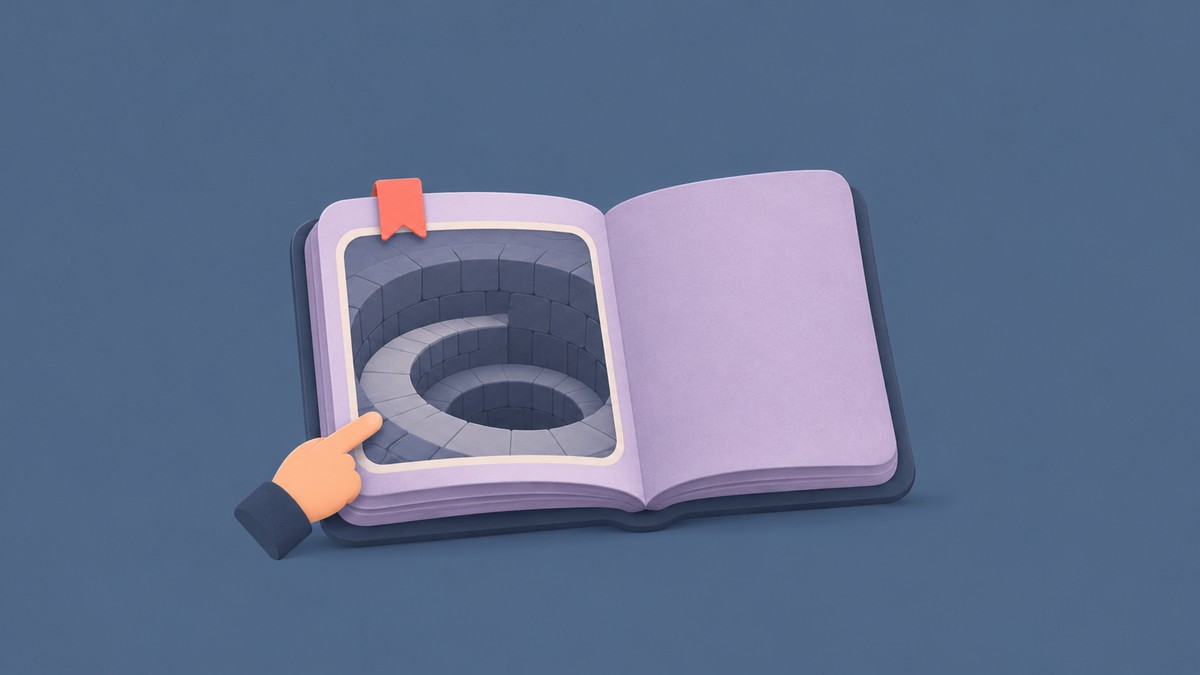
The November 14 Pit Update in Don’t Splash adds The Pit map, Hay Bale, Endless mode, Magic Pack, and larger parties.
The Pit Update brings a new map to Don’t Splash alongside changes to its modes and parties. You can review the additions from the lobby, where the patch notes and upcoming-event preview sit alongside the party portals.
How to check The Pit Update and start a run in Don’t Splash
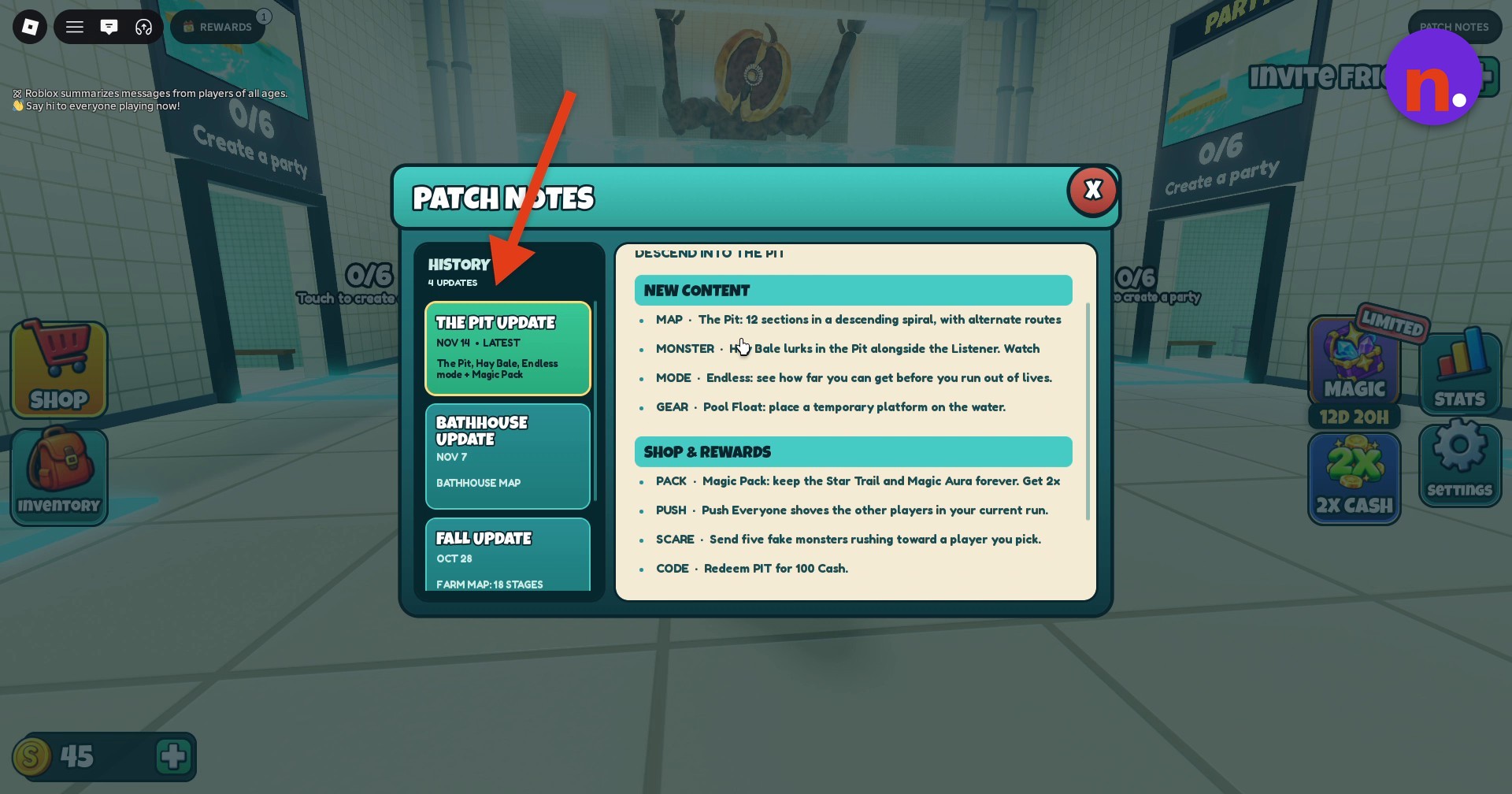
Open the patch notes
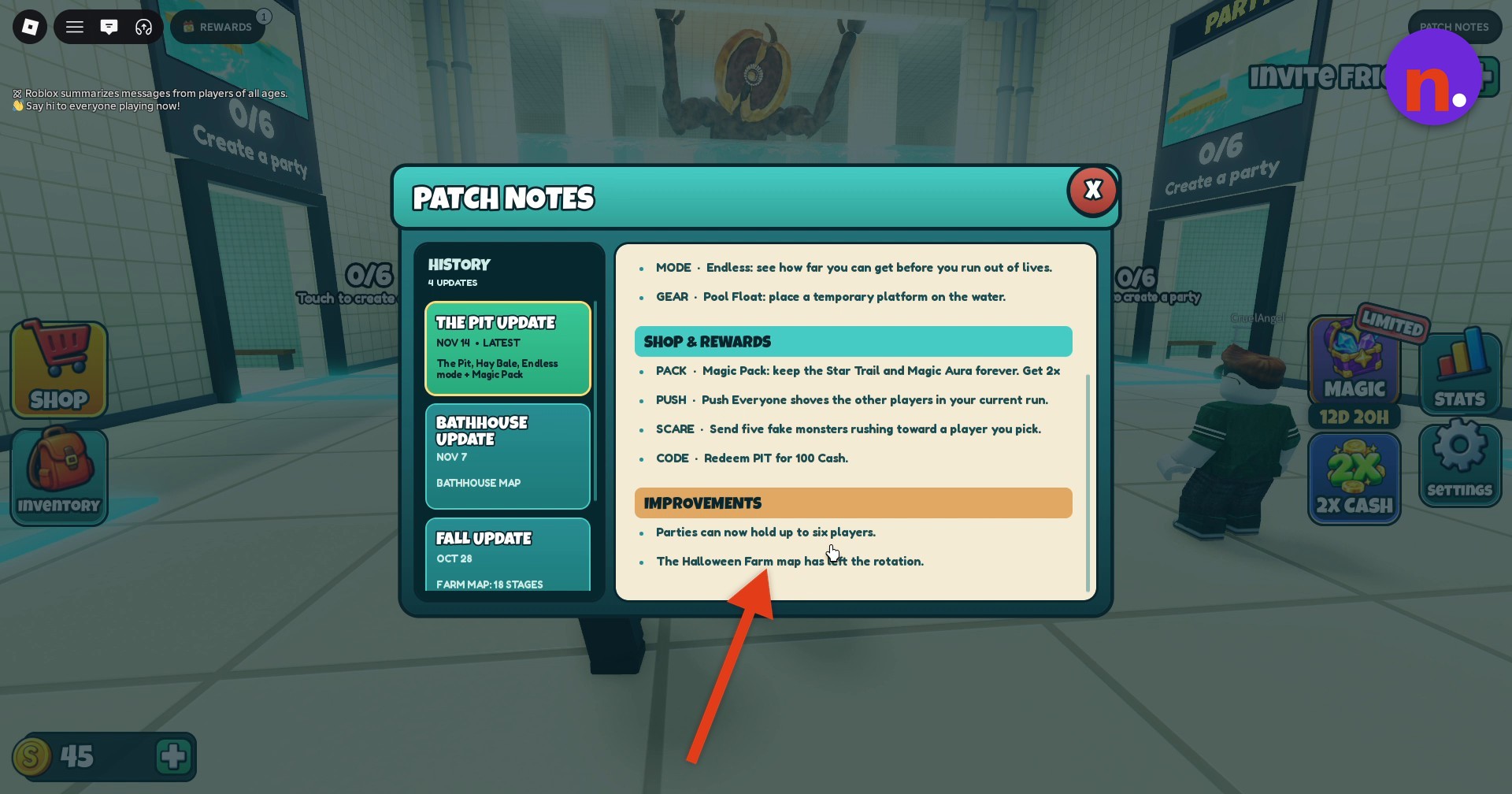
Open Patch Notes to review The Pit Update, then scroll down to Improvements. Close the menu before moving through the lobby.
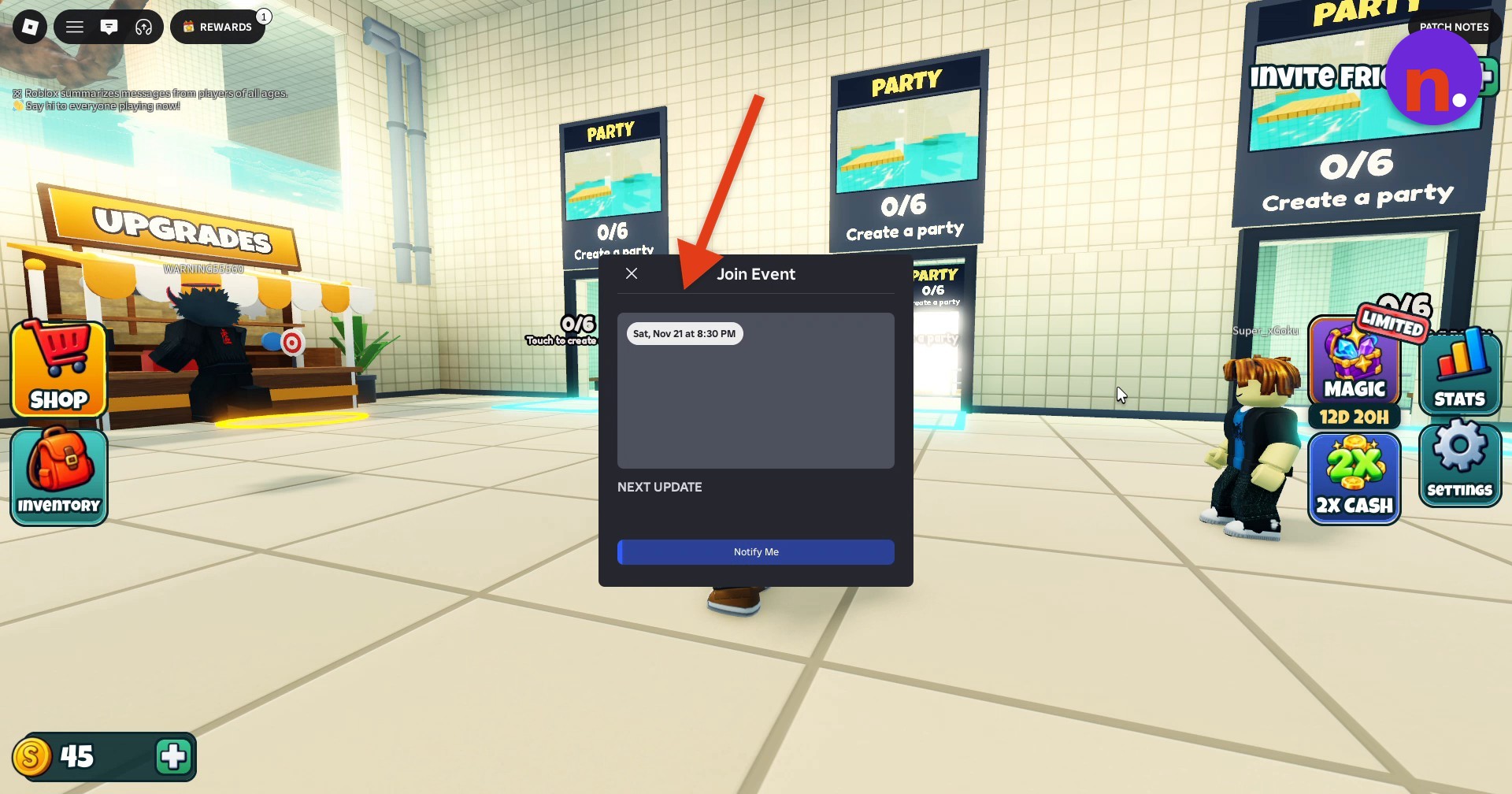
Check the upcoming event
Open the event preview to bring up Join Event. It lists Sat, Nov 21 at 8:30 PM and offers Notify Me for update notifications. Close the dialog before entering a queue.
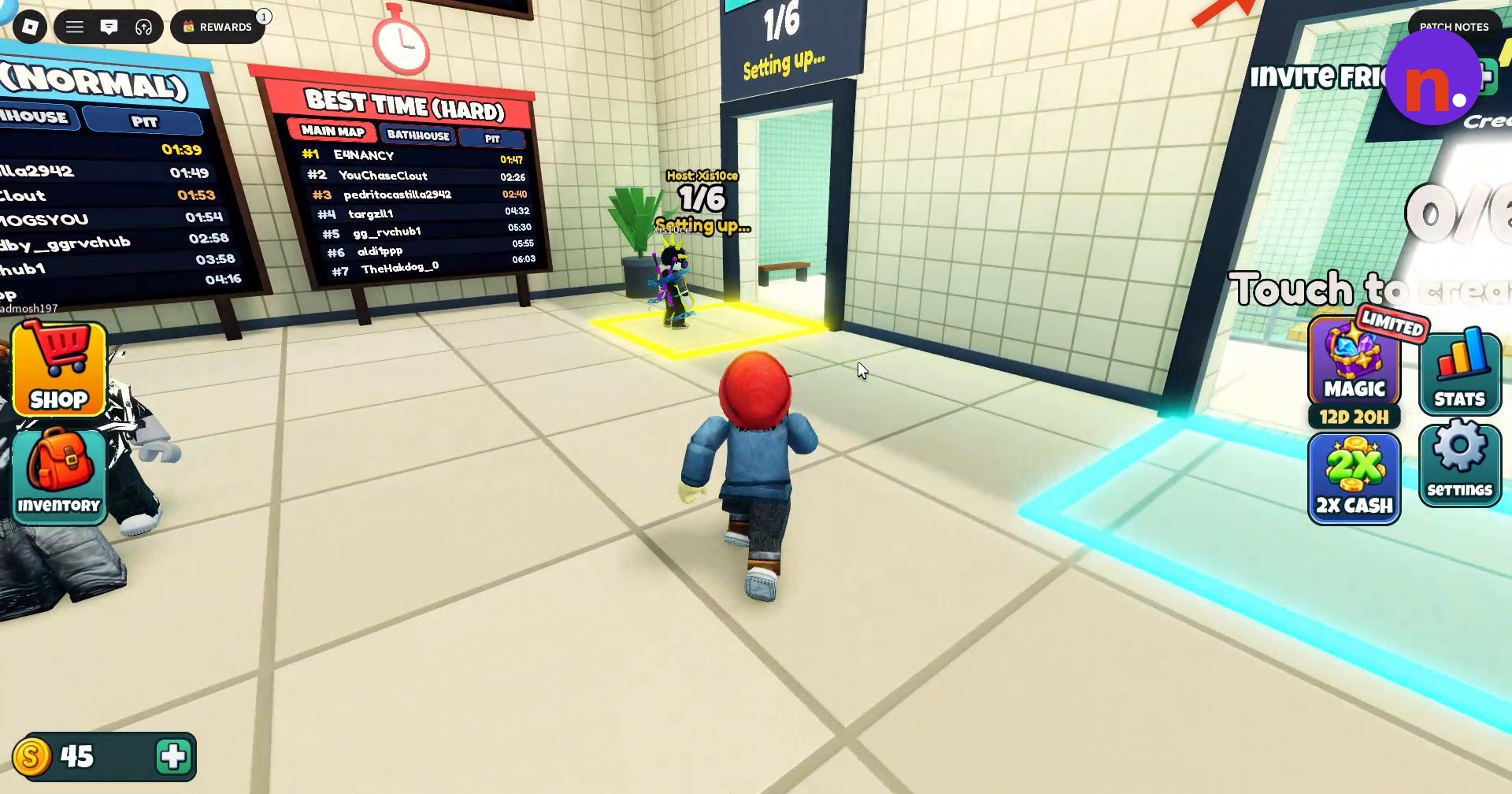
Enter a party portal
Look for an available lobby portal labeled Create a party or Touch to create; empty portals display 0/6. Walk into a portal to create or join a run. The queue entered here is Easy Party.
Wait for teleportation
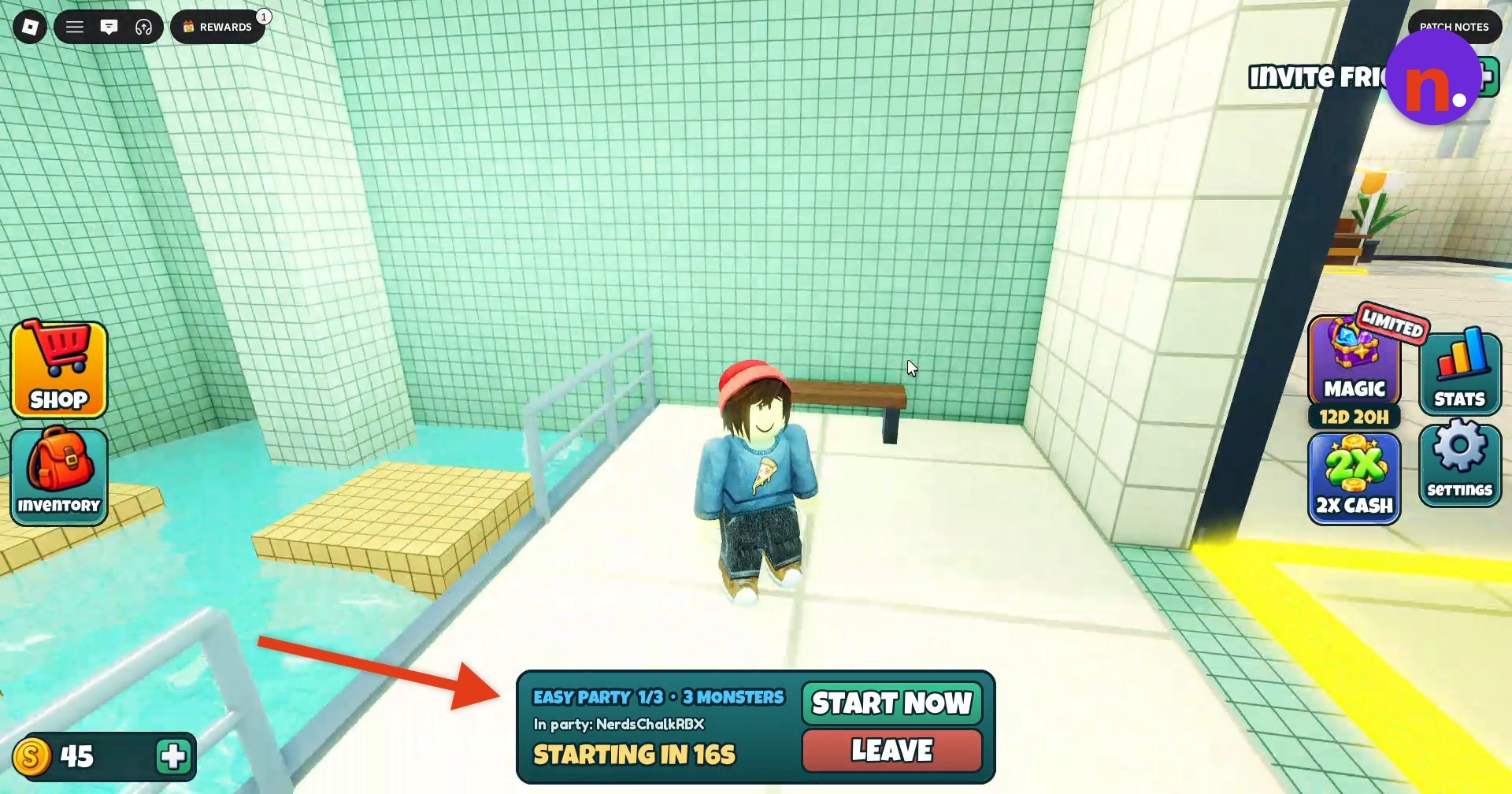
Stay in the party chamber until the countdown finishes and teleportation begins. The chamber shows EASY PARTY 1/3 • 3 MONSTERS and offers START NOW and LEAVE.
Cross Pillar Hall
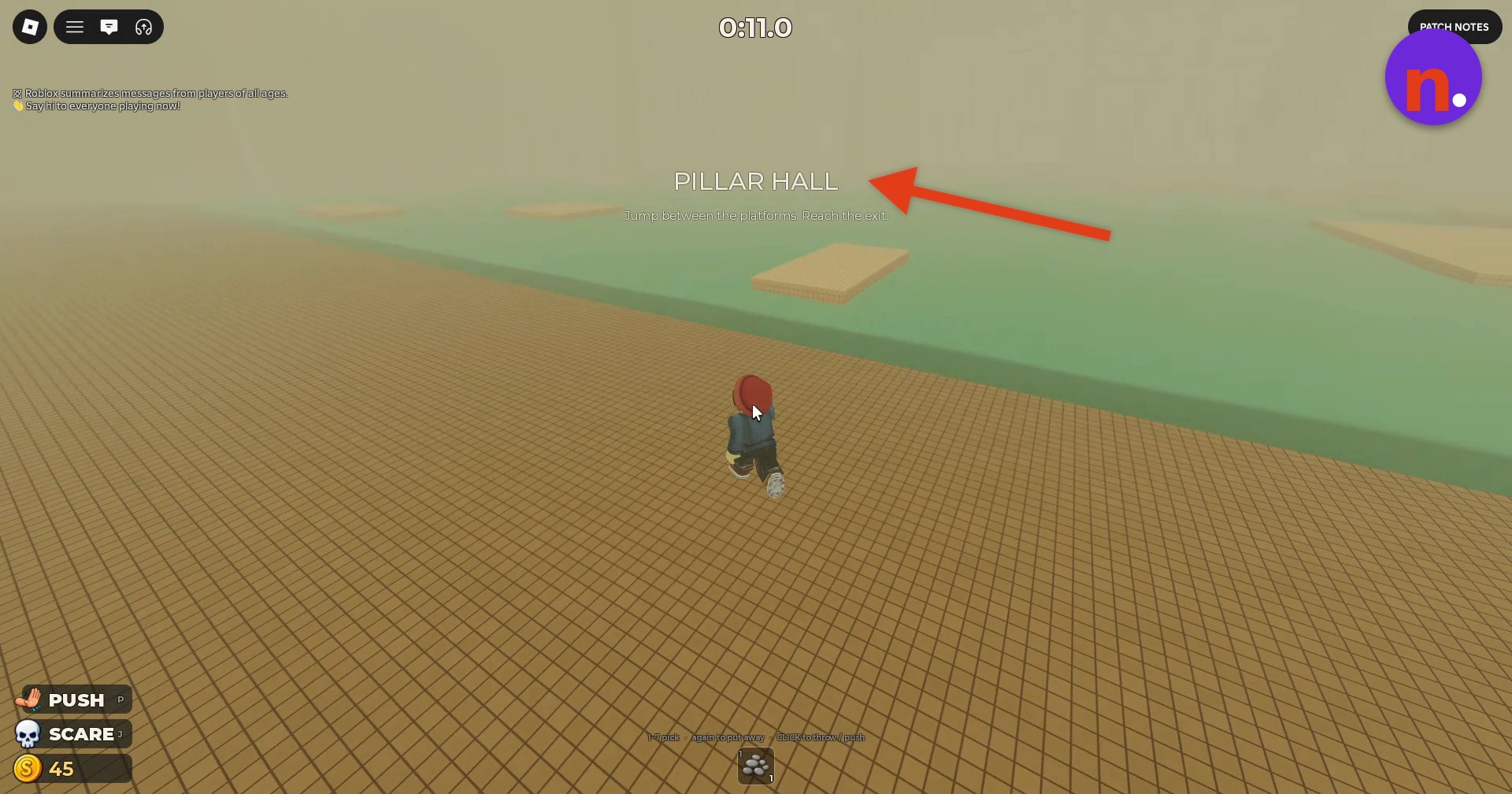
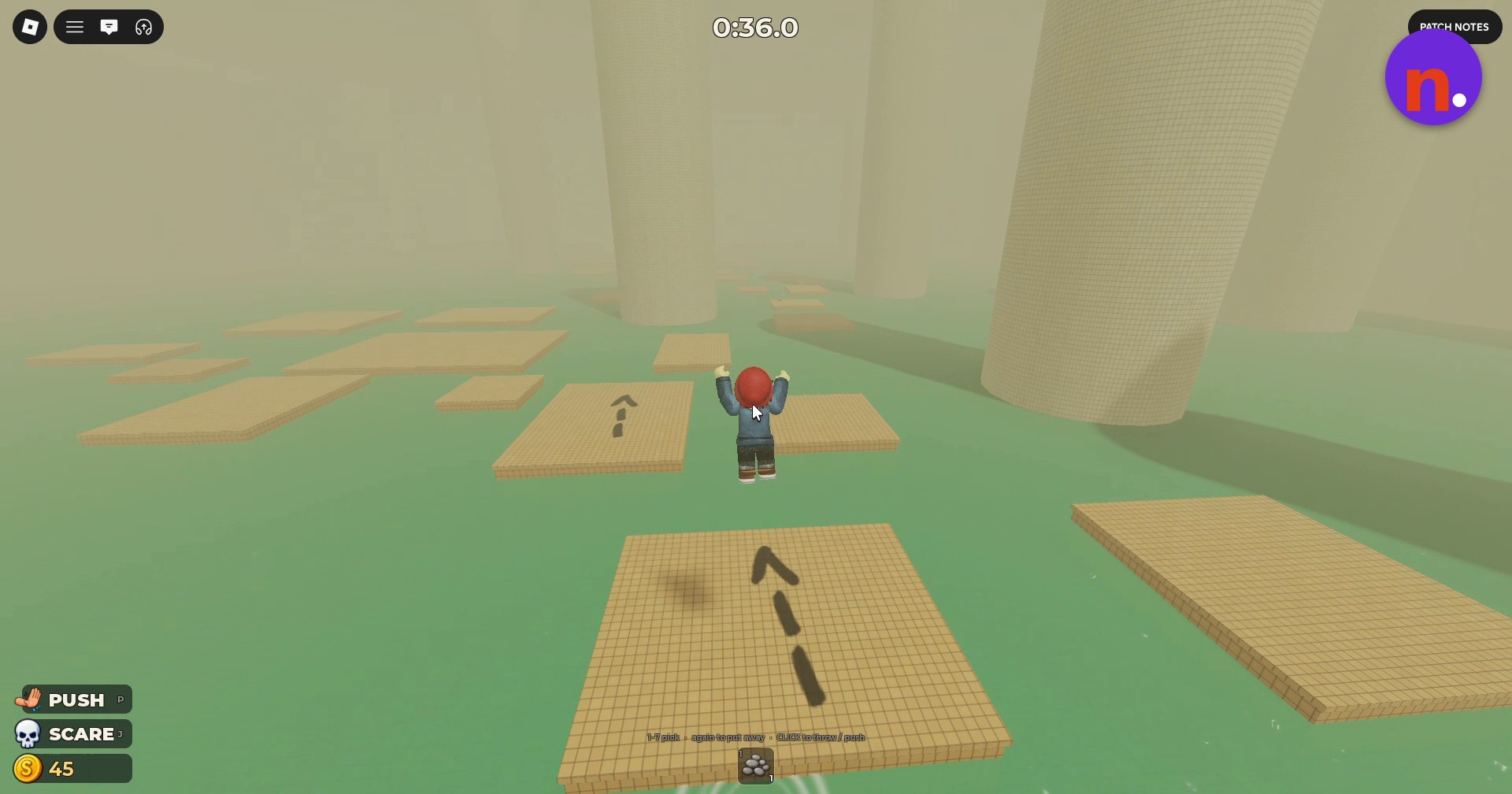
Continue into Pillar Hall, the first challenge area in this sequence. Jump between the floating wooden platforms above the water, using their direction arrows as visual markers. Avoid splashing and keep clear of monsters as you work toward the exit. A monster attack can leave you downed. After dying, you respawn in the starting area.
What map, monsters, and mode does The Pit Update add?
| Addition | Details |
|---|---|
| The Pit | A map with 12 sections arranged in a descending spiral, with alternate routes. |
| Hay Bale inhabits The Pit alongside the Listener. | |
| Endless | A mode where you keep progressing until you run out of lives. |
What do Pool Float, Magic Pack, Push Everyone, and SCARE do?
| Feature | Effect |
|---|---|
| Pool Float | Places a temporary platform on the water. |
| Magic Pack | Grants permanent ownership of Star Trail and Magic Aura. |
| Push Everyone | Pushes the other participants in your current run. |
| SCARE | Sends five fake monsters rushing toward a player you choose. |
What controls are shown for items, PUSH, and SCARE?
| Input | Action |
|---|---|
| P | Use PUSH. |
| J | Use SCARE. |
| 1–7 | Select an item; select it again to put it away. |
| CLICK | Throw or push. |
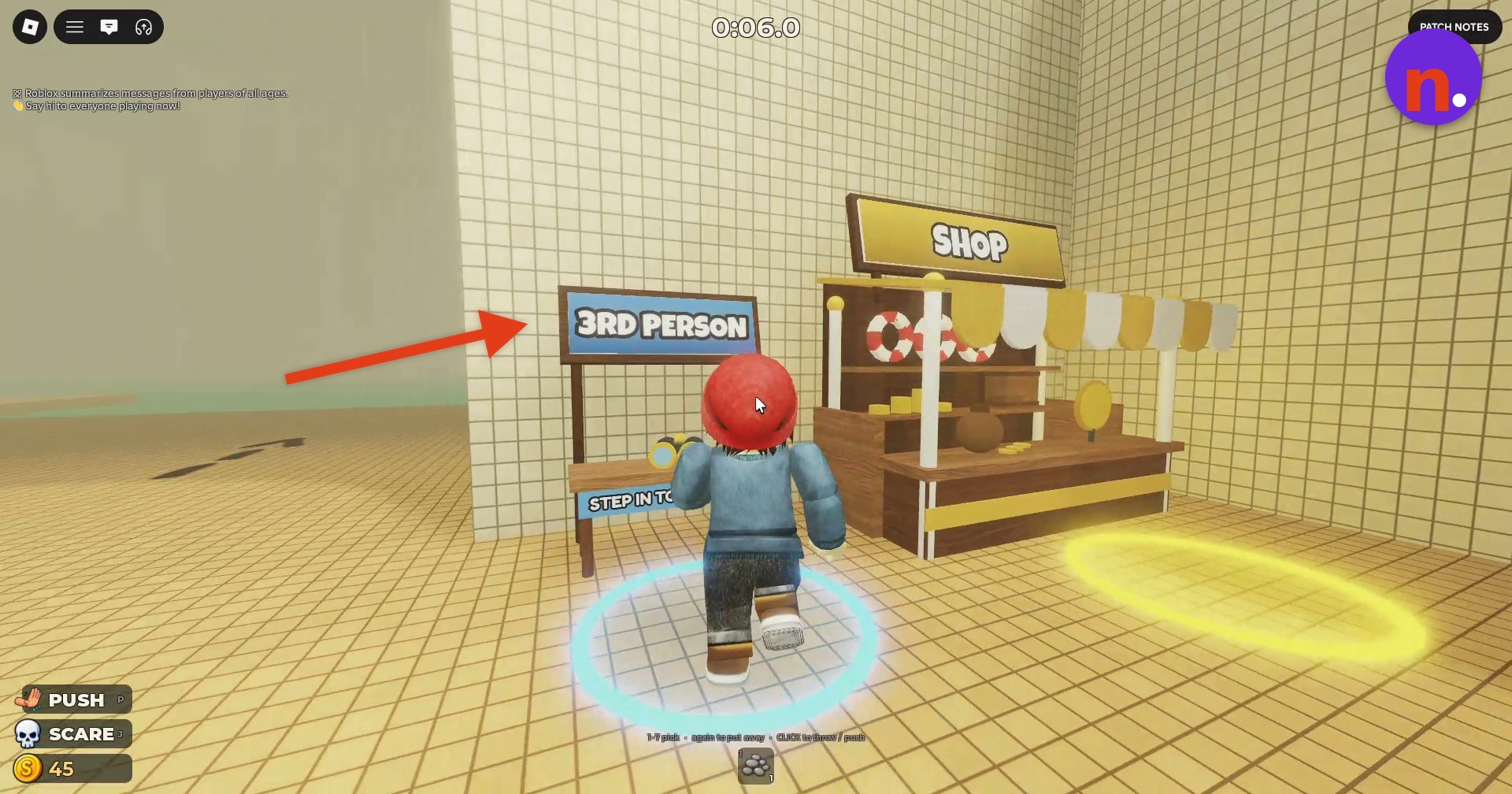
Tall pillars stand in the foggy platform room.

Leave a Reply