

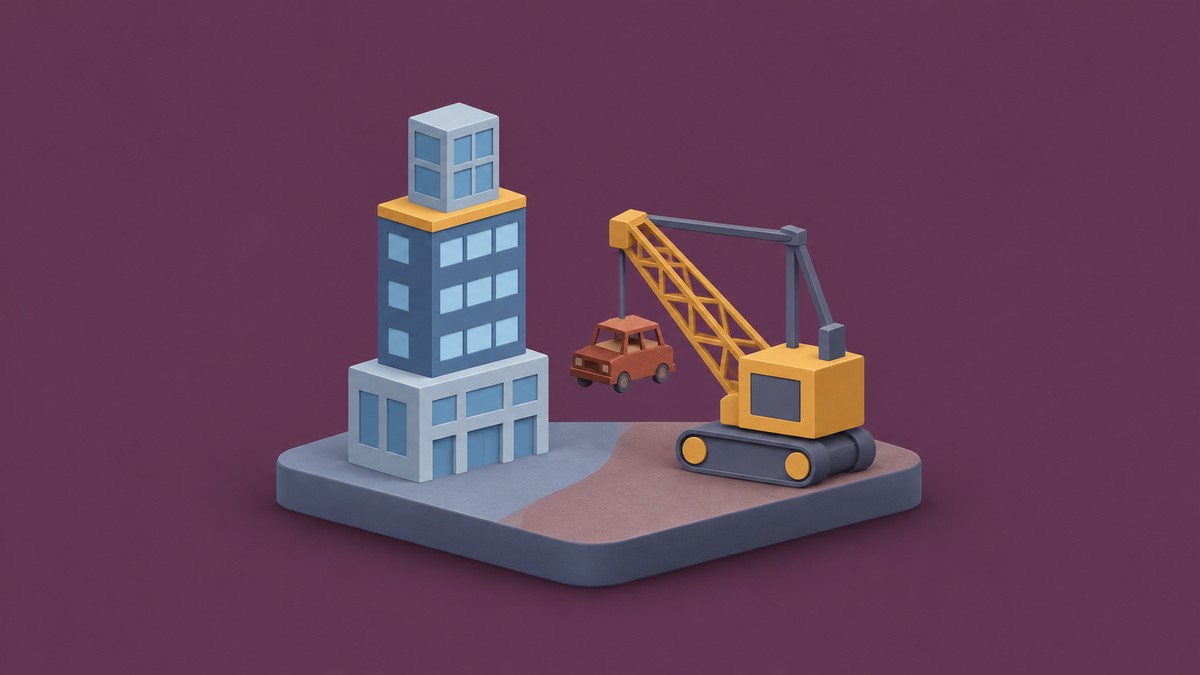
Survive Your Ideas’ Maps Update adds City and Junkyard, 13 secret words, a flying, missile-firing Car Mastery Cybertruck, balance adjustments, and bug fixes.
The Maps Update changes where you play in Survive Your Ideas and how several words, creatures, and items behave. This guide covers opening the update announcement, voting for a map, new additions, balance adjustments, gameplay changes, and bug fixes.
How to open the Maps Update notes and vote for a map in Survive Your Ideas
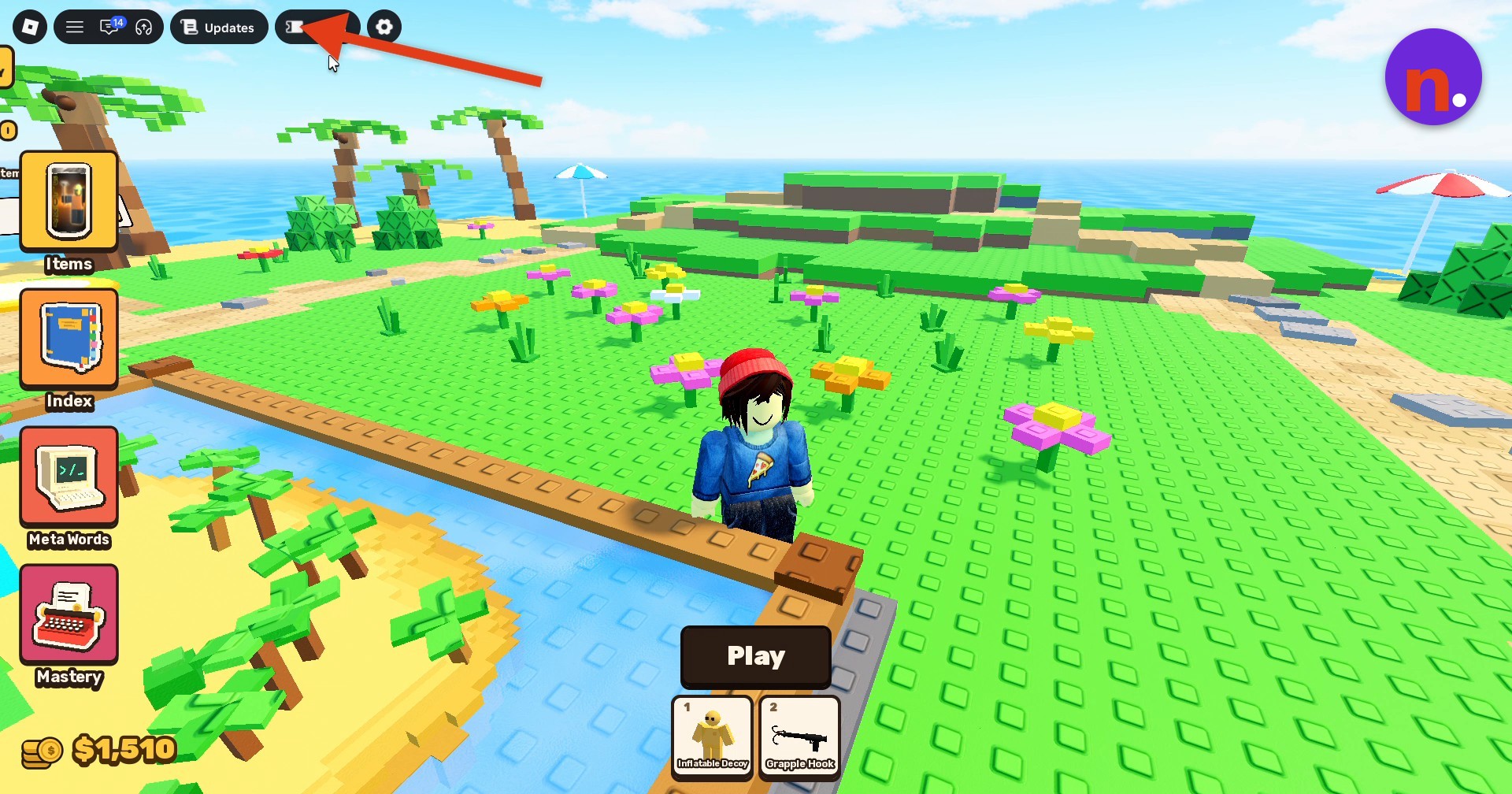
Open Updates
Click Updates in the screen’s upper-left area to open the update menu.
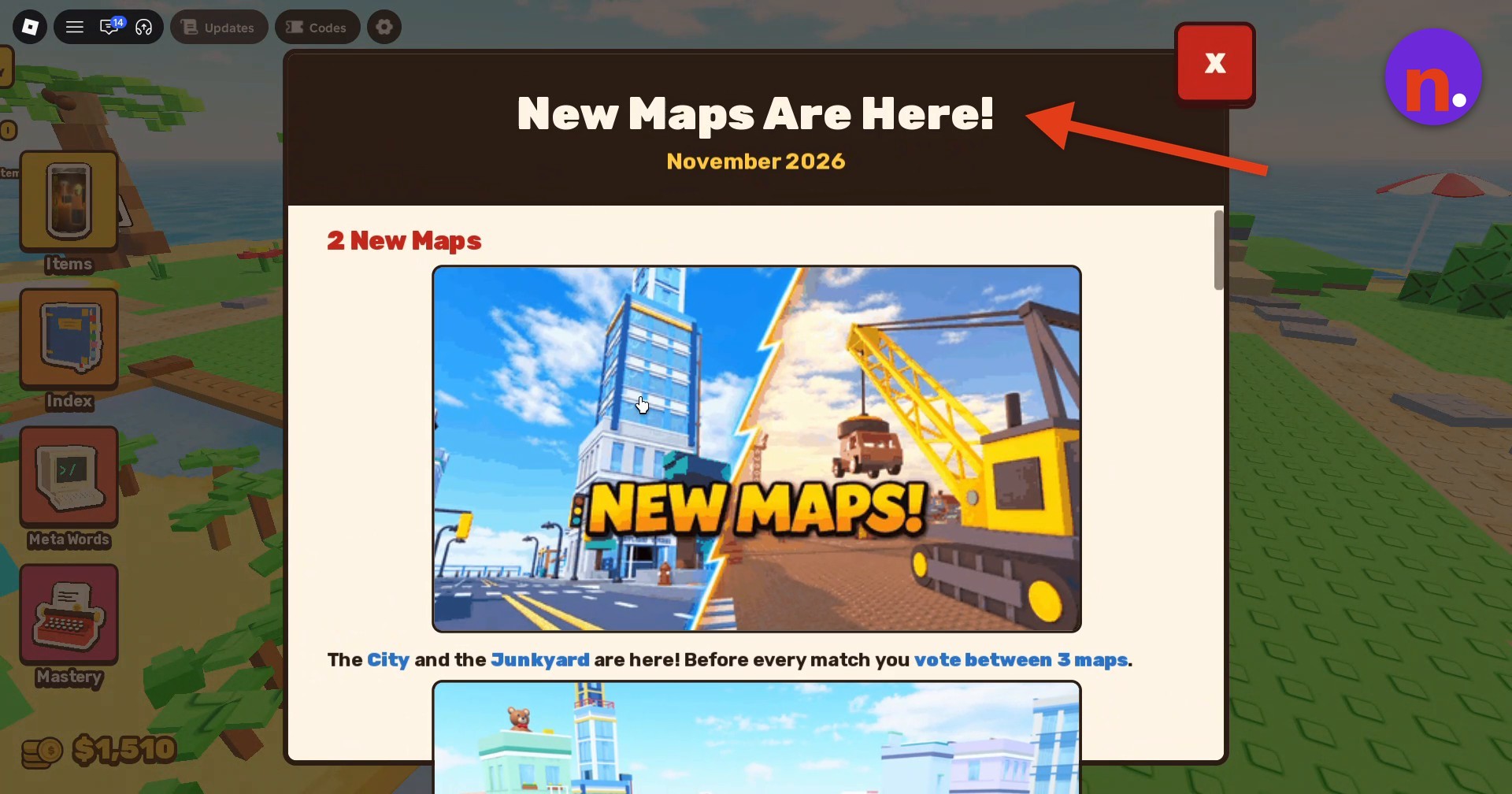
Read the map announcement
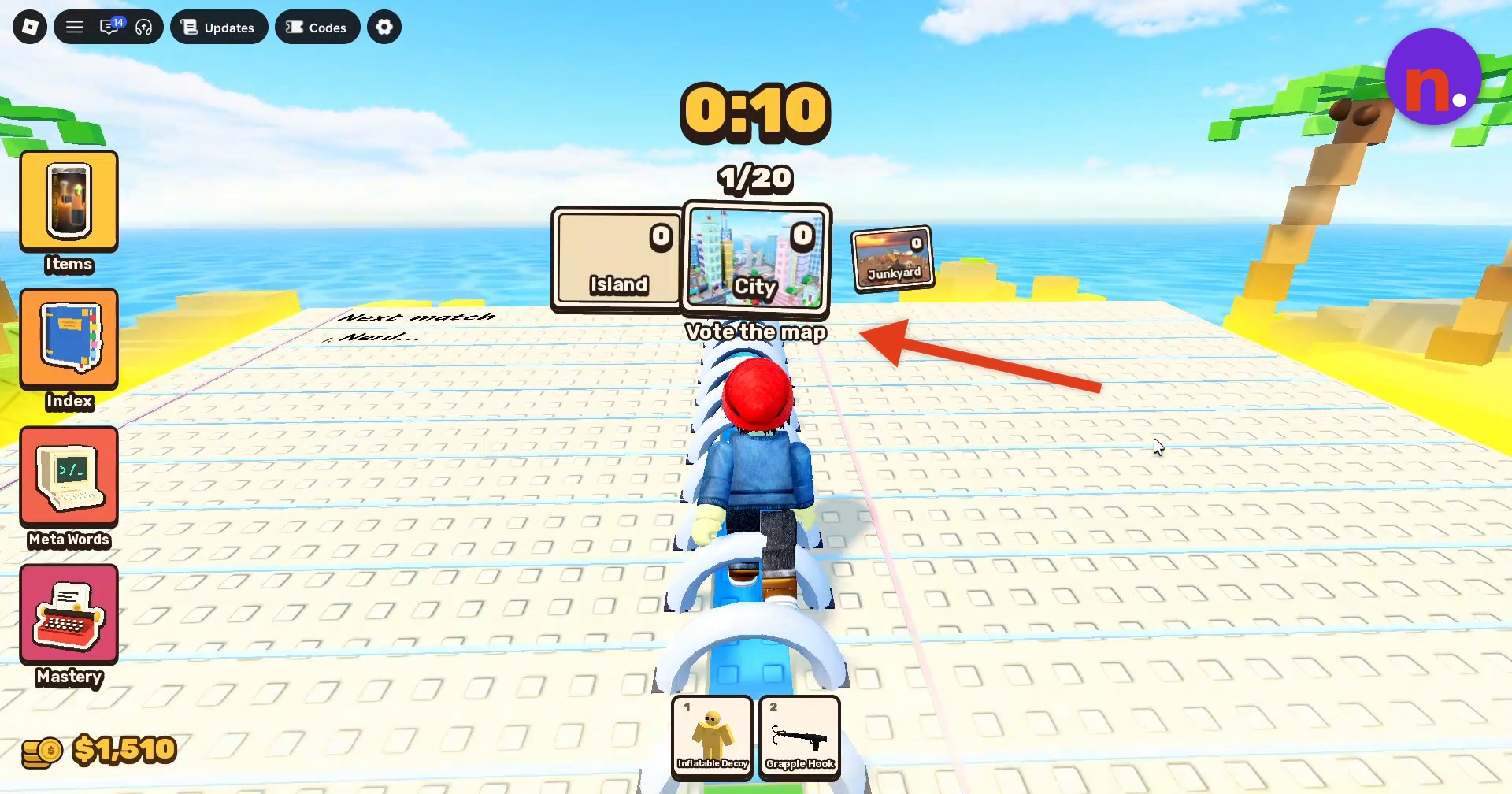
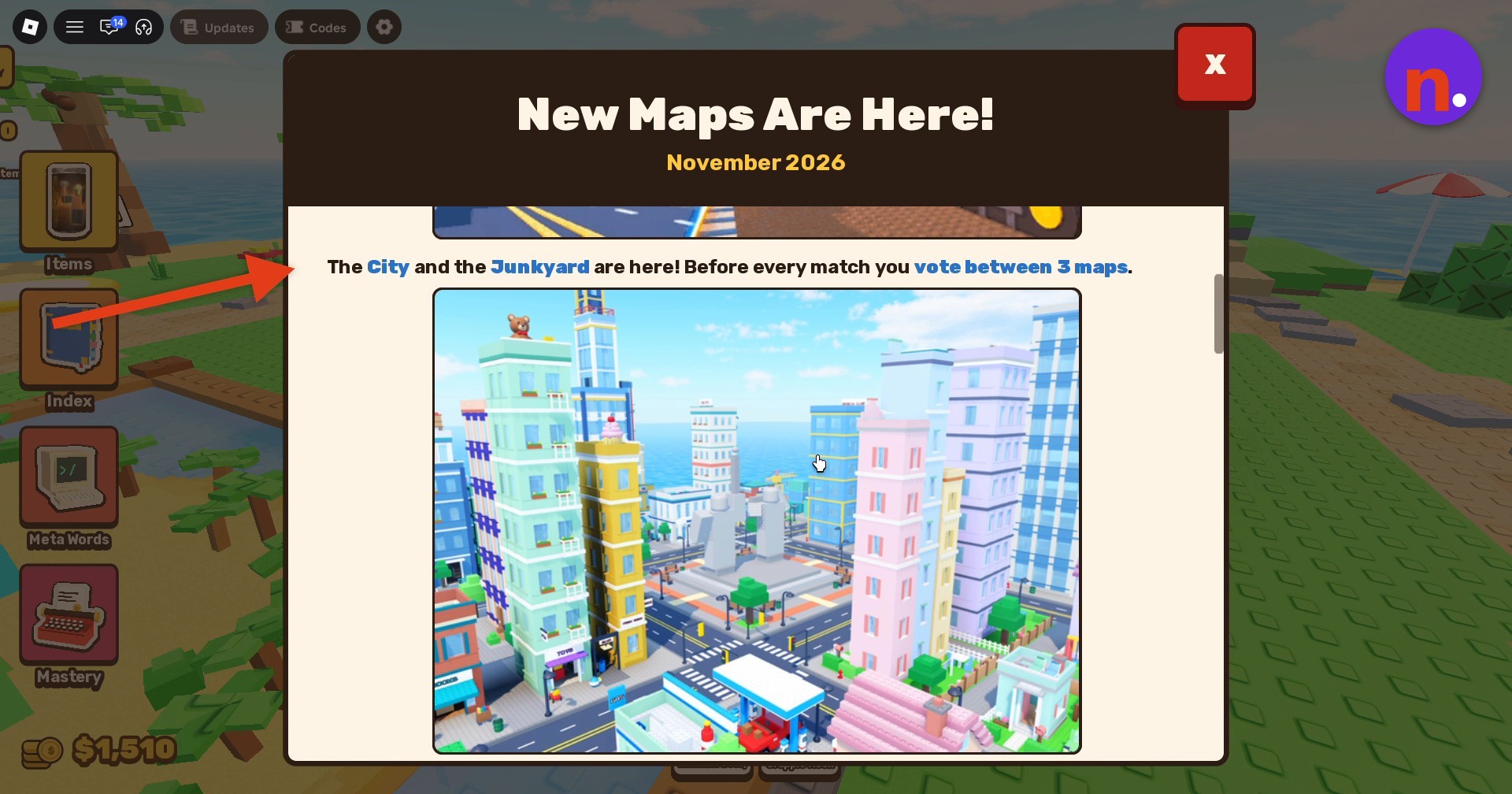
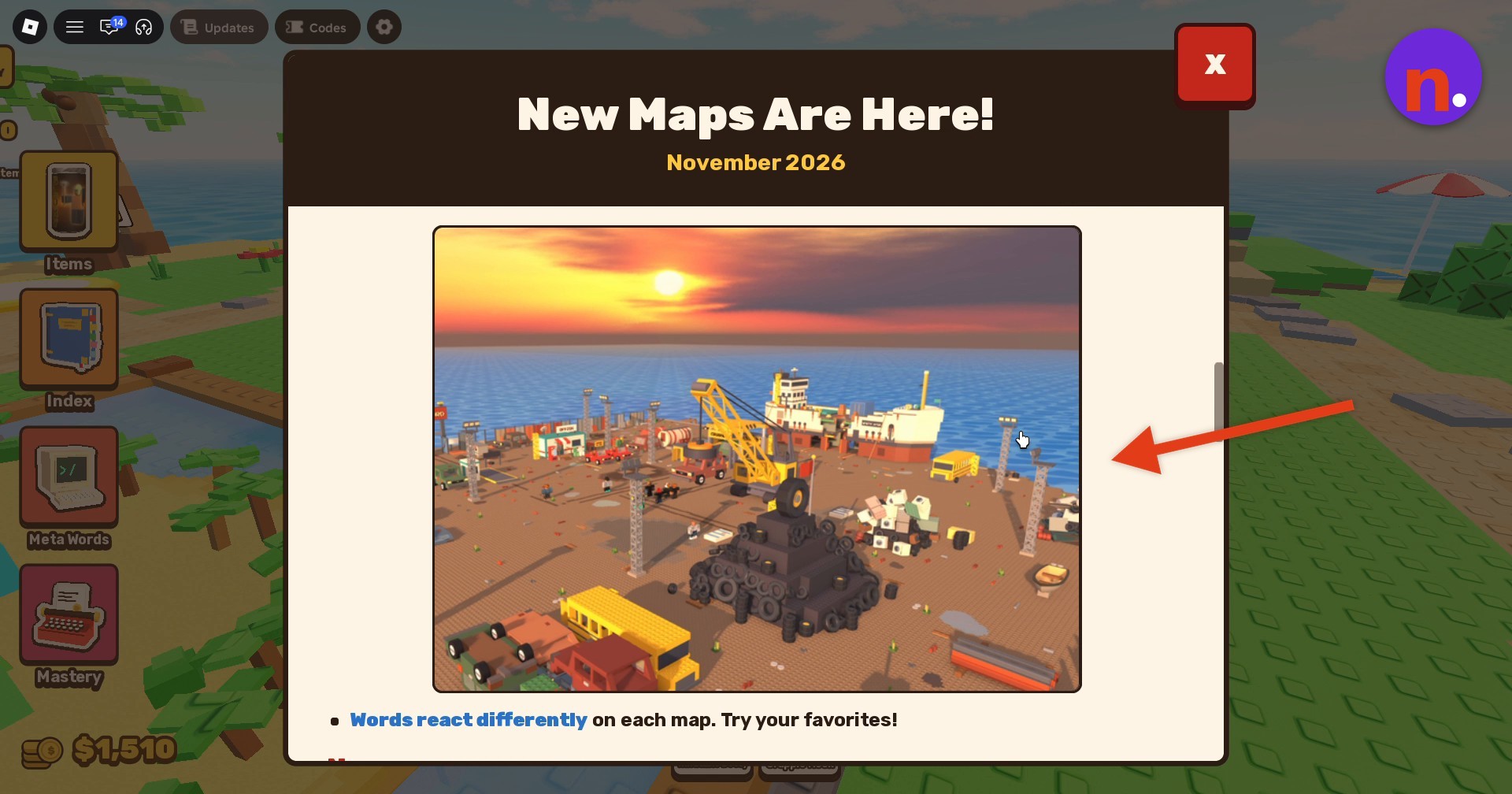
Read the map overview at the top of the window.
Read the features and balance adjustments
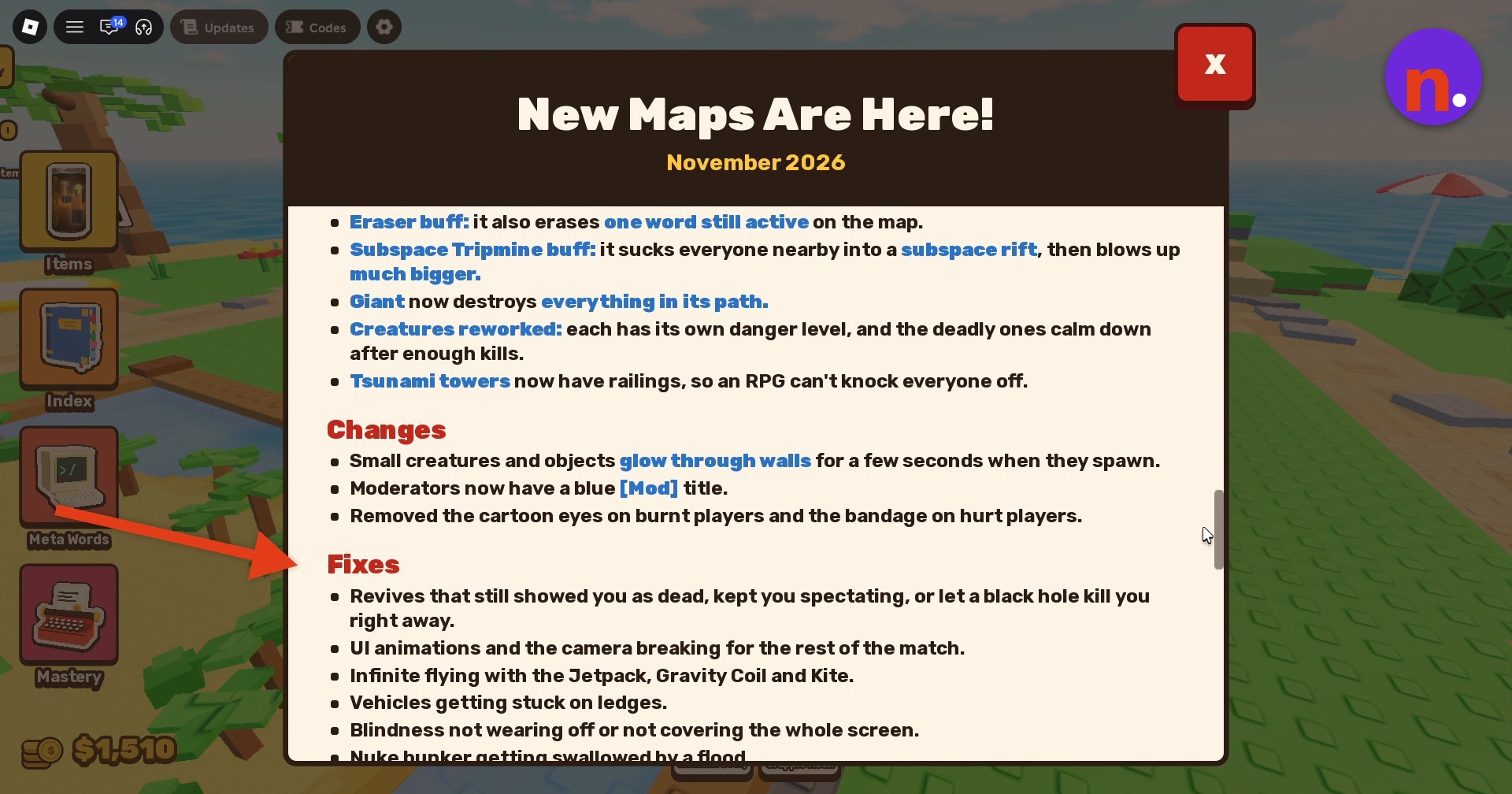
Continue to changes and fixes
Scroll farther down to read the general gameplay changes and bug fixes.
Close the update window
Click the red X in the window’s upper-right corner to dismiss the Updates window.
Join map voting
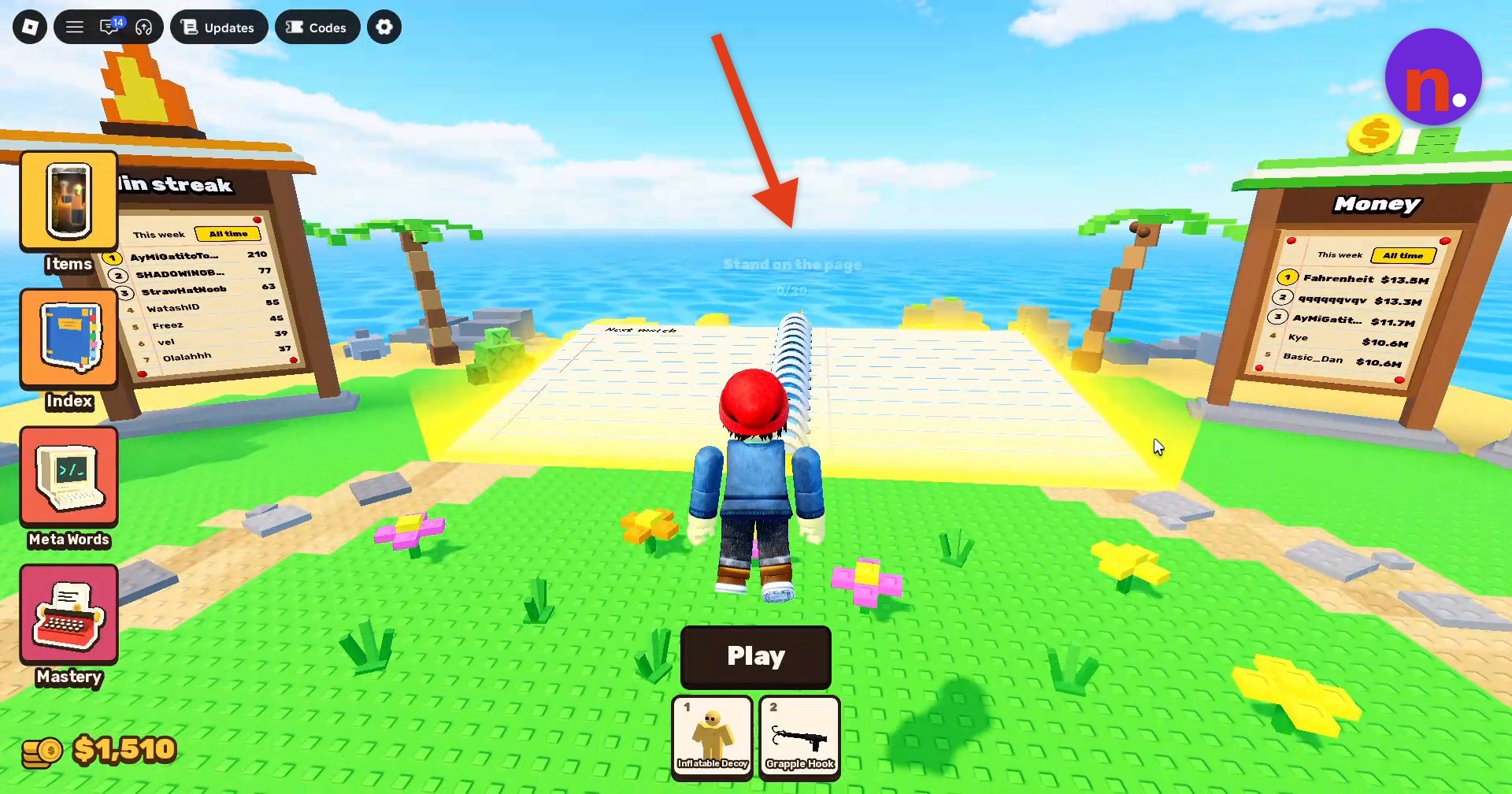
Walk onto the open notebook labeled Stand on the page and remain on it to enter map voting.
Cast your map vote
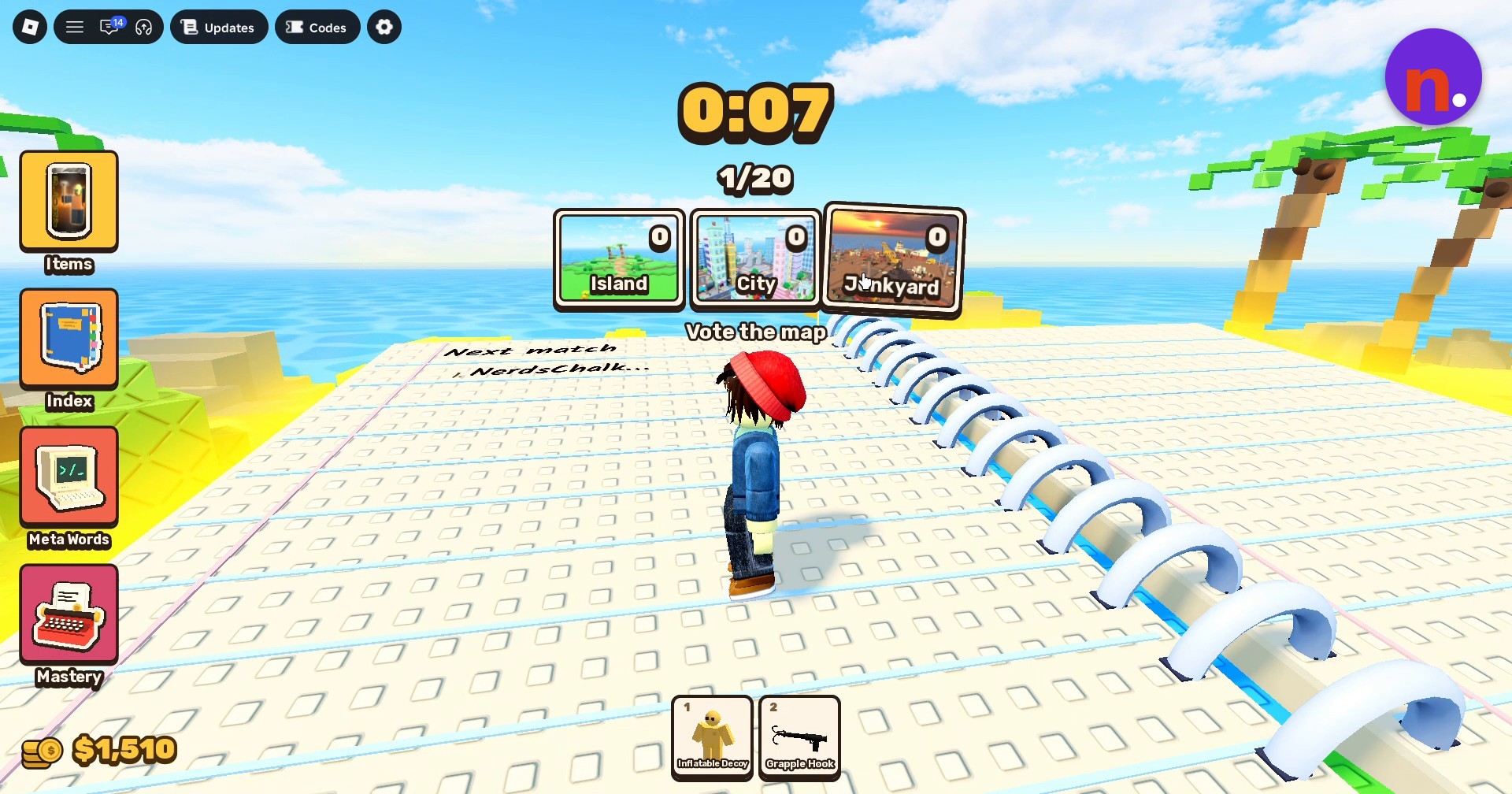
In the Vote the map interface, select City to vote for it before the countdown ends.
What new maps, secret words, and mastery reward does the Maps Update add?
| Addition | Details |
|---|---|
| New maps | Two maps: The City and the Junkyard. |
| Secret words | 13 new secret words. |
| Car Mastery reward | A Cybertruck that can fly and fire missiles. |
Map voting happens before every match, with three maps to choose from. The displayed choices are Island, City, and Junkyard.
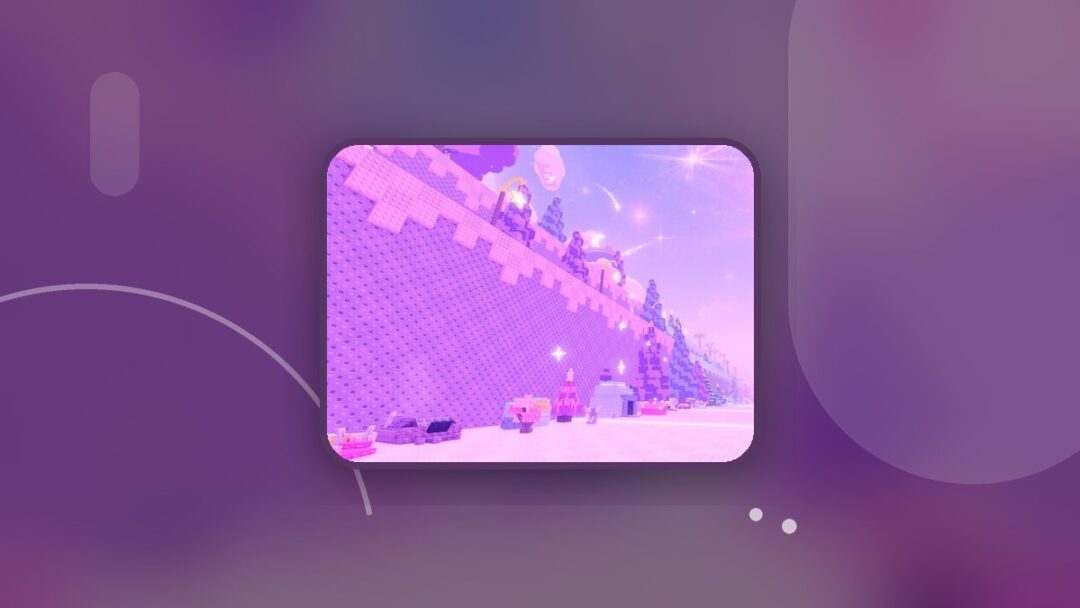
The Junkyard preview shows the map beside the sea at sunset.
Try your favorite words on each map.
What balance adjustments does the Maps Update make?
| Word or feature | Adjustment |
|---|---|
| Eraser | Also removes one word that is still active on the map. |
| Subspace Tripmine | Pulls everyone nearby into a subspace rift, then triggers a much larger explosion. |
| Giant | Destroys everything along its path. |
| Creatures | Reworked so each creature has its own danger level. Deadly creatures calm down after enough kills. |
| Tsunami towers | Gain railings that prevent an RPG from knocking everyone off. |
What general gameplay and visual changes are included?
| Feature | Change |
|---|---|
| Small creatures and objects | Briefly glow through walls for a few seconds when they spawn. |
| Moderator titles | Moderators display a blue [Mod] title. |
| Burnt-player appearance | Cartoon eyes have been removed. |
| Hurt-player appearance | Bandages have been removed. |
What bugs does the Maps Update fix?
| Affected system | Fix |
|---|---|
| Revives | Addresses revives that left you marked as dead, stuck spectating, or immediately killed by a black hole after revival. |
| UI animations and camera | Fixes failures that left UI animations or the camera broken for the rest of the match. |
| Infinite flight | Fixes endless flying with the Jetpack, Gravity Coil, and Kite. |
| Vehicles | Fixes vehicles becoming stuck on ledges. |
| Blindness | Addresses blindness that failed to wear off or failed to cover the entire screen. |
| Nuke bunker | Fixes floodwater swallowing the bunker. |

Leave a Reply