

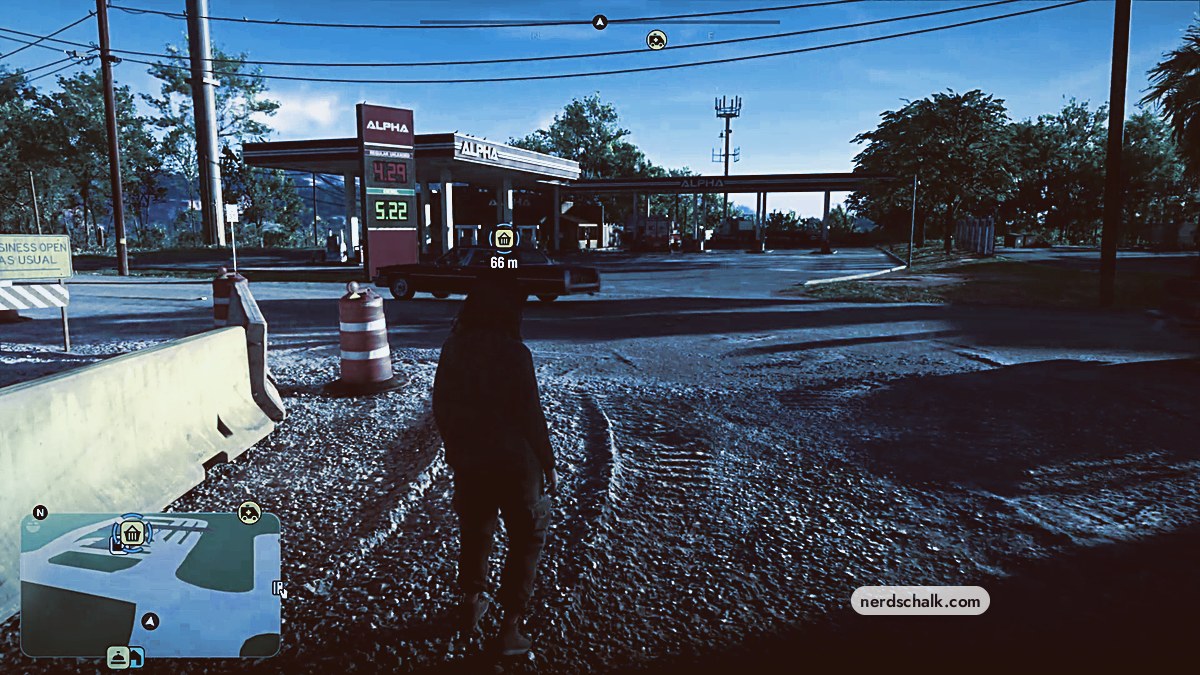
Buy a Fuel Tank Protein Bar for $3 from the protein bar shelf inside the Alpha Gas Station store.
The Fuel Tank Protein Bar is one of the purchases available during the Buy supplies objective. This guide covers reaching its display, using the purchase menu, and checking that the bar has been added to your items.
The game’s listed platforms include PlayStation 5 and Xbox Series X|S.
How to buy a Fuel Tank Protein Bar in Grand Theft Auto VI
Enter the Alpha Gas Station store
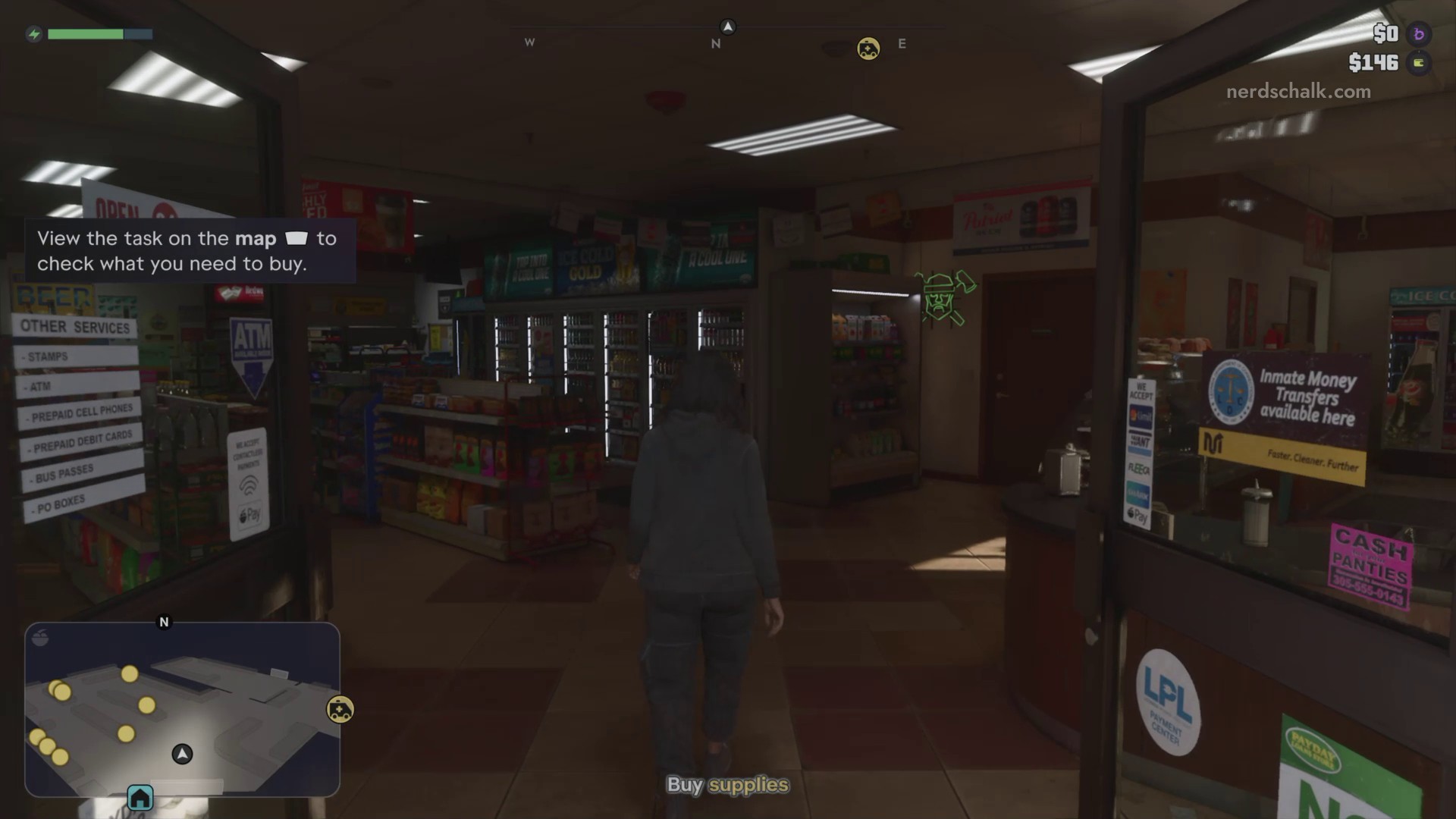
Cross the forecourt and head through the store’s glass double doors. The Alpha Gas Station location label appears as you enter, identifying the store. The task prompt directs you to the map, where you can view the task’s shopping requirements.
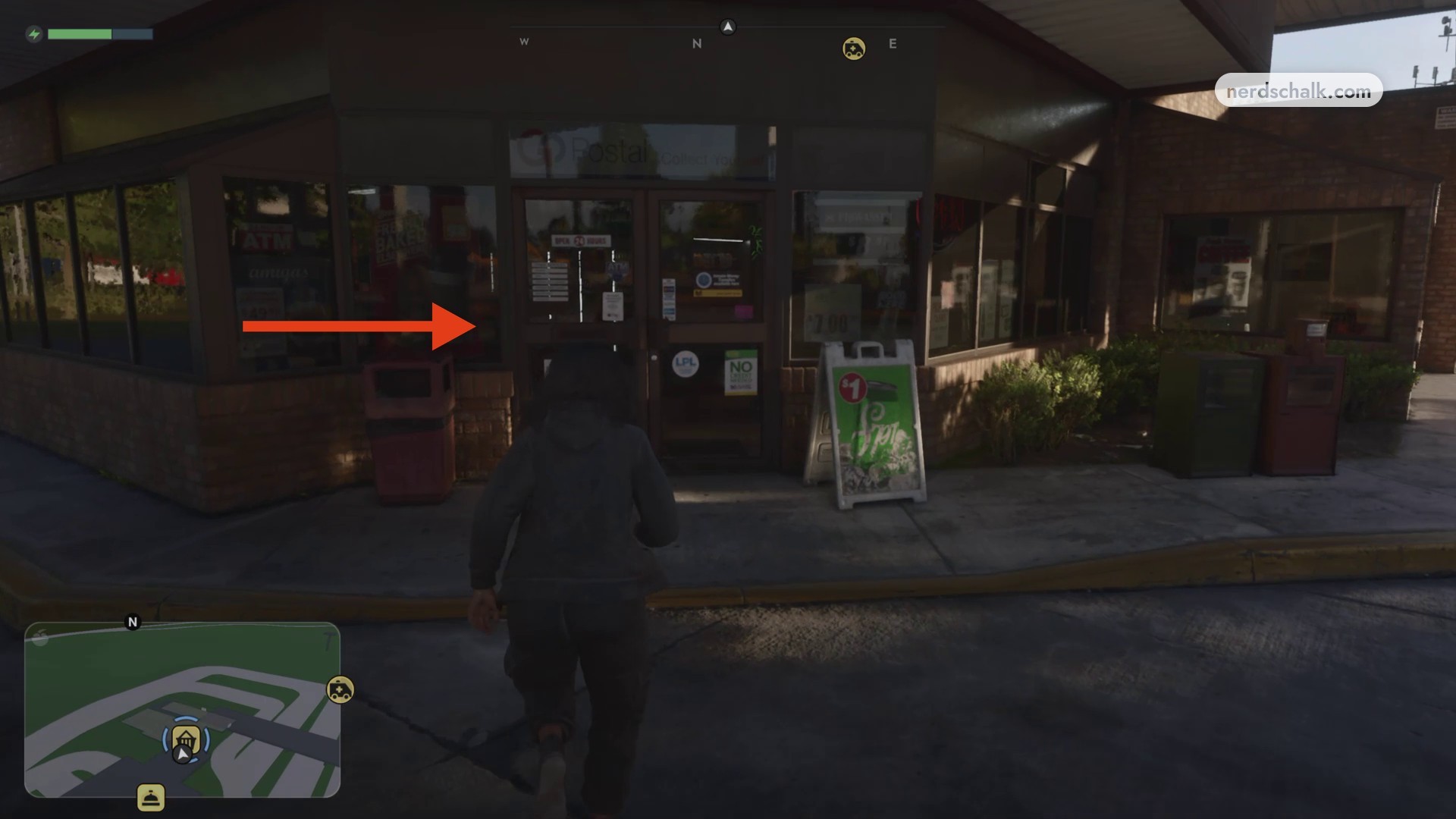
Identify the Alpha sign and head toward the station entrance.
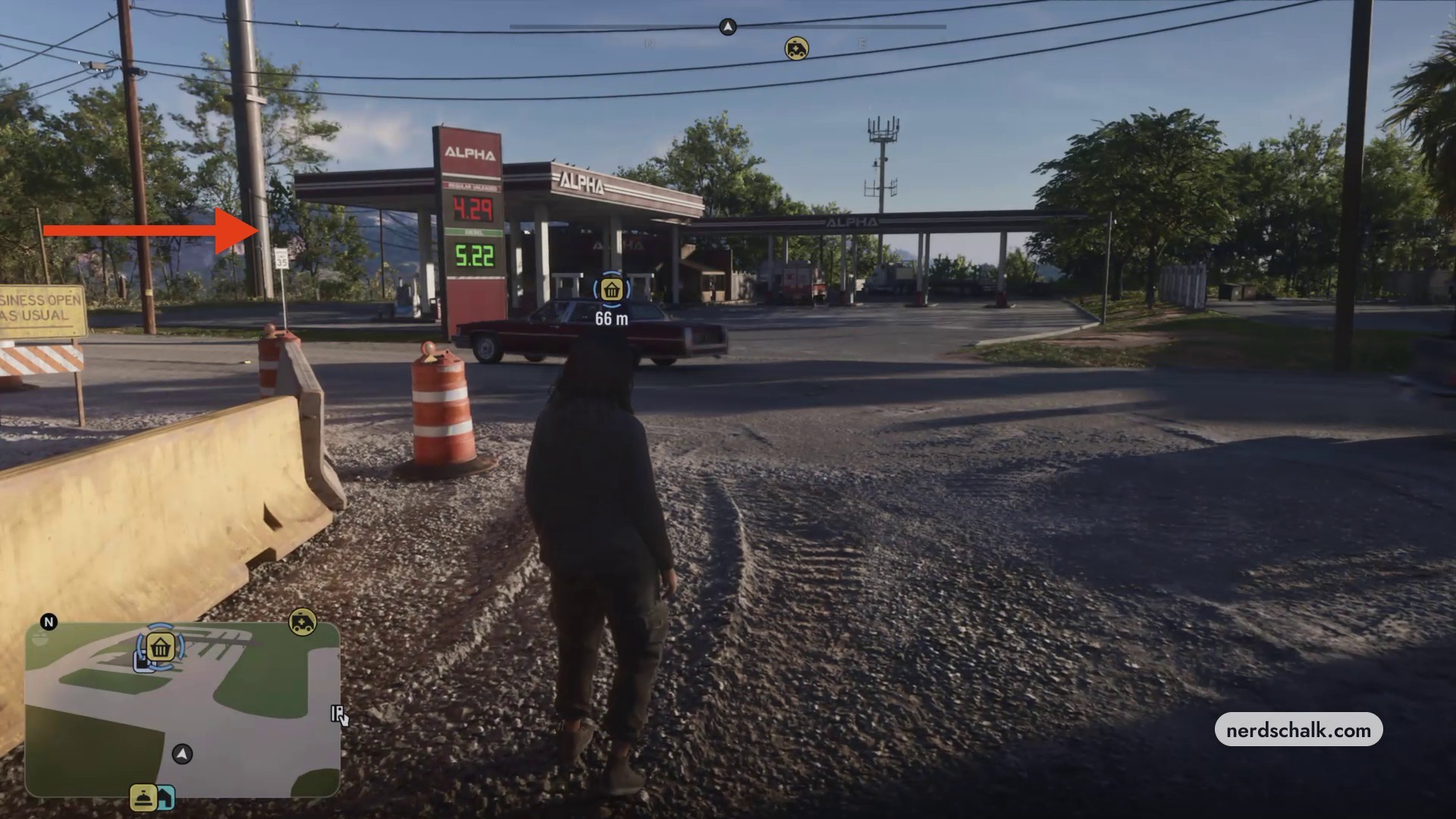
Continue inside the store toward the shopping area.
Find the protein bar display
Pass the counter and follow the aisles toward the snack shelves. Look for the PROTEIN BARS interaction to identify the display you need.
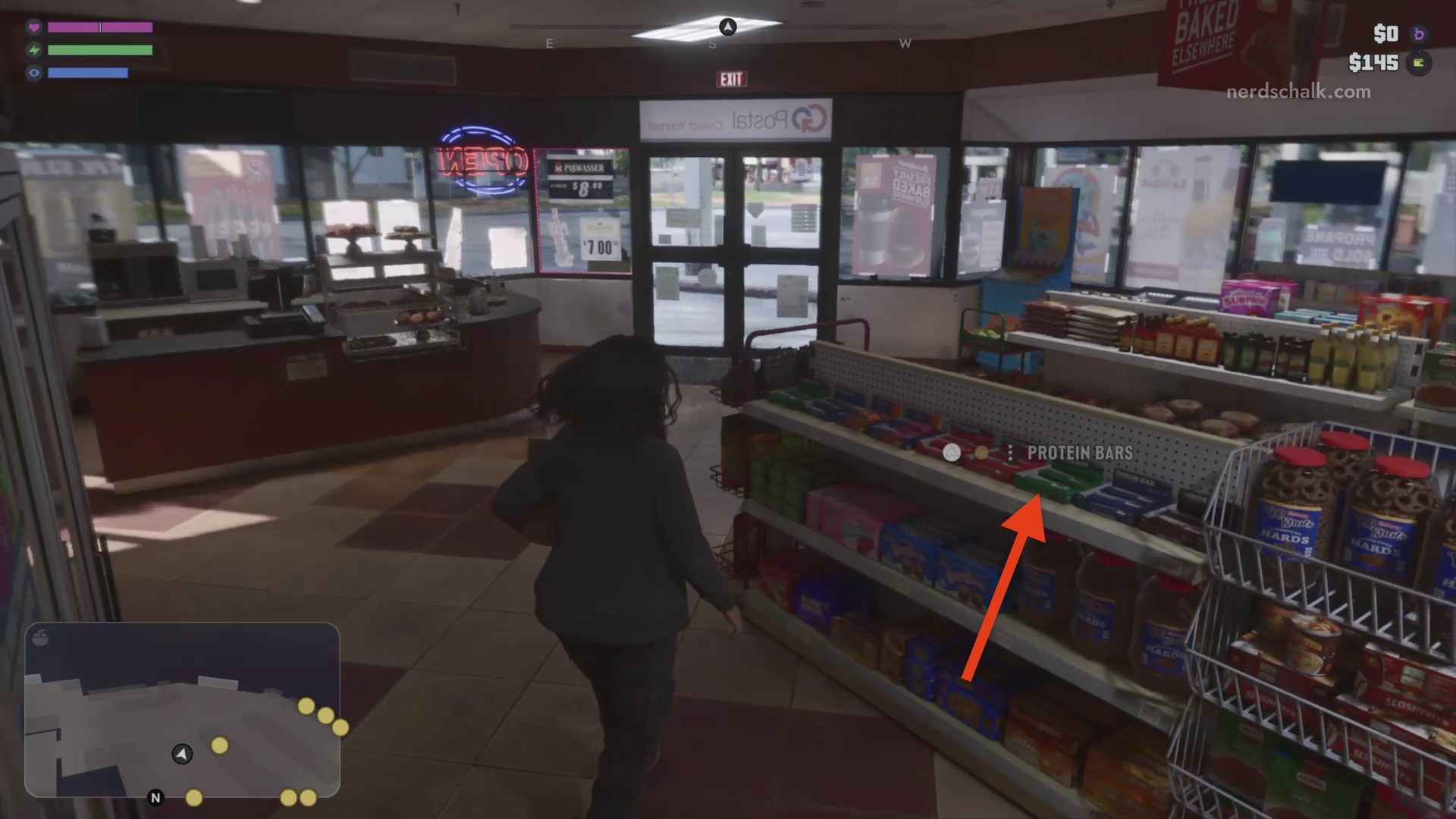
Follow the snack aisle toward the protein bar shelves.
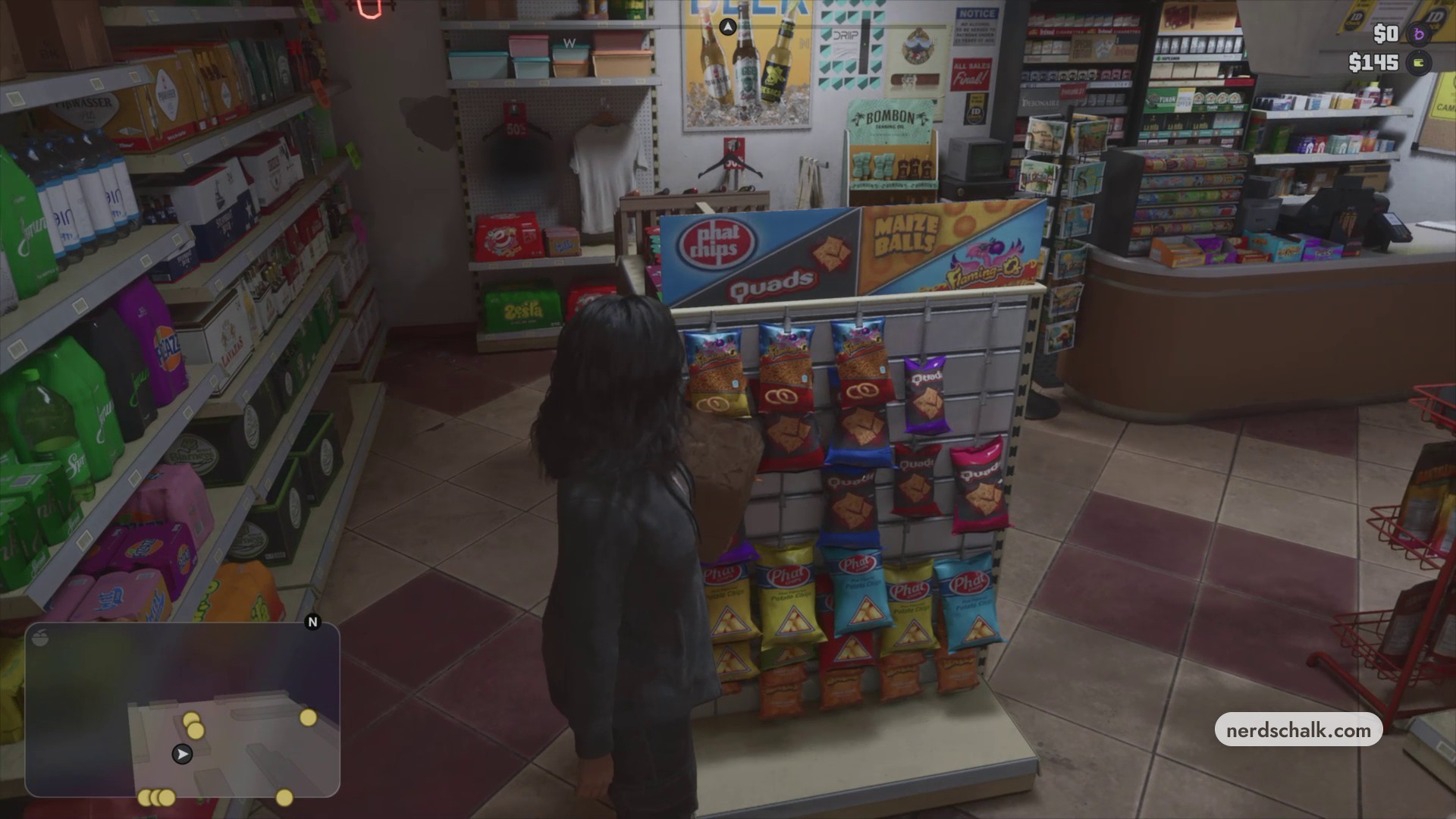
Open the menu and make the purchase
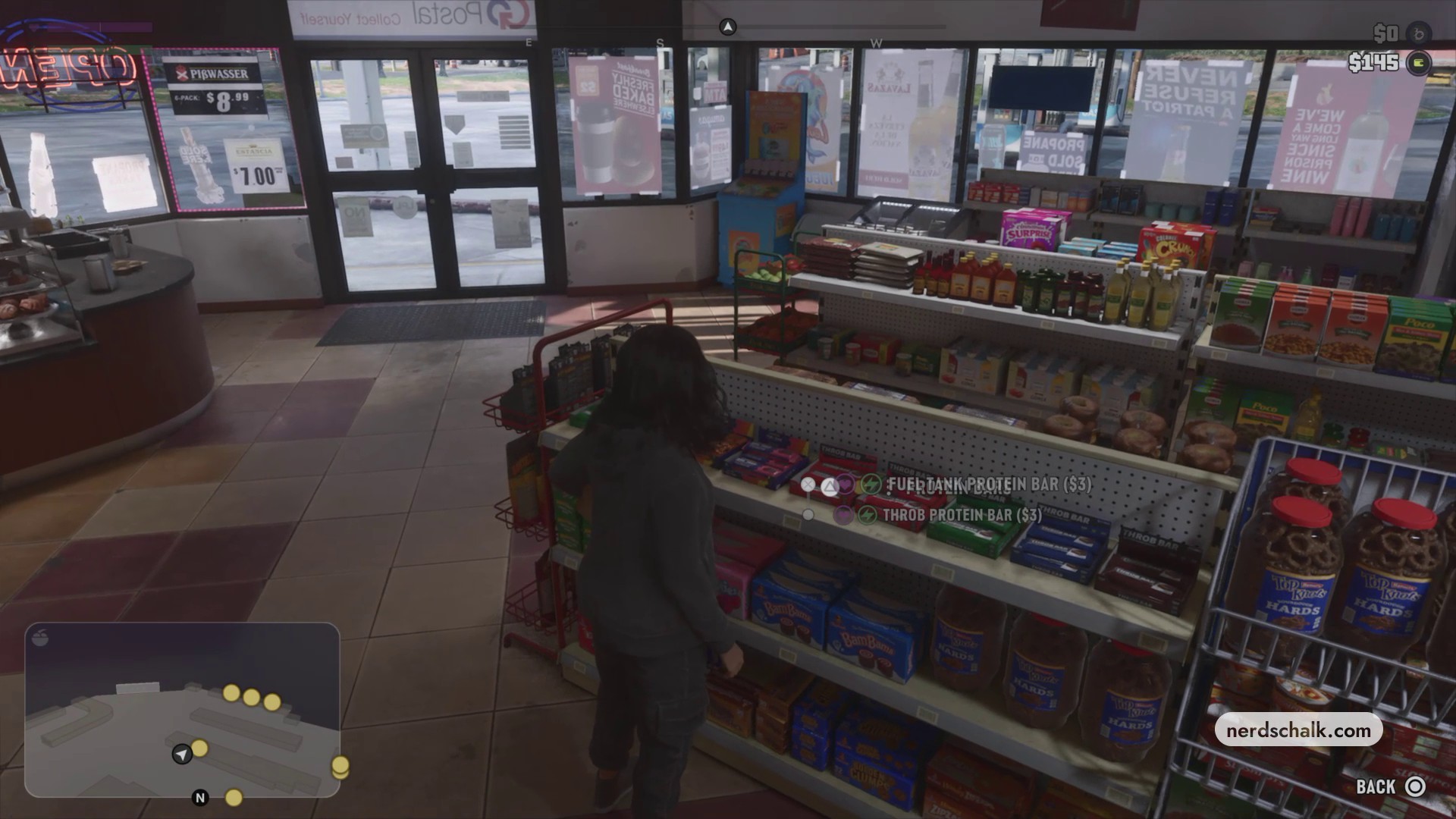
Open the shelf menu to see FUEL TANK PROTEIN BAR ($3) and THROB PROTEIN BAR ($3). The purchase button is Cross.
Check the item-added notification
Look on the right side of the screen for + Fuel Tank Protein Bar. That notification means the bar has been added to your items.
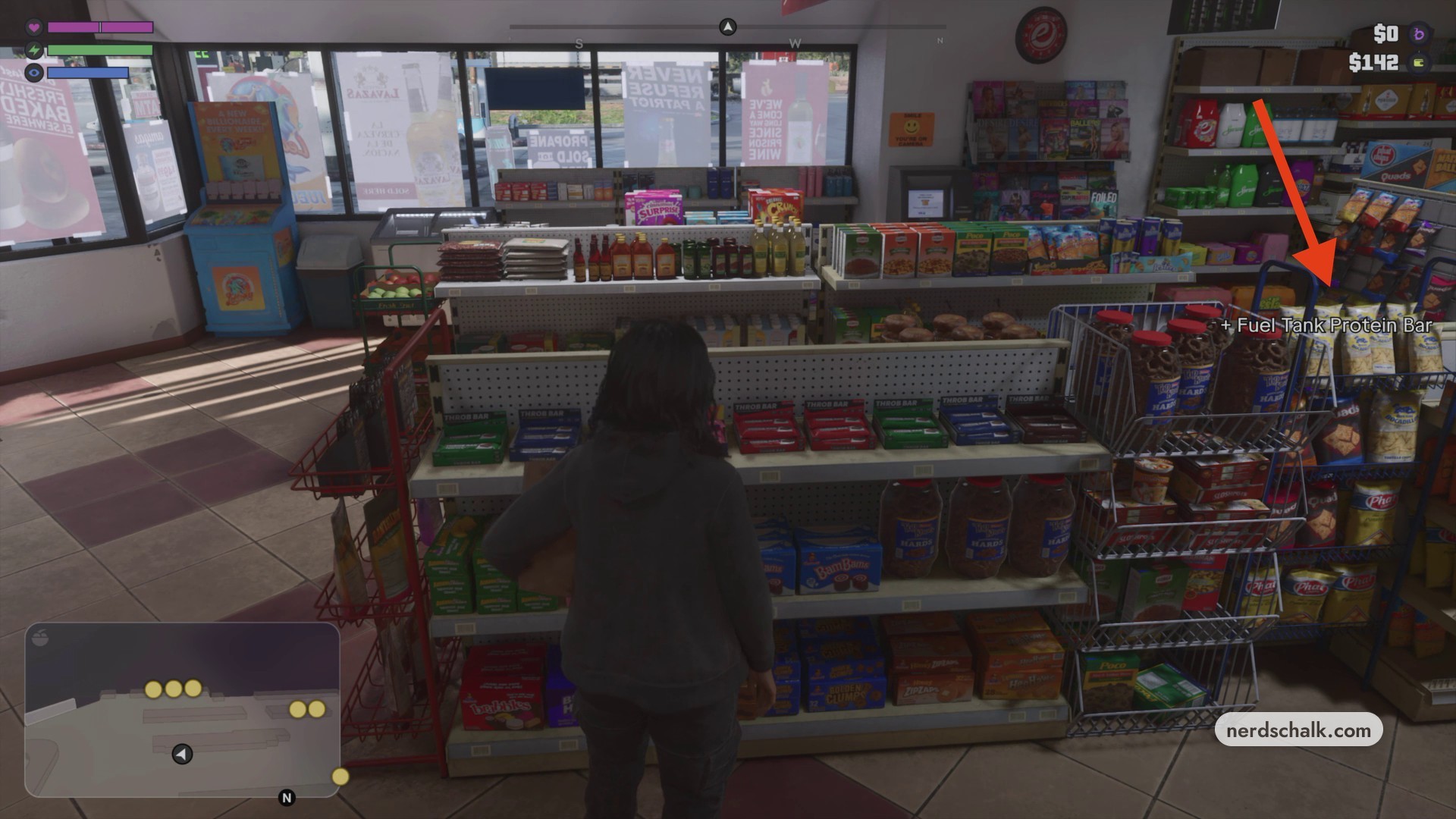
With the bar added, this purchase is complete.
Related Grand Theft Auto VI guides

Leave a Reply