

QUICK ANSWER
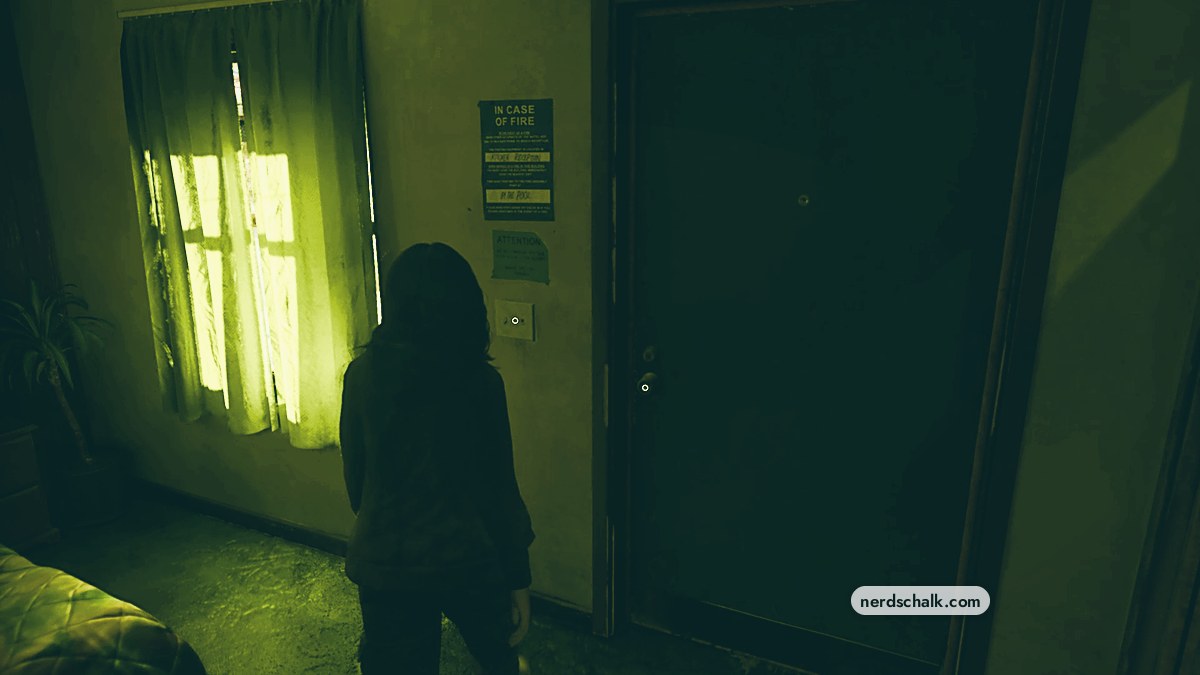
Approach the wall switch beside the motel room’s entrance and press Triangle to turn the light on or off.
Approach the wall switch beside the motel room’s entrance and press Triangle to turn the light on or off.
The motel room’s light switch offers an interaction prompt that changes after each toggle. This guide covers where to find it and how to use both lighting states. Grand Theft Auto VI is listed for PlayStation 5 as well as Xbox Series X|S.
switch locationInside, beside the motel room entrancebuttonTriangleinteraction promptsTURN ON / TURN OFF
How to turn motel room lights on and off in Grand Theft Auto VI
STEP 1
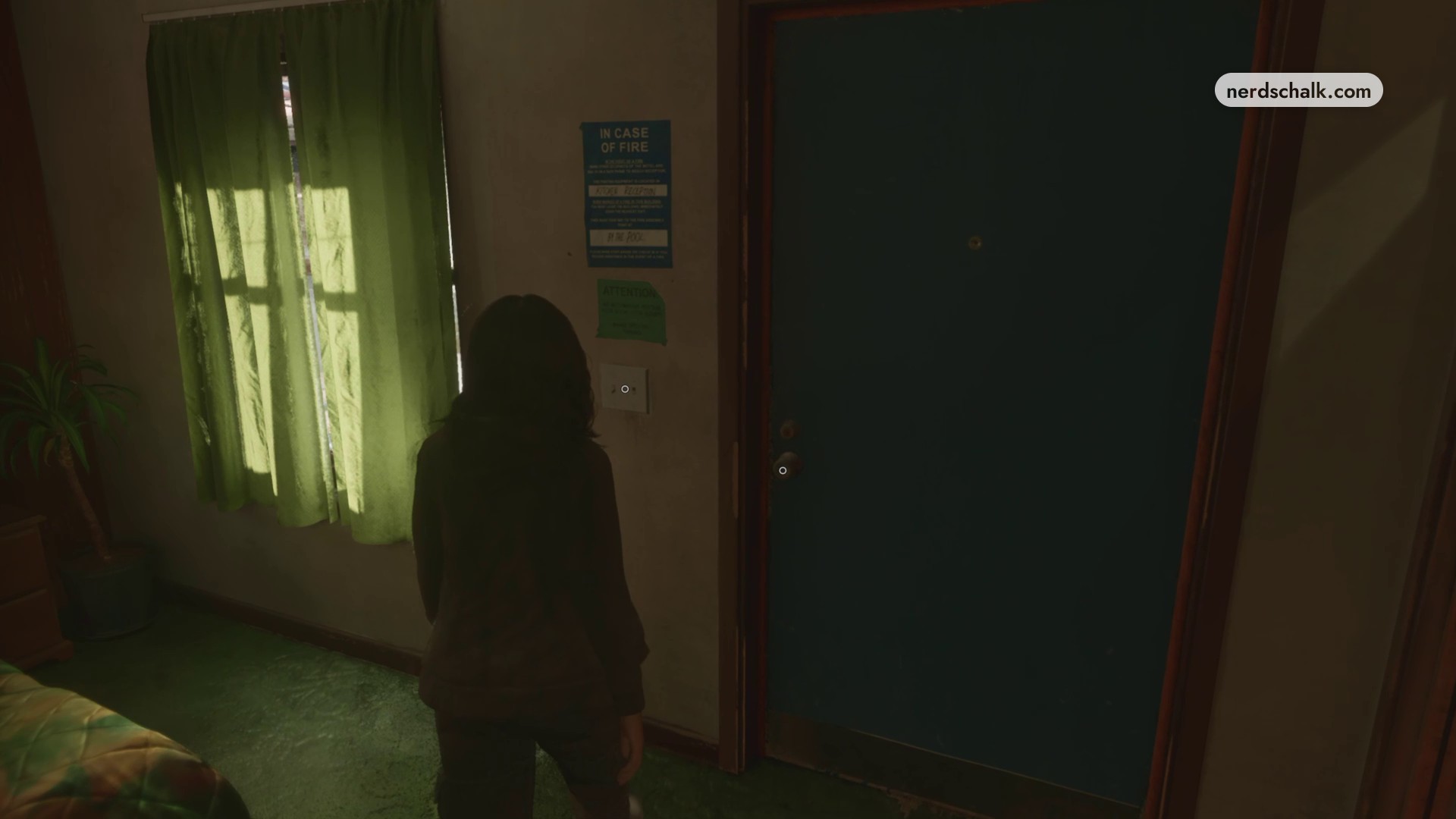
Approach the switch beside the entrance
Inside the motel room, walk up to the wall-mounted light switch right next to the entrance door.
STEP 2
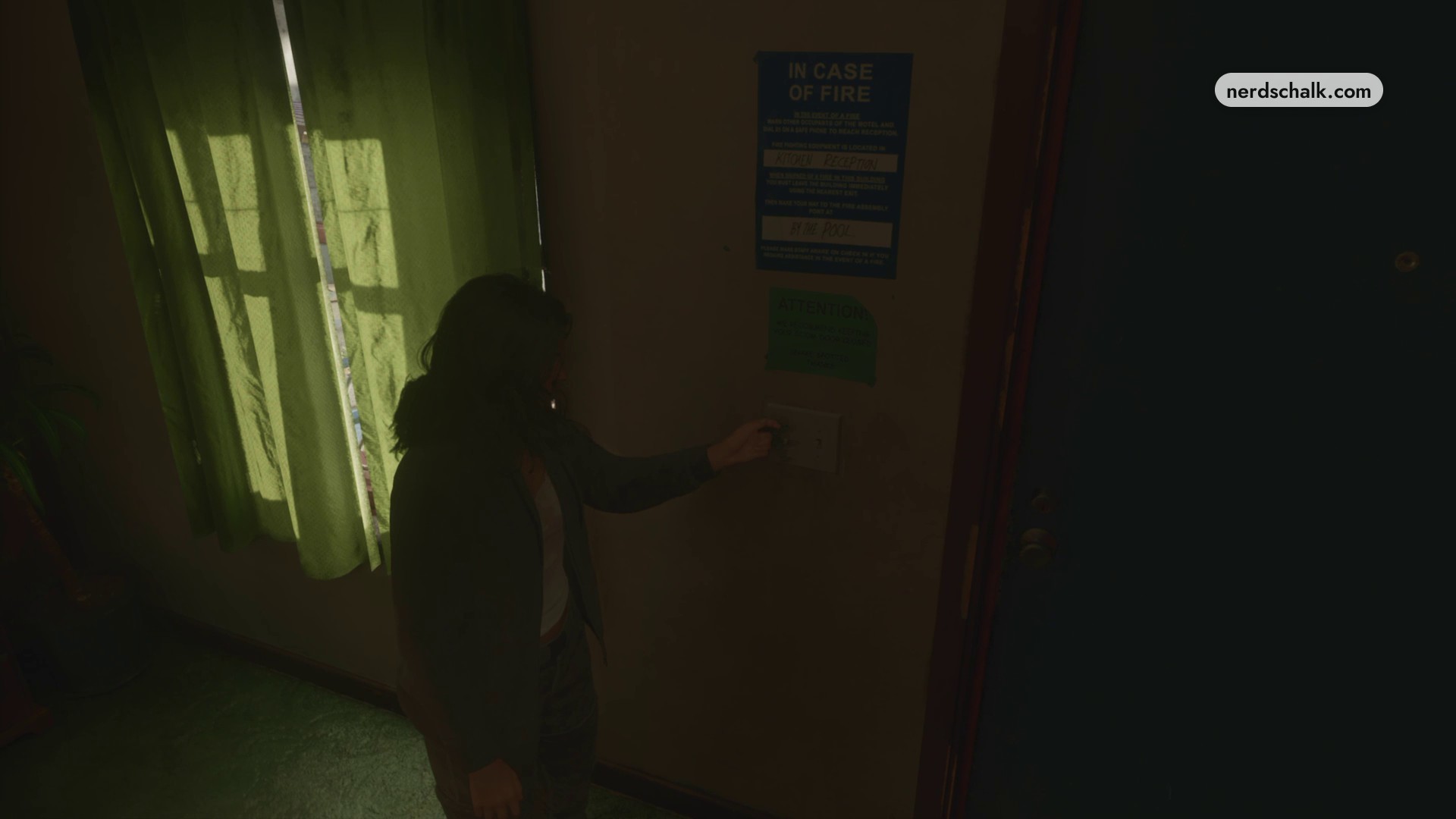
Press Triangle to toggle the light
Press Triangle when TURN ON appears to brighten the room. The prompt changes to TURN OFF; press Triangle again to switch the light off and return the prompt to TURN ON.
Related Grand Theft Auto VI guides

Leave a Reply