

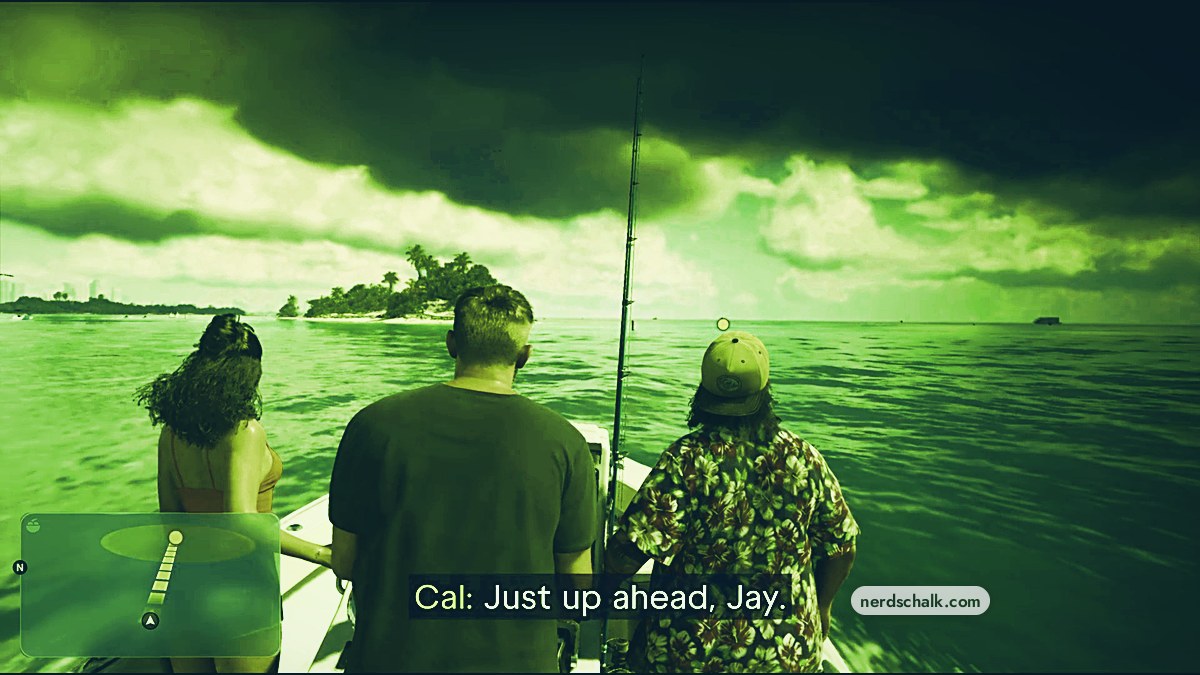
Catch Atlantic Spanish Mackerel at the marked spot near Key Lento during Recalibration, choose KEEP, then store it in the boat’s cooler.
During Recalibration in Grand Theft Auto VI, your fishing trip starts with reaching the designated spot and leads into catching dinner. This guide covers that fishing sequence, from the boat journey through casting, landing your catch, and storing it.
The game’s platform listings cover Xbox Series X|S and PlayStation 5.
The fishing prompts use R for the right stick and L for the left stick.
How to catch Atlantic Spanish Mackerel in Grand Theft Auto VI
Reach the marked fishing spot
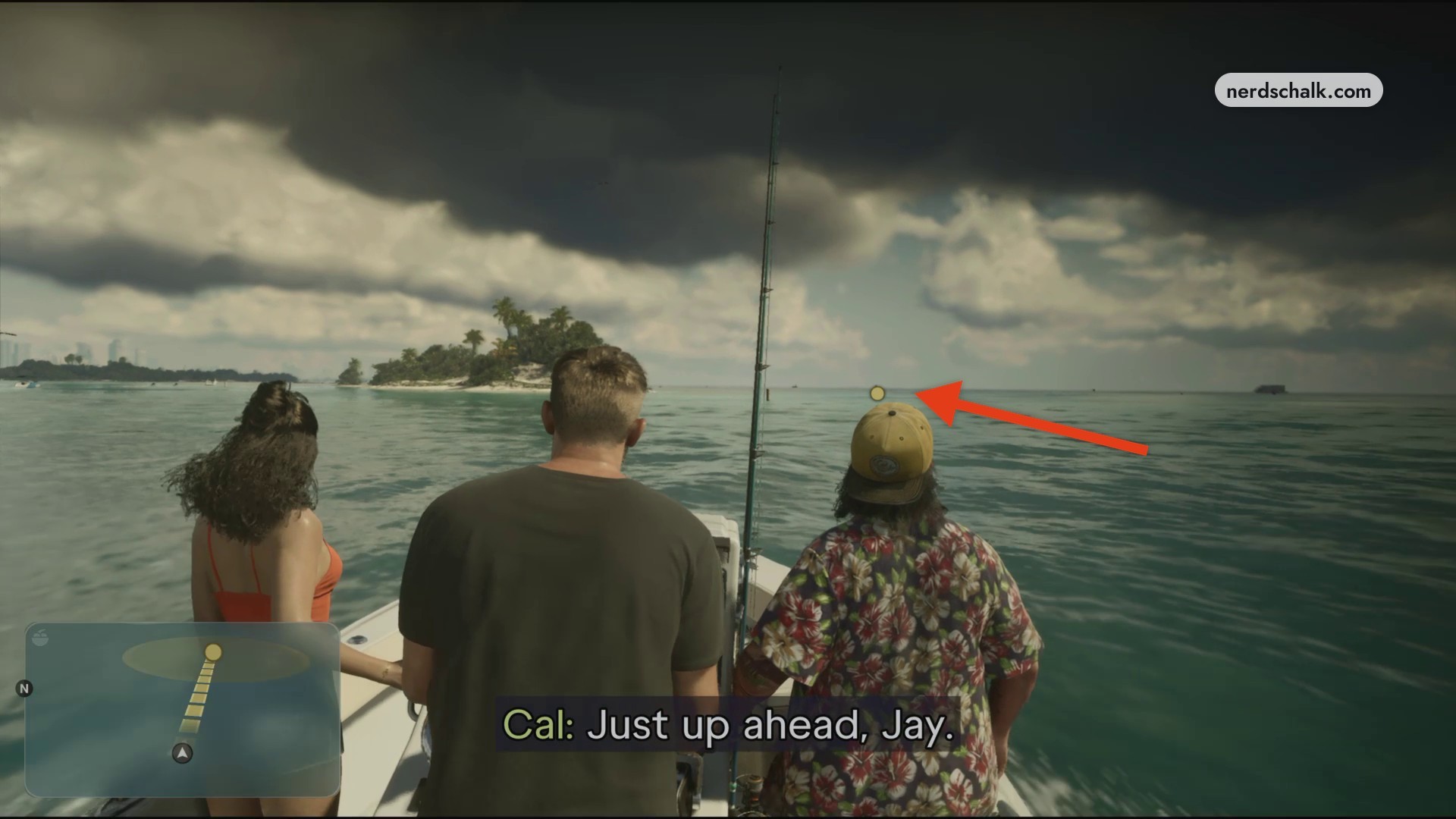
Steer the boat toward Key Lento, following the minimap route to the yellow destination dot on the water. The map also displays the bay label Gambit Bay.
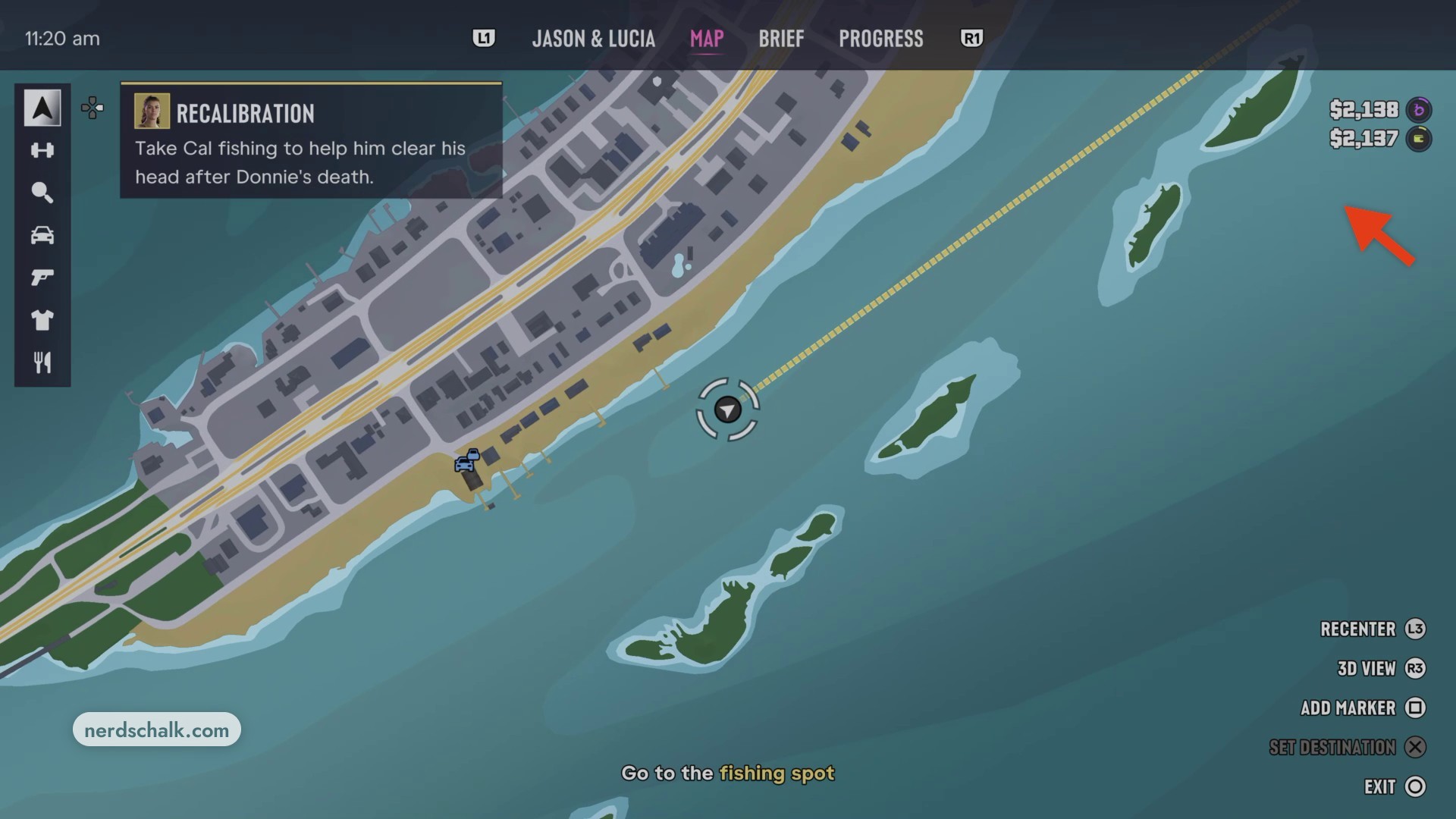
Open the pause map to find Key Lento and follow the plotted route toward the offshore islands.
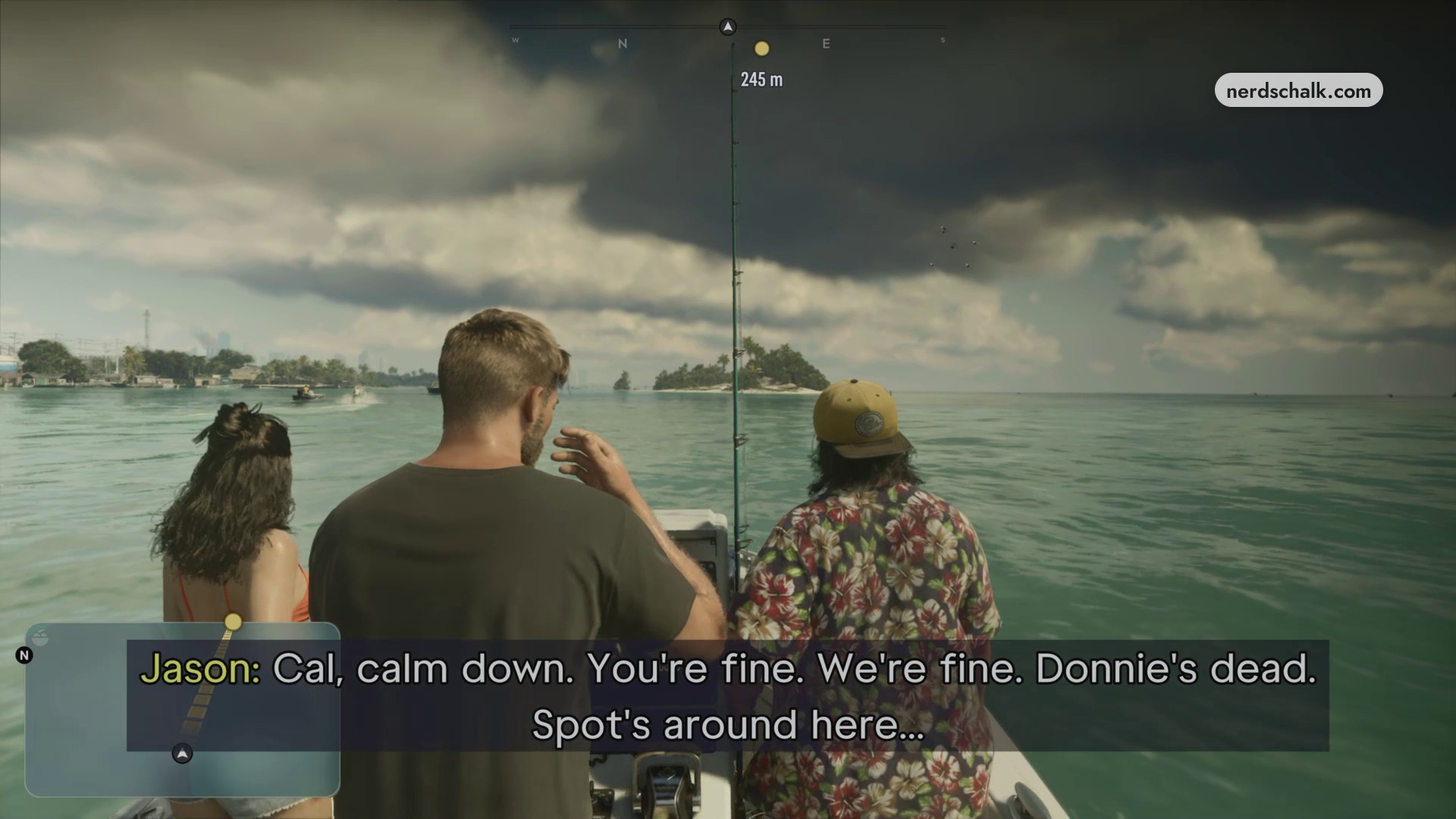
Approach the small island beside the designated fishing spot.
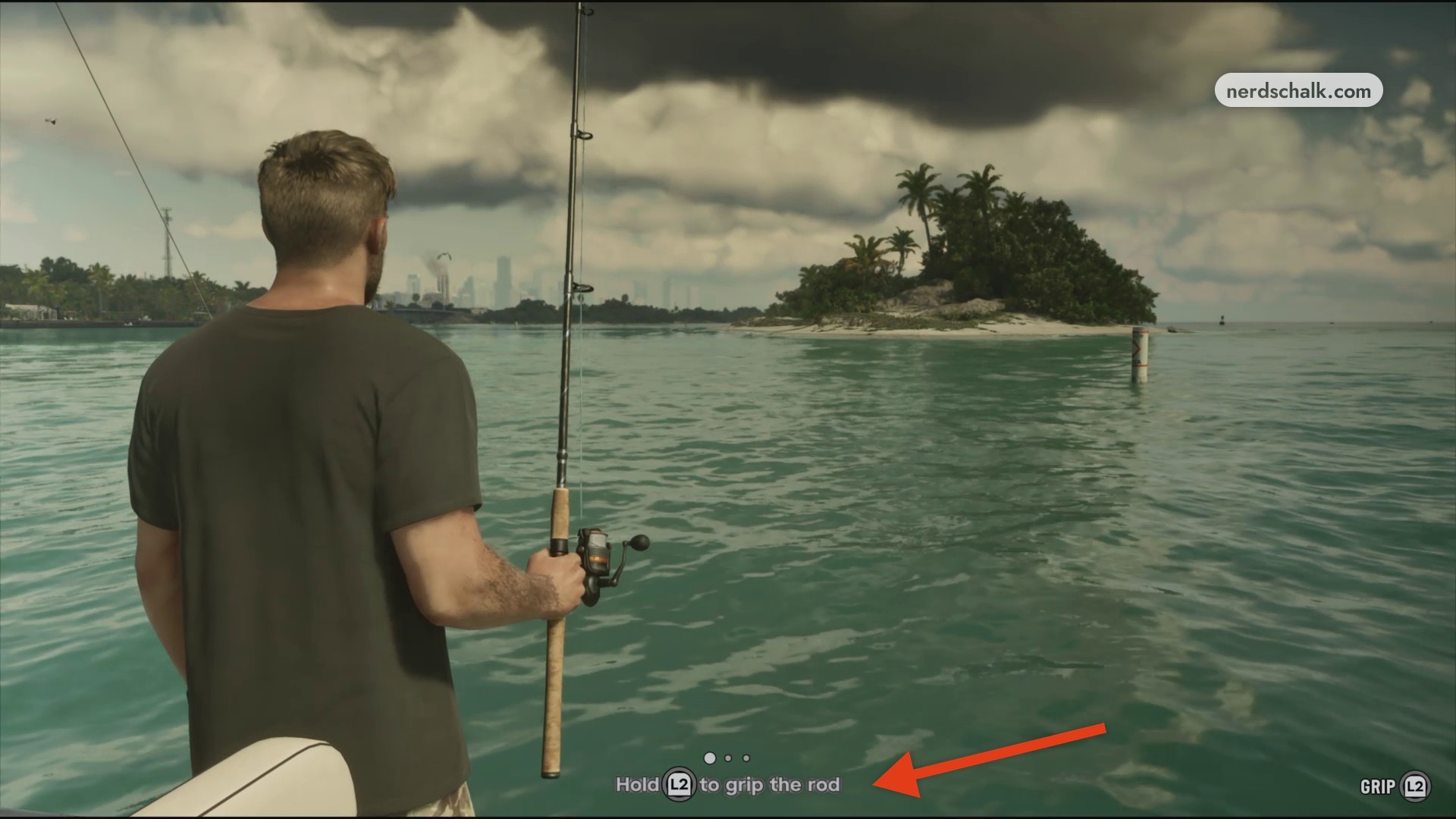
Grip your fishing rod
Once you’re at the fishing spot with the rod ready, hold L2 to grip it and prepare your cast.
Cast your line
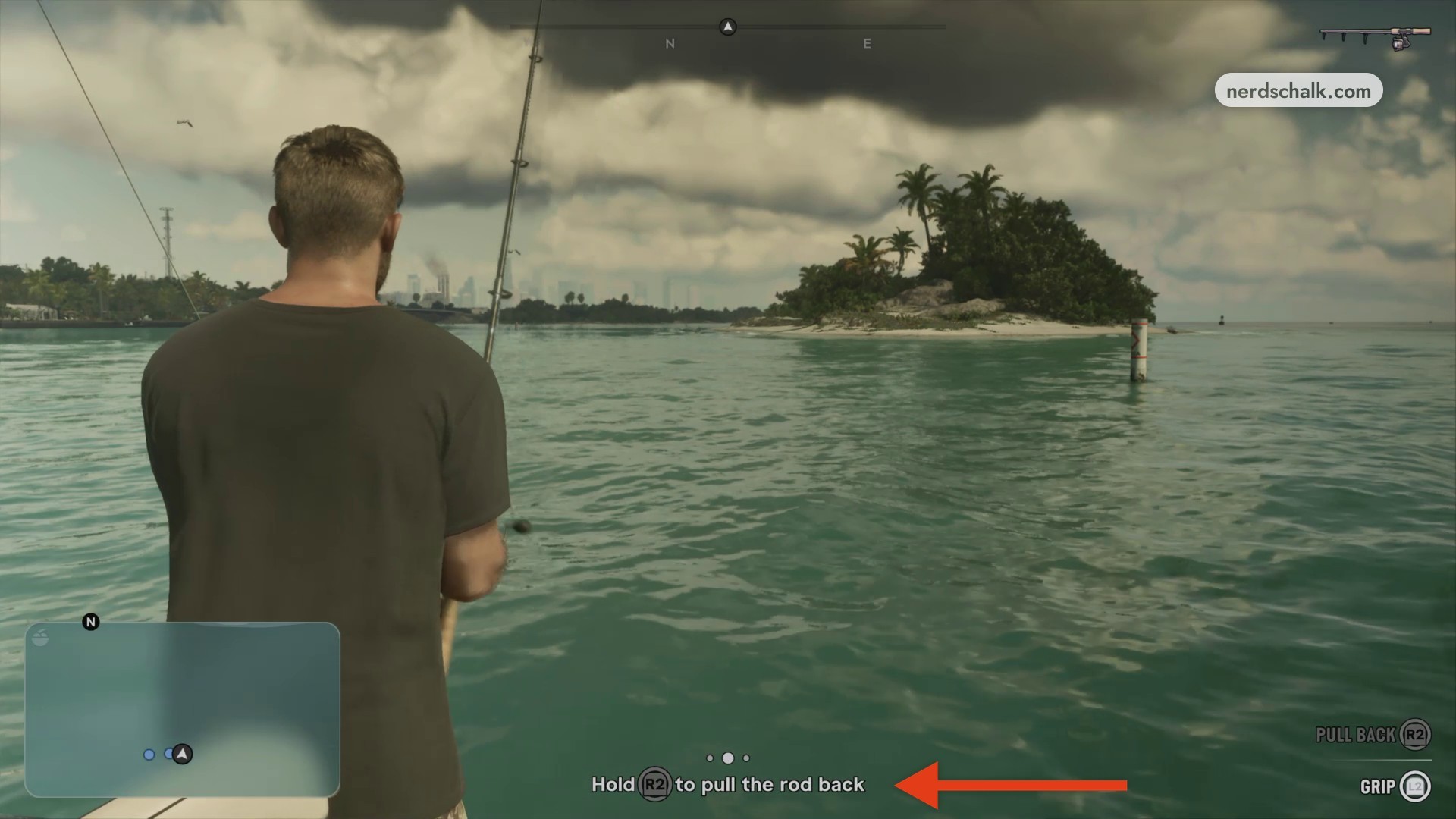
Hold R2 to draw the rod back, then release R2 to send your line into the water.
Attract a fish and set the hook
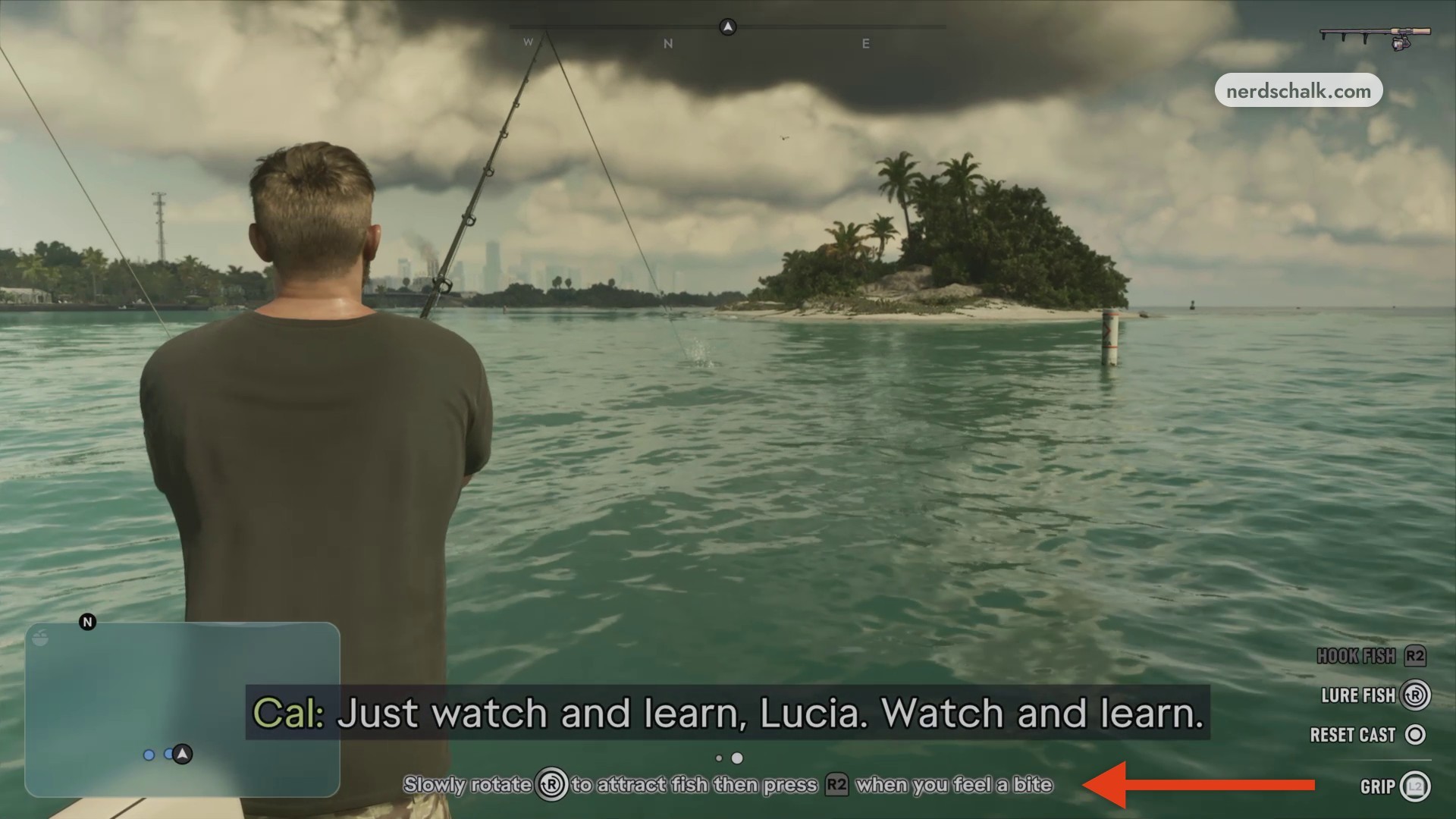
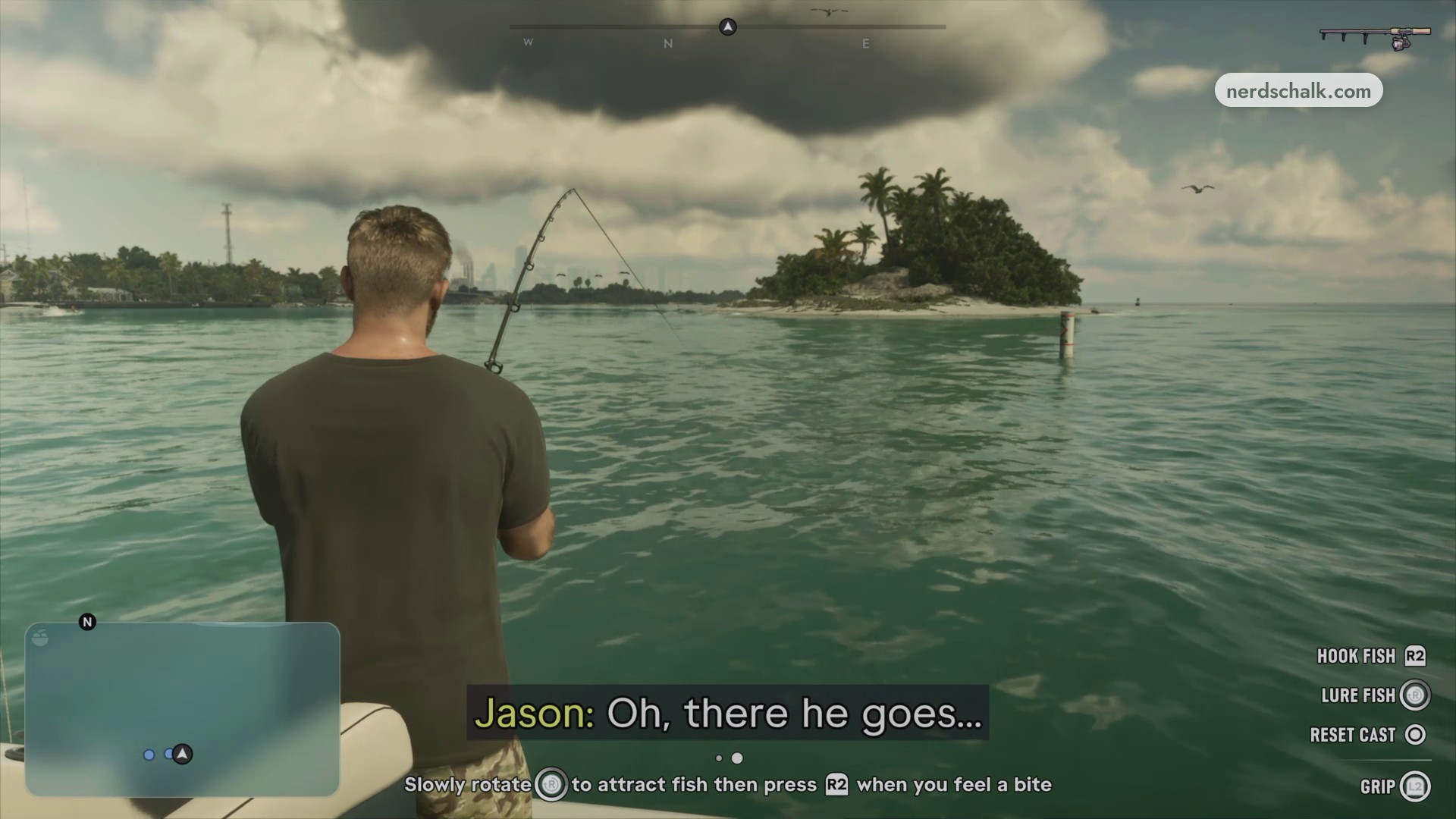
Slowly rotate R to attract fish to the lure. When you feel a bite, press R2 to hook the fish.
Control the fish and reel it in
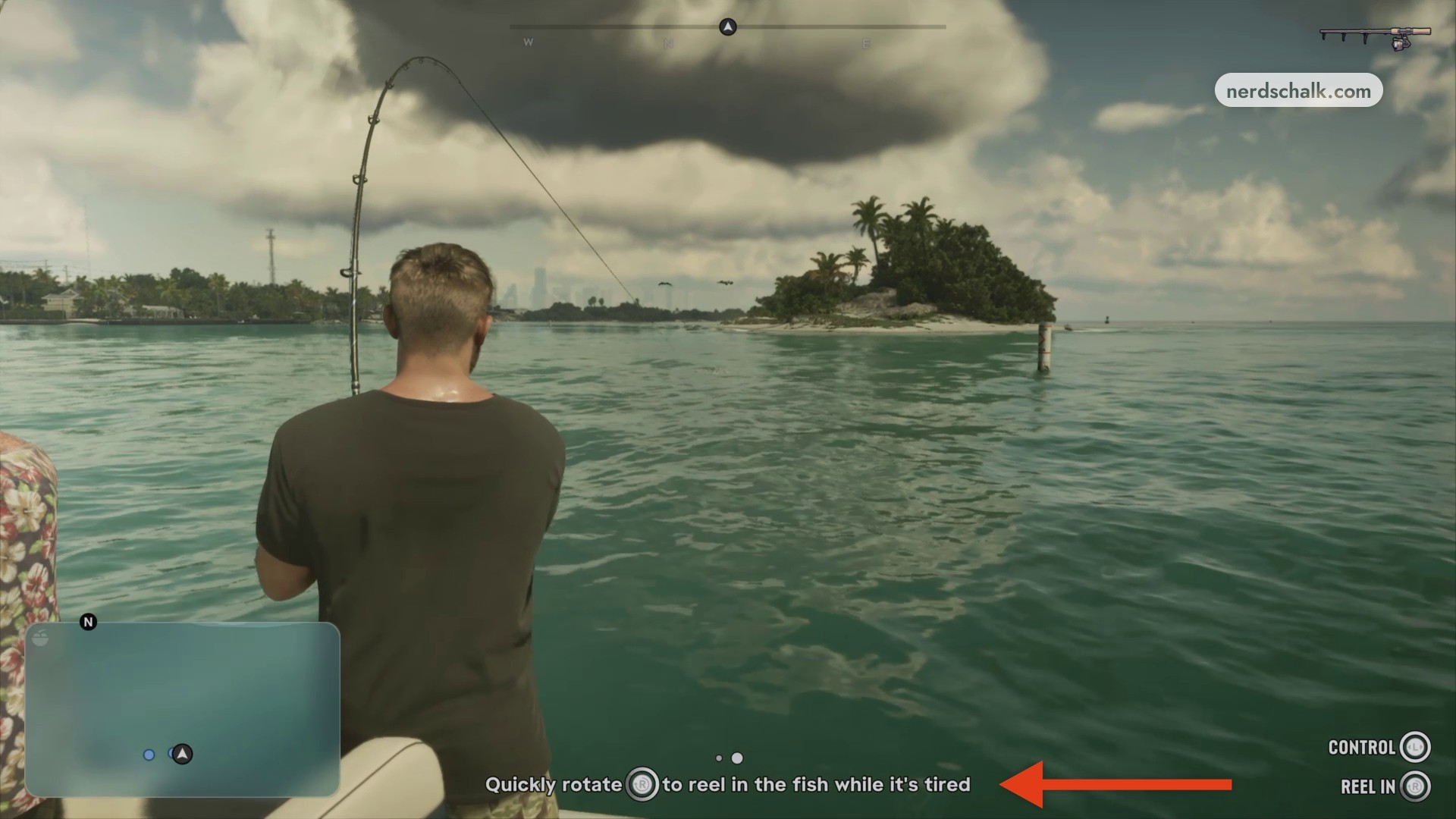
Use L to control the hooked fish as it struggles. Quickly rotate R to reel it in when the fish is tired.
Follow the Quickly rotate R prompt to reel your catch in.
Identify the mackerel and keep it
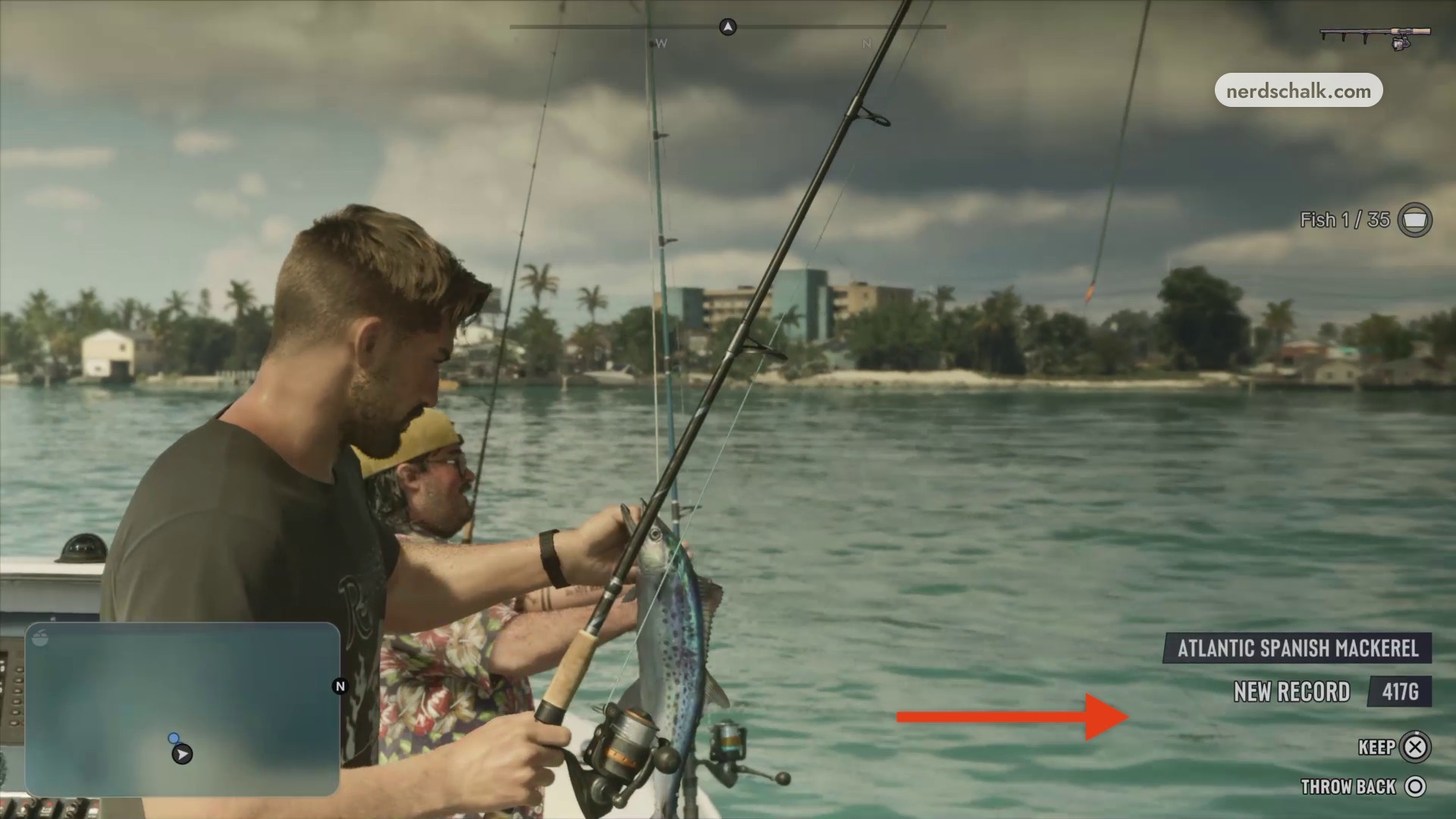
Look for ATLANTIC SPANISH MACKEREL on the catch display, then choose KEEP with X to retain it. THROW BACK with O releases the fish. Your next objective is Catch some fish for dinner, so repeat the casting and retrieval procedure to continue fishing. The first catch display shows a weight of 417G and collection progress of Fish 1 / 35. Another Atlantic Spanish Mackerel catch shows 673G on its catch display.
Store your catch in the cooler
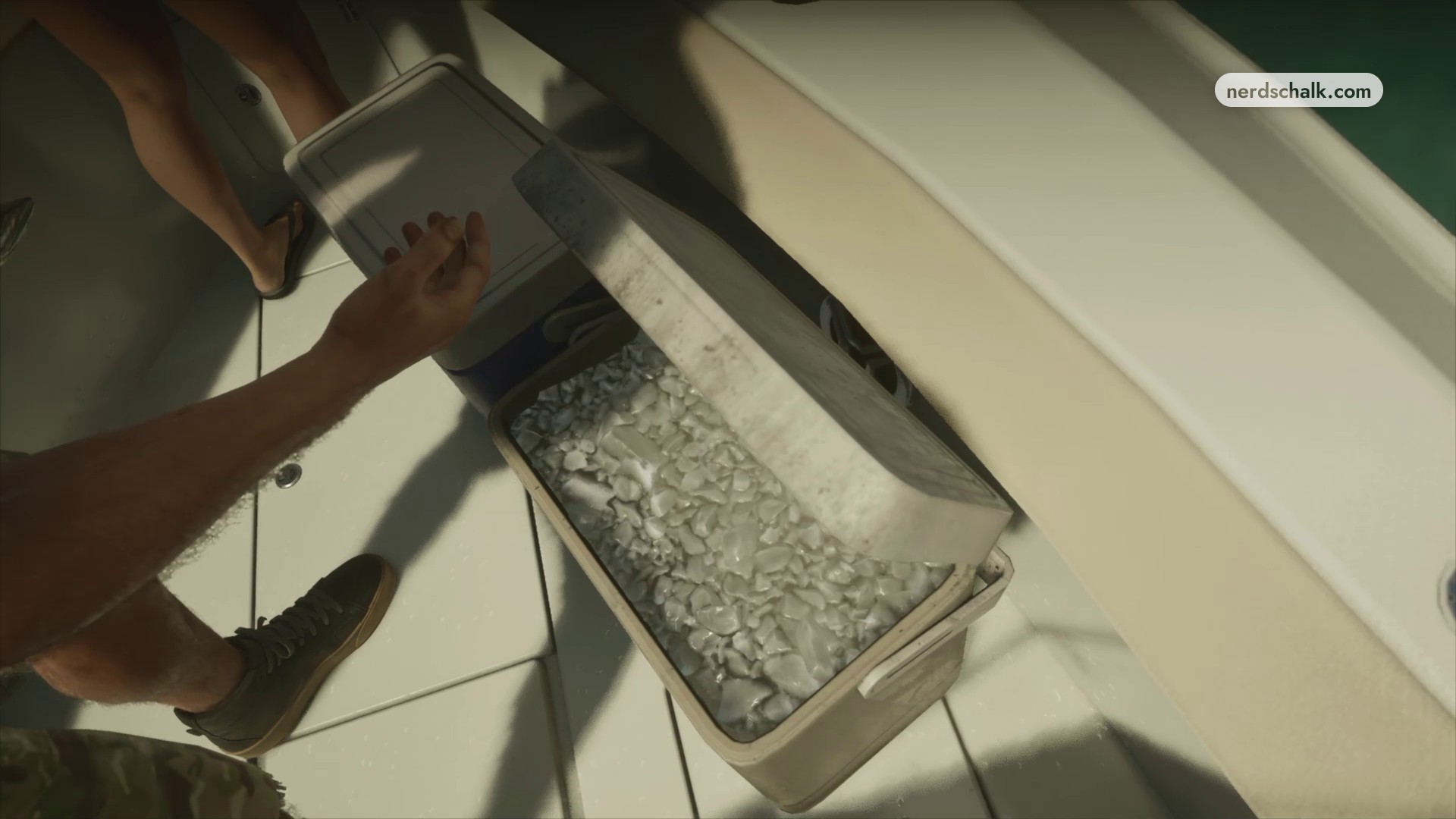
Place the retained fish in the cooler on the boat deck to preserve it.
After the fishing session, your next objective is Drive the boat. This walkthrough stops at that objective, before Recalibration ends.
› story detailsSpoilers for the story. Open to read.
Recalibration story context
Recalibration starts at Key Lento with Cal and Lucia.
Related Grand Theft Auto VI guides
Frequently Asked Questions
How do you reset a cast?
Press O when the RESET CAST option appears in the fishing controls to reset your cast.
Leave a Reply