Category
iOS
-

How to Use Focus Filters on iPhone on iOS 16
Focus modes were first introduced in iOS 15 and since then they have become a vital part of the iOS ecosystem. Many users rely…
-

How to Change Clock Font on iPhone on iOS 16
To an extent, your iPhone lock screen reflects your personality, especially your sense of aesthetic expression. Catering to the general interest, Apple has introduced…
-
iOS 16 Lock Screen: How to Show Full Clock in Front or Let Subject Come in Front
With iOS 16, Apple hopes to revolutionize the fundamental appeal and utility of your iPhone lock screen. Among the visual changes to come to…
-

How to Schedule an Email on Apple Mail on iPhone
Apple’s native Mail app offers a Scheduled Send feature that allows users to compose emails and prepare them to be sent at a later…
-

How to Get Old Notifications View Back on iPhone on iOS 16 With ‘List View’
iOS 16 is designed to give your lock screen a visibly different visual and hands-on experience with the many additions and UI overhauls made…
-

How to enable or disable Live Captions on FaceTime on iOS 16
Apple’s enduring effort towards self-improvement shines through yet again with the iOS 16 update that shows off conspicuously thought-out additions to the existing functionalities…
-
How to Recall an Email in the Mail app on iPhone
Apple’s native Mail app has an Undo Send option that allows users to recall emails that they’re sending before they reach the recipient. When…
-

4 Ways to Remove Widgets From iPhone Lock Screen
What to know The simplest way to remove widgets from the lock screen is by unlocking your iPhone > long-pressing on the lock screen…
-

How to Link Your Lock Screen To a Focus mode on iPhone on iOS 16
iOS 16’s customized lock screens have been all the rage since the OS was released. Users have been taking advantage of the new customization…
-
![[Easy] How to Remove Background Using Files App on iPhone or iPad](https://cdn.nerdschalk.com/wp-content/uploads/2022/06/remove-background-logo-2.png)
[Easy] How to Remove Background Using Files App on iPhone or iPad
Background removal is one of the most hyped and celebrated features on popular photo editors; if you are like us you can find a…
-

‘Undo Send’ Not Available or Working in Messages or iMessage on iPhone? Here’s Why and How to Fix
Undo Send has been one of the most anticipated features in iOS 16. It allows you to retract sent messages on iMessage which is…
-
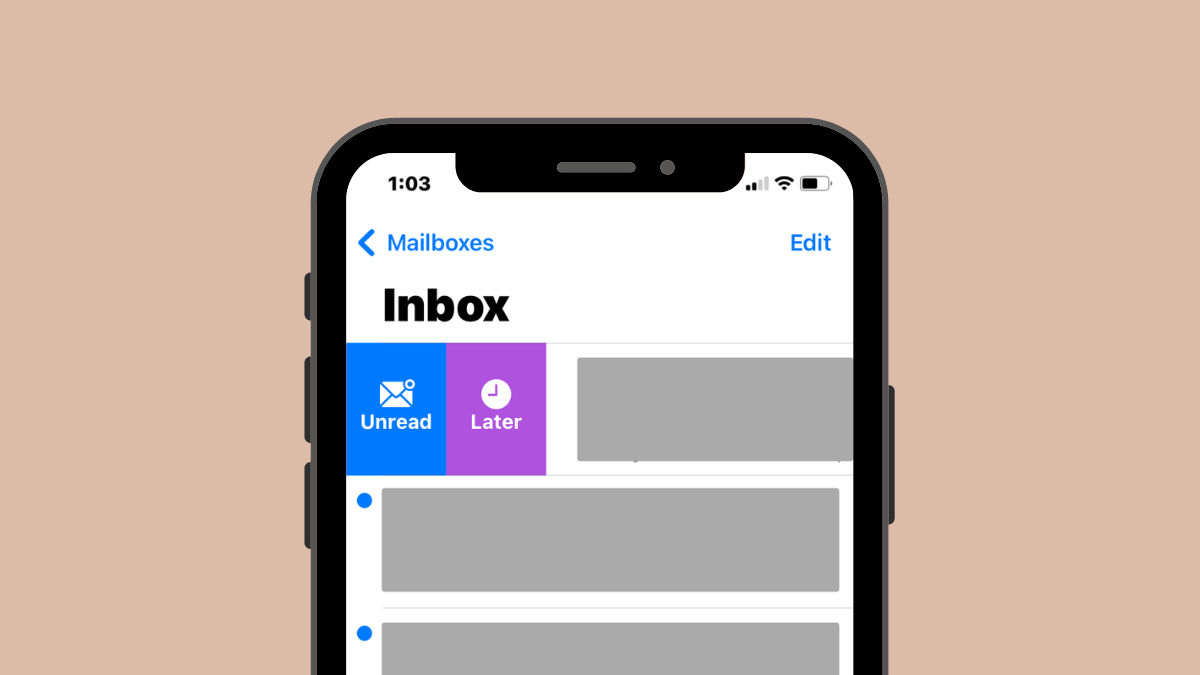
How to Use Remind Me in the Mail app on iPhone
Apple’s Mail app has the “Remind Me” feature that you can use to get back to an older message at your preferred time. When…
-

How to Copy a Subject From a Video on iPhone on iOS 16
iOS 16 brings along tons of new features including the ability to copy subjects directly from photos. This takes away the hassle of meticulous…
-
Live Text in Videos: Which iPhones and iPads are supported?
iOS 16 brings with it a bunch of new features for iPhone users, most of which revolve around functionality. There’s an all-new Lock Screen,…
-

How to Enable Live Captions on iPhone
What to know Live Captions is an accessibility feature on iOS that displays auto-generate captions during phone calls and video playback. You can enable…
-
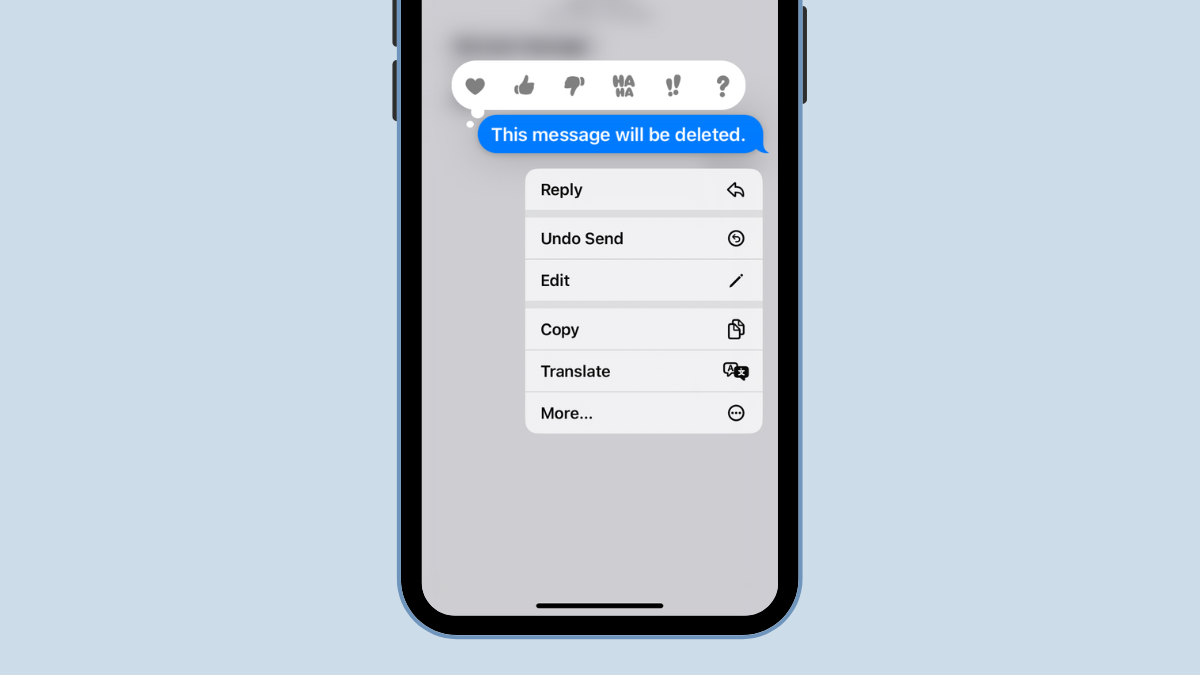
How to Know if Someone Deleted Their Message on iPhone Using ‘Undo Send’
iOS 16 introduced the ability to retract sent messages using the ‘Undo Send’ feature and it has been a boon for many users. This…
-

How to Enable or Disable Keyboard Vibrations on iPhone
What to know You can set up per-key haptic feedback on your iPhone to make sure your device vibrates every time you press a…
-

Photo Shuffle: How to Change Lock Screen Photo at Specific Intervals on your iPhone
Photo Shuffle is a lock screen feature inside iOS that allows users to create a playlist of wallpapers that they can apply on their…
-

iOS 16: How to Change Color Filter on Lock Screen on an iPhone
One of the highlights of the iOS 16 update is the quick access feature to customize your lock screen style such as changing font…