Gaming

How to Catch up to the Plane in GTA 6 During Gone Fishing

Learn how to catch up to the plane in GTA 6 during Gone Fishing by following the river route, approaching the camp’s dock, and equipping binoculars for the next part of the mission.

Learn how to catch up to the plane in GTA 6 during Gone Fishing by following the river route, approaching the camp’s dock, and equipping binoculars for the next part of the mission.

0 Comments
QUICK ANSWER
Follow the pink minimap route downstream beneath the railroad bridge to the camp’s dock, then open your loadout and equip the binoculars.

During Gone Fishing in Grand Theft Auto VI, you begin this stretch aboard a boat in a river channel with “Catch up to the plane” as your active objective. This guide covers the opening approach and stops when you equip the binoculars.

missionGone Fishingstarting pointRiver channel, aboard the boat with CalobjectiveCatch up to the plane

buttons PS5 / Xbox

How to catch up to the plane during Gone Fishing in Grand Theft Auto VI

STEP 1

Follow the minimap route

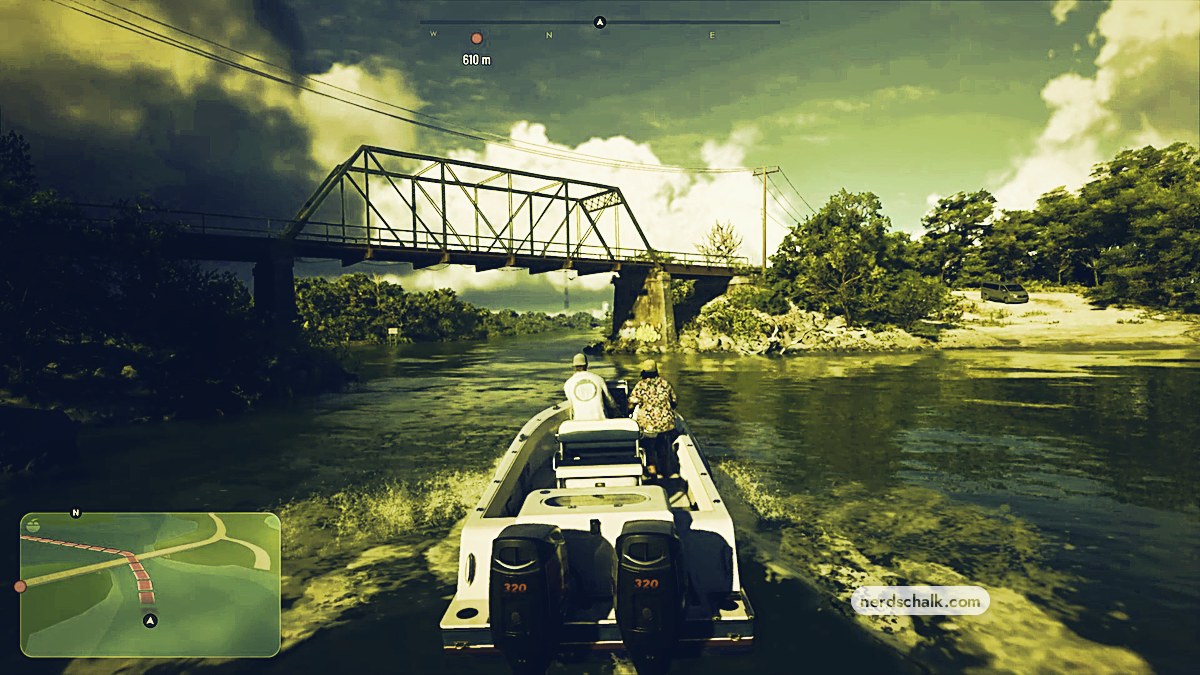
Drive downstream along the pink minimap route. Pass beneath the railroad truss bridge and continue toward the island marked as your destination.
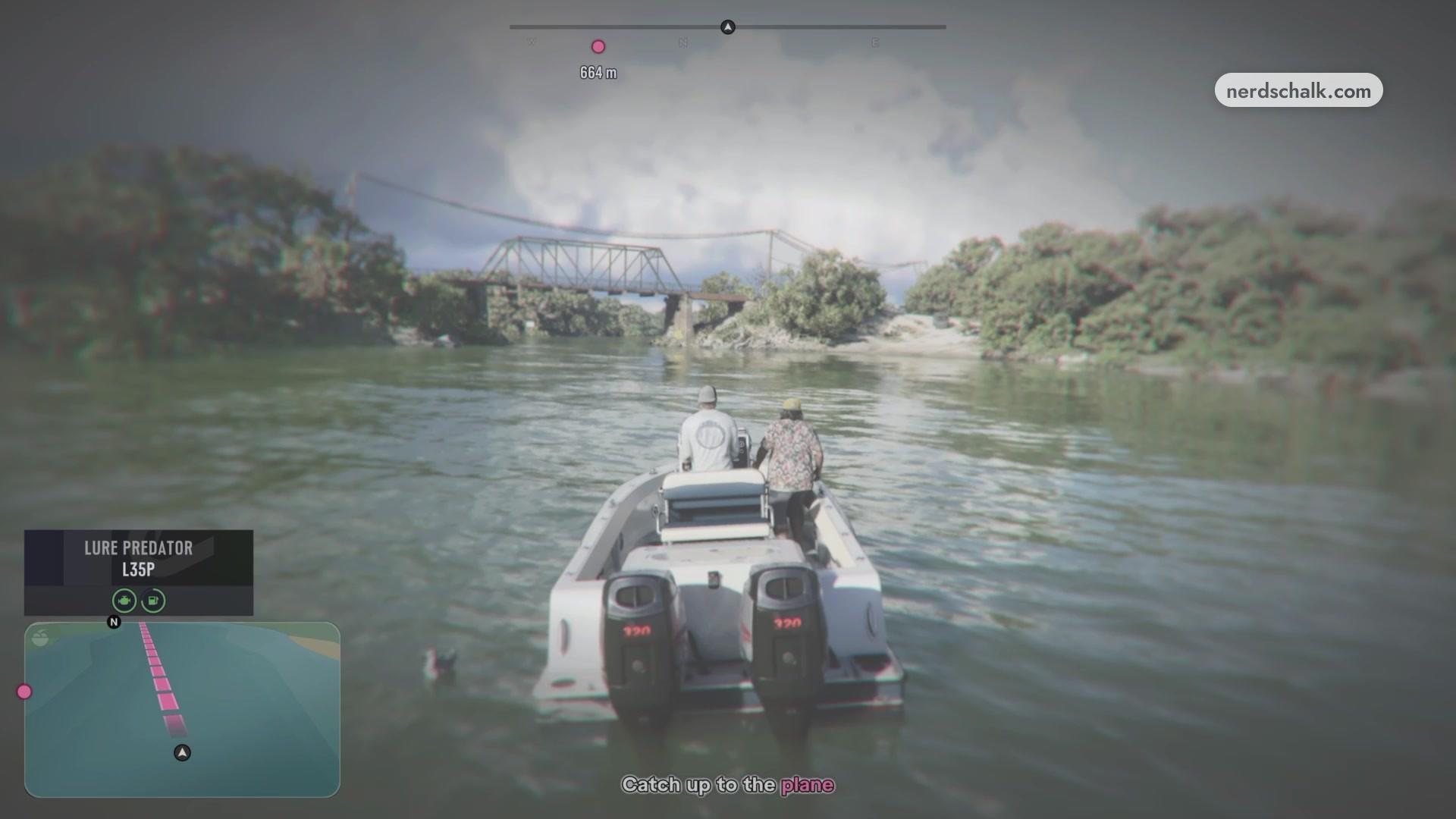
The pink minimap route accompanies the approach toward the bridge.
The pink minimap route accompanies the approach toward the bridge. · Screenshot by NerdsChalk

The pink route marks the river approach toward the bridge; keep following it downstream.
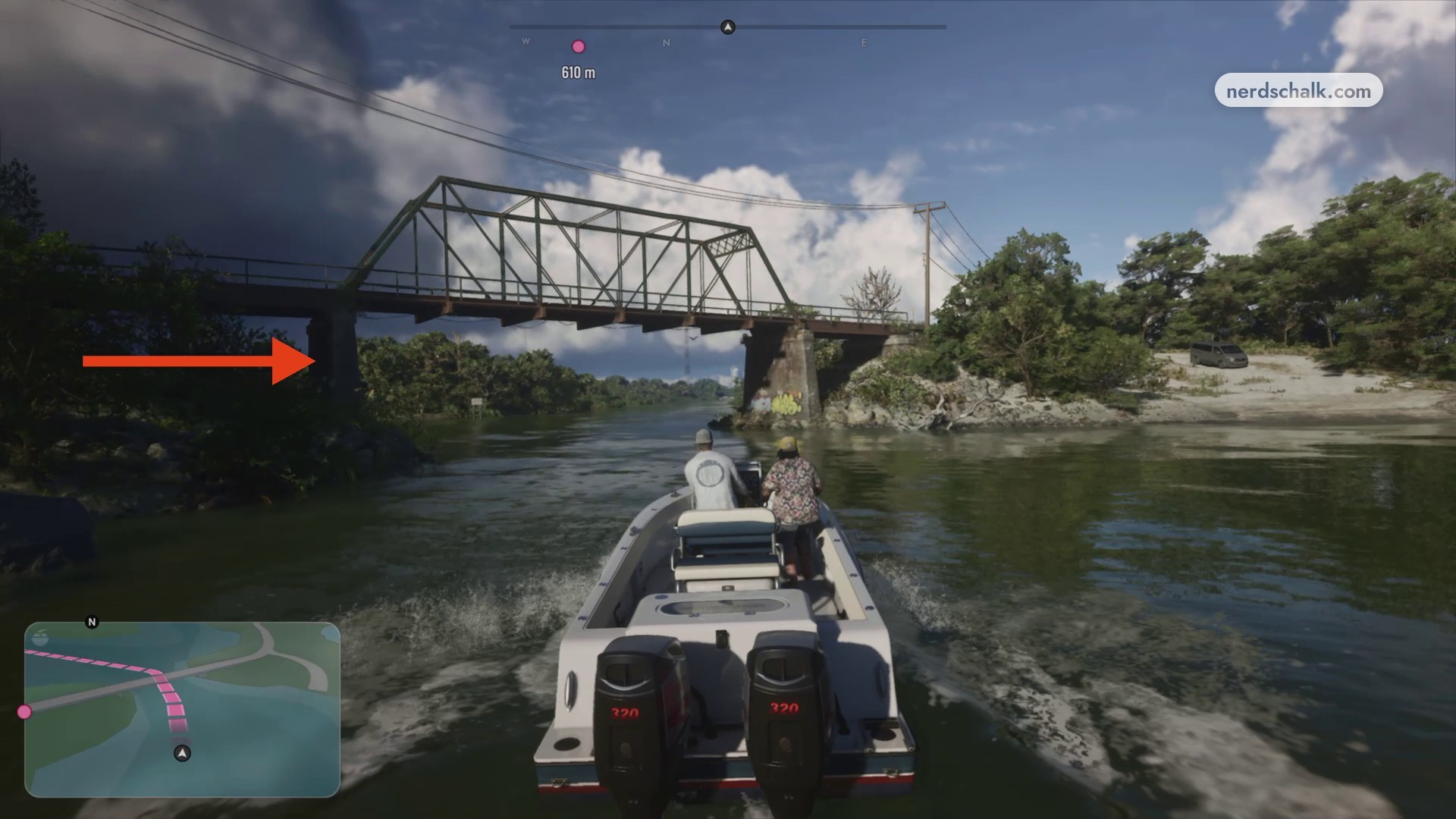
The boat approaches the railroad truss bridge along the river.
The boat approaches the railroad truss bridge along the river. · Screenshot by NerdsChalk

The swampy wetland leads toward a wooden dock; continue toward the camp’s landing area.
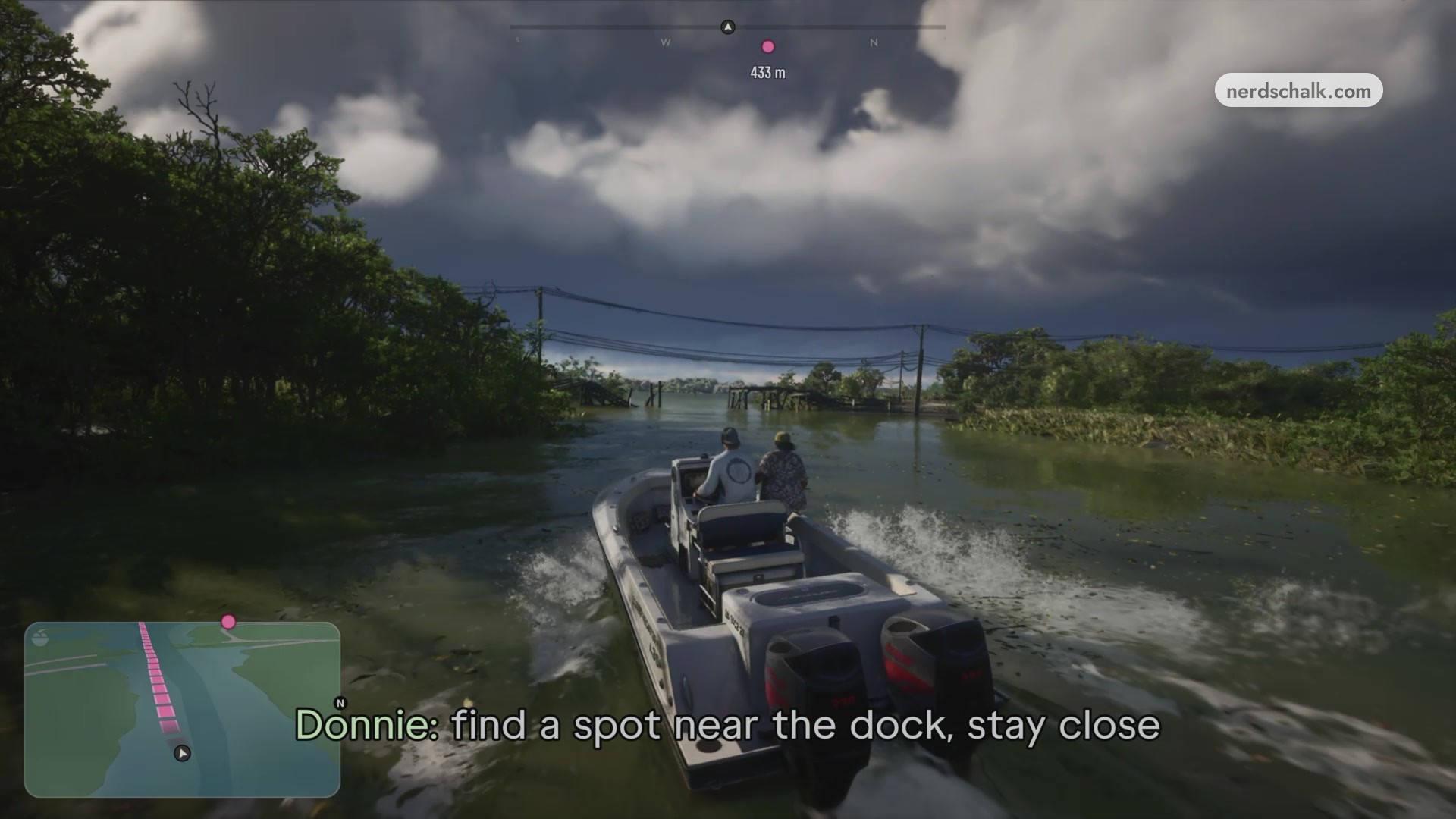
A wooden dock lies ahead through the swampy waterway.
A wooden dock lies ahead through the swampy waterway. · Screenshot by NerdsChalk
STEP 2

Approach the camp’s dock

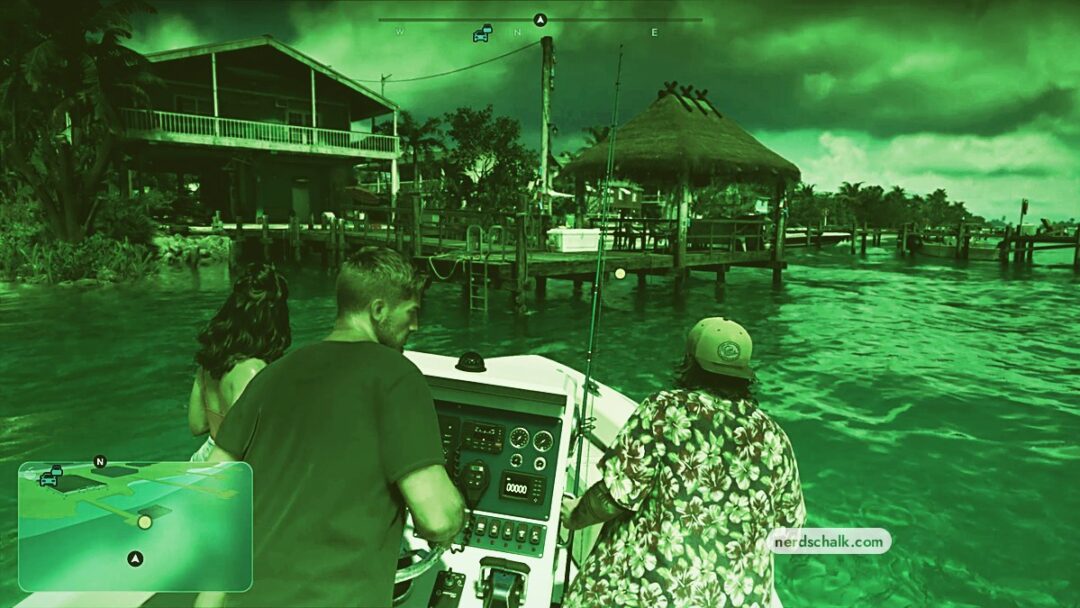
Steer toward the camp on the opposite bank and bring the boat close to its dock. Follow Donnie’s instruction to “find a spot near the dock, stay close.” Reaching the landing area automatically starts a cutscene.
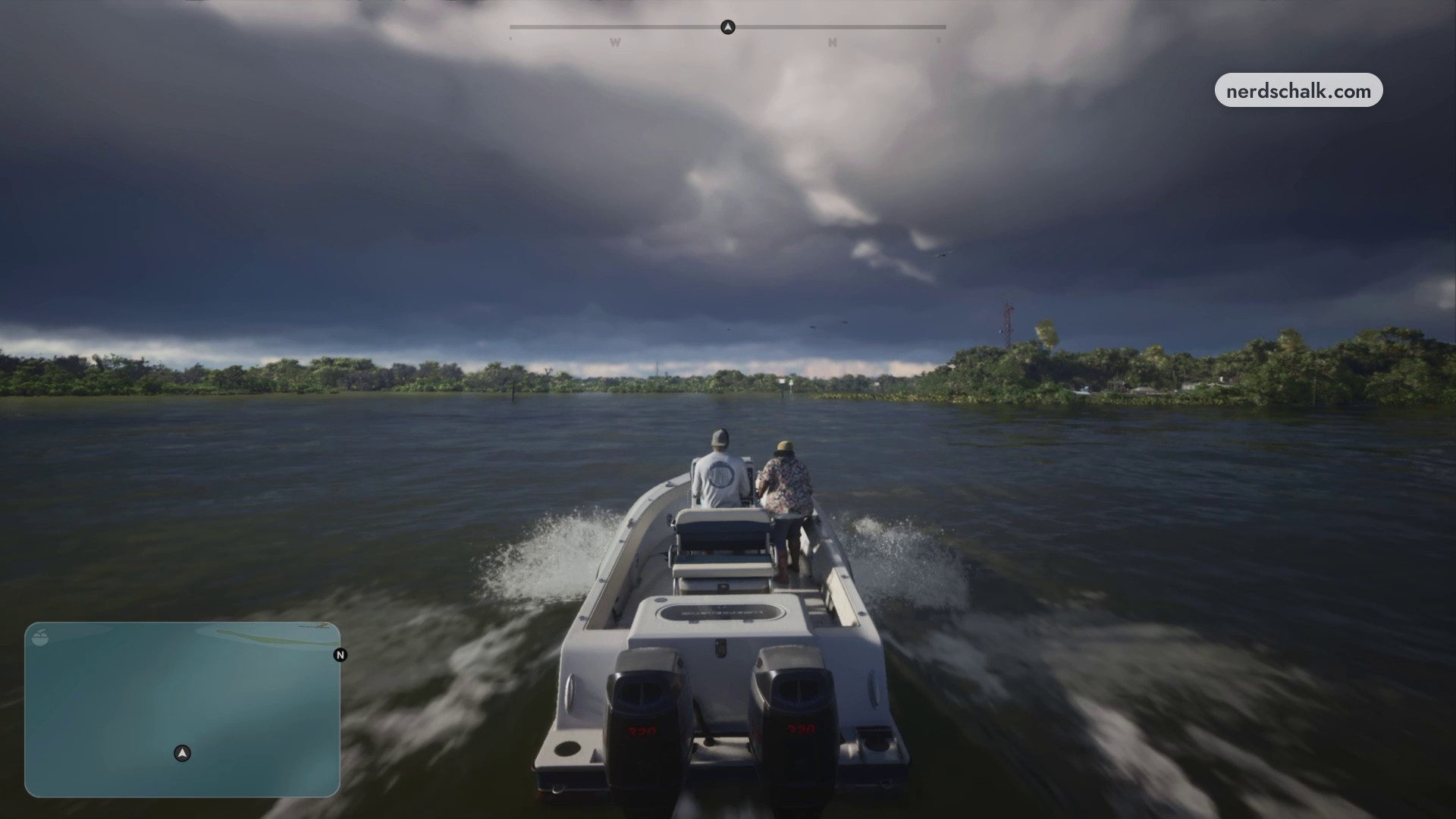
The boat crosses open water toward a shoreline.
The boat crosses open water toward a shoreline. · Screenshot by NerdsChalk
STEP 3

Open your loadout

Hold L1LB to open the weapons and items selection wheel. The on-screen instruction reads, “Hold L1LB to open your loadout.”
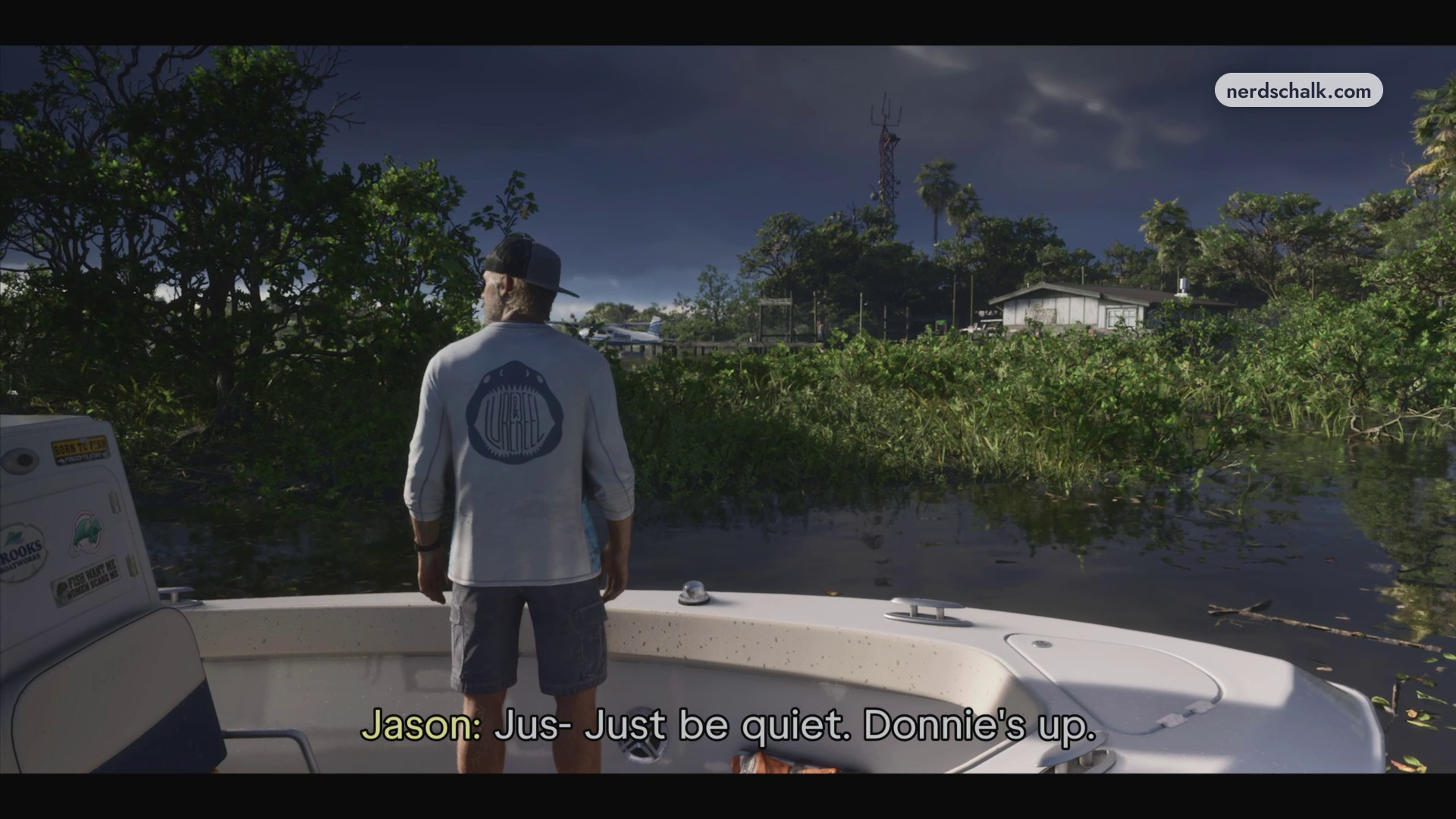
The shoreline, small house and antenna tower are visible from the boat’s bow.
The shoreline, small house and antenna tower are visible from the boat’s bow. · Screenshot by NerdsChalk
STEP 4

Equip the binoculars

Use the right analog stick to highlight the binoculars and equip them through the item wheel. The selection instruction reads, “Use R to select your binoculars.”
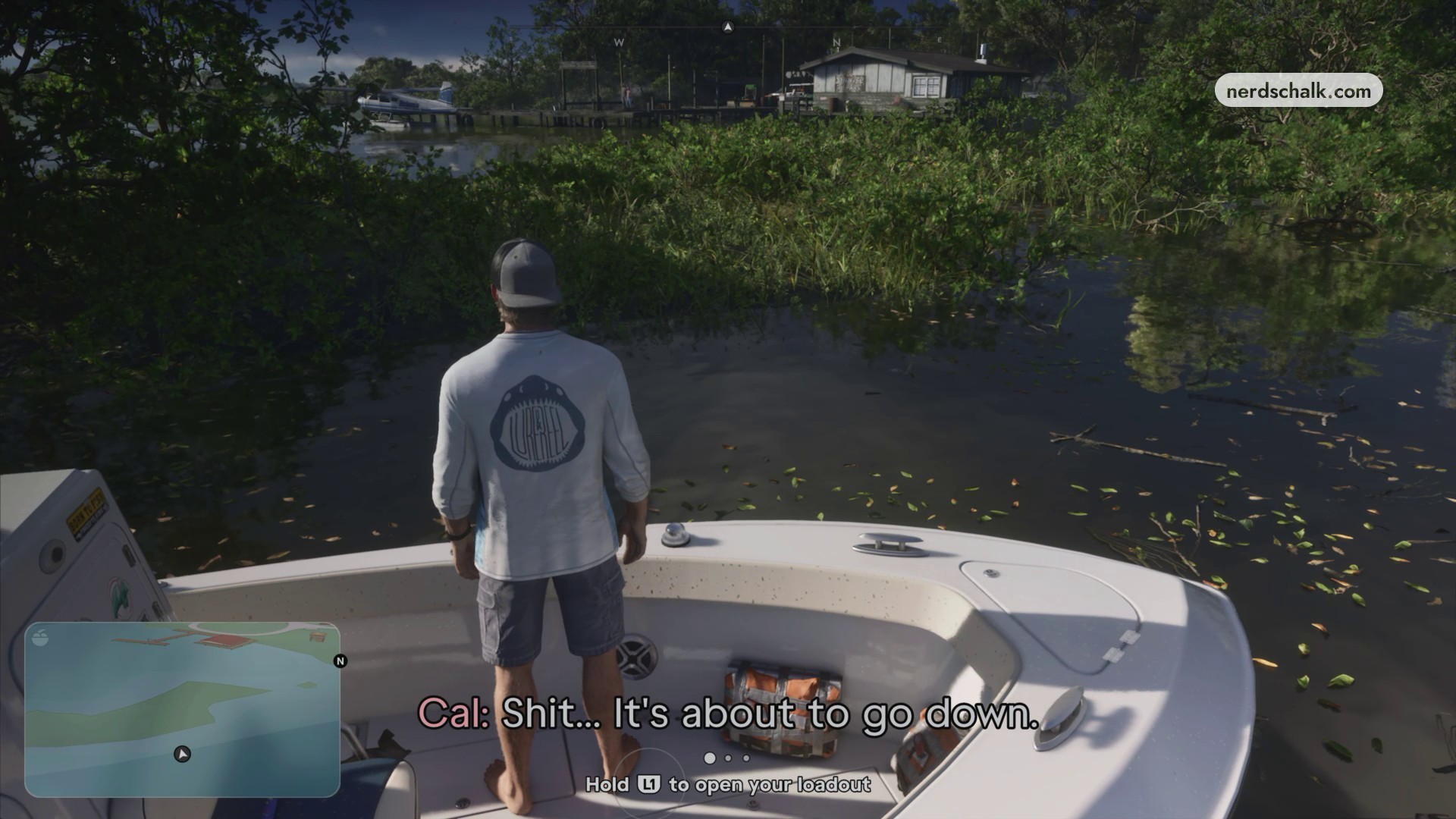
The view from the bow faces a distant dock, house and seaplane.
The view from the bow faces a distant dock, house and seaplane. · Screenshot by NerdsChalk
Don’t miss thisAfter the cutsceneOpen your loadout when prompted after the landing cutsceneThe on-screen prompt is your cue to continue with binocular selection.
QUICK WIN

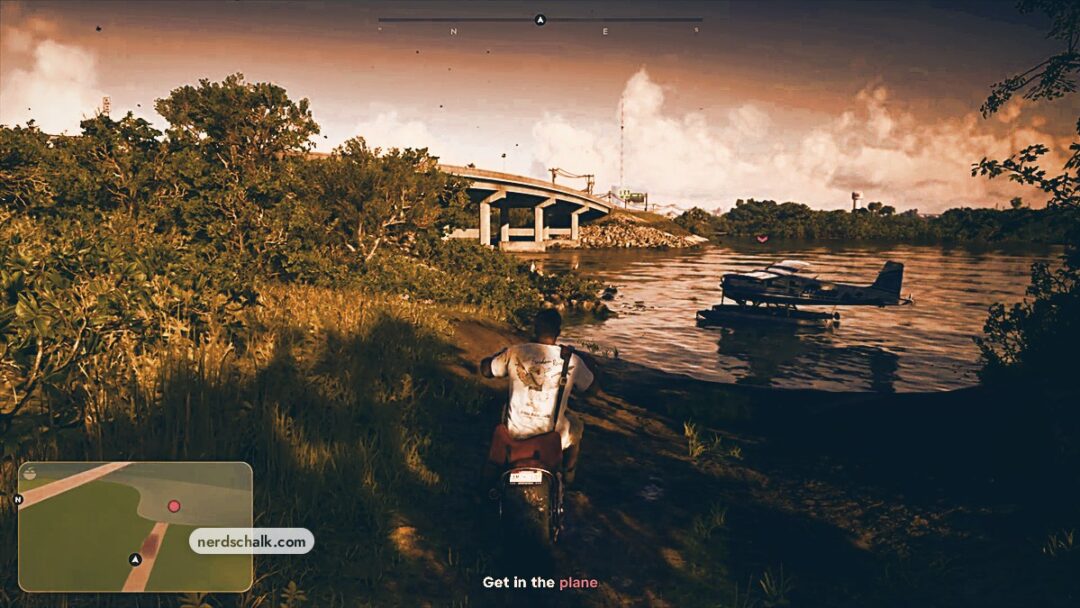
At the binocular stage, a distant dock, house and seaplane are visible across the swampy inlet.

› story detailsSpoilers for the story. Open to read.

Gone Fishing story details

Jason and Cal pull up by the camp.

releaseNovember 19, 2026platformsPlayStation 5, Xbox Series X|SeditionsStandard Edition, Ultimate EditionratingsUS: ESRB M (Mature 17+); Europe: PEGI 18

Related Grand Theft Auto VI guides
Leave a Reply

Your email address will not be published. Required fields are marked *