

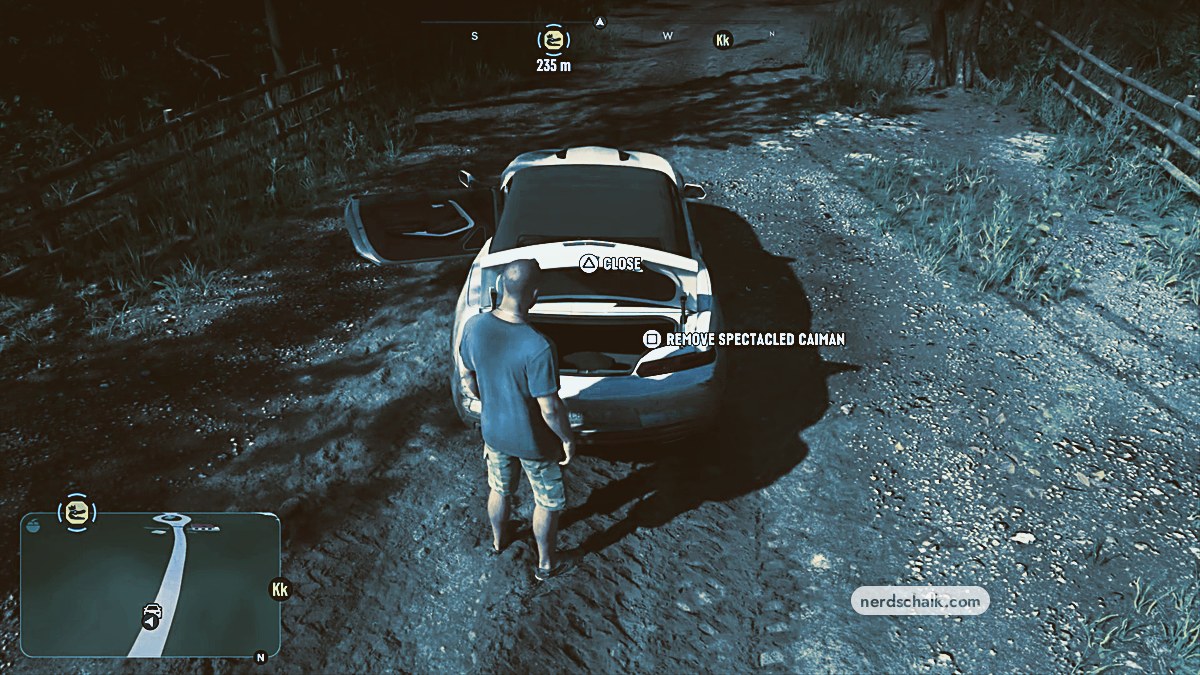
Press TriangleY to pick up the caiman, carry it to your car, open the trunk with TriangleY, and select CLEAR & STOW SPECTACLED CAIMAN with SquareX.
Carrying a spectacled caiman in Grand Theft Auto VI takes you from a shoulder carry to storage in a car’s trunk. This guide covers an animal already lying on the ground, the trunk interactions, and the option to retrieve it after stowing.
How to carry and stow a spectacled caiman in Grand Theft Auto VI
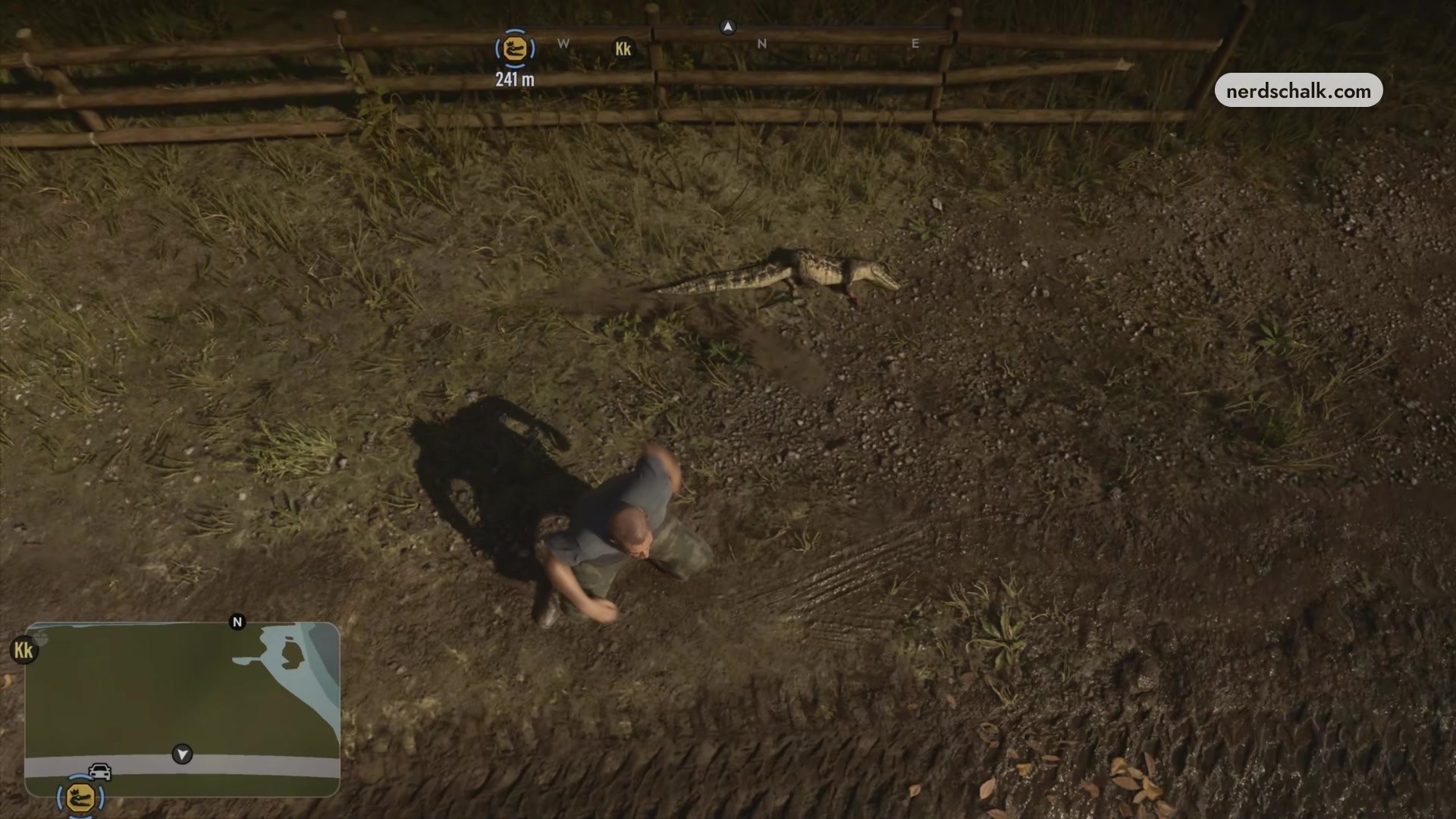
Approach the grounded caiman
Walk up to the caiman lying on the ground beside the wooden fence.
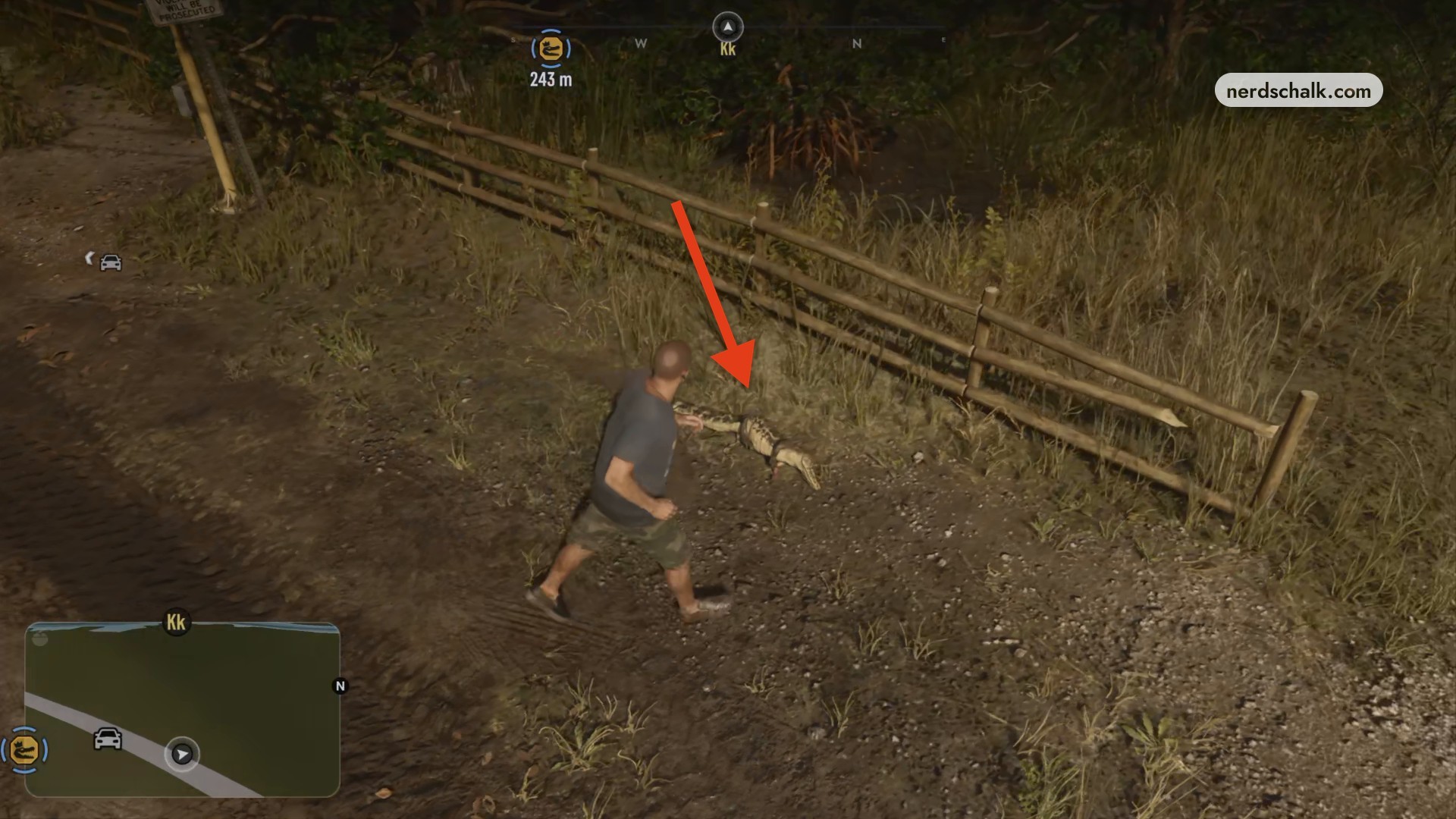
Pick up the caiman
When PICK UP appears, press TriangleY to lift the animal onto your shoulders. The bottom-right target label reads CAIMAN; once you lift it, the species label reads SPECTACLED CAIMAN.
Move beside the grounded caiman to use the pickup interaction.
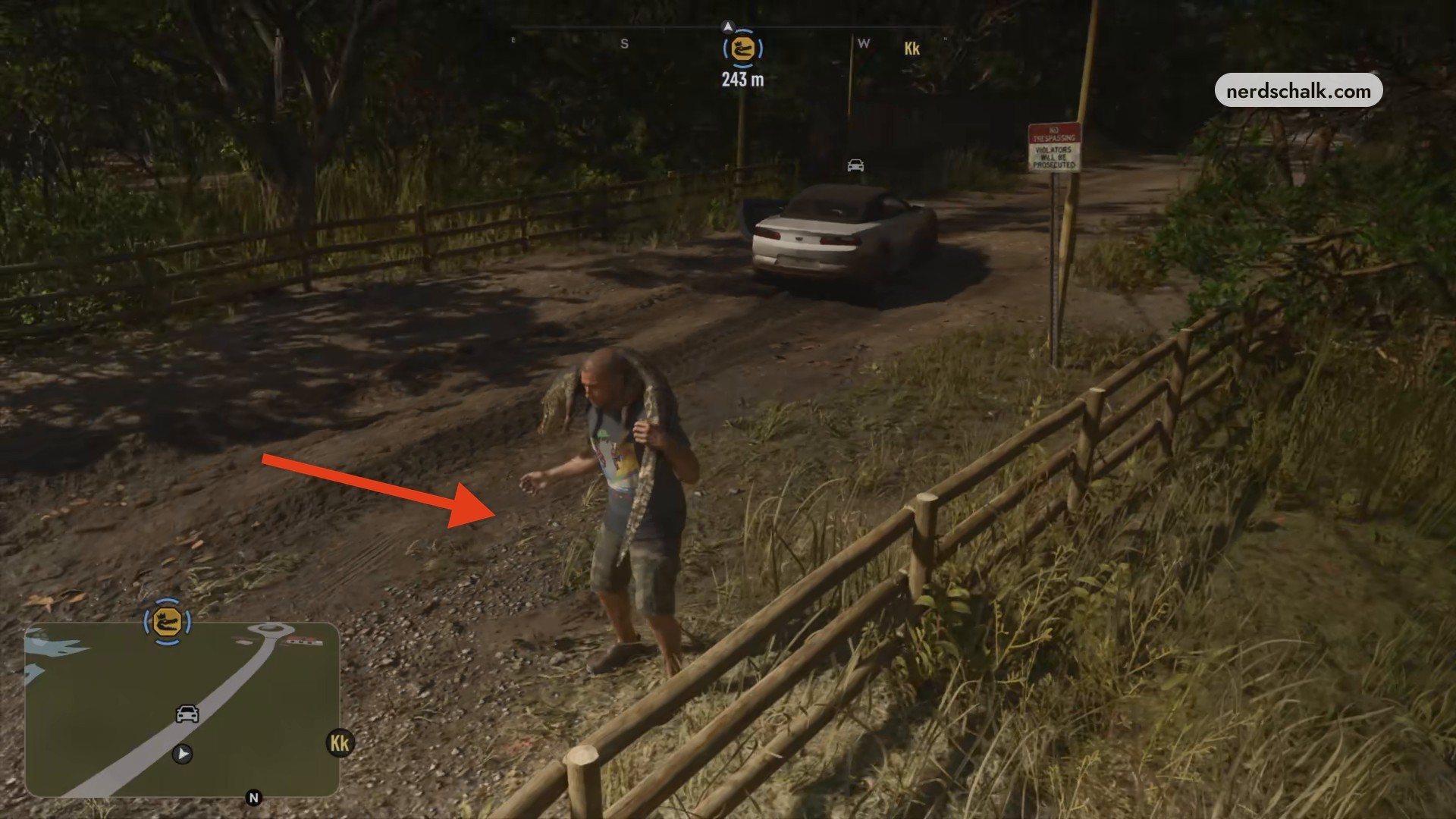
Carry the caiman to the car
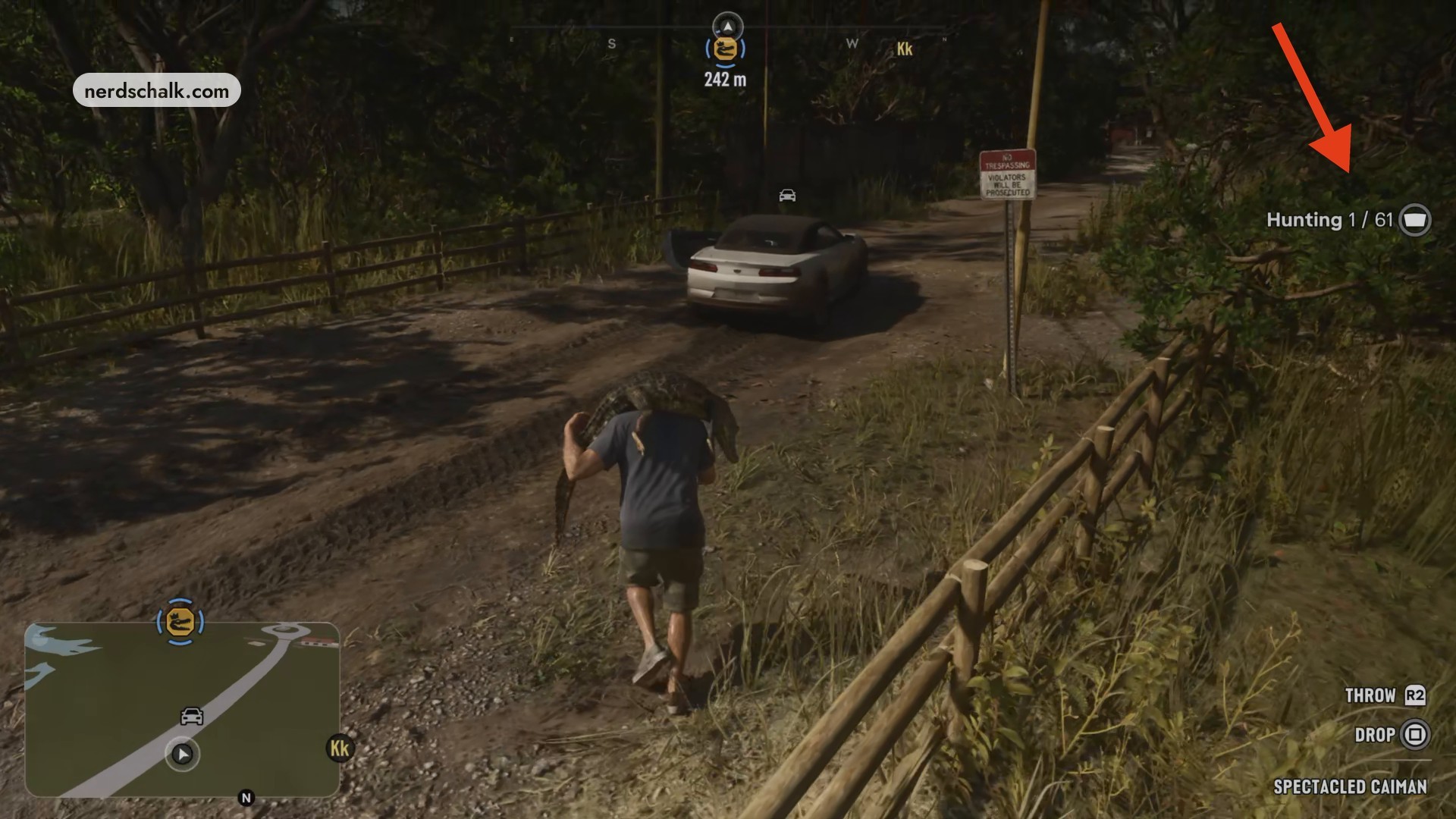
Walk toward the rear of your vehicle with the caiman across your shoulders. While carrying it, you have THROW on R2RT and a separate DROP interaction; keep holding it as you approach the trunk.
Check Hunting progress
Look in the top-right corner for the Hunting notification. Its counter tracks progress, with 1 / 61 displayed in this encounter.
Open the trunk
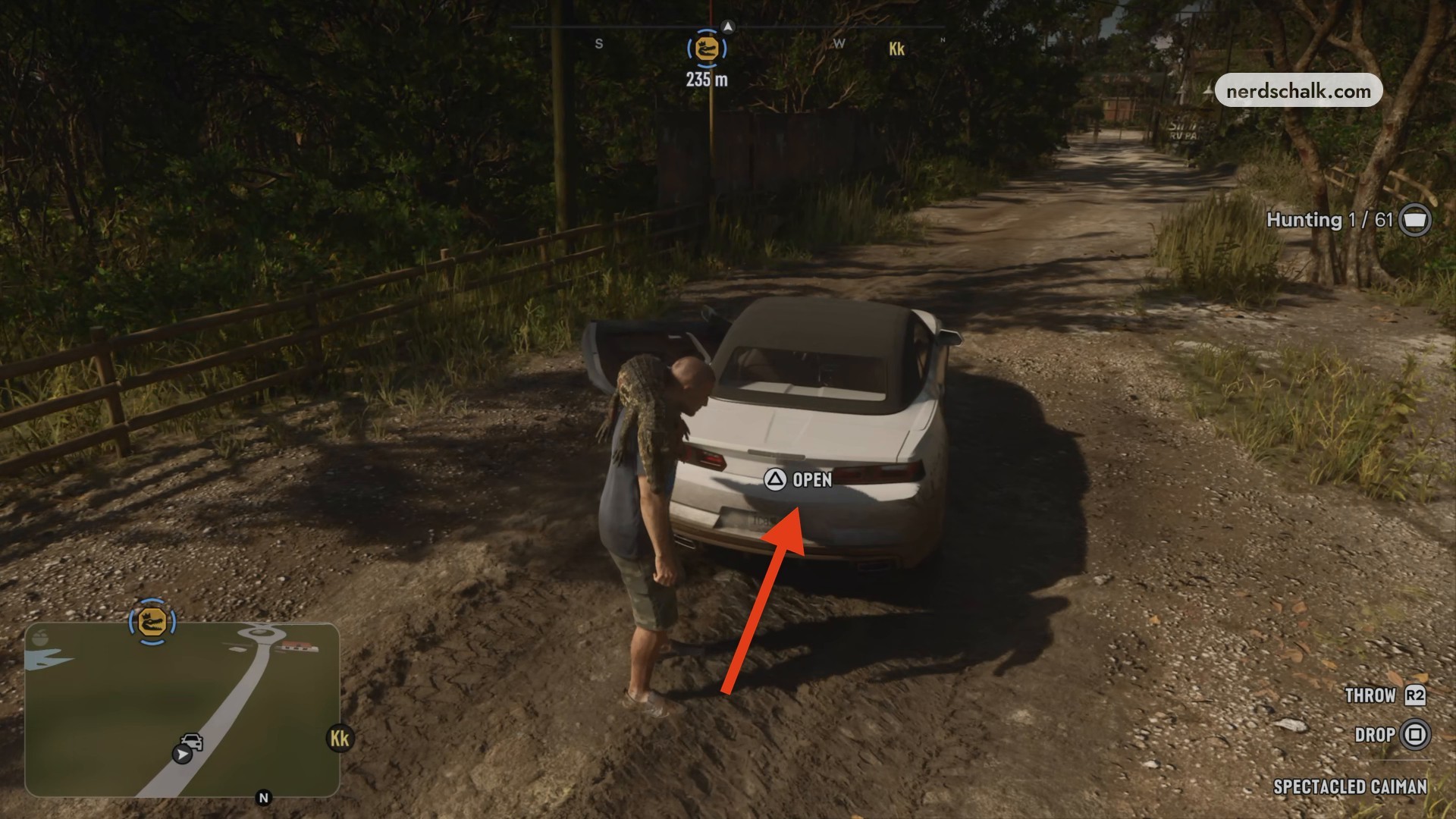
Stand at the car’s rear and press TriangleY at OPEN. You can raise the trunk lid while still holding the caiman.
Stow the caiman
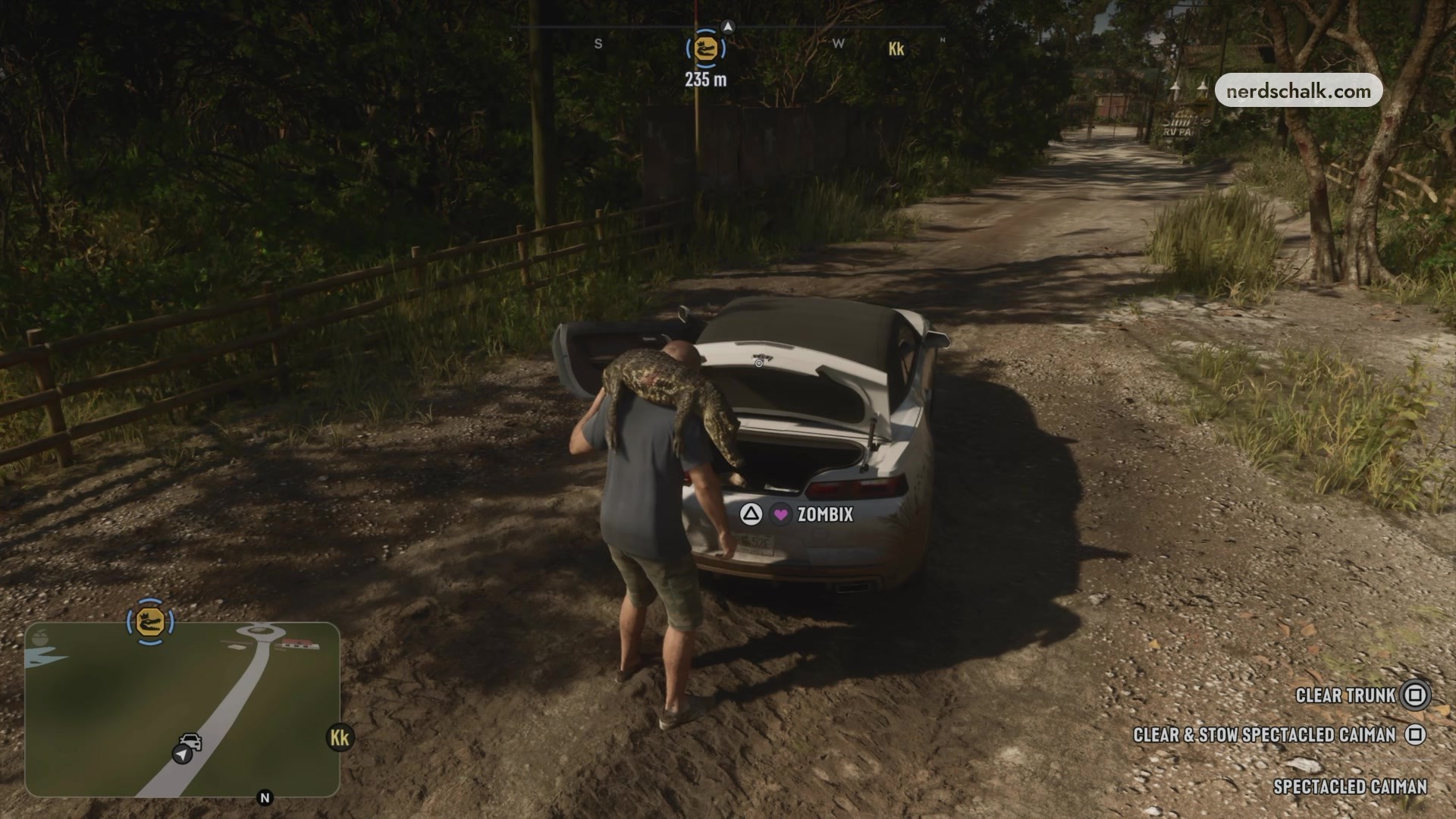
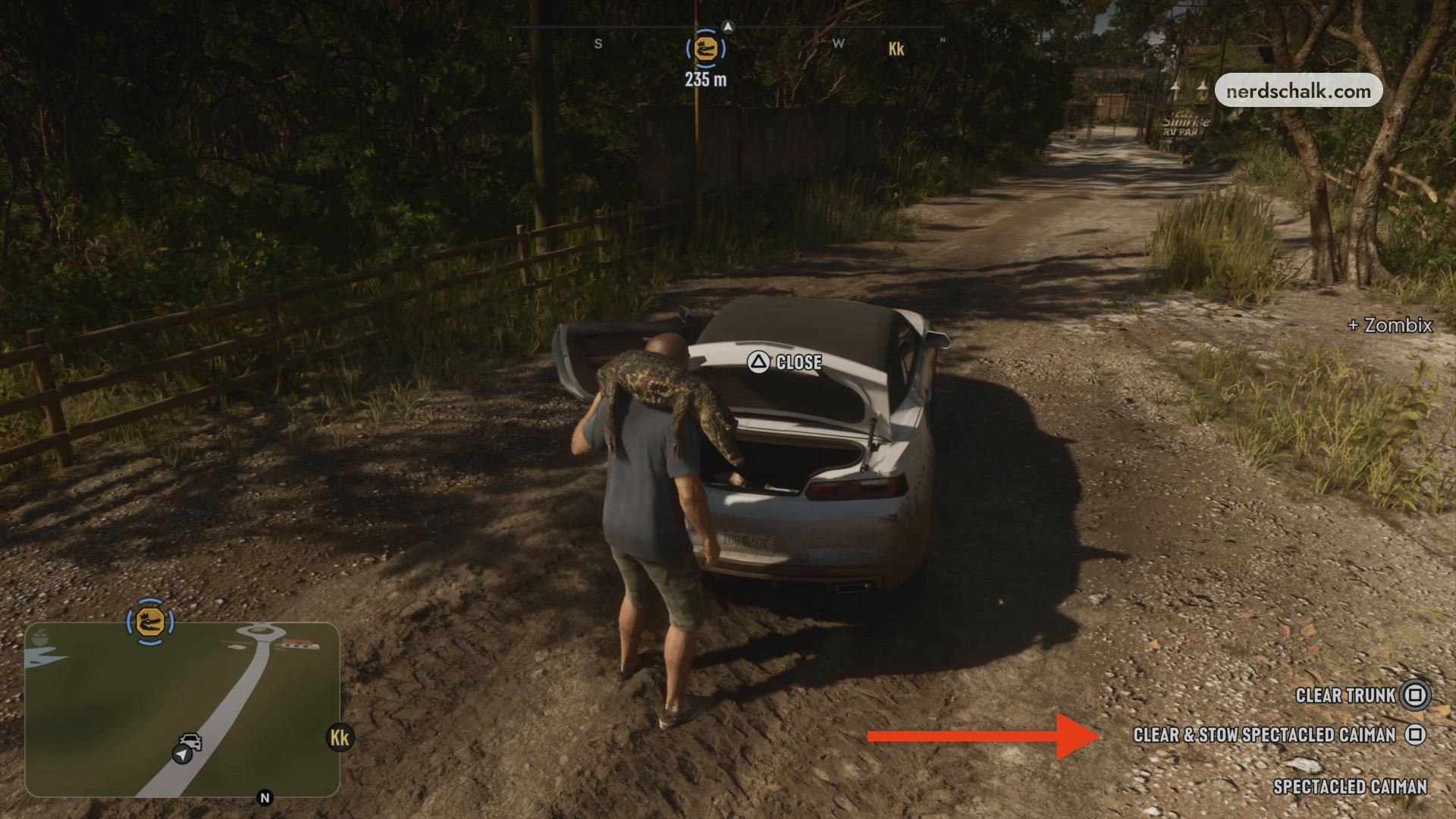
The open trunk offers CLEAR TRUNK, and you can loot its items while keeping the caiman on your shoulders. Press SquareX to select CLEAR & STOW SPECTACLED CAIMAN. A brief placement cutscene plays.
Press Square at CLEAR & STOW SPECTACLED CAIMAN to place the animal inside.
Close the trunk
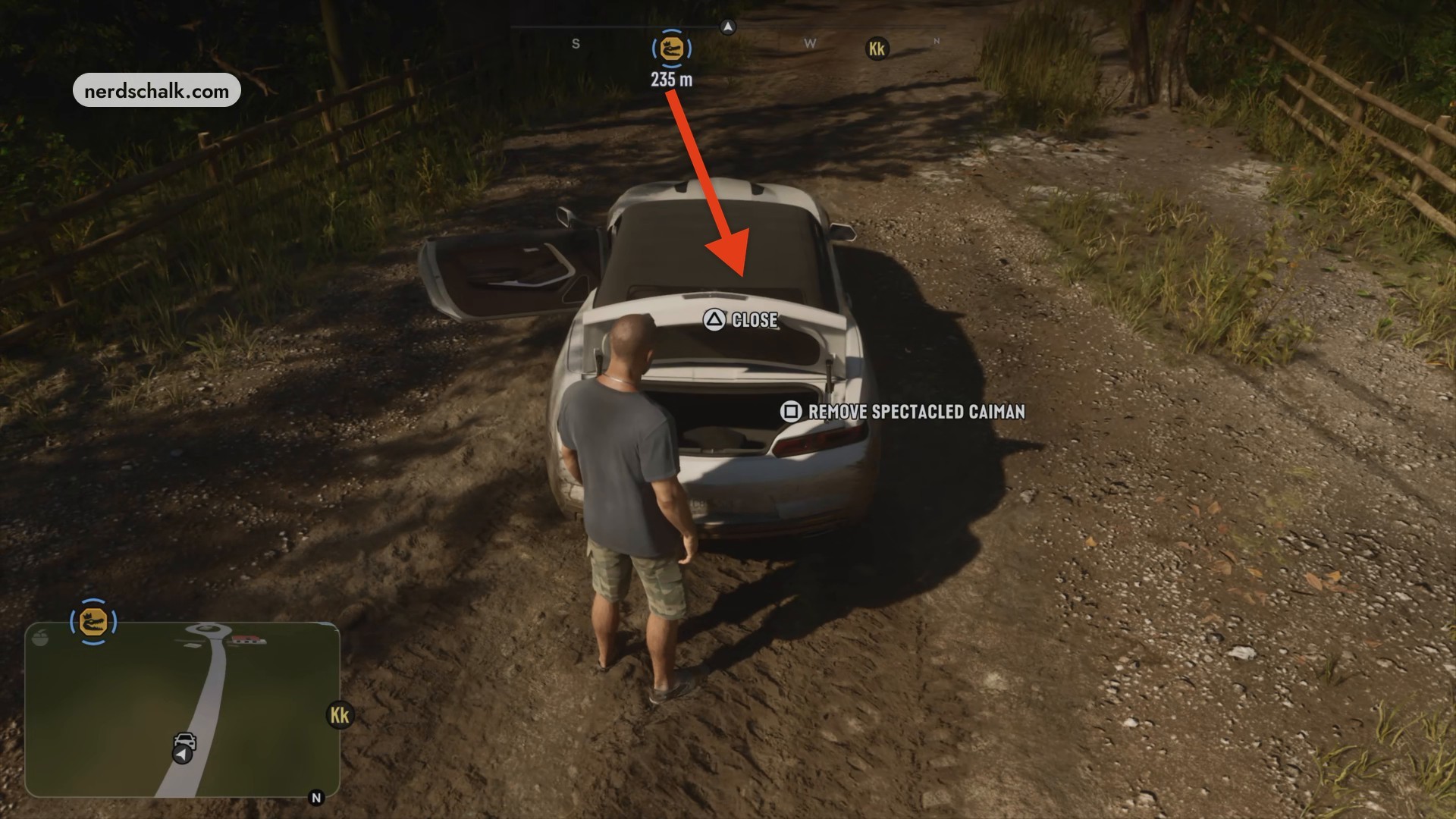
After placement, the trunk remains open and REMOVE SPECTACLED CAIMAN appears. That interaction means the animal is stored and gives you the option to retrieve it. To leave it stowed, press TriangleY at CLOSE to shut the trunk.
Related Grand Theft Auto VI guides
Leave a Reply