

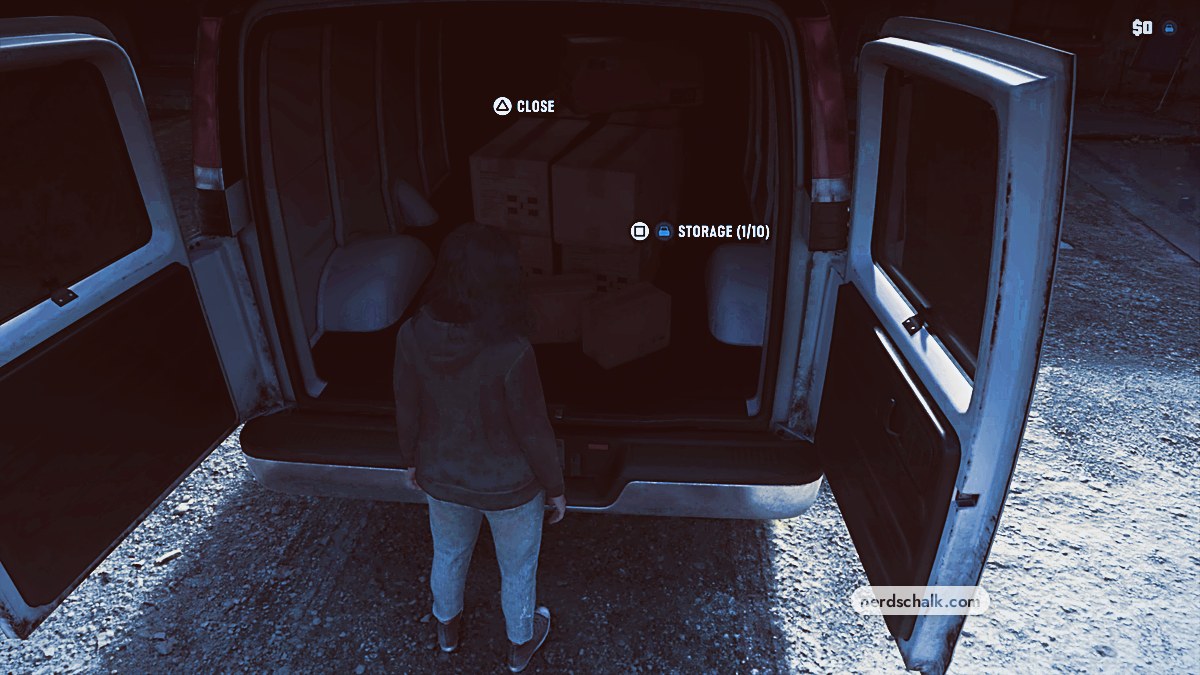
Stow your carried duffel bag in the Rumpo’s rear cargo area, then select the stash bag in vehicle storage to take it back.
The Rumpo’s vehicle storage lets you put your duffel bag away and collect it again in Grand Theft Auto VI. The interactions run through its rear cargo doors. The game’s listed platforms are PlayStation 5 and Xbox Series X|S.
How to stow and retrieve a bag in a Rumpo in Grand Theft Auto VI
Look for RUMPO as the displayed vehicle model name.
Approach the Rumpo
Walk toward the van with your duffel bag.
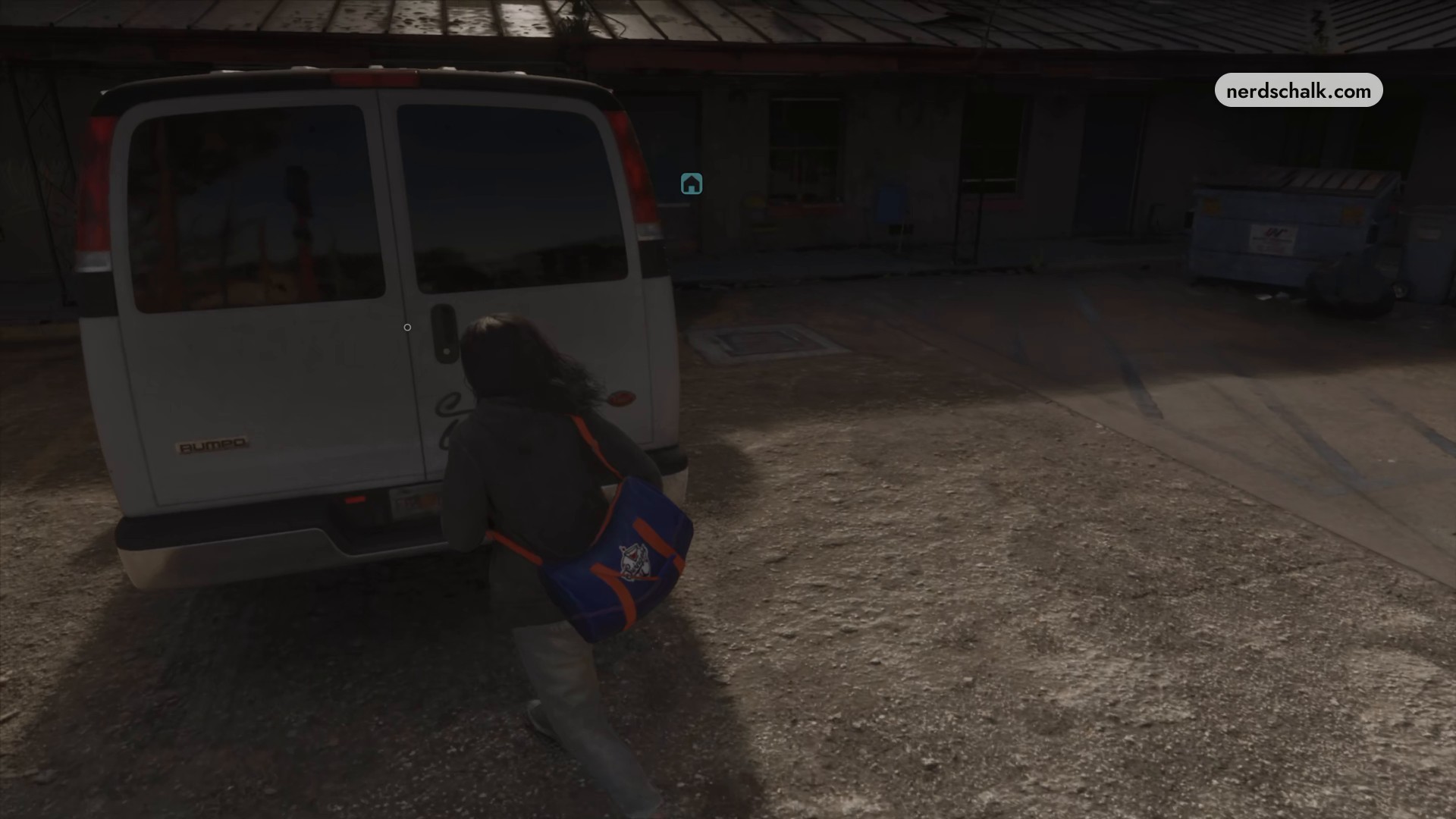
Open the rear cargo doors
Press Triangle at the OPEN prompt to open the van’s rear doors.
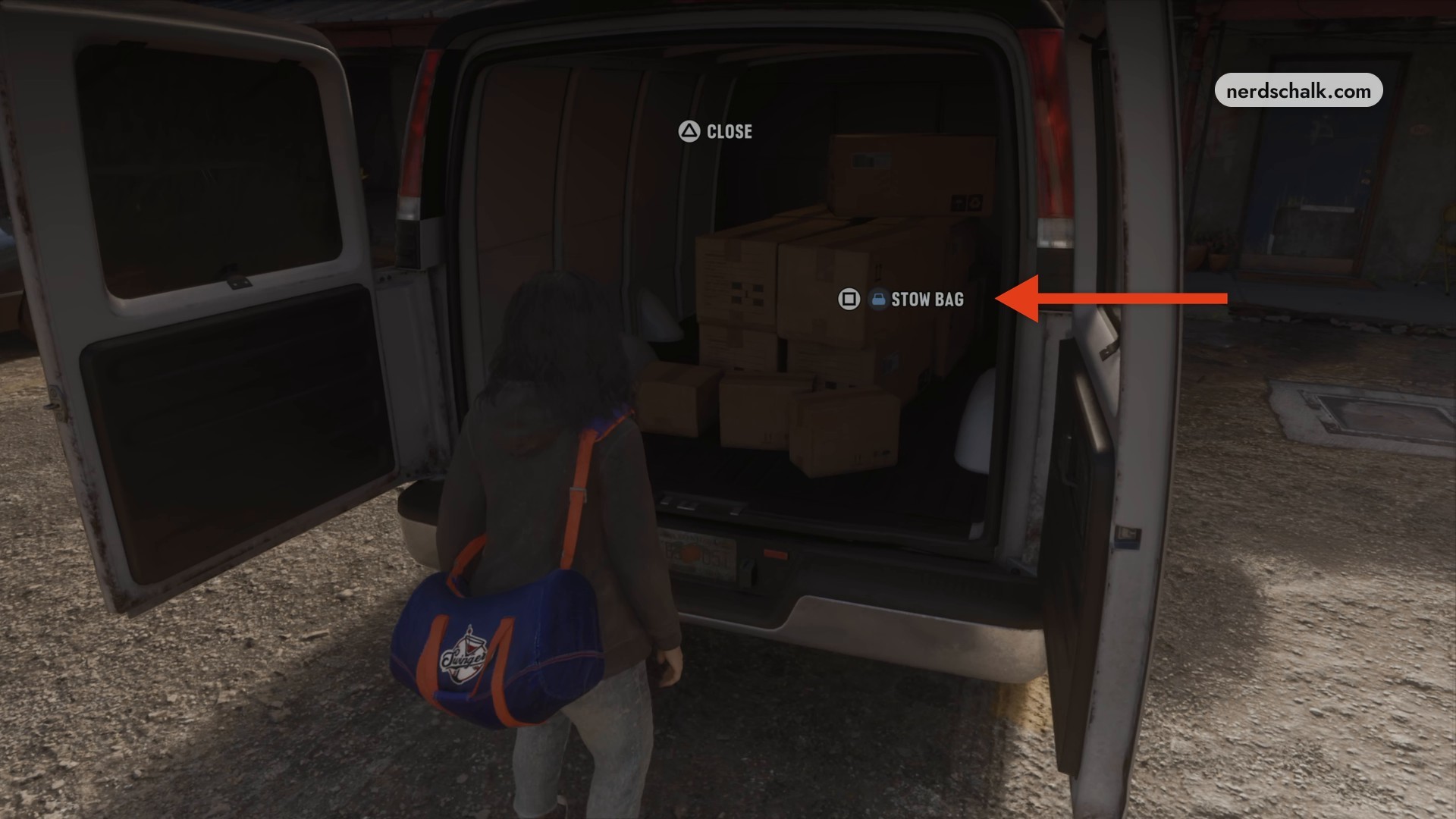
Stow your duffel bag
Face the open cargo area and press Square at STOW BAG to put your bag into vehicle storage. CLOSE is available alongside the stow interaction while the doors are open.
Open vehicle storage
Press Square again to inspect the stored items. The storage prompt reads STORAGE (1/10) in the supplied display example, with CLOSE still available alongside it. The displayed bag’s contents are valued at $450 for narcotics, $0 for jewelry and $0 for marked bills.
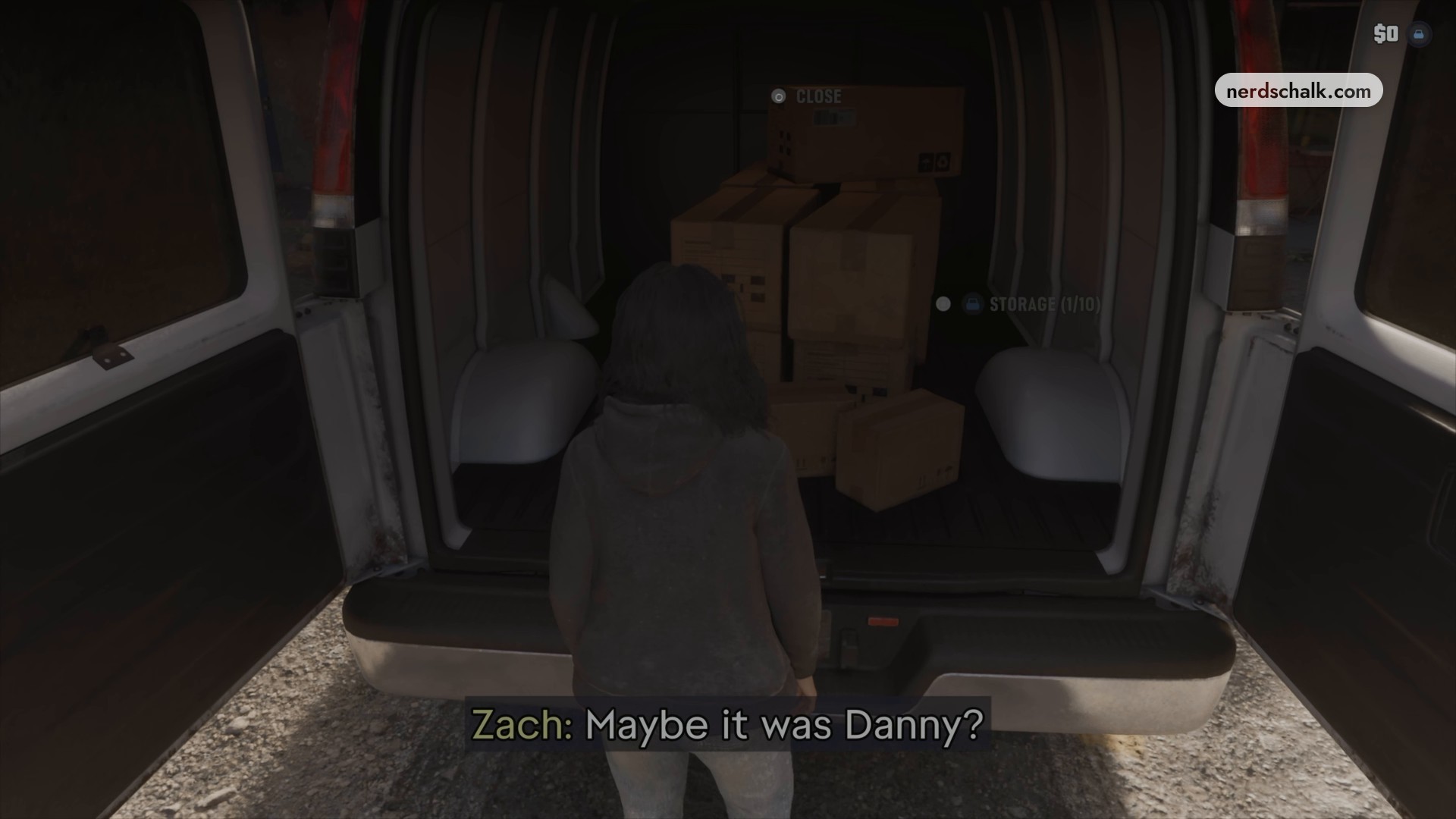
Retrieve the stash bag
Select the stash bag in the vehicle inventory and take it back into your possession. The retrieval prompt reads TAKE STASH BAG ($450) in the supplied display example. After retrieval, the wallet cash display reads $450.
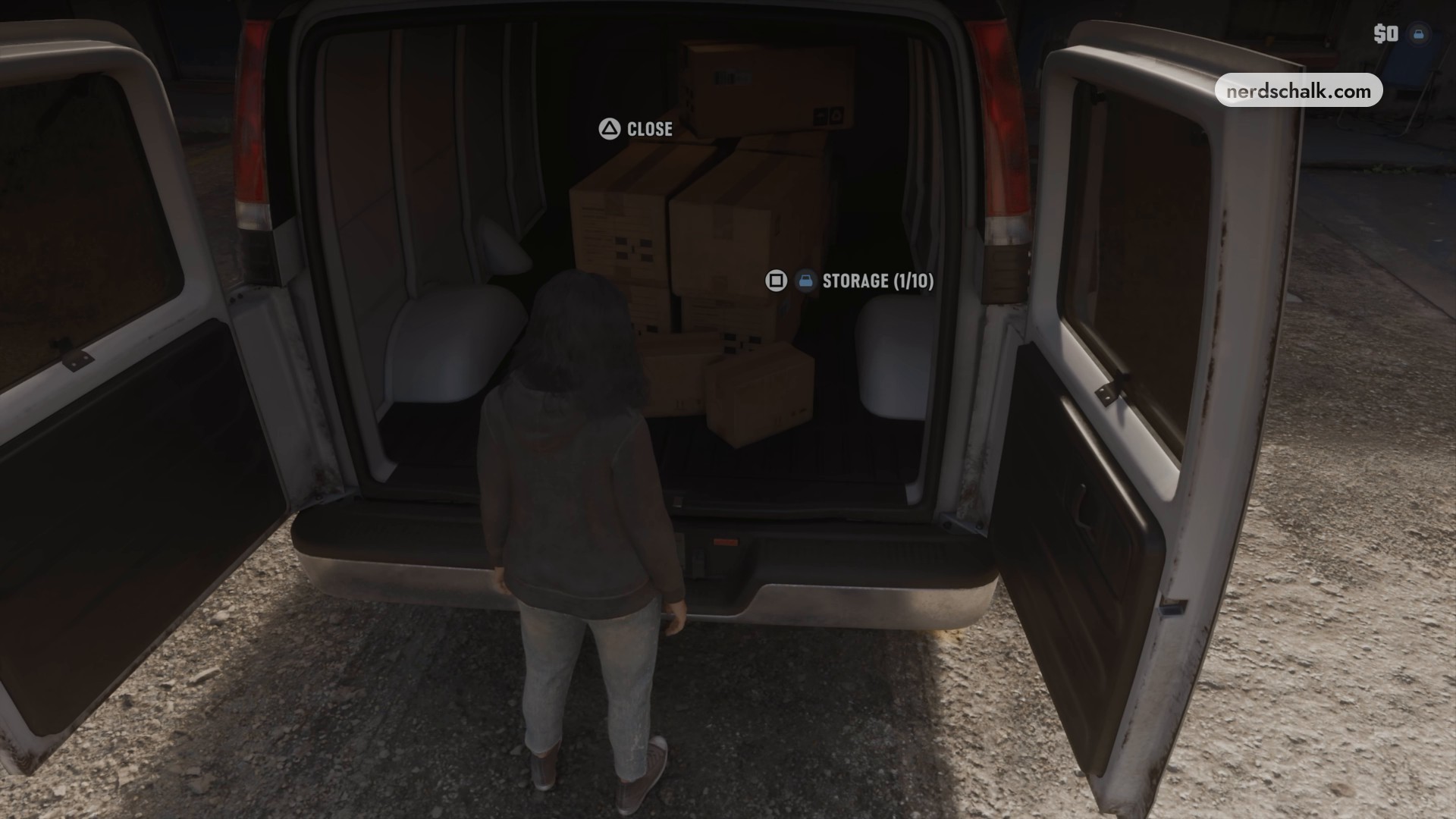
Close the rear cargo doors
With your bag back in your possession, press Triangle at CLOSE to shut the Rumpo’s rear doors.
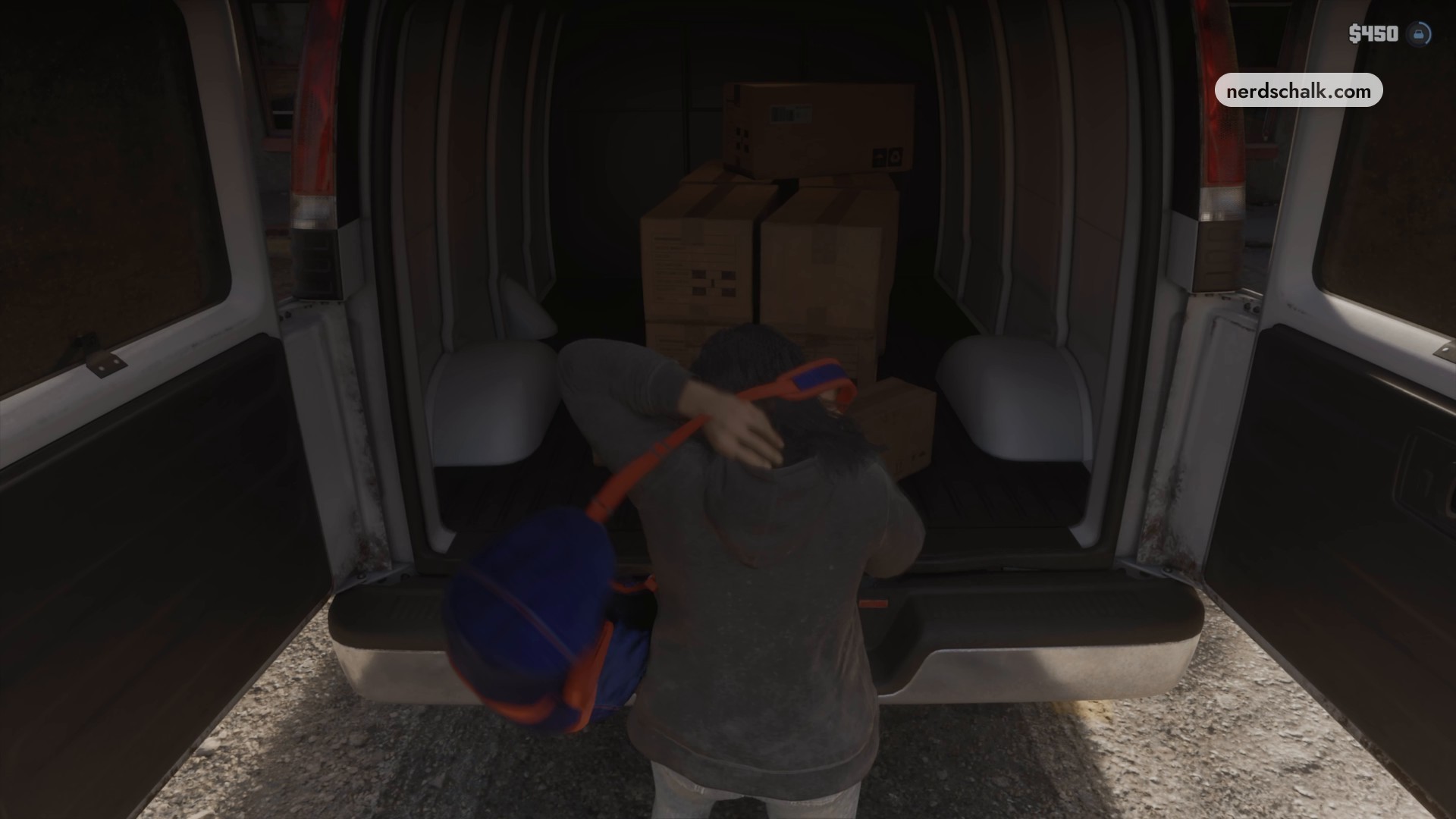
Read the action label beside the button as you go: Square handles both stowing the bag and opening vehicle storage.
Related Grand Theft Auto VI guides
Leave a Reply