
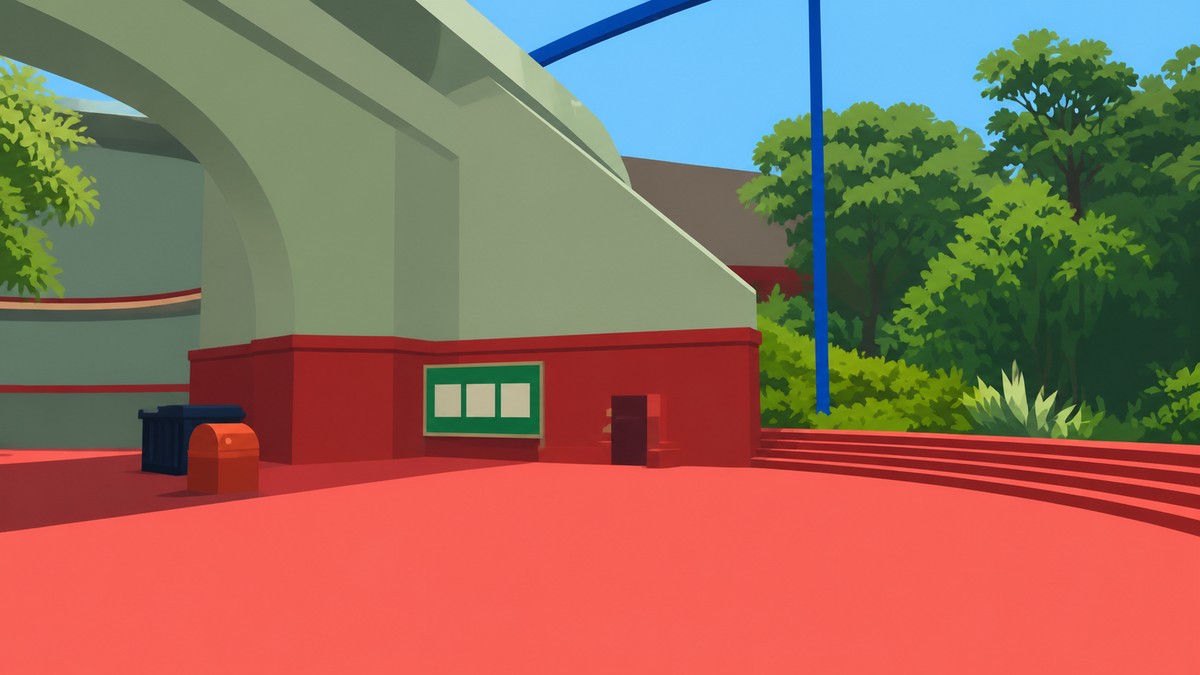
The Map is inside the map room behind the big blue tunnel near the starting area; complete the Red Tower, shape its key through the Key Cutters, then enter the room to unlock Big View and pick up the handheld map beside the compass.
If you want to plan routes with friends or clean up unfinished objectives in Big Walk, make this one of your first major stops after the opening puzzles. The route runs through the Red Tower chain, then bends back toward the starting-area side where the blue tunnel entrance sits.
Where the Map is and what Big View needs
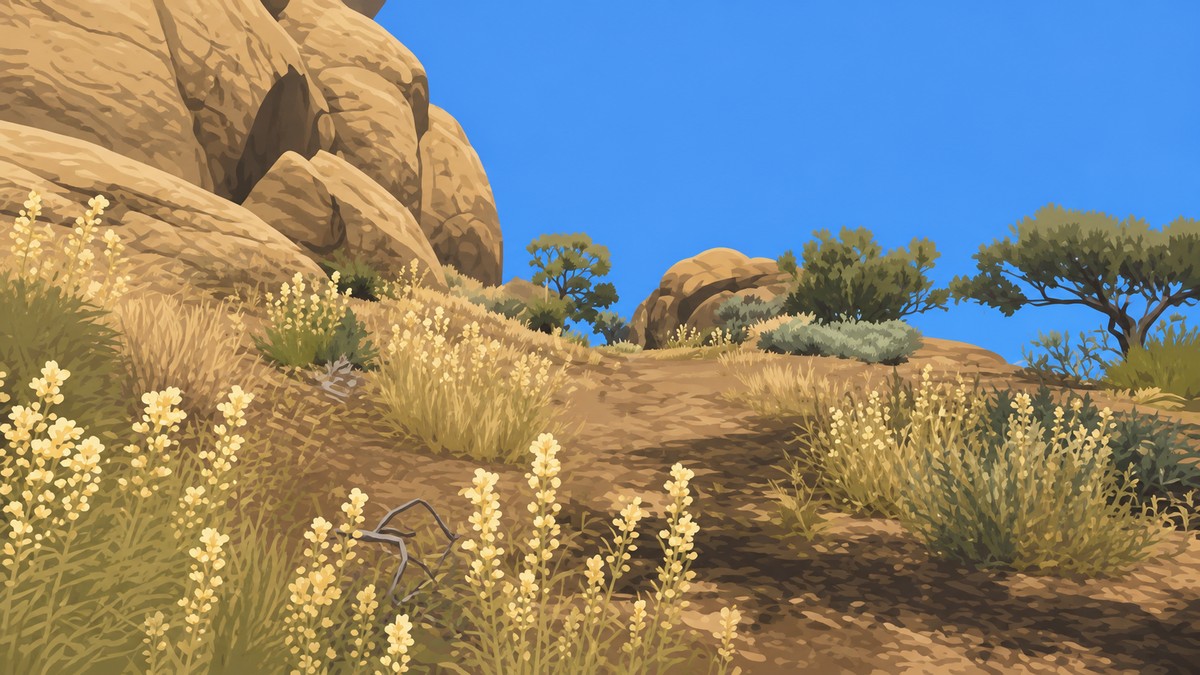
Big Walk uses “the Map” in two ways. There is a full map room with a large 3D island model, and there is also a carryable physical map you can pick up inside that same room.
Big View is tied to visiting the map room itself. Once you get through the blue tunnel and enter the chamber with the big island model, the achievement requirement is met; the handheld map and compass are your rewards for going deeper into the room.
How to reach the Map room in Big Walk
KEY!
Follow the Red Tower route first, then use the finished key at the blue tunnel entrance near the starting-area side.
STEP 1/10
Clear the early puzzles
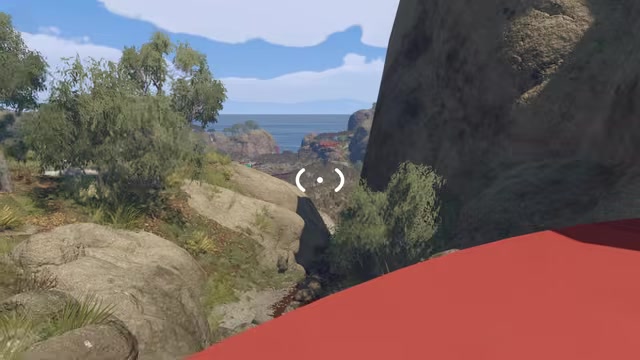
Finish the opening puzzles until you can leave the starting area and reach the wider island.
STEP 2/10
Use the Red Tower as your landmark
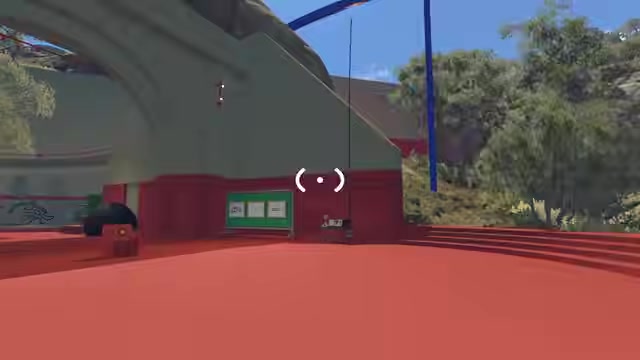
Look uphill for the large Red Tower and head toward it from the open area.
STEP 3/10
Collect five red tower items
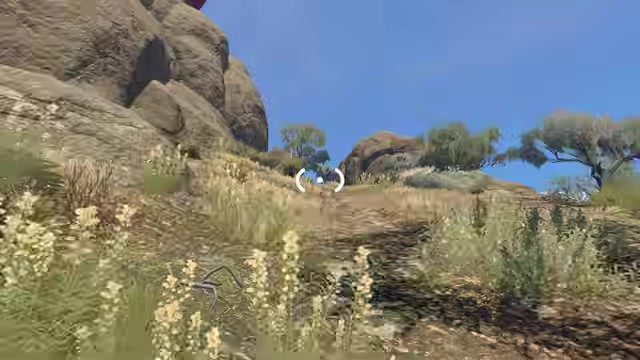
Complete nearby puzzles around the area until you have five red reward items for the Red Tower terminal; names for these items may vary in-game.
STEP 4/10
Take the Red Tower key

At the top of the Red Tower, use the five red items to get the key.
STEP 5/10
Shape the key at the Key Cutters
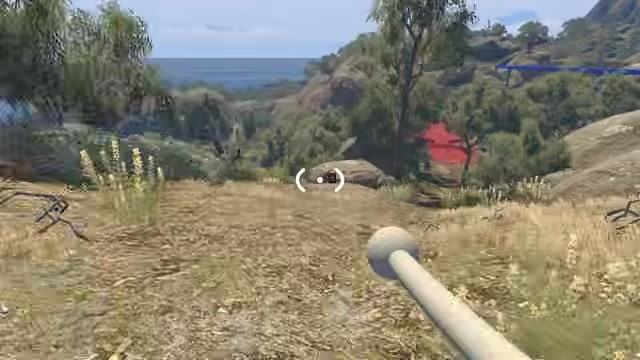
Carry the key through the Key Cutter stations in order, following the route back down from the tower.
STEP 6/10
Continue past Key Cutter four
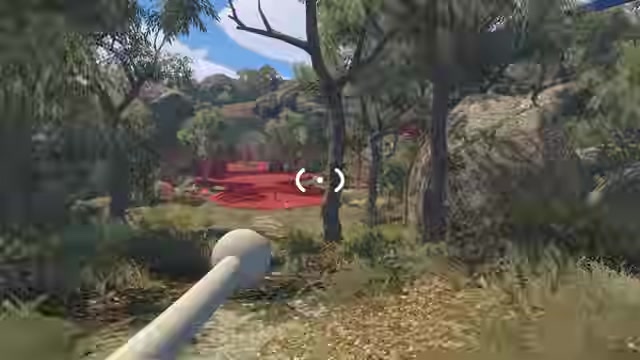
Keep moving through the cutter route until the final station points you back toward the blue tunnel side.
STEP 7/10
Find the blue tunnel entrance
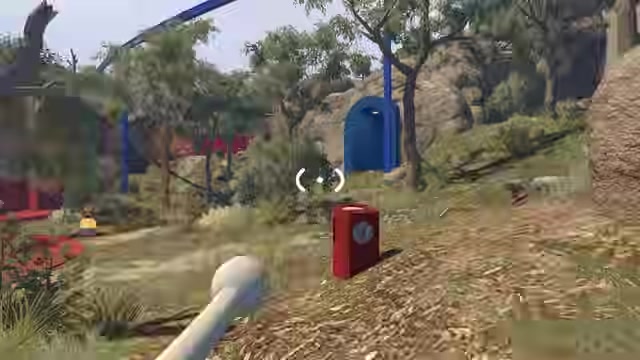
Look near the starting-area side for the big blue doorway with red stairs.
STEP 8/10
Use the finished key at the doorway

Place the shaped key in the slot at the top of the blue doorway to open the tunnel.
STEP 9/10
Enter the Map room

Walk through the tunnel into the chamber with the large 3D island map to unlock Big View.
STEP 10/10
Pick up the handheld map
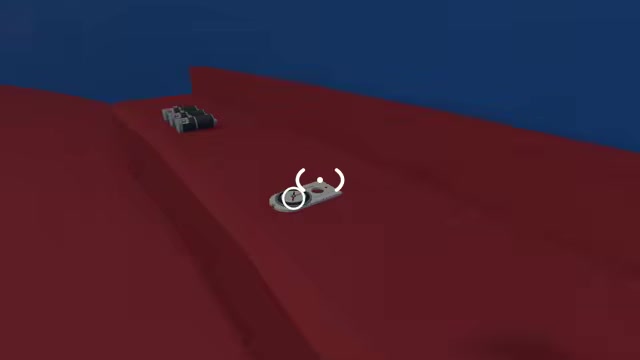
Go to the upper shelf area and collect the physical map next to the compass.
Do the full Key Cutter route before returning to the blue doorway; an unfinished Red Tower key will only waste the trip back.
Video help
Inside the Map room
| Map feature | Use |
|---|---|
| Large island model | Shows landmarks, towers, backpacks, radios, tokens, flags, and unfinished markers. |
| Handheld map | Gives you a portable island layout with zoomable regions and grid coordinates. |
| Compass | Helps with north, south, east, and west directions for coordinate-based puzzles. |
| Laser pointers | Useful for pointing out locations on the large model while planning with friends. |
The map room is built around a large scale model of the island. You can walk around it, read the terrain, and use the markers to understand which areas still need attention before committing to a long trek outside.
Completed places are marked with flags, while an empty flagpole points to something unfinished. The room also has extra tools on the upper wall and shelf area, including the handheld map, compass, and laser pointers.
Using the big map and the handheld map
| Map | Best for |
|---|---|
| Large map room model | Completion tracking, route planning, and spotting missed island objectives. |
| Handheld physical map | Navigation, grid references, zoomed regions, and coordinate puzzle work. |
Use the big room map when you are deciding where to go next, especially if you are hunting towers, backpacks, radio stations, tokens, or unfinished objectives. It gives you the richer completion view because its flags and empty poles make progress easy to scan at a glance.
The handheld map is better once you are back outside. It helps you keep your bearings, zoom into regions, and work through puzzles that rely on coordinates or compass directions, but it does not place a live player marker on the map.
Mistakes that slow down the Map route
The biggest delay is wandering the island for random collectibles instead of focusing on the five Red Tower reward items. The tower route is the actual gate for the map room, so nearby puzzle completion matters more than aimless exploring.
Another easy mistake is returning to the blue doorway too early. If the key has not gone through the full Key Cutter sequence, finish that loop first before heading back to the red stairs.
Finally, do not expect the handheld map to replace the room-sized model. The portable map is for movement and coordinates; the large model is the better tool for checking what you have missed.
More game guides
Frequently Asked Questions
Does the handheld map show your current position?
No. The handheld map shows the island layout, grid, and region information, but it does not display a live marker for where you are standing.
Do you need the Map before exploring the rest of the island?
No, but getting it early makes exploration much easier because it gives you planning tools before you start chasing distant objectives.
Does entering the map room automatically unlock Big View?
Yes. Big View requires you to visit the map, so entering the map room with the large island model satisfies it.






Leave a Reply