
To lock-pick in Beast of Reincarnation, interact with a Strongbox and quickly copy the directional pattern shown on the lockpicking UI before the yellow timer bar runs out.
Lock-picking in Beast of Reincarnation is tied to Strongboxes, not a broad thief-style skill or a general way to bypass every locked door. When you find a Strongbox, the game throws up a short directional-input test: read the pattern, press the directions in order, and finish before the timer drains.
Strongbox lock-picking is a directional-input lock
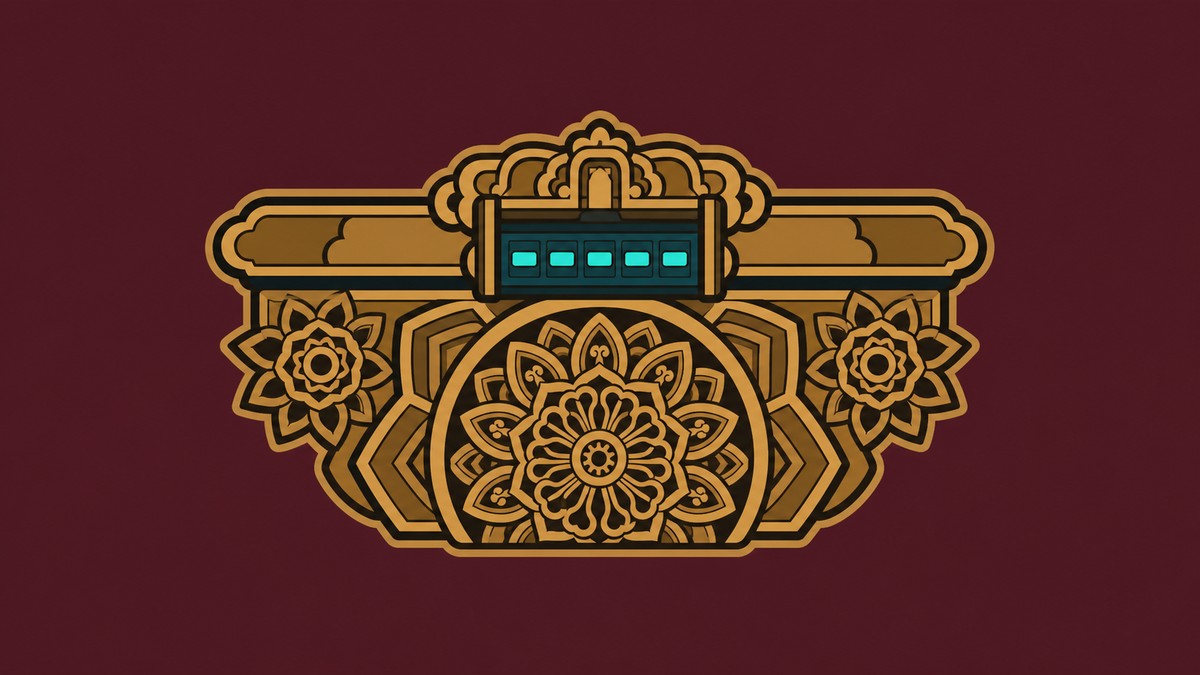
The Strongbox prompt appears as Strongbox (Unknown). Interacting with it opens a compact lockpicking interface where the lock is solved by matching the displayed direction sequence.
Keep the scope narrow: this is the Strongbox minigame. Other locked routes in Beast of Reincarnation can still revolve around keys, key items, devices, mechanisms, or switches, so do not expect every sealed door or story gate to use this same prompt.
How to lock-pick a Strongbox in Beast of Reincarnation
Use the pattern on the Strongbox UI as your code and enter it fast before the timer runs out.
STEP 1/5
Find a Strongbox
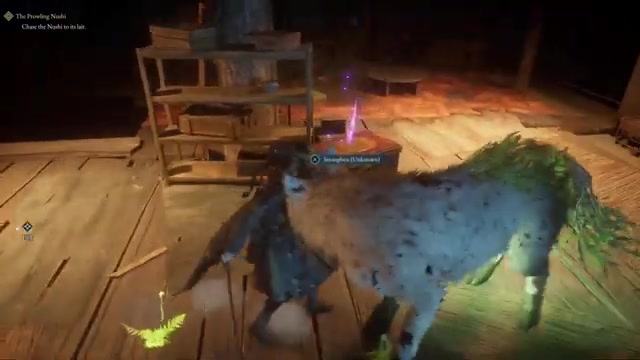
Look for a locked chest with the Strongbox (Unknown) interaction prompt.
STEP 2/5
Start the lockpick prompt
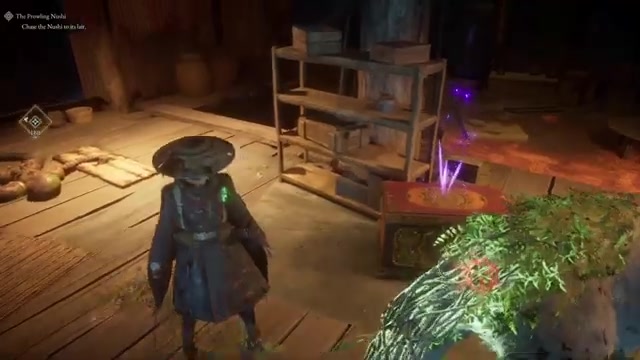
Interact with the Strongbox to bring up the directional lockpicking interface.
STEP 3/5
Read the displayed pattern
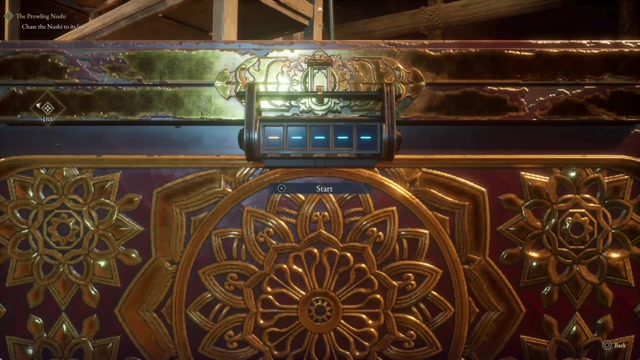
The directional sequence is Left, Up, Up, Down, Right.
STEP 4/5
Enter the directions quickly
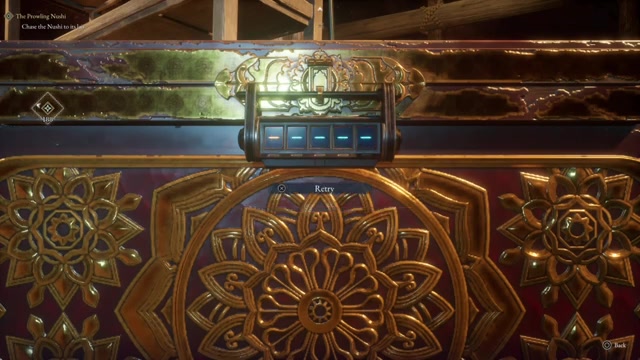
Press each direction in the exact order shown before the yellow timer bar empties.
STEP 5/5
Take the Strongbox loot
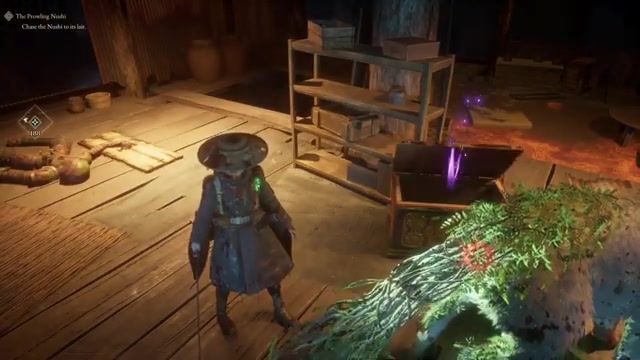
Once the Strongbox opens, collect the item from the loot screen.
Video help
Strongbox controls, timer, and input cues
| UI cue | What |
|---|---|
| Strongbox prompt | Interact with the Strongbox (Unknown) chest. |
| Directional pattern | Copy the arrows in the exact order displayed. |
| Yellow timer bar | Finish the input before the bar runs out. |
| Opened loot screen | Transfer the Strongbox reward into your inventory. |
The Strongbox input uses controller directions, so treat the arrows as directional commands rather than button labels. On PC, follow the on-screen equivalent the game gives you, most likely the same directional prompts mapped to keyboard movement inputs.
KEY!The yellow timer bar is the pressure point. You have enough time to enter the sequence, but not enough to stare at each symbol one by one after starting, so read the whole pattern first and then commit to a clean input rhythm.
Read the full arrow pattern once before pressing anything, then enter it as one fast sequence instead of reacting to each direction separately.
Strongbox rewards can include Memory Chips
One opened Strongbox contains a Memory Chip. Its in-game description calls it “a storage device extracted from the corpse of a golem” and says it is used to increase the chimera walker’s knowledge.
KEY!That makes Strongboxes worth checking when you see them, but do not treat Memory Chips as the guaranteed contents of every Strongbox unless your own loot screen shows one.
Why the Strongbox prompt may fail
- You waited too long. The yellow bar is a timer, so pausing after the prompt appears can cost the attempt.
- You copied the example instead of your own pattern. Left, Up, Up, Down, Right is only the sequence shown in one Strongbox prompt.
- You pressed the right directions in the wrong order. The lock accepts the displayed sequence, not just the same set of arrows.
- You looked for this system on the wrong lock. Use the directional-input method on Strongboxes, not on every locked door, route, or story gate.
Frequently Asked Questions
Do you need to unlock a lock-picking skill first?
No. For Strongboxes, the interaction itself brings up the directional-input lock, so there is no separate lock-picking build step involved.
Is Left, Up, Up, Down, Right always the Strongbox code?
No. Treat Left, Up, Up, Down, Right as an example pattern, not a universal code.
Can you lock-pick Strongboxes on PC?
Yes, but the exact PC keys are not shown here. Follow the directional prompts on your own UI and use the keyboard inputs the game displays for those directions.
What does a Memory Chip do?
A Memory Chip is used to increase the chimera walker’s knowledge.






Leave a Reply